-
-
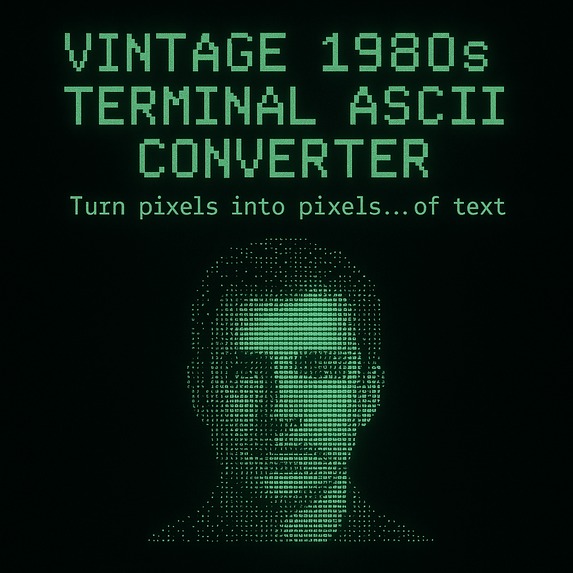
thumbnail
-
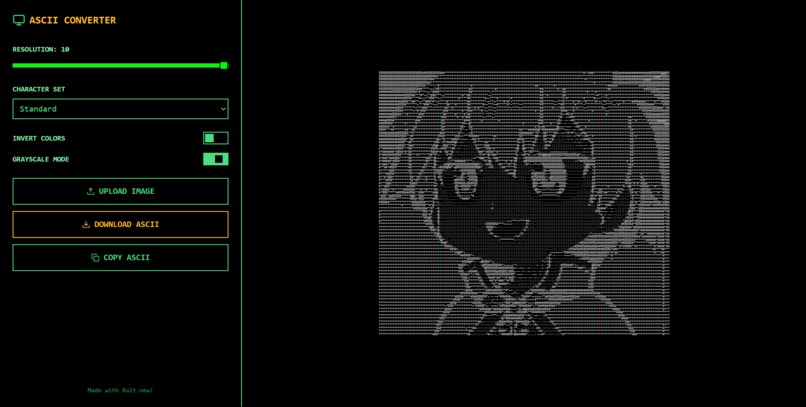
working site: Vintage 1980s Terminal ASCII Converter
Inspiration
The inspiration came from a digital artist who creates stunning ASCII art. I was fascinated by how visuals could be represented using just characters, and I wanted to bring that retro aesthetic into a tool that anyone could use — instantly and with a terminal-like vibe.
What it does
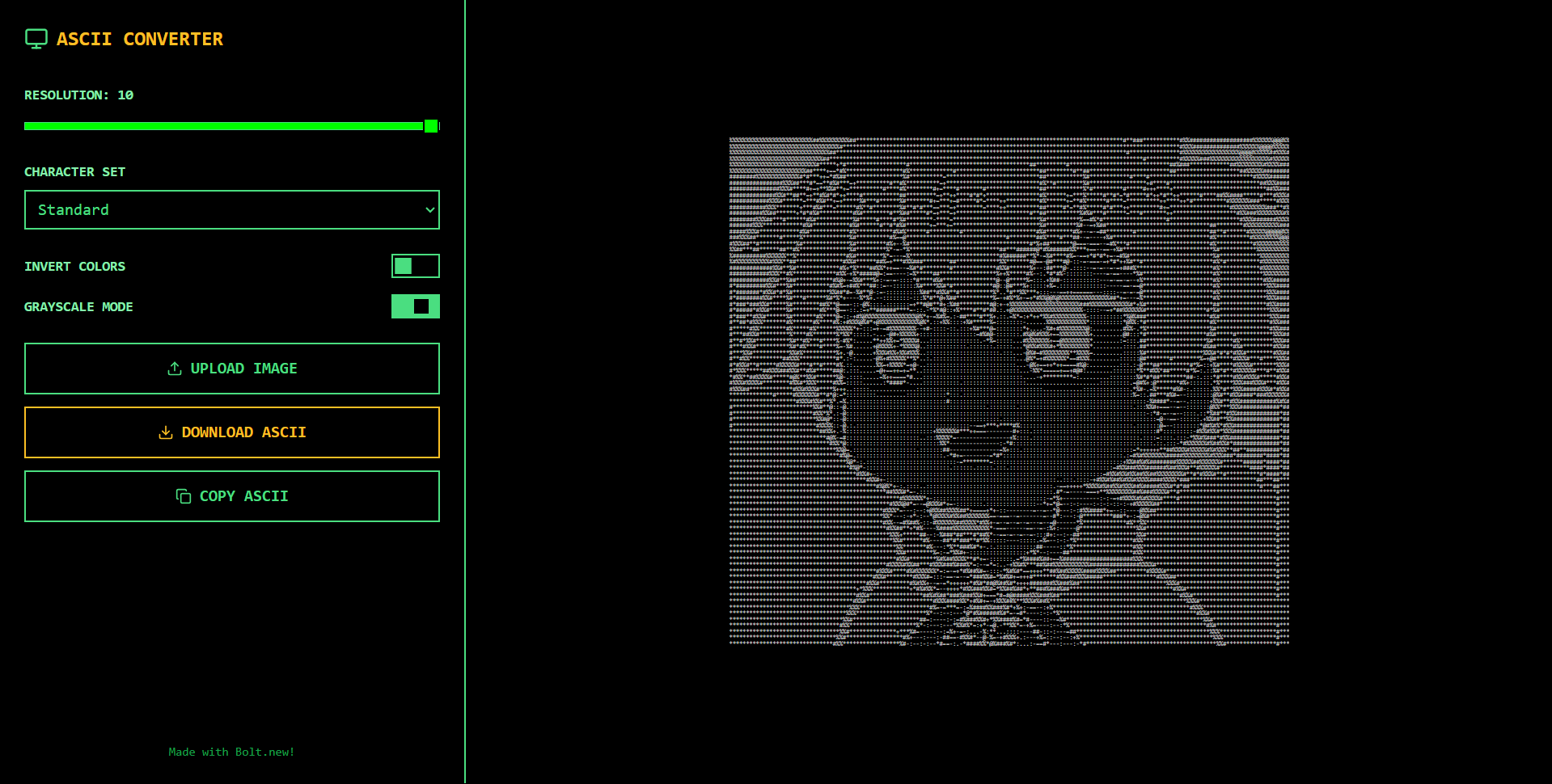
The Vintage 1980s Terminal ASCII Converter takes any image and transforms it into a stylized ASCII version.
It offers multiple modes such as:
- Grayscale
- White-on-black
- Inverted
This gives users the feel of an old-school terminal while reimagining their images through character art.
How we built it
We built it using Bolt in a one-shot prompt approach.
The entire functionality — from image upload to real-time ASCII conversion — was achieved through a carefully refined single prompt.
Multiple iterations were required to perfect:
- The flow
- The UI
- The character-based output
Challenges we ran into
- Creating a fully working image-to-ASCII tool in one shot
- Optimizing the resolution and formatting for different screen sizes
- Prompt tuning to handle mode toggling (grayscale, white, inverted) without breaking layout or performance
Accomplishments that we're proud of
- Successfully building the entire app in a single prompt
- Providing a retro terminal-like interface
- Offering instant, toggleable ASCII output modes
What we learned
- The power of prompt engineering
- How Bolt can turn raw ideas into interactive apps quickly
- How constraints (like one-shot limitations) can lead to creative solutions
- That polishing through testing is crucial for UX
What's next for Vintage 1980s Terminal ASCII Converter
- Fine-tune the converter for higher quality output
- Add export options:
.txt,.html, etc. - Introduce a Pro version with:
- High-resolution ASCII
- Batch image conversion
- Animated ASCII art (possibly in GIF or video)
- Deploy and possibly monetize the tool for creative professionals
Built With
- bolt
- javascript
- react
- tailwind
- vite


Log in or sign up for Devpost to join the conversation.