-
-
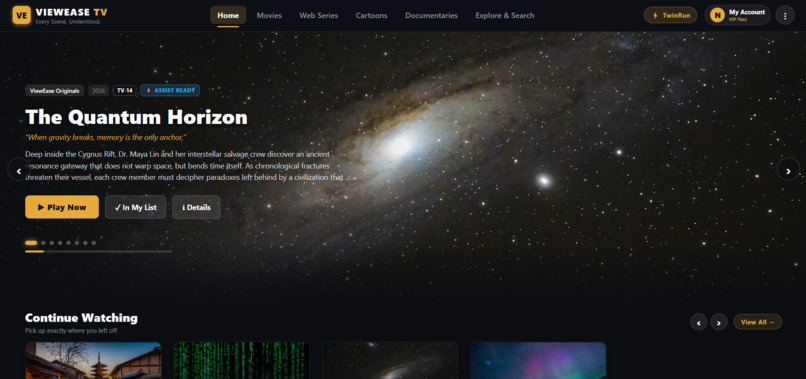
Hero Page
-
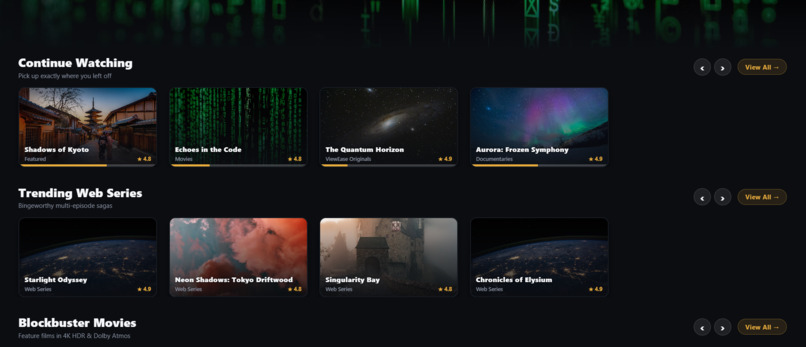
Movies Library
-
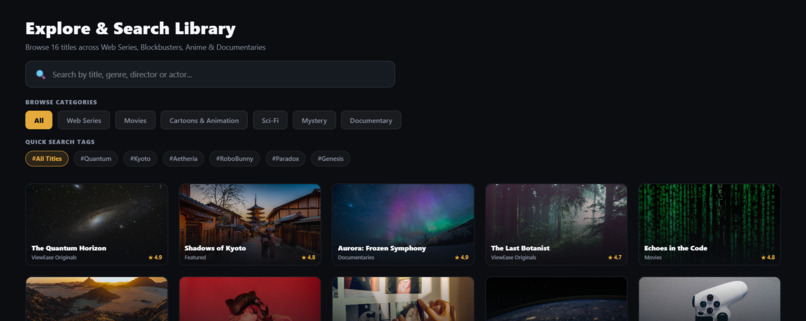
Movies, UI
-
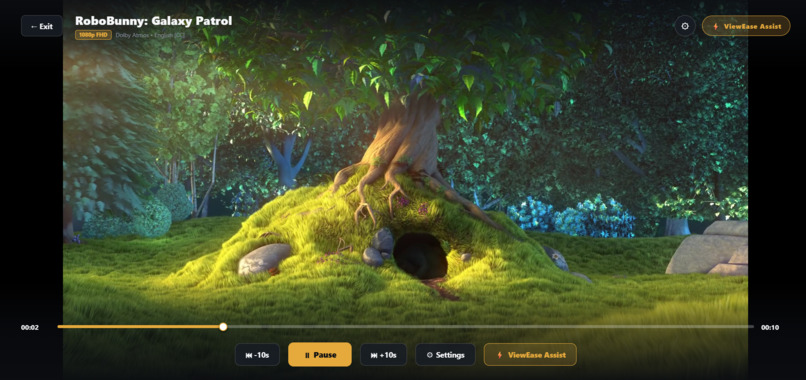
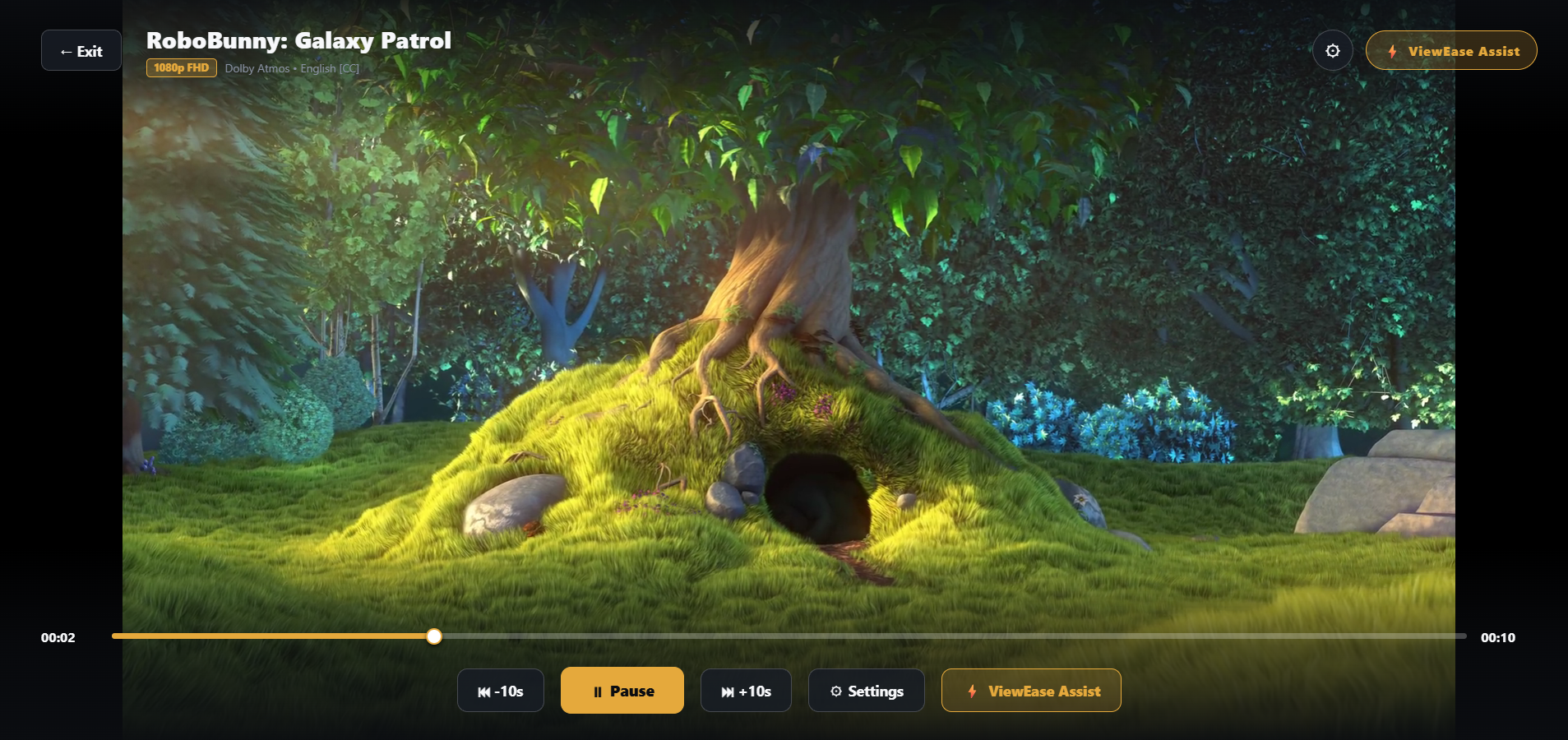
Video Player
-
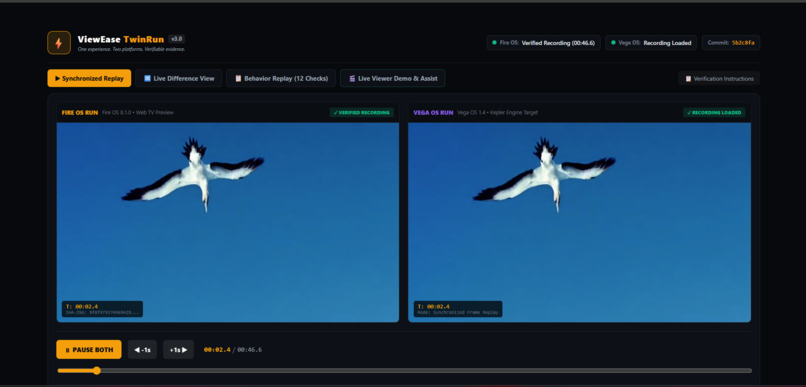
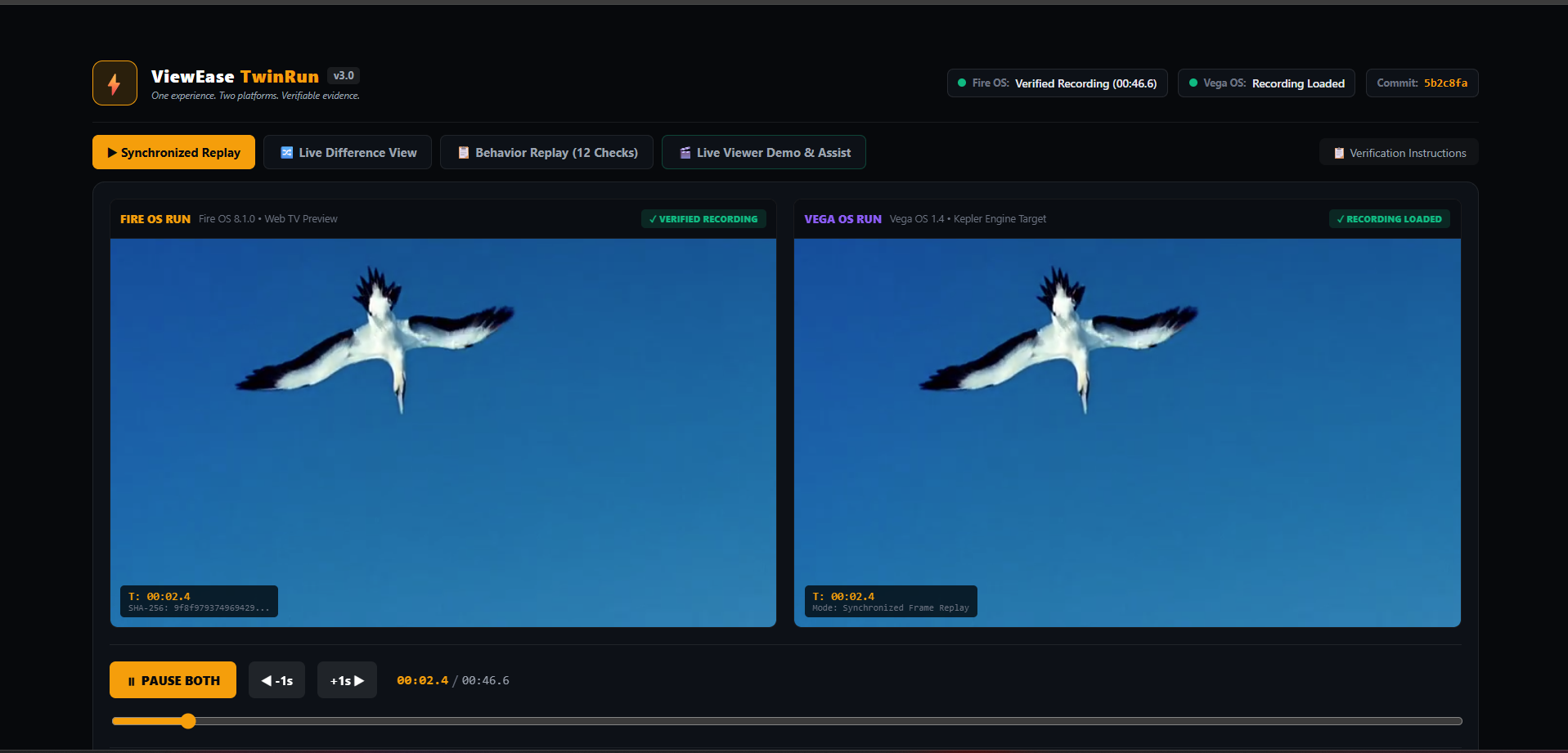
Comparison of Fire OS Vs Vega OS
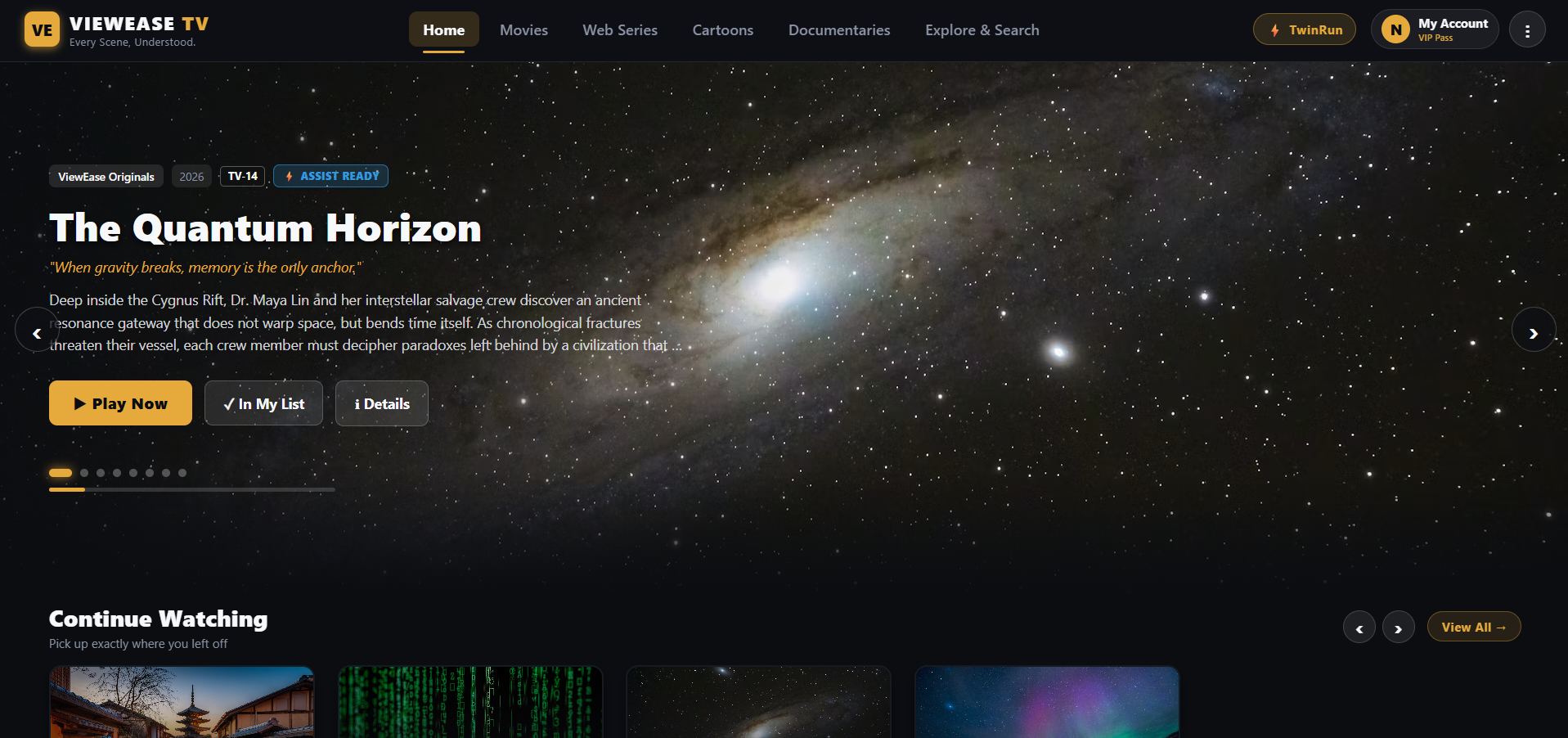
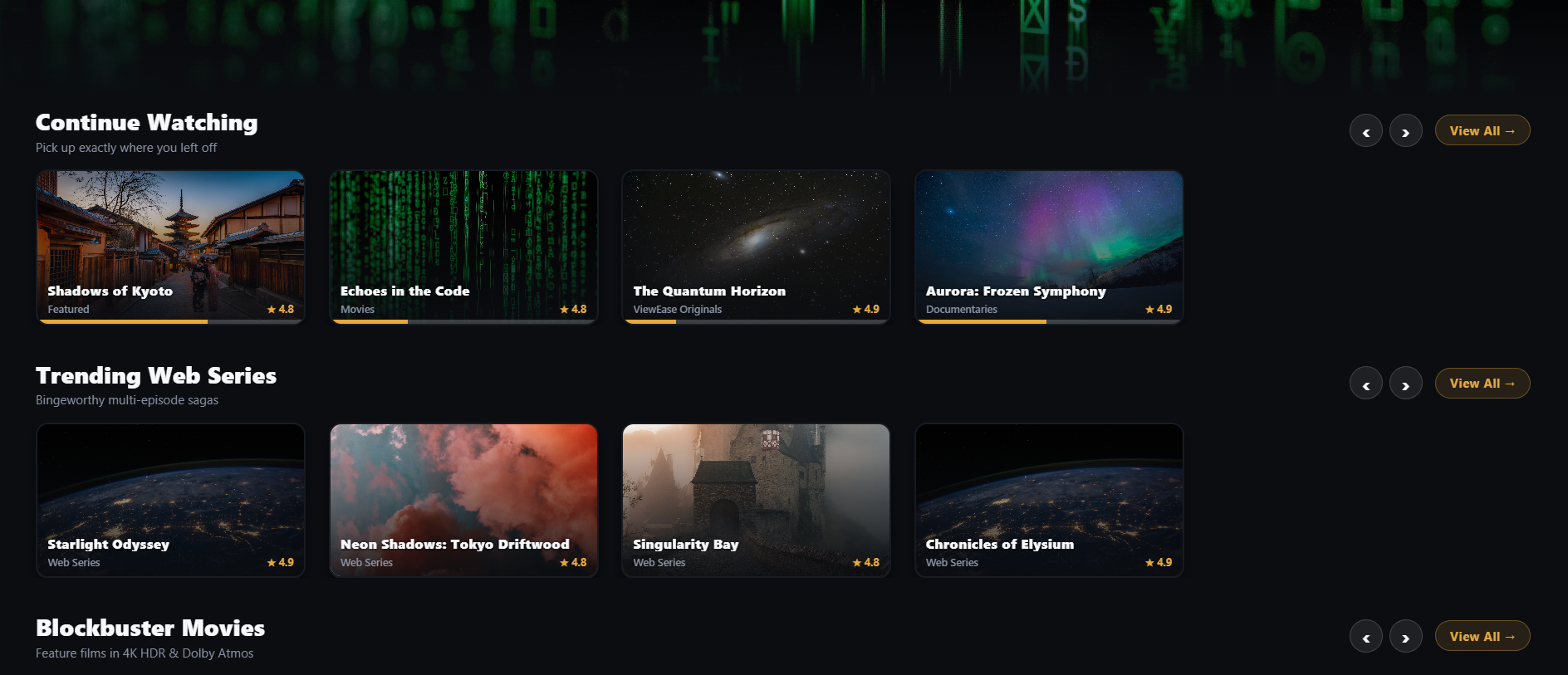
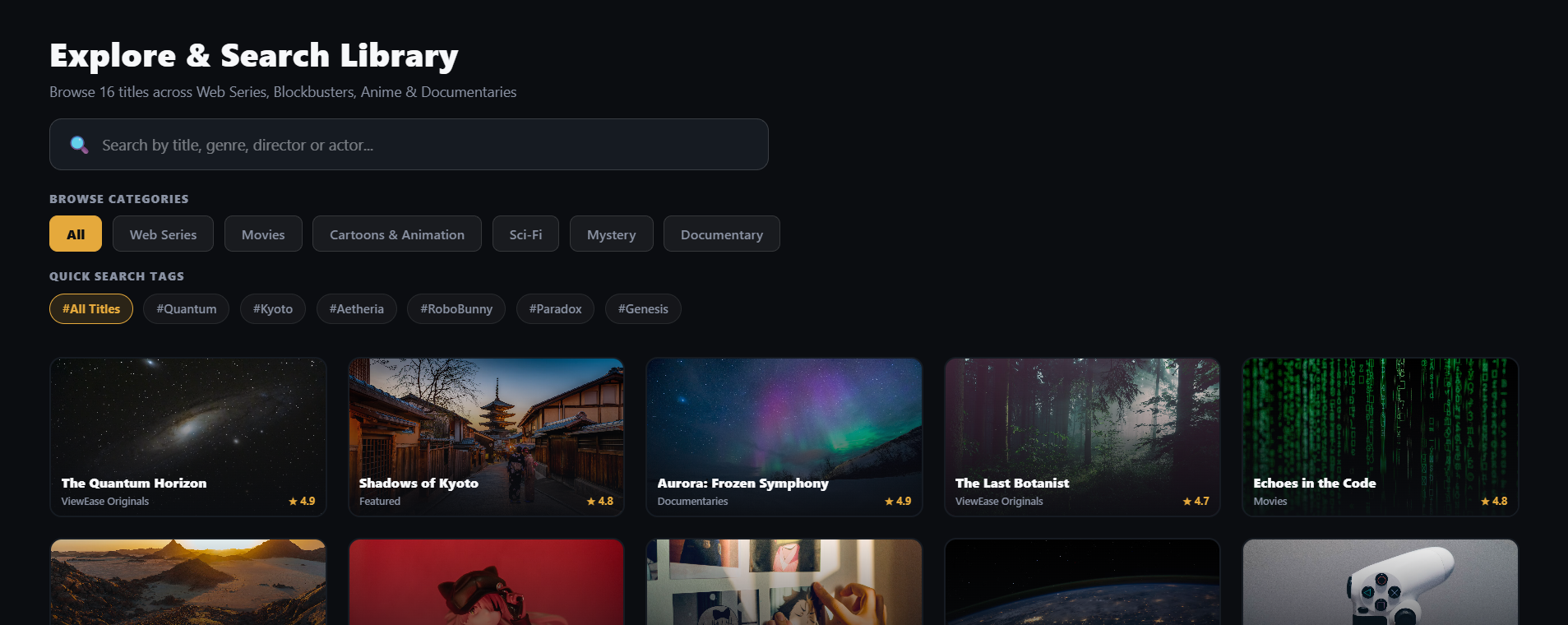
ViewEase TV — Every Scene, Understood.
Inspiration
A great TV app should feel effortless, whether someone is browsing movies, watching a scene, or navigating with a remote. But building that consistent experience across Amazon's established Fire OS and newer Vega OS presents a challenge for developers: sharing application code does not automatically guarantee consistent playback, navigation, or UI behavior.
That inspired me to build ViewEase TV—a smarter viewing experience that combines contextual scene assistance with a focus on cross-platform consistency. I wanted to go beyond building another streaming interface and explore how developers could deliver a more seamless experience while helping viewers understand what they watch.
What It Does
ViewEase introduces a contextual viewing assistant that helps viewers understand dialogue, simplify complex lines, translate supported dialogue into Hindi, identify speakers, and catch up on earlier story events without leaving the viewing experience.
Alongside this, the project focuses on reliable TV interactions through TVBridge, a shared compatibility layer for player controls, carousels, and remote-navigation behavior.
The other key component is ViewEase Parity Lab, designed to make cross-platform differences easier to inspect through side-by-side captures, visual comparisons, and behavioral evidence. The goal is to move beyond displaying green PASS indicators and instead make the underlying evidence inspectable.
How I Built It
I built ViewEase on top of Amazon's React Native Multi-TV sample, extending its existing architecture rather than starting from scratch. The project follows a shared-code approach wherever possible while accounting for platform-specific implementations where necessary.
The application combines a cinematic, TV-first interface with contextual viewing features, playback controls, and a developer-focused approach to compatibility testing. I prioritized large-screen readability, visible focus states, directional remote navigation, and a consistent experience across the different screens.
To keep the prototype accessible to build and demonstrate, the core viewing-assistance experience can use bundled demonstration content and locally defined responses rather than requiring paid AI APIs or mandatory cloud services.
Challenges Faced
One of the biggest challenges was understanding that reusing code is not the same as proving equivalent behavior. Two applications can share components and still behave differently when users navigate between screens, open overlays, control playback, or restore focus.
Another challenge was designing a useful comparison workflow without relying on hardcoded results. Screenshots, similarity scores, and test statuses are only meaningful when they are derived from actual application runs. This shaped the direction of Parity Lab: captured evidence, observed events, and untested scenarios must be distinguishable from assumptions or placeholders.
Balancing a premium entertainment experience with the practical requirements of TV development was equally important. The application needed to look compelling while remaining usable through a remote, with clear focus behavior and straightforward interactions.
What I Learned
Building ViewEase taught me to think beyond the visible interface. Cross-platform development requires careful attention to platform-specific behavior, reproducible testing, playback state, focus management, and honest validation.
I also learned that an effective developer tool should do more than report success. It should help explain what happened, identify where behavior differs, and make failures reproducible.
With ViewEase, my goal is to bring together two things that are often treated separately: a better experience for viewers and a more verifiable development process for the people building TV applications.
Built With
- accessibility
- amazon-fire-tv
- android
- automated-testing
- cross-platform-development
- fire-os
- github
- javascript
- react-native
- remote-navigation
- tv-app-development
- typescript
- ui/ux-design
- vega-os
- video-playback
- visual-regression-testing

Log in or sign up for Devpost to join the conversation.