-
-
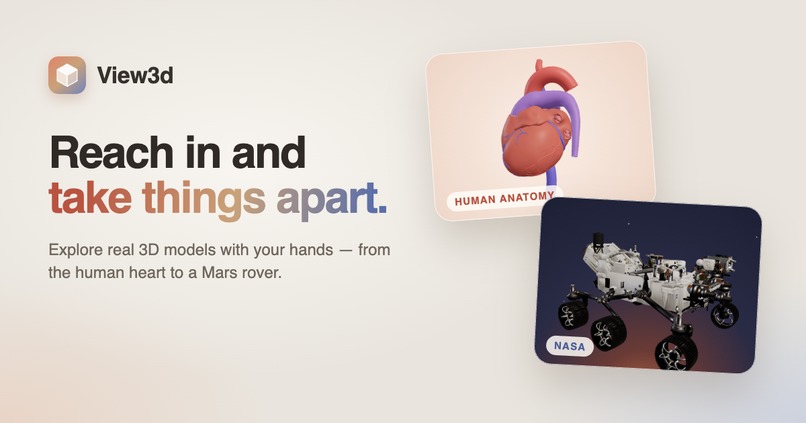
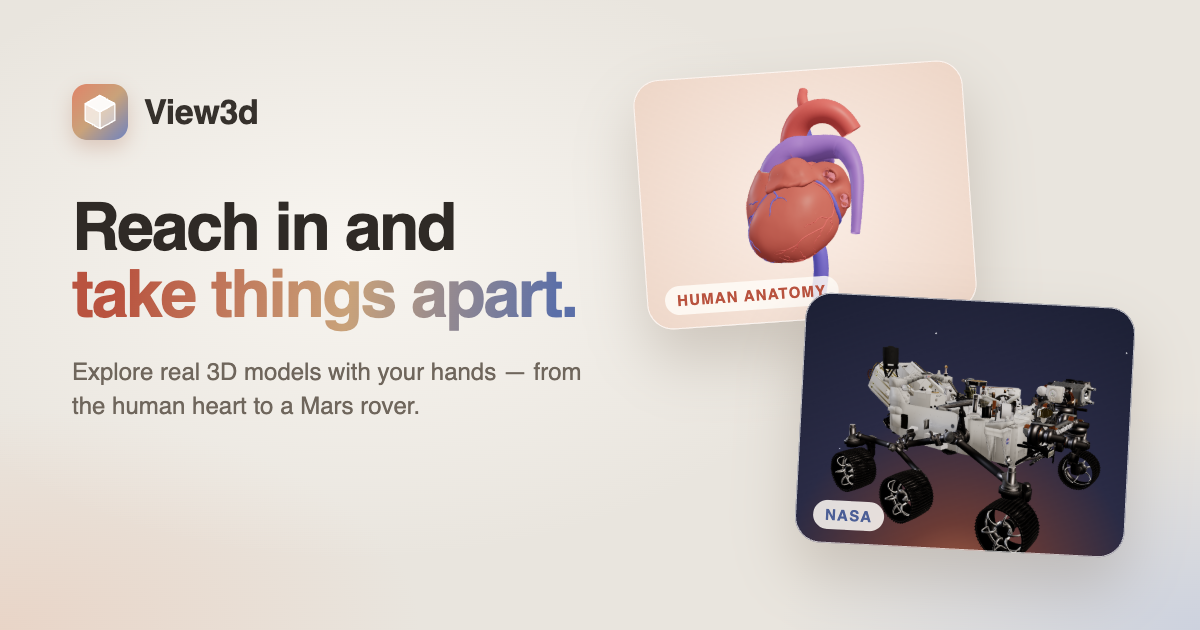
Banner
-
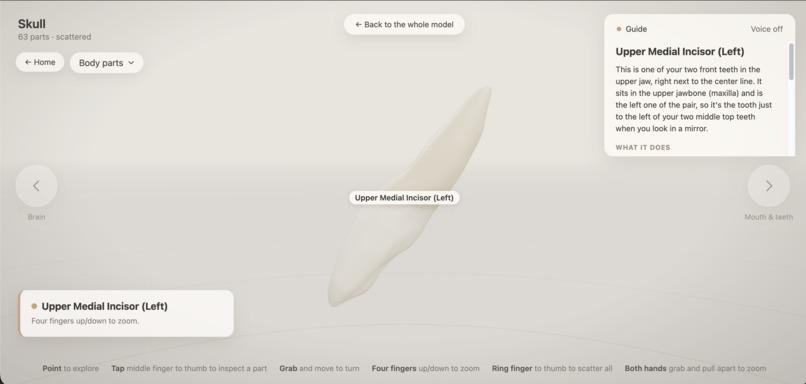
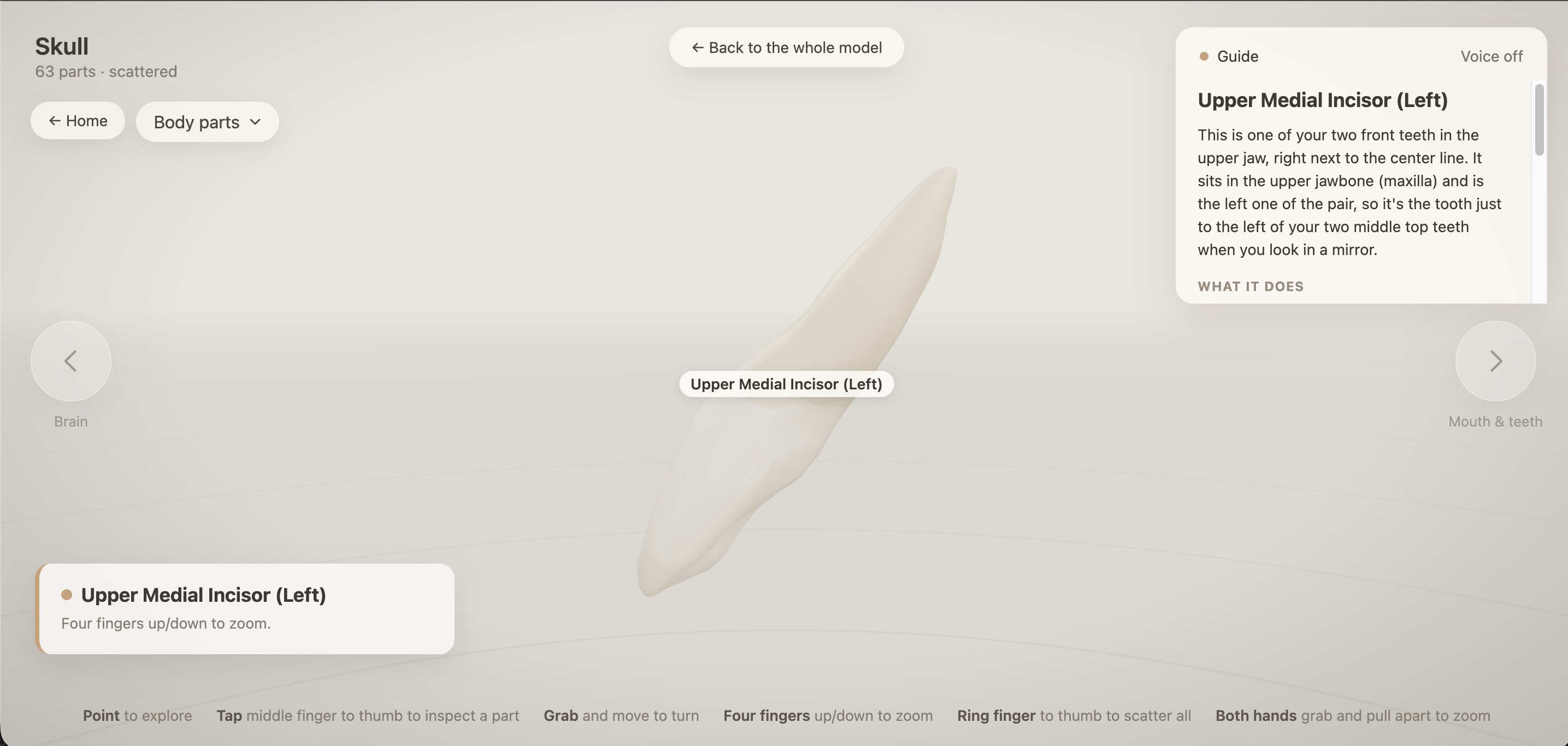
Teeth
-
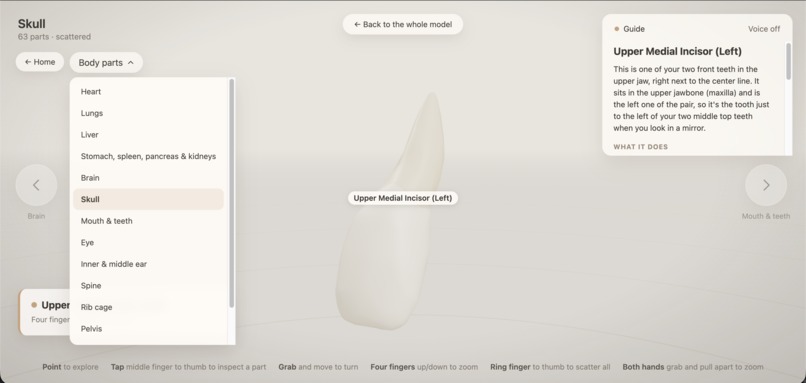
-
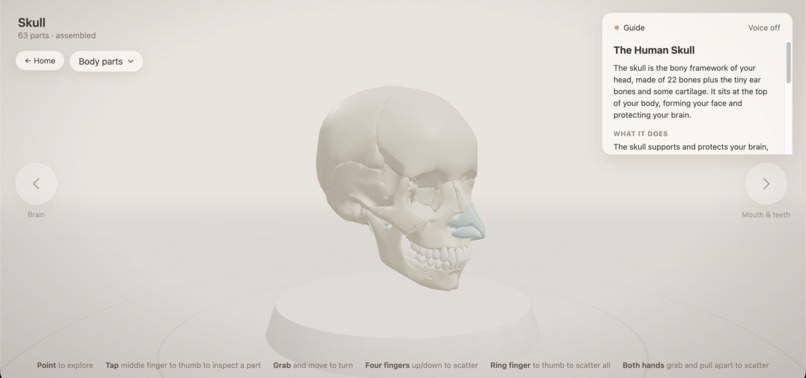
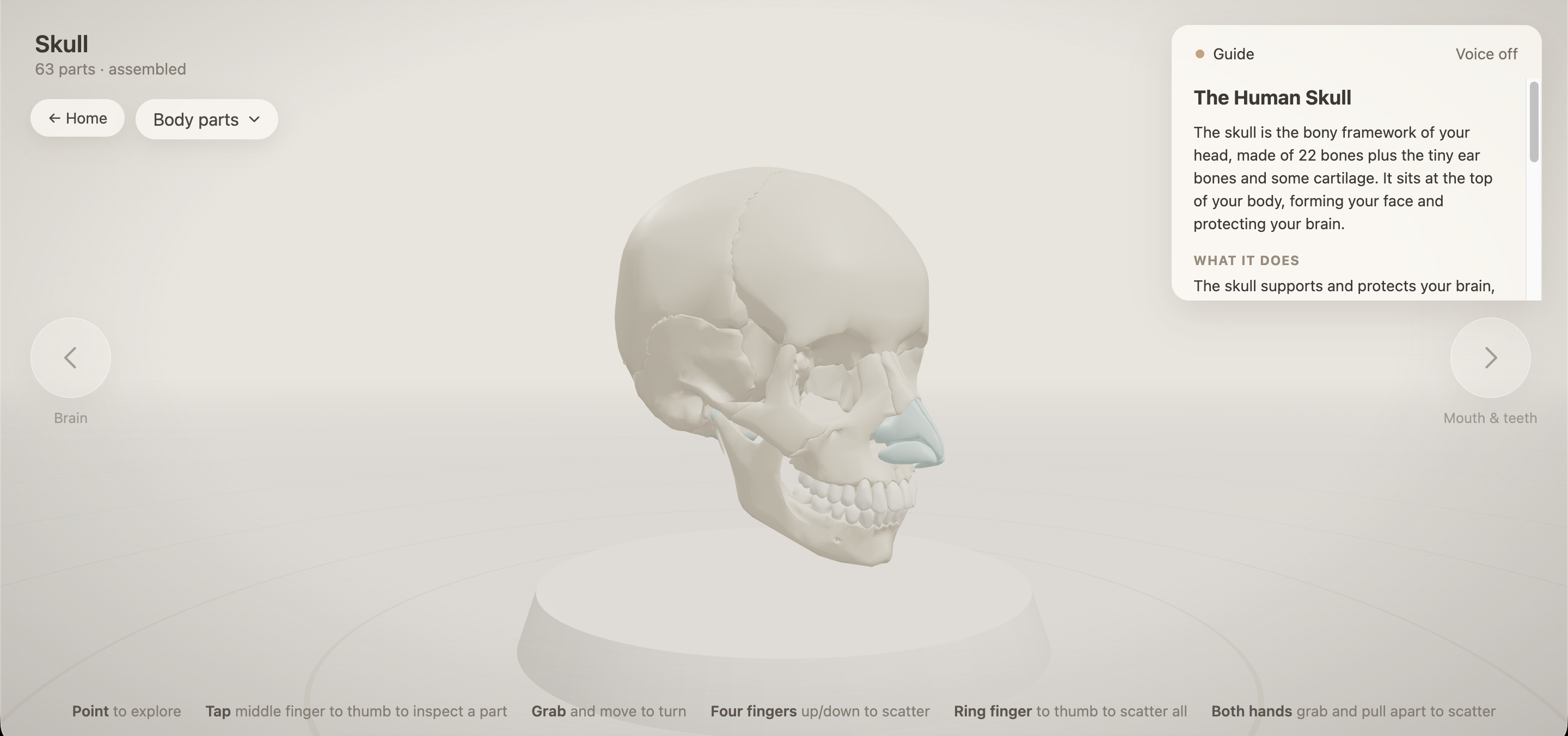
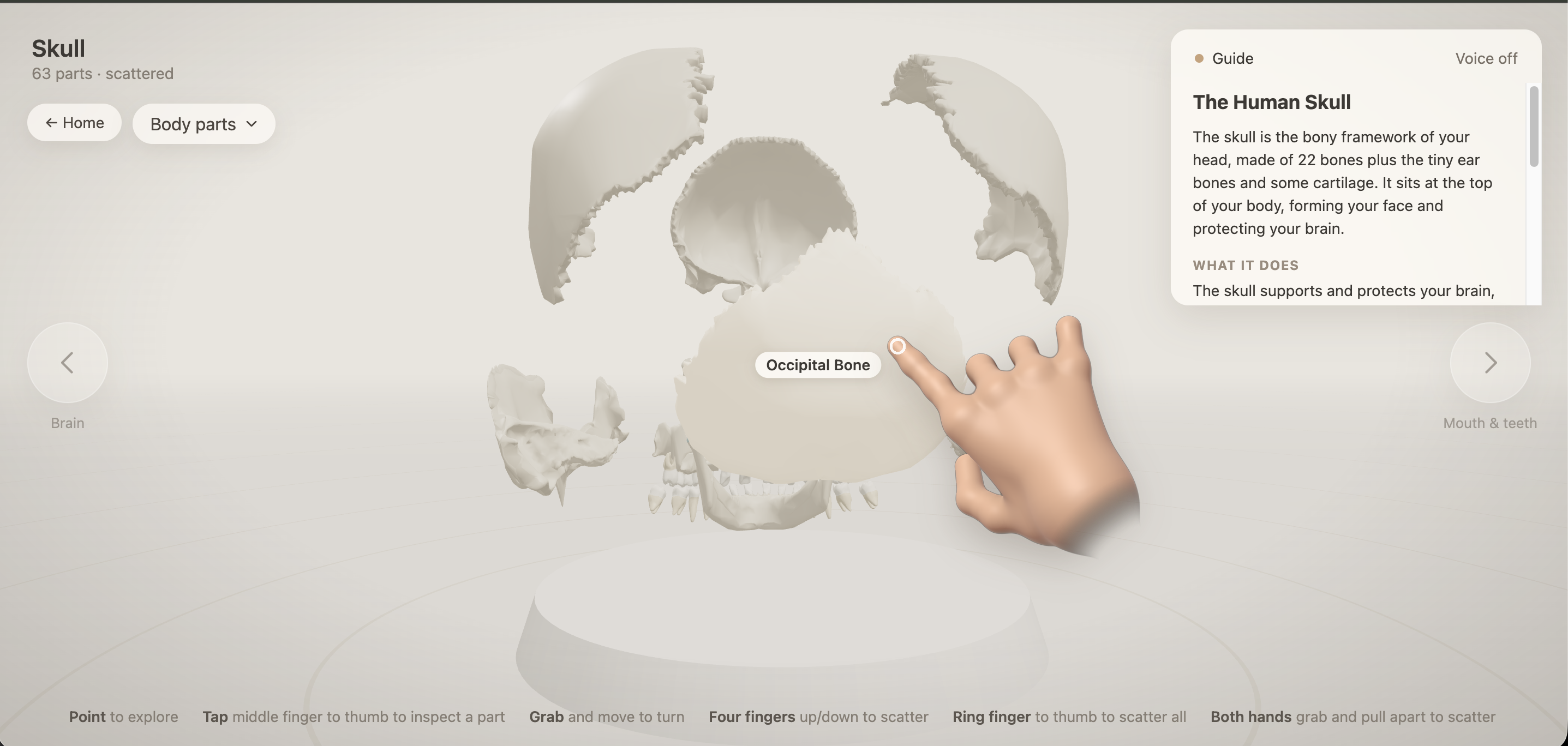
intact Skull view
-
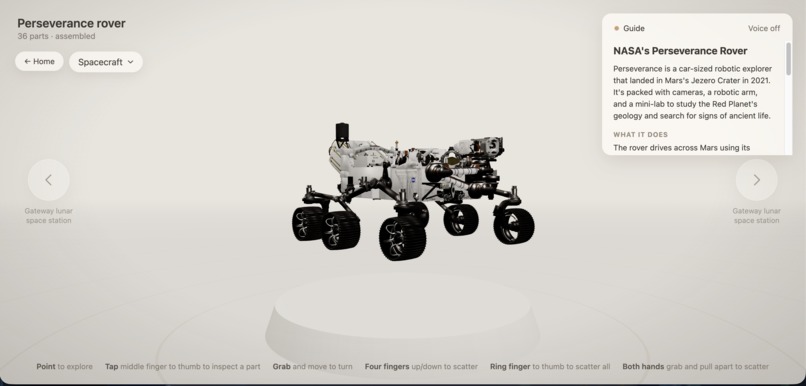
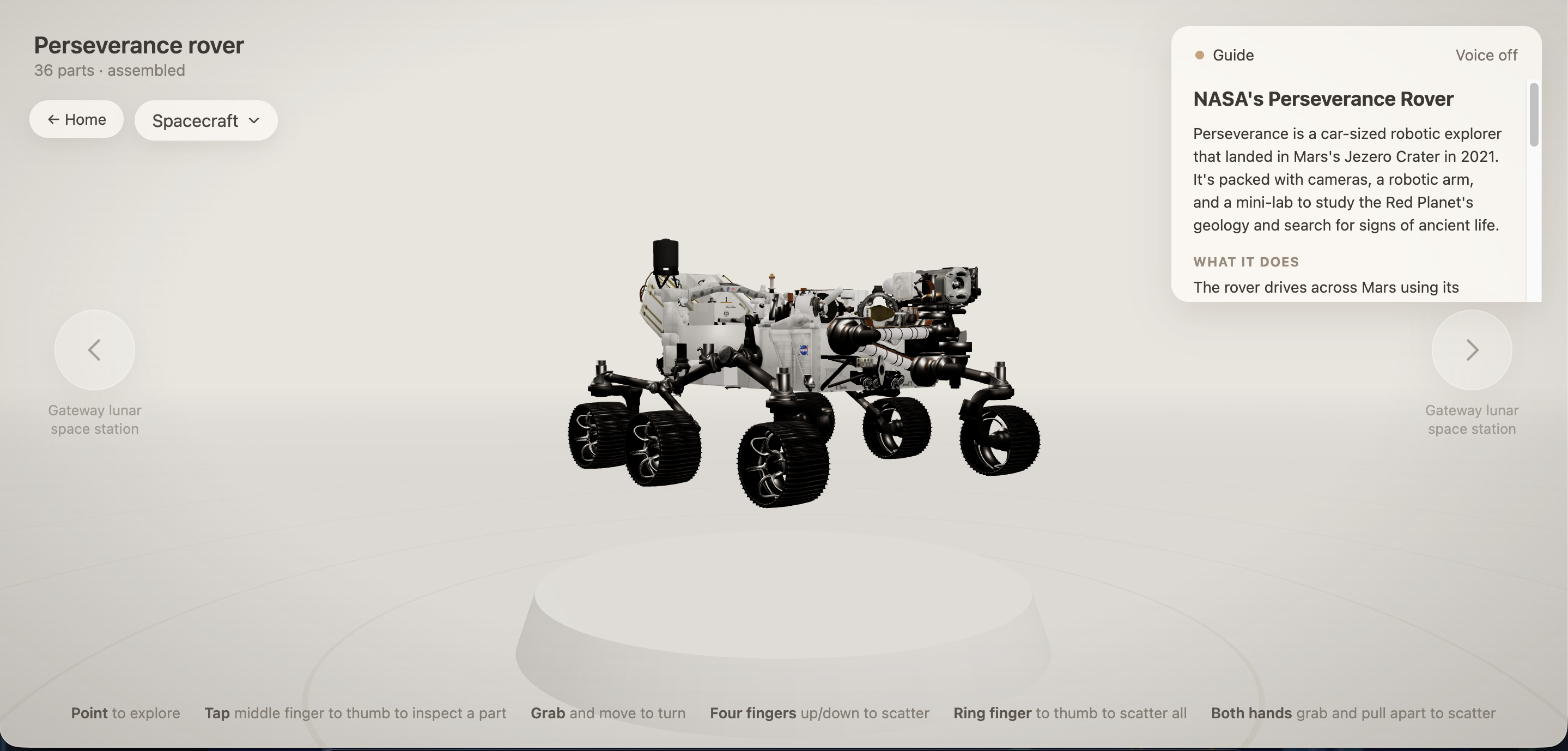
Mars Rover
-
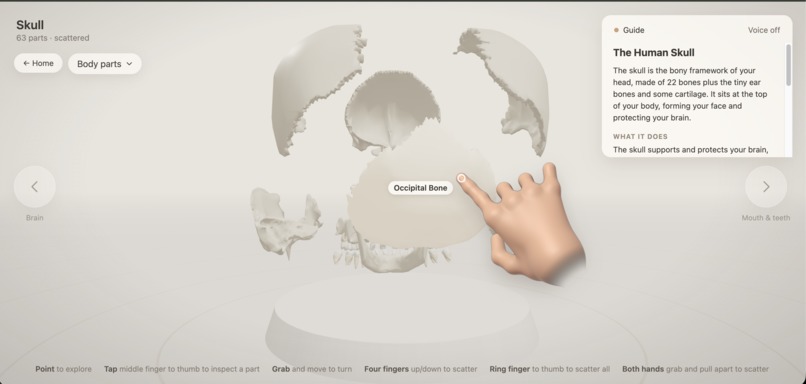
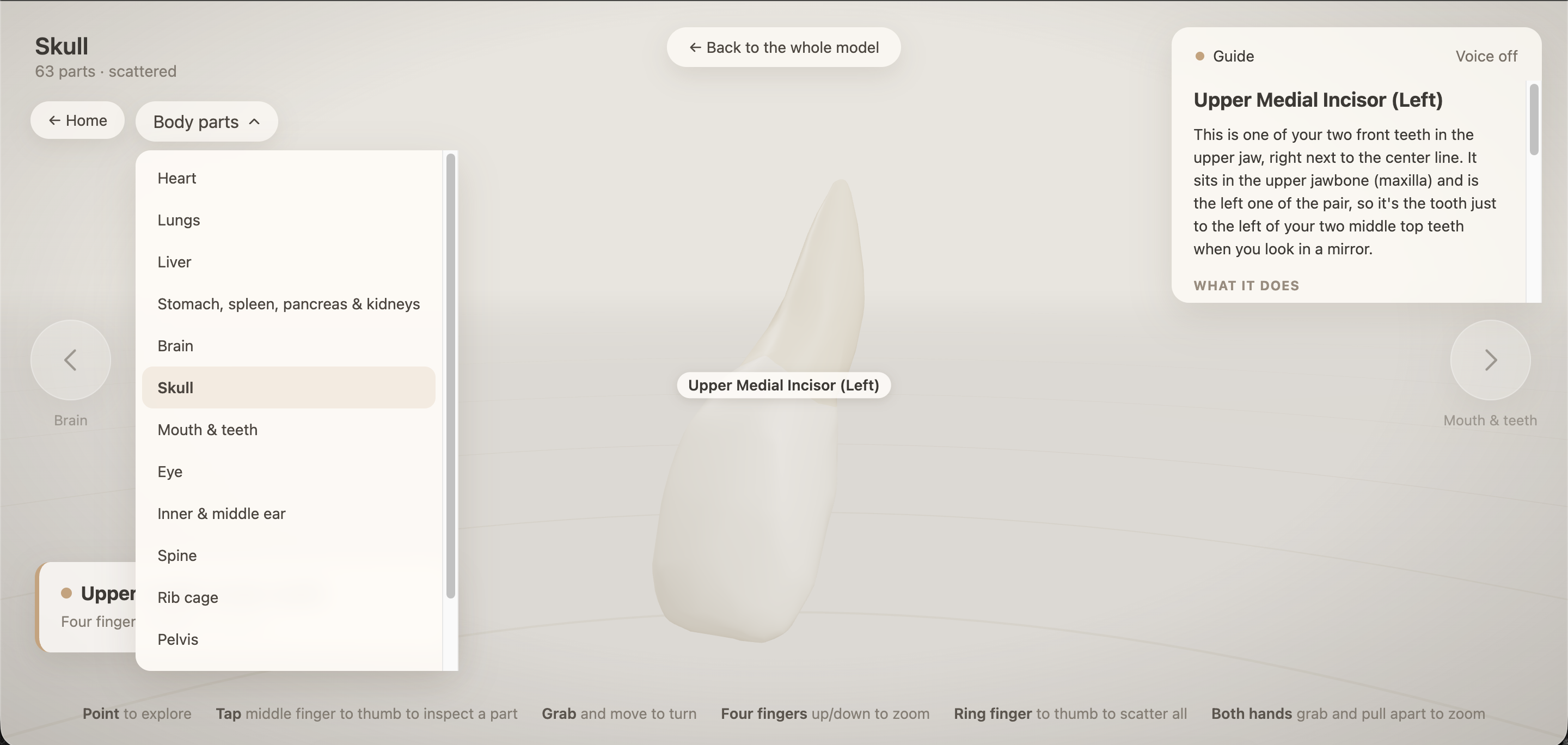
Skull view in parts
-
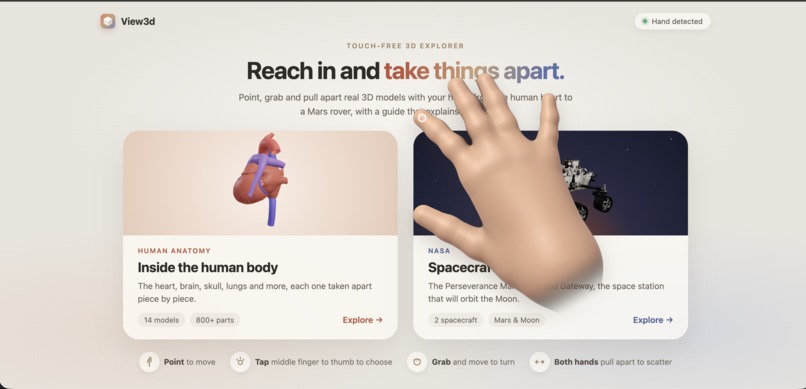
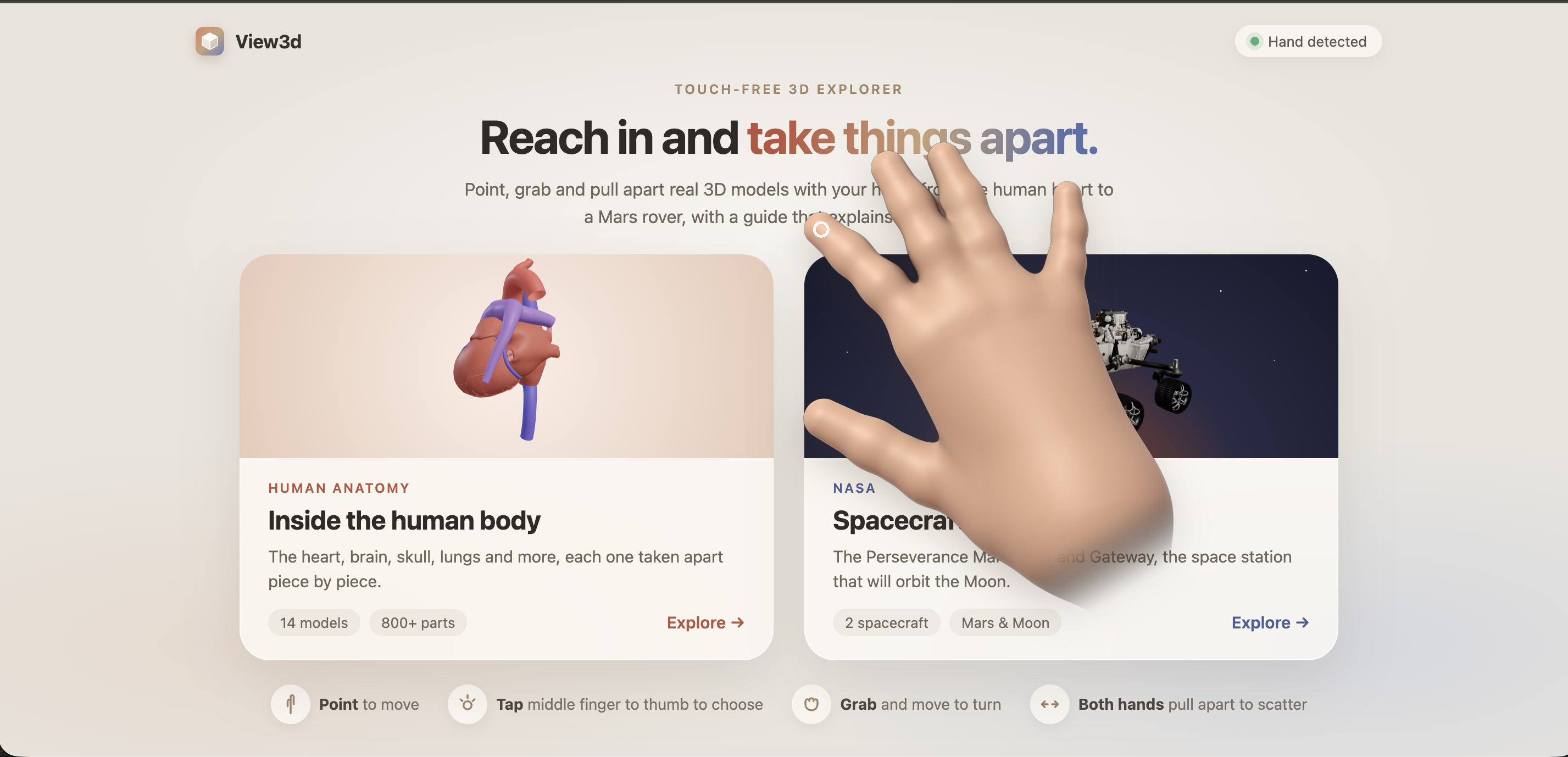
Landing page
-
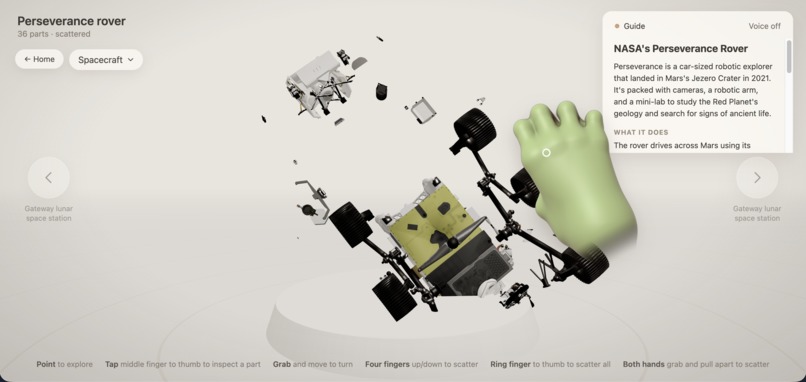
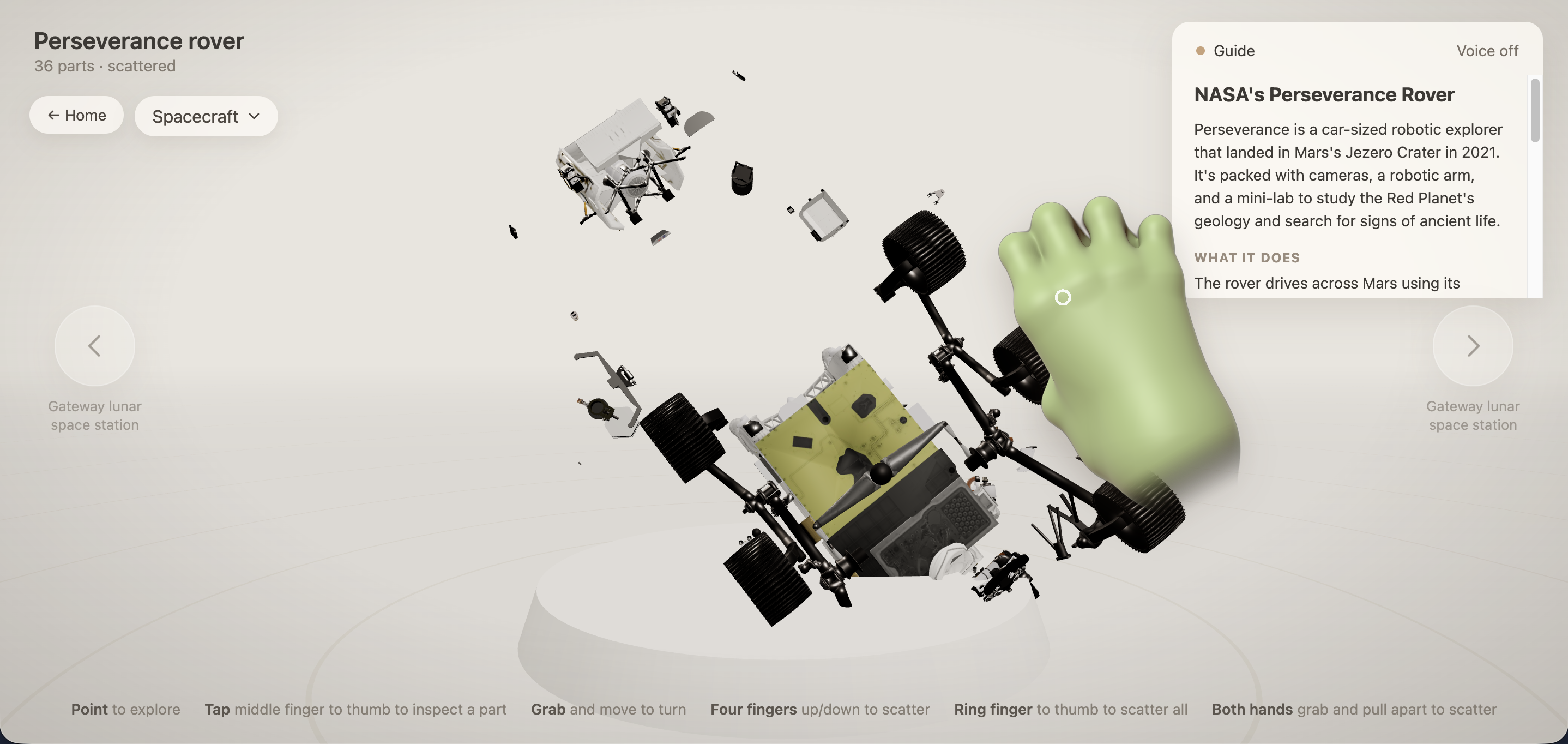
Mars Rover in parts
Inspiration
The idea came from a simple frustration most of us learn about the human heart from a flat textbook diagram, or see spacecraft only in photos. The best way to truly understand something is to pick it up, turn it over, and pull it apart. View3D tries to give you that feeling, right in your browser, with no headset, no controllers, and nothing to install. Just your hands in front of a webcam.
What it does
View3D lets you explore realistic 3D models using hand gestures. Your webcam tracks your hand in real time, and a 3D version of your hand appears on screen mirroring your movements. From there you can point at parts to see their names, tap your middle finger to your thumb to select and zoom into a specific part, make a fist and move it to rotate the model, and use both hands to pull the model apart or push it back together.
How we built it
Hand tracking runs entirely in the browser using Google's MediaPipe, tracking 21 points per hand including depth. A smoothing filter removes the natural jitter from your hand without making the movement feel delayed. The 3D hand itself was built with a custom shader that blends the finger bones together smoothly, giving it a realistic fleshy look rather than the wooden mannequin feel of basic shapes.
Challenges we ran into
The biggest headache was making gestures reliable. Raw hand tracking trembles even when still, and closing a fist would accidentally trigger clicks. They fixed this with smoothing, timing windows, and hysteresis. Browser limitations also meant they had to build a virtual pointer since browsers can't move your real cursor. File sizes were another battle the anatomy atlas was 300MB and had to be compressed down to something that could load over venue Wi-Fi.
Accomplishments that we're proud of
It runs entirely in the browser, no install, no headset, just open a link and use your hands. The two-hand gestures feel genuinely physical, pulling the heart apart with two fists is the moment that makes people smile. 16 models, over 600 parts, each explained by an AI guide.
What we learned
Gesture design is mostly about what not to trigger timing and thresholds matter more than recognising the pose. File size is a feature, it decides whether your demo works on stage. And serverless functions are the simplest way to keep an AI key hidden in a frontend project.
What's next for View3d
The team wants to add more models like the ISS and James Webb Telescope, bring in muscles and the nervous system, and build guided classroom tours where students can be quizzed on what they're exploring. They also want to add shared sessions so a teacher and students can explore the same model together in real time.

Log in or sign up for Devpost to join the conversation.