-
-
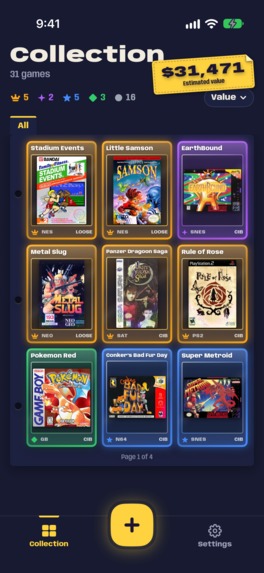
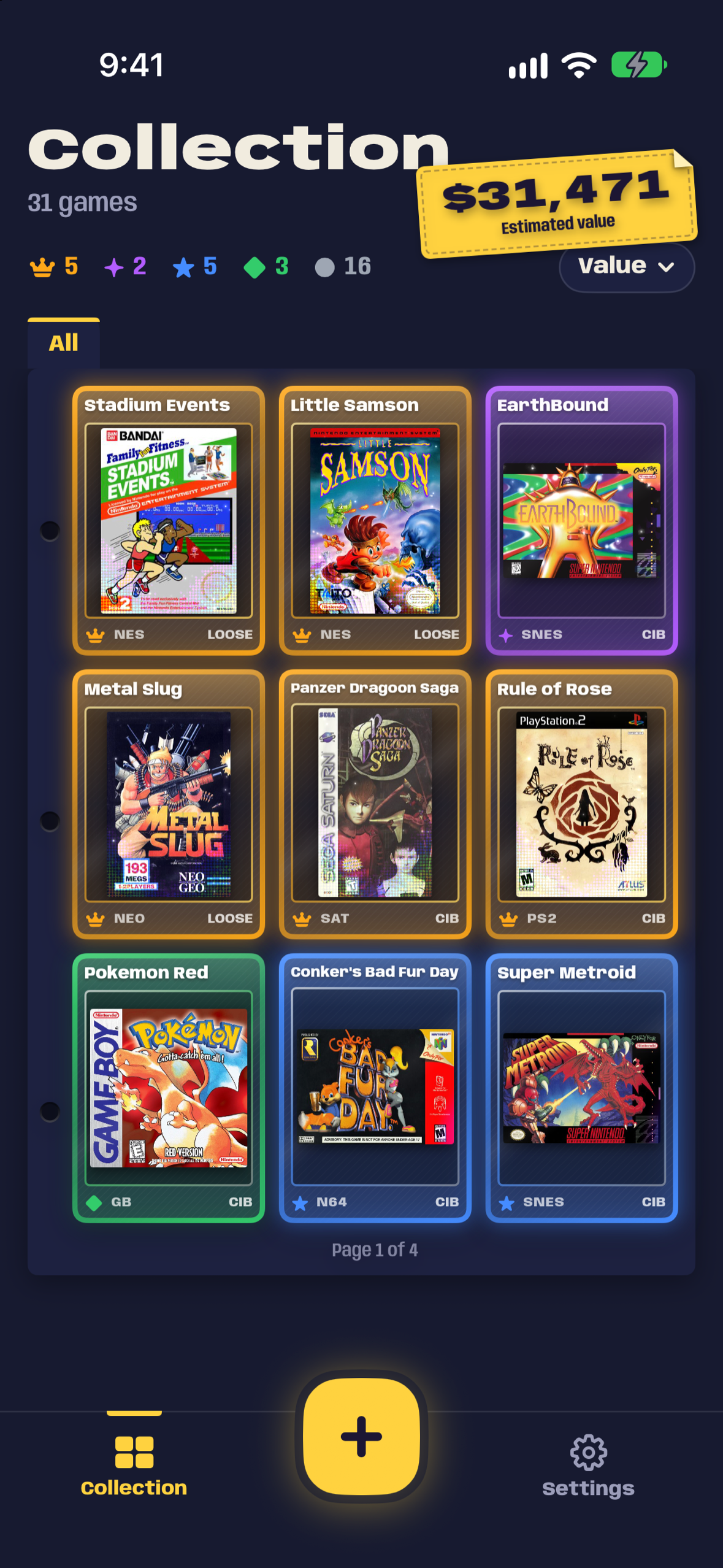
The games on your shelf, together in a binder of trading cards.
-
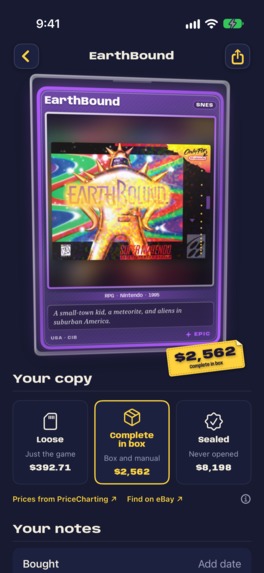
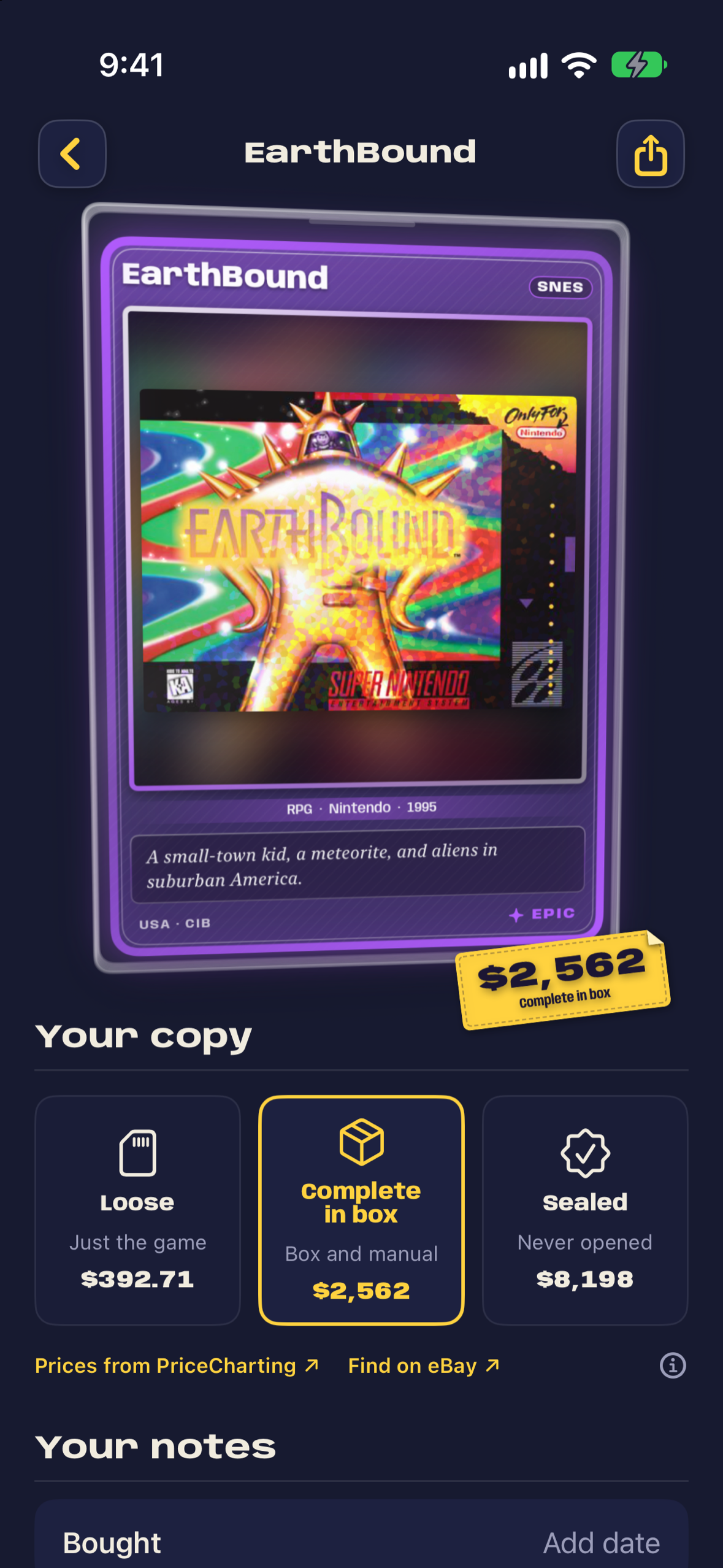
EarthBound in its sleeve, with Epic foil and a price sticker you can peel off.
-
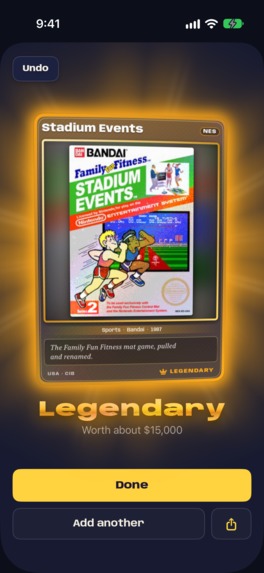
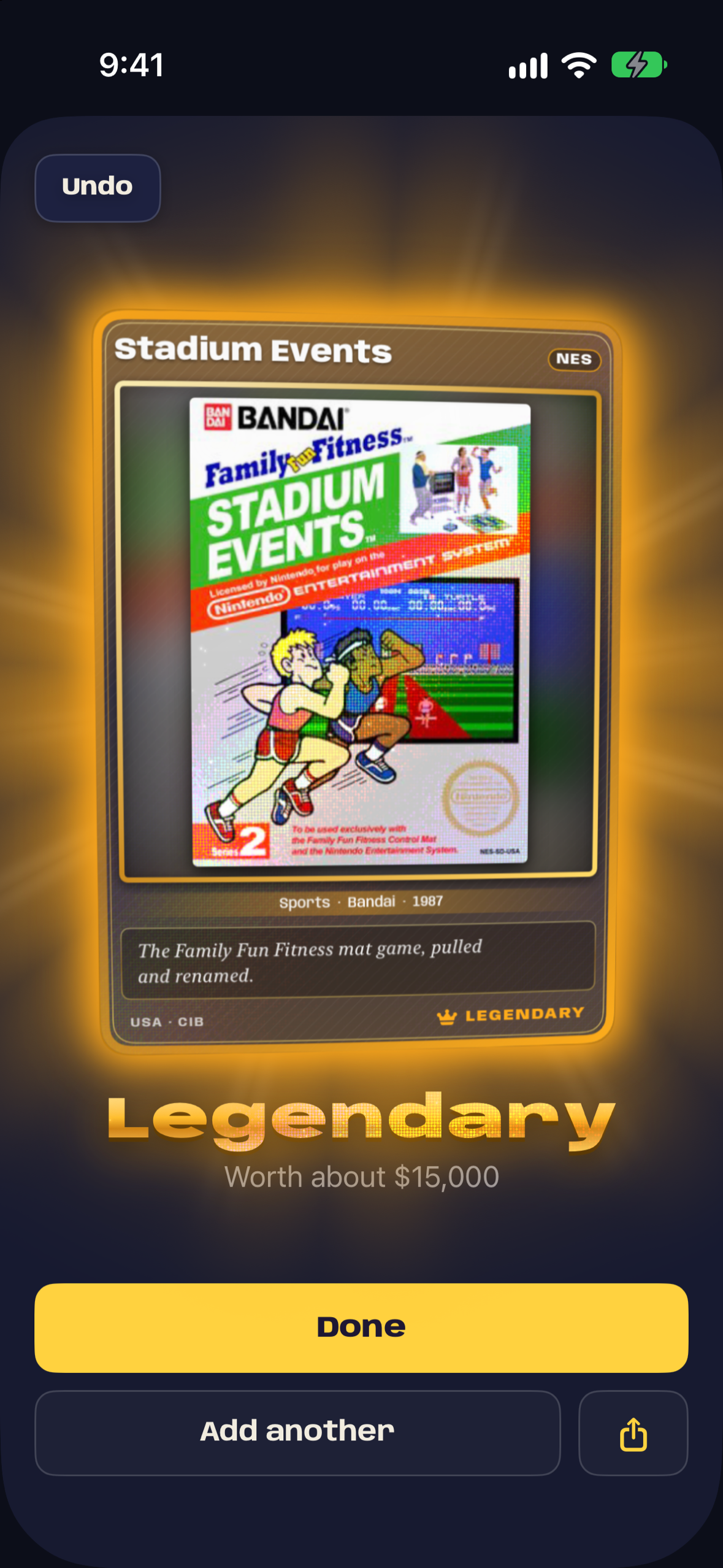
Adding a game gets its own reveal, with light, sound and haptics for each rarity tier.
-
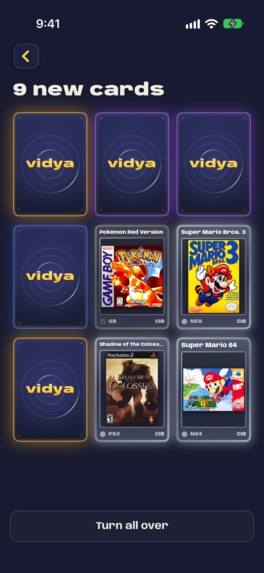
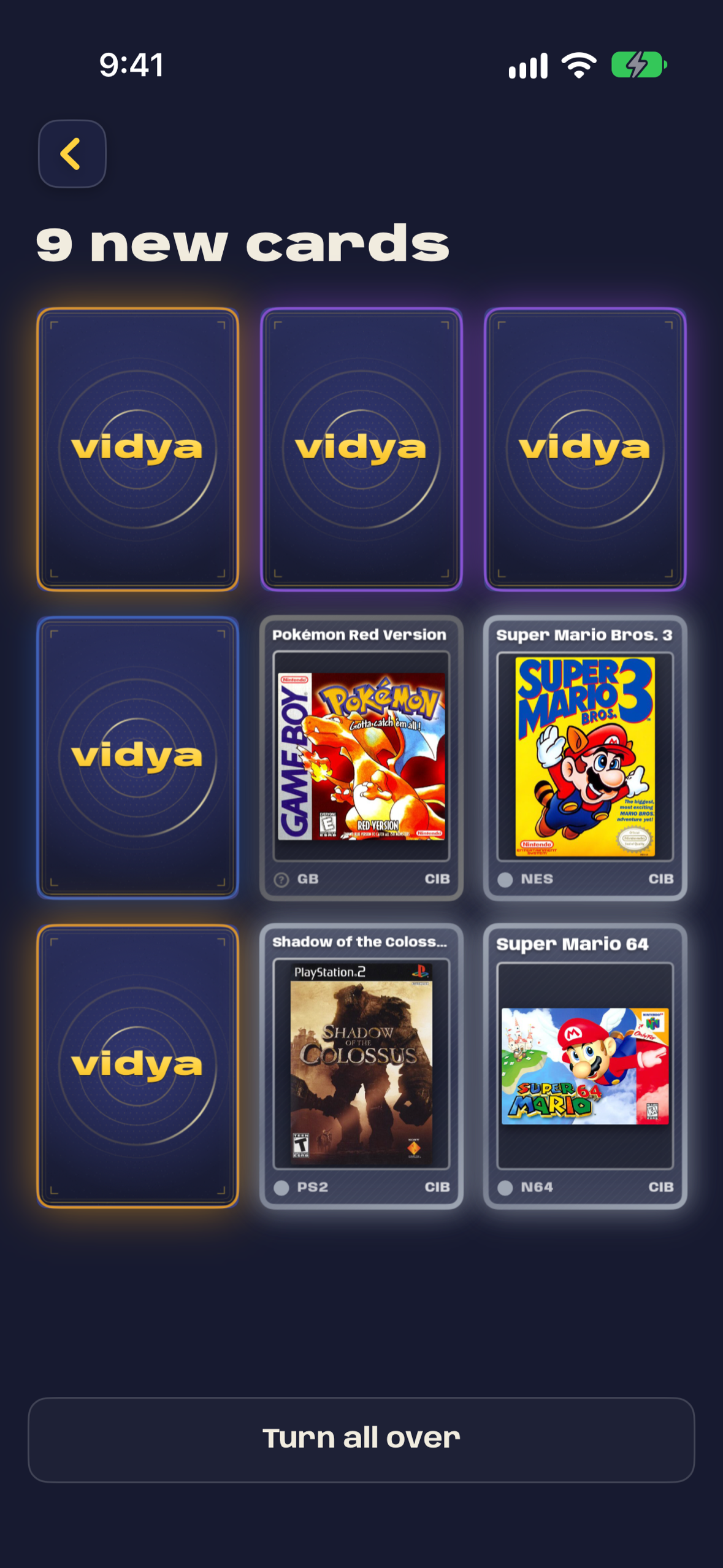
A batch of new games becomes a pack. Turn the cards over in whichever order you like.
-
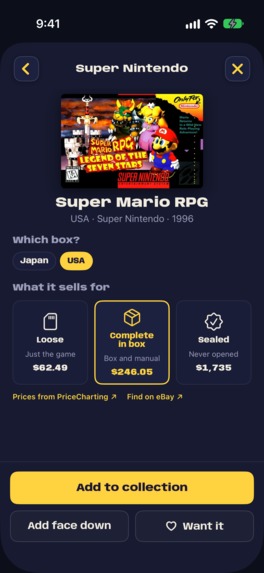
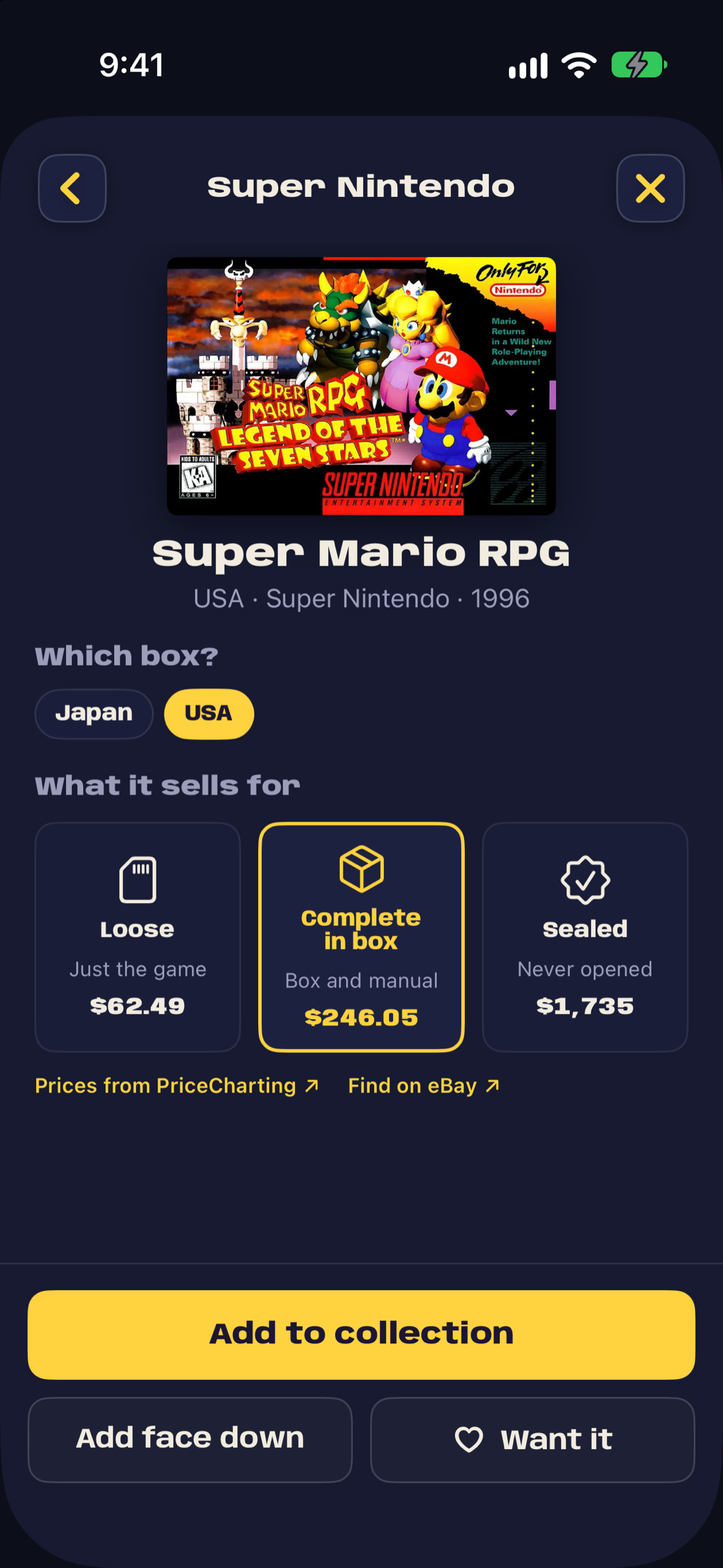
Choose the release and format, with reference prices for loose, complete and sealed copies.
-
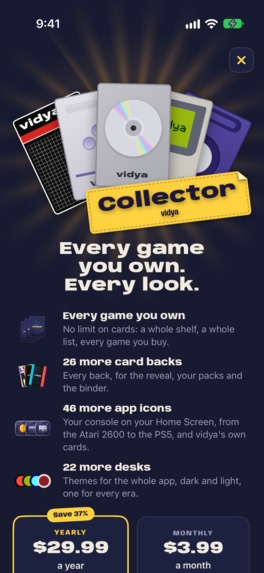
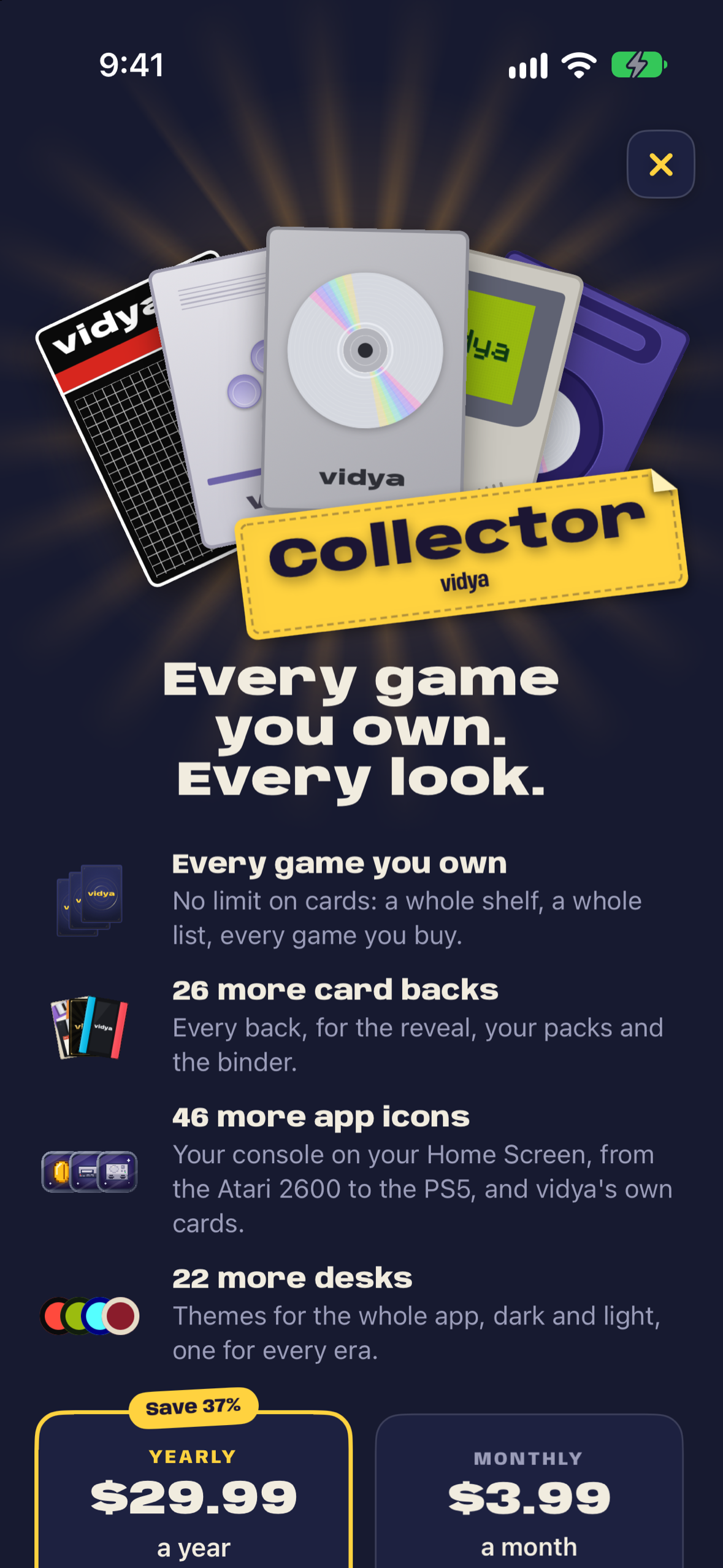
Collector makes room for every game, with the full set of themes, card backs and app icons.
-


Inspiration
I don't collect physical games myself, but some close friends do. They have expensive collections and like to keep track of what they own and what it's worth. They were the inspiration for Vidya.
Seeing the excitement around Pokémon TCG and opening card packs made me think there was a good fit here. People enjoy the anticipation, the rarity, and the moment a card turns over. I wanted to bring some of that feeling to game collecting: a fun way to keep track of real games and their value, with a reveal each time you add one.
What it does
Add games by searching, scanning a barcode, or photographing the box. For a bigger collection, photograph a shelf or import a spreadsheet. Choose the release and whether your copy is loose, complete in box, or sealed.
Each game becomes a card, with box art and rarity tiers informed by market prices. Adding it gets a reveal with light, sound and haptics. Add a batch and you can open the cards together as a pack.
Your collection lives in pocketed binder pages, with a Wanted binder and custom binders for things like games you're selling or lending out. Lists of favourites, including #My9Games, can be shared as an image or a pack-opening video.
PriceCharting provides reference values for loose, complete and sealed copies. Those appear on a little yellow price sticker that you can peel off with your finger.
How I built it
I'm building Vidya solo. The iPhone app uses Swift and SwiftUI, with SwiftData and private iCloud sync for the collection. There's no Vidya account to create.
Custom Metal shaders model how light diffracts off foil, so the colours respond to the phone's tilt. Rive handles the reveal's light effects and the launch animations. The app's sound effects are synthesised and timed alongside the animations and haptics.
Apple's Vision reads text and barcodes on the phone. MobileCLIP creates an image fingerprint for matching against catalog covers on the server. The matching request sends the fingerprint and recognised text; the recognition photo stays on the phone.
The TypeScript and PostgreSQL backend brings together release information from Wikidata and TheGamesDB, with prices from PriceCharting.
RevenueCat handles purchases, restoration and access to Vidya Collector. The free binder holds 50 cards, with prices and rarity included. Collector adds unlimited cards and the full set of themes, card backs and app icons. If a subscription ends, the collection stays available to browse and export.
Challenges I ran into
Getting recognition, covers and editions right was one of the hardest parts. Early on, special editions could appear as separate games, and a release could end up with another console's box art. Grouping editions under the same game, using the photographed cover to help choose the edition, and tightening the artwork checks helped make the results more useful.
Shelf photos brought their own problems. Japanese spines printed vertically needed an extra reading pass. Some scans could get stuck on a phone, which meant changing how the image recognition work was scheduled. The catalog lookups also needed faster searches so adding a whole shelf didn't mean waiting on each title.
The reveals needed a balance too. They're fun for a new game, but sitting through hundreds individually would wear thin. That's why you can save cards face down and open them together as a pack.
What I'm proud of
The card reveals are the part I'm proudest of. I wanted that little thrill as the card turns over, with the animation, sound and haptics all landing together. The foil keeps responding as you move the phone afterwards.
You already own the game, but seeing it presented this way gives you another reason to appreciate it. That was what I was aiming for: making your collection and its value more exciting to look through.
What I learned
Working on recognition showed how much detail sits behind a seemingly simple result. A title match still needs to lead to the right console, region and edition, especially when there's a price attached.
Testing on a phone mattered too. The shelf scanner exposed a problem that hadn't appeared in the simulator. And with the reveals, the animation only tells part of the story: the haptic feedback is something you need to feel in your hand.
What's next
I'd love to see people sharing their games and list reveals on social media. Sharing images and pack-opening videos is already in the app, and I want to build on that.
For me, success would be people feeling proud of their collections and wanting to show them. Someone shares a list of favourite games, somebody else discovers a game through it and adds it to their wishlist. That's the kind of use I'd like Vidya to encourage after Shipaton.
Built With
- cloudkit
- core-haptics
- core-ml
- core-motion
- docker
- hono
- metal
- mobileclip
- node.js
- postgresql
- pricecharting
- revenuecat
- rive
- swift
- swiftdata
- swiftui
- thegamesdb
- typescript
- vision
- wikidata

Log in or sign up for Devpost to join the conversation.