Inspiration
We got tired of watching long meeting recordings and YouTube videos just to find one important point. We wanted a tool that watches the video for us and gives us the key information instantly.
What it does
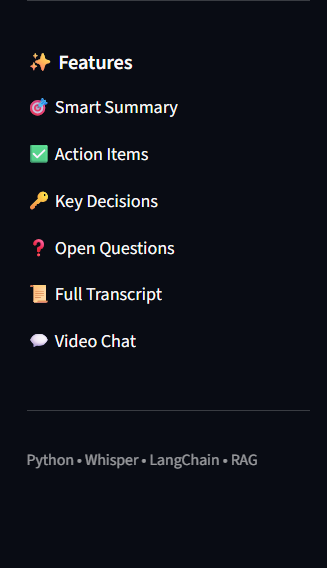
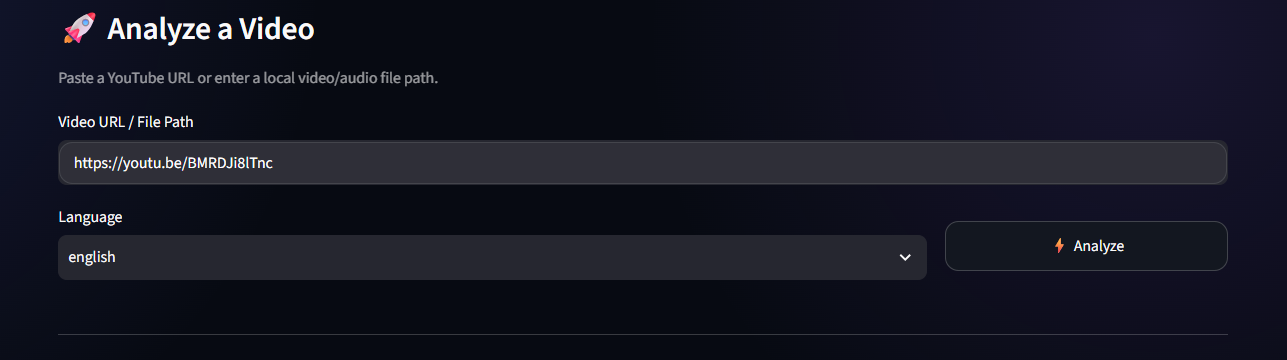
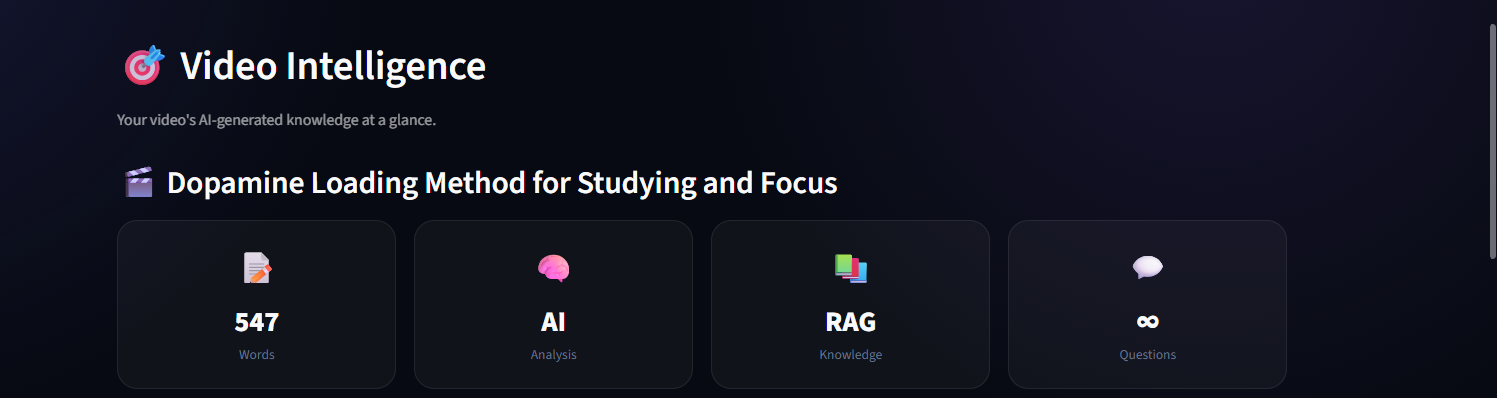
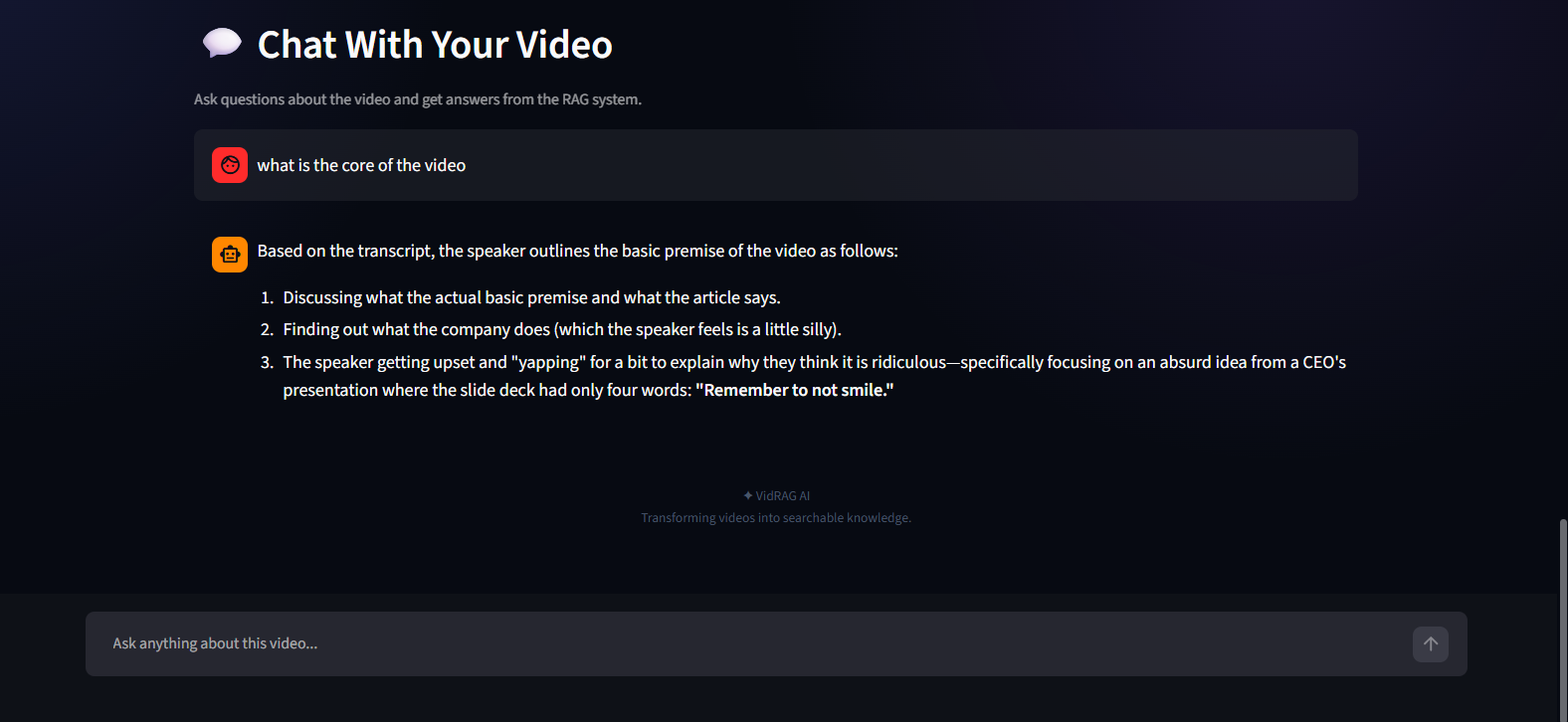
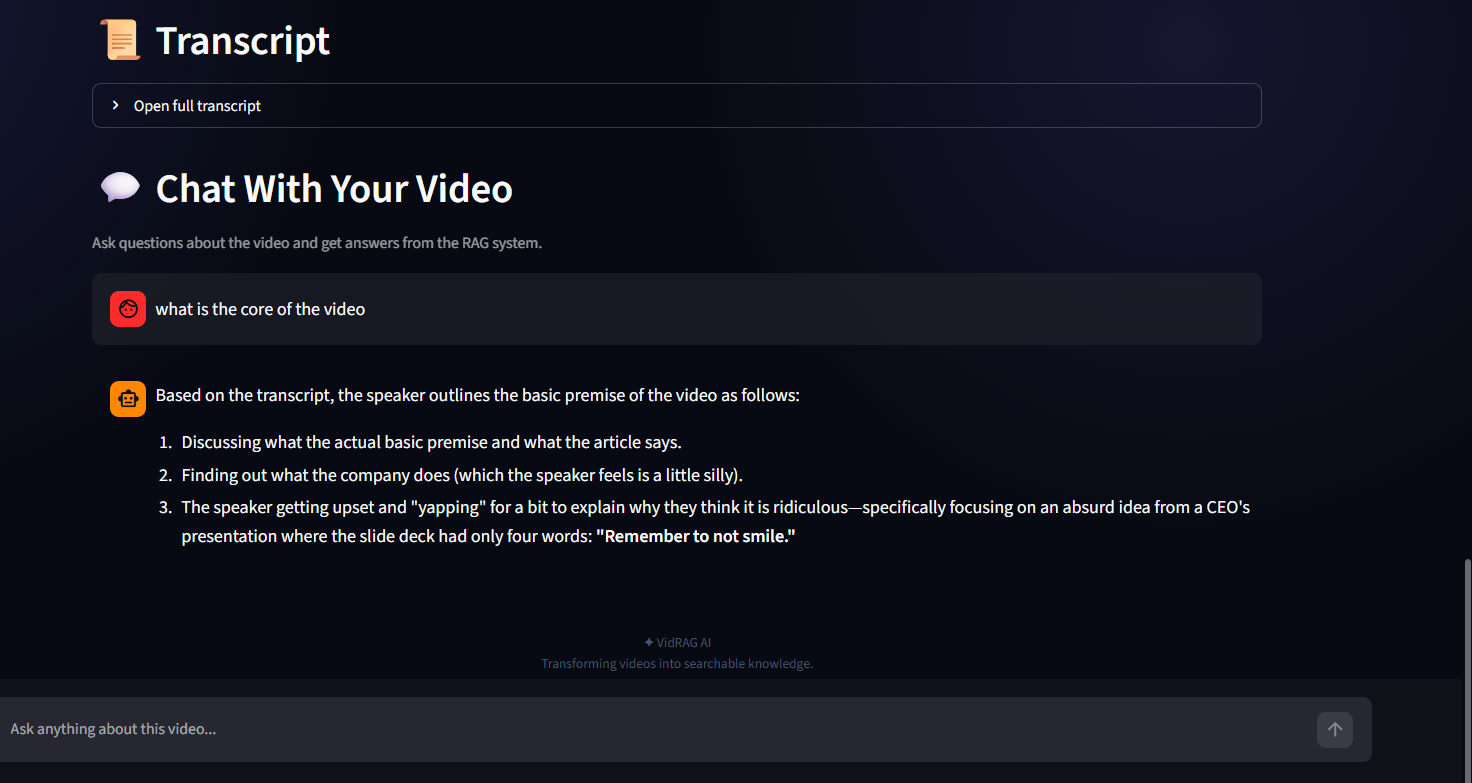
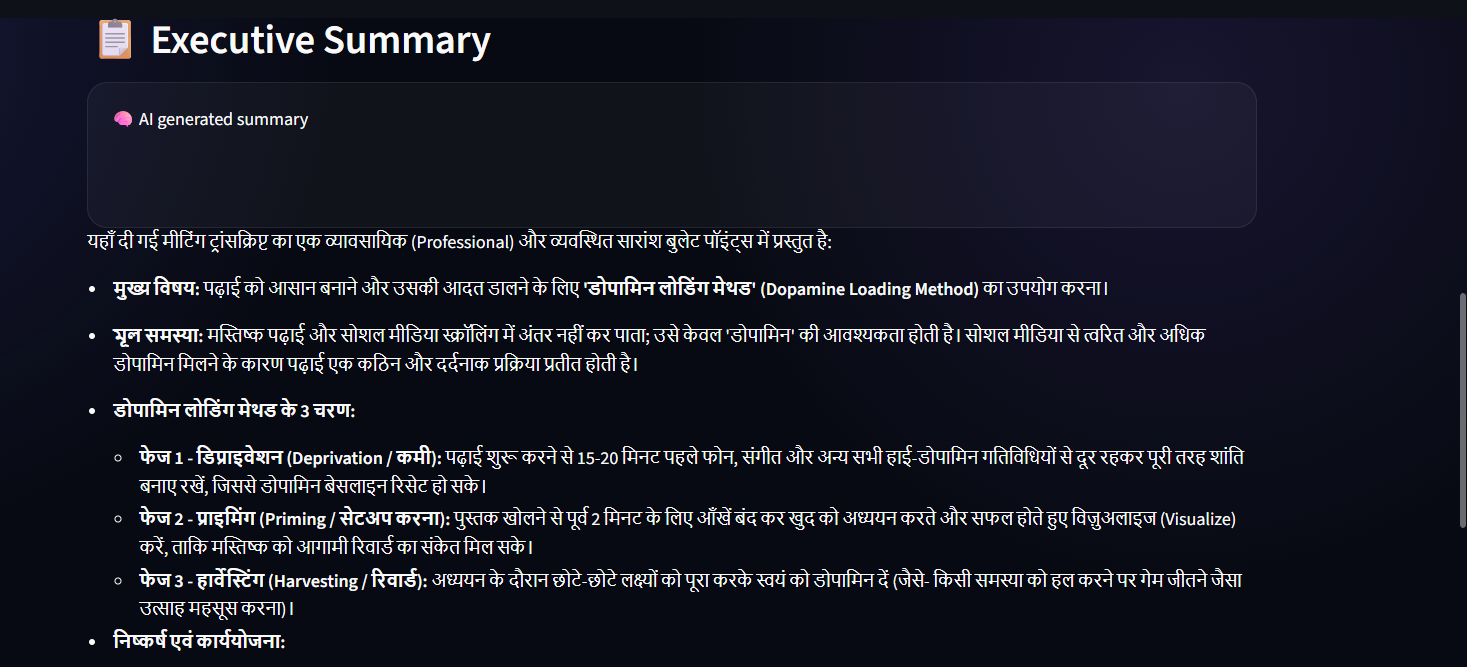
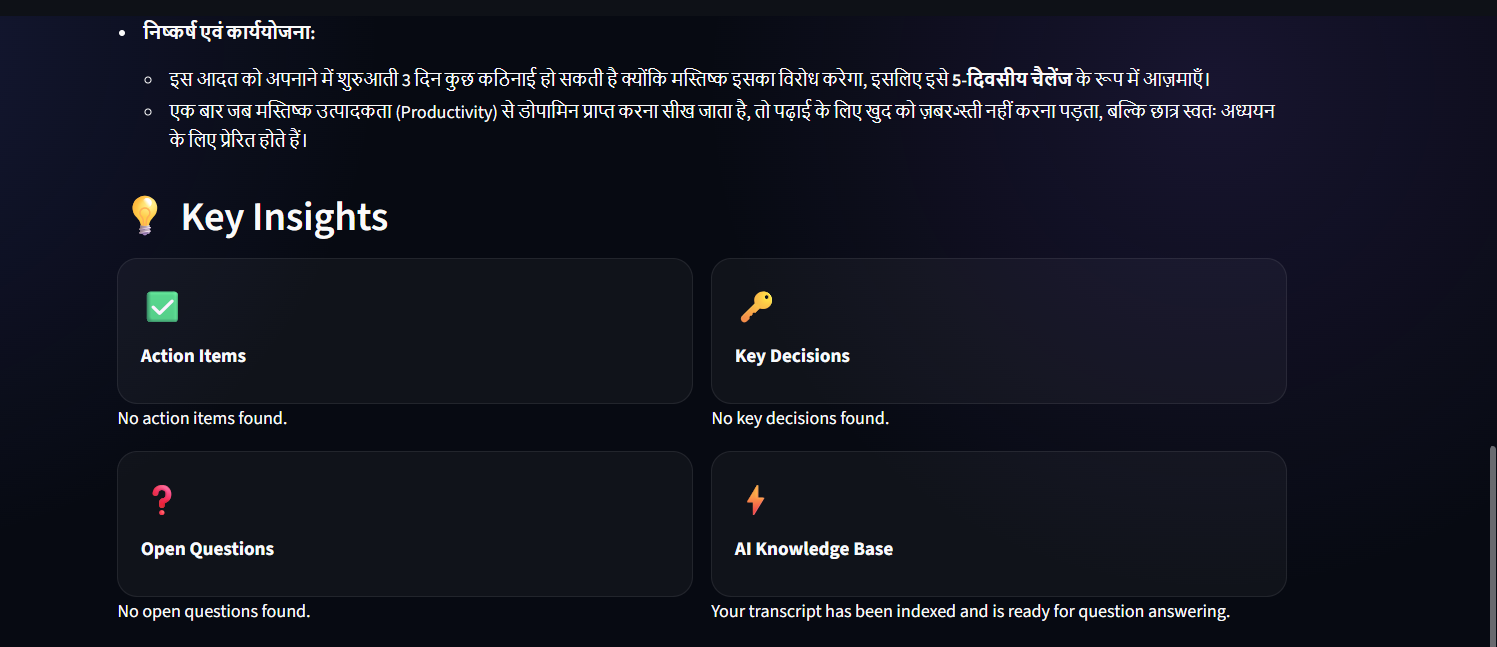
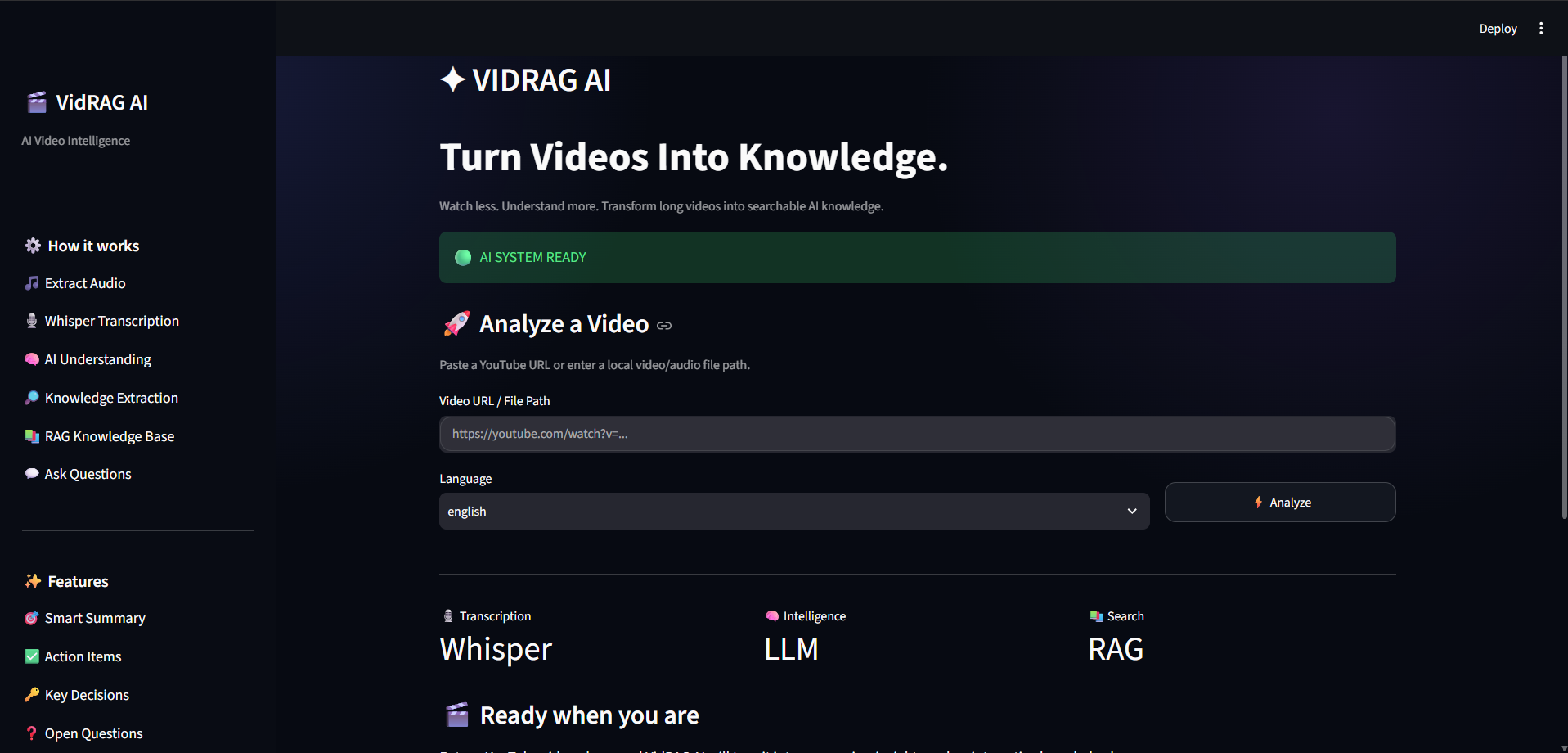
VidRAG AI takes any video — a YouTube link, a meeting recording, or an MP4 file — and turns it into a clean summary, action items, key decisions, and open questions. It also lets you chat with the video and ask questions, just like YouTube's own "Ask" feature.
How we built it
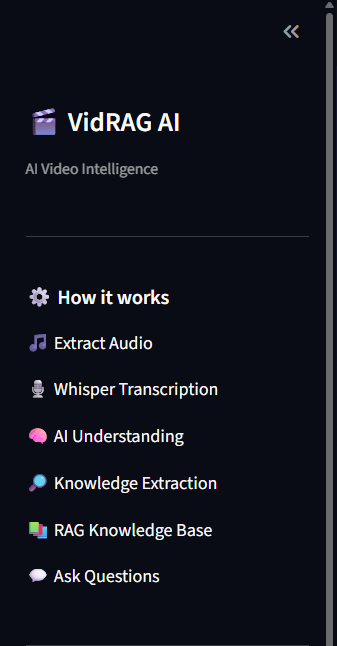
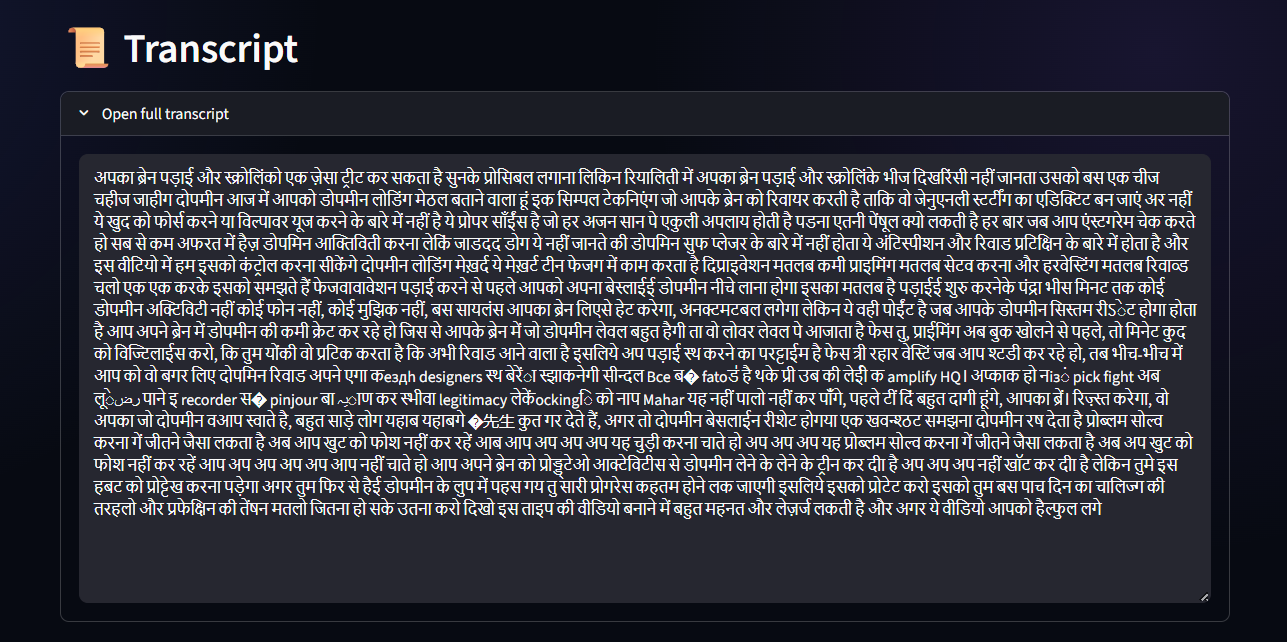
We used Whisper to transcribe audio into text, LangChain to build the AI pipeline, ChromaDB with HuggingFace embeddings for search, and Google Gemini as the main AI model for summarizing and answering questions. The whole app runs on Streamlit with a custom dark-themed UI.
Challenges we ran into
Handling long videos without breaking the AI's context limit was tricky, so we used a map-reduce approach for summarization. We also faced issues with YouTube blocking downloads on cloud servers, which works fine locally but needs extra handling for deployment.
Accomplishments that we're proud of
We're proud that the app can fully understand a video and let users chat with it in real time, with answers grounded strictly in the video content — no made-up answers.
What we learned
We learned how to build a complete RAG pipeline from scratch, handle audio processing at scale, and manage AI context limits using chunking and map-reduce techniques.
What's next for VidRAG AI
We want to fix YouTube extraction for cloud deployment, add multi-language support, add timestamp-linked answers, and let users export summaries as PDF files.


Log in or sign up for Devpost to join the conversation.