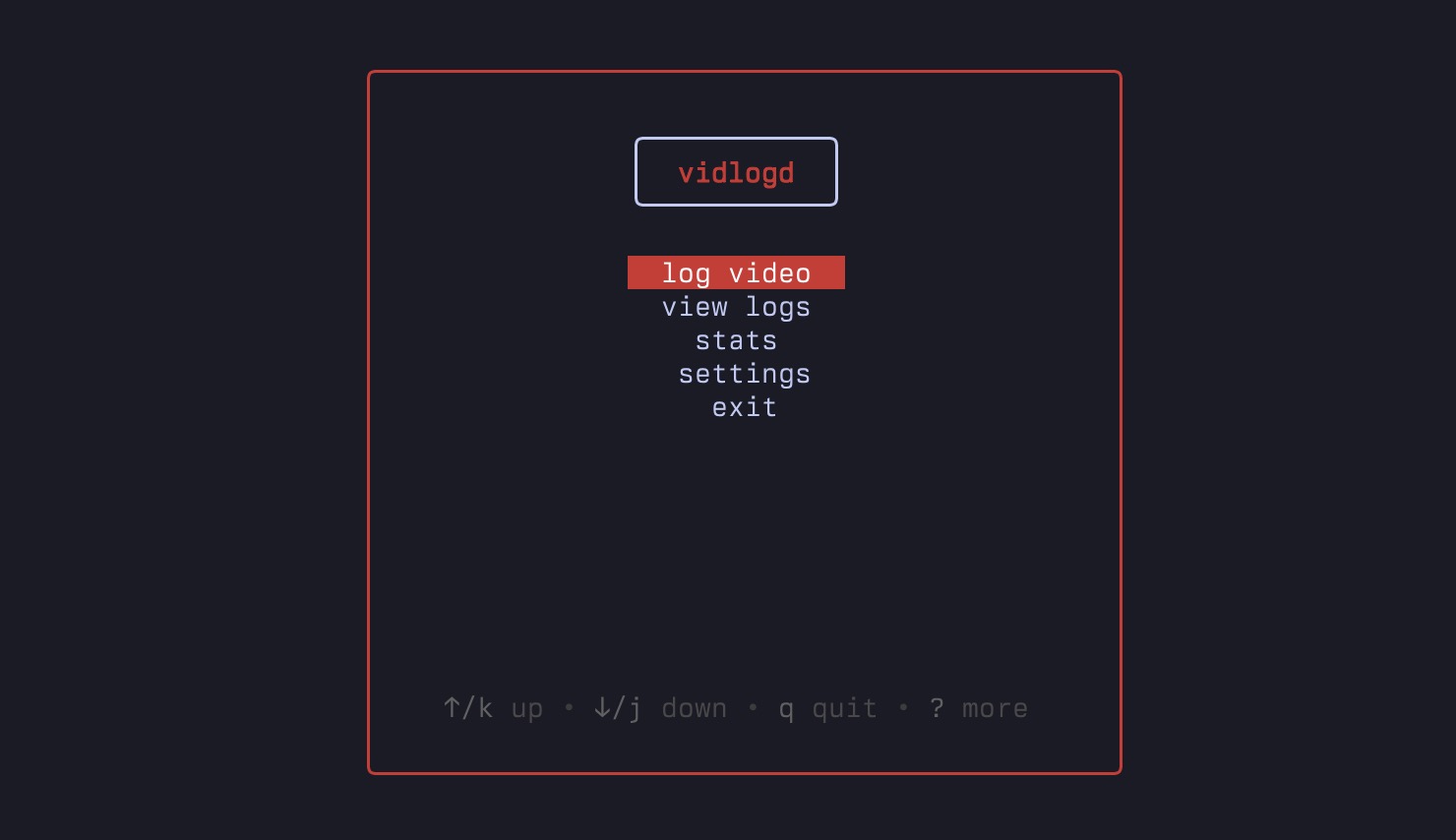
vidlogd
A Terminal-Based YouTube Video Logger



Demo
https://github.com/user-attachments/assets/fb47b70a-3222-4f11-b1c1-2abda8419478
Built With

Features
Video Logging
- YouTube Integration - Automatically fetch video details from URLs
- Rating System - Rate videos with stars (0-5)
- Review Notes - Add your own thoughts and reviews
- Data Management - Edit, delete, and search through your video collection
Analytics Dashboard
- Comprehensive Stats - Dashboard cards showing total videos, average rating, rewatch percentage, and channel count
- Interactive Charts - Visual representations of rating distribution and monthly activity trends
- Channel Analytics - Channel-specific statistics with average ratings and video counts
- Search & Filter - Fuzzy find videos by title and channel
Prerequisites
- Go 1.24+ - Download here
- YouTube Data API v3 Key - Get one here
- Nerd Fonts (recommended) - For proper Unicode symbol display
Installation
Option 1: Go Install (Recommended)
go install github.com/mamuzad/vidlogd@latest
Option 2: Build from Source
git clone https://github.com/mamuzad/vidlogd.git
cd vidlogd
make build
./bin/vidlogd
Option 3: Install from releases
Grab your specific machine installation here
Quick Start
1. Configure YouTube API Key
You can set your YouTube API key in several ways:
Option A: Environment Variable
export YOUTUBE_API_KEY="********"
Option B: .env File (in project directory)
echo "YOUTUBE_API_KEY=********" > .env
Option C: Through the App Settings
- Enter your YouTube API key in the app settings
2. Run
vidlogd
Todo
- [x] Settings view
- [x] Build/config
- [x] Package/CLI
- [x] Search and filter videos
- [ ] Video thumbnails
- [ ] Display image with protocols for kitty, wezterm, ghostty
- [x] Statistics view
- [x] Add short videos list to stats view

Log in or sign up for Devpost to join the conversation.