Inspiration
Creative work rarely starts as a clean plan. It starts as fragments: a character, a scene, a line, an image, a sound, or a feeling. Most video tools assume the creator already knows how everything fits together.
I wanted Videyo to feel like a creative friend beside the work. You point Yo at something, ask a question, and let the connections help shape what comes next.
What it does
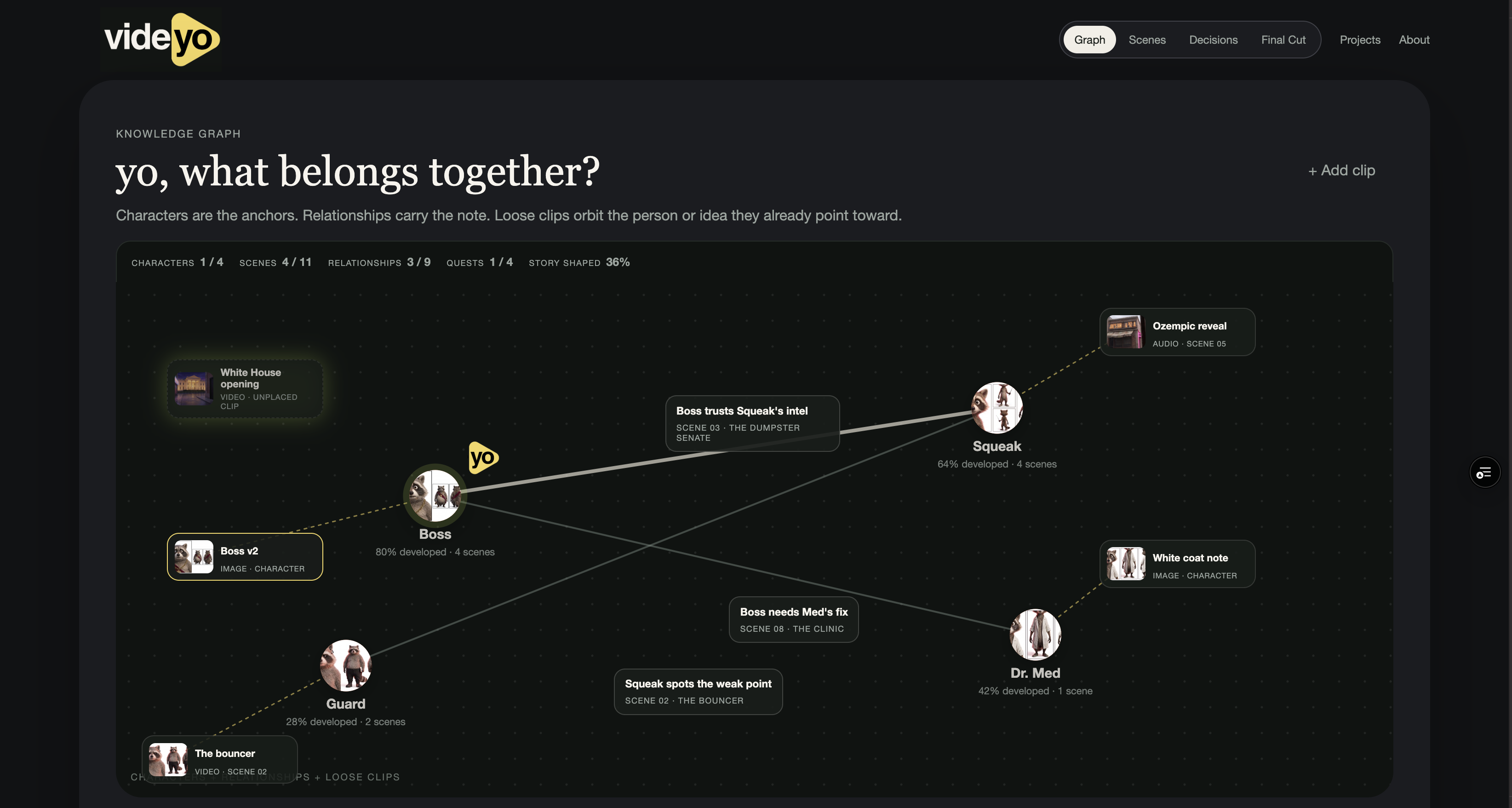
Videyo starts with a living graph of a film.
You can:
- See how characters, scenes, clips, and ideas connect.
- Open a persistent Yo thread on any character or scene.
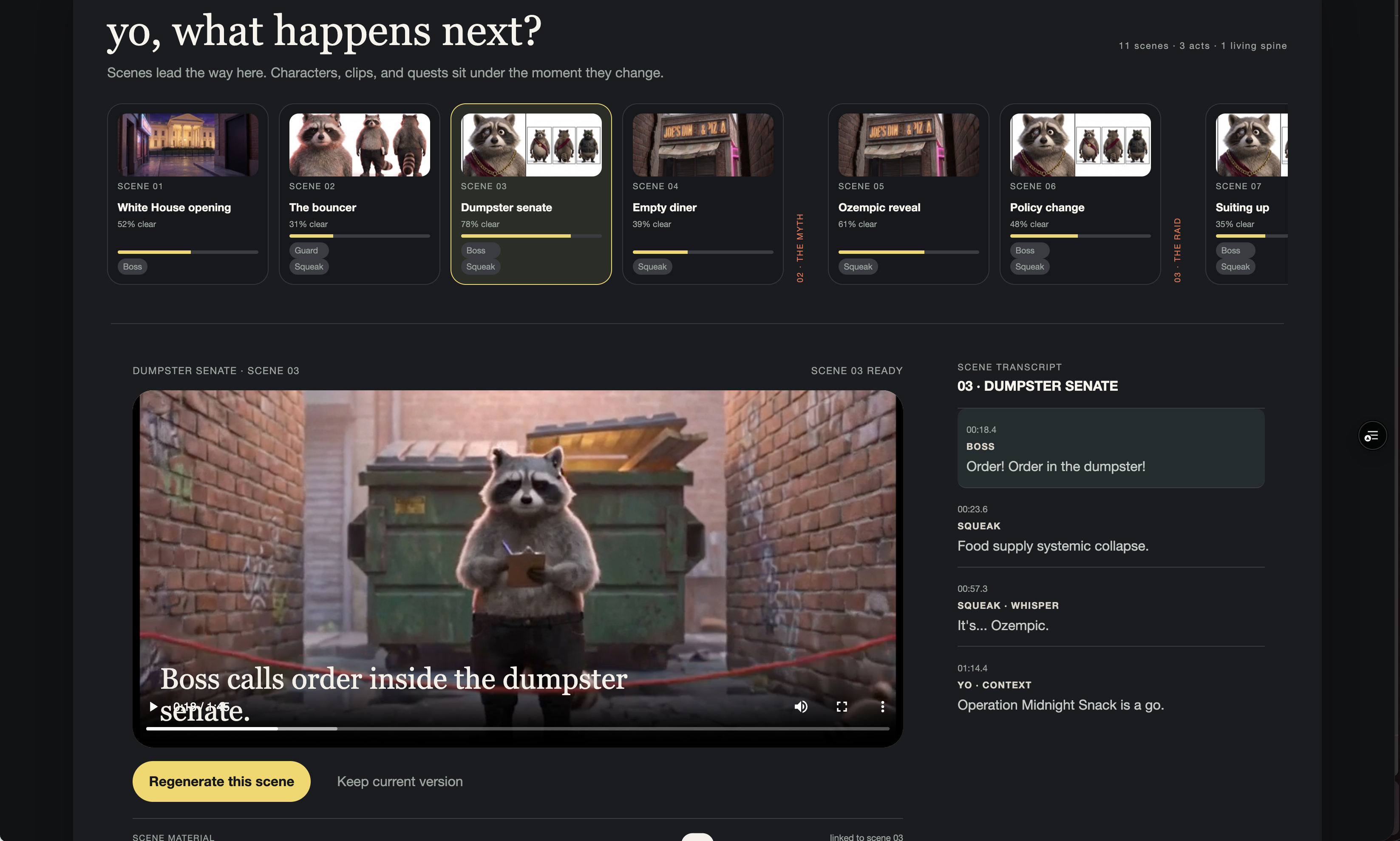
- Move from the graph into chronological story order.
- Click transcript cues to jump to that moment in the video.
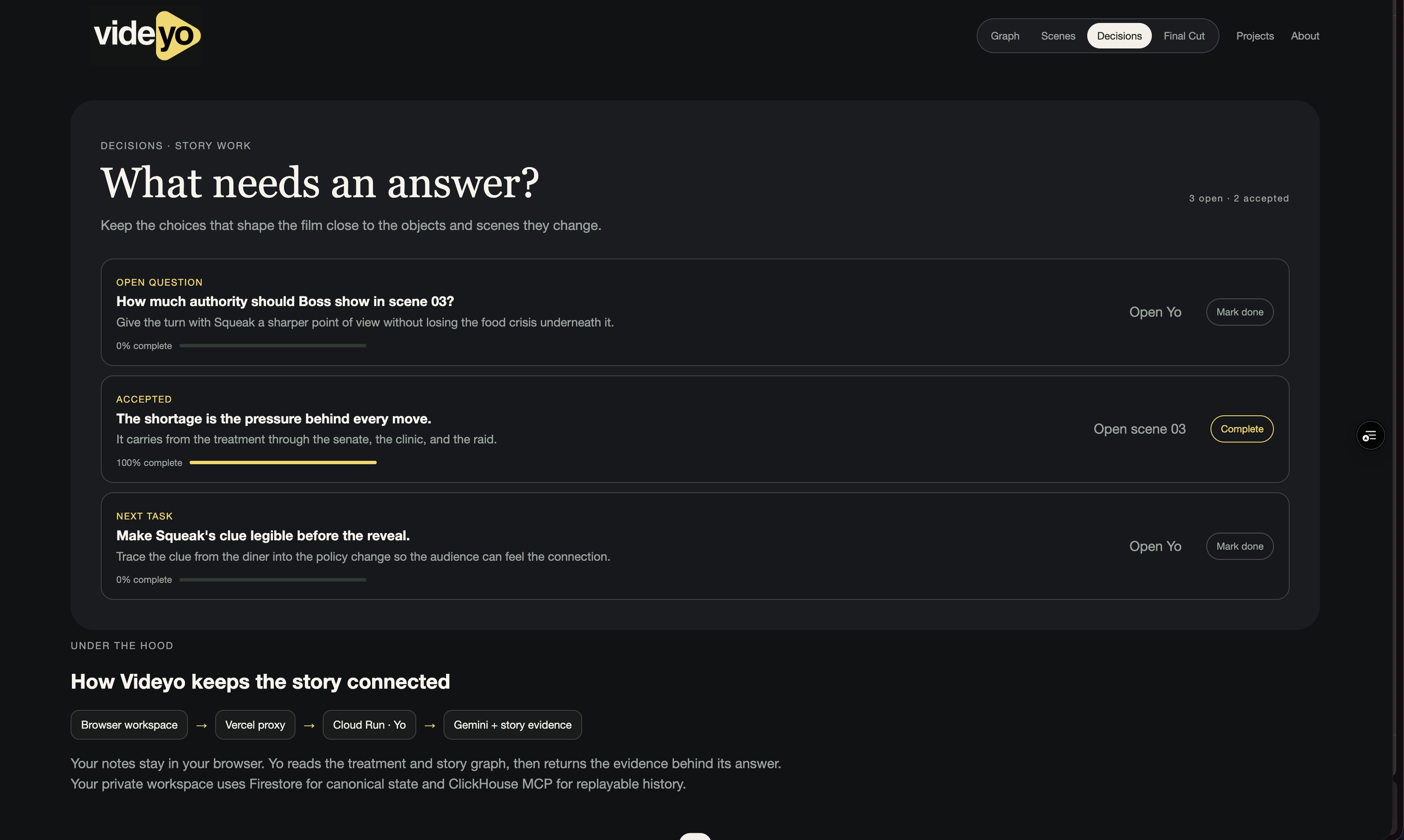
- Keep decisions locally and track what still needs an answer.
- Compare scene materials and previous versions.
- Watch the full cut and read or export the treatment.
- Switch between Operation Midnight Snack and The Ridge.
How we built it
The public workspace is built with HTML, CSS, and JavaScript and runs on Vercel.
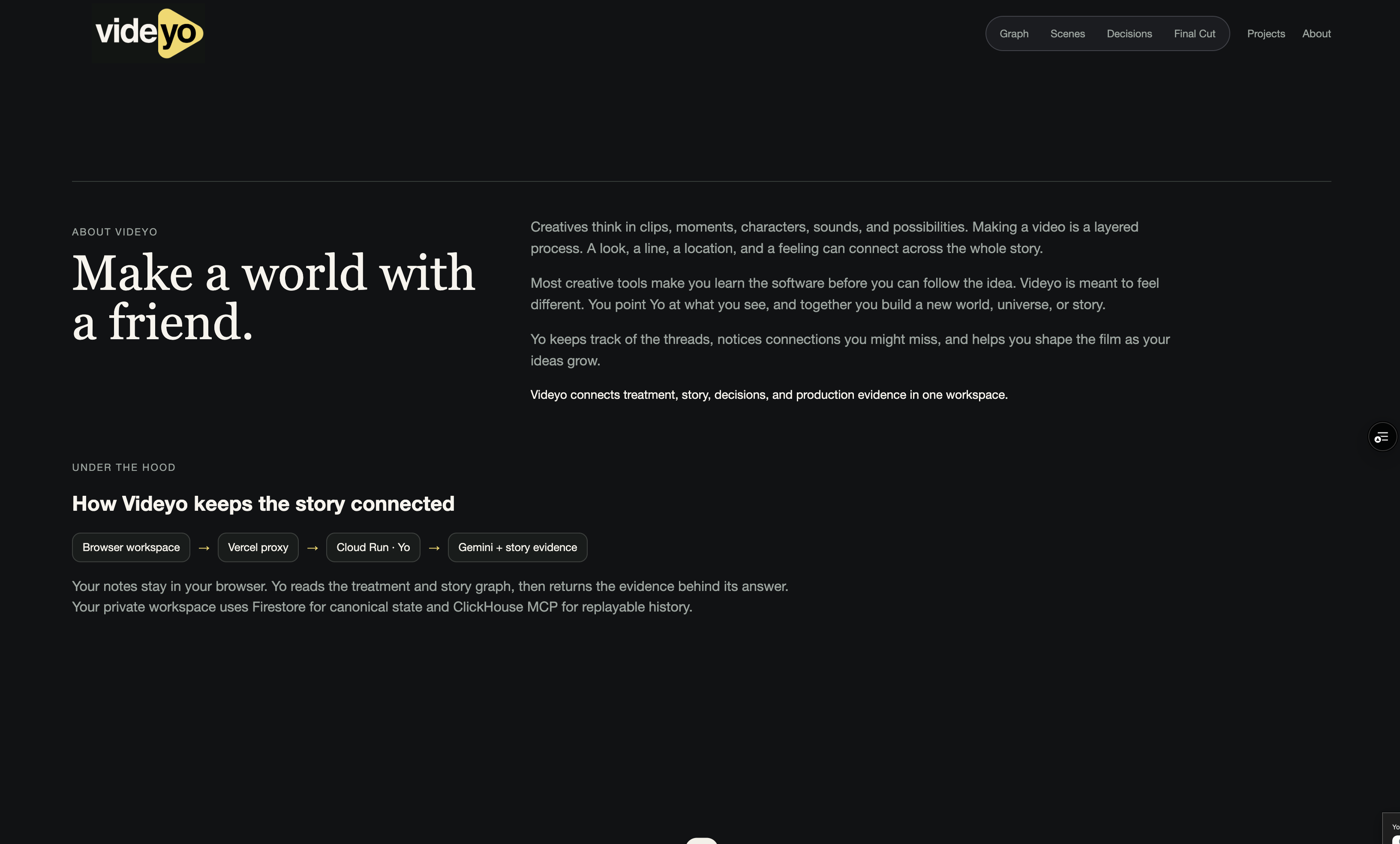
The private Yo service runs on Cloud Run using Google Cloud Agent Development Kit and Gemini 2.5 Flash. Firestore holds current project state and decisions. ClickHouse stores replayable history through the official ClickHouse MCP server.
The public demo uses a read only story seed and browser local state, so judges can explore without an account or API key. Private media routes use Google Imagen and Veo with owner authorization and request limits.
Challenges we ran into
The hardest part was making the product feel creative without losing the structure needed for real film work.
We also had to keep the public demo safe. A judge should be able to try the product without exposing private story files or opening an unlimited paid generation route.
Another challenge was keeping context consistent. If I open Yo on Boss in the graph, scenes, or decisions, it needs to feel like the same conversation about the same part of the film.
Accomplishments that we're proud of
We built a public, no login demo that a judge can use immediately.
The graph is the first screen, instead of a prompt box or a traditional editing timeline. Yo opens beside the selected object and carries the creative thread with it.
We also connected the graph, story order, transcript, decisions, treatment, final cut, and production evidence into one experience. The Ridge shows that the same idea can support a larger feature film with many connected story objects.
What we learned
The graph is more compelling than starting with generation. It gives the creator a way to see the story before deciding what to make next.
Yo works best when it is tied to a specific object. A question about Boss should stay with Boss. A question about Scene 03 should carry the scene's transcript, versions, and decisions with it.
The technical record matters more when it appears inside the creative flow. It should help the creator understand what happened without making them leave the story to inspect the system.
What's next for Videyo
Next, Yo will turn a kept direction into a real media draft and preserve the connection between the prompt, the scene, the decision, and the resulting asset.
I also want to deepen The Ridge into a full feature film workspace, add shared collaboration threads, and bring generated image, video, and music outputs into the same object based history.
The goal is for a creator to move from a loose idea to a living world without losing the choices that shaped it.
Built With
- clickhouse
- gemini
