-
-
Thumbnail
VideoVoice (Created in 2.5 hours using Claude and Google-Antigravity)
Inspiration
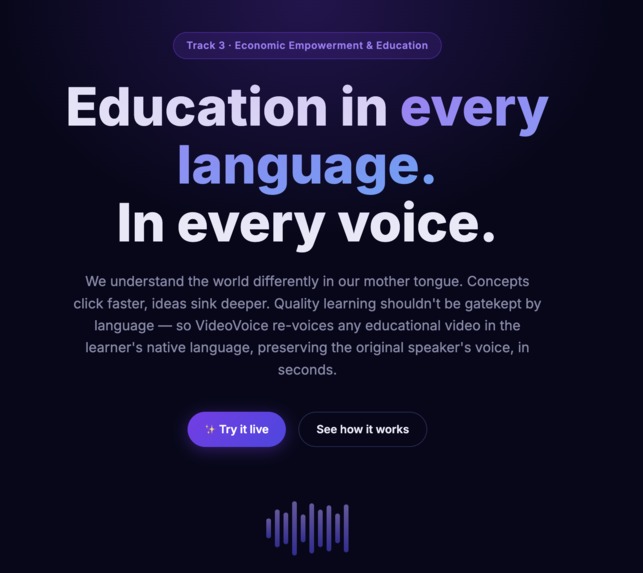
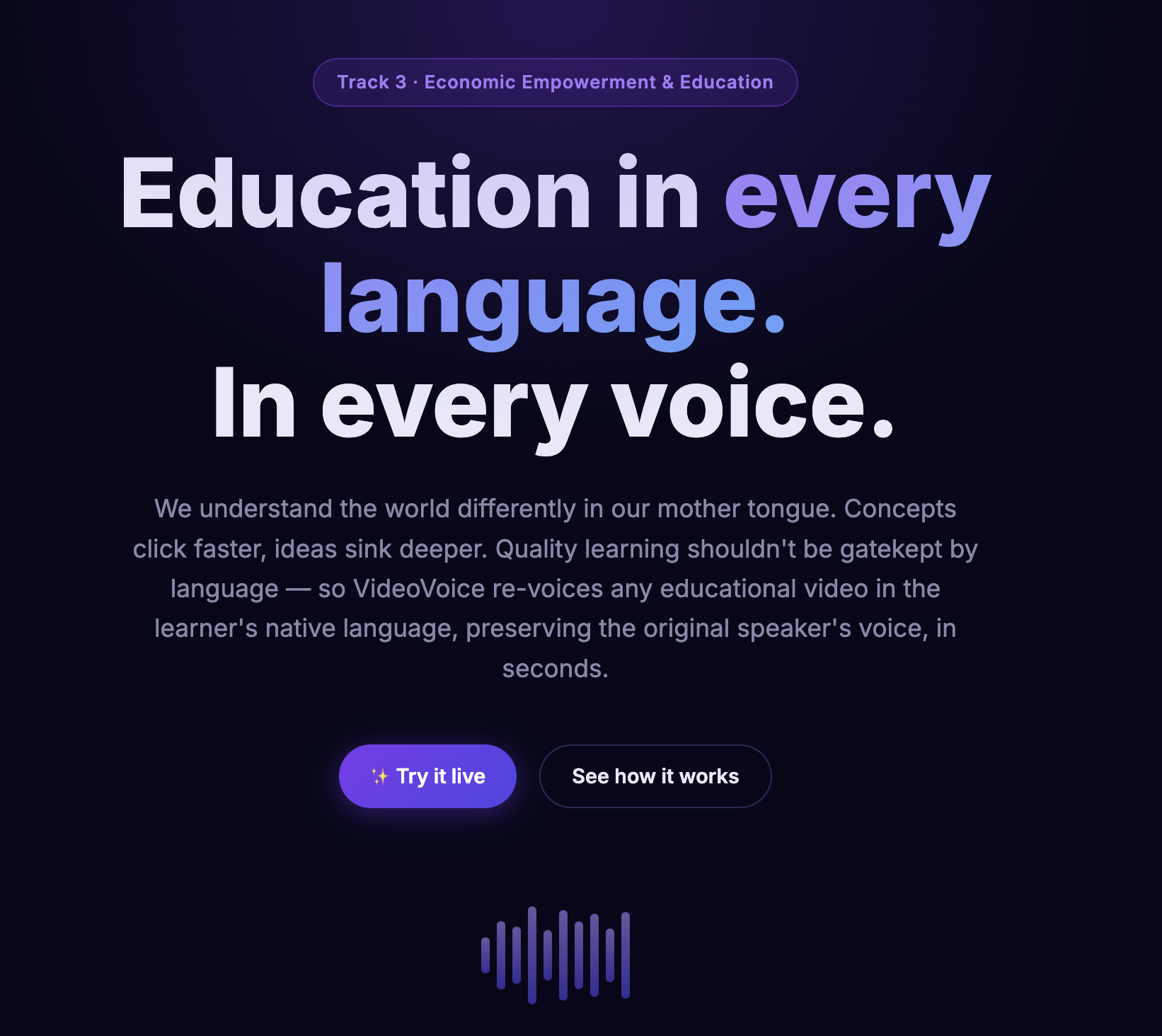
My primary inspiration comes from my interest and experience in different domains of AI — from computer vision to NLP to RL — and by staying updated with the rapidly evolving AI field, specifically the convergence of multimodal AI involving text, audio, and video. I recognized the profound potential this technology has to democratize knowledge and genuinely help people. We understand the world differently in our mother tongue; concepts click faster and ideas sink deeper.
Unfortunately, high-quality educational content on platforms like YouTube is often gatekept by language barriers. Standard subtitles aren't enough when visual attention is required for learning. I wanted to build a tool that completely shatters this barrier by allowing anyone to learn from the world's best educators in their native language, while preserving the original speaker's emotional intonation and voice characteristics.
What It Does
VideoVoice is an end-to-end, automated video translation pipeline. You simply upload any educational video and select a target language (out of 23 supported languages). In minutes, VideoVoice returns a fully re-voiced version of the video. It:
- Extracts the audio
- Precisely transcribes and aligns the speech
- Leverages cutting-edge LLMs to translate the transcript naturally
- Uses a state-of-the-art multilingual Voice Cloning TTS engine to synthesize new audio using the original speaker's exact voice
- Synchronizes the generated audio to the original visual timestamps (stretching/padding as necessary)
- Merges everything back into the high-quality video file
How I Built It
I architected the project as a modular 6-step Python pipeline tailored to run both in the cloud and natively accelerated on Apple Silicon (M3 Mac / MPS backend):
Step 1 — Extraction
Using ffmpeg-python to strip a high-quality 16 kHz WAV track from the input video.
Step 2 — Transcription & Alignment
Using the Pollinations API (whisper-large-v3) with verbose_json to extract text and highly accurate word-level timestamps. As a robust fallback for local inference, I integrated Apple's mlx-whisper (Medium model) running efficiently on the M3 GPU.
Step 3 — Translation
Using the Pollinations Chat Completions API (via OpenAI-compatible endpoints) with a strict system prompt to idiomatically translate subtitle segments while preserving mathematical/technical formatting and structured JSON arrays.
Step 4 — Multilingual Voice Cloning
Utilizing the Resemble AI Chatterbox Multilingual model (ChatterboxMultilingualTTS). A voice sample is extracted from the original video to condition latents (via VoiceEncoder and S3Gen), and translated text is autoregressively synthesized natively on the MPS GPU, with max_new_tokens dynamically scaled to prevent sequence stalling.
Step 5 — Synchronization
Using pydub and custom ffmpeg audio filters (atempo / apad), each generated TTS segment is dynamically stretched, sped up, or padded with silence so it perfectly matches the original Whisper timestamp interval $\Delta t$:
$$\Delta t = t_{\text{end}} - t_{\text{start}}$$
Step 6 — A/V Stitching
The synthesized audio track is merged back onto the original visual stream frame-accurately.
The frontend is served via a premium, dark-mode static web page (HTML/CSS/JS) that embeds a specialized Gradio application for the interactive drag-and-drop backend demo.
Challenges I Ran Into
Building a multimodal pipeline is inherently complex due to mismatched states, unconstrained models, and hardware limitations.
The "Infinite Babbling" TTS Issue
The voice cloning model (Chatterbox) would occasionally fail to predict the EOS (End of Sequence) token and hallucinate noise or silence for thousands of steps, stalling the pipeline. I solved this by diving into the open-source package and monkey-patching mtl_tts.py to accept a dynamic max_new_tokens cutoff, calculated mathematically as:
$$\text{Tokens}_{\max} = \max!\left(150,\ \text{duration} \times 75\,\text{Hz} \times 1.5\right)$$
This made the pipeline 3×–5× faster.
Hardware Deserialization
I heavily utilized the M3's Metal GPU (MPS). However, loading open-source models trained on CUDA caused:
RuntimeError: Attempting to deserialize object on a CUDA device
I resolved this by implementing custom torch loading hooks inside the pip library to safely map tensors to CPU before moving them to MPS.
Audio Synchronization Drift
Natural speech translated into Spanish or German is often much longer than the original English sequence, causing audio segments to overlap. I engineered an ffmpeg temporal stretching layer to enforce synchronization boundaries without sounding robotic.
Accomplishments I'm Proud Of
- End-to-end Autonomy — Taking a raw
.mp4file and outputting a perfectly translated, voice-cloned video completely autonomously in one pass. - Fascinating accurate voice clone — The best open-source model with an amazing voice clone with just few seconds audio
- Flawless Fallback Architecture — Seamlessly pivoting between cloud API inference (Pollinations) and local Metal-accelerated generation (
mlx-whisperandchatterbox) gives the app unparalleled resilience. - Performance Optimizations — Hot-fixing the upstream open-source TTS library to support dynamic token cutoffs and CPU mapping demonstrates a commitment to solving root-cause issues, not just wrapping APIs.
What I Learned
- The absolute power of flow-matching and autoregressive voice generation — it's remarkable how accurately just a few seconds of audio can map the full prosody and timbre of a speaker into an entirely foreign language.
- The intricacies of robust API prompt engineering — handling timestamps and JSON structures cleanly out of an LLM requires rigorous prompting to ensure no data is dropped.
- Deep expertise in audio/video manipulation using
ffmpegfilters natively in Python.
What's Next for VideoVoice
- Real-time Streaming — Optimizing model weights using PEFT/LoRA to stream video processing on-the-fly rather than waiting for batch processing.
- Lip-sync Automation — Adding a computer vision step that morphs the educator's mouth movements to match the synthesized audio phonemes, removing the uncanny valley effect entirely.
- Browser Extension — Building a YouTube/Coursera overlay that automatically replaces the audio stream dynamically while watching.
Built With
- asr
- chatterbox
- claude-sonnet-4.6
- css
- ffmpeg
- gemini3-pro
- google-antigravity
- gradio
- html
- macos
- mlx-whisper
- openai-whisper
- pollinations.ai
- python
- resemble-ai
- stt
- torchaudio
- tts
- voice-clone
- whisper


Log in or sign up for Devpost to join the conversation.