-
-
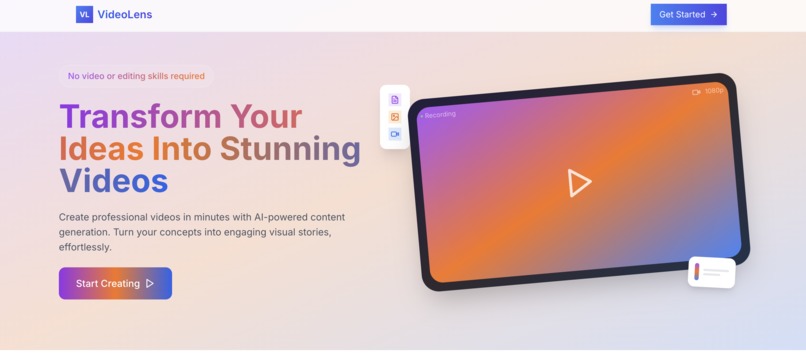
video lens
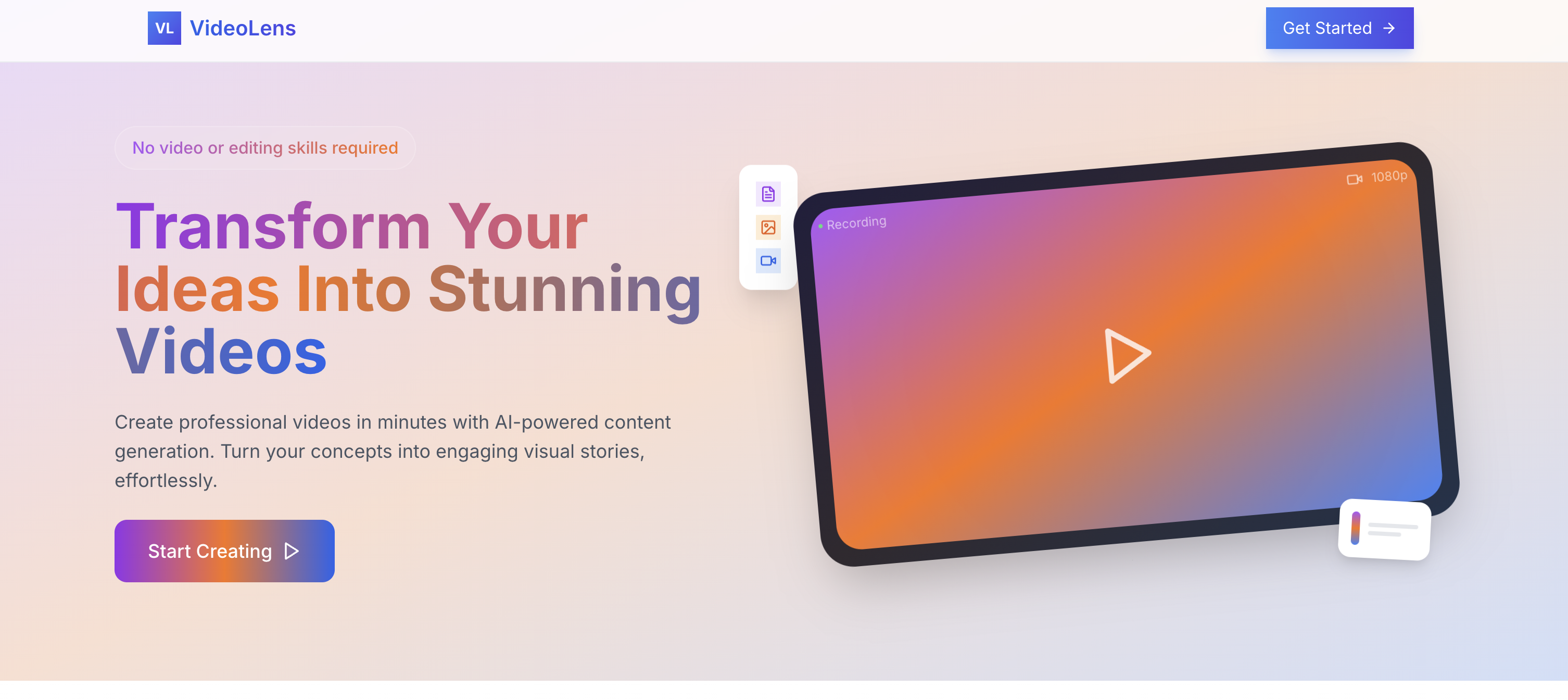
Inspiration
The idea for VideoLens was born from a personal frustration with video content creation. As someone who wanted to create educational and engaging videos, I found myself spending countless hours on scripting, recording, and editing. I realized that many creators face the same challenge - the technical aspects of video production often overshadow the creative process. This led me to explore how AI could streamline video creation while maintaining creative control.
What it does
VideoLens transforms simple text prompts into complete video presentations by:
- Generating structured narratives using GPT-4
- Creating consistent visuals with DALL-E 3
- Converting text to natural-sounding speech
- Automatically assembling everything into a synchronized video
- Providing real-time progress tracking
- Offering flexible export options (video, audio, or images)
The platform handles all technical aspects while letting creators focus on their message and creative direction.
How we built it
We built VideoLens using a modern tech stack:
- Frontend: Next.js 14 with React and TailwindCSS for a responsive interface
- Backend: Next.js API routes for seamless integration
- Database: SQLite3 for reliable data storage
- AI Services: OpenAI's GPT-4, DALL-E 3, and TTS
- Media Processing: FFmpeg for video assembly
- Containerization: Docker for consistent deployment
- Cloud Platform: Azure Container Registry and Azure Web Apps for scalable hosting
The architecture follows a modular approach:
- Content Generation Module (text-to-script)
- Visual Generation System (script-to-images)
- Audio Synthesis Component (text-to-speech)
- Video Assembly Engine (combining all elements)
Deployment Architecture
We implemented a robust cloud deployment strategy:
Containerization
- Built Docker images with multi-stage builds
- Optimized for production performance
- Implemented proper error handling and recovery
Azure Container Registry (ACR)
- Set up private container registry
- Implemented secure image management
- Automated build and push workflows
Azure Web App
- Configured for container deployment
- Integrated with ACR for seamless updates
- Set up proper environment configurations
- Implemented logging and monitoring
CI/CD Pipeline
- Automated deployment scripts
- Environment-specific configurations
- Health checks and rollback procedures
Challenges we ran into
AI Integration Complexity
- Managing API rate limits and costs
- Ensuring consistent output quality
- Handling failed generations gracefully
Media Processing
- Synchronizing audio with visual transitions
- Optimizing video generation performance
- Managing large file operations efficiently
User Experience
- Providing meaningful progress feedback
- Handling long-running processes
- Implementing error recovery mechanisms
Technical Infrastructure
- Setting up reliable file management
- Implementing proper error handling
- Ensuring cross-platform compatibility
Accomplishments that we're proud of
Seamless Integration
- Successfully combined multiple AI services into a cohesive system
- Created a user-friendly interface for complex operations
- Implemented robust error handling and recovery
Technical Achievements
- Developed an efficient media processing pipeline
- Created a scalable project management system
- Built a responsive and intuitive UI
- Successfully deployed to Azure with container support
- Implemented efficient cloud resource management
Cloud Infrastructure
- Set up scalable container registry
- Configured production-grade web hosting
- Implemented proper security measures
- Established reliable deployment workflows
User Impact
- Reduced video creation time from hours to minutes
- Made professional video creation accessible to non-experts
- Received positive feedback from early users
What we learned
Technical Skills
- Advanced FFmpeg implementation
- Stream processing in Node.js
- Docker containerization best practices
- Error handling in distributed systems
- Azure cloud infrastructure management
- Container registry operations
- Cloud deployment strategies
AI Integration
- Prompt engineering techniques
- API optimization strategies
- Balance between automation and user control
Project Management
- Importance of user feedback
- Value of incremental development
- Significance of error handling
What's next for VideoLens
Enhanced Features
- Multiple style options and templates
- Custom voice selection
- Background music integration
- Advanced transition effects
- Collaborative editing capabilities
Technical Improvements
- Parallel processing implementation
- Advanced caching mechanisms
- Resource usage optimization
- Enhanced error recovery
User Experience
- Project templates
- Style presets
- Export format options
- Tutorial system
Community Features
- Template sharing
- Community showcase
- Resource library
- User collaboration tools
VideoLens is just getting started, and we're excited to continue developing features that make video creation more accessible and enjoyable for everyone.

Log in or sign up for Devpost to join the conversation.