-
-
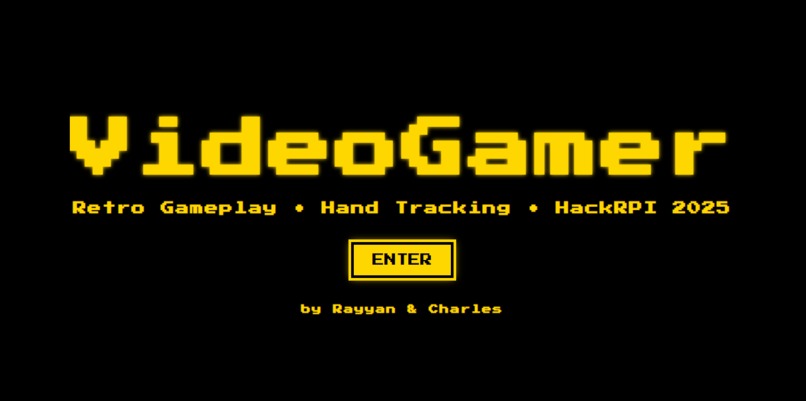
Landing page
-
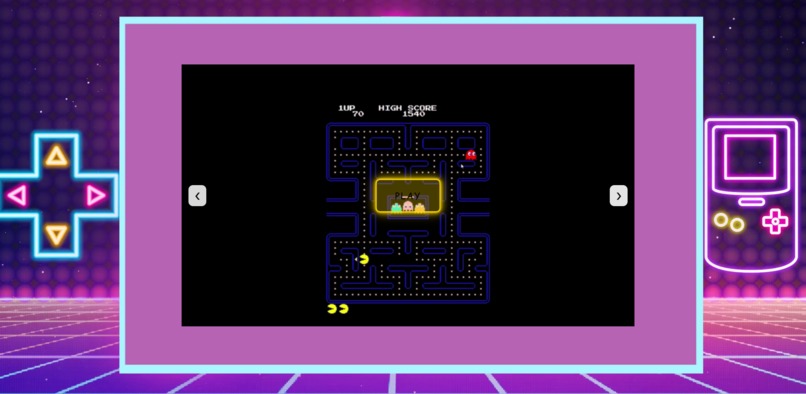
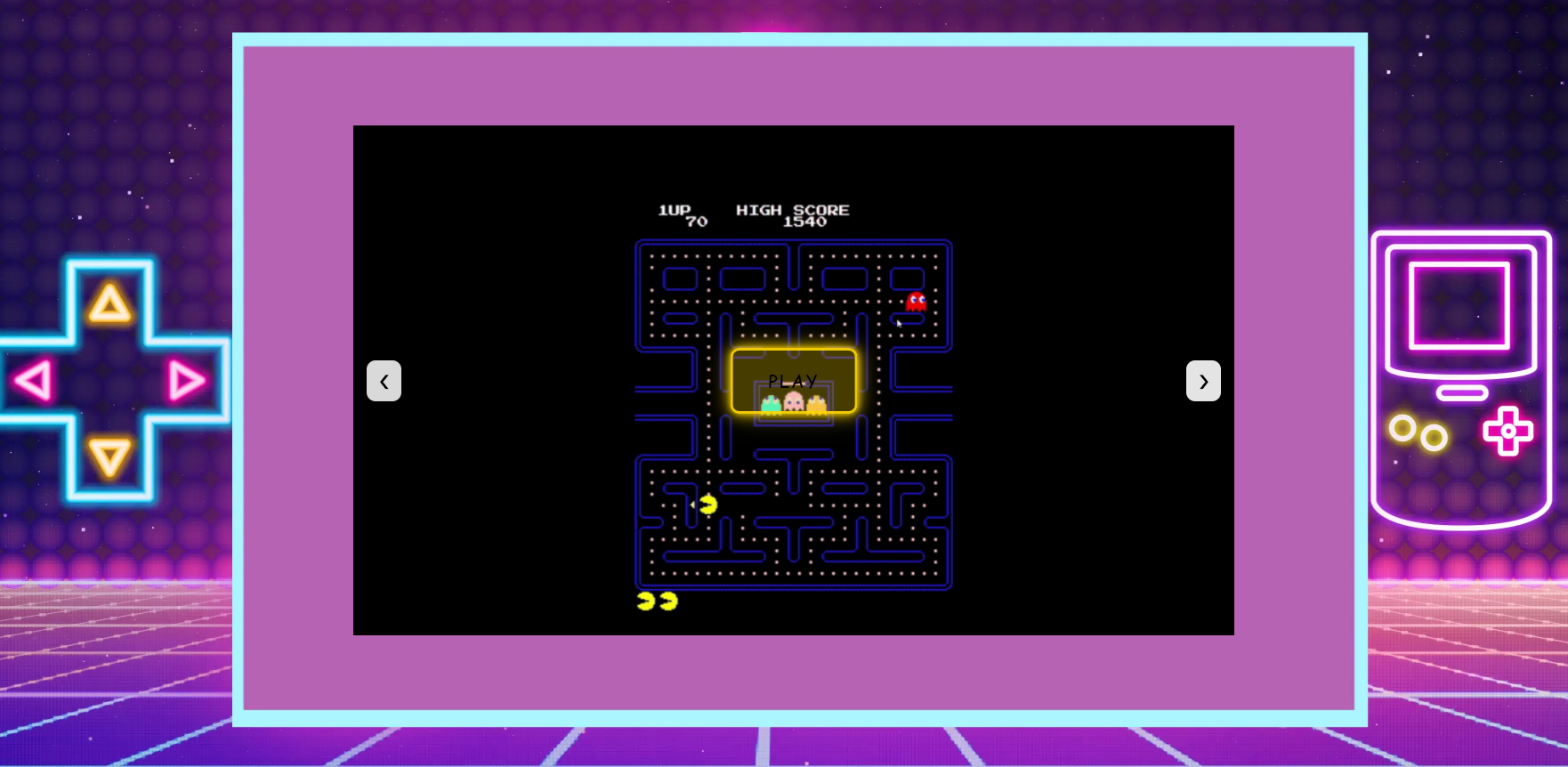
Game select - Pacman
-
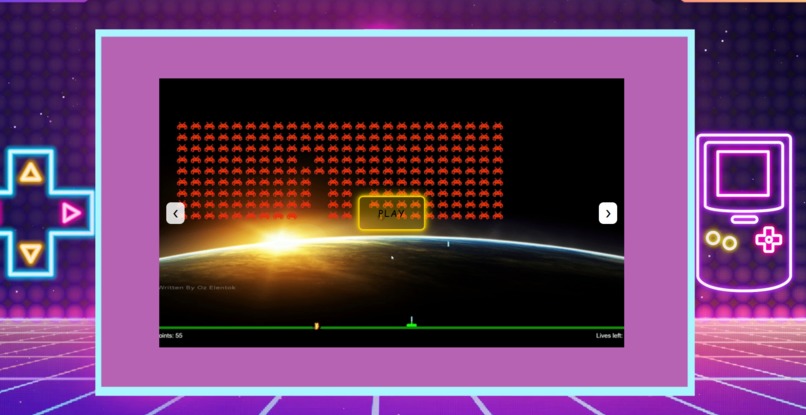
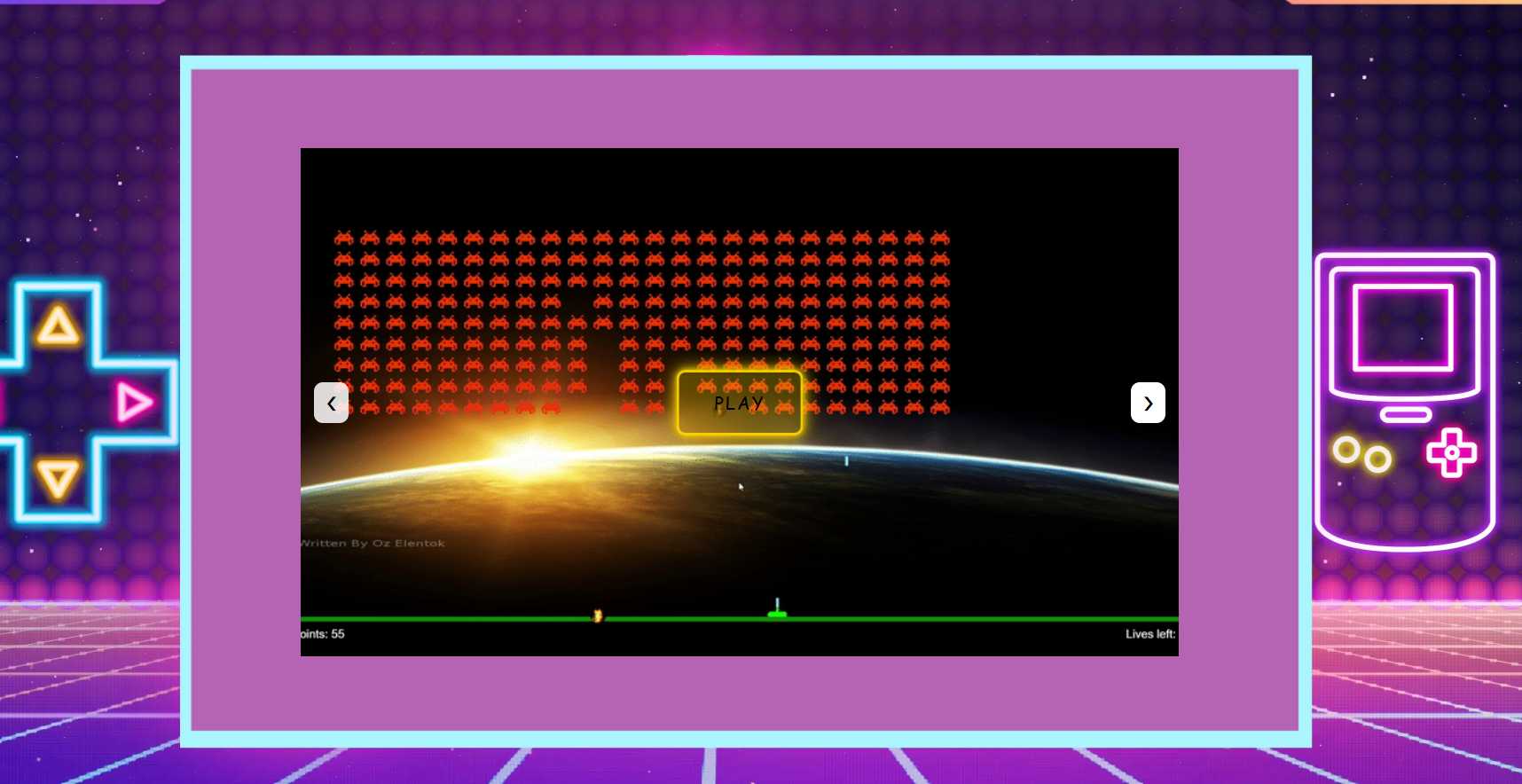
Game select - Space invaders
-
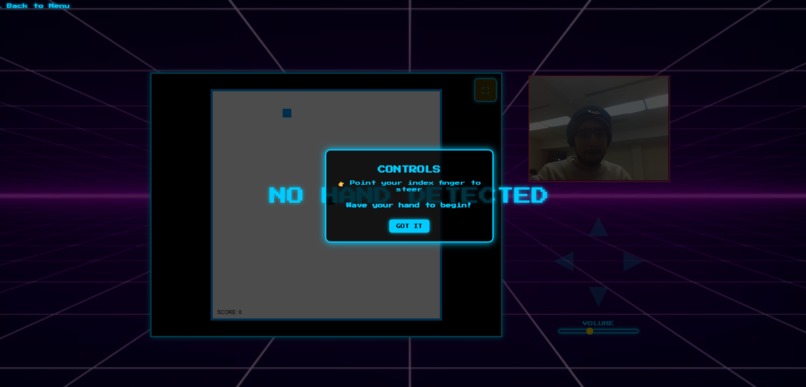
Instructions
-
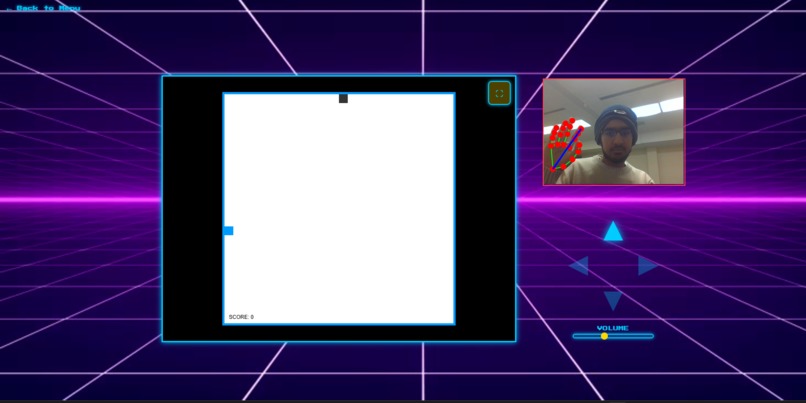
Snake!
-
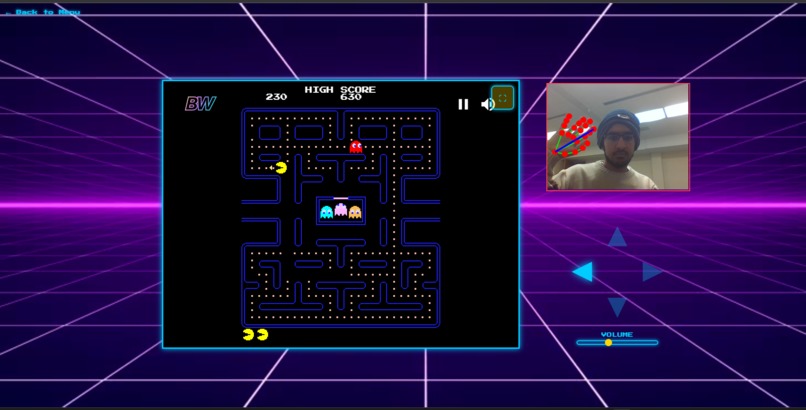
Pacman!
-
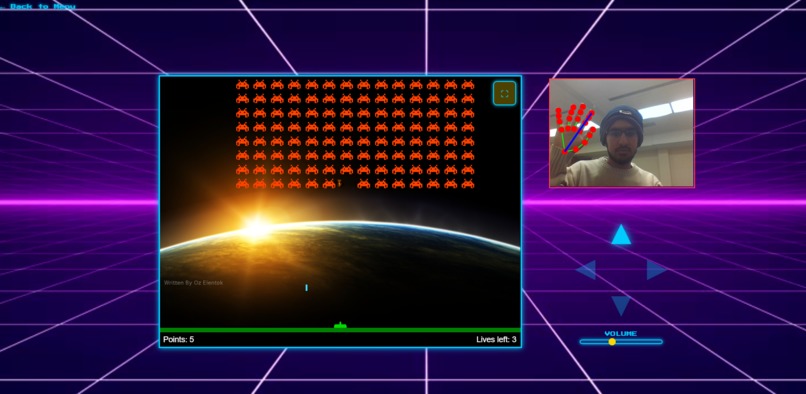
Space Invaders!
-
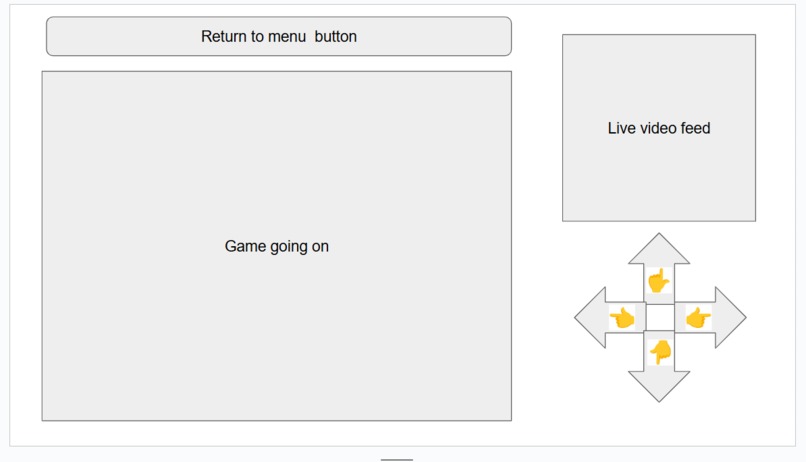
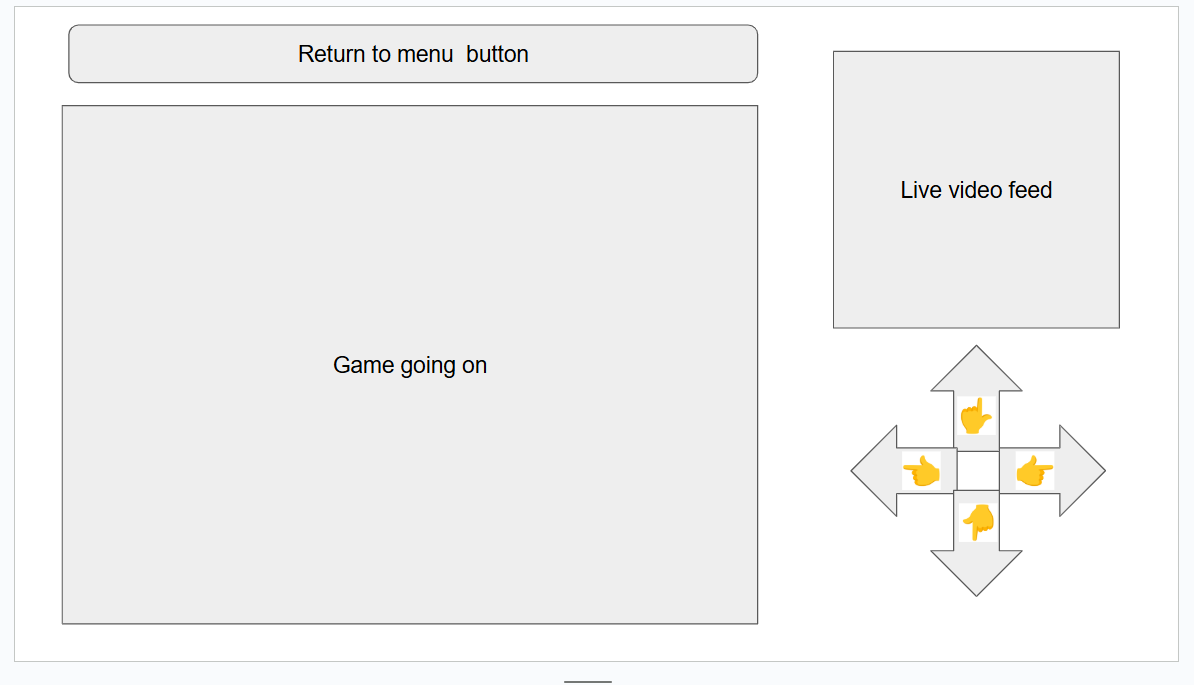
Conceptual Design UI - Initial Idea
-
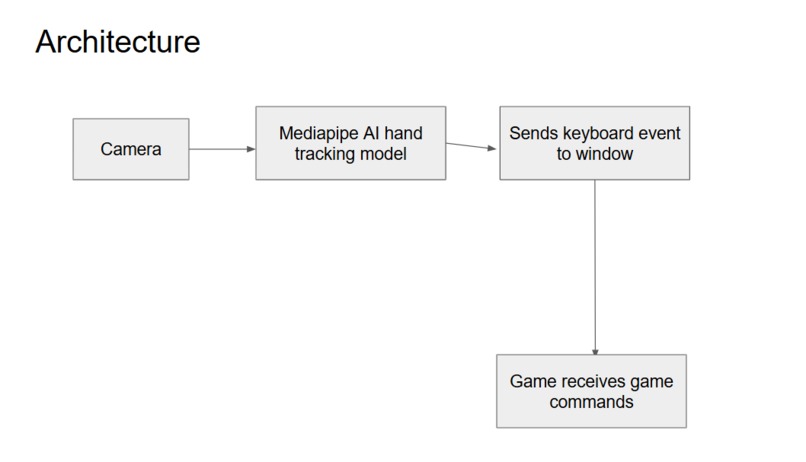
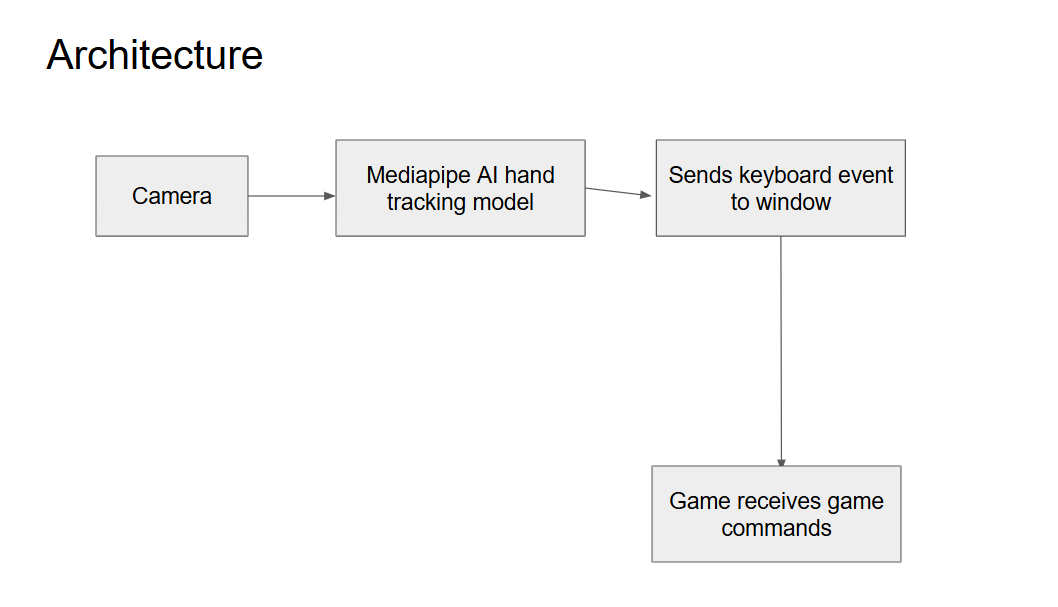
Architecture
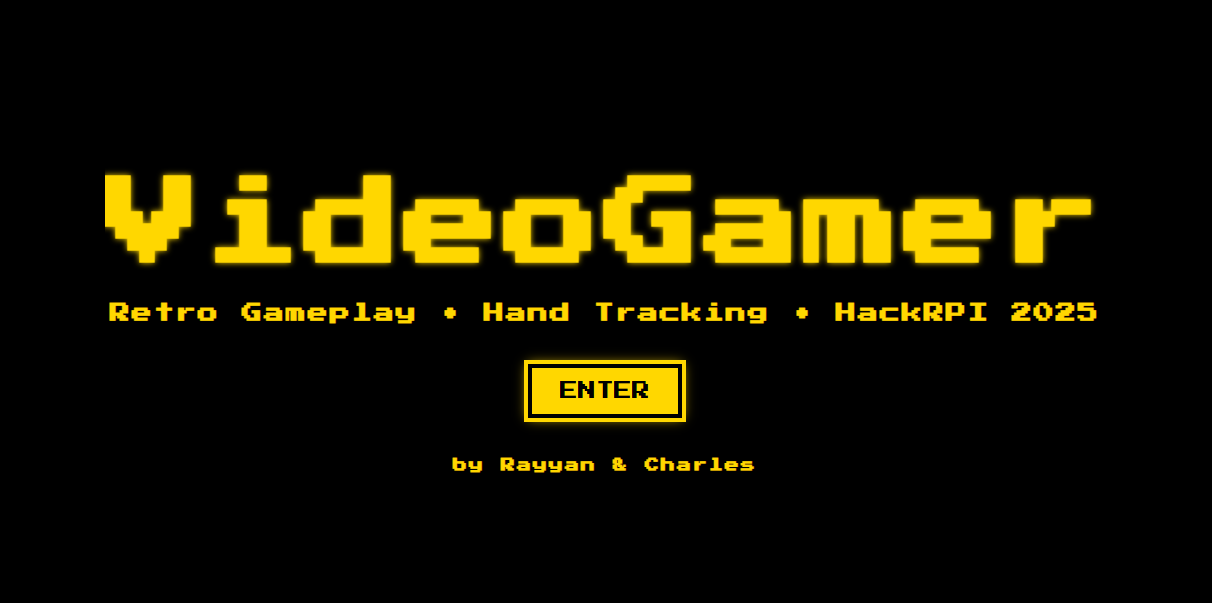
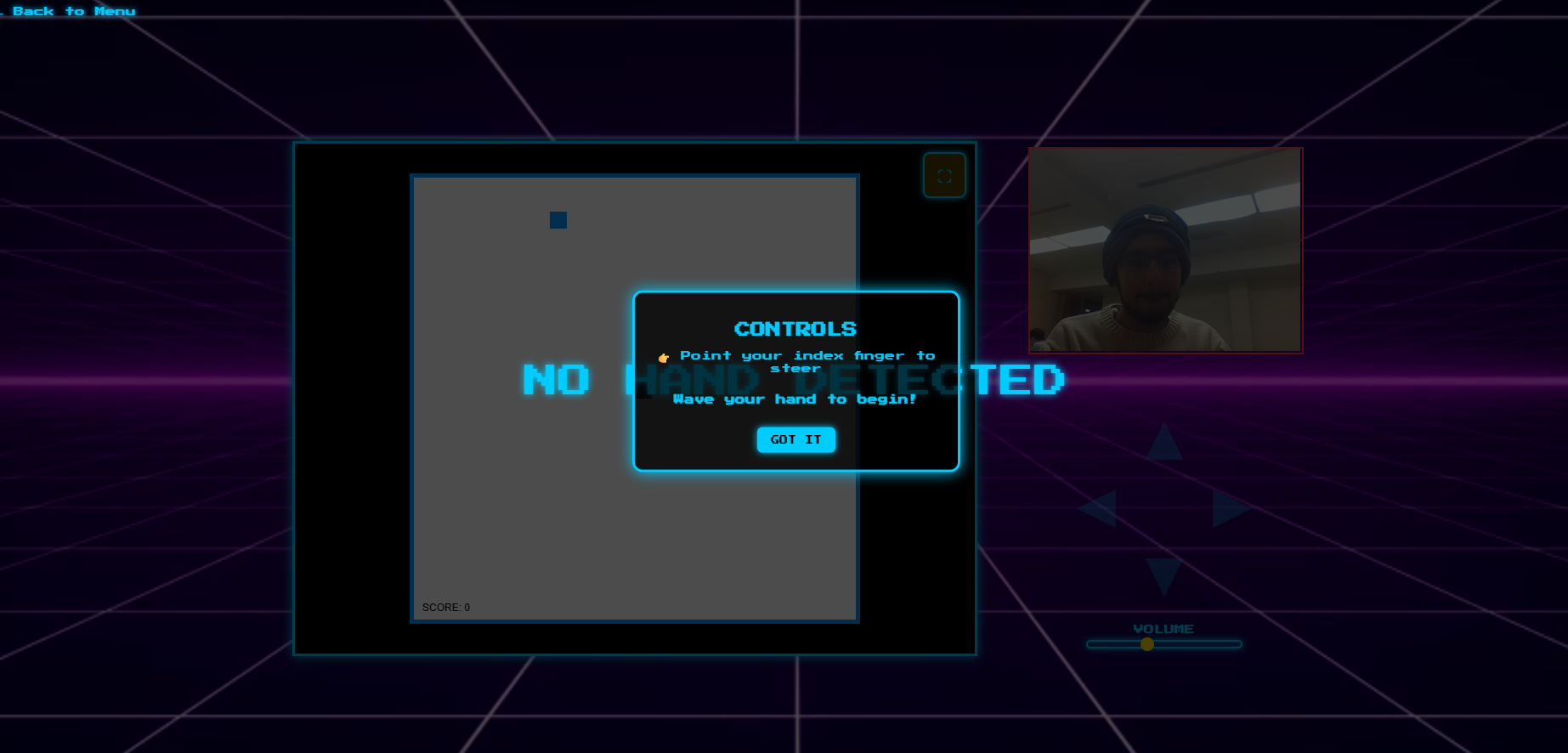
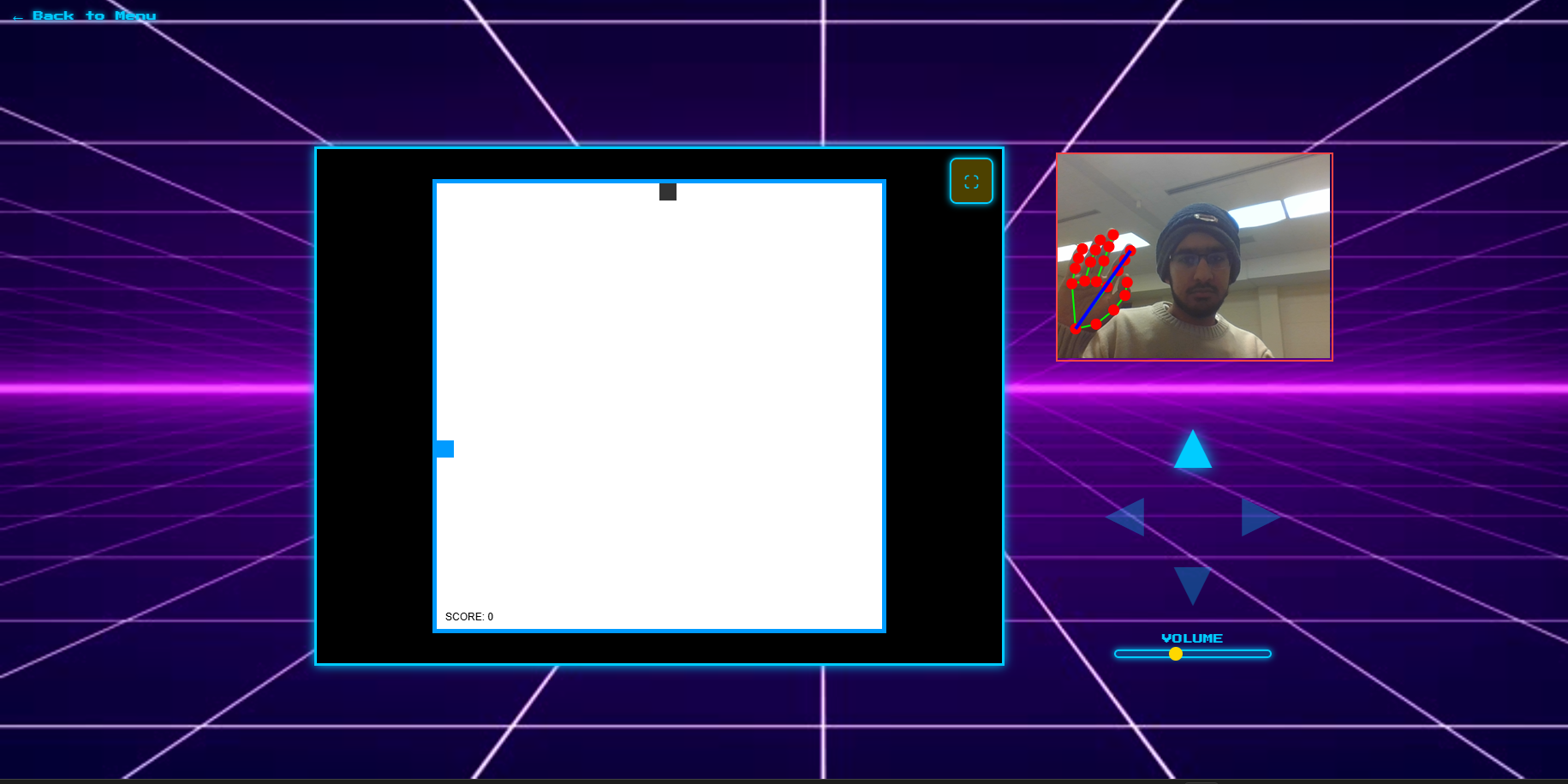
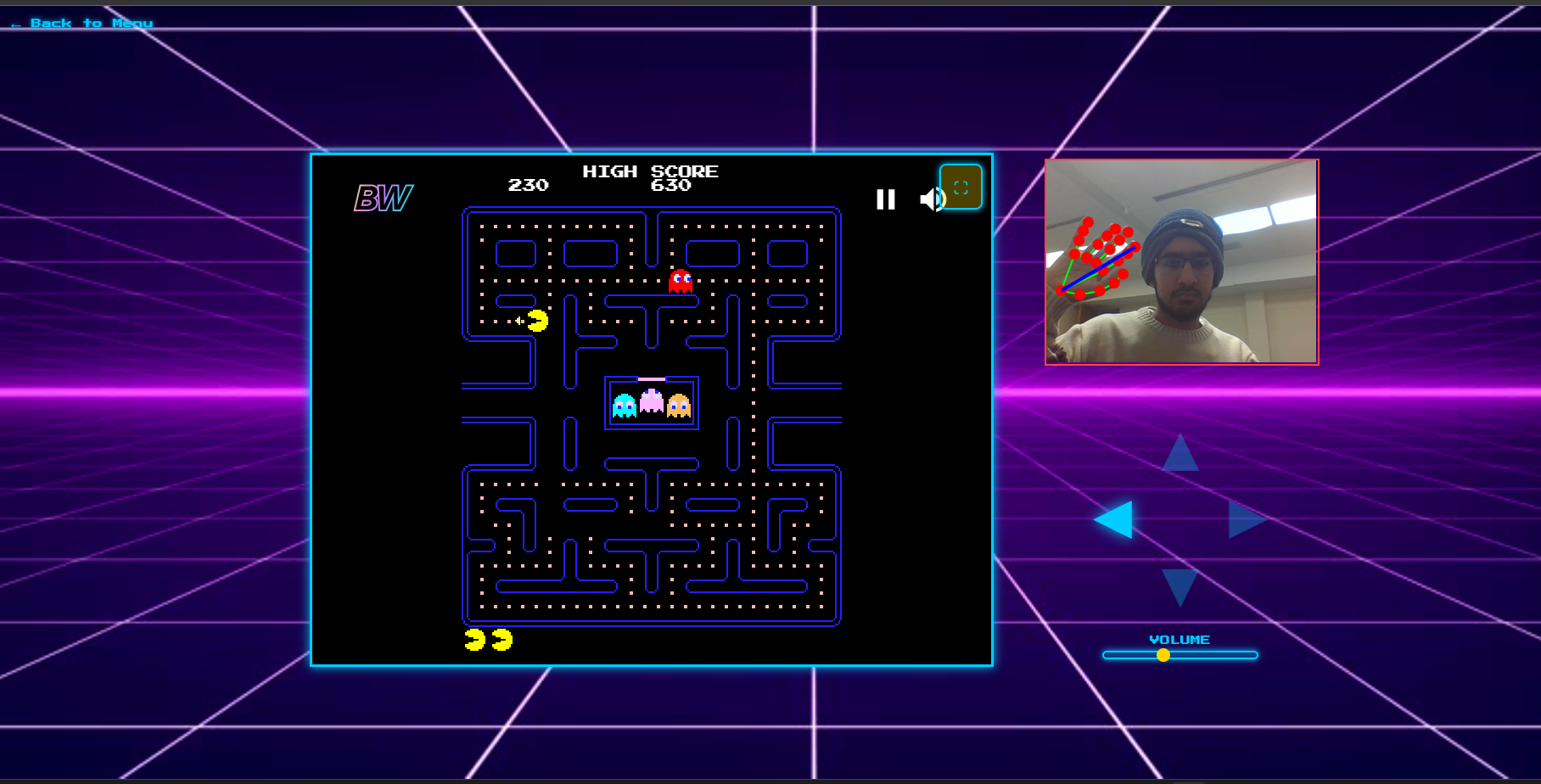
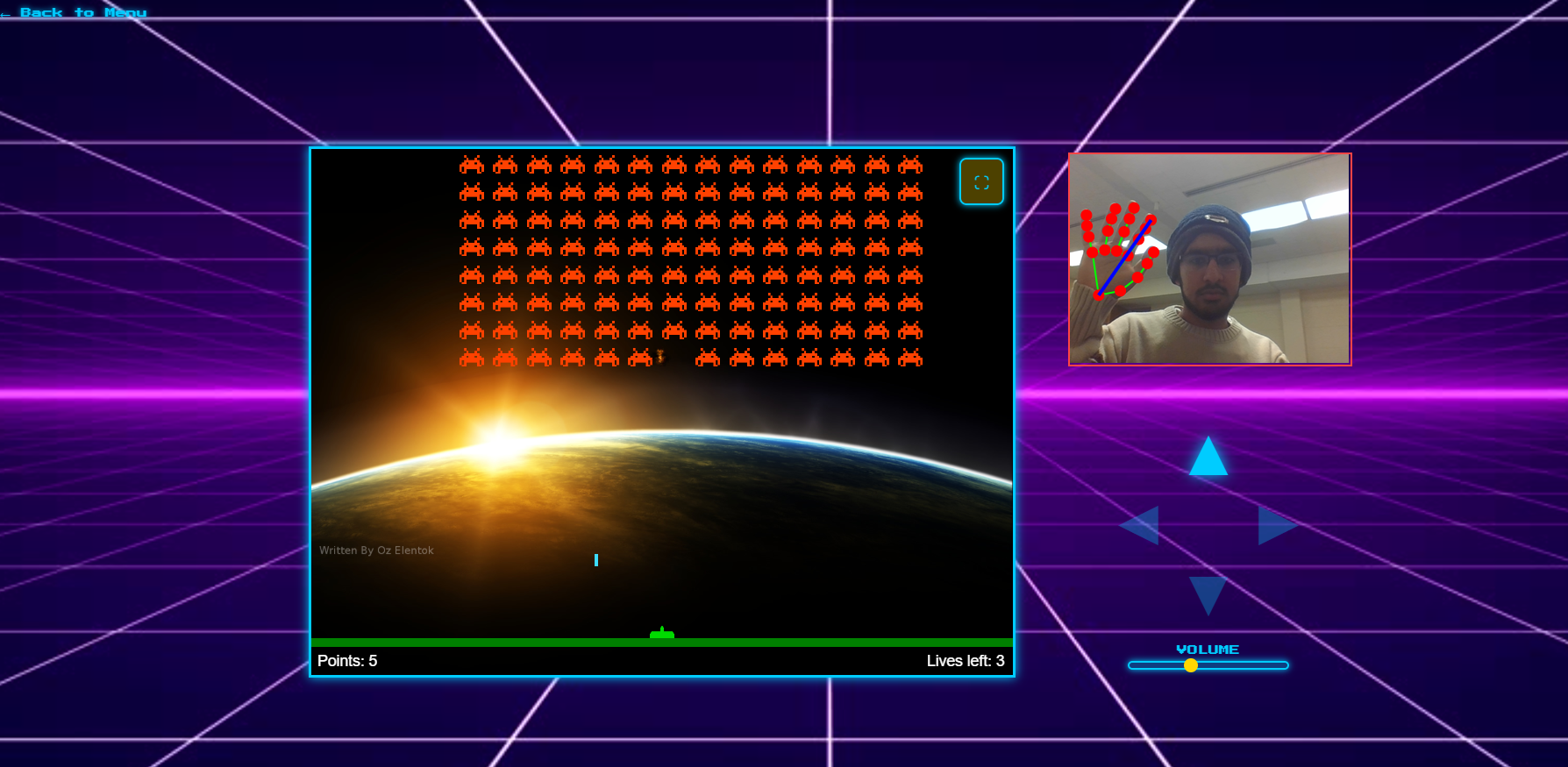
VideoGamer Retro Gameplay. Real Hand Tracking. No Controller Required. Point your finger and the game will obey!
💡 Inspiration
Our idea came from a simple question: “What if you could play retro games without touching anything?”
During brainstorming we realized we wanted a new way to play classic games. We wanted the kind of interaction where anyone could walk up, try it , and be addicted!
Within hours, that idea became VideoGamer: a system that lets you play games like Snake and Pac-Man using nothing but your hand and a webcam.
🎮 What It Does
VideoGamer allows players to:
- Move their hand in front of a camera
- Have their finger direction interpreted with MediaPipe
- Trigger keyboard inputs in a retro game running in an iframe
- Use up, down, left, right with no physical controller
- See real-time visual feedback via glowing arrow UI indicators.
In short: Your hand becomes the D-pad.
🛠️ How We Built It Hand Tracking
We used MediaPipe Hands to detect 3D hand landmarks and extract the vector from the wrist to the index finger classify directional intention.
Direction Smoothing Raw tracking is jittery. We stabled it using:
- Multi frame consistency
- Lightweight debouncing -Stable direction filtering
Keyboard input emulation We injected synthetic keyboard events into the retro game iframe:
iframe.contentWindow.dispatchEvent(new KeyboardEvent("keydown", { key: "ArrowLeft" }))
This allowed legacy games to work with no modification.
UI + Retro Design
We built a styled interface using: Custom glowing arrows Retro pixel font (Press Start 2P) GIF-based menu carousel A neon-arcade landing screen
🧩 Challenges We Ran Into
- Keyboard Events Not Reaching the Game
The iframe refused to accept synthetic events at first. We learned we must:
Serve everything from the same origin
Dispatch events on the iframe’s document, not the window
Manually emulate legacy KeyboardEvent fields like keyCode and which
- MediaPipe Direction Noise
Raw vectors jitter like crazy when a finger moves fast. We solved it using:
Frame-consistency filtering
Direction debouncing
- Designing a Playable Gesture Scheme
You’d think pointing would “just work” — nope. We iterated until the system felt responsive but not chaotic.
- UI Visibility Over a Busy Background
The arrows disappeared over backgrounds. We added:
Text shadow Higher opacity
Retro color scheme
🏅 Accomplishments We’re Proud Of
Built a fully functional controller-free gaming system in a weekend Achieved smooth, intuitive movement control Created an animated GIF-driven game selection menu Designed a polished retro landing page and UI Actually got games to turn when we waved our hand!
📚 What We Learned How to work deeply with MediaPipe Hands Synthetic keyboard events are tricky Math for gesture detection Performance tuning: optimizing canvas draws & MediaPipe frame rate Team collaboration under pressure Retro design principles and UI readability
🔮 What’s Next for VideoGamer Short-Term
Add more gesture actions (e.g., fist = pause) Two handed gestures! Support more retro games (e.g. Doom) Optimize latency and frame smoothing
Long-Term
Full gesture-controlled game engine Multiplayer cooperative gestures
Built With
- css
- html5
- javascript
- mediapipe


Log in or sign up for Devpost to join the conversation.