VideoAgent — AI-Powered Video Generation
Inspiration
Video creation is usually a time-consuming process that requires scripting, finding visuals, recording voiceovers, adding subtitles, background music, and editing everything together. I wanted to build something that could automate this workflow starting from something as simple as a single topic.
The idea behind VideoAgent came from experimenting with AI agents and asking: What if AI could act as a complete video-production assistant rather than only generating text?
This inspired me to build a tool where a user can enter a topic, generate a structured script, review and edit it, refine it through an AI conversation, and finally turn it into a complete narrated video.
How I Built It
I built VideoAgent as a Streamlit-based AI video generation application. The application follows a multi-stage workflow:
$$ \text{Topic} \rightarrow \text{AI Script} \rightarrow \text{Script Editing} \rightarrow \text{AI Refinement} \rightarrow \text{Visuals + Voice} \rightarrow \text{Video Rendering} $$
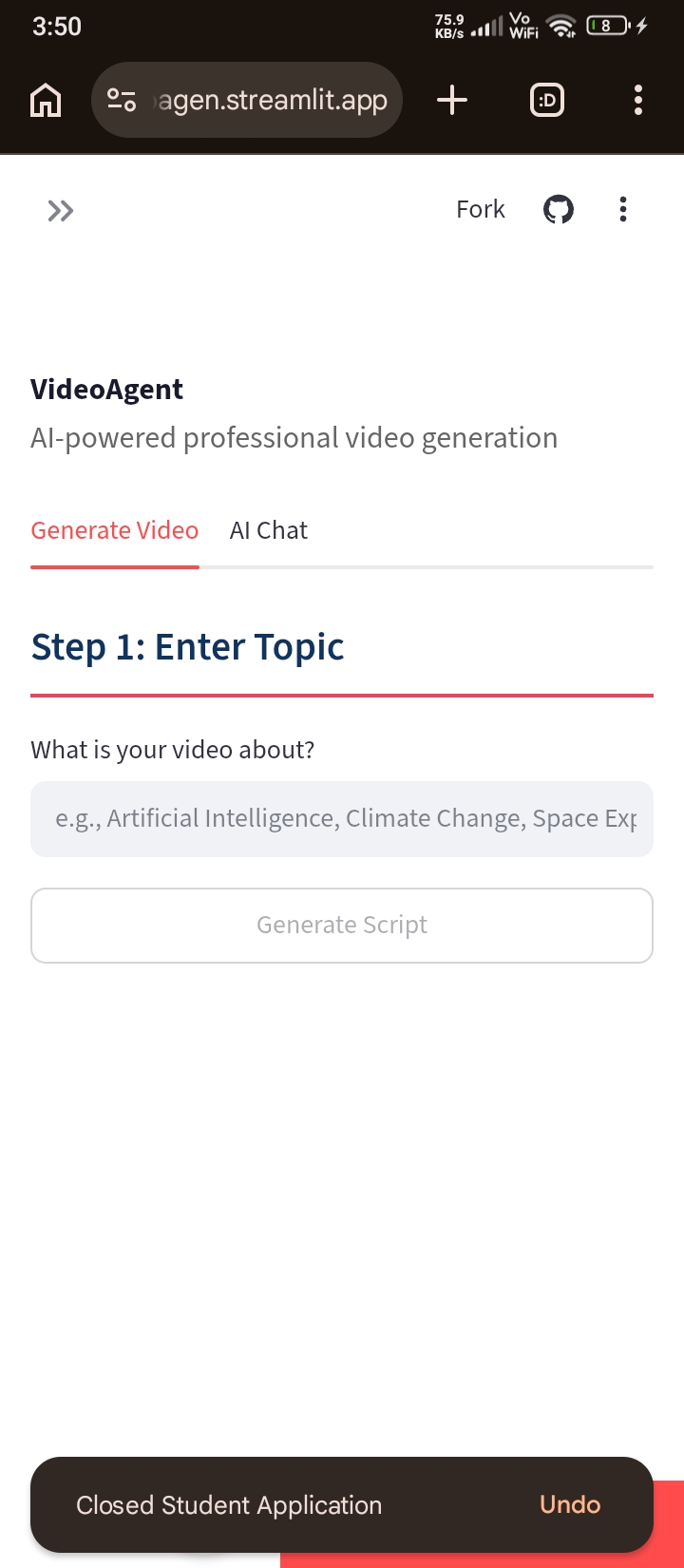
The user first enters a topic such as Artificial Intelligence or Climate Change. An LLM generates a structured JSON script containing a title, narration, and visual prompt for each segment.
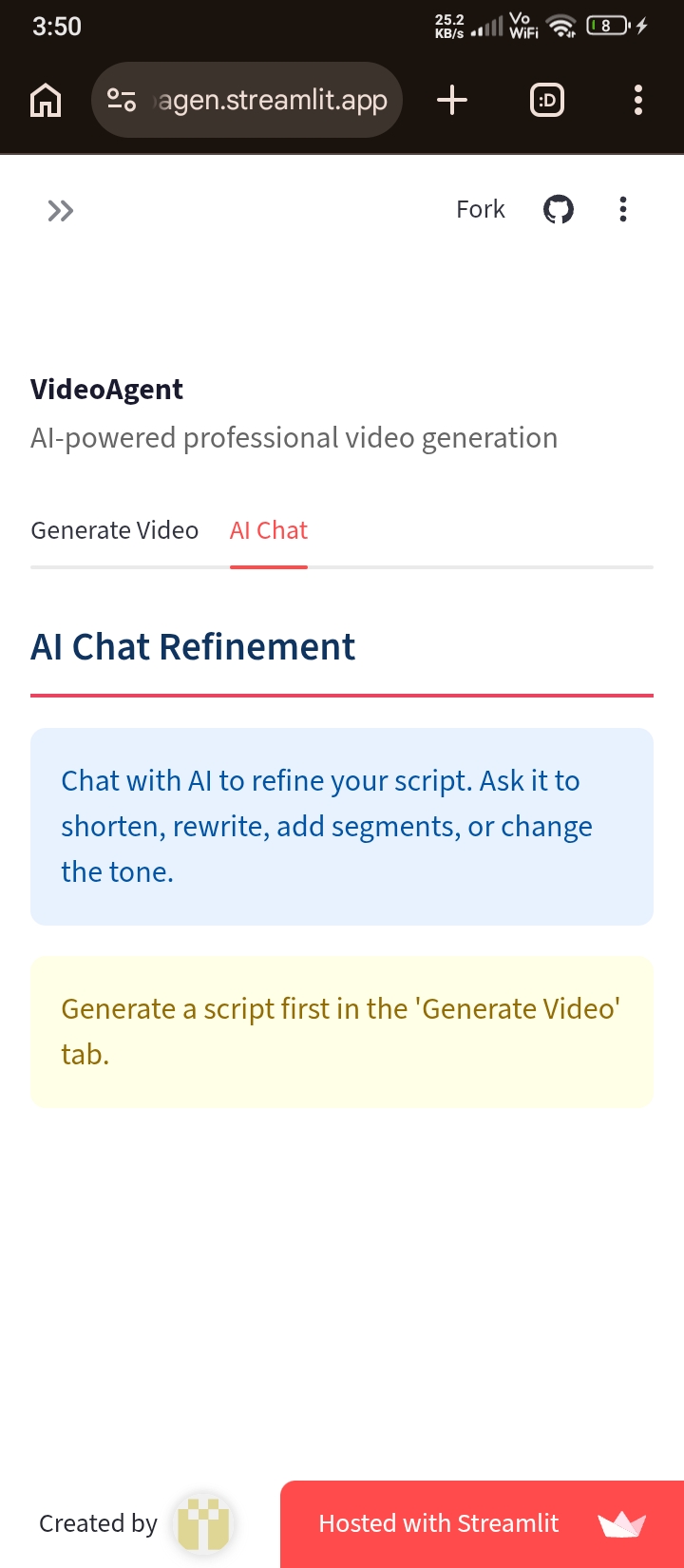
The application then allows the user to manually edit the generated narration and image prompts. I also added an AI Chat Refinement feature so users can ask the AI to shorten the script, rewrite it, add segments, or change its tone.
For each segment, VideoAgent:
- Generates an AI visual from the image prompt.
- Creates a voiceover using Google Text-to-Speech (gTTS).
- Adds subtitles to the visual.
- Synchronizes the narration with the visual.
- Applies fade-in and fade-out effects.
- Combines all segments into a complete video.
- Adds generated background music.
- Produces a downloadable MP4 video.
The video-processing pipeline is implemented using MoviePy, Pillow, NumPy, and Python, while the AI interaction uses an OpenAI-compatible API through OpenRouter. The application also supports multiple voiceover languages and configurable resolution, FPS, and background-music volume.
What I Learned
This project helped me understand that building an AI application involves much more than simply calling an LLM API.
I learned how to:
- Design an end-to-end AI content-generation pipeline.
- Structure LLM outputs as JSON so they can be consumed programmatically.
- Build conversational AI refinement workflows.
- Integrate AI-generated images with generated narration.
- Synchronize audio and visual content programmatically.
- Generate subtitles dynamically using Python and Pillow.
- Combine multiple audio sources into a final video.
- Manage application state using Streamlit session state.
- Build fallback mechanisms when an AI image-generation request fails.
- Deploy and test an AI application in a real-world environment.
One of the most important lessons was the value of human-in-the-loop AI. Instead of blindly generating a final video, VideoAgent gives the user opportunities to review, edit, and refine the script before rendering.
Challenges
One major challenge was coordinating different AI and media-generation components into a reliable pipeline. A failure in image generation, text generation, voice generation, or video rendering could potentially break the entire workflow.
To make the system more robust, I implemented a fallback image-generation mechanism. If the AI image-generation step fails, the application creates a visually formatted fallback image instead of stopping the entire video-generation process.
Another challenge was audio-video synchronization. Since each segment has narration of a different duration, the visual clips need to dynamically match the length of their corresponding voiceovers.
I also had to handle practical deployment challenges such as temporary files, API configuration, fonts, video rendering time, and maintaining application state between Streamlit interactions.
What Makes VideoAgent Interesting
The main idea is not just "generate a video with AI." It is about connecting multiple AI and media capabilities into a single workflow.
The system combines:
LLM → Script → AI Visuals → TTS → Subtitles → Music → Video Rendering
The conversational refinement layer also makes the workflow iterative rather than one-shot:
Generate → Review → Refine → Render
This allows the user to remain involved while letting AI handle the repetitive production work.
Future Improvements
There are several improvements I would like to make in future versions:
- Add automatic scene transitions and more advanced animations.
- Support AI-generated video clips instead of primarily static visuals.
- Add multiple voice styles and custom voice cloning.
- Improve subtitle styling and word-level synchronization.
- Add automatic music selection based on video mood.
- Support YouTube Shorts, Instagram Reels, and TikTok-specific templates.
- Add persistent cloud storage for generated videos.
- Introduce asynchronous/background video rendering.
- Add a stronger multi-agent architecture where separate agents handle research, scripting, storyboarding, visuals, audio, and final editing.
- Add source-grounded research so factual videos can include references.
- Allow users to modify individual scenes through natural-language commands.
My long-term goal is to evolve VideoAgent from a script-to-video generator into an AI video-production agent that can understand an idea, plan the production, create the assets, assemble the video, and continuously improve the result based on user feedback.

Log in or sign up for Devpost to join the conversation.