


VideoTube Project
Inspiration
The inspiration for VideoTube came from the growing popularity of video-sharing platforms like YouTube and Vimeo. These platforms have revolutionized the way content is created and consumed, providing endless opportunities for creators and audiences alike. I wanted to create a platform that combined the best features of these giants while introducing new elements that could enhance user experience and provide unique functionalities.
What I Learned
Building VideoTube was an educational journey that expanded my knowledge and skills in various areas:
- Web Development: I honed my skills in HTML, CSS, and JavaScript, focusing on creating a responsive and user-friendly interface.
- Backend Development: I delved deeper into server-side programming using Node.js and Express, learning how to manage server resources efficiently.
- Database Management: I gained experience with MongoDB, understanding how to design and implement a database schema suitable for storing video metadata and user information.
- User Authentication: Implementing secure user authentication with JWTs (JSON Web Tokens) taught me the importance of security in web applications.
- Video Streaming: I explored the complexities of video encoding, storage, and streaming, ensuring a seamless playback experience for users.
VideoTube can be a valuable tool for students in various ways:
Educational Content: Students can access a vast array of educational videos on subjects ranging from mathematics and science to history and literature. Channels dedicated to specific topics or academic levels can provide in-depth explanations and tutorials.
Visual Learning: For students who are visual learners, videos can make complex concepts easier to understand through animations, diagrams, and real-world examples.
Supplementary Learning: VideoTube can supplement classroom learning by providing additional resources and alternative explanations, which can be particularly helpful for homework and exam preparation.
Interactive Learning: Many educational channels include interactive elements such as quizzes and challenges that can engage students and reinforce learning.
Project and Presentation Resources: Students can use videos as references for their projects and presentations, providing visual and auditory examples to enhance their work.
Skill Development: VideoTube offers tutorials on various skills, from programming and graphic design to music and cooking, enabling students to learn new hobbies or develop career-related skills.
Language Learning: There are numerous channels dedicated to teaching languages, offering lessons, pronunciation guides, and cultural insights that are invaluable for language learners.
Staying Updated: Educational channels often discuss current events and recent developments in various fields, helping students stay informed about the world around them.
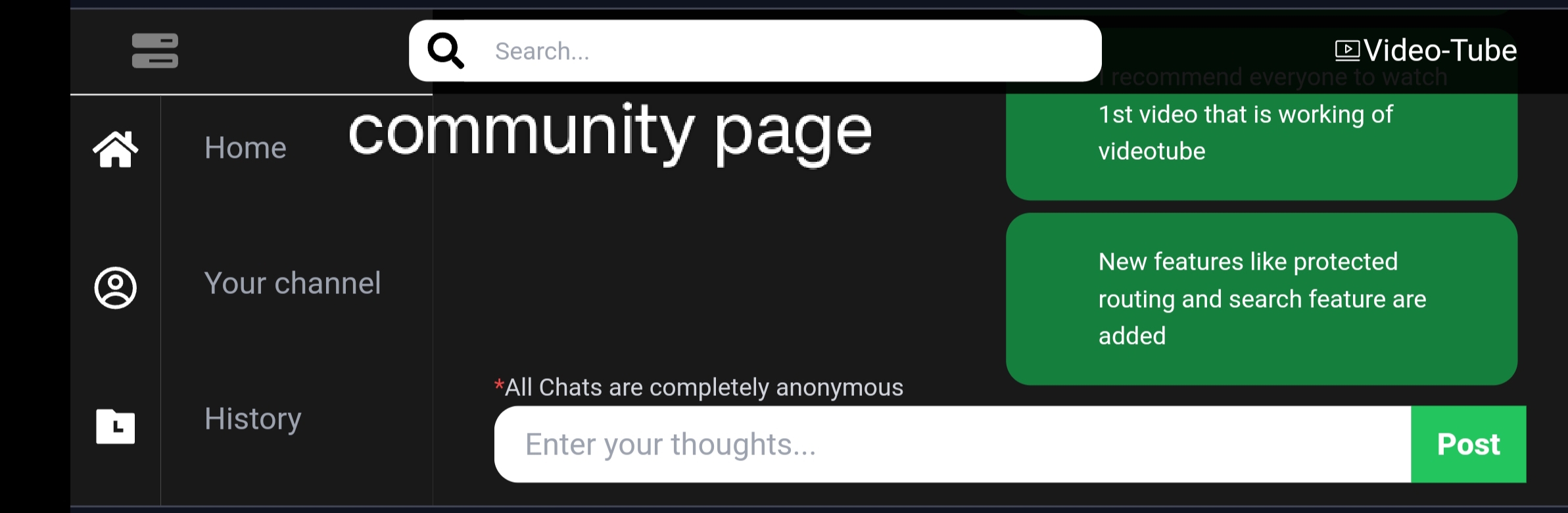
Community and Collaboration: Students can join discussions in the comments section, participate in live streams, and collaborate with peers globally, enhancing their learning experience through community interaction.
Accessible Learning: Videos can be paused, replayed, and watched at any time, providing a flexible learning schedule that accommodates different paces and learning styles.
How I Built the Project
1. Planning and Design
I started with thorough planning, outlining the key features and functionalities of VideoTube. I created wireframes and mockups to visualize the user interface and user experience.
2. Frontend Development
Using React, I developed a dynamic and responsive frontend. The main components included:
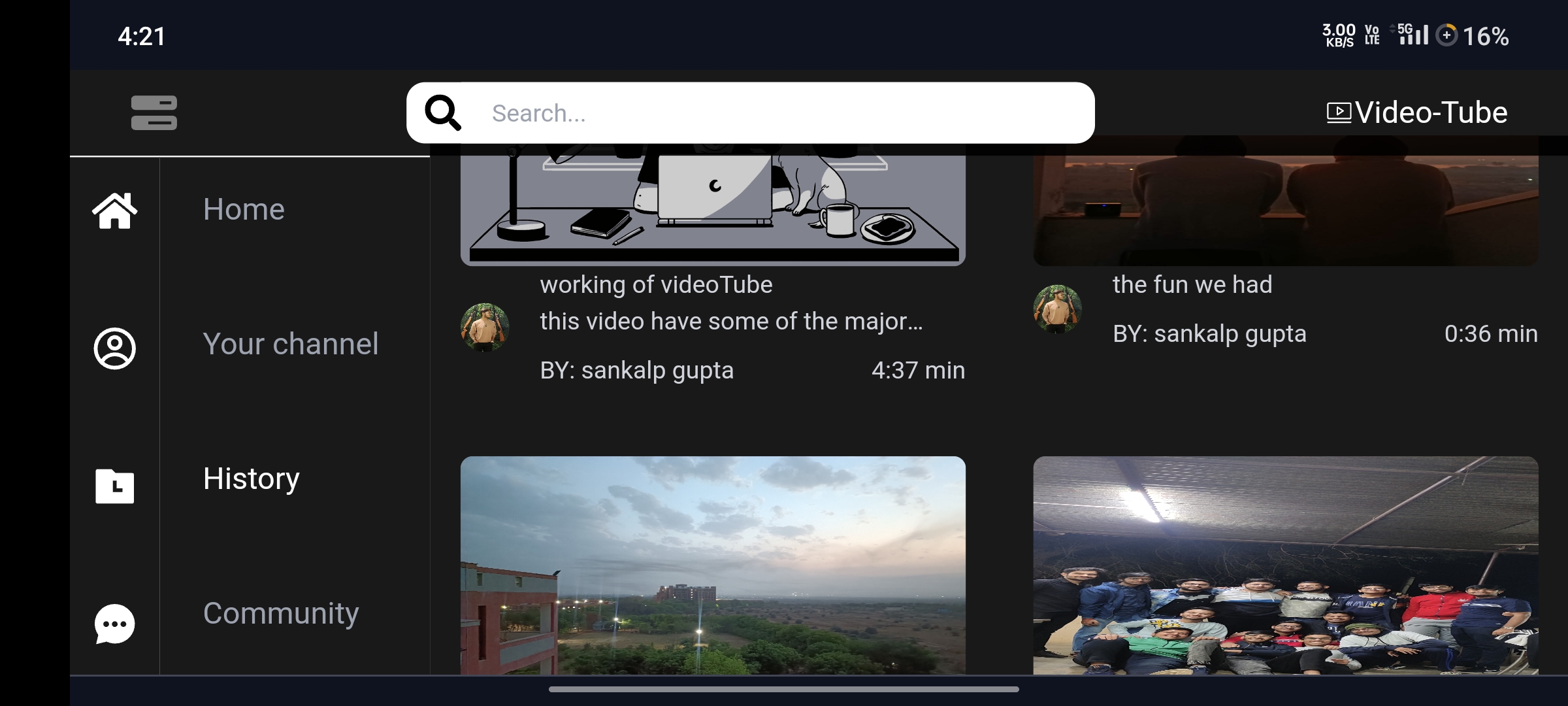
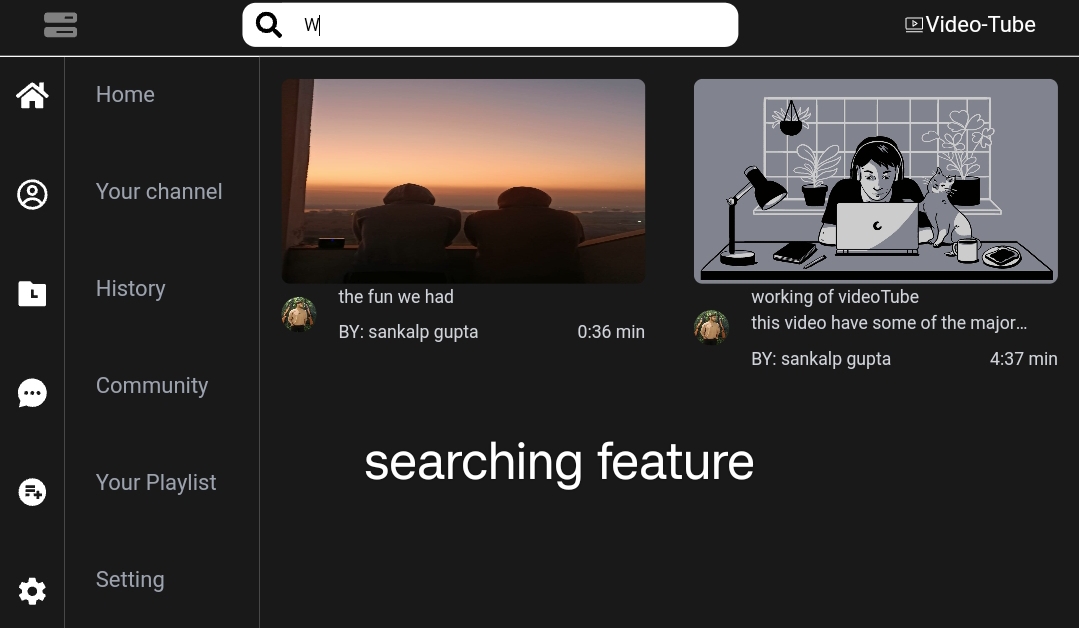
- Home Page: Featured recently uploaded videos.
- Video Player: A custom video player with controls for playback, volume, and fullscreen.
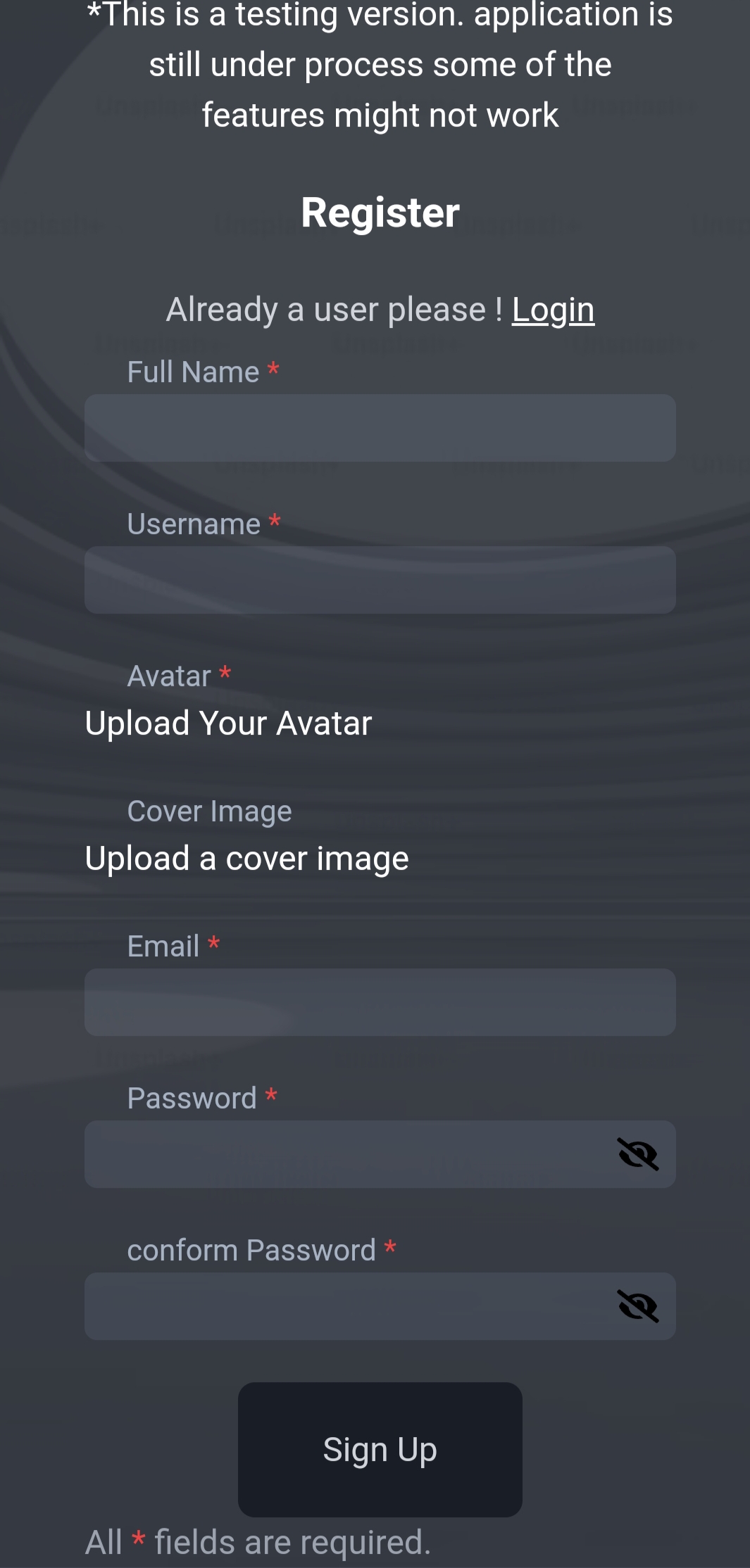
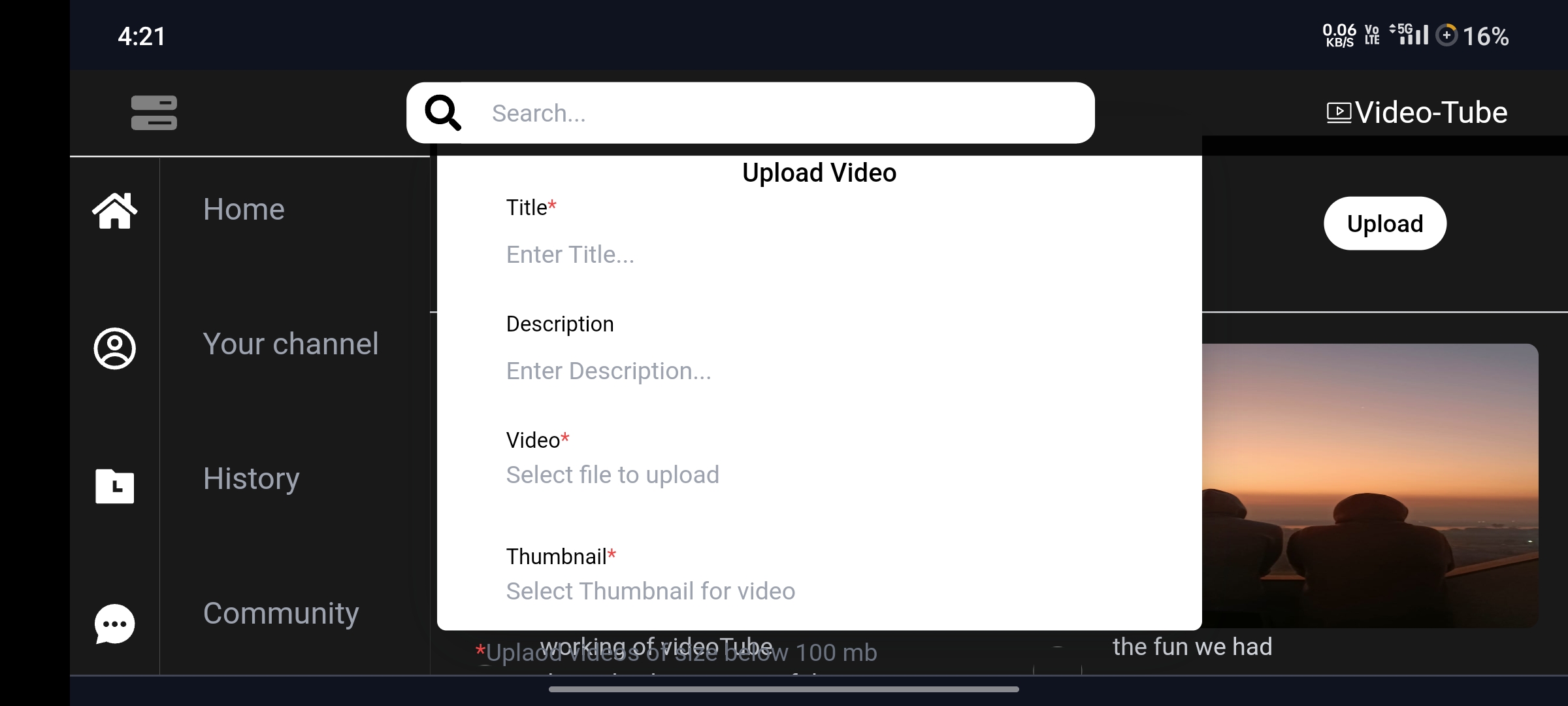
- User Profiles: Allowed users to create accounts, upload videos, and manage their content.
3. Backend Development
The backend was built with Node.js and Express. Key components included:
- RESTful API: Managed video uploads, user authentication, and data retrieval.
- Database: MongoDB was used to store user data, video metadata, and comments.
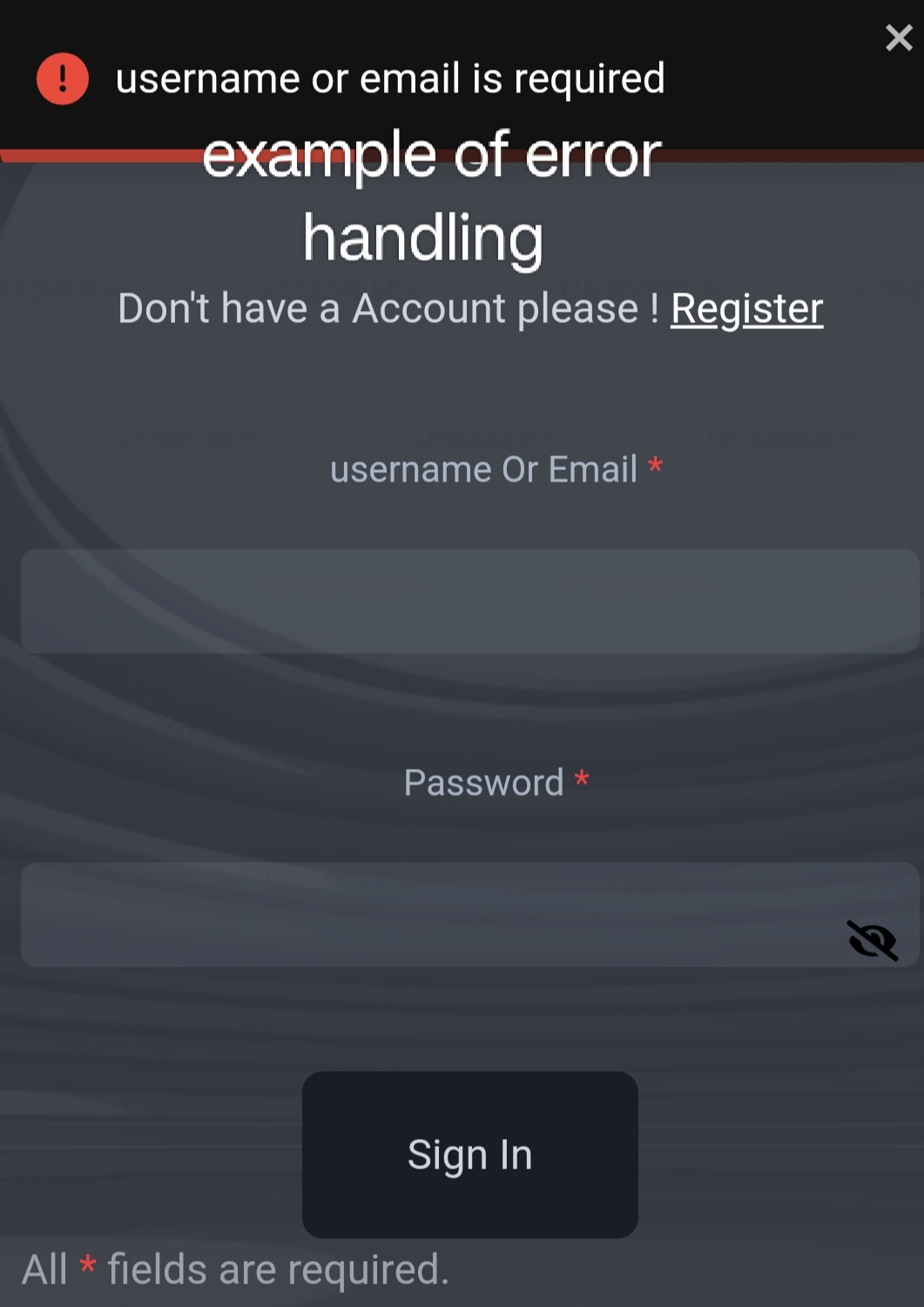
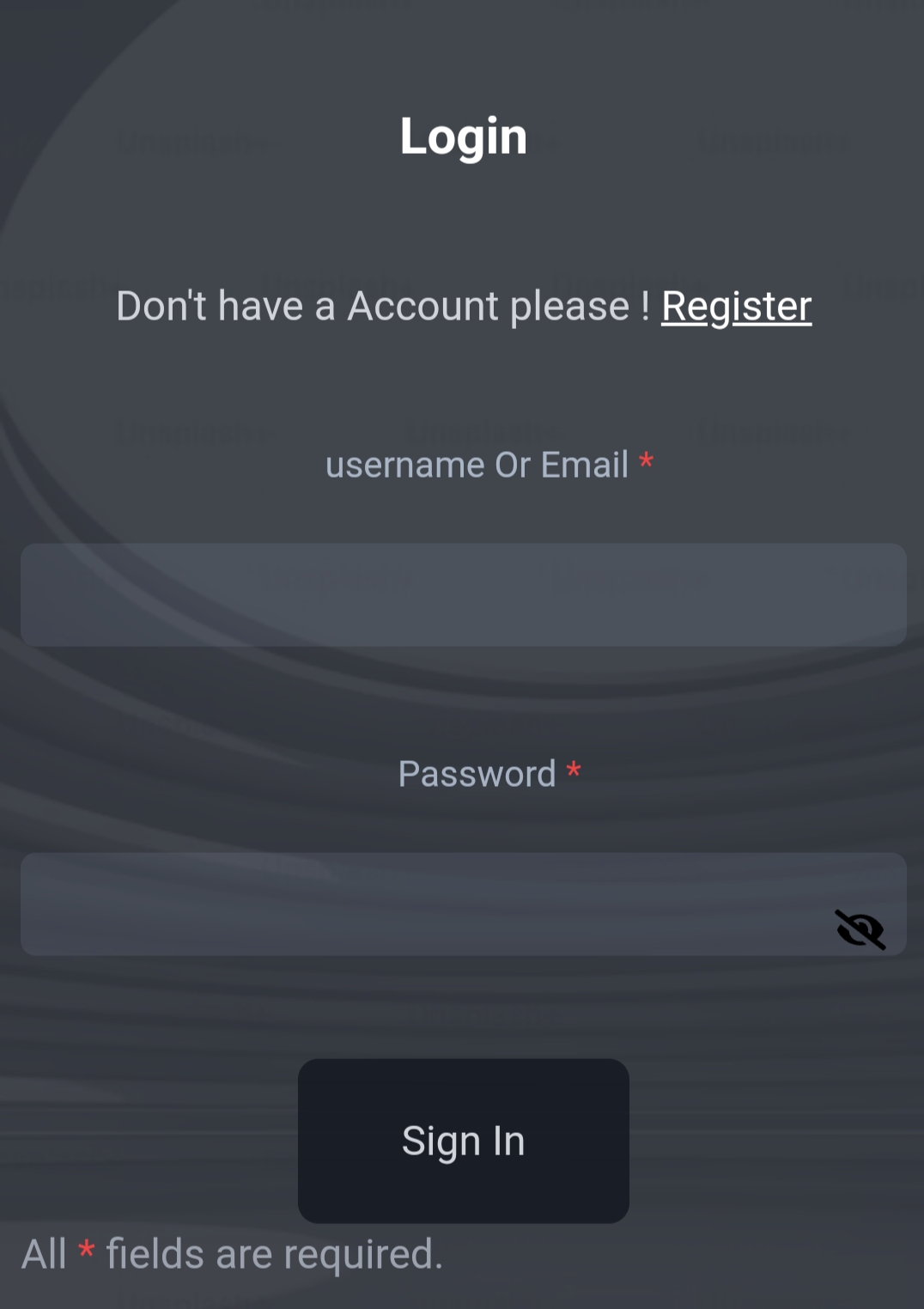
- Authentication: Implemented using JWTs to ensure secure login and access control.
4. Video Management
For video storage and streaming, I used a combination of AWS S3 and CloudFront. Videos were uploaded to S3 and delivered via CloudFront for efficient streaming.
5. Testing and Deployment
I conducted extensive testing to ensure the platform was robust and scalable. The application was deployed on a cloud service provider, ensuring high availability and performance.
Challenges Faced
1. Video Encoding and Streaming
Handling different video formats and ensuring smooth playback was a significant challenge. I had to learn about video codecs and adaptive bitrate streaming to provide a good user experience.
2. Scalability
Designing the platform to handle a large number of concurrent users and video uploads required careful consideration of architecture and resource management.
3. Security
Implementing secure user authentication and protecting user data from potential breaches was a top priority and required in-depth understanding of security practices.
Conclusion
Building VideoTube was a challenging but immensely rewarding experience. It not only allowed me to apply and expand my technical skills but also provided insights into the complexities of creating and maintaining a large-scale web application. The project taught me the importance of planning, testing, and continual learning in the development process. I'm excited to continue improving VideoTube and exploring new features to enhance user engagement and satisfaction.
What's Next for VideoTube
Feature Enhancements
1. Recommendation System
To improve user engagement, I plan to implement a robust recommendation system using machine learning algorithms. This system will analyze user behavior and preferences to suggest relevant videos.
2. Live Streaming
Introducing live streaming capabilities will allow content creators to engage with their audience in real-time. This feature will include live chat, donation options, and real-time analytics.
3. Advanced Analytics for Creators
Providing content creators with detailed analytics about their videos' performance will help them understand their audience better. This includes insights into viewer demographics, watch time, engagement rates, and more.
4. Community Features
Building a stronger community aspect by adding features such as:
- User Groups and Forums: To foster discussions and interactions among users.
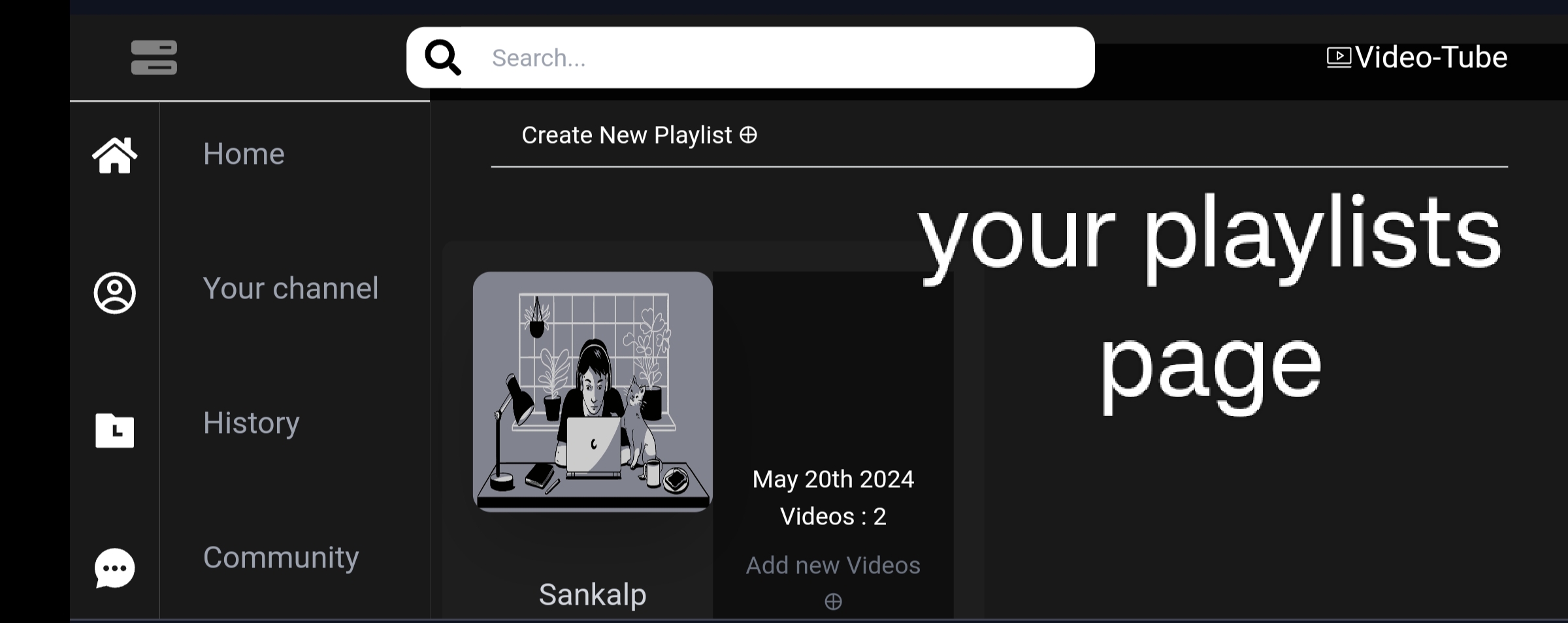
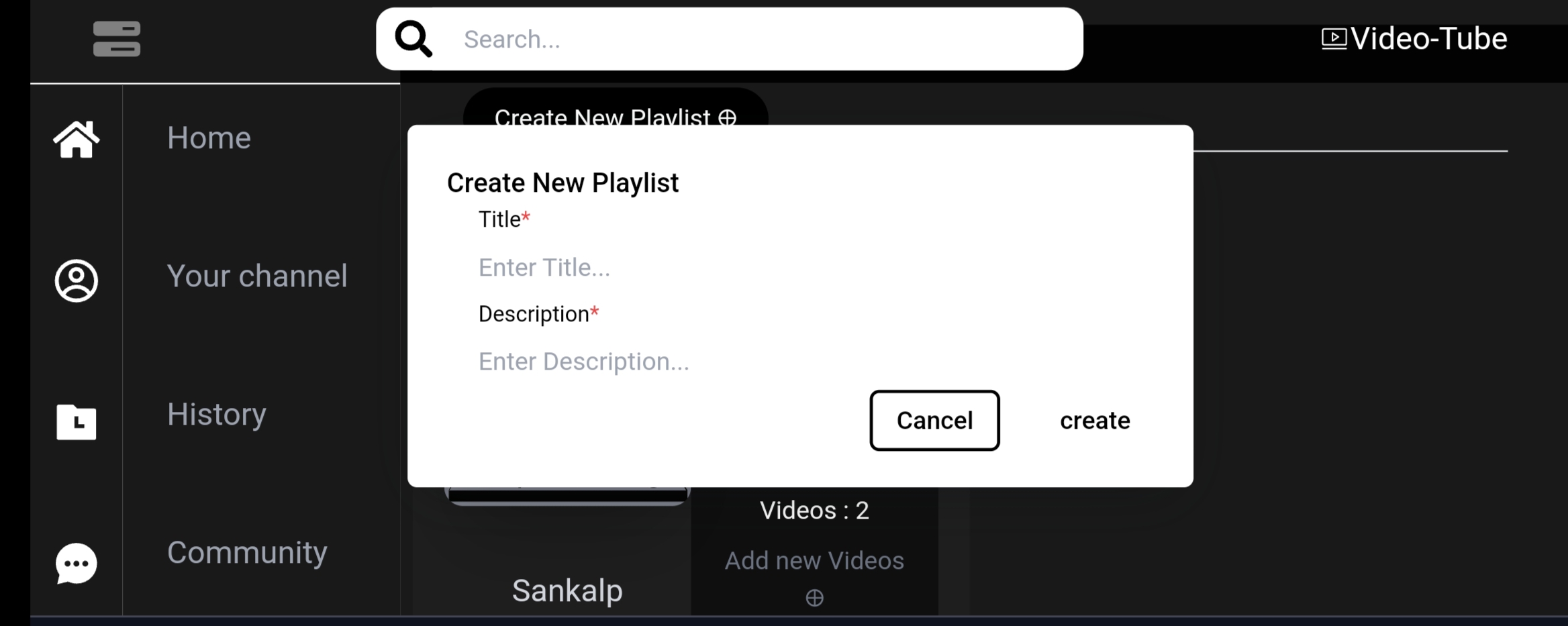
- Collaborative Playlists: Allowing users to create and share playlists collaboratively.
- Reaction and Polls: Enabling users to react to videos and participate in polls to increase interaction.
Technical Improvements
1. Performance Optimization
Enhancing the platform’s performance by optimizing server responses, reducing load times, and improving the efficiency of database queries.
2. Scalability
Further refining the architecture to handle a larger user base and higher traffic. This includes:
- Implementing microservices architecture.
- Utilizing containerization with Docker and orchestration with Kubernetes.
- Enhancing load balancing and auto-scaling mechanisms.
3. Improved Search Functionality
Integrating advanced search algorithms and filters to help users find content more efficiently. This includes implementing natural language processing (NLP) to understand and respond to search queries better.
4. Enhanced Security Measures
Continuously improving security to protect user data and prevent breaches. This involves:
- Regular security audits and penetration testing.
- Implementing two-factor authentication (2FA) for users.
- Enhancing encryption protocols for data at rest and in transit.
Expanding Accessibility
1. Multilingual Support
Making VideoTube accessible to a global audience by supporting multiple languages for the interface, subtitles, and metadata.
2. Accessibility Features
Ensuring the platform is accessible to users with disabilities by:
- Implementing screen reader compatibility.
- Providing keyboard navigation support.
- Including subtitles and closed captions for all videos.


Log in or sign up for Devpost to join the conversation.