-
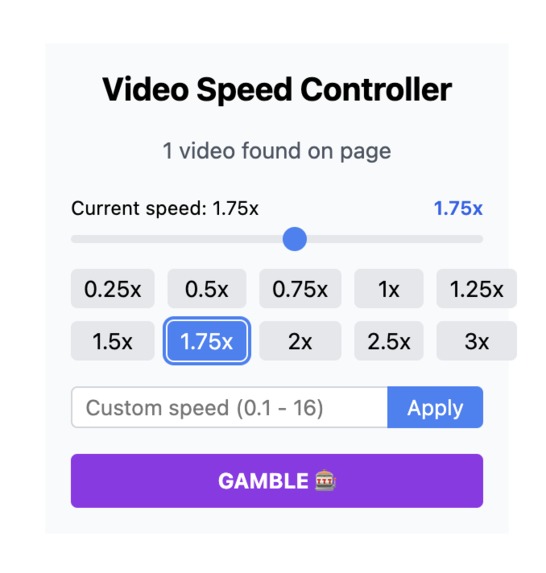
Easy to use UI
-
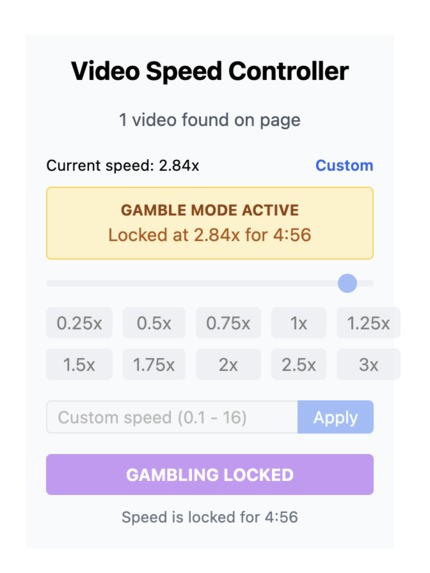
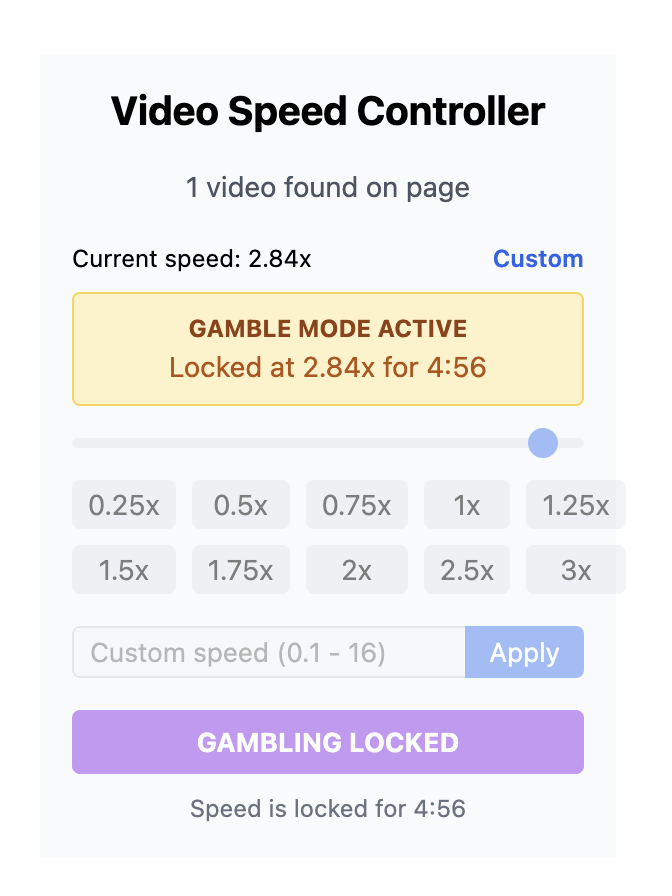
Gambling Feature in Action
-
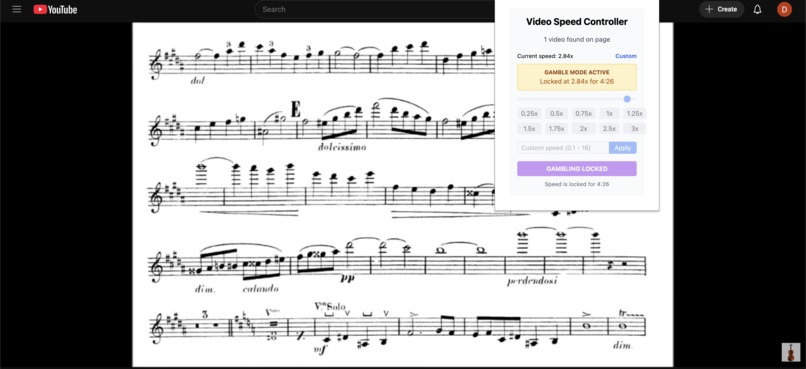
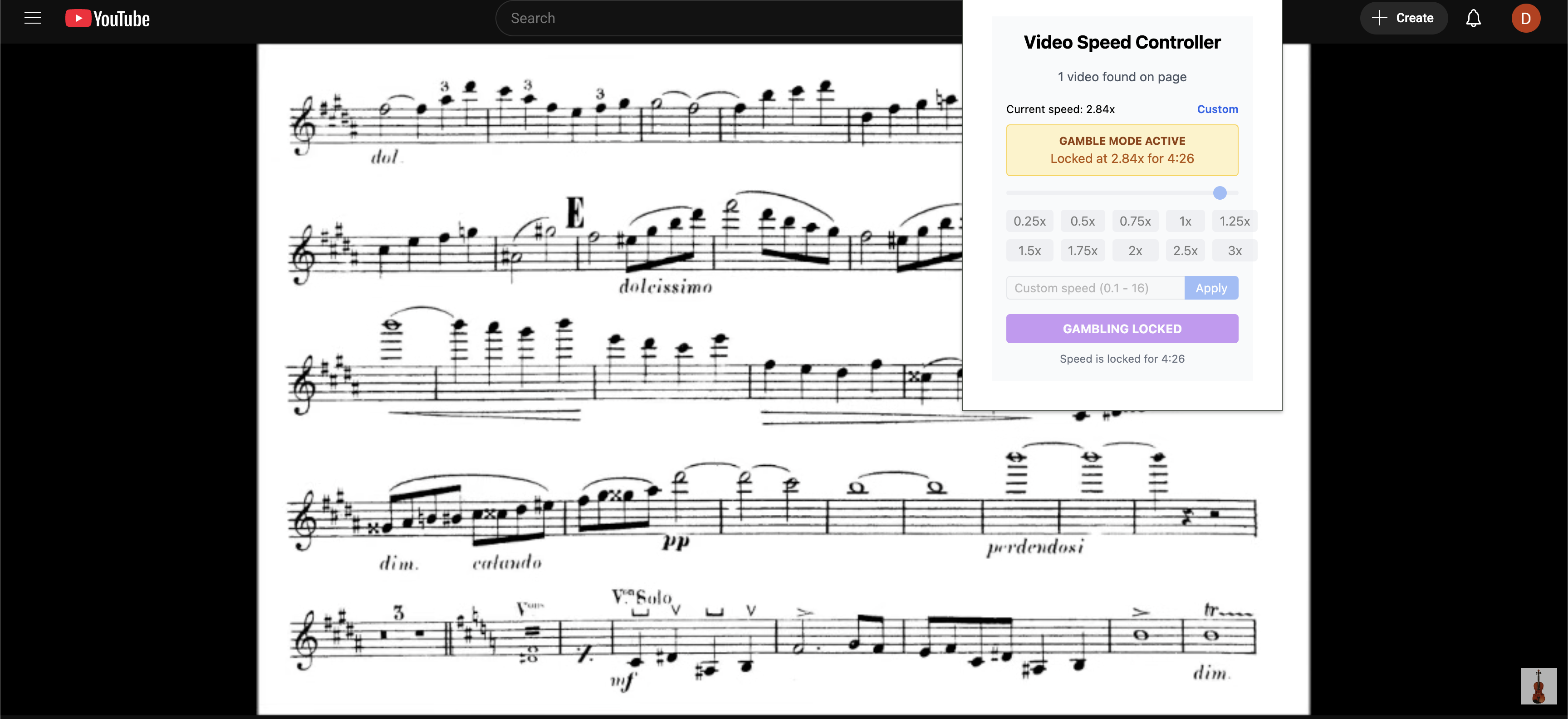
Works on most common websites
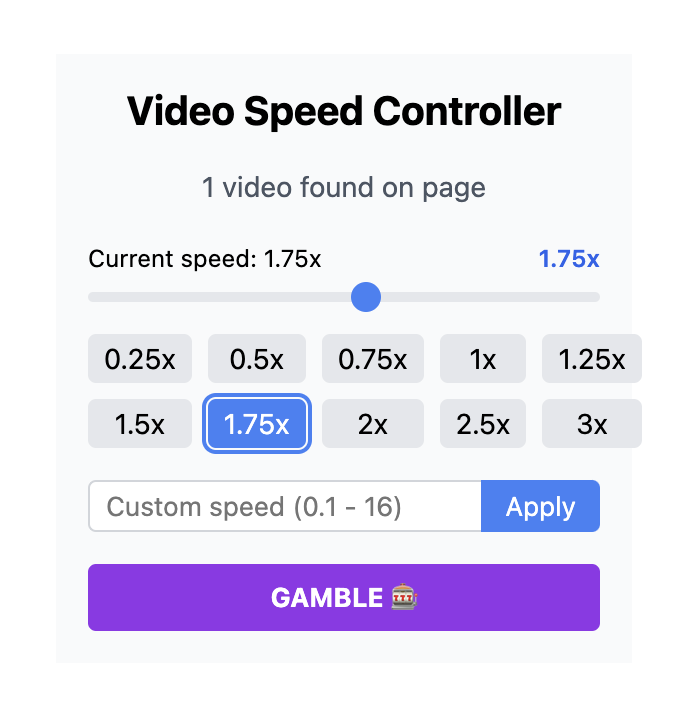
Video Speed Adjuster
Overview
The Video Speed Controller is a Chrome extension that allows users to easily adjust the playback speed of any HTML5 video on any webpage. It was built using React, TypeScript, and custom CSS styling to provide a clean, intuitive interface that even old people can use.
Key Features:
- Adjust video speed using a slider (0.25x to 3.0x)
- Quick preset speed buttons (0.25x, 0.5x, 0.75x, 1.0x, 1.25x, 1.5x, 1.75x, 2.0x, 2.5x, 3.0x)
- Custom speed input allowing any value between 0.1x and 16x
- Visual indicator showing which preset is currently active
User-Friendly Interface
- Clean, intuitive design with custom CSS styling
- Shows the number of videos detected on the current page
- Current speed is clearly displayed with both numeric value and preset label
- Warning notification during gambling mode with time remaining
How to Use
To use, navigate to the Git repo and download the "dist" folder. Then navigate to the "Manage Extensions" page for Google Chrome and press "Load Extension". Then select the "dist" folder and upload it. Now, it should show up and be usable if you would like to use it on your own.
Speed Gambling
- Users can press the GAMBLE! button to roll a custom video speed which then cannot be changed for the next 5 minutes and prevents any changes to the video speed
Built With
- gambling
- manifestv3
- react

Log in or sign up for Devpost to join the conversation.