-
-
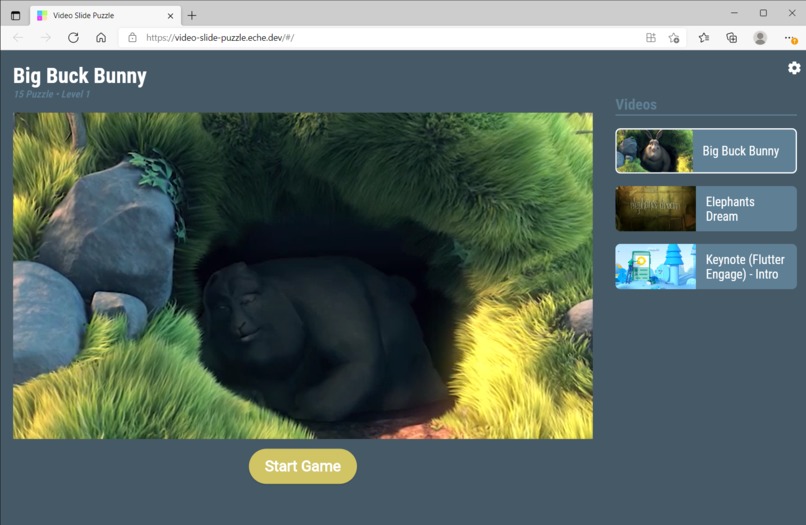
Video Slide Puzzle Web 1/5
-
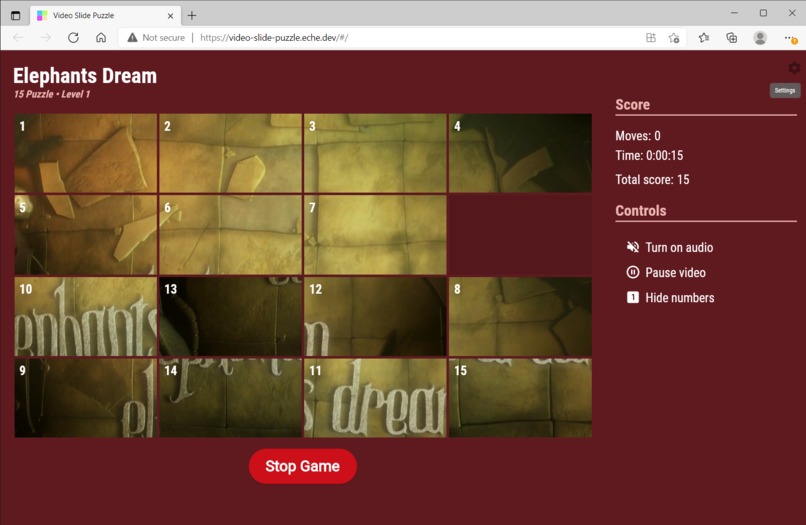
Video Slide Puzzle Web 2/5
-
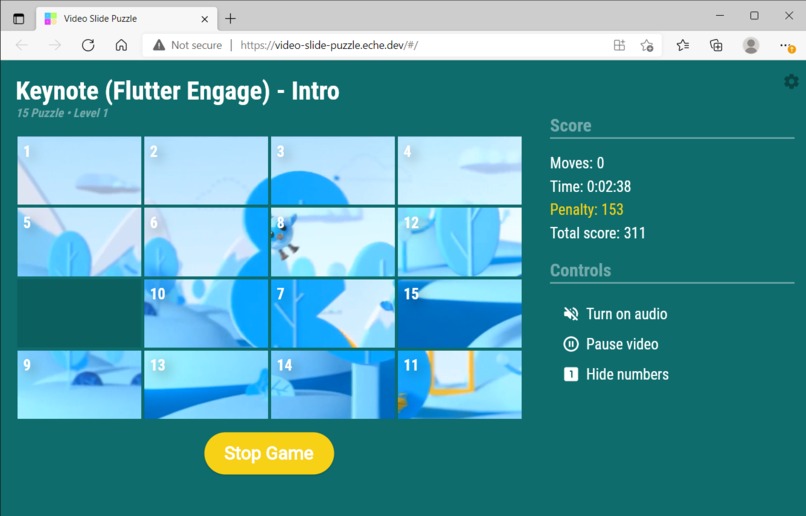
Video Slide Puzzle Web 3/5
-
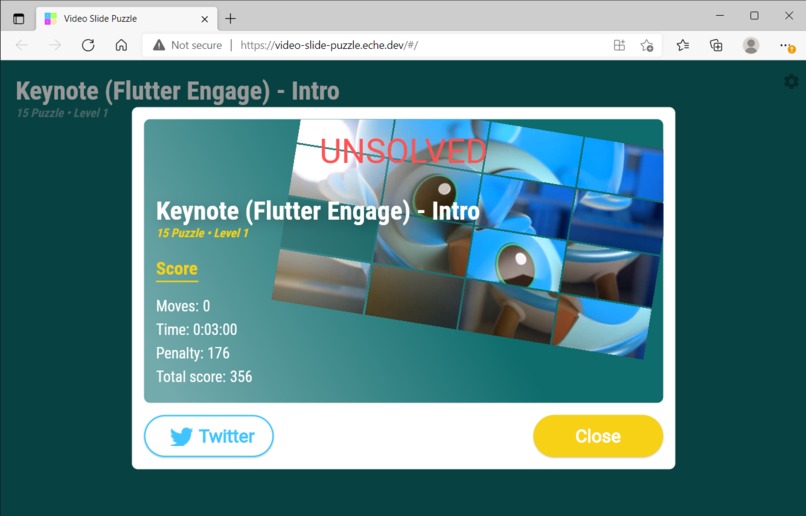
Video Slide Puzzle Web 4/5
-
Video Slide Puzzle Web 5/5
-
Video Slide Puzzle Android 1/3
-
Video Slide Puzzle Android 2/3
-
Video Slide Puzzle Android 3/3
-

Video Slide Puzzle iOS 1/5
-
Video Slide Puzzle iOS 2/5
-
Video Slide Puzzle iOS 3/5
-
Video Slide Puzzle iOS 4/5
-
Video Slide Puzzle iOS 5/5

Video Slide Puzzle
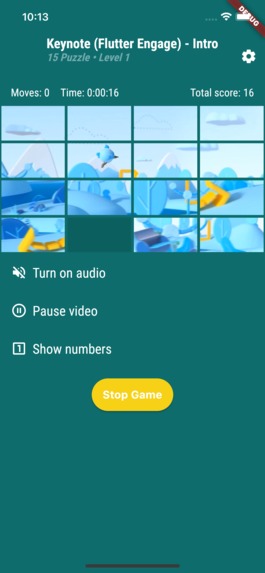
Sliding puzzle game where the tiles are pieces of the playing video stream.
Inspiration
I’ve never taken part in hackathons before. But when I found out about Flutter Puzzle Hack I decided to give it a try.
I am an author of the spannable_grid package that is a custom grid widget. It was originally created to implement a dashboard for my pet project of a smart home system. I realized that it could be a base for the puzzle game.
Also one of my previous projects was an app for a video streaming service. So the idea of my app for Flutter Puzzle Hack came to me quickly.
What it does
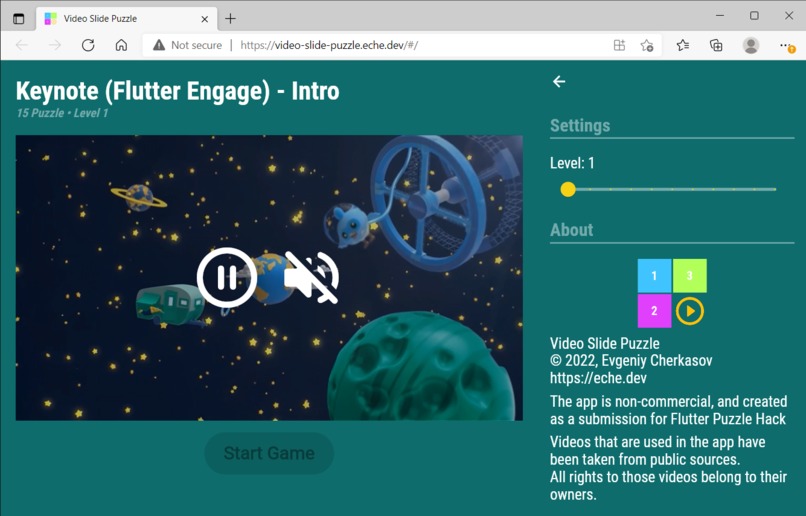
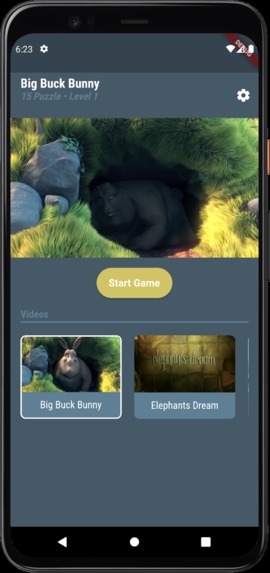
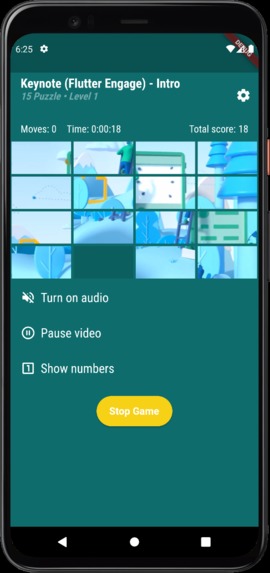
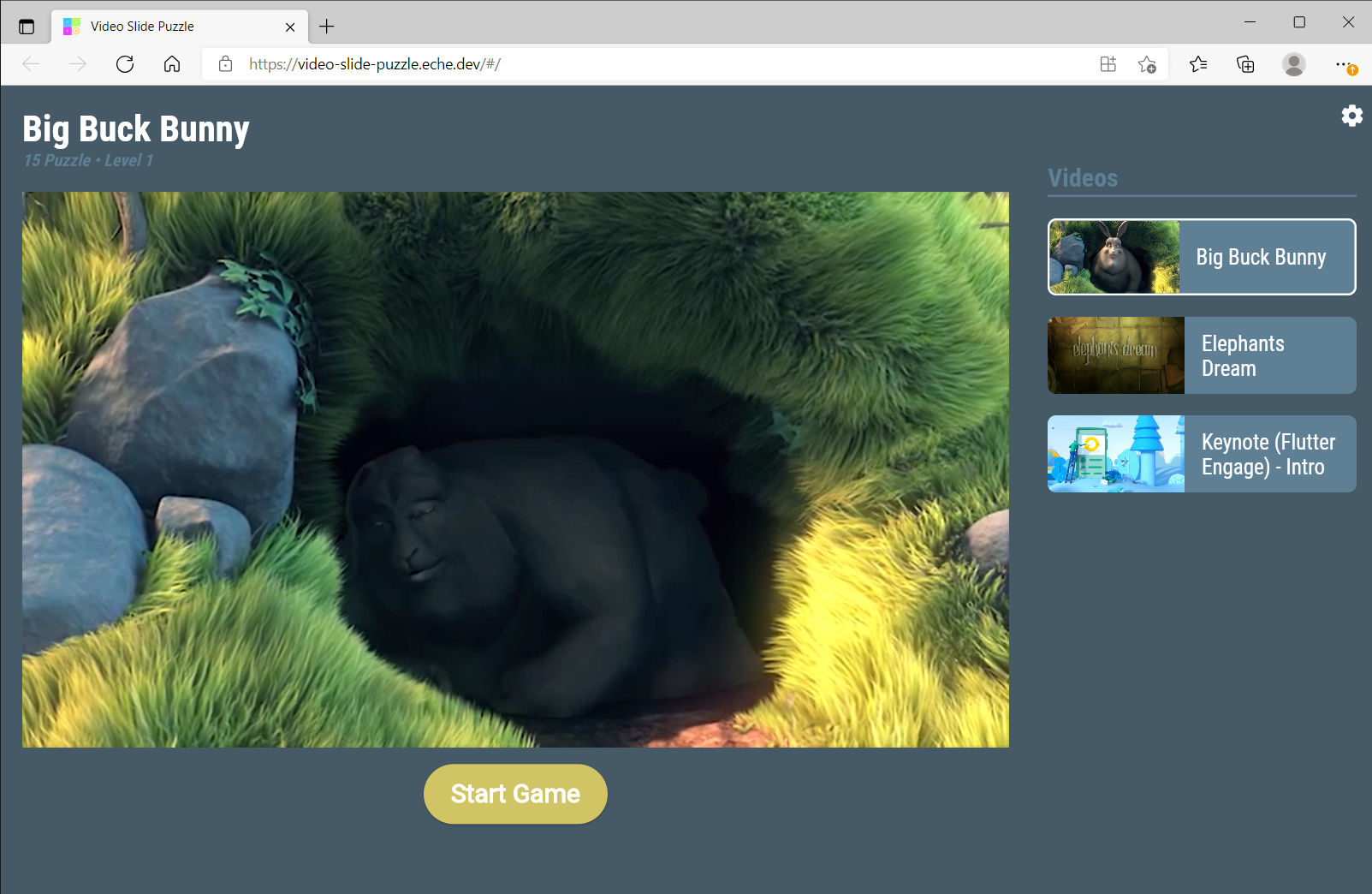
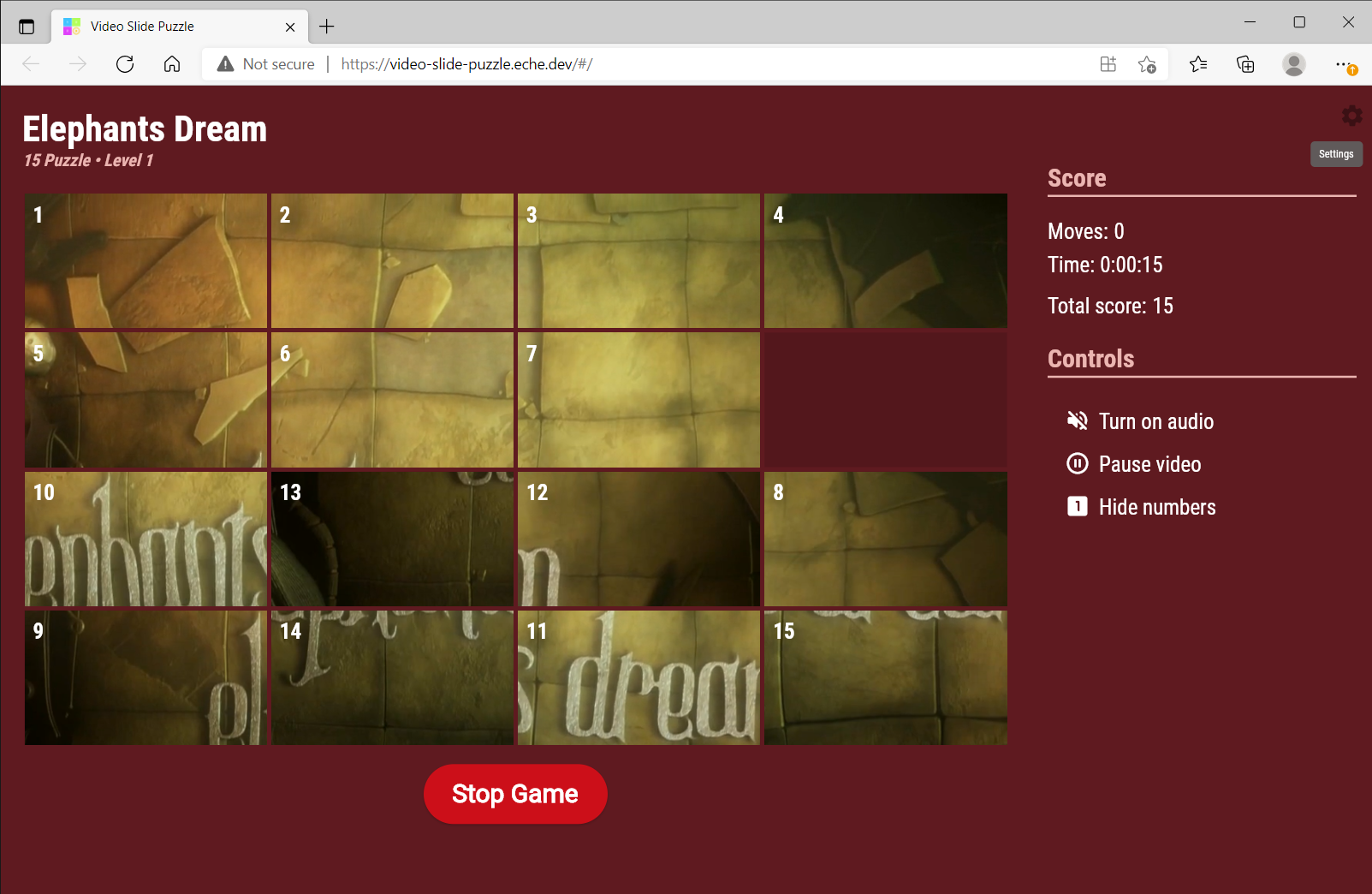
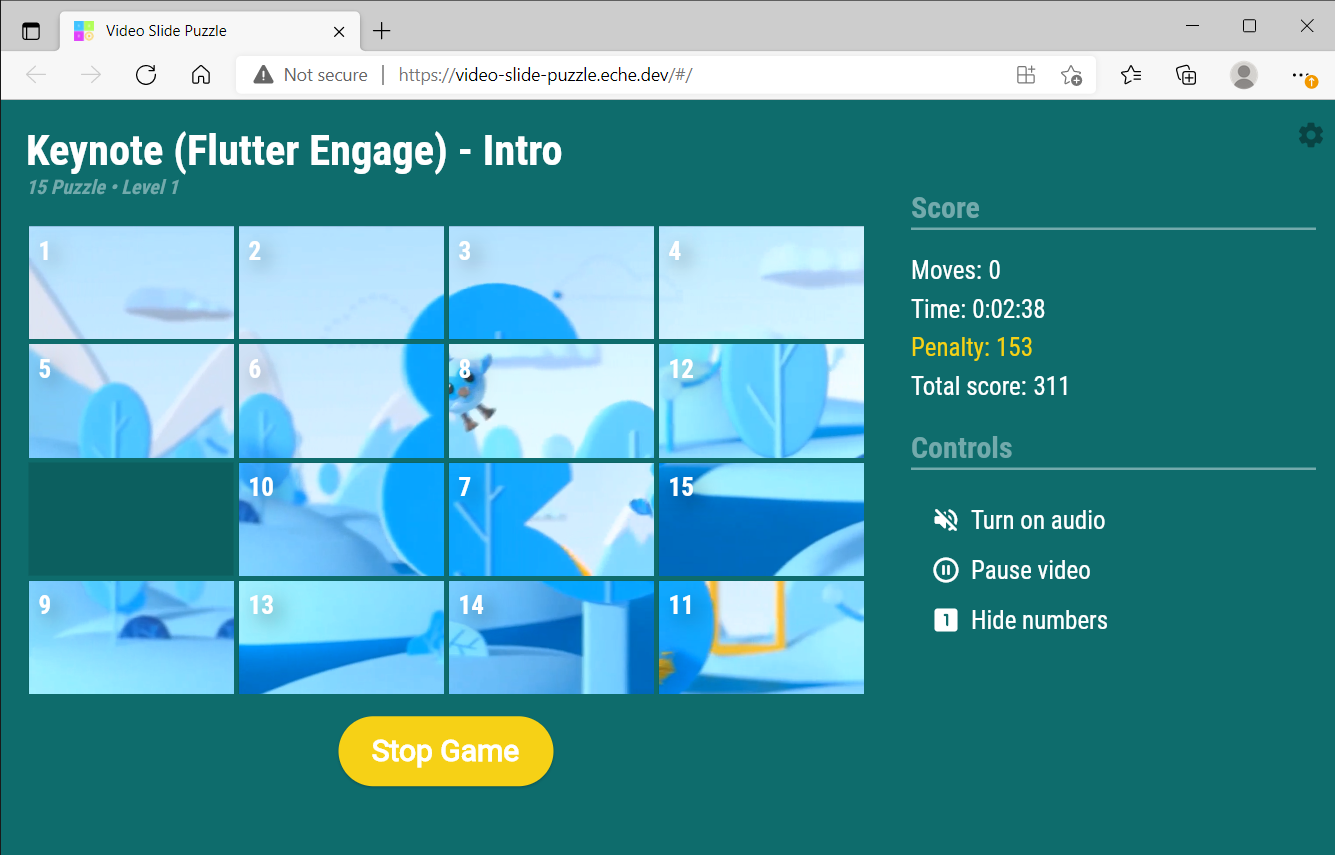
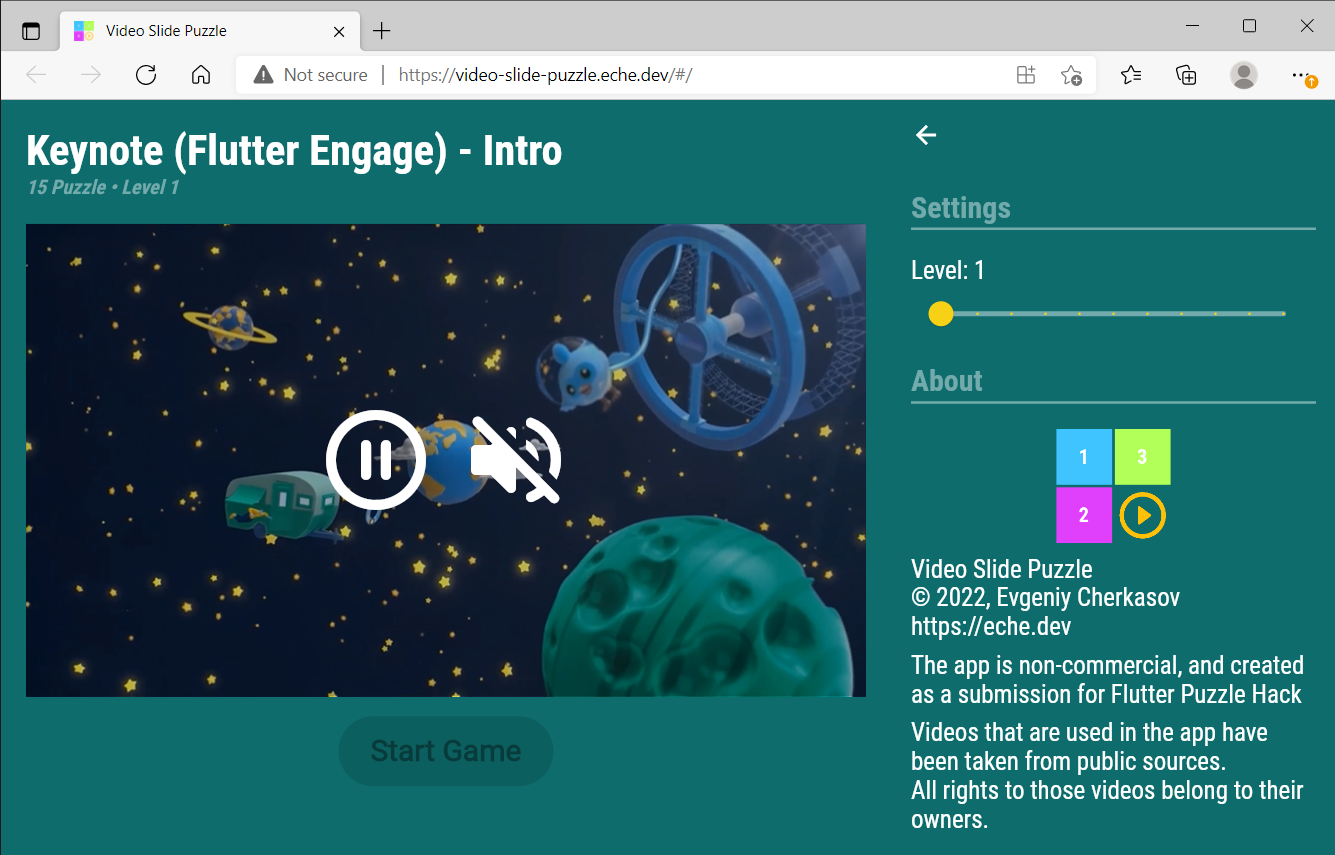
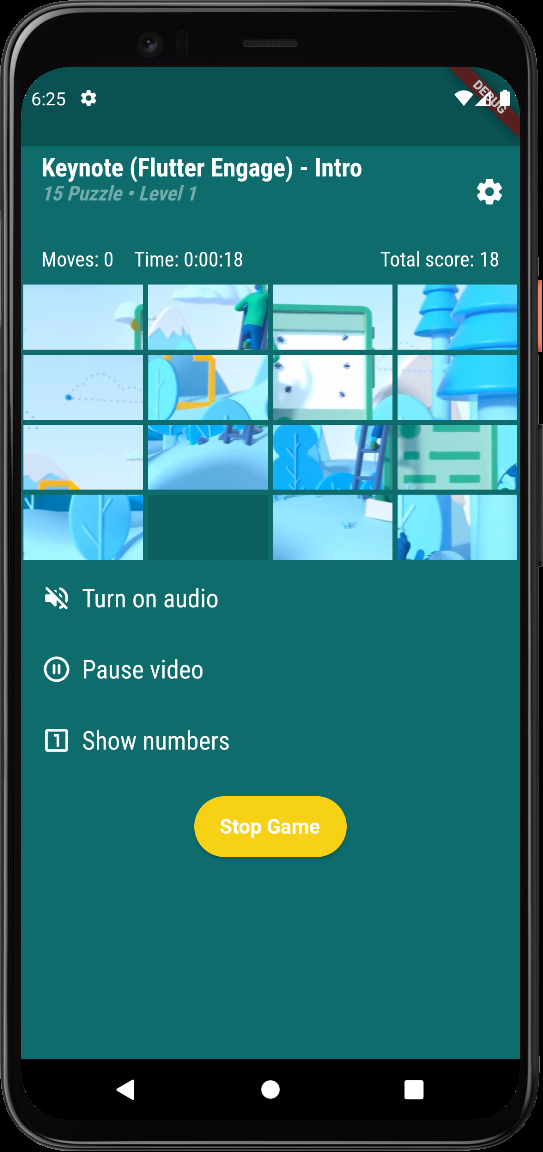
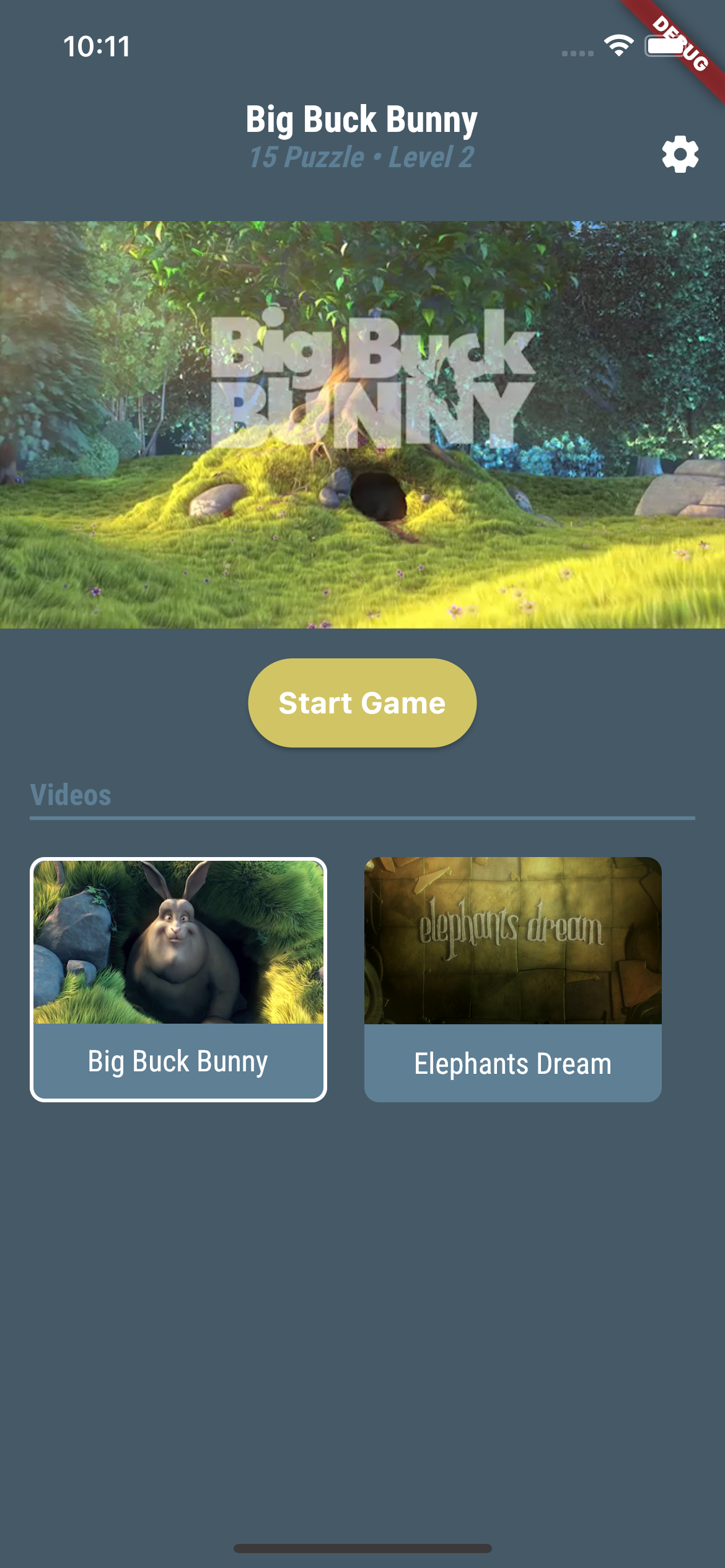
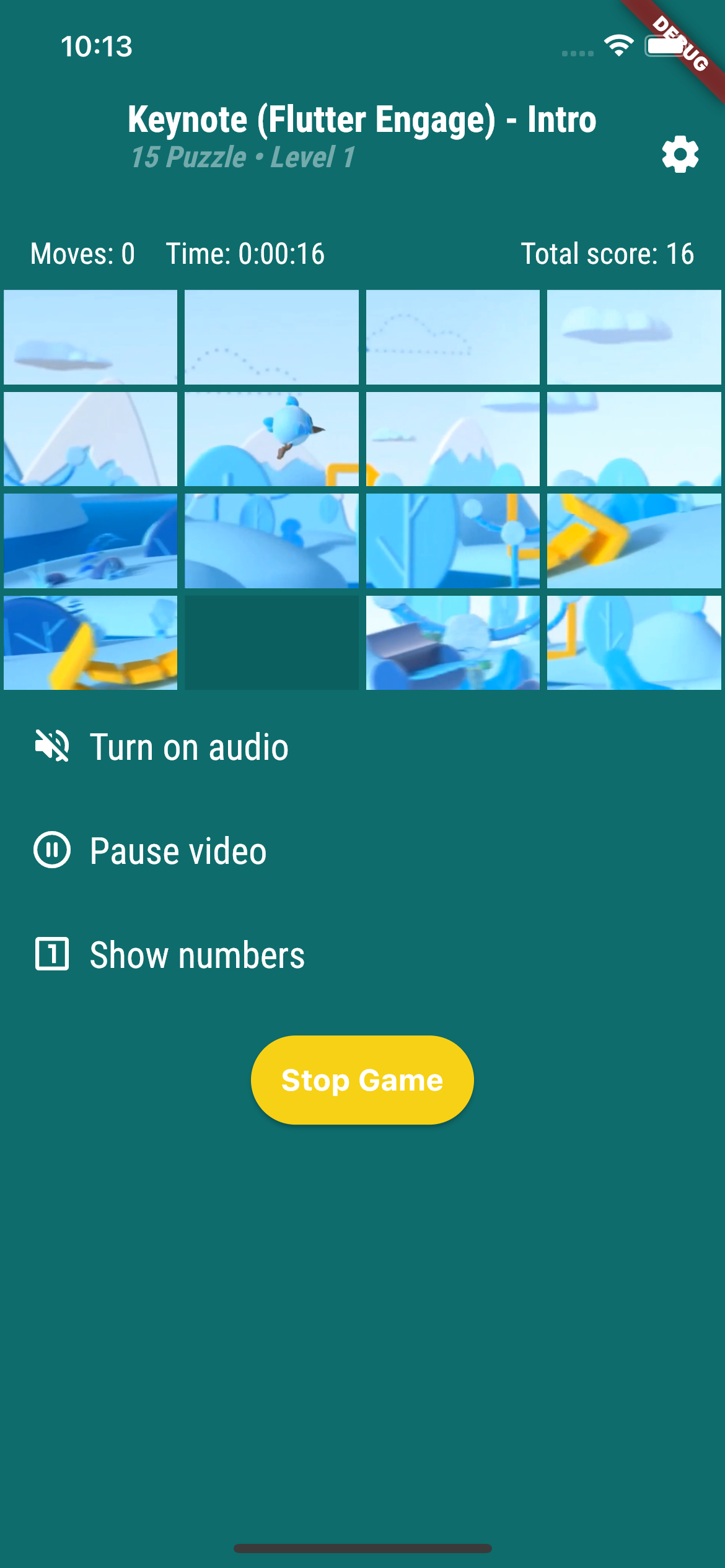
Video Slide Puzzle is a variant of sliding puzzle game where the tiles are pieces of a playing video stream.
This really makes your head boil when you are trying to solve the puzzle!
However there are some cheating options in the game, like showing numbers or pausing video playback, if you would still like to solve it.
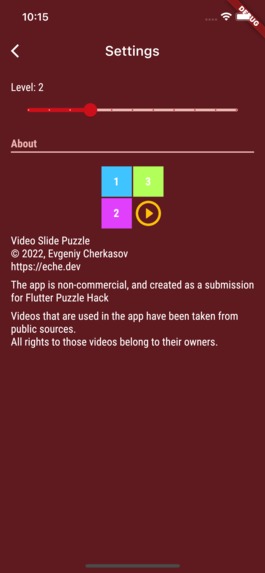
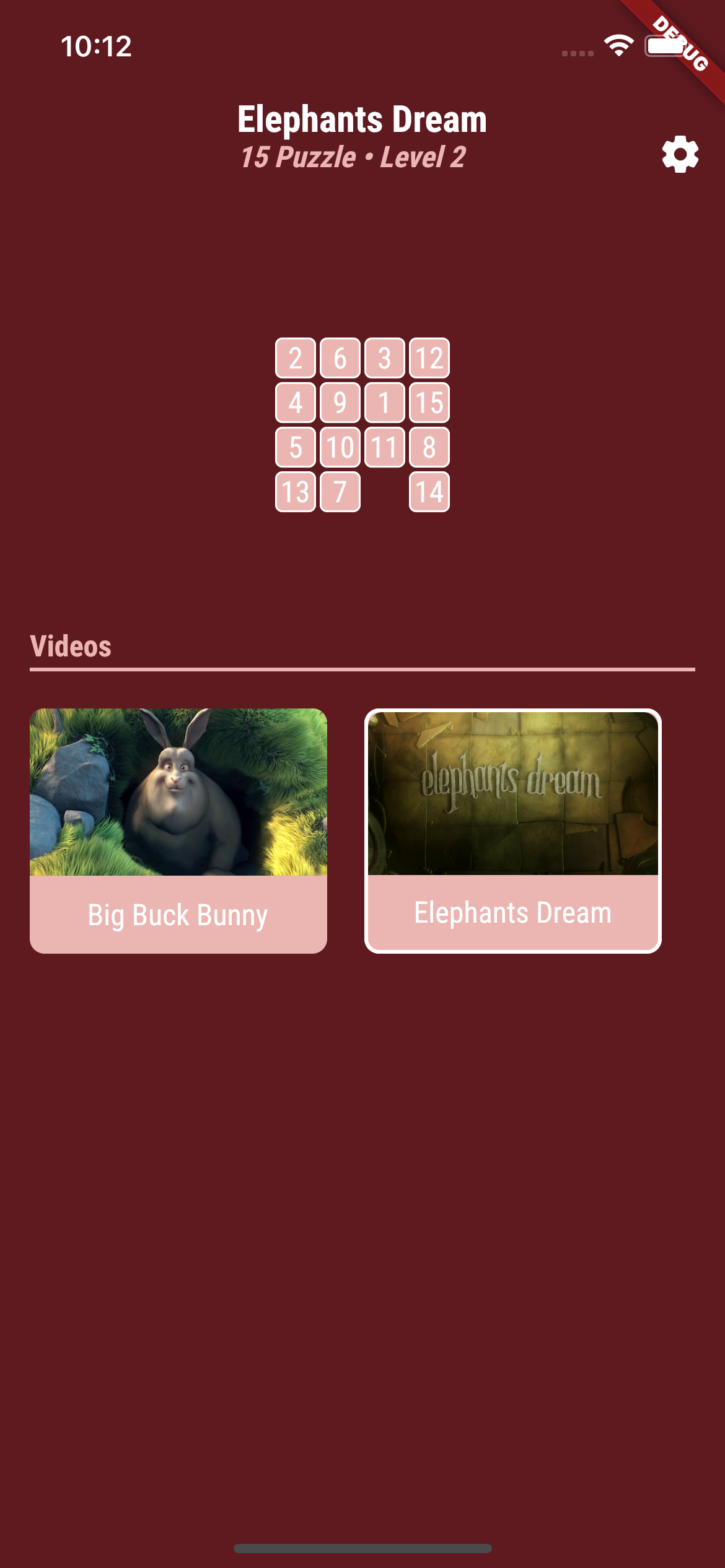
Also you can choose a game level that determines how good tiles are mixed.
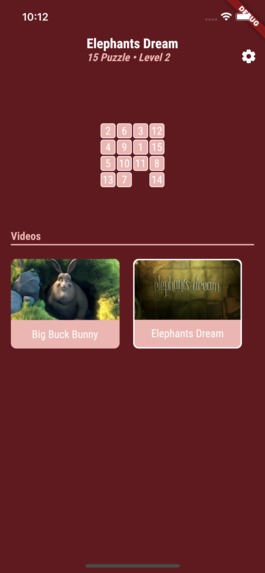
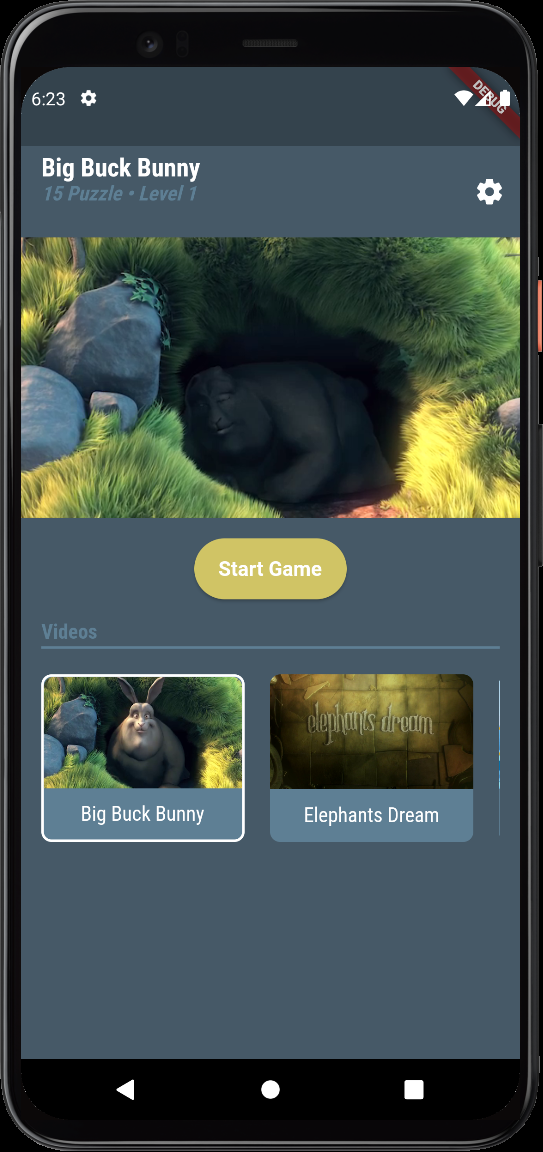
There are a number of videos available in the game. The app’s theme changes according to the selected video.
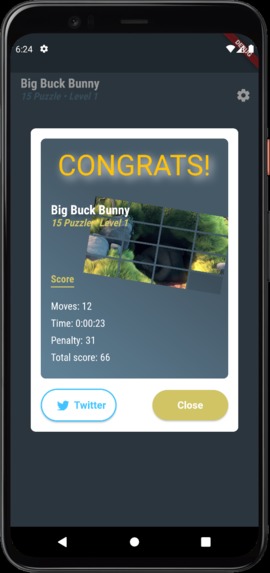
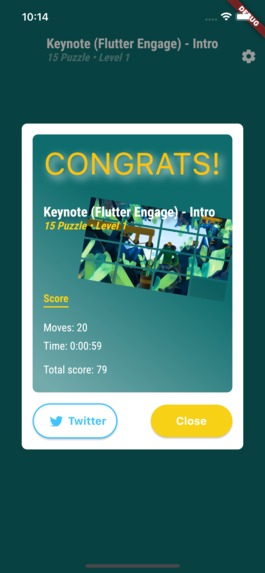
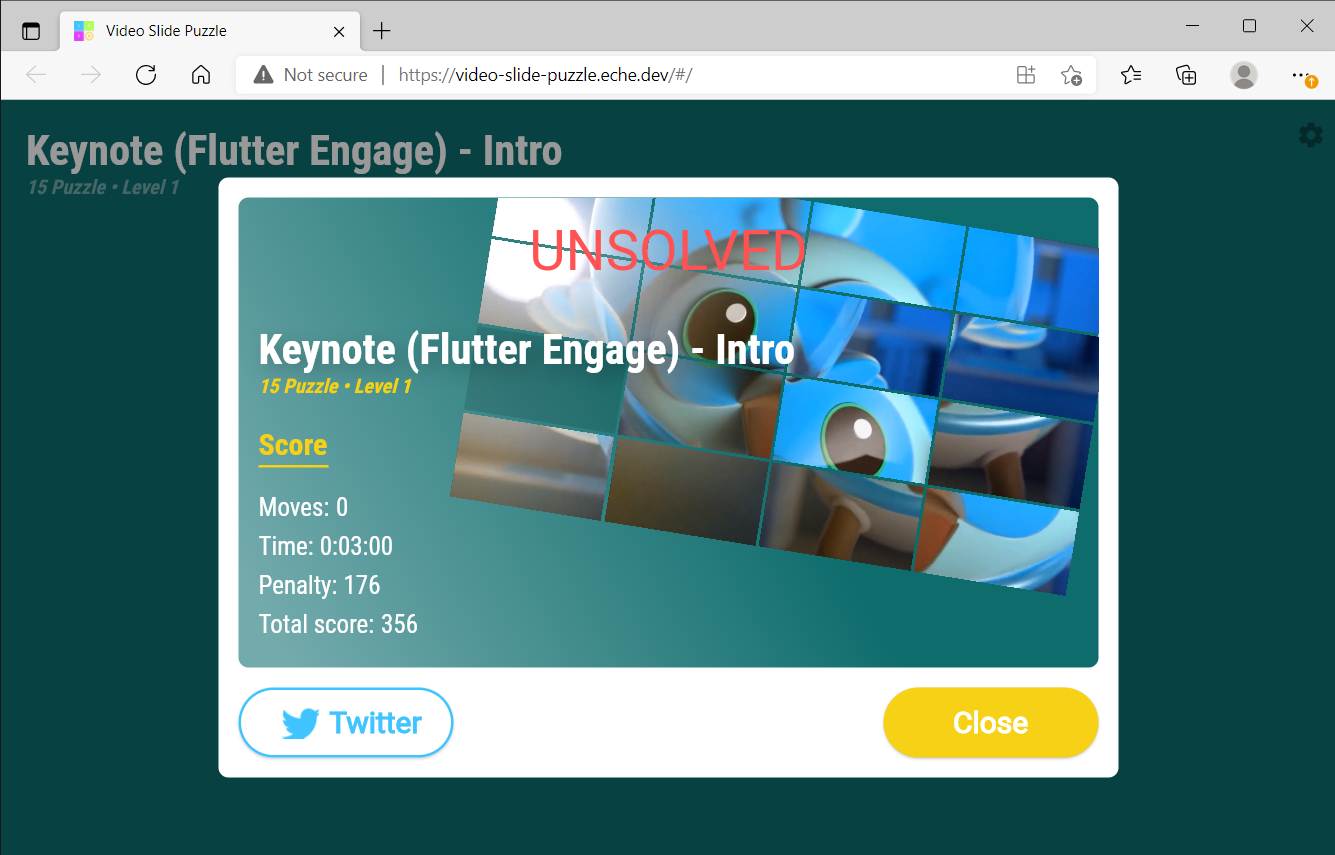
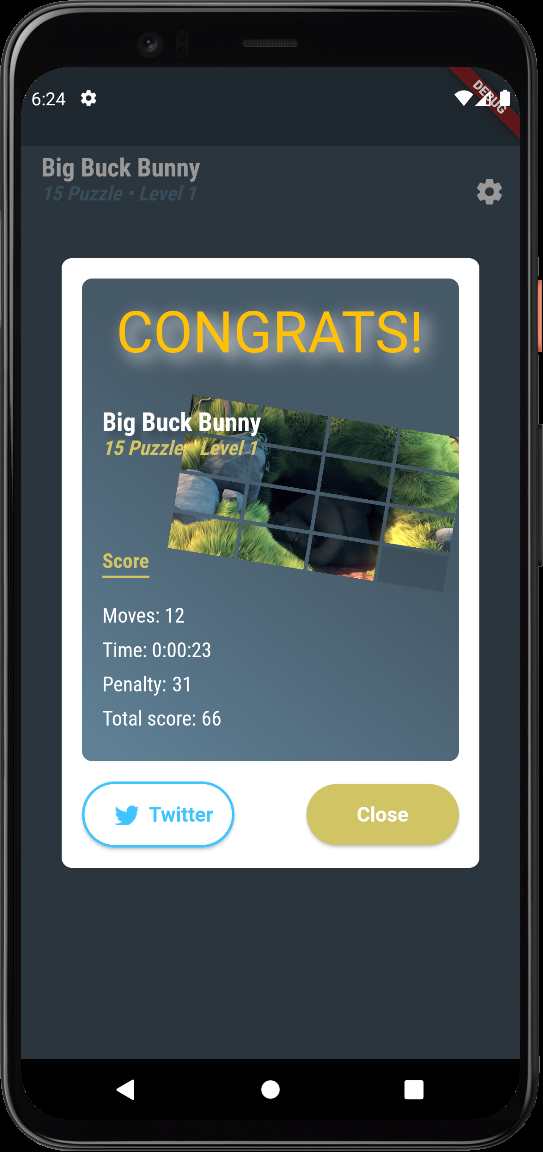
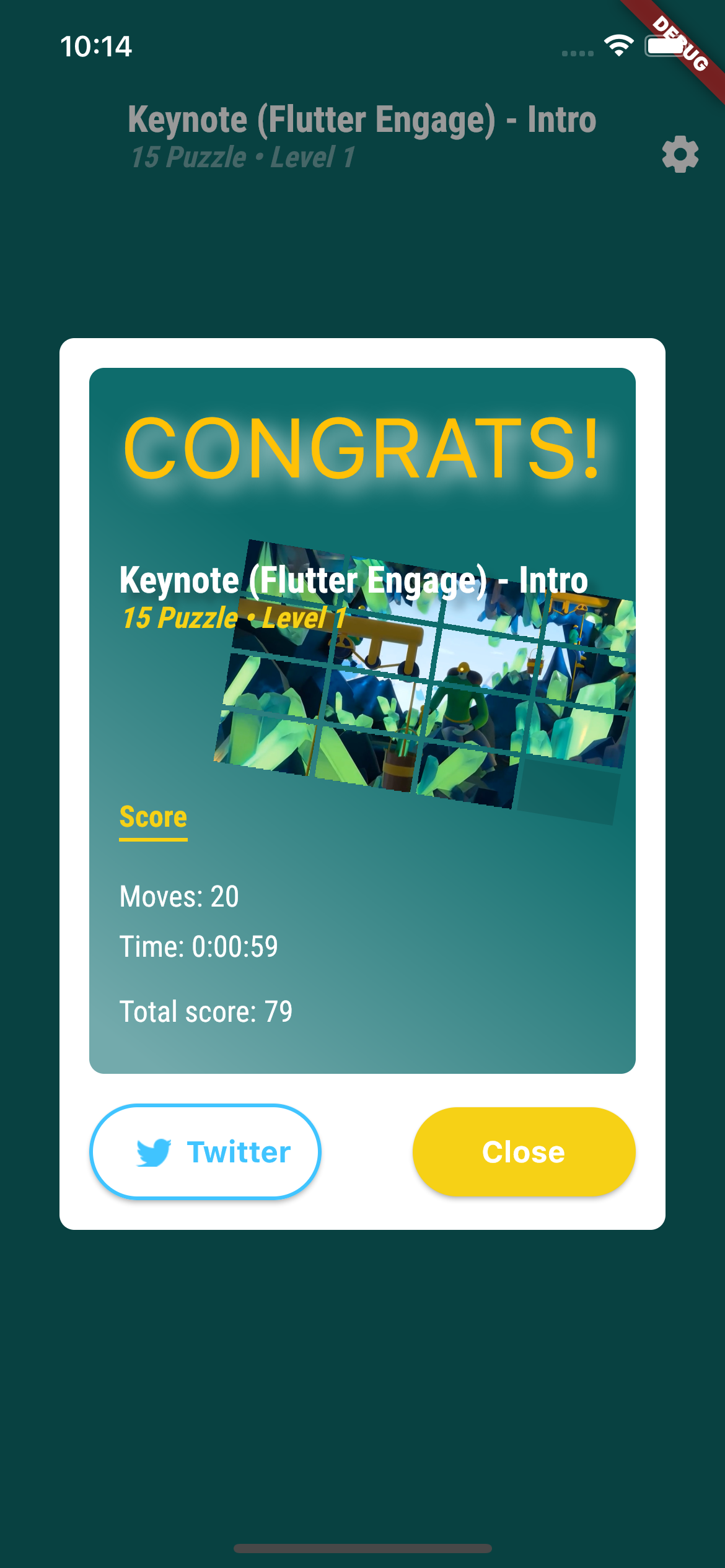
If you were able to solve the puzzle eventually, you can share your result on Twitter.
How I built it
The app was built from scratch. I didn’t use a sample app code provided by VGV, though I adopted some ideas.
App architecture follows domain driven design principles. The code is split to features, and each feature consists of domain, application, data and ui layers.
The video_player plugin is used to display videos. The spannable_grid package, which is used to display and interact with puzzle tiles, allows to easily implement different types of sliding puzzle game, other than the currently implemented “15 Puzzle”.
The app supports Web, Android and iOS platforms.
Challenges and accomplishments
Multiple video playback
The first challenge I faced was the implementation of multiple video player views. I had some doubts about how it’d work on the Web. I’ve created a PoC app with 16 video player views, and basically it worked. But it turned out that the web implementation of the video player plugin does not support multiple views for the same video controller.
Initially, I forked the video player plugin and started to make some changes to resolve this issue. I made much progress, but some more issues appeared with this solution.
So I refused this idea eventually, and just used multiple video player controllers on the web version of the app. In this case there are some issues with synchronization of video playback on different tiles, but generally I was satisfied with the result.
Responsive and adaptive
The app supports web and mobile platforms, and adjust the UI according to the current screen size and platform.
Though Flutter provides tools to implement responsive and adaptive layouts, I realized that there is still some space to improve those tools to be able to implement responsive and reusable UI in easier and generic ways for apps targeted to multiple platforms.
What's next for Video Slide Puzzle
I’d like to add the following features to the Video Slide Puzzle app:
- Support of custom size and other types of slide puzzle game, besides “15 Puzzle”
- Allow user to add custom video source
- Add user authentication and save user’s score in Firebase Firestore, and display user position in the score table
Also some technical improvements could make sense, like adding localization, implementing some general DI mechanism, updating navigation.
Built With
- dart
- flutter
- video


Log in or sign up for Devpost to join the conversation.