-
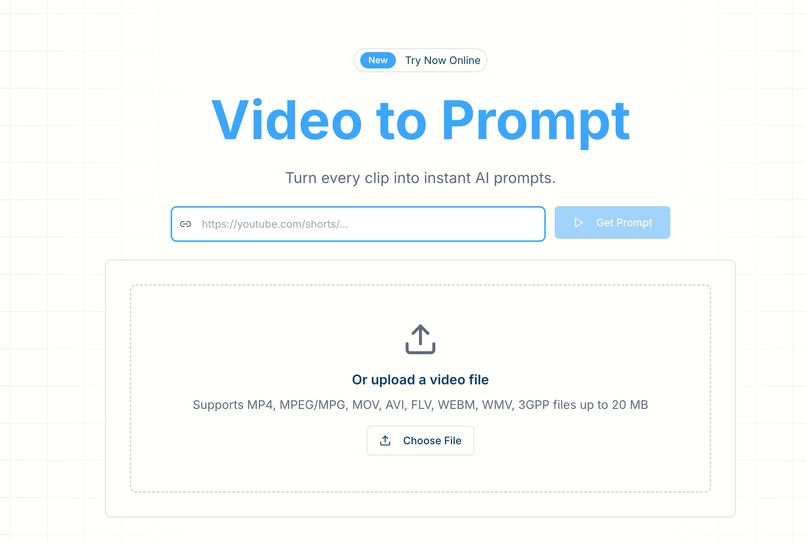
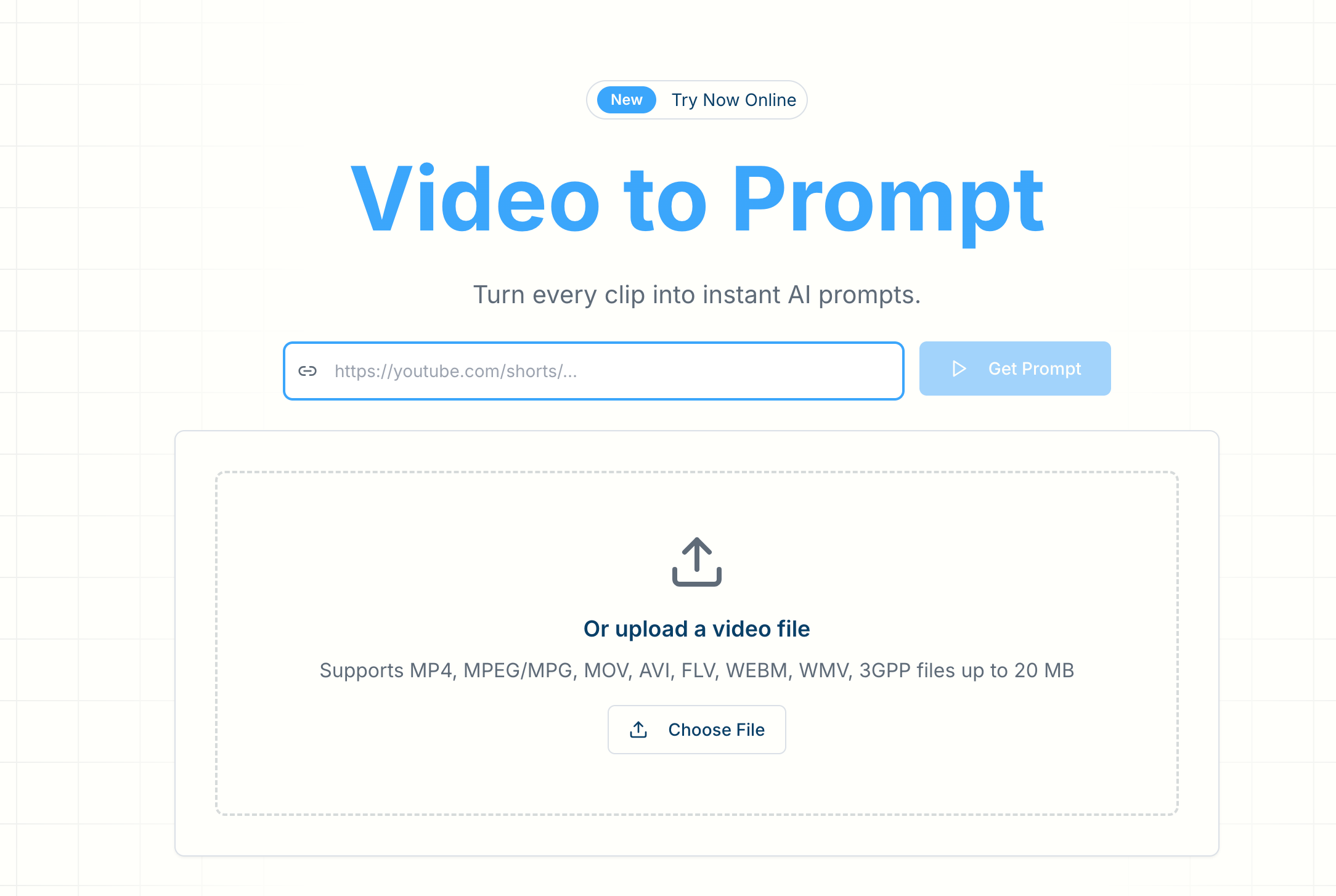
Video to Prompt
Inspiration
Writing a good video prompt is weirdly hard: you know the vibe you want, you can even point to a reference clip, but turning that into clear, model-friendly language takes time (and lots of trial and error). Video Prompt started from that gap—bridging human taste (what feels cinematic) and machine instructions (what the model actually needs).
What it does
Video Prompt turns a video clip into a usable prompt you can paste into AI video tools. You upload a short clip, and it outputs a structured description that captures the essentials: subject, environment, actions, mood, lighting, composition, and camera behavior—so you can recreate the same feeling without re-watching and manually describing it frame by frame.
How I built it
I approached it like a pipeline:
- Ingestion: a simple upload UI with guardrails (format/size limits, basic validation).
- Frame + metadata extraction: sample key frames and basic video info (duration / fps / resolution), then normalize inputs so the model sees consistent signals.
- Vision-to-text: use a multimodal model to summarize what’s happening, then refine it into a prompt template that emphasizes controllable details (camera, lighting, motion, style).
- Prompt formatting: generate an output that’s readable for humans but also structured enough to paste into generation tools with minimal edits.
- UX: instant preview, copy button, and a clear “edit this” mindset—because the best prompt is often 80% automation + 20% human taste.
Challenges I ran into
The hardest part wasn’t making it work—it was making it consistently useful.
- Too generic vs. too verbose: models love long descriptions, but creators want prompts that are actionable and not bloated.
- Camera language: inferring camera movement from a clip can be ambiguous, and wrong camera calls ruin trust fast.
- Style leakage: sometimes the clip has strong color grading or post-processing; describing it well without overfitting takes careful phrasing.
- Speed and cost: video is heavy. Sampling strategy, caching, and not over-analyzing frames matters a lot.
- Input chaos: wildly different clips (screen recordings, anime edits, shaky phone video) require robust fallbacks.
Accomplishments that I'm proud of
I’m proud that the product feels “immediately usable” instead of “demo-ish”:
- A clean, single-purpose homepage flow: upload → prompt → copy.
- Prompt outputs that focus on controllable knobs (scene, subject, lighting, camera) rather than vague adjectives only.
- A structure that supports iteration: you can quickly tweak the prompt instead of rewriting from scratch.
- A foundation that can expand into shot-by-shot prompts without rebuilding everything.
What I learned
This project taught me that prompt quality is mostly information design:
- The best prompts don’t just describe—they prioritize.
- A good template reduces hallucination and helps the model stay grounded.
- UX matters as much as model choice: creators forgive imperfect prompts if the workflow is fast and edit-friendly.
- Video understanding is about smart sampling, not brute force.
What's next for Video Prompt
Next, I’d push it from “single prompt” toward “creative control”:
- Shot breakdown mode: generate a short shot list (3–8 beats) from one clip.
- Model-specific formats: presets tuned for different tools (more cinematic, more literal, more stylized).
- Style toggles: keep content constant but vary tone (commercial, documentary, anime, cinematic, etc.).
- History + remixing: save prompts, fork variations, and compare outputs.
- Batch workflows: creators often have many clips—processing sets would be a big unlock.
Built With
- cloudflare
- nextjs
- typescript

Log in or sign up for Devpost to join the conversation.