-
-
Logo
-
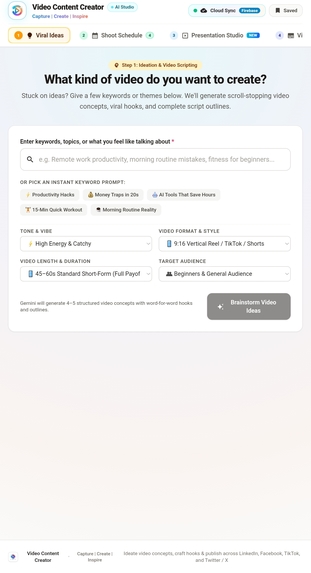
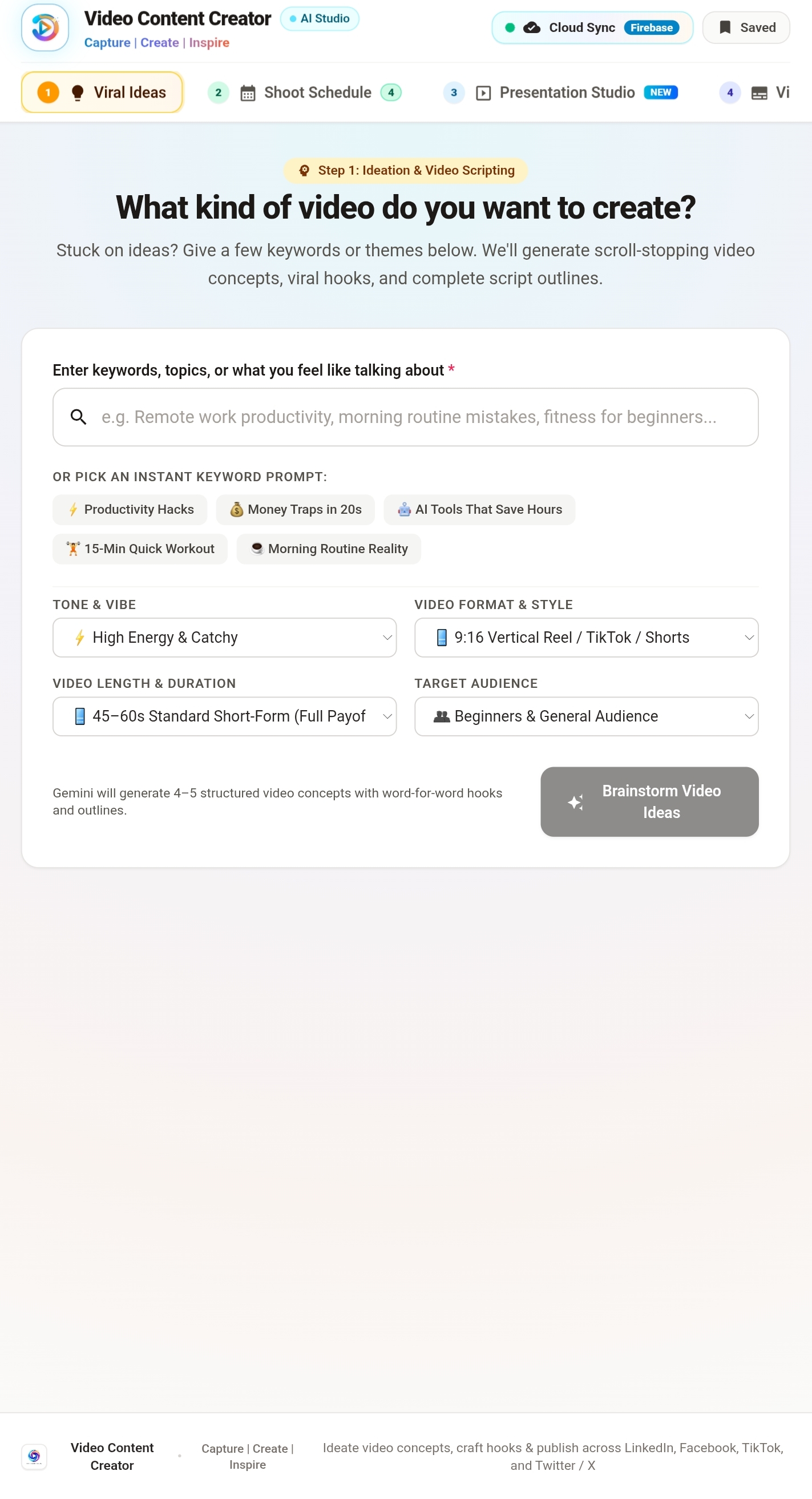
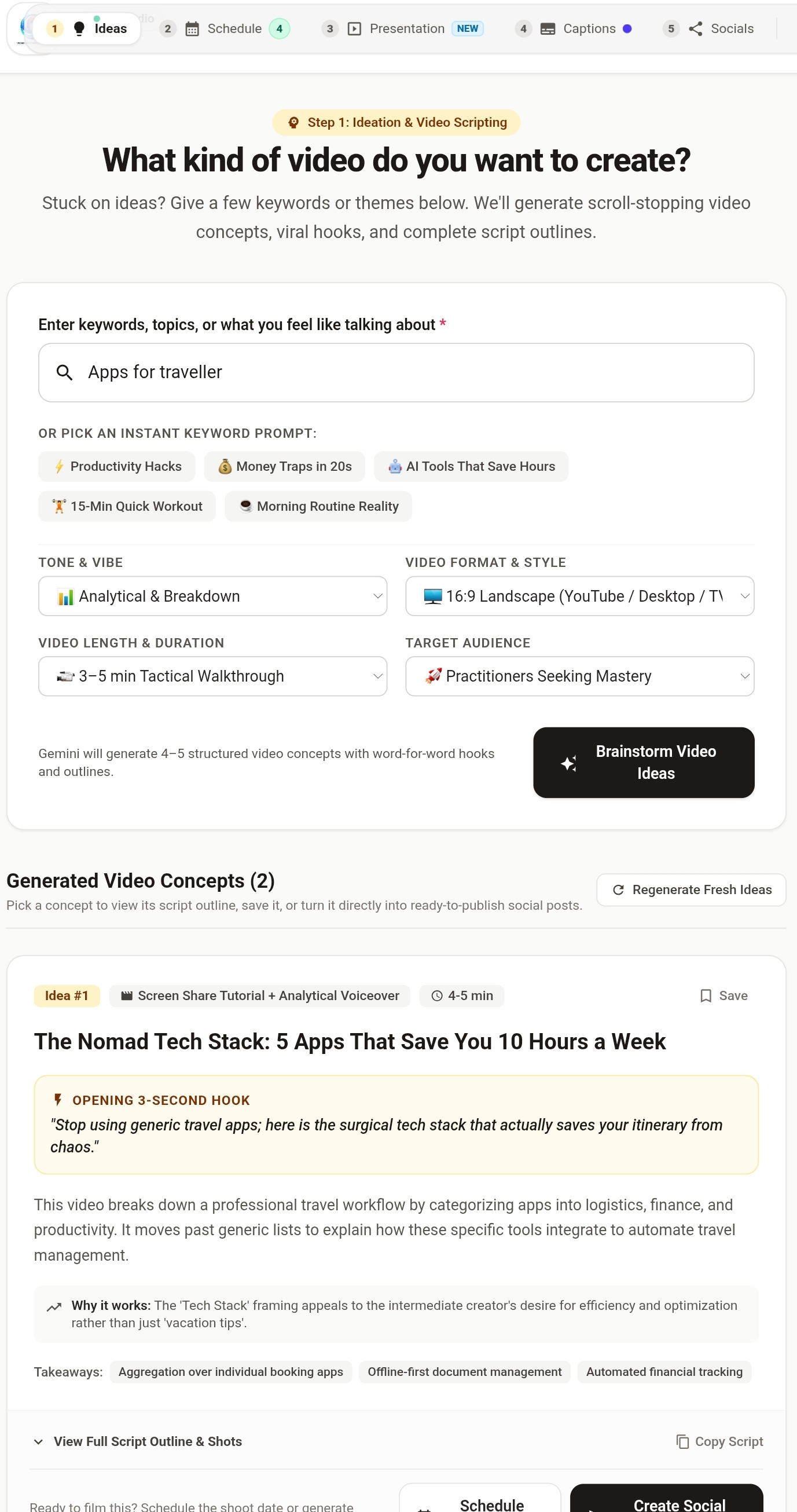
Search idea
-
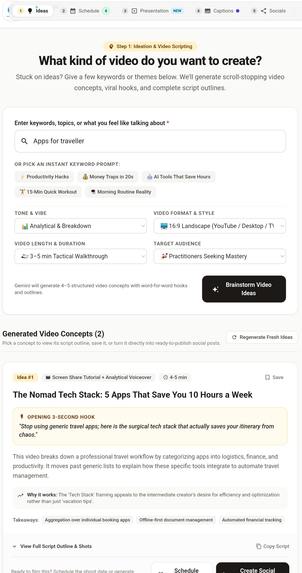
Find ideas
-
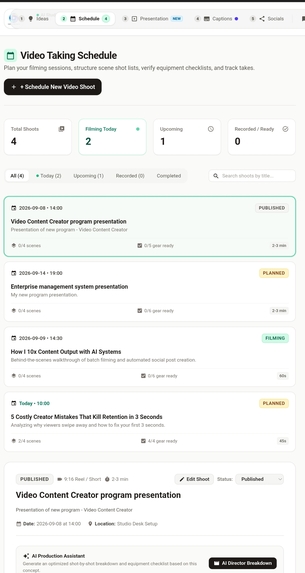
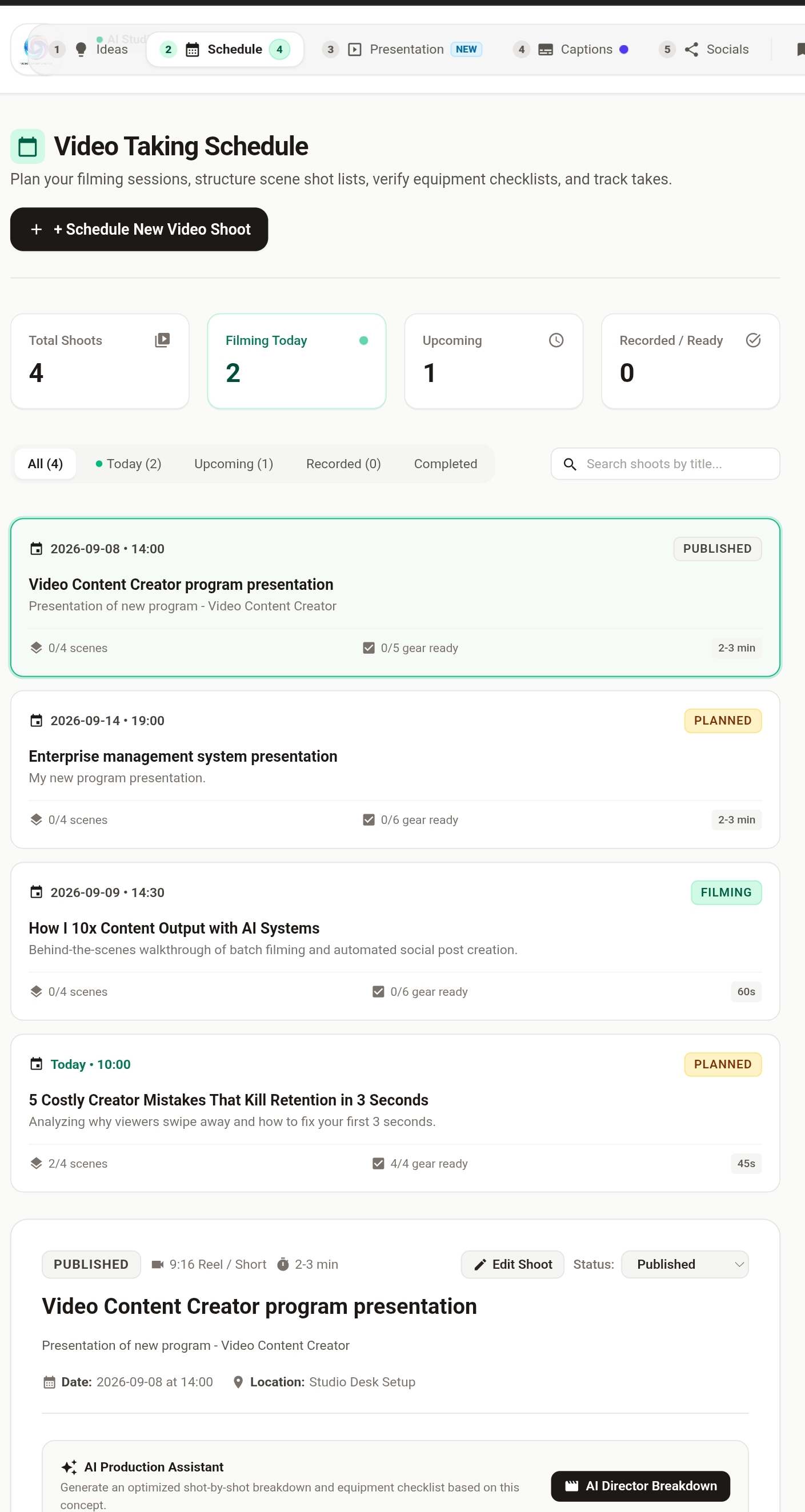
Video taking schedule
-
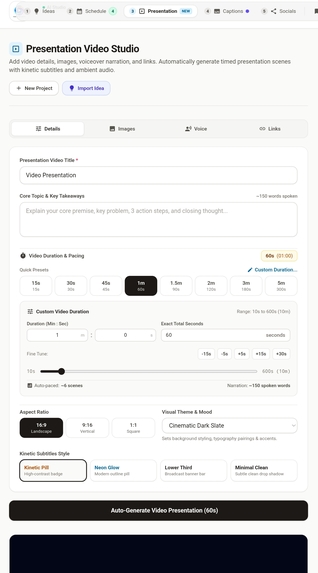
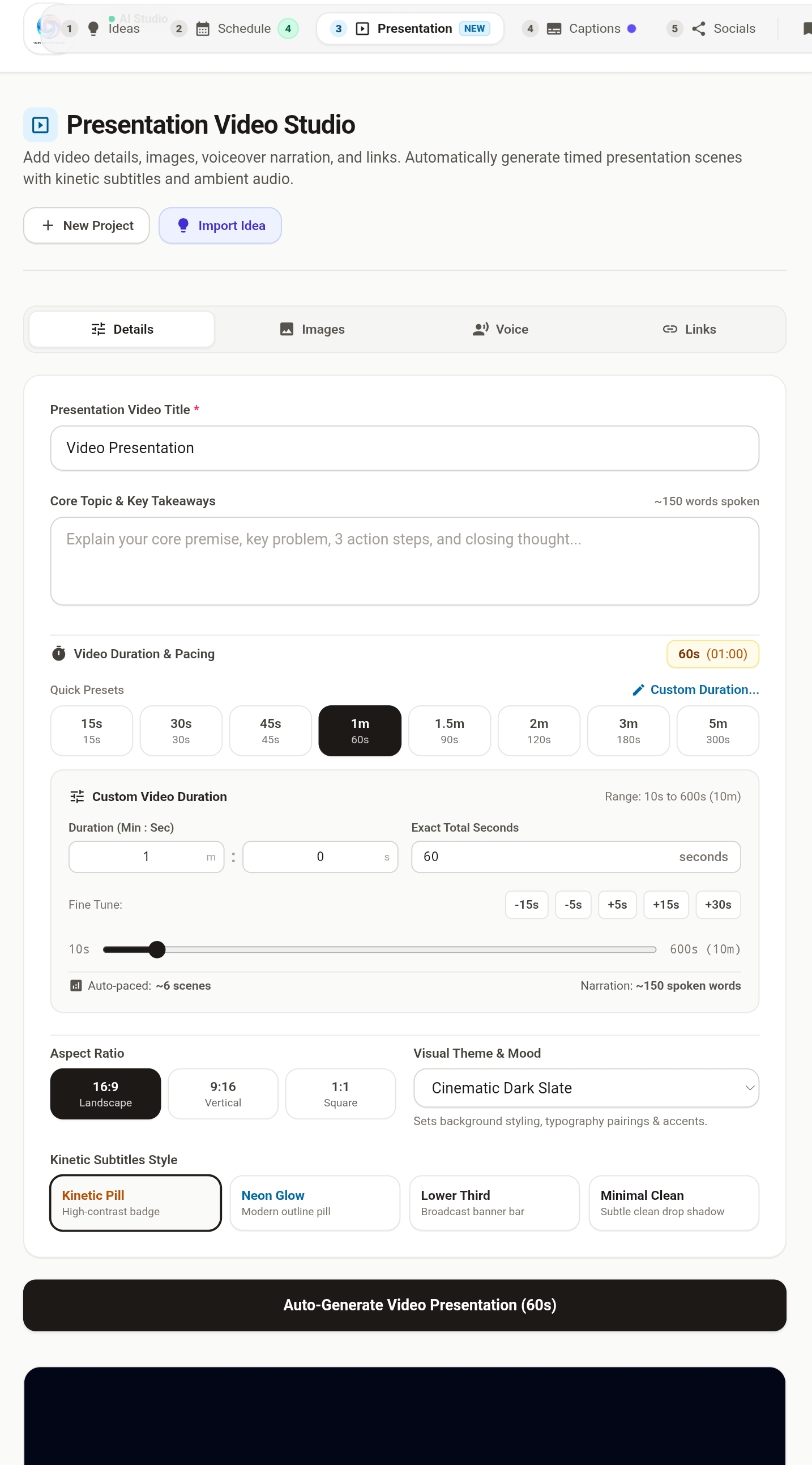
Preparin video presentation
-
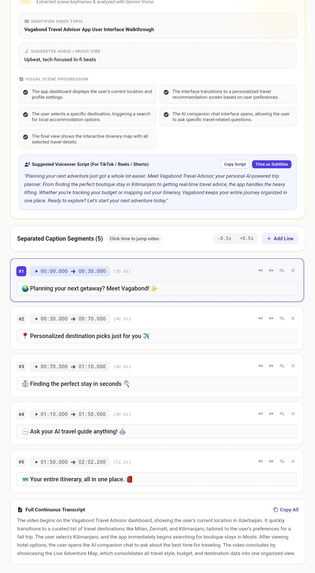
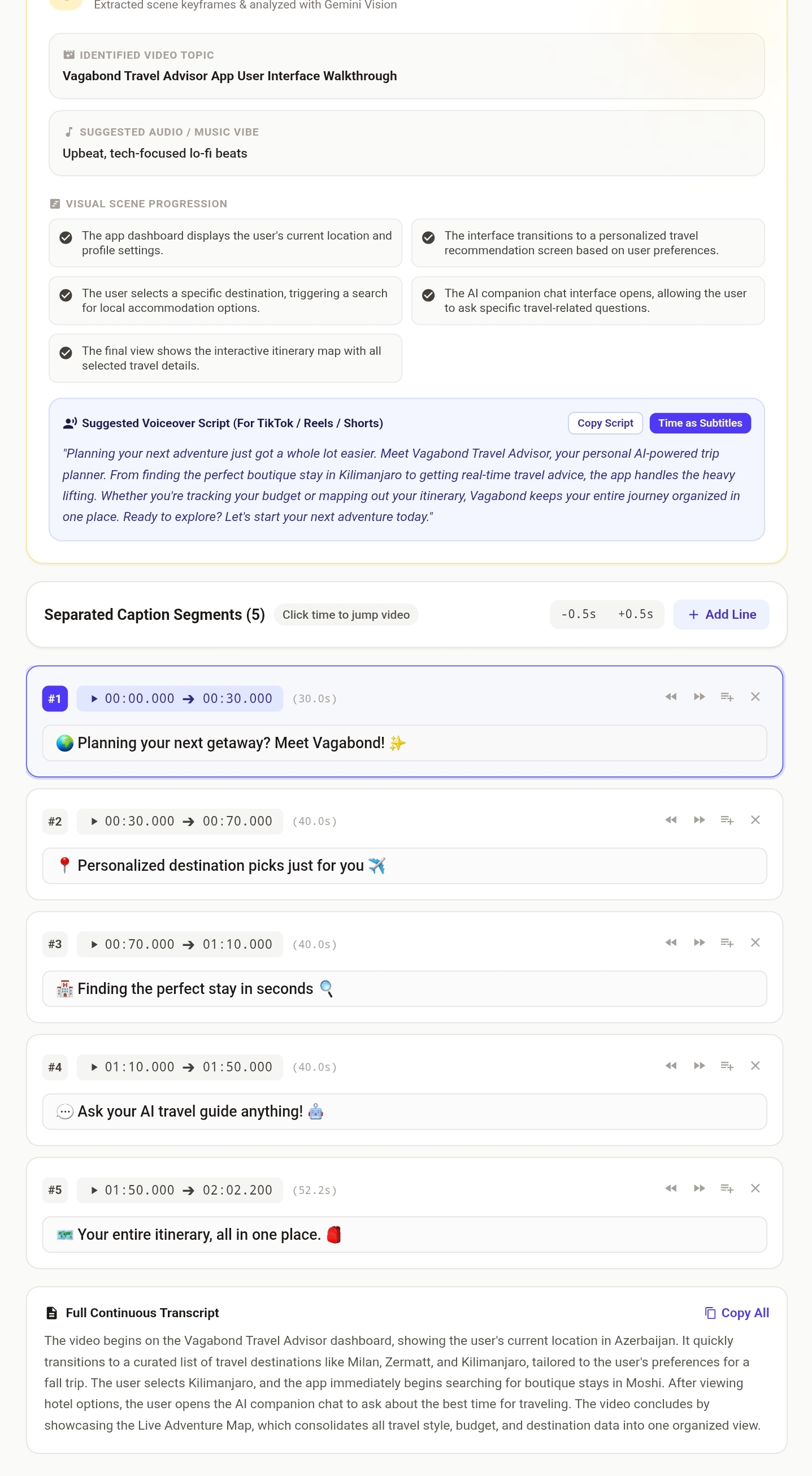
Captions for video
-
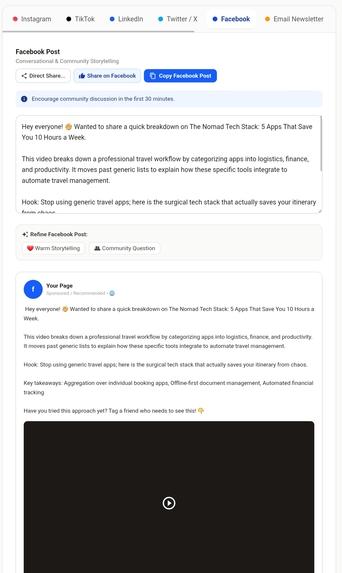
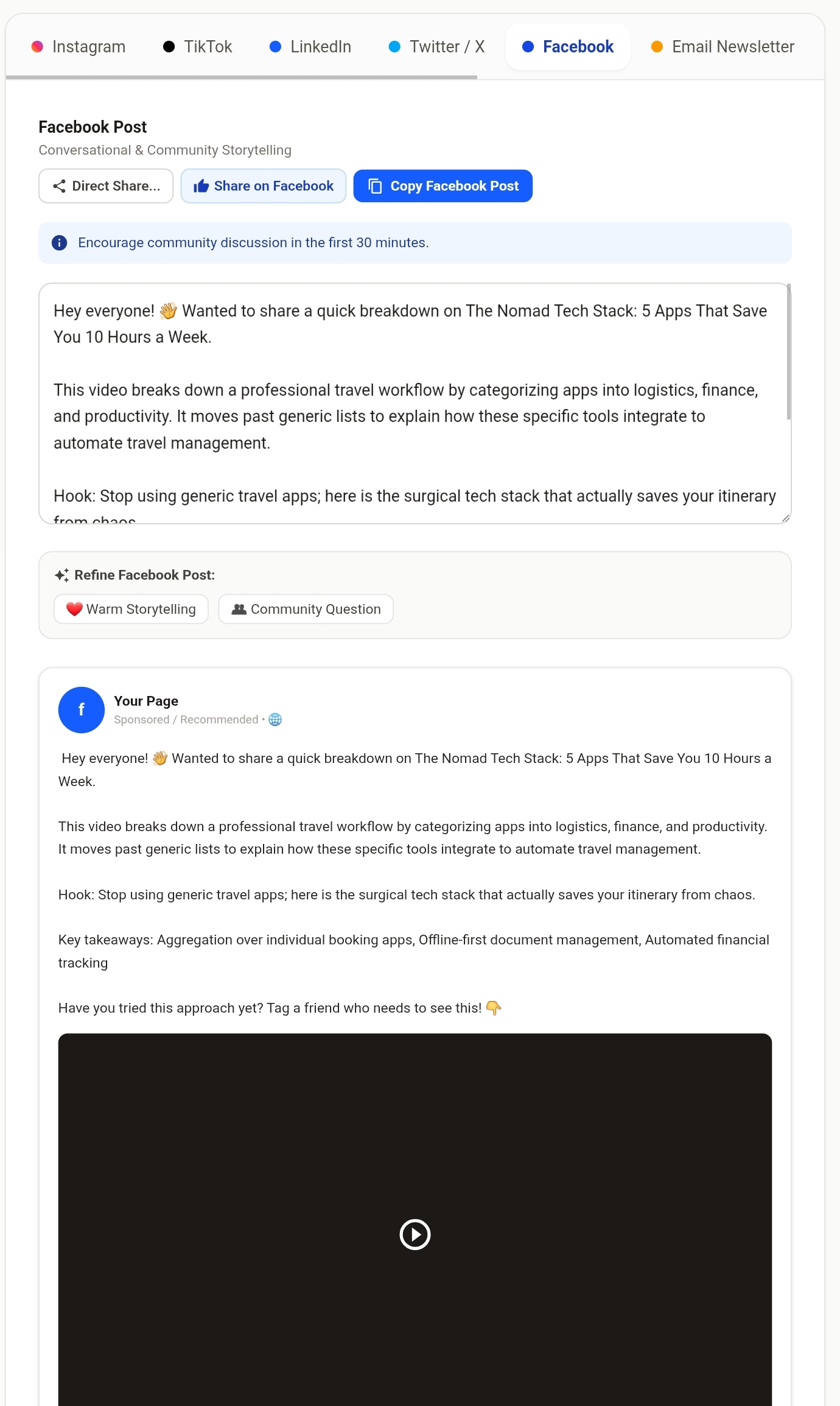
Creating social media posts
-
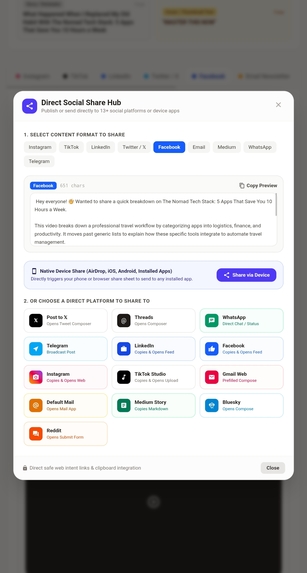
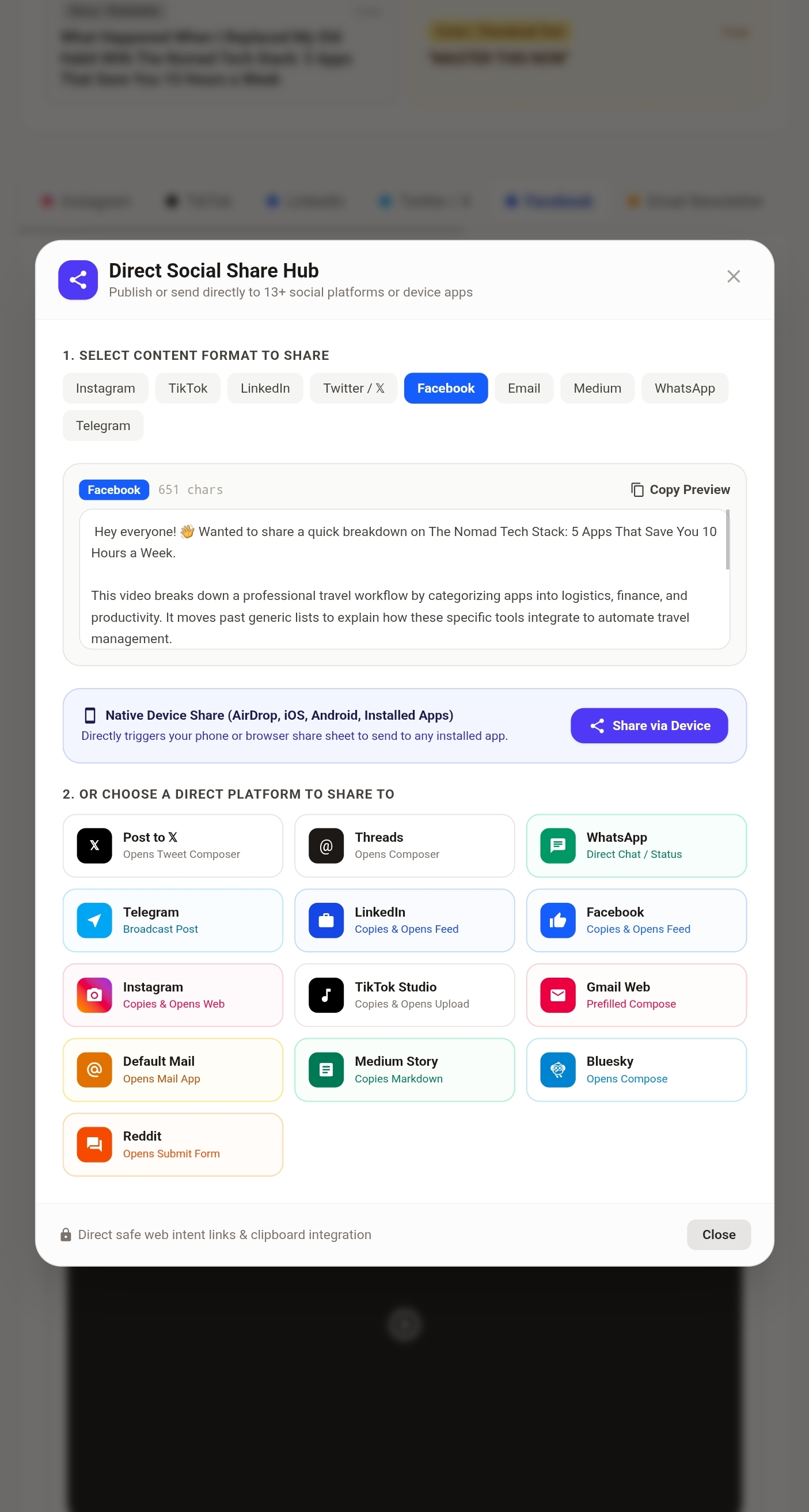
Directly sharing social media posts
Video Content Creator & Process Engine
The program provides the user with video content ideas across various topics. The user enters a keyword or keywords, and ideas are generated instantly. The user then selects a preferred idea and plans the video production. Users can manage and track the entire video production process with workflow. Once the video is ready, the user returns to the saved idea and uploads the video. The program analyzes the video, suggests a title, and generates subtitles. To facilitate sharing across various platforms, the program automatically creates posts based on the video content. Users can share engaging posts about the video and its core concept on different platforms without having to write any text themselves. The program consists of three parts:
- Idea generation
- Converting the idea into a video (tracking the process with workflow)
- Segmenting the finished video into content clips and sharing them via engaging, tailored posts
Users can share posts directly from the app.
Demo program link: https://video-content-creator-1.ai.studio
✨ Key Features
💡 1. Creative Ideation & Viral Concept Generation
- Target Audience & Niche Customization: Tailor content for Tech & Dev, Lifestyle & Vlogs, Business & Finance, Education & Tutorials, Comedy, Fitness, and more.
- Hook Optimization: Generate thumb-stopping opening hooks ranked by viral potential and engagement style (Controversial, Curiosity Gap, Story Hook, Question Hook).
- Format Flexibility: Supports Short-form (TikTok, Shorts, Reels) and Long-form (YouTube, Explainer, Podcast clips) video structures.
- Complete Storyboards: Scene-by-scene blueprints including spoken scripts, on-screen text, audio suggestions, and visual prompts.
📅 2. Shoot Schedules & Production Call Sheets
- Structured Shot Planning: Automatic shot lists detailing shot types (Wide, Medium, Close-up, POV, Overhead), camera angles, movement, lighting setups, and required gear.
- Location & Duration Estimates: Estimated shooting durations per take with location and props checklists.
- Exportable Call Sheets: One-click printable view and direct transfer into the Video & Captions step.
🎬 3. Video Captions & Silent B-Roll Visual Analysis
- Dual-Mode Video Engine:
- Speech-to-Text Subtitles: Upload recorded video (
MP4,WebM,MOV) or audio (MP3,WAV) to extract synchronized timestamps using browser-native Web Audio and Gemini AI transcription. - Silent / B-Roll Visual Scene Analysis: When videos have no speech (cinematic montages, product showcases, aesthetic b-roll), browser-native HTML5 Canvas extracts keyframes for Gemini Vision analysis.
- Speech-to-Text Subtitles: Upload recorded video (
- Multimodal Visual Intelligence: Detects visual actions, camera movements, aesthetic mood, sound design & background music vibes, and provides a generated voiceover script matching the visual cadence.
- Interactive Caption Studio:
- Live video preview with interactive subtitle overlay and karaoke-style timing highlight.
- Custom subtitle styles (Classic, TikTok Pop, Minimal, Cinematic Box).
- Multi-format exports:
.srt(SubRip),.vtt(WebVTT), and.txttranscript.
📱 4. Multi-Platform Social Media Distribution
- Platform-Tailored Copy:
- TikTok: High-converting hook, 3–5 trending niche hashtags, on-screen text directions, and engagement-boosting call-to-actions.
- LinkedIn: Thought leadership formatting, structured bullet points, professional storytelling, and conversational sign-offs.
- Twitter / X: Standalone viral hooks or multi-tweet thread breakdown with real-time character limit validation.
- Facebook: Warm, conversational storytelling optimized for community comments, shares, and reactions.
- One-Click Actions: Quick copy buttons, platform-specific formatting previews, and character counters.
💾 5. Studio Library & Local Persistence
- Save high-performing ideas, generated shoot schedules, and social packages locally in the browser for future reference.
- Built-in demo data to test and explore the entire studio workflow instantly without needing to upload files or enter prompts.
LICENSE: MIT License


Log in or sign up for Devpost to join the conversation.