-
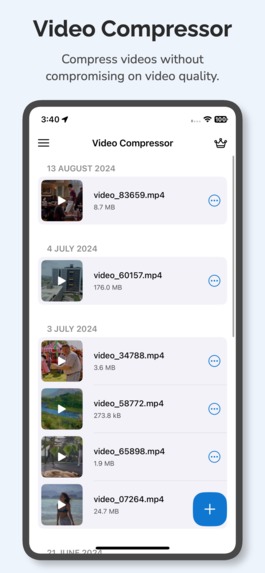
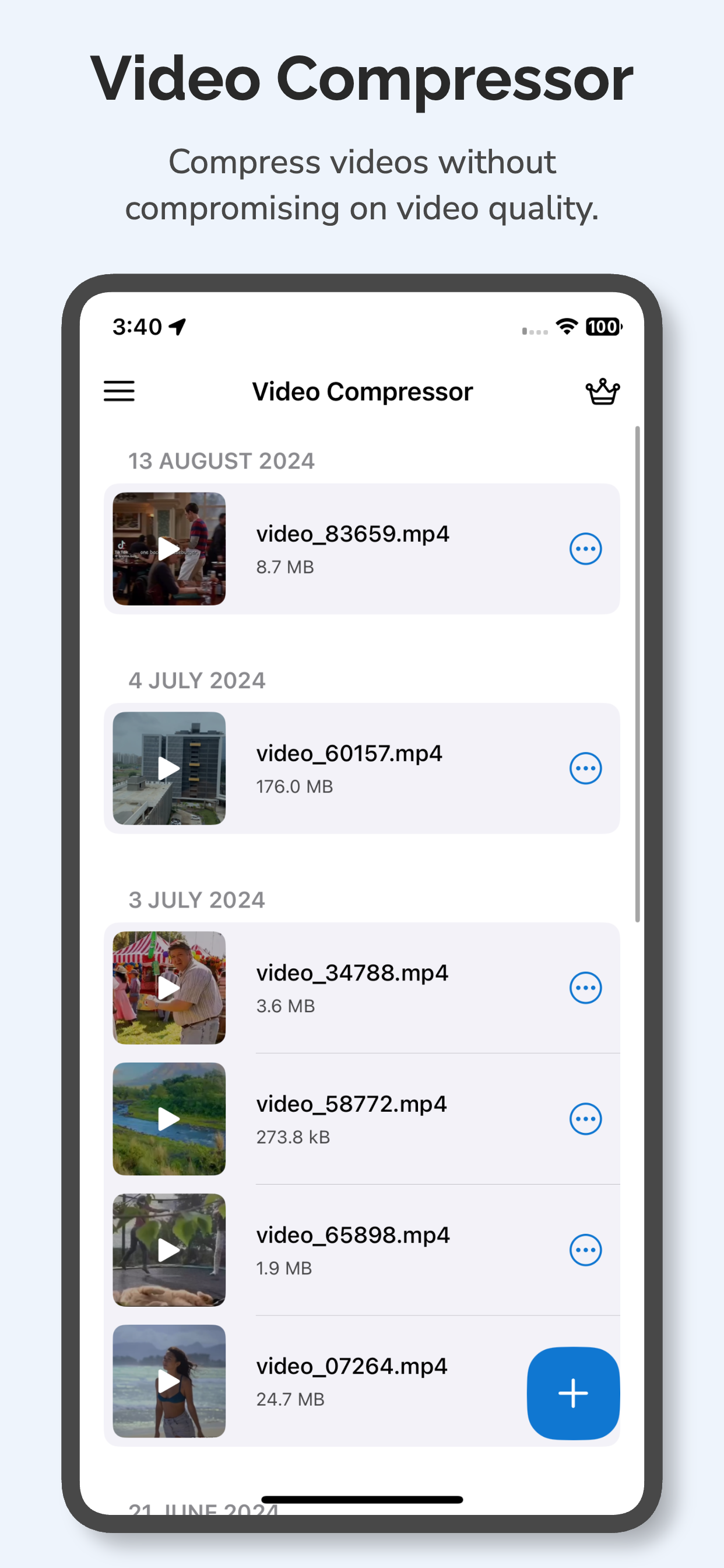
Compress videos easily without compromising on video quality.
-
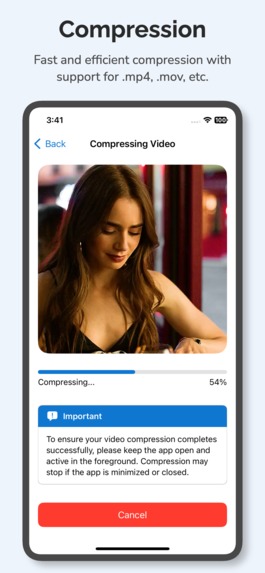
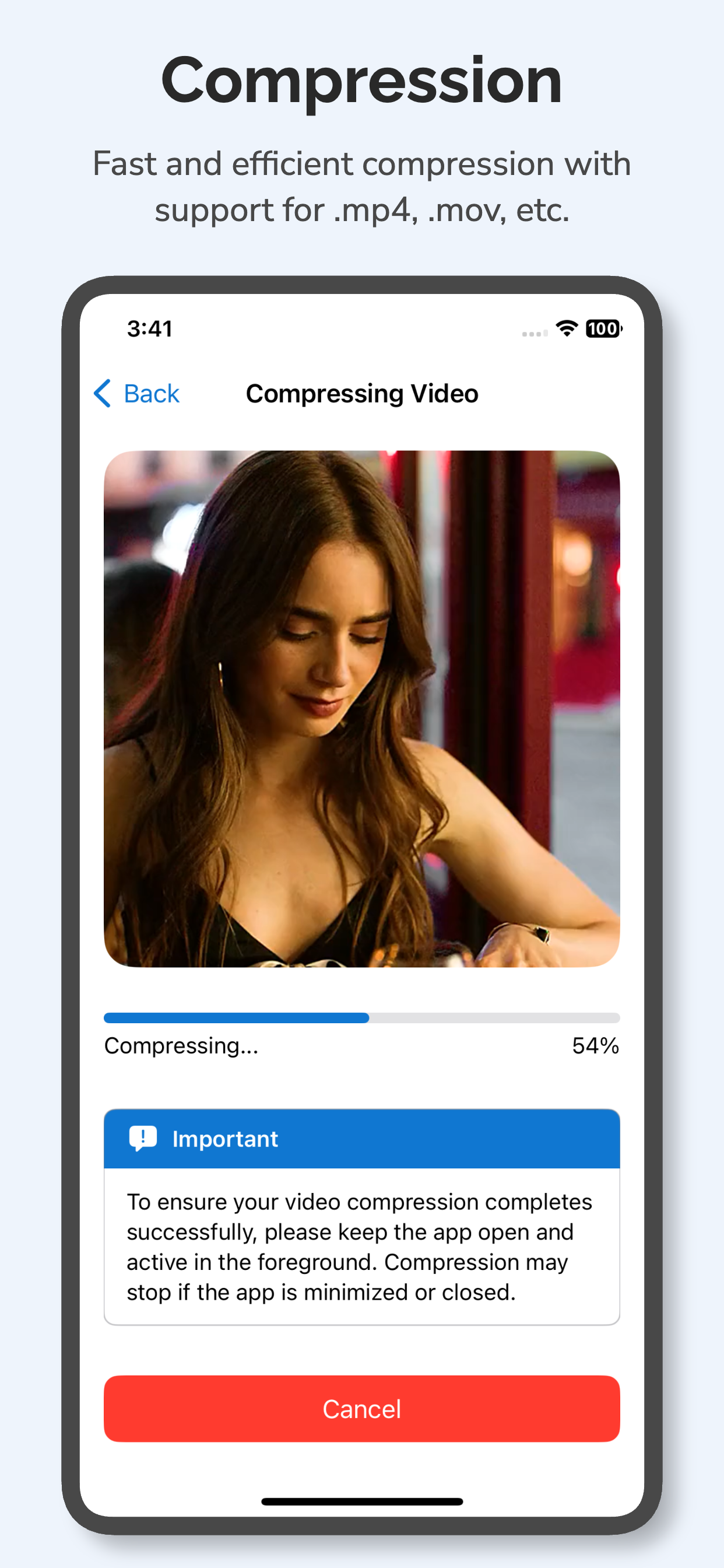
Fast compression with support for popular file formats like .mp4, .mov, etc.
-
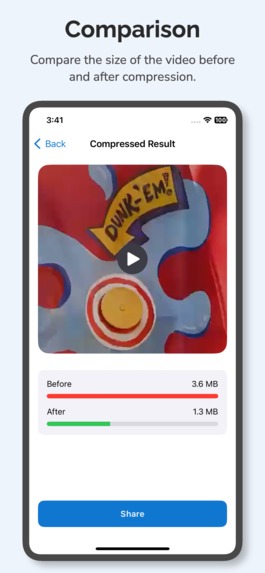
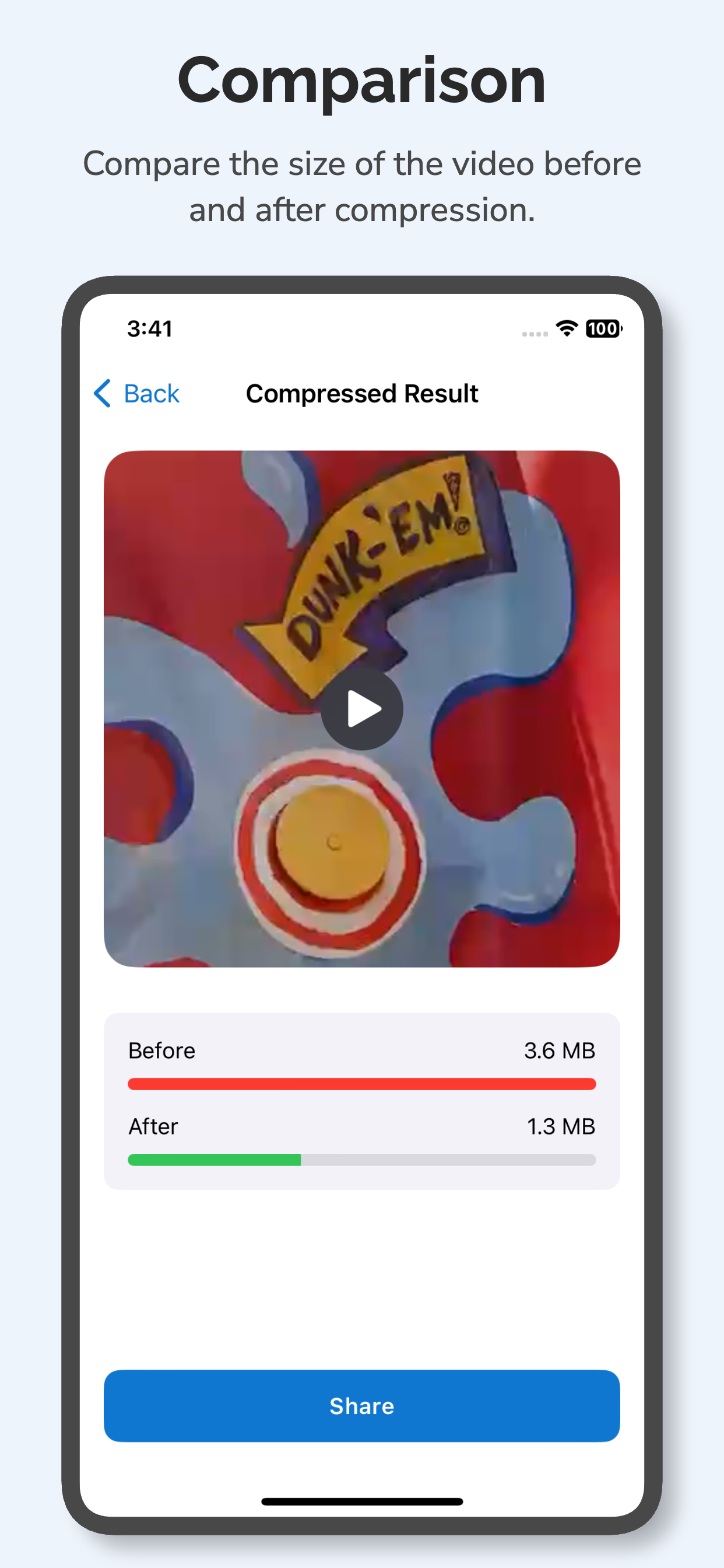
Compare the before and after sizes for the compressed video.
-
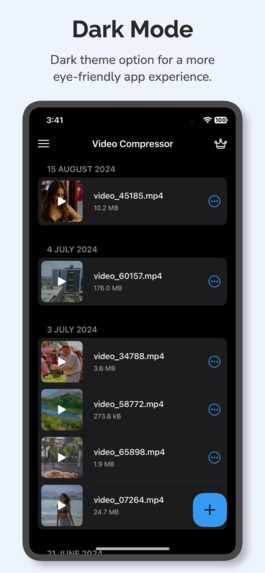
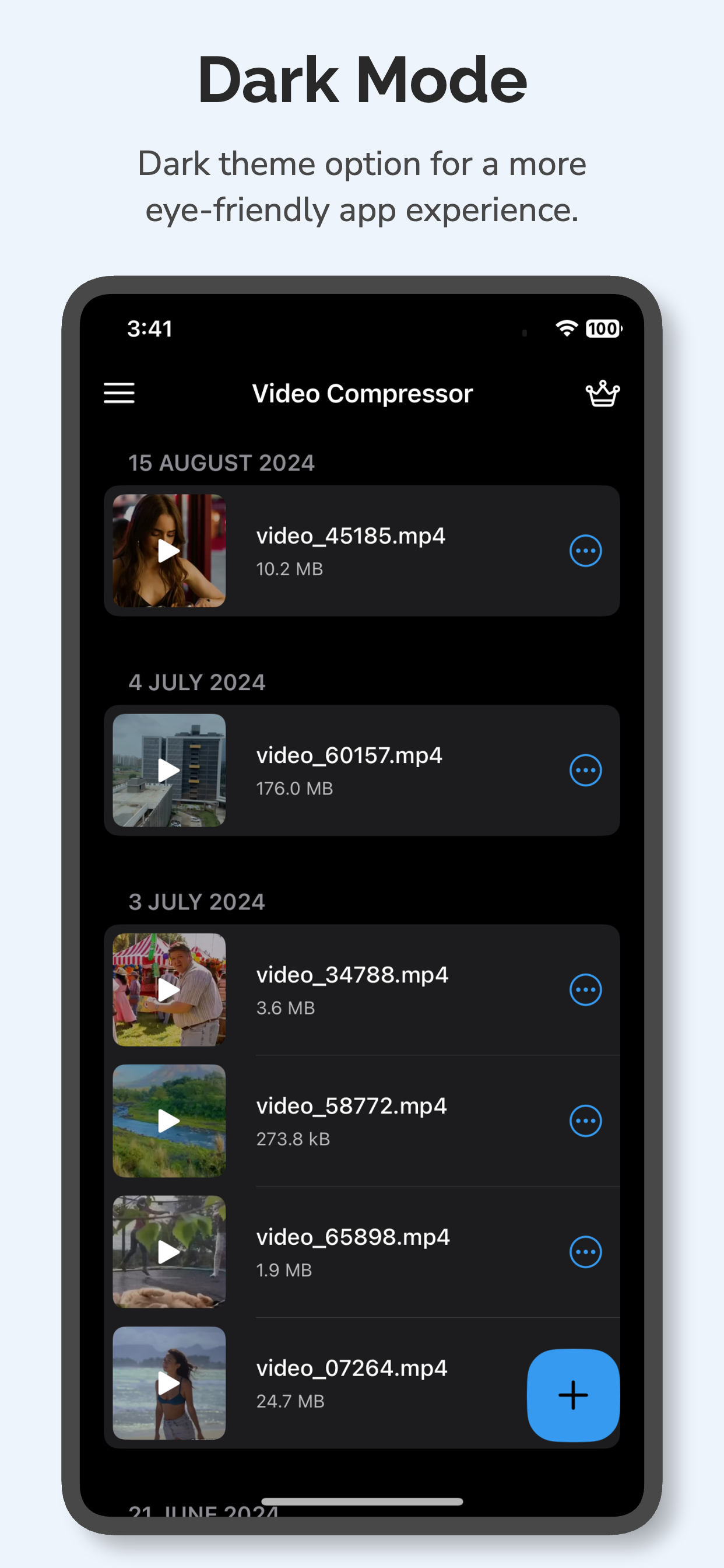
Dark Mode
Inspiration
Storage.
iPhones have one of the best camera systems on any smartphone for recording videos. Since the last few generations, iPhones also let you shoot videos in Apple ProRes which also supports recording videos in Dolby Vision, which is a first for any smartphone.
However, such an advanced camera system comes at the cost of Storage. Now, a regular iPhone user is not shooting in ProRes but most of them do shoot videos in 4K, and that eats up the storage very fast. iCloud can get very expensive to compensate for the Storage being used by videos on the device.
That's where a Video Compressor app can come in handy that not only lets the user save some precious space on their device but doesn't compromise the video quality either.
What it does
Video Compressor helps the user compress videos on their device with ease. The app currently offers three levels of compression. Low, Medium, and High.
These compression levels will yield different results based on the original resolution of the video.
How we built it
Video Compressor is a native iOS app and we built it using Swift and SwiftUI. At the core, we're using FFmpeg for video compression.
Challenges we ran into
We wanted to make sure the final compressed video wasn't a ghost of the original and retained the video quality even after being downscaled in resolution a little bit. That was our biggest challenge.
Accomplishments that we're proud of
Our goal was to make sure all the compression and video processing happens locally on the user's device and we successfully achieved that. None of the video files are sent to any servers for compression. All the processing happens locally on the device and the user's videos stay private.
What we learned
We learned a great deal about video formats, video codecs, frame rates, bitrates, etc. while doing our research for making this app. There's a lot that goes into a video file that we just don't see as an end user. But while building the app, we learned how to utilize these different parameters to reduce the size of the video without compromising on the existing video quality.
What's next for Video Compressor - Shrink Videos
For our next version, we have quite a few things planned. Currently, our app offers 3 easy-to-use compression levels. However, for our next version, we plan to introduce more granular control to the end user.
We'll be providing additional advanced options like controls for Frame Rate, Bitrate, Video Codec, Output Format, etc.

Log in or sign up for Devpost to join the conversation.