-
-
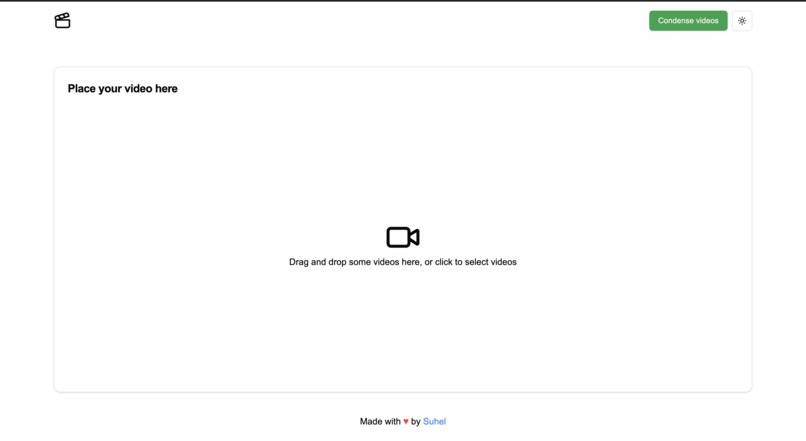
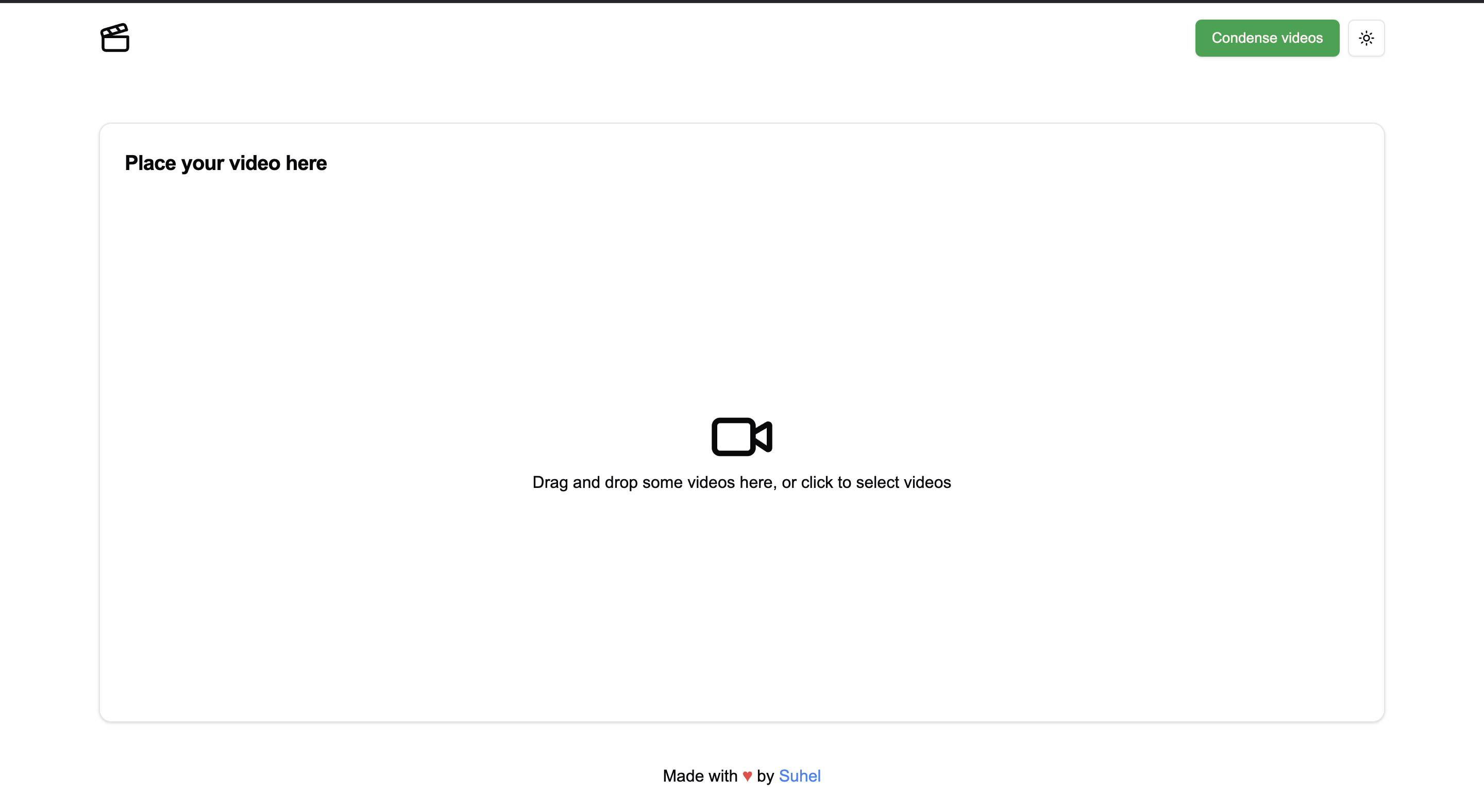
Video upload component
-
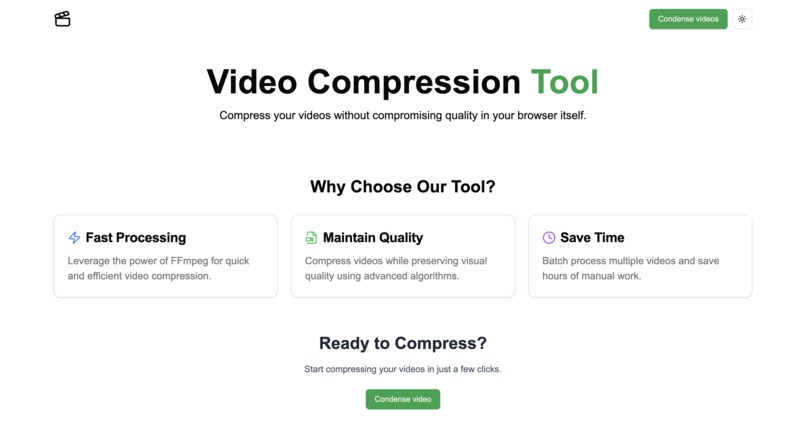
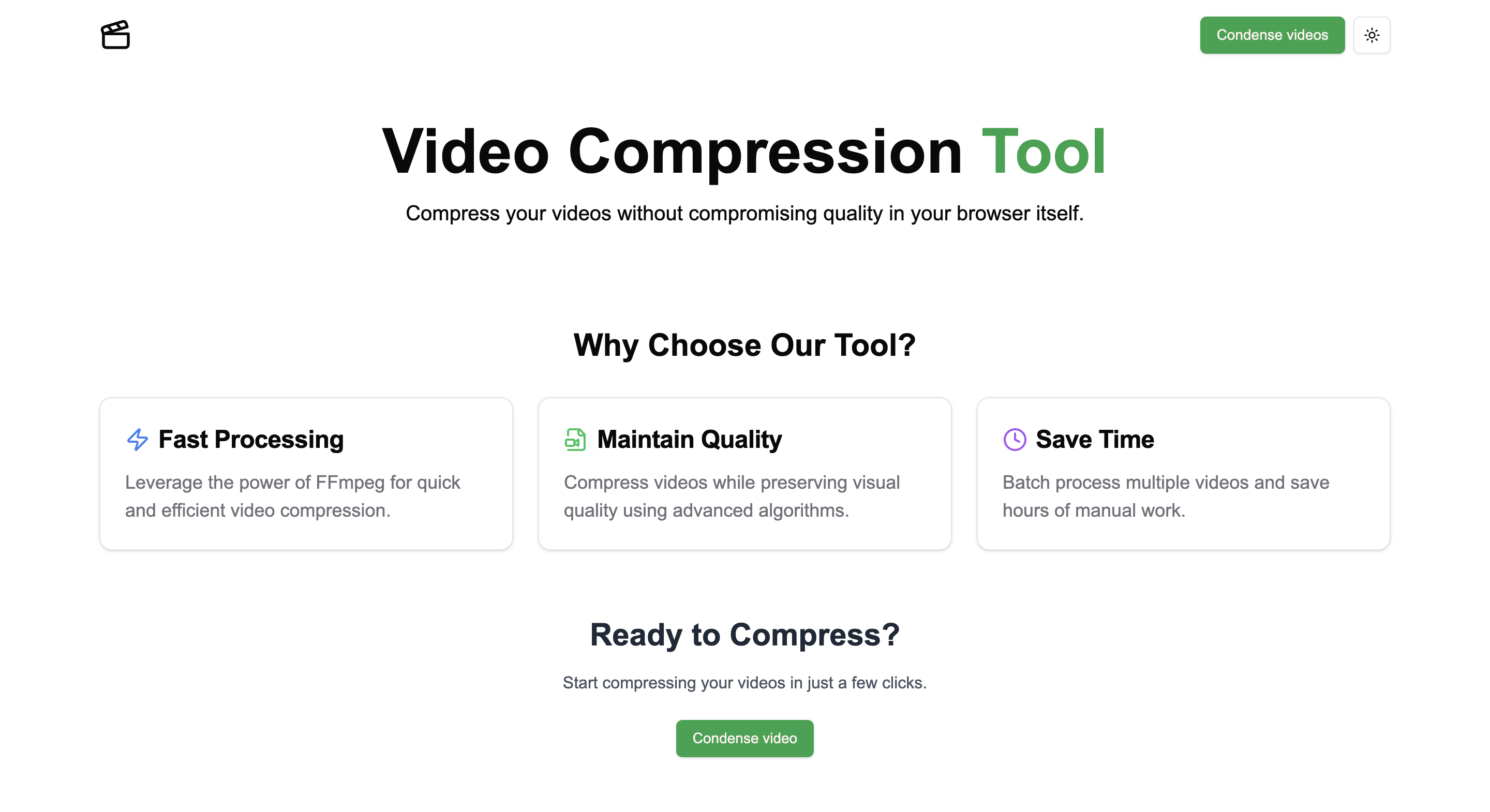
Home page
-
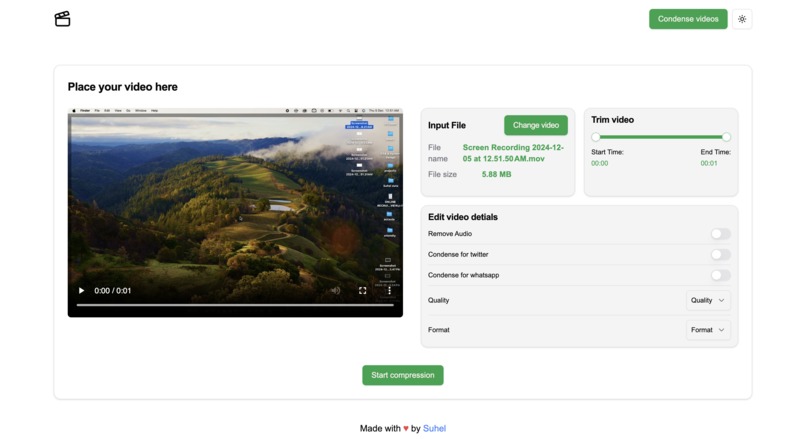
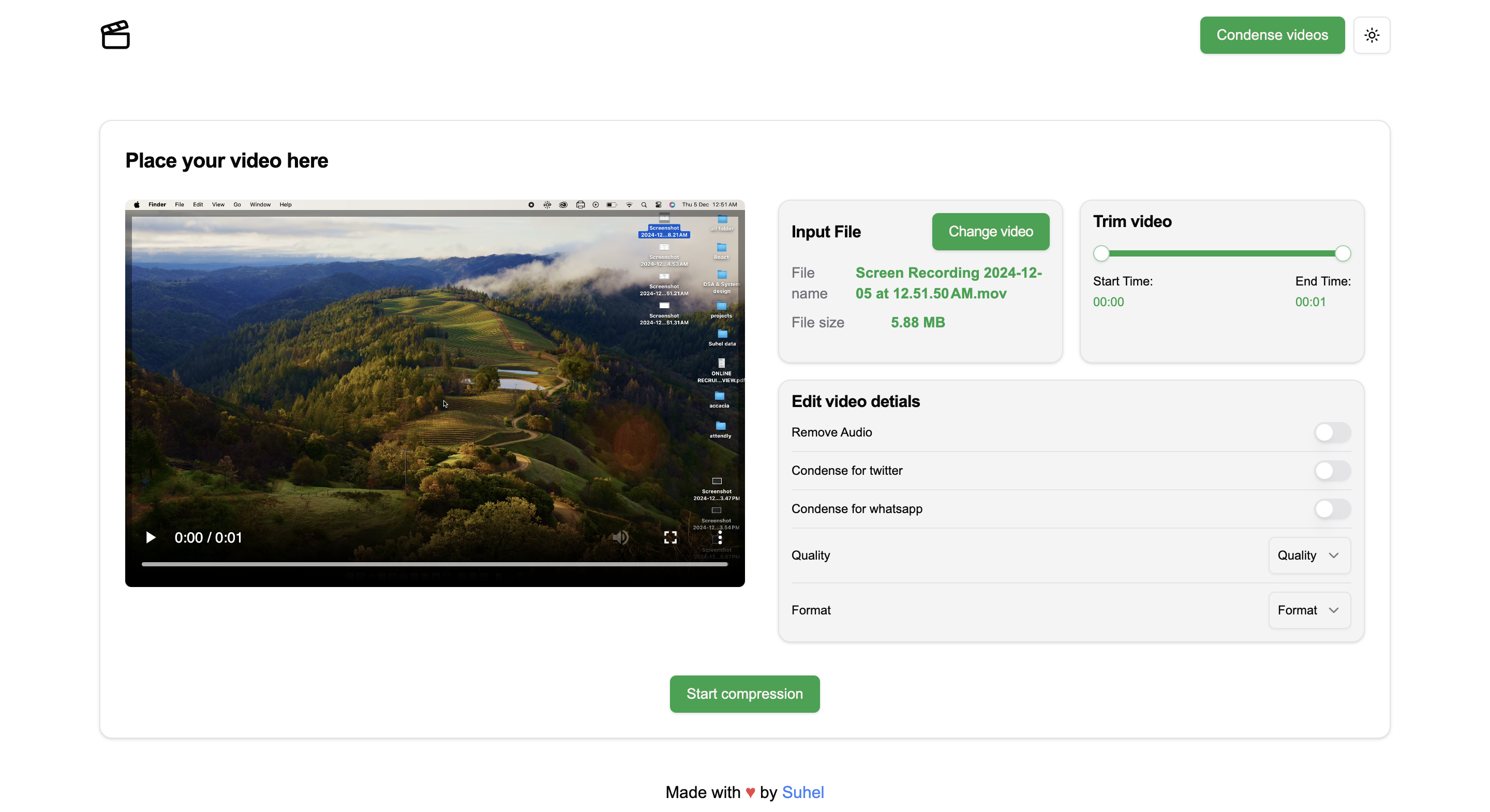
Ui after uploading compnent
-
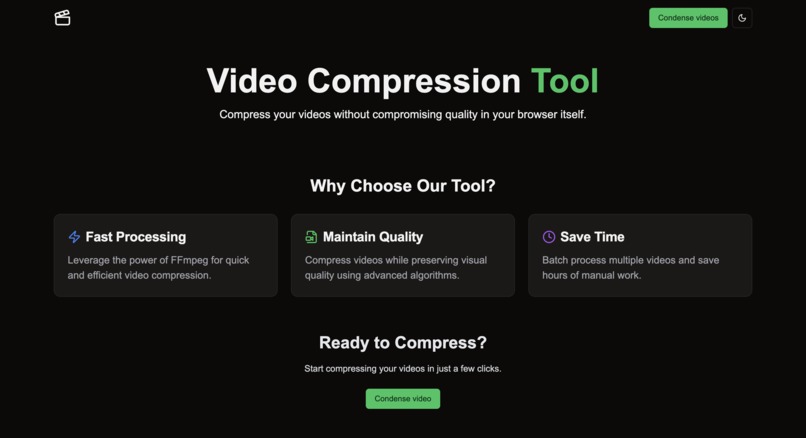
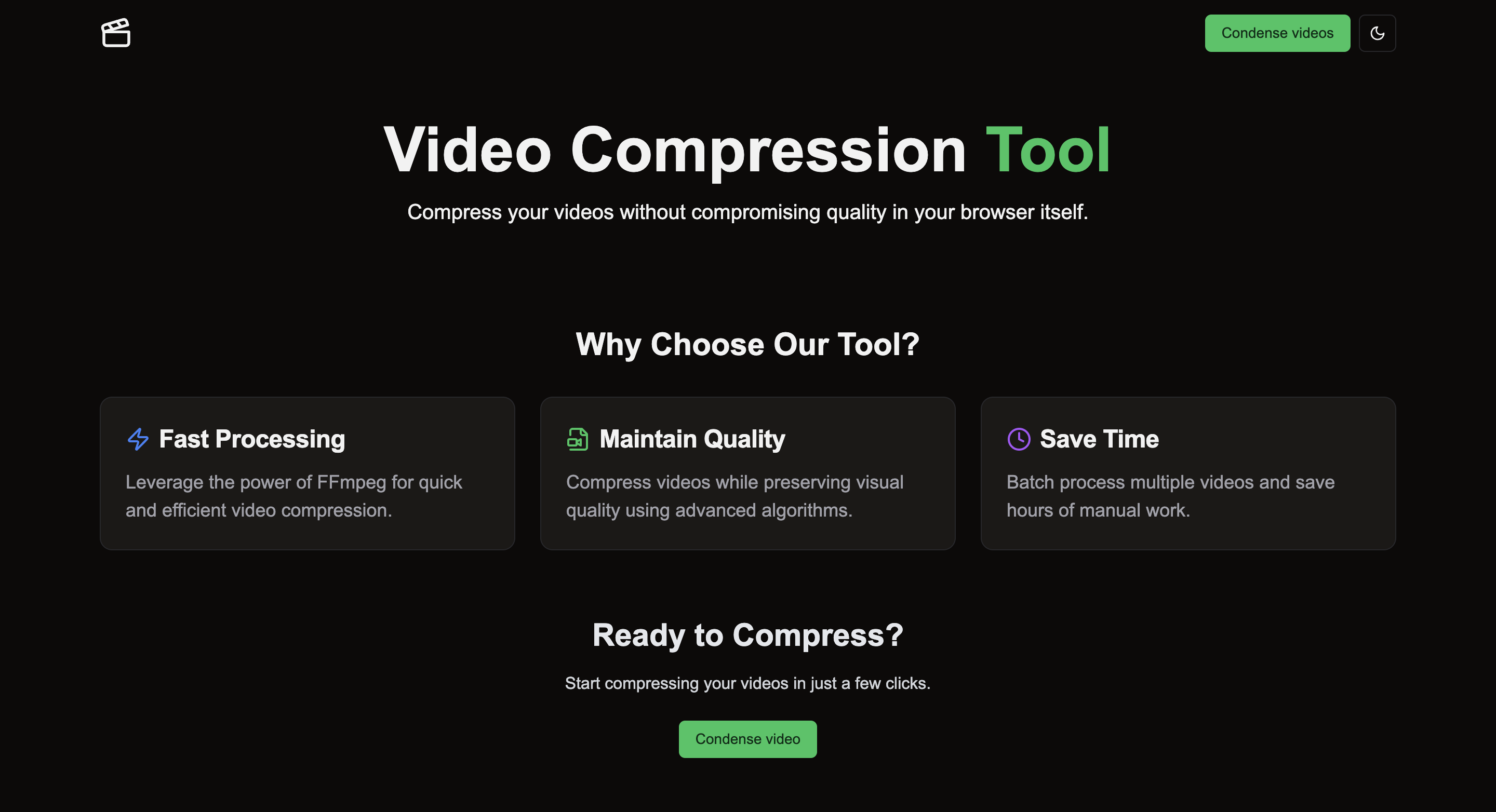
Dark mode
Inspiration
This project was inspired by my friend, an artist who frequently posts reels and Twitter videos. I noticed how challenging it can be to manage large video files, especially for creators who need quick, efficient compression. This tool was built to streamline the process for her and others in similar fields, making it easy to compress videos without compromising quality.
What it does
My tool takes a video input and compresses it using FFmpeg, resulting in a smaller file size without losing significant quality. It allows users to upload their videos, which are then processed and compressed on the server side using FFmpeg commands.
How we built it
Frontend: Built with Next.js, Tailwind CSS for styling, and ShadCN UI for component design. This combination ensures a modern, responsive, and user-friendly interface. Backend: I used FFmpegWasm, a WebAssembly version of FFmpeg, to handle video processing directly in the browser, ensuring faster performance and a smooth user experience. State Management: React state is used to handle multiple updates and video processing stages.
Challenges we ran into
One of the main challenges was learning FFmpeg commands and figuring out how to apply them for different video compression scenarios. Each video format and scenario can require different command sets, which involved some trial and error. Additionally, managing multiple React state updates during the compression process added complexity.
Accomplishments that we're proud of
The project is working as expected! The video compression tool can successfully process and compress videos, making it much easier for users to handle large files quickly and efficiently. The integration of FFmpegWasm has proven to be a great solution for client-side processing, ensuring that the tool remains fast and lightweight.
What we learned
- The inner workings of FFmpeg and how to handle different compression scenarios.
- How to manage multi-state updates in React and optimize performance for a smooth user experience.
- Integrating WebAssembly (FFmpegWasm) into a modern web application.
What's next for Video compression tool using ffmpeg
- Improved Folder Structure: I plan to reorganize the project for better scalability and maintainability, making it easier for other developers to contribute.
- Open Source: I aim to open-source the tool, allowing other developers to add more features, such as support for additional video formats, filters, and quality adjustments.
- Authentication: Adding proper authentication so users can save and access their compressed videos at a later time.

Log in or sign up for Devpost to join the conversation.