Inspiration
AI video models only produce a few seconds per clip, but real content needs a complete story with a voice, captions and music. I wanted one tool that could take a single prompt and handle the whole process, from planning to the final export.
What it does
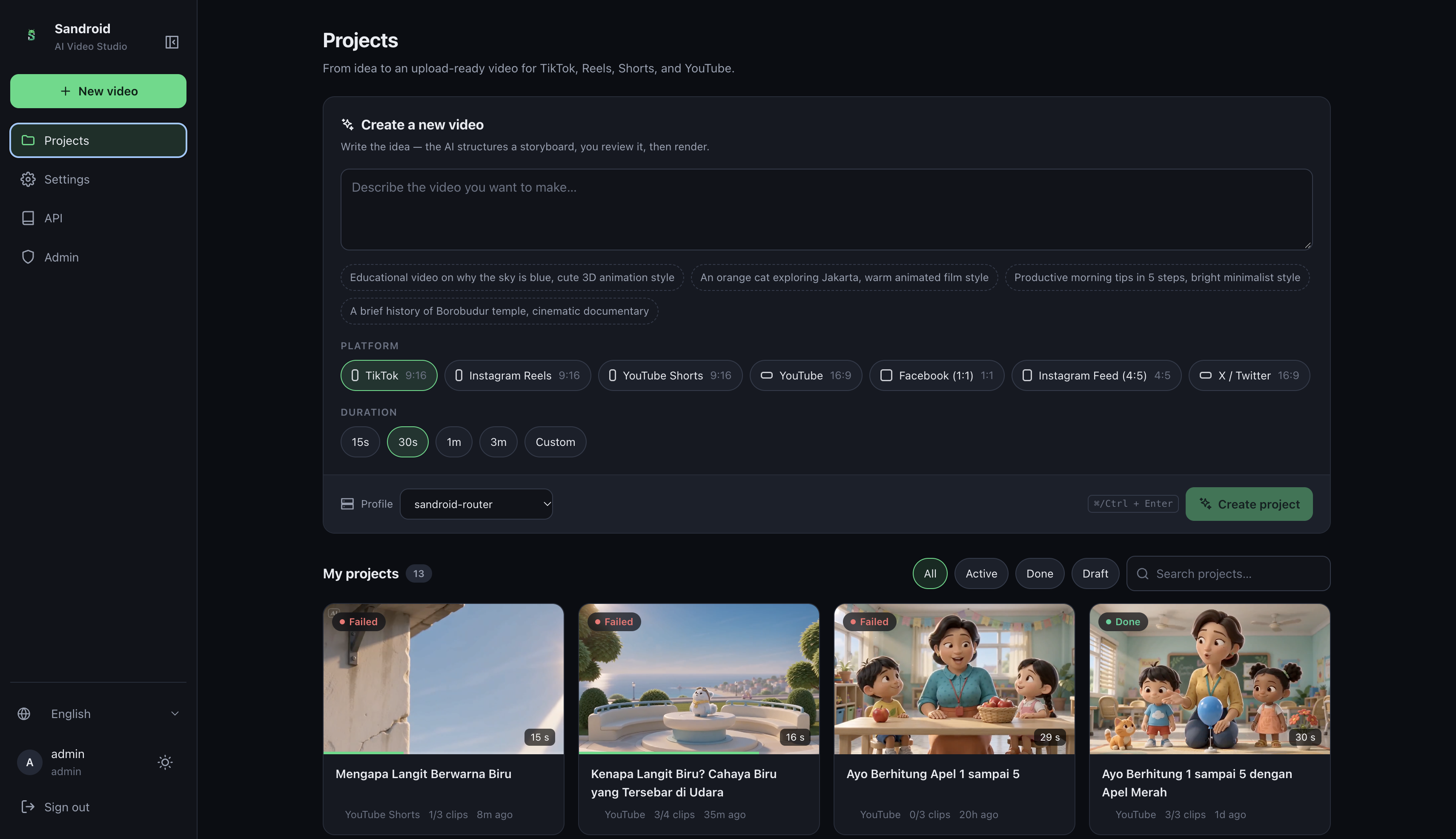
video-ai-studio turns a prompt into a finished video for TikTok, Reels, Shorts, Facebook, X or YouTube.
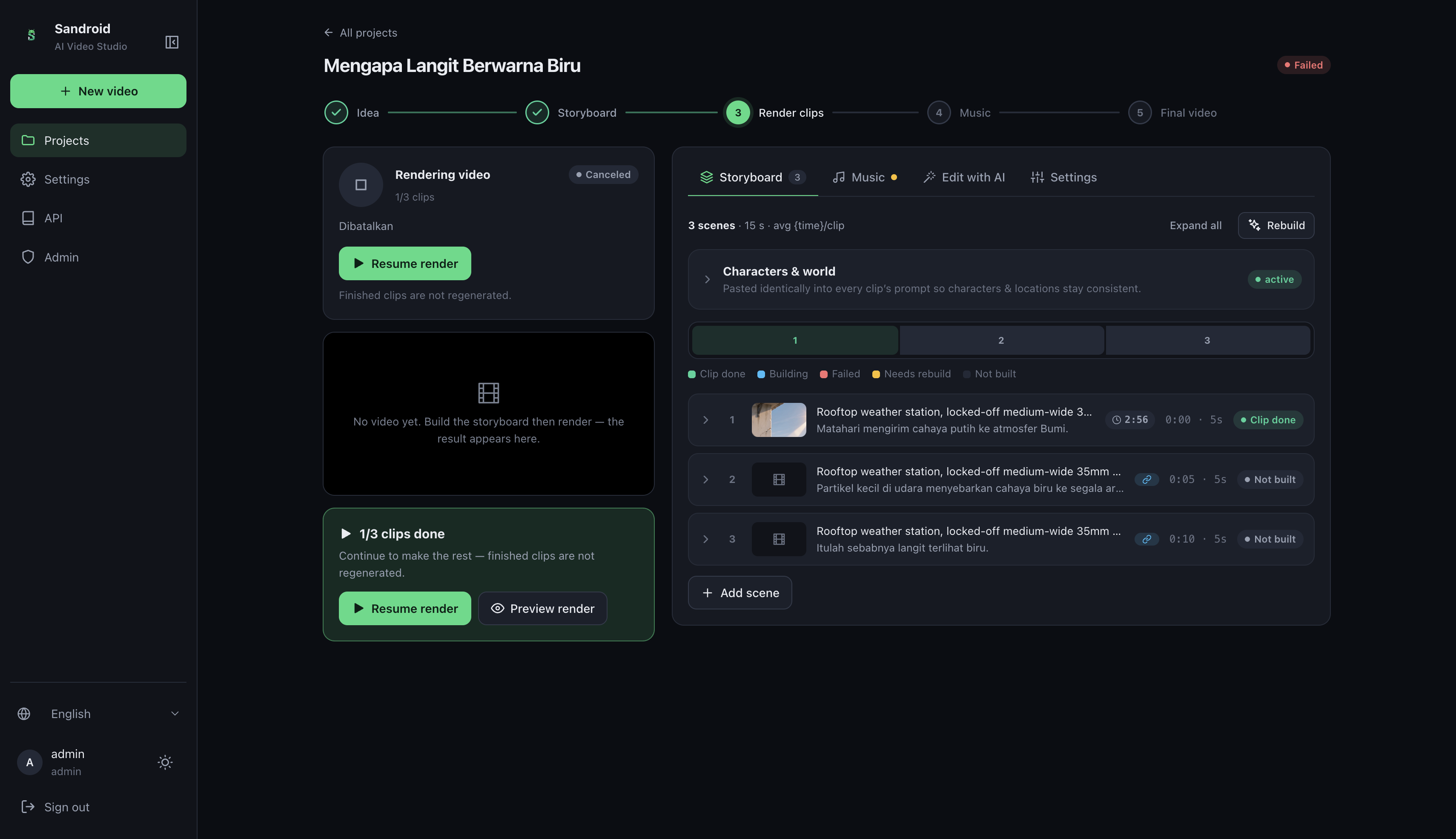
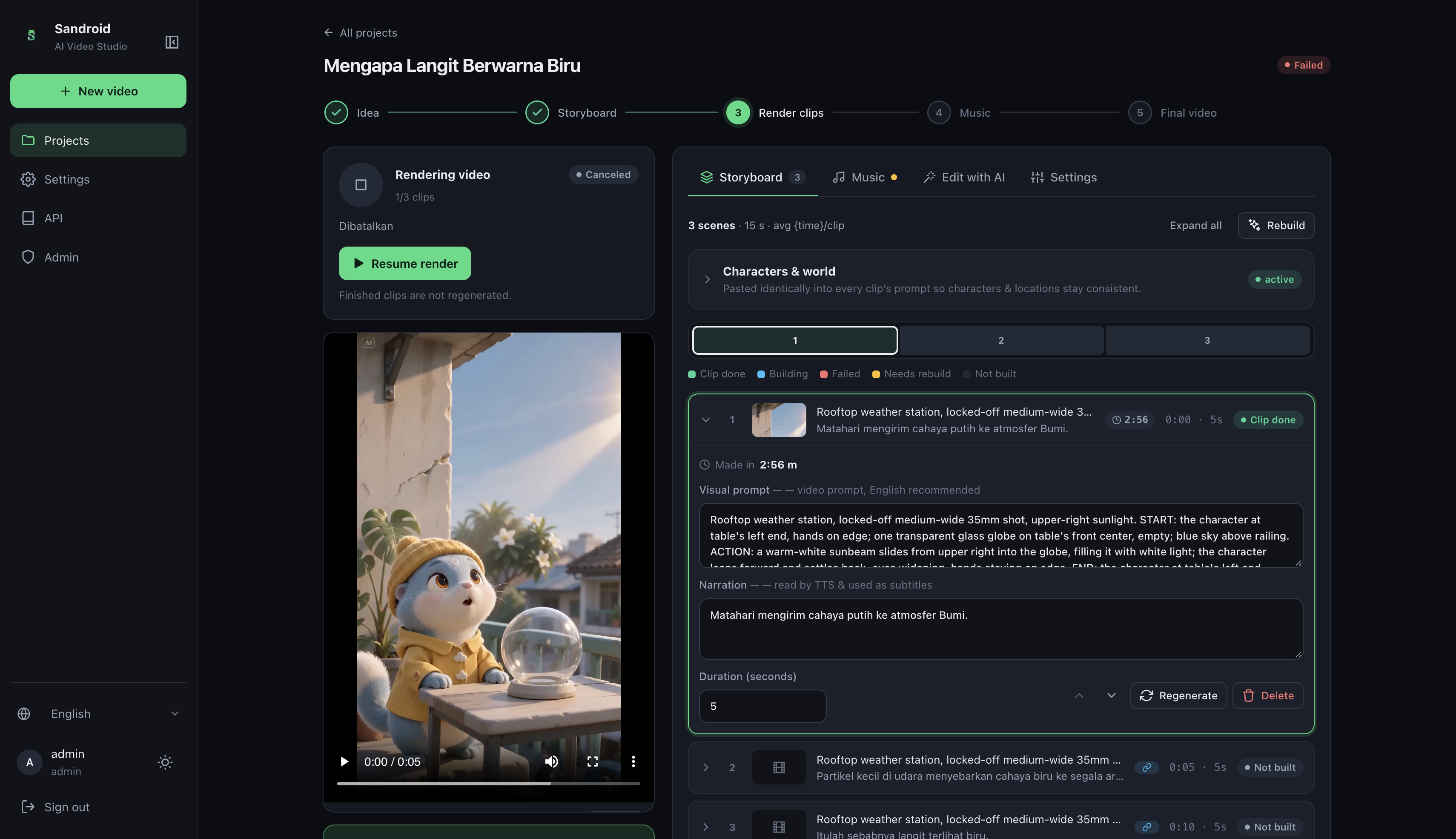
- Storyboard: an LLM plans the video scene by scene, and you can edit the result by hand
- Clips: each scene is generated as its own clip, using the last frame of one clip to help the next one continue
- Narration and subtitles: text-to-speech runs per sentence, so subtitle timing comes from the actual audio
- Music: upload a track and it is automatically ducked under the narration, or use song mode with timed lyrics
- Edit by prompt: describe a change, and only the affected scenes are regenerated
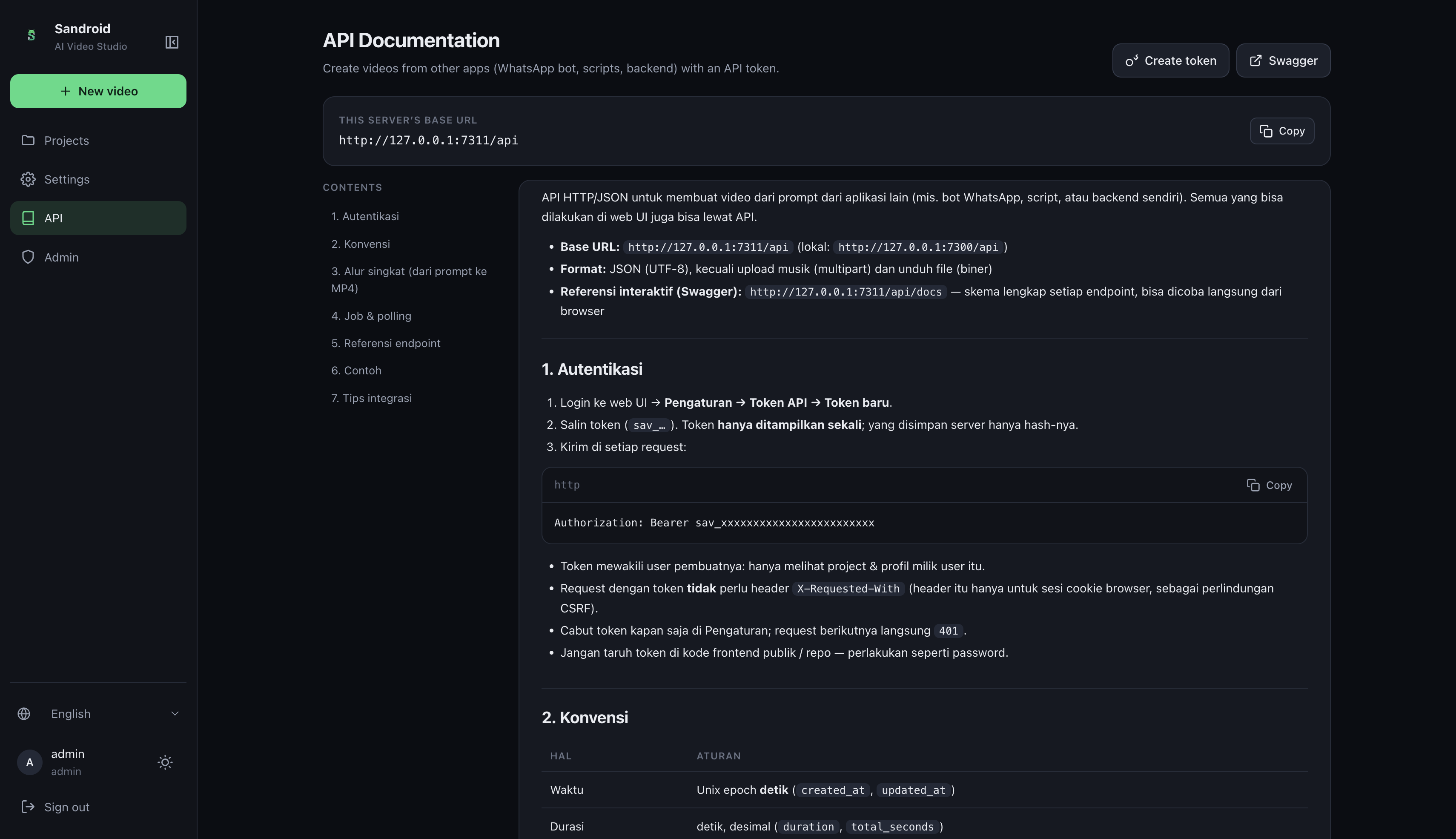
The app has no built-in AI. Each user connects their own OpenAI-compatible endpoint and API key, which is stored encrypted.
How I built it
The backend uses FastAPI and SQLite, with a background worker for planning, rendering and editing jobs. ffmpeg handles scaling, stitching, audio mixing, loudness and subtitle burn-in. The UI is built with React and Vite, and the backend serves the compiled files.
Production runs as a single PM2 process inside PRoot on an Android phone, so rendering is designed for limited hardware: 720p by default, the veryfast preset and one ffmpeg render at a time. Render state is saved per scene, so a job can resume after a restart without repeating finished scenes. I used Claude Code as an AI coding assistant during development.
Challenges I ran into
Generating clips was the easy part. Making them feel like one video was much harder:
- Stutter: 24 fps clips rendered at 30 fps produced repeated frames, so the render now detects the clips' real motion frame rate
- Colour jumps: continuous shots could change colour at the cut, so the engine now matches colour across them
- Story logic: the number of apples on screen could disagree with the number being sung, so planner rules now tie each action to its lyric
- Continuity: a clip could end in a different state from the one the storyboard described, so the engine now checks end frames against the storyboard
Scene transitions are still being improved.
Accomplishments that I'm proud of
- A full pipeline from prompt to final video, running on a phone
- Resumable renders that avoid paying for finished clips again
- Subtitle timing based on the narration audio, with no speech-to-text step
- Automated tests that cover the pipeline with real ffmpeg runs on synthetic clips, plus isolation between users
What I learned
Quality in AI video depends as much on the pipeline as on the model. Precise prompts, automated checks and careful post-processing decide whether separate clips feel like one story.
What's next for video-ai-studio
- Smoother transitions between scenes
- Built-in music generation through a provider API
- Thumbnail and metadata generation
- Direct publishing to social platforms

Log in or sign up for Devpost to join the conversation.