-
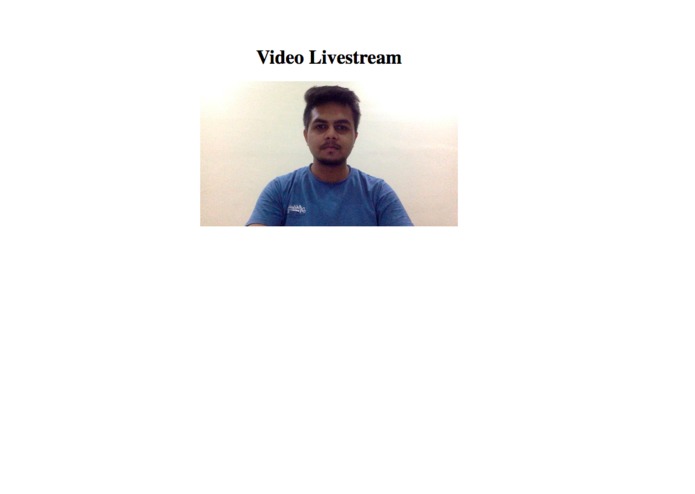
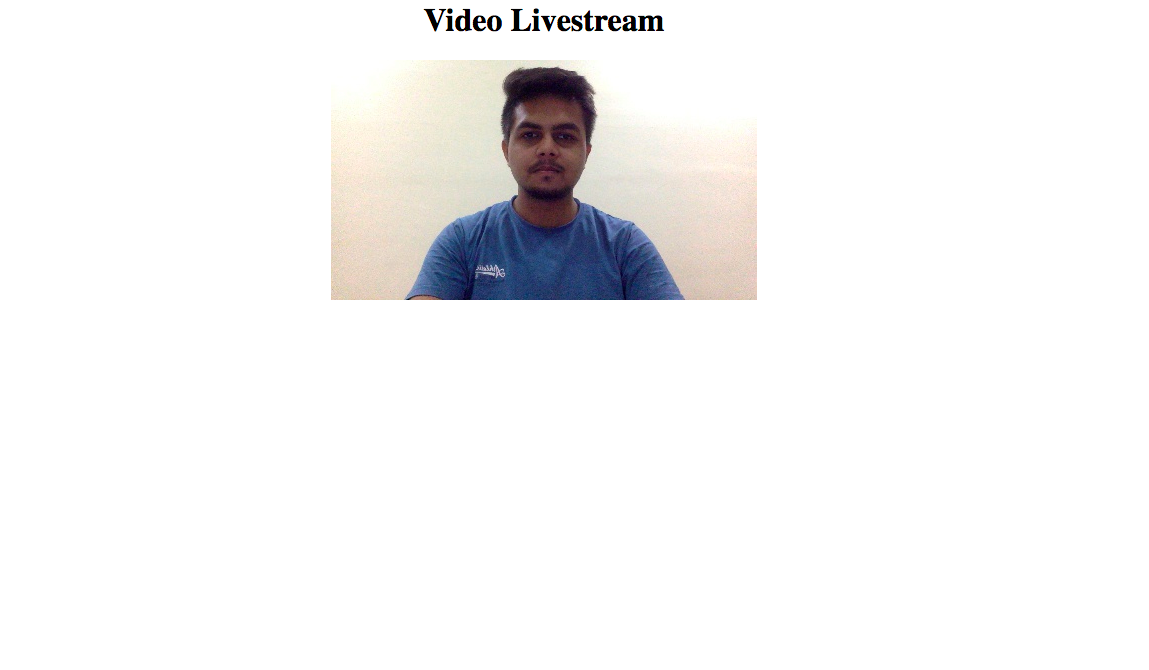
Live Streaming of the Webcam on a local machine. The live video stream and the video resolution is encrypted according to the network speed.
-
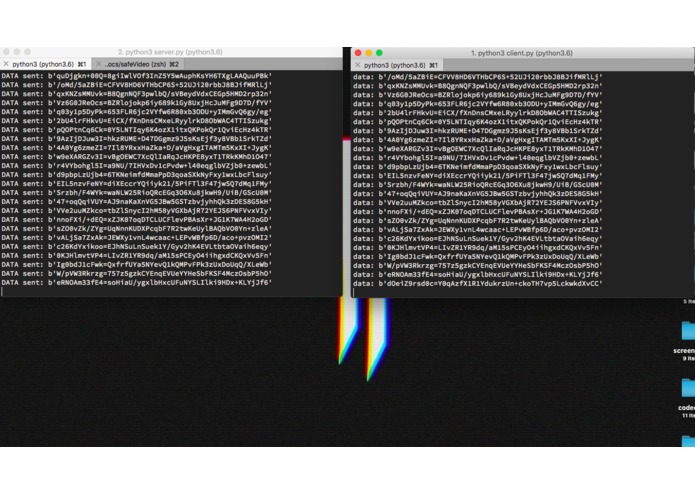
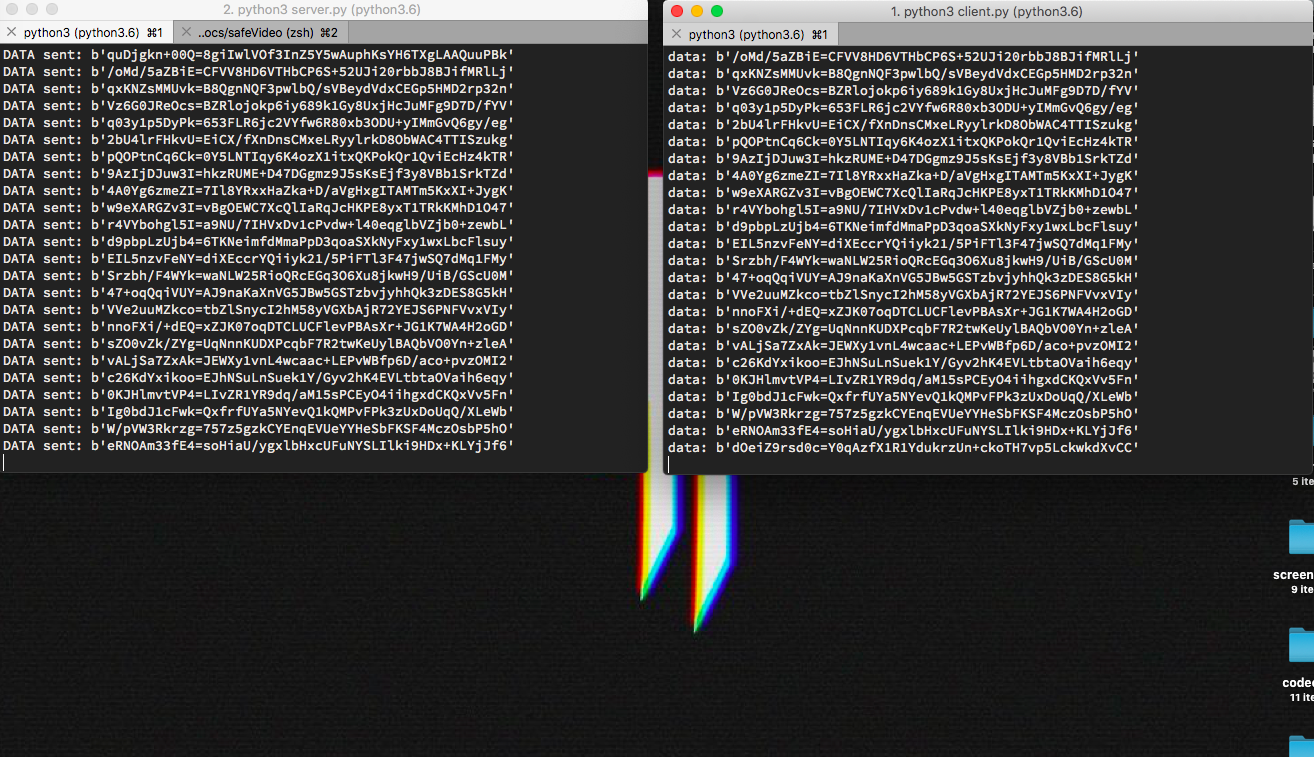
Actual encrypted data transfer of the stream.
-
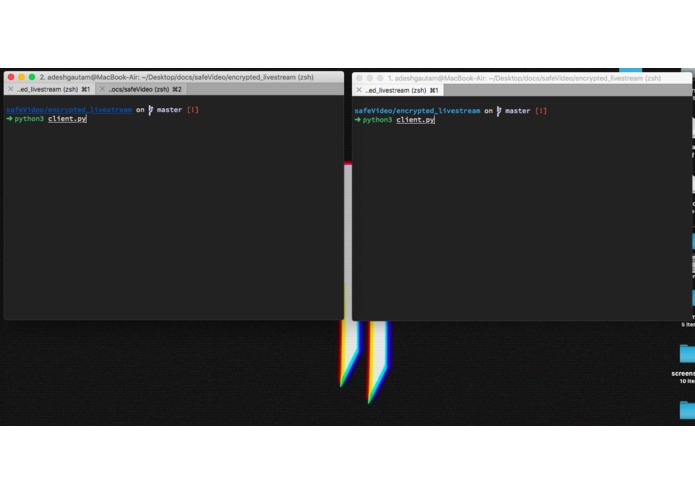
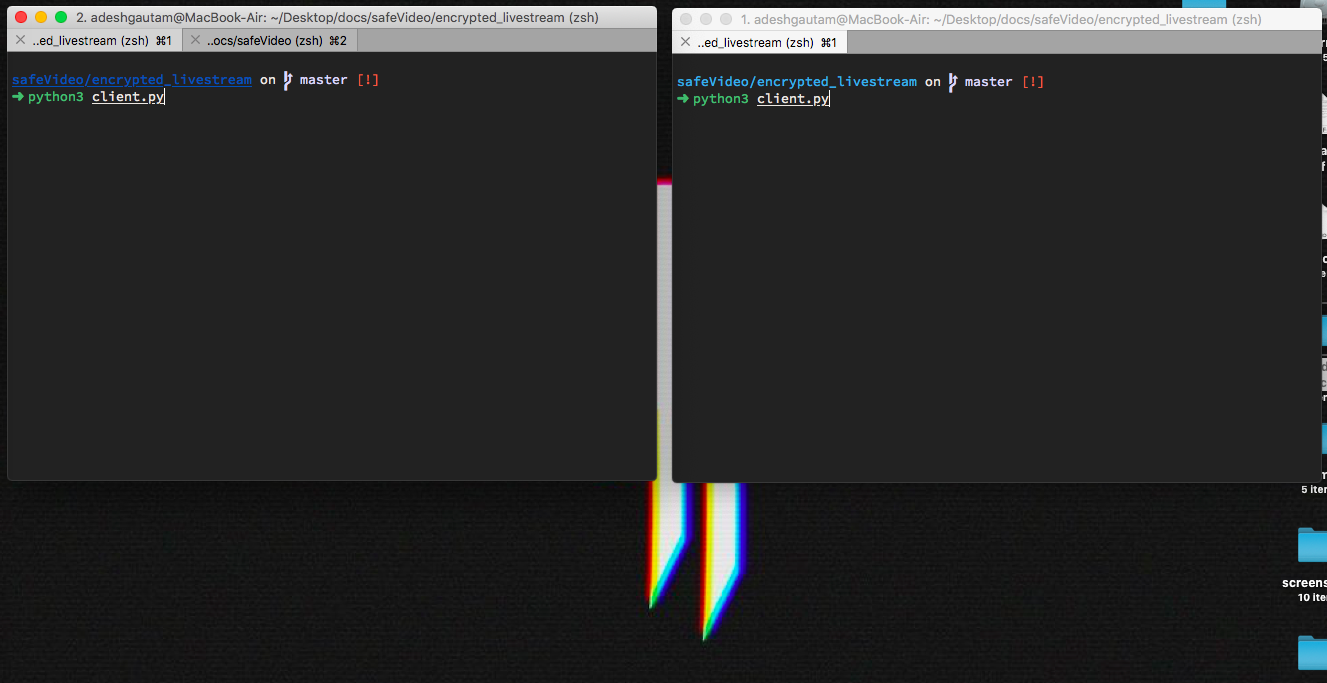
Running the client and server on the local machine
vidCrypt
This project aims to securely livestream webcam using AES-128 over network and also steam videos on demand over network.
For running the project:
Dependencies:
- OpenCV
- Numpy
- Pycryptodome
- Flask
- ffmpeg Install the dependencies using pip.
Running the Webcam livstream:
- Run
python server.pyon terminal - Run
python client.pyon another terminal - Now open
http://127.0.0.1:5000/in browser to watch the webcam livestream
Running the video on demand:
- Create a folder
outputsand run
ffmpeg -i input_video_to stream.mp4 -c copy -map 0 -segment_time 8 -f segment -reset_timestamps 1 outputs/output%03d.mp4
This will split the original video into chunks in the outputs folder. These chunks will be streamed over the network.
Now, run
python server.pyon terminal. to start the server.Run
python client.pyon another terminal to start the client.Now open
http://127.0.0.1:5000/in browser to watch the stream.
Edit the Webcam livestream parameters
For switching the network speed, change the "download" variable in the server.py file on line 20. And, for making it perform automatically change the "test" variable's value as True.
This streaming is now working correctly. Only the first chunk gets played.
Note: Currently the livestream is working but the video on demand needs work.
Please help to make it working. Raise issues and make pull requests.
For queries contact me at adeshg7@gmail.com


Log in or sign up for Devpost to join the conversation.