-
-
Thumbnail
-
 GIF
GIF
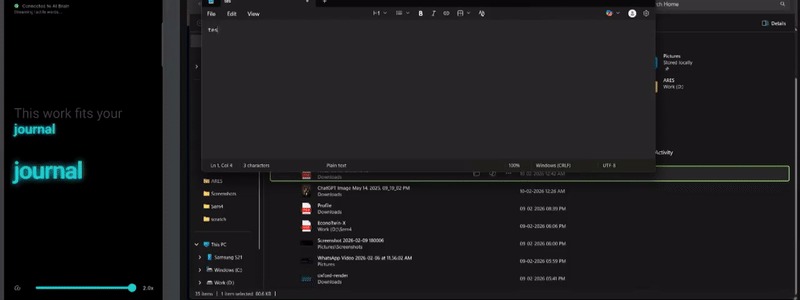
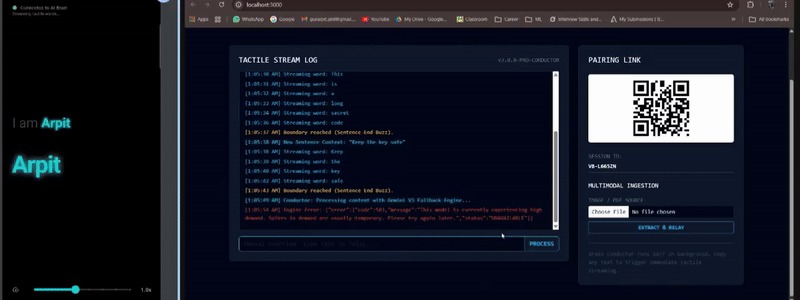
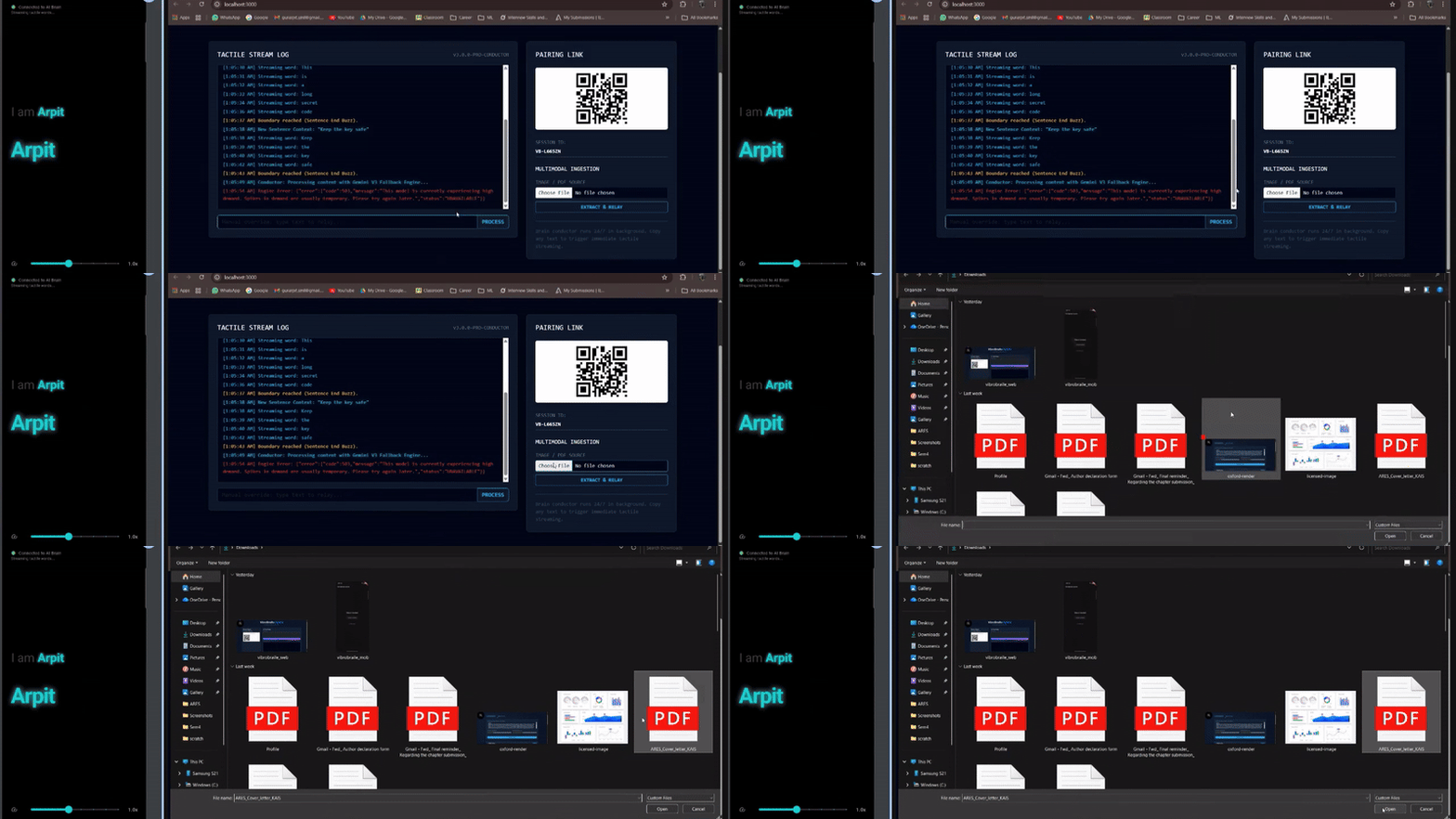
Copy Clip Board text on the PC. VibroBraille captures it, runs Gemini, and streams Braille words to the phone in real time.
-
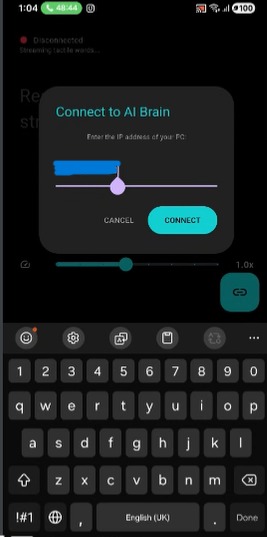
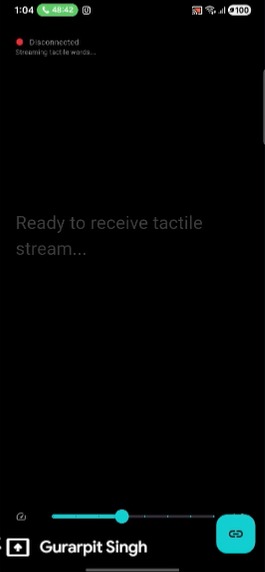
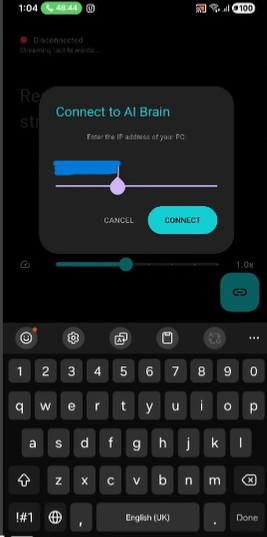
The mobile device connects to the PC “AI Brain” over local network using the pairing link. The phone acts purely as a tactile actuator.
-
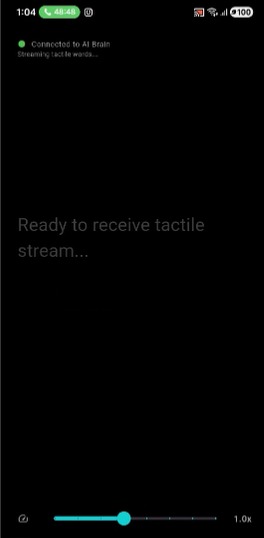
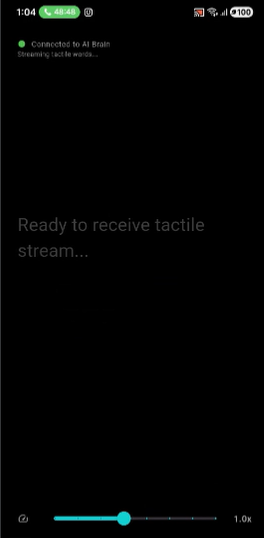
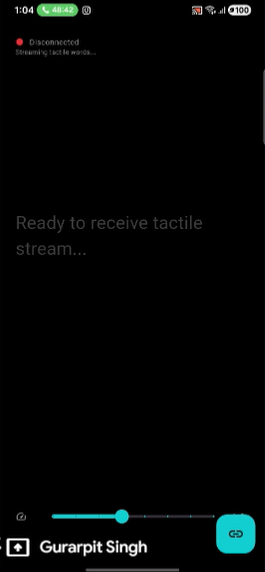
Once connected, the phone waits silently for tactile streams while displaying telemetry for demo visibility.
-
User feels Braille vibrations while observers watch each word relay live — “Braille Karaoke” for clear, real-time demonstrations.
-
 GIF
GIF
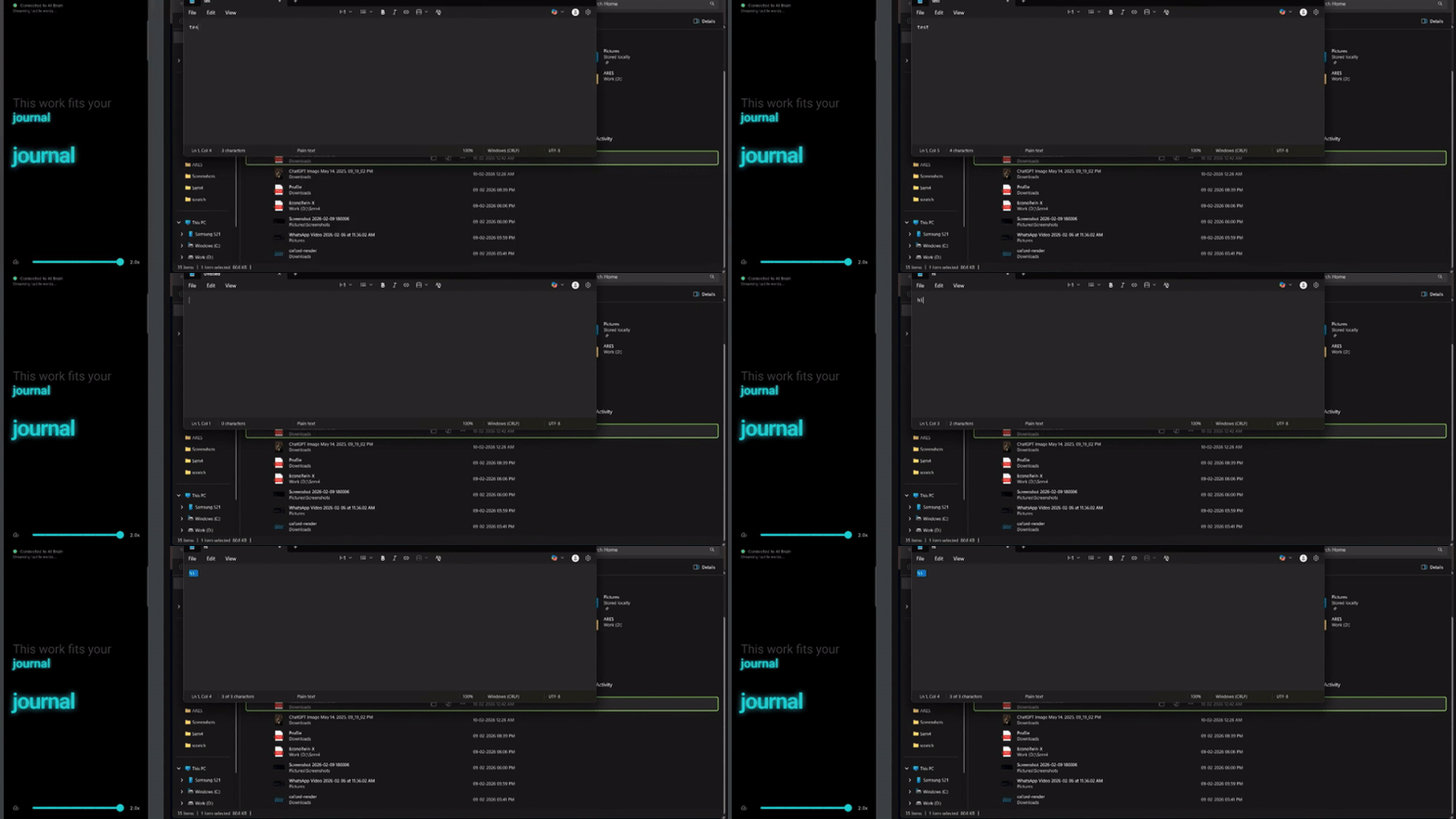
Upload a document. PC extracts text, Gemini compresses it for touch, and words stream as sequential Braille vibrations.
VibroBraille Hybrid
Inspiration
Braille is the foundation of literacy for blind and visually impaired individuals, yet access to it remains limited by cost, availability, and scale. Beyond primary education, Braille textbooks are bulky, expensive to print, and often nonexistent. While smartphones and computers are everywhere, accessibility on them still relies heavily on audio, which compromises privacy, independence, and usability in many real world environments.
We were inspired by a simple but powerful question: What if the device already in someone’s hand could become their Braille reader and their gateway to digital literacy?
VibroBraille was born from the belief that accessibility should not require specialized hardware. It should work on the technology people already use every day.
What it does
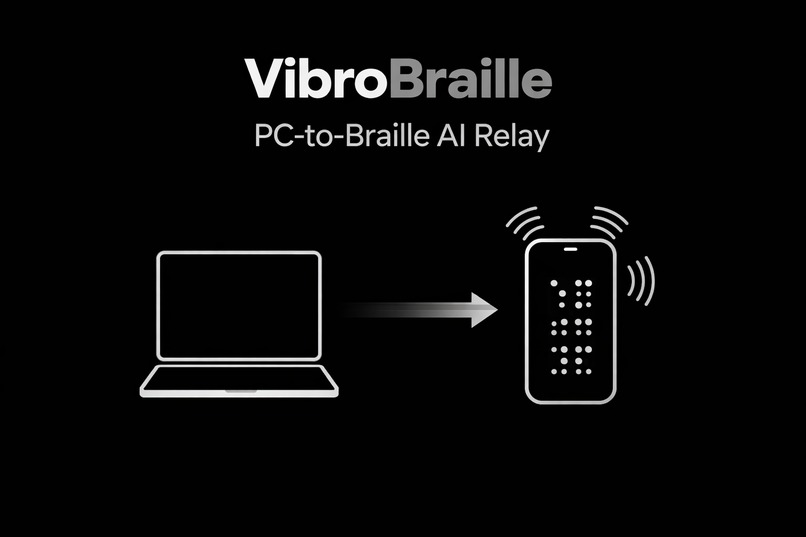
VibroBraille turns any PC into a live Braille surface and any smartphone into a tactile Braille reader.
Powered by Gemini 3, the system converts text, PDFs, images, and on screen content into AI optimized, tactile friendly Braille representations. The processed information is streamed word by word to a smartphone, where it is rendered through precisely calibrated vibration patterns that simulate Braille through touch.
Key capabilities include:
- Real time text to tactile Braille delivery
- PDF and document understanding using Gemini
- Adjustable vibration frequency, timing, and intensity
- Clipboard and interface interaction via tactile feedback
- No external Braille hardware required
The result is a scalable, affordable, and private way to access digital information through touch.
Digital Inclusion and PC Accessibility
Beyond reading, VibroBraille is designed as a digital inclusion tool, enabling blind users to interact more independently with computers and modern digital workflows.
By turning a PC into a live Braille surface, VibroBraille allows blind users to:
- Read on screen text, documents, and system messages through tactile feedback
- Navigate digital content without relying entirely on audio
- Access educational platforms, online resources, and productivity tools privately
- Learn computer usage and digital literacy skills in a tactile first manner
This is especially important in classrooms and training environments, where computers are essential but often inaccessible to visually impaired learners. VibroBraille bridges this gap by allowing PCs to communicate directly with a tactile interface through a smartphone, making computer based learning more inclusive and equitable.
In this way, VibroBraille is not just a reading aid it is a gateway to digital participation.
Expanding Digital Literacy Through Touch
Digital literacy today goes far beyond books. It includes interacting with interfaces, navigating menus, understanding structured information, and responding to dynamic content.
VibroBraille supports this by enabling:
- Tactile feedback for copied text and clipboard interactions
- Vibration based cues for interface elements such as buttons and prompts
- Sequential, word by word delivery that mirrors how screen content changes
This allows blind users to build mental models of digital systems through touch, helping them learn how computers and applications behave rather than passively consuming information. As a result, VibroBraille contributes directly to inclusive digital literacy, not just content accessibility.
Architecture and Temporal Haptic Encoding
VibroBraille is modeled as a semantic to tactile pipeline that separates intelligence from actuation:
$$ \mathcal{S} = H \circ E \circ B \circ \Phi $$
Where:
$$ A \text{ is the vibration amplitude} $$
$$ \sqcap(\cdot) \text{ is the rectangular pulse function} $$
$$ \tau_{\text{dot}} \text{ is the pulse duration for a single dot} $$
$$ t_k \text{ is the start time of the } k^{\text{th}} \text{ pulse} $$
Temporal Braille Encoding
Each Braille character (c) is represented by a set of raised dots
$$ B(c) = {d_1, d_2, \ldots, d_k}, \quad d_i \in {1,2,3,4,5,6} $$
Since a smartphone provides a single vibration actuator, spatial Braille dots are serialized in time.
For each character, the vibration signal is synthesized as a sequence of rectangular pulses:
$$ s_c(t) = A \sum_{k \in B(c)} \sqcap!\left(\frac{t - t_k}{\tau_{\text{dot}}}\right) $$
Where:
- (A) is the vibration amplitude
- (\sqcap(\cdot)) is the rectangular pulse function
- (\tau_{\text{dot}}) is the pulse duration for a single dot
- (t_k) is the start time of the k th pulse
Inter dot and inter character gaps are enforced to ensure perceptual clarity and motor safety:
$$ t_{k+1} = t_k + \tau_{\text{dot}} + \tau_{\text{intra gap}} $$
This formulation reframes Braille rendering as a time domain signal synthesis problem, allowing accurate tactile representation using commodity smartphone hardware.
How we built it
VibroBraille is designed as a distributed semantic to tactile system:
- A PC based Brain handles semantic understanding and simplification using Gemini 3
- Gemini compresses and restructures content to reduce cognitive and tactile load
- The processed output is transmitted via a low latency WebSocket connection
- A Flutter based Android app receives the data and converts it into temporal Braille vibration patterns
- Braille dots are serialized into time domain haptic waveforms, allowing a single smartphone vibration motor to represent Braille accurately
By separating intelligence from actuation, the system remains lightweight on mobile hardware while maintaining powerful AI driven understanding.
Challenges we ran into
One of the biggest challenges was translating a spatial Braille system into a single vibration motor. Smartphones lack physical Braille pins, so we had to design a temporal Braille encoding scheme that preserves distinguishability using vibration timing and rhythm.
Another challenge was managing latency and synchronization. Semantic processing, network transmission, and haptic rendering all needed to work seamlessly without overlapping vibration signals or causing user confusion.
Balancing semantic compression was also critical. Too much compression loses meaning, too little overwhelms tactile reading. Designing prompts and constraints for Gemini that optimized for touch rather than vision required careful iteration.
Accomplishments that we're proud of
- Built a fully working, real time AI to haptics pipeline
- Successfully demonstrated PDF and document understanding using Gemini
- Created a hardware free Braille system using commodity smartphones
- Designed a safe, motor aware vibration scheduling system
- Delivered a solution that is both technically rigorous and socially impactful
Most importantly, we reframed Braille rendering as a time domain signal synthesis problem, opening a new direction for tactile accessibility.
What we learned
We learned that accessibility is not just about conversion it’s about deciding what information deserves to be delivered. Touch has limited bandwidth, and AI plays a critical role in managing that constraint intelligently.
We also learned the importance of human centered system design. Reliability, safety, pacing, and comfort matter just as much as algorithms. Gemini proved especially powerful not just as a language model, but as a semantic filter tailored to human perception.
What's next for VibroBraille
Next, we plan to:
- Introduce adaptive learning to personalize haptic patterns per user
- Improve temporal encoding with error correction and dot specific signatures
- Extend multimodal support for richer image to tactile descriptions
- Conduct user studies with visually impaired learners
Looking ahead, VibroBraille can be extended using Gemini Live to enable real time, conversational interaction with on screen content, allowing users to ask contextual questions and receive tactile guidance dynamically.
Integration with maps and navigation systems opens another powerful direction. By combining Gemini’s spatial reasoning with mapping data, VibroBraille could provide tactile navigation cues, landmark descriptions, and step by step guidance through vibration patterns, supporting independent mobility and spatial understanding.
Our long term vision is clear: Make tactile literacy and digital participation universally accessible, scalable, and built into everyday devices.
Built With
- android
- braille
- dart
- flutter
- gemini
- gemini3
- haptics
- kotlin
- node.js
- tts
- vision
- websockets


Log in or sign up for Devpost to join the conversation.