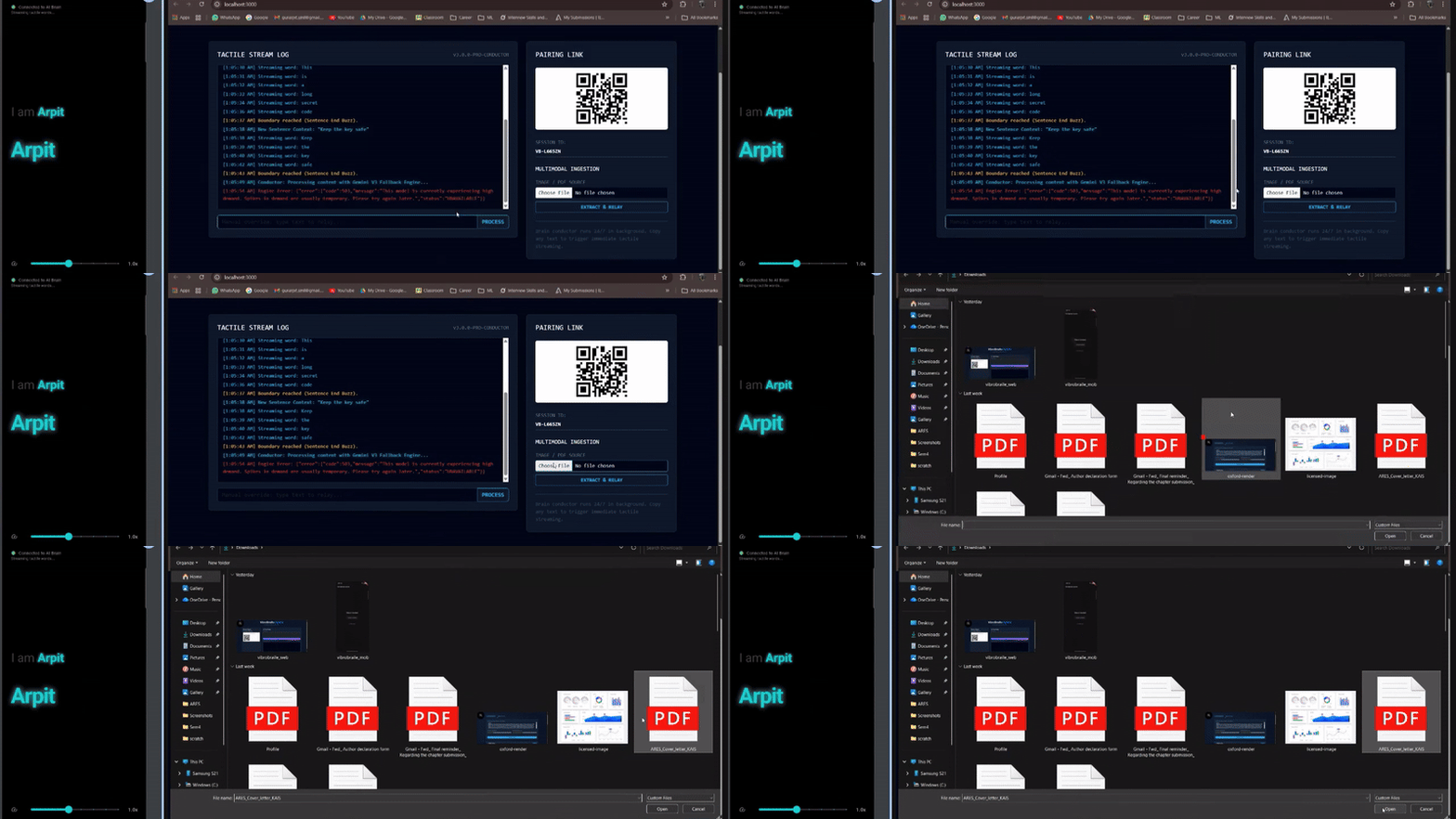
VibroBraille Hybrid
Inspiration
Braille is central to literacy for blind and visually impaired individuals, yet access remains restricted by cost, scale, and availability. Advanced Braille books are often bulky, expensive, or unavailable. While smartphones and computers are widespread, accessibility still depends largely on audio, limiting privacy, independence, and usability in many real world settings.
We began with a simple but transformative question:
What if the device already in someone’s hand could become their Braille reader and gateway to digital literacy?
VibroBraille is built on the belief that accessibility should not require specialized hardware. It should work seamlessly with the technology people already use every day.
What VibroBraille Does
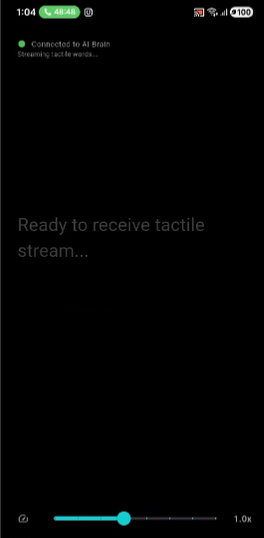
VibroBraille converts any PC into a live Braille surface and any smartphone into a tactile Braille display.
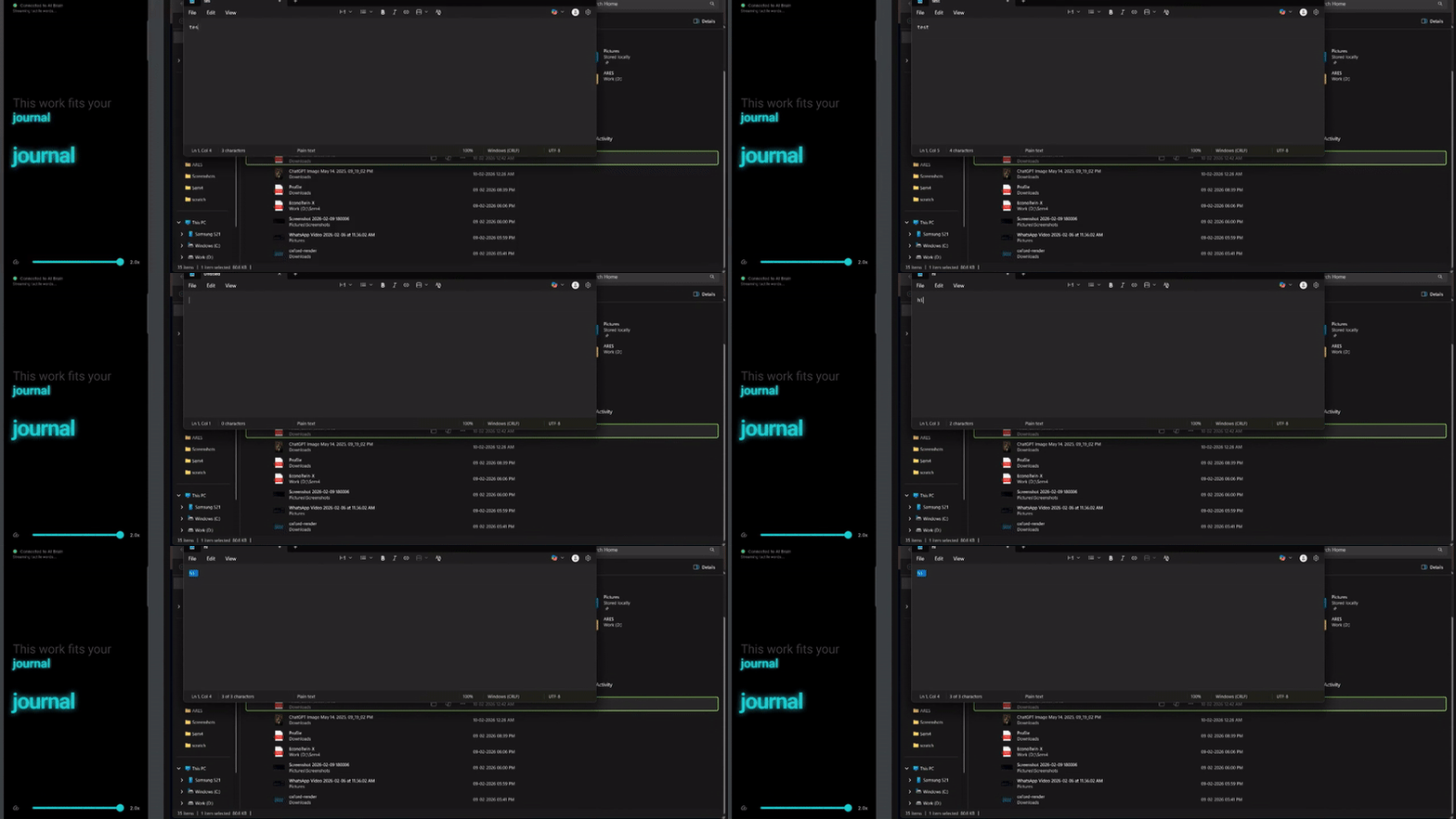
The system processes text, PDFs, images, and on screen content into tactile optimized Braille representations. This information is streamed word by word to a smartphone, where it is rendered through precisely calibrated vibration patterns that simulate Braille through touch.
Core Capabilities
- Real time text to tactile Braille streaming
- PDF and document understanding
- Adjustable vibration timing, intensity, and frequency
- Clipboard and interface interaction via tactile cues
- No dedicated Braille hardware required
The result is a scalable, affordable, and private way to access digital information through touch.
Digital Inclusion and PC Accessibility
VibroBraille is not just a reading tool. It is designed as a digital inclusion platform that enables blind users to engage independently with computers and modern digital systems.
By transforming a PC into a tactile interface, users can:
- Read on screen text, system messages, and documents
- Navigate digital environments without relying entirely on audio
- Access educational platforms and productivity tools privately
- Develop digital literacy skills through tactile first interaction
In classrooms and training environments, VibroBraille bridges the accessibility gap by enabling direct tactile communication between PCs and smartphones.
It is not merely an assistive layer. It is a gateway to digital participation.
Expanding Digital Literacy Through Touch
Digital literacy extends beyond reading text. It includes understanding interfaces, navigating menus, interpreting structured information, and interacting with dynamic systems.
VibroBraille supports this by enabling:
- Tactile feedback for copied text and clipboard interactions
- Vibration cues for interface elements such as buttons and prompts
- Sequential word delivery aligned with real time screen changes
This tactile interaction helps users build mental models of digital systems, strengthening inclusive digital literacy rather than passive content consumption.
Architecture and Temporal Haptic Encoding
VibroBraille operates as a semantic to tactile pipeline that separates intelligence from actuation.
High level flow:
PC semantic processing → content structuring → low latency transmission → smartphone haptic rendering
Temporal Braille Encoding
Traditional Braille represents characters spatially using raised dots. Smartphones provide only a single vibration motor. To bridge this gap, VibroBraille serializes spatial Braille dots into the time domain.
Each character is represented as a sequence of rectangular vibration pulses:
Where:
Ais vibration amplituderect()is the rectangular pulse functionτ_dotis the duration of a single dott_kis the start time of the k-th pulse
Inter dot and inter character gaps ensure perceptual clarity and motor safety.
This reframes Braille rendering as a time domain signal synthesis problem, enabling accurate tactile representation using commodity smartphone hardware.
System Design
VibroBraille follows a distributed semantic to tactile architecture:
- A PC based processing engine performs semantic interpretation and simplification
- Content is compressed and structured to reduce tactile and cognitive load
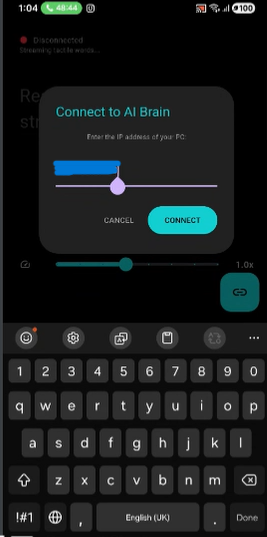
- Output is transmitted via low latency WebSocket communication
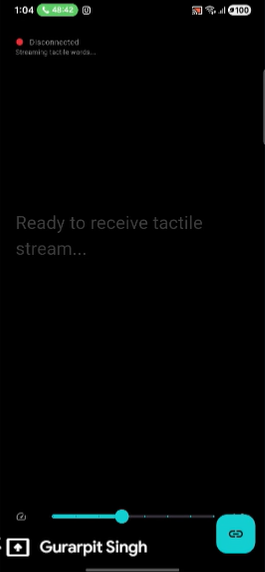
- A Flutter based Android application receives and converts the stream into temporal Braille vibration patterns
- Braille dots are serialized into time domain haptic signals
By separating semantic intelligence from physical actuation, the system remains lightweight on mobile hardware while maintaining strong content understanding.
Technical Challenges
Spatial to Temporal Conversion
Braille is inherently spatial. Designing a temporal encoding system that preserves dot distinguishability through vibration timing and rhythm required careful signal modeling.
Latency and Synchronization
Semantic processing, network transmission, and haptic rendering needed tight coordination to avoid overlapping signals and user confusion.
Semantic Compression
Touch has limited bandwidth. Excess compression removes meaning, while insufficient compression overwhelms tactile reading. Optimizing this balance required iterative refinement.
Key Achievements
- Built a fully functional real time semantic to haptics pipeline
- Demonstrated document and PDF understanding
- Created a hardware free Braille system using standard smartphones
- Designed a motor aware vibration scheduling framework
- Introduced a time domain signal synthesis model for Braille rendering
What We Learned
Accessibility is not only about conversion. It is about determining which information should be transmitted through a constrained sensory channel.
Touch has limited bandwidth. Intelligent filtering, pacing, reliability, and comfort are as important as algorithmic performance. Human centered design proved essential throughout development.
Future Directions
Planned advancements include:
- Adaptive learning to personalize vibration signatures
- Enhanced temporal encoding with error correction
- Expanded multimodal interpretation for richer tactile descriptions
- User studies with visually impaired learners
Long term, VibroBraille can support contextual interaction with on screen content, enabling dynamic tactile guidance.
Integration with navigation systems could provide tactile route cues, landmark descriptions, and step by step vibration guidance to support independent mobility.
Long Term Vision
Make tactile literacy and digital participation universally accessible, scalable, and built into everyday devices.


Log in or sign up for Devpost to join the conversation.