-
-
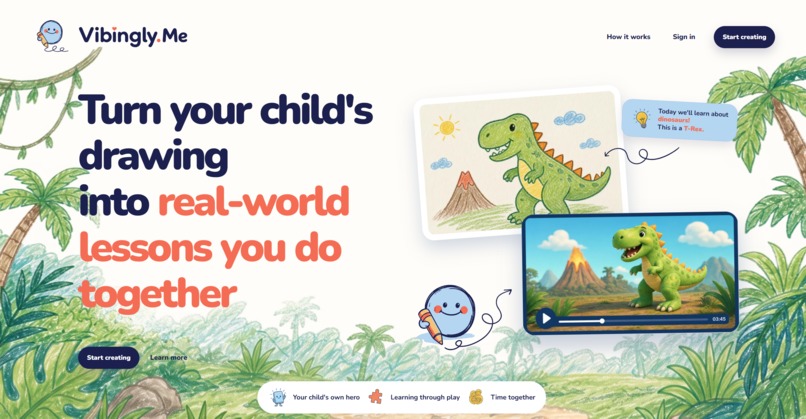
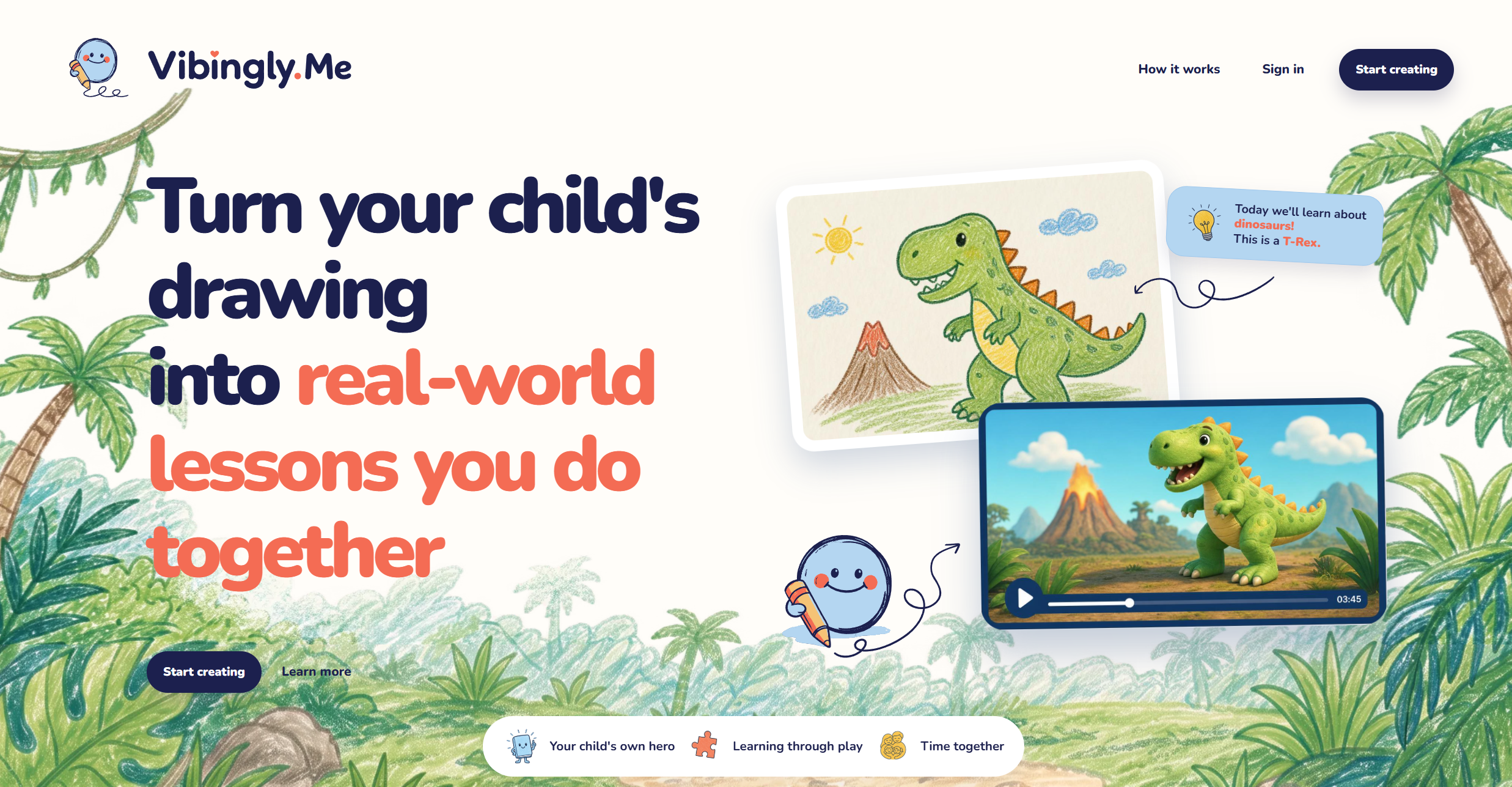
Hero Section
-
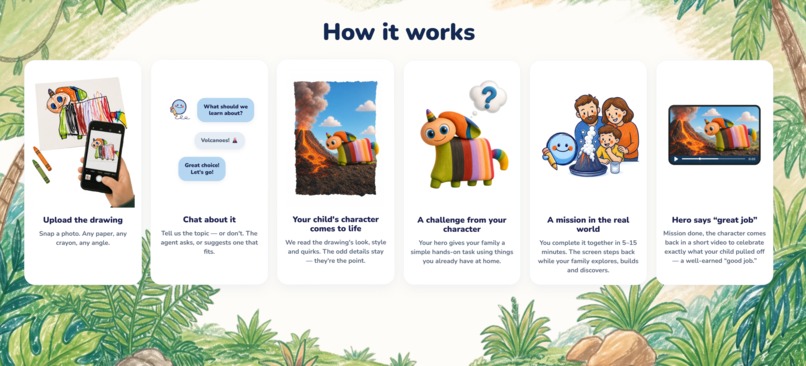
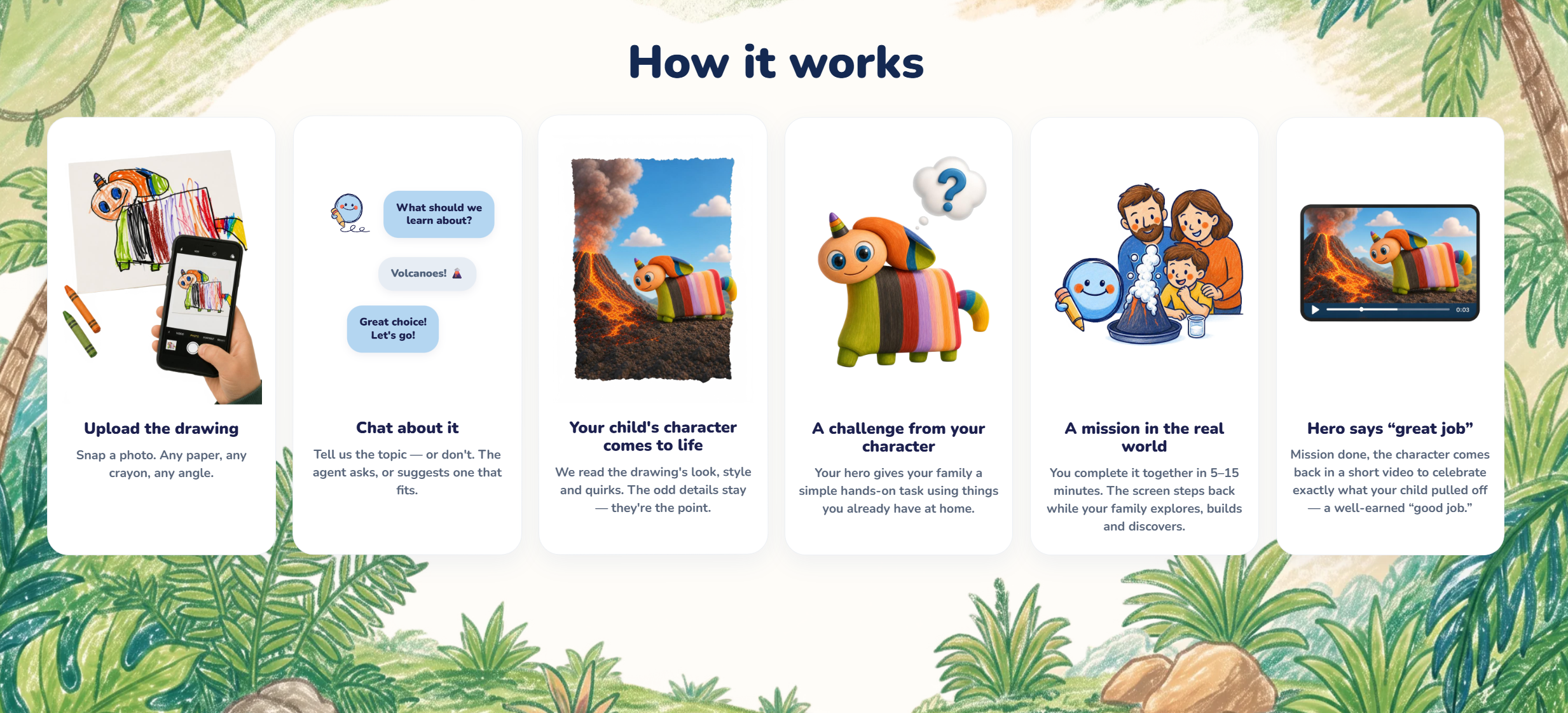
HowItWorks Section
-
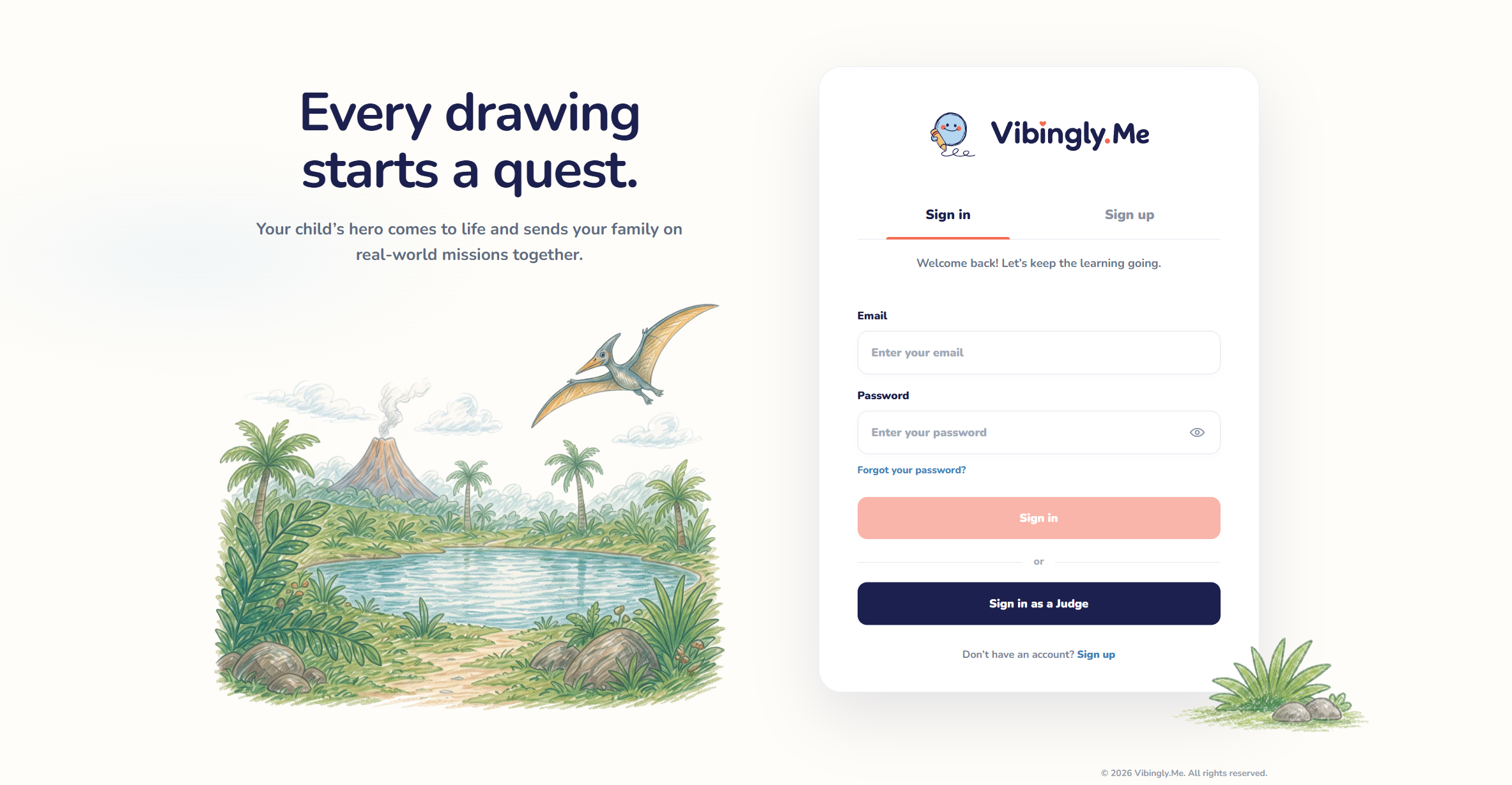
Sign In
-
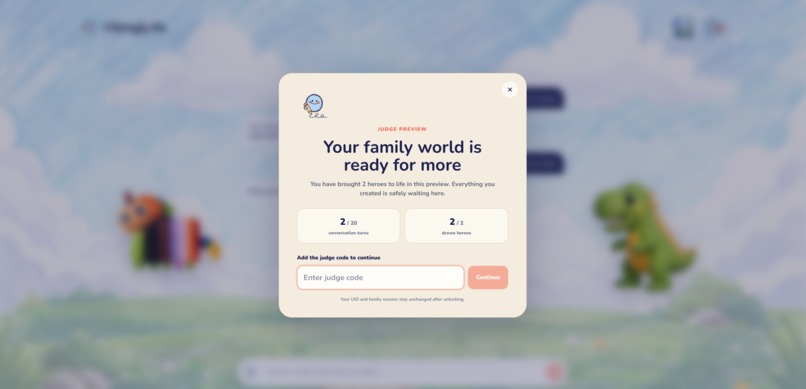
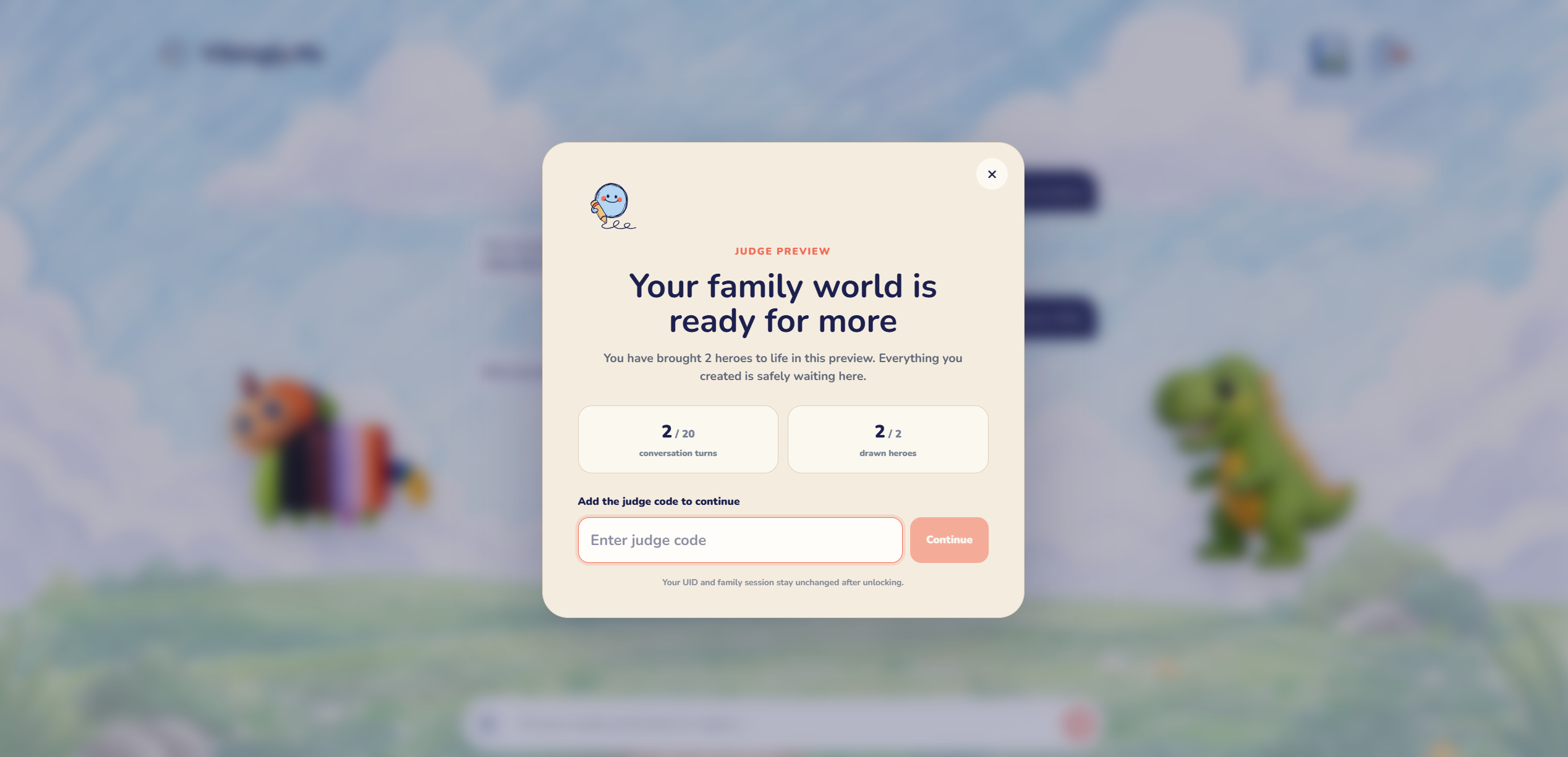
Limits
-
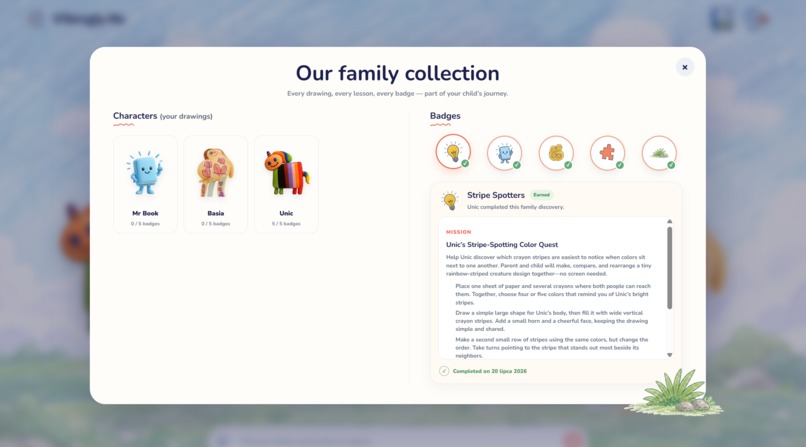
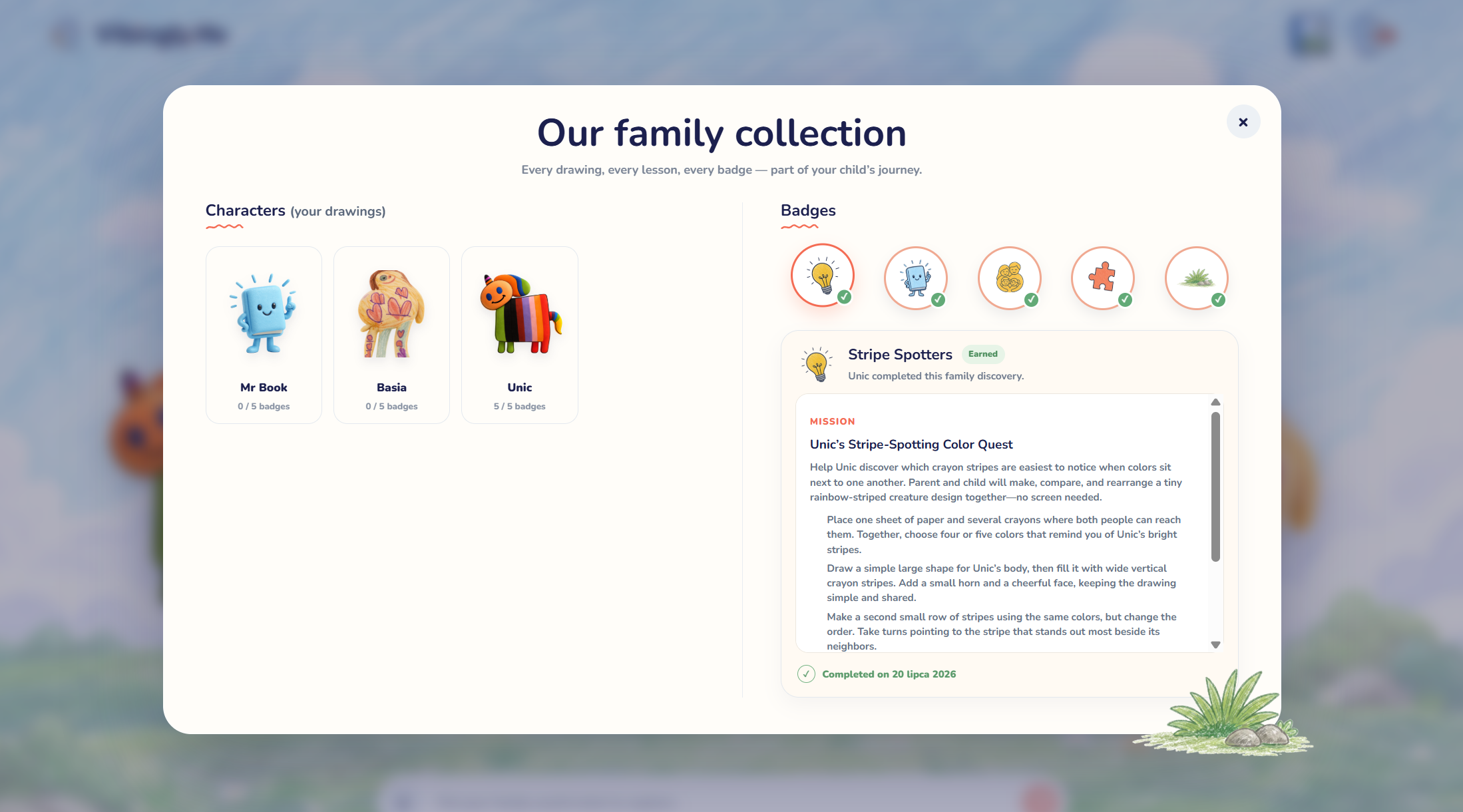
Album&Badges
-
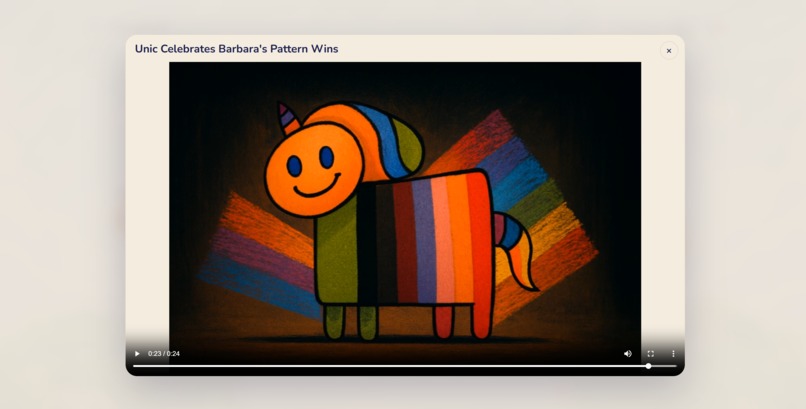
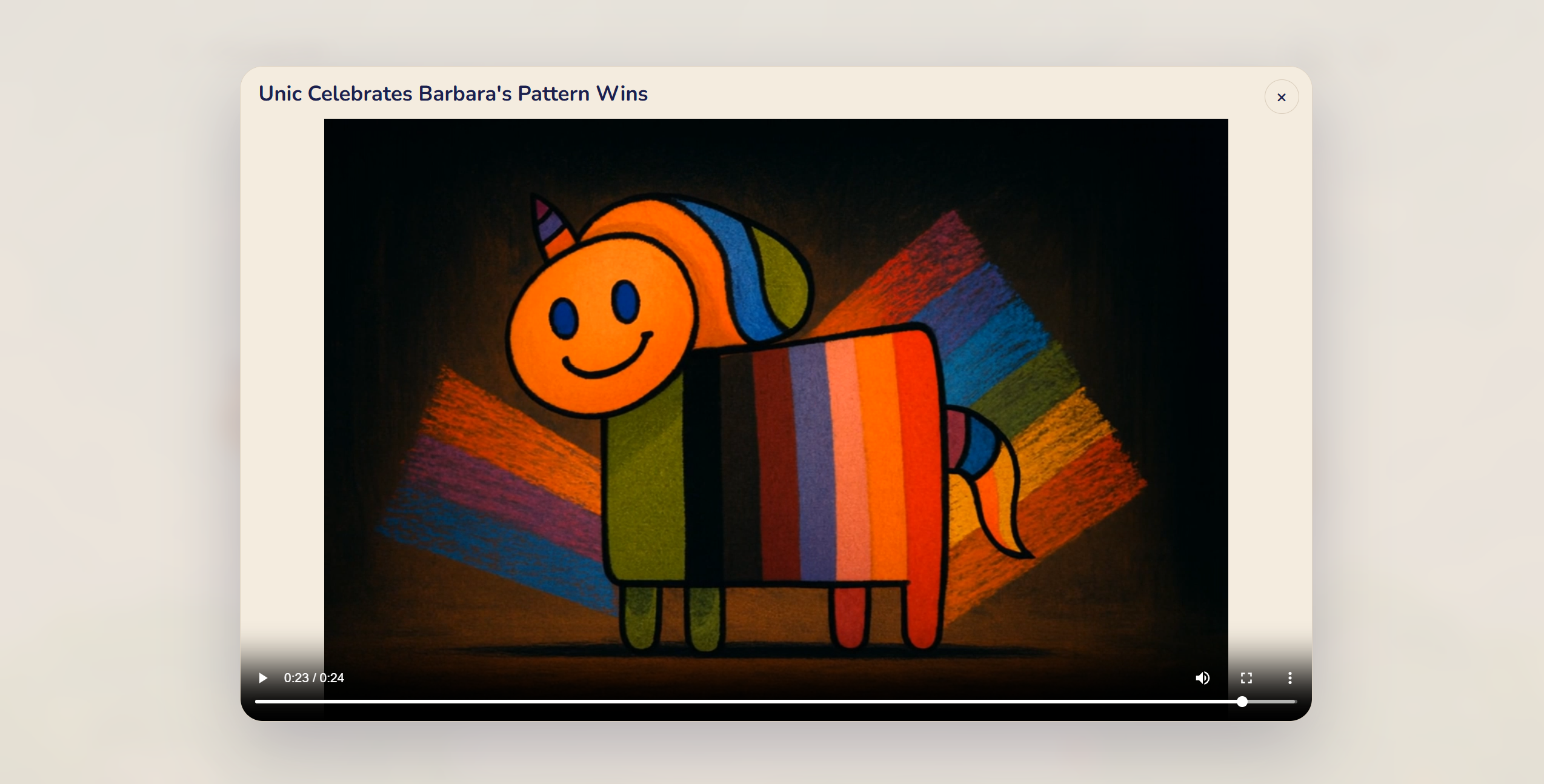
Celebrating Video
Inspiration
The summer break is starting at kindergarten, and I have two kids - one who's 5 and one who's 1.5. We're about to have a lot of time together for playing and learning, or maybe better: learning through play. Until now, my 5-year-old daughter thought the computer was "the place where Daddy works," and the phone was just for calling people and taking photos. I don't want her to drown in the digital world too early, but I also don't want to keep her from getting to know these devices at all. That tension is where Vibingly.Me came from.
What it does
Vibingly.Me is an app where a parent, with their child's help, uploads photos of drawings the kid has made. Their own hand-drawn characters. Those characters then come alive in the app: they weave themselves into the scene and hand the family real-world educational missions to complete eg. counting with apples, learning the colors of the rainbow in a foreign language, that kind of thing.
The screen is only the instruction. The actual mission happens at the kitchen table or around the house. The parent confirms a mission is done and after five completed missions the family earns a generated 30-second personalized video in which their own character praises them and motivates them to keep learning.
The core loop:
draw a character → it comes alive in the scene → it assigns real-world missions → the parent marks them done → badges add up → every fifth mission, the character records a personalized praise video.
The video is rare on purpose. If a reward video costs one generation and we release one every $n$ missions, then the per-mission generation cost is
$$ c_{\text{mission}} = \frac{c_{\text{video}}}{n}, \qquad n = 5, $$
which keeps costs low and turns the video into an event the kids work toward all week, instead of just another clip they scroll past.
The interface
I didn't want a classic dashboard, and I didn't want a bare chat box either. The screen is a calm, coloring-book-style scene where the family's characters live.
Actually the UI doesn't exist until the agent summons it. Ask to see the drawings and they fan out across the scene; a new mission materializes as a note; a badge pins to the board when a mission is done. The world is persistent, the interfaces are ephemeral. Under the hood the agentic system calls a small, fixed registry of typed React components, so it feels like magic but stays deterministic and reliable.
How I built it
The app is built in Python with FastAPI and a PydanticAI agent system and of course Codex with GPT-5.6 Terra as the worker and GPT-5.6 Sol as a planner. The agent is written in a progressive-disclosure pattern, with memory in Supabase. The agent system runs the app from the backend side - both the asset-generation pipeline (character rendering, voice, video) and the management of the UI itself, through that typed-component tool.
The generation stack:
- gpt-image-2 - character stills, kept faithful to the child's original drawing (crooked smiles and extra legs are features, not bugs)
- Fal.ai - the reward videos, the character voice
- ffmpeg - stitches audio and video together, wired up by Codex
The frontend is React + TypeScript with Vite and Tailwind. Deploy is on Hetzner - the VPS was set up and managed by Codex - with the frontend on Netlify.
What I learned & the challenges I faced
The biggest challenge was pivoting an already fairly advanced app. The first version was heading in a video-generation direction, and mid-week I decided the real product was the real-world missions, with video as a reward on top.
I used GPT-5.6-Sol High for planning and GPT-5.6 Terra (medium and high) for coding, and for the pivot itself I leaned mostly on GPT-5.6-Sol High. Changing the concept mid-build is hard, because you have to simultaneously take care of the new changes and remove the leftover artifacts that clutter the context. The pivot took me more than one day.
Finally, I'm really happy with what a week of evening sessions with Codex produced. Especially since I decided to use the Terra model sparingly, and it held up very well. I didn't have much experience with Codex before this. I'm glad the hackathon gave me a reason to put it through its paces on a real project, and the result is a genuinely fun prototype for family educational play - something I can actually use this summer with my own two kids.
Built With
- codex
- fal.ai
- fastapi
- gpt-5.6-sol
- gpt-5.6-terra
- hetzner
- netlify
- pydanticai
- python
- react
- supabase
- tailwind
- typescript
- vite


Log in or sign up for Devpost to join the conversation.