-
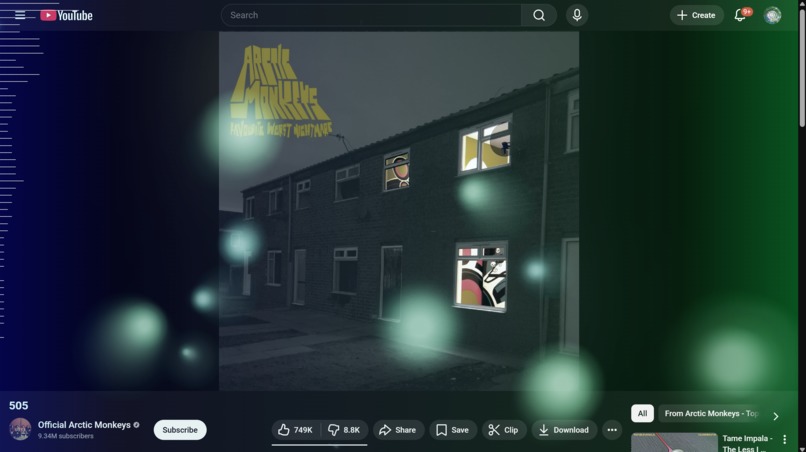
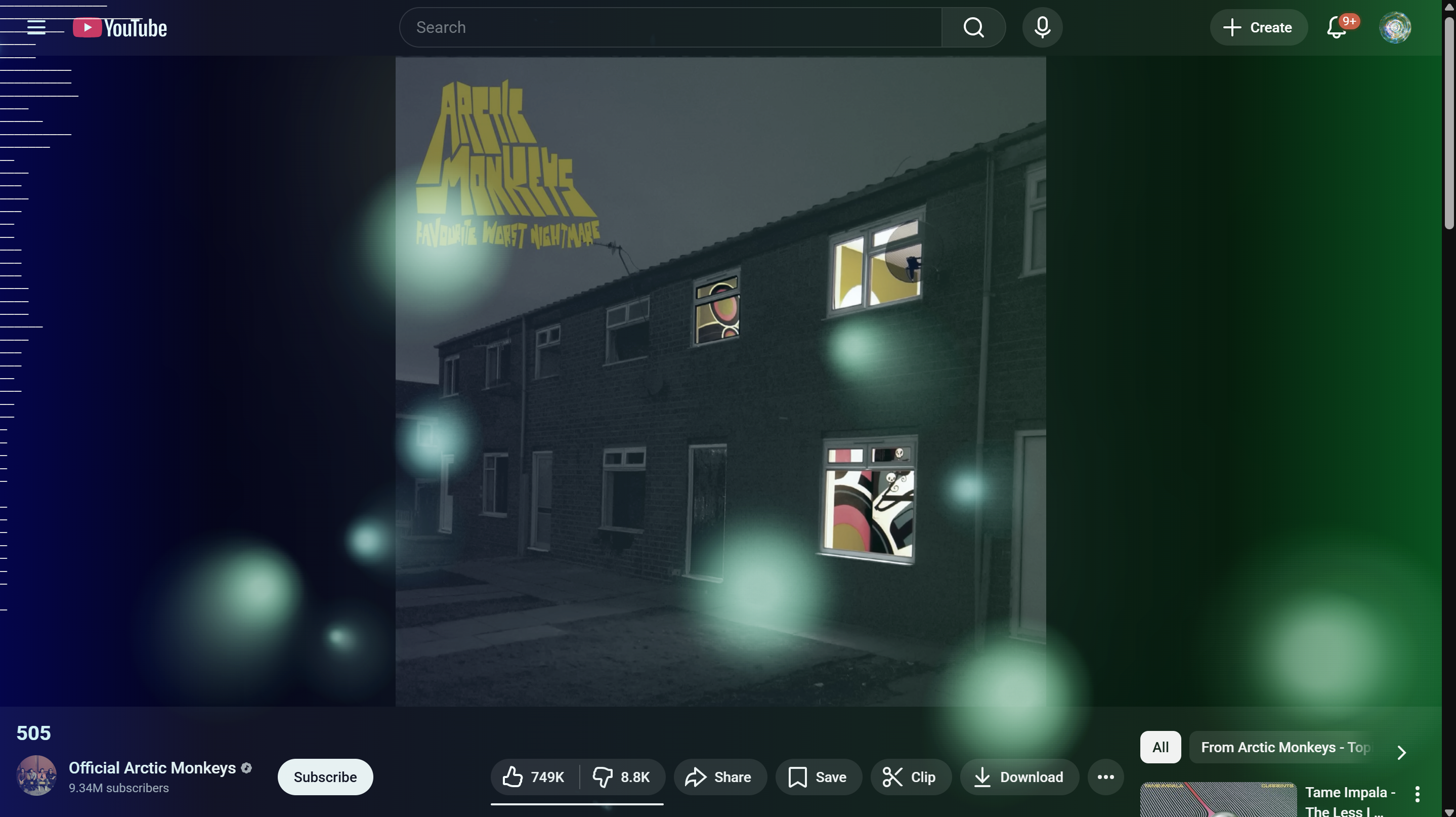
The visualizer running on Arctic Monkeys - 505
-
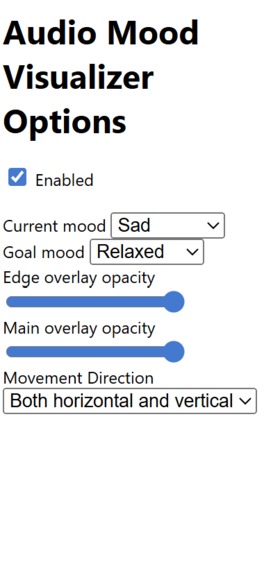
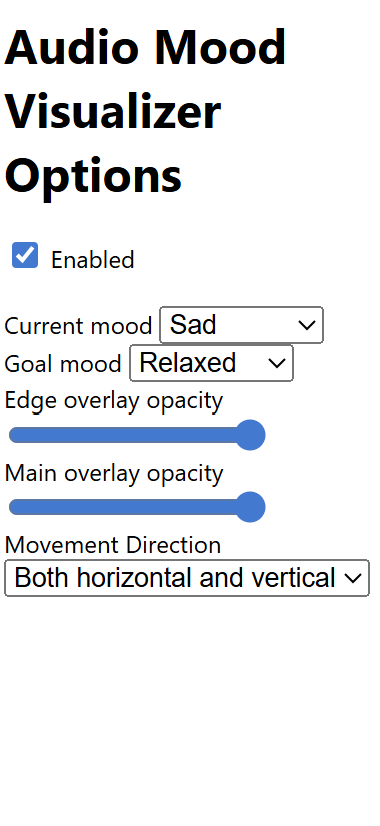
Example options for the extension
Inspiration
The digital world is often a source of overstimulation and stress. We wanted to create a tool that didn’t just add more noise, but instead acted as a bridge between the music we love and our emotional intent. Inspired by the concepts of Cymatics (the study of visible sound) and clinical art therapy, we set out to build Audio Mood Visualizer. The goal was simple yet ambitious: to create a browser-based environment where the geometry and color of your digital space adapt in real-time to shift your mood from one state (e.g., Anxious) to another (e.g., Calm).
What it does
This extension takes the audio playing from the current tab and visualizes it into colorful blobs on the screen depending on the user's mood preferences. There is also a spectrogram visualization on the left and gradients on the edges.
How we built it
- Takes the audio playing from the current tab using Web Audio API
- Uses the Chrome Extension API to save user mood preferences and create a spectrogram using a linear gradient matching to the user's current and goal mood
- Utilizes an HTML canvas and JavaScript to create radial gradients to draw visually pleasing blobs with colors based on the input moods, whose sizes, speeds, etc. are determined by the frequency and amplitude data.
Challenges we ran into
We originally intended for the overlay to be visible in tabs other than the tab playing the audio, but this proved to be difficult due to security measures in Chrome when dealing with accessing data from other tabs' audio streams. Due to time constraints, we weren't able to get much variety in the visuals and have it match the current/goal mood. The result might not be able to affect the user's mood much, but the idea has potential if we decide to move forward. We also were not able to put too much focus in the UI, so there is no CSS styling to it and it looks very plain.
Accomplishments that we're proud of
We are proud that we were able to come this far within 24 hours, making something that none of us have experience with making before (a Chrome extension). We are also proud that we were able to successfully translate sound into image and color patterns that carry mood.
What we learned
We learned how Chrome extensions work and about the different features of the Chrome API that helped us create our project. We also learned about the different ways that visuals affect someone's mood and how we could incorporate that with sound to create an immersive experience for the user.
What's next for Audio Mood Visualizer
If we were to continue this project, we would want to increase the variety of shapes and movements and possibly add more moods and options for the user to adjust the visuals to their liking.


Log in or sign up for Devpost to join the conversation.