-
-
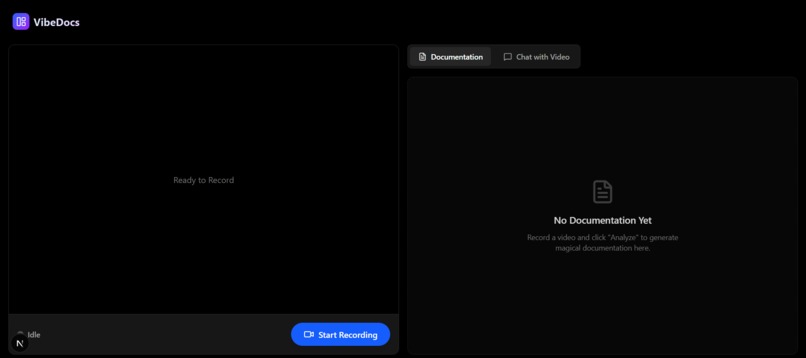
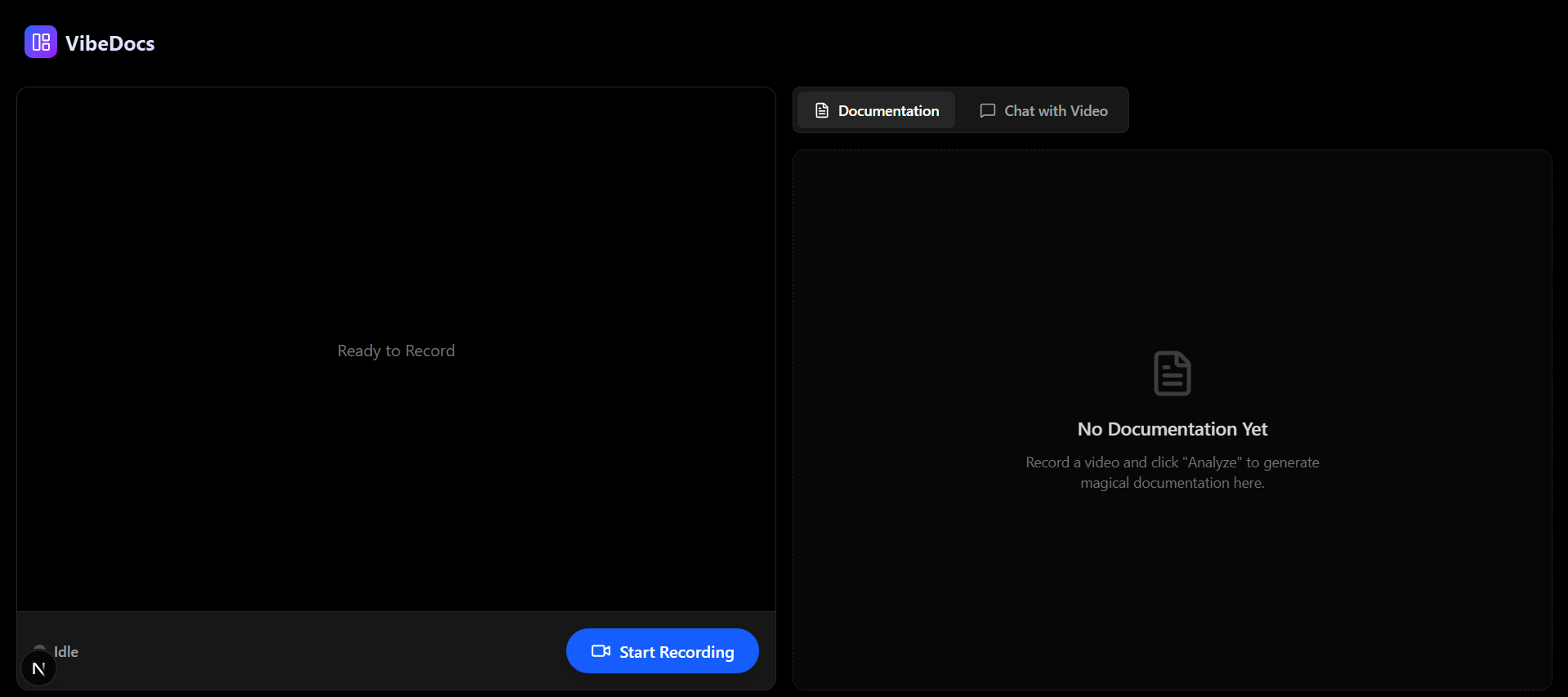
Start
-
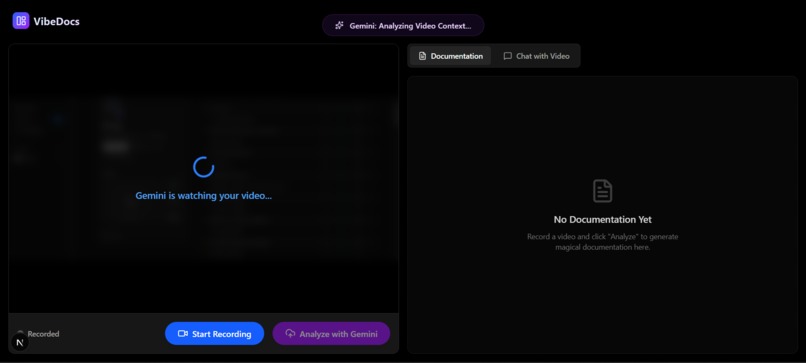
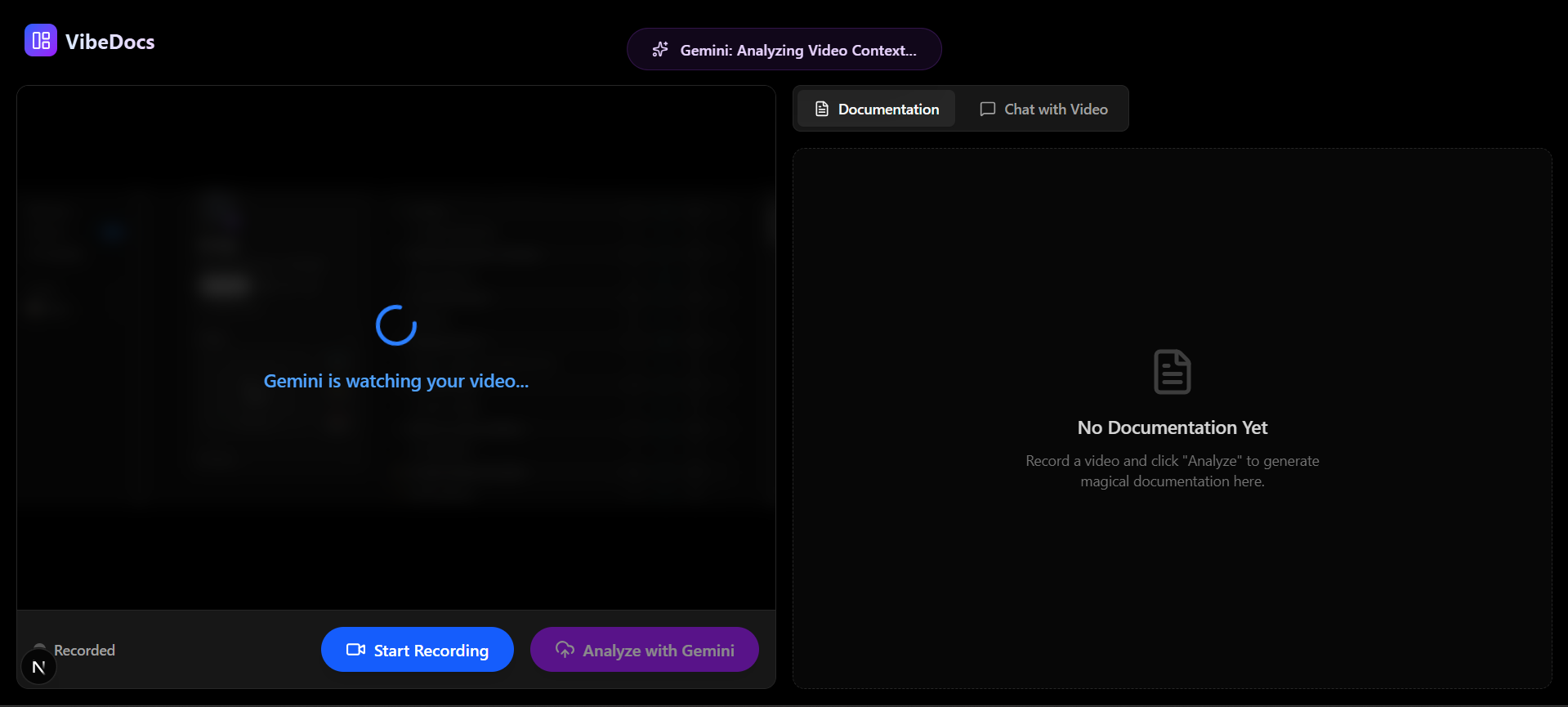
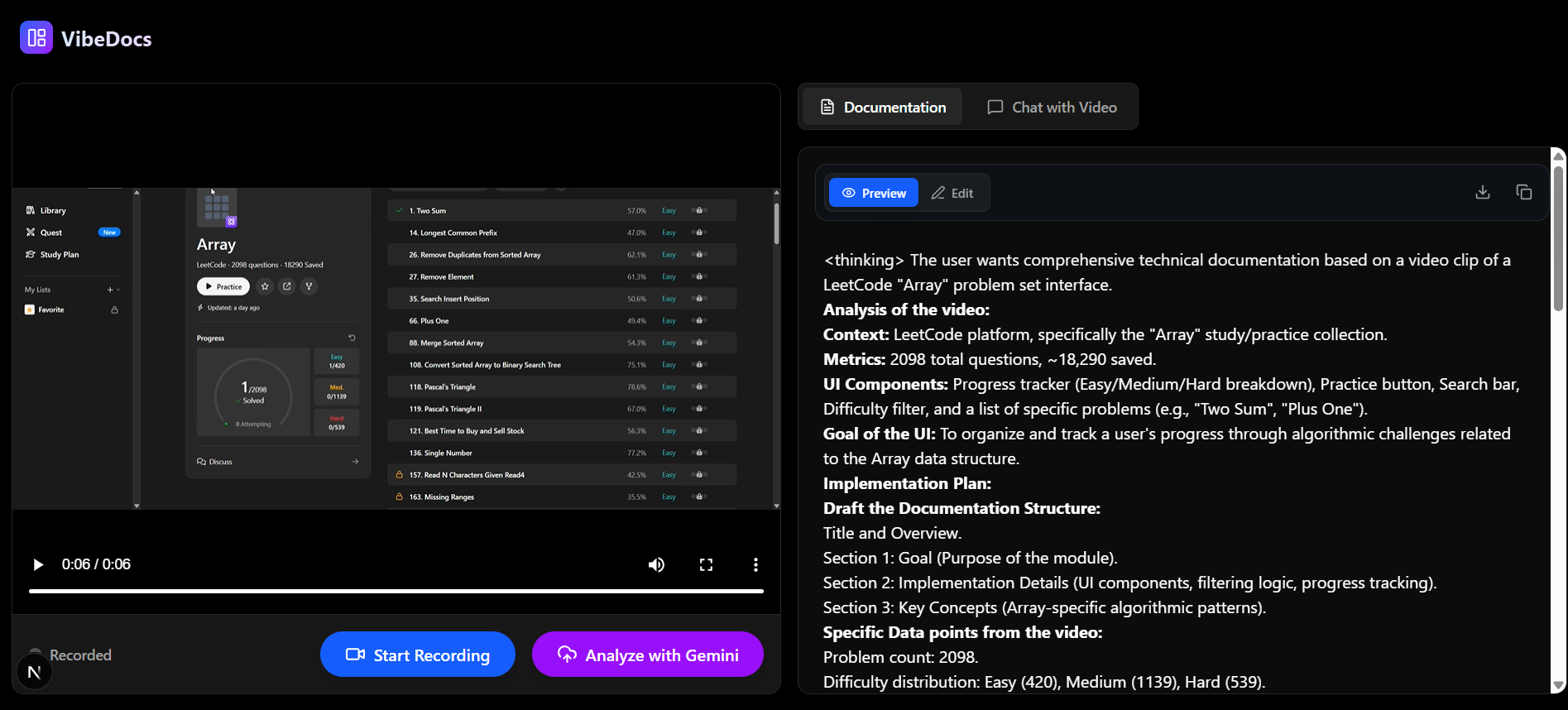
After record page and analysing with Gemini
-
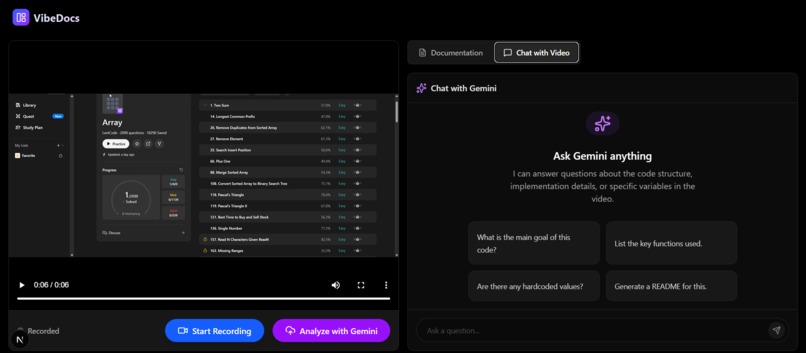
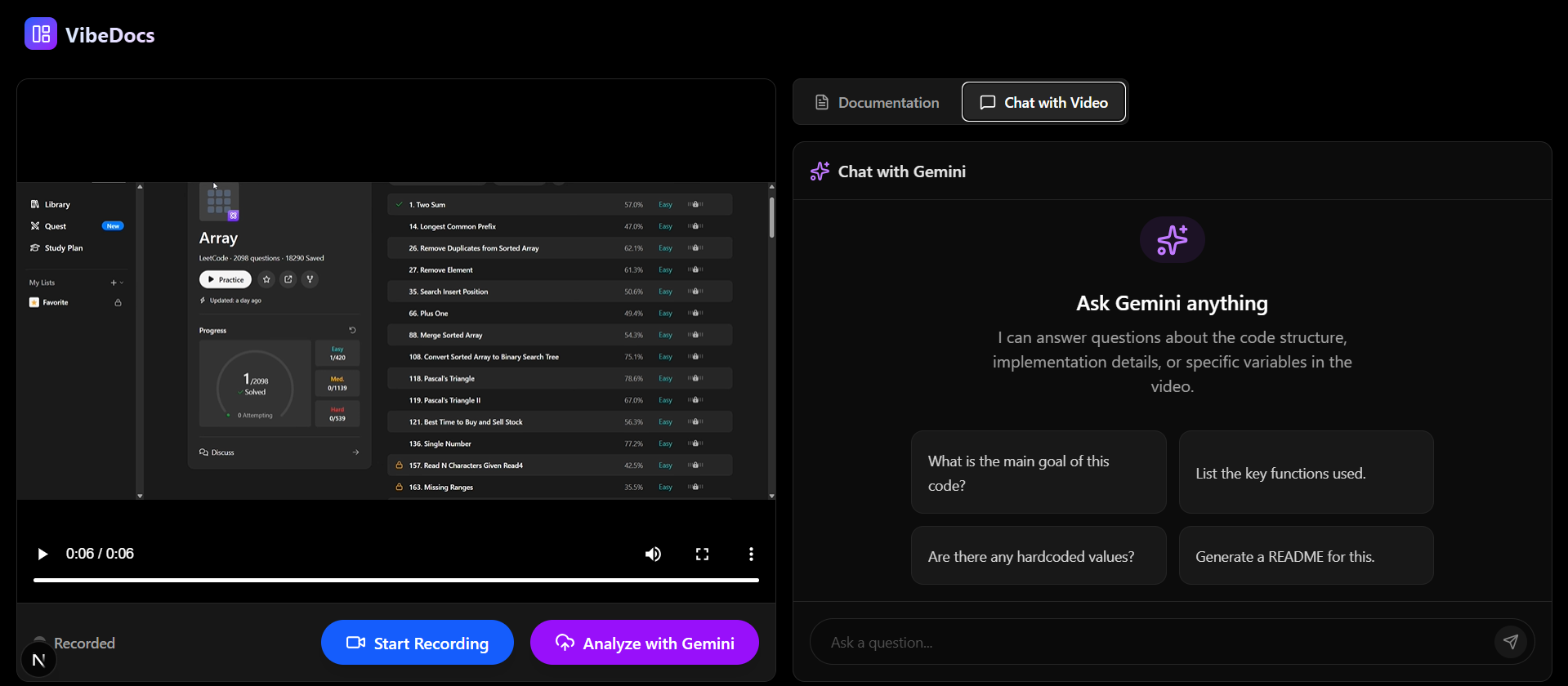
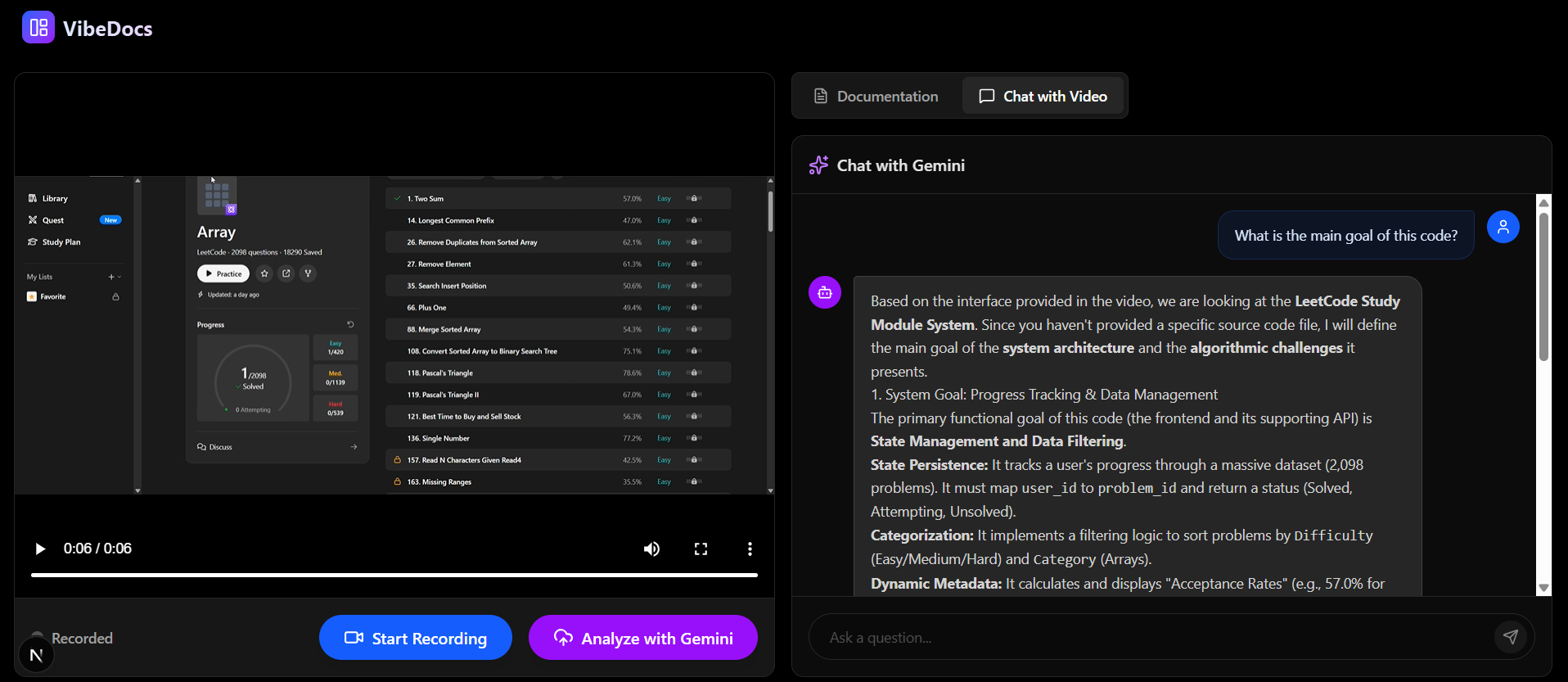
Gemini Cat Bot for doubts clarification
-
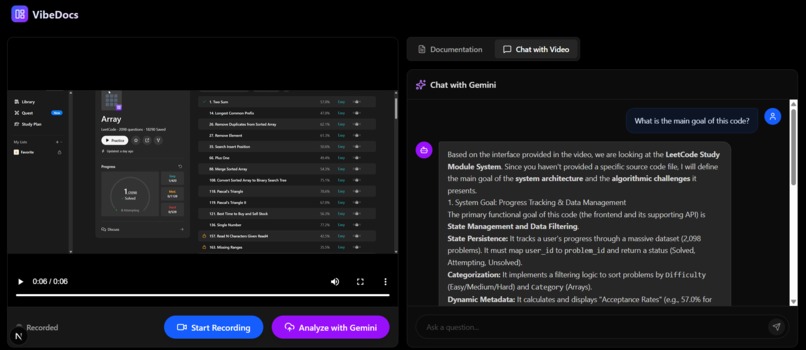
The results given by chatbot
-
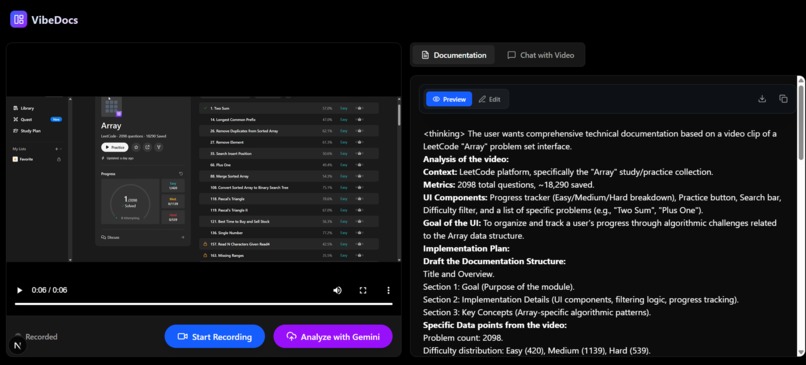
Generated by Gemini
Inspiration:
Every developer knows the pain of writing documentation. It’s tedious, time-consuming, and often gets outdated immediately. However, recording a quick Loom or screen share to explain a feature is easy and natural. We asked ourselves: Why can't the video be the documentation?
We wanted to build a bridge where a developer could just "show and tell," and an AI agent would handle the boring part—writing the structured Markdown file. That's how VibeDocs was born.
What it does:
VibeDocs is an AI-powered documentation generator that transforms screen recordings into technical guides.
Record: The user captures their screen and voice directly in the browser.
Analyse: The video is processed by Google's multimodal Gemini AI models.
Generate: It automatically writes step-by-step documentation in Markdown, capturing code snippets, UI actions, and technical logic.
Chat with Context: Users can ask the "Hemanth" AI assistant questions about the video (e.g., "What API key was used in the demo?"), and it answers based on the visual context.
How we built it:
We built VibeDocs using a modern, high-performance stack:
Frontend: Next.js 14 (App Router) for a responsive UI, styled with Tailwind CSS and Lucide React icons. We leveraged the browser's MediaStream API for high-quality screen and audio capture without plugins.
Backend: Python FastAPI server. It handles the multipart/form-data video uploads and acts as the secure bridge to the AI.
AI Engine: We integrated Google's Gemini 1.5 Pro and Gemini 2.0 Flash models via the Google Generative AI SDK. We utilised Gemini's native multimodal capabilities to process video frames and audio tracks simultaneously.
Challenges we ran into:
The road wasn't smooth. We faced several critical technical hurdles:
The "429" Wall: We constantly hit API rate limits with the newer Gemini models. To solve this, we engineered a "Cascade Fallback System" in the backend. If gemini-3-flash is busy, it instantly fails over to gemini-2.0-flash, and then to gemini-1.5-pro, ensuring the demo never crashes.
Cross-Platform Encoding: Our backend kept crashing on Windows machines because the terminal couldn't handle the emojis we used for logging. We had to implement a custom UTF-8 reconfiguration for sys. stdout to make it cross-platform compatible.
State Synchronisation: Keeping the Chatbot context synced with the specific video being analysed was tricky. We had to architect a session-based memory system in FastAPI to ensure the bot knew which video the user was asking about.
Accomplishments that we're proud of:
Zero-Crash Architecture: We are proud of the robust error handling that automatically detects API failures and switches models or provides helpful feedback instead of a white screen.
Real-Time Performance: Achieving near-instant analysis by optimising the video upload buffer.
The "Hemanth" Persona: successfully pivoting the AI identity to a custom, helpful assistant that feels personal.
What we learned:
Multimodal is powerful: We learned that passing video frames directly to an LLM is far more accurate than transcribing audio alone. The AI "sees" the code you type.
Resilience Engineering: We learned that relying on a single AI model is risky. Building redundancy into the backend is essential for production apps.
What's next for VibeDocs:
Multi-Language Support: Bringing back the translation features to instantly localise documentation.
IDE Integration: A VS Code extension to record and document directly inside the editor.
PDF Export: Converting the generated Markdown into official PDF reports.
Built With
- fastapi
- git
- google-gemini-api-(gemini-1.5-pro-&-2.0-flash)
- lucide-react
- mediastream-api
- next.js-14
- python
- tailwind-css
- typescript
- uvicorn


Log in or sign up for Devpost to join the conversation.