-
-
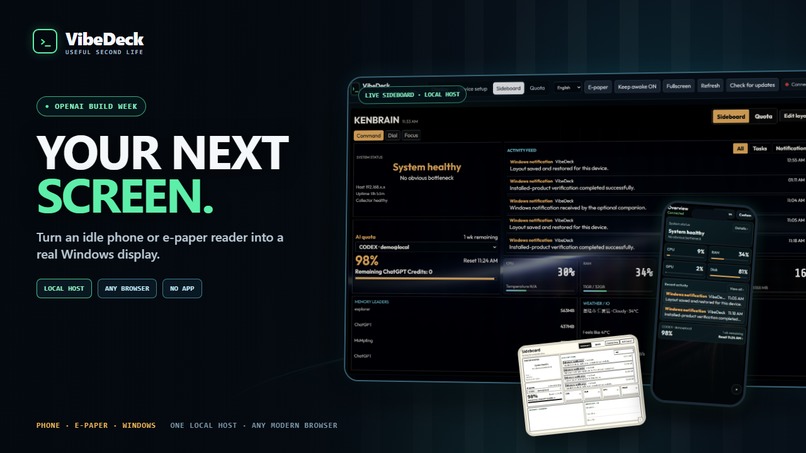
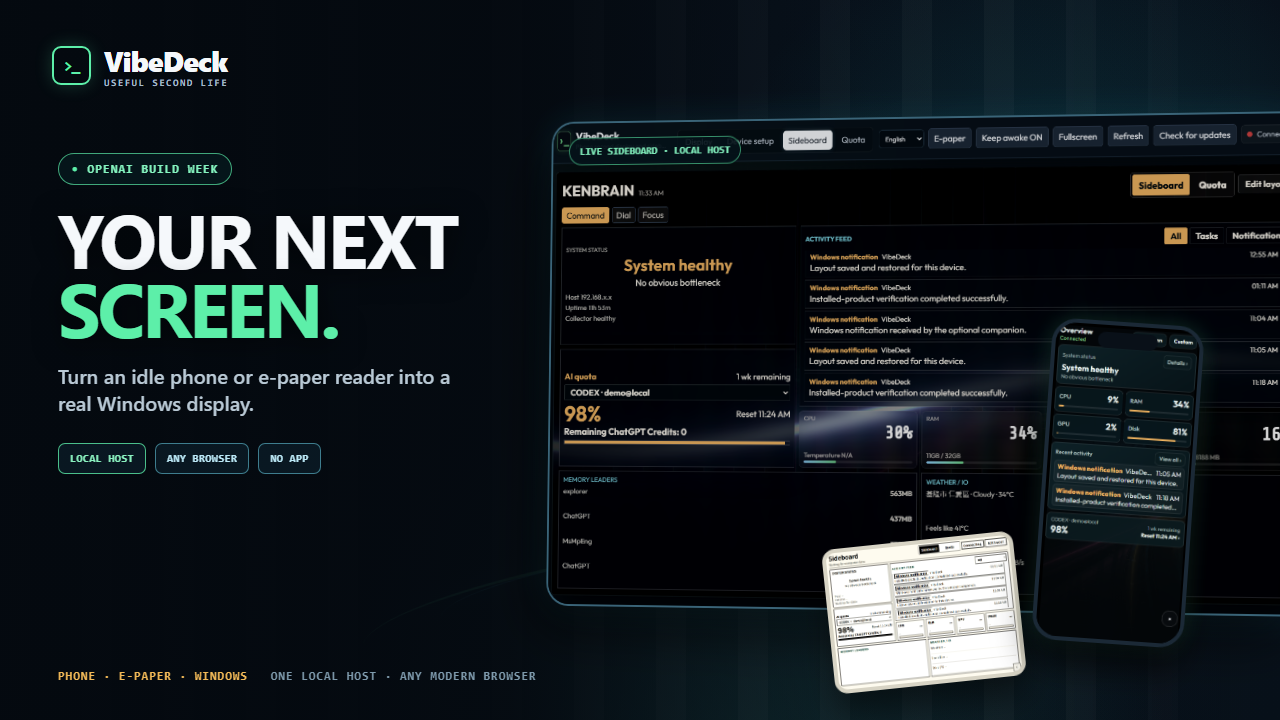
Turn idle phones and e-paper readers into focused Windows work surfaces.
-
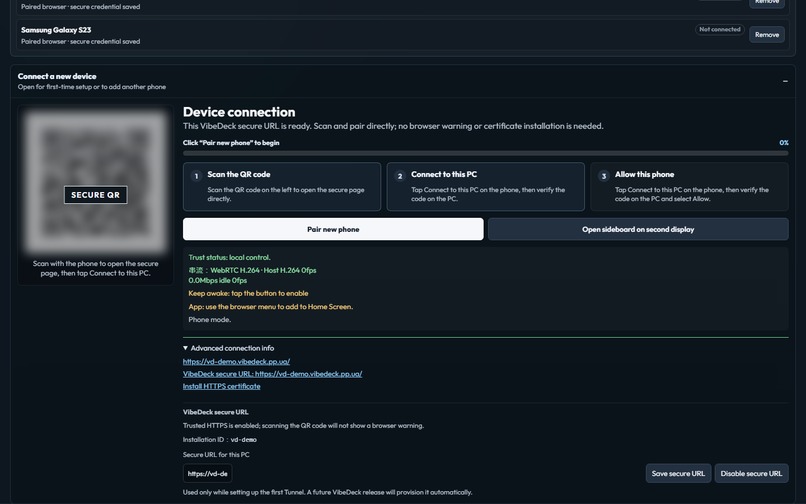
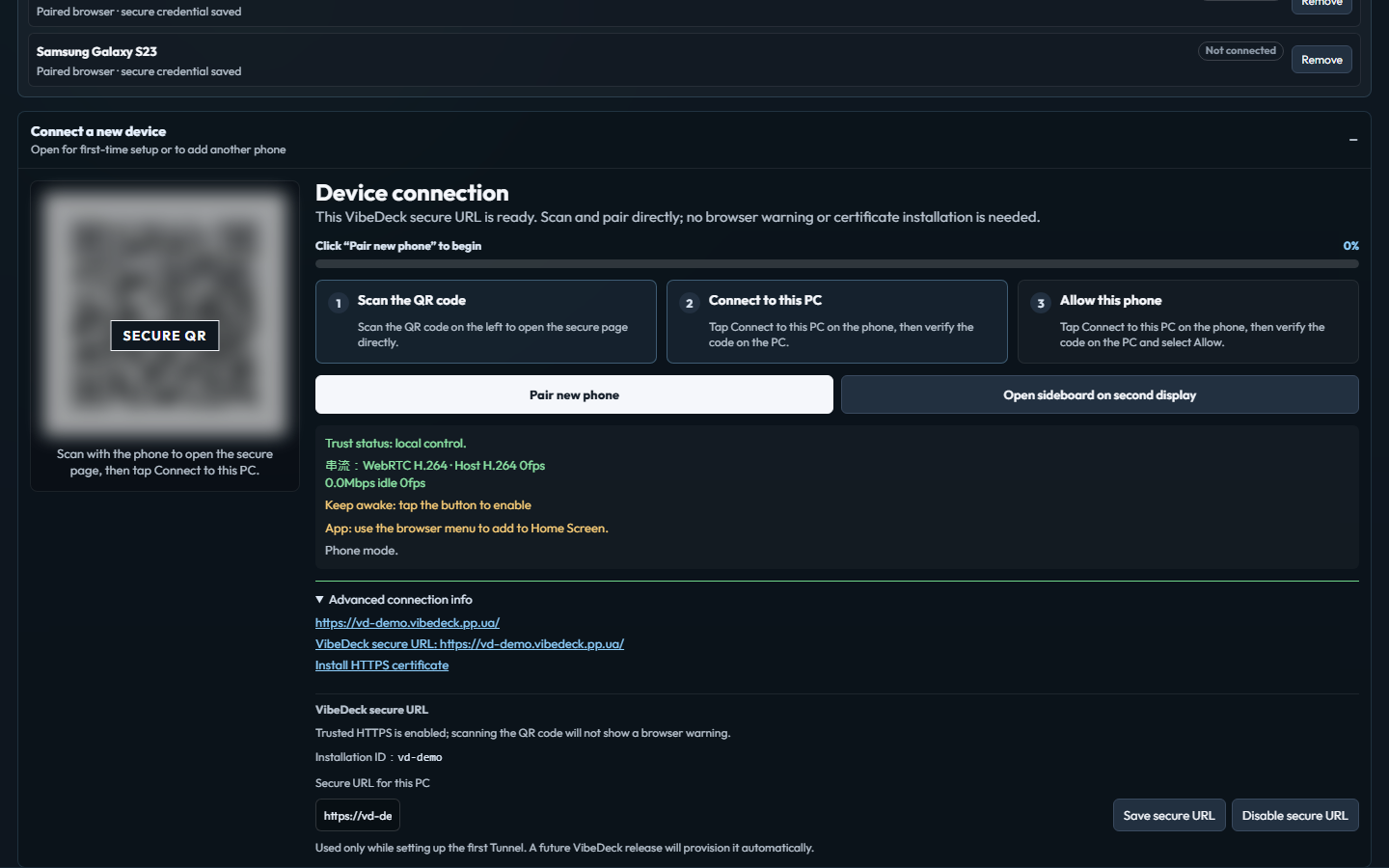
Scan the secure URL, enter the six-digit code, and approve the new browser on the PC
-
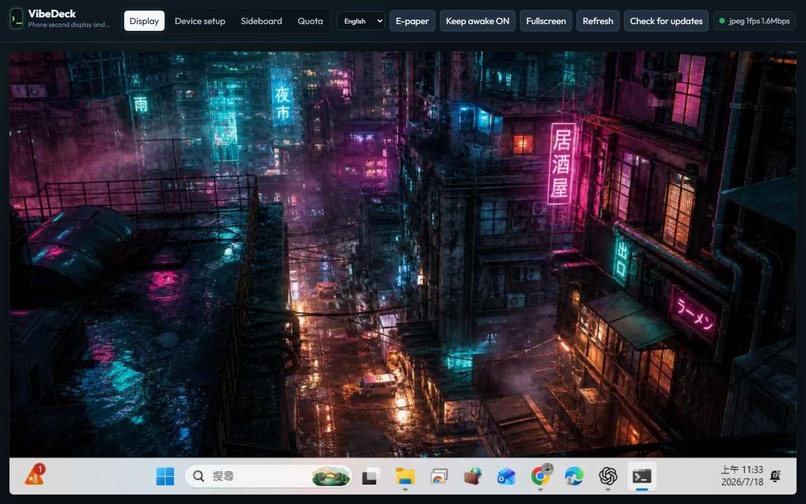
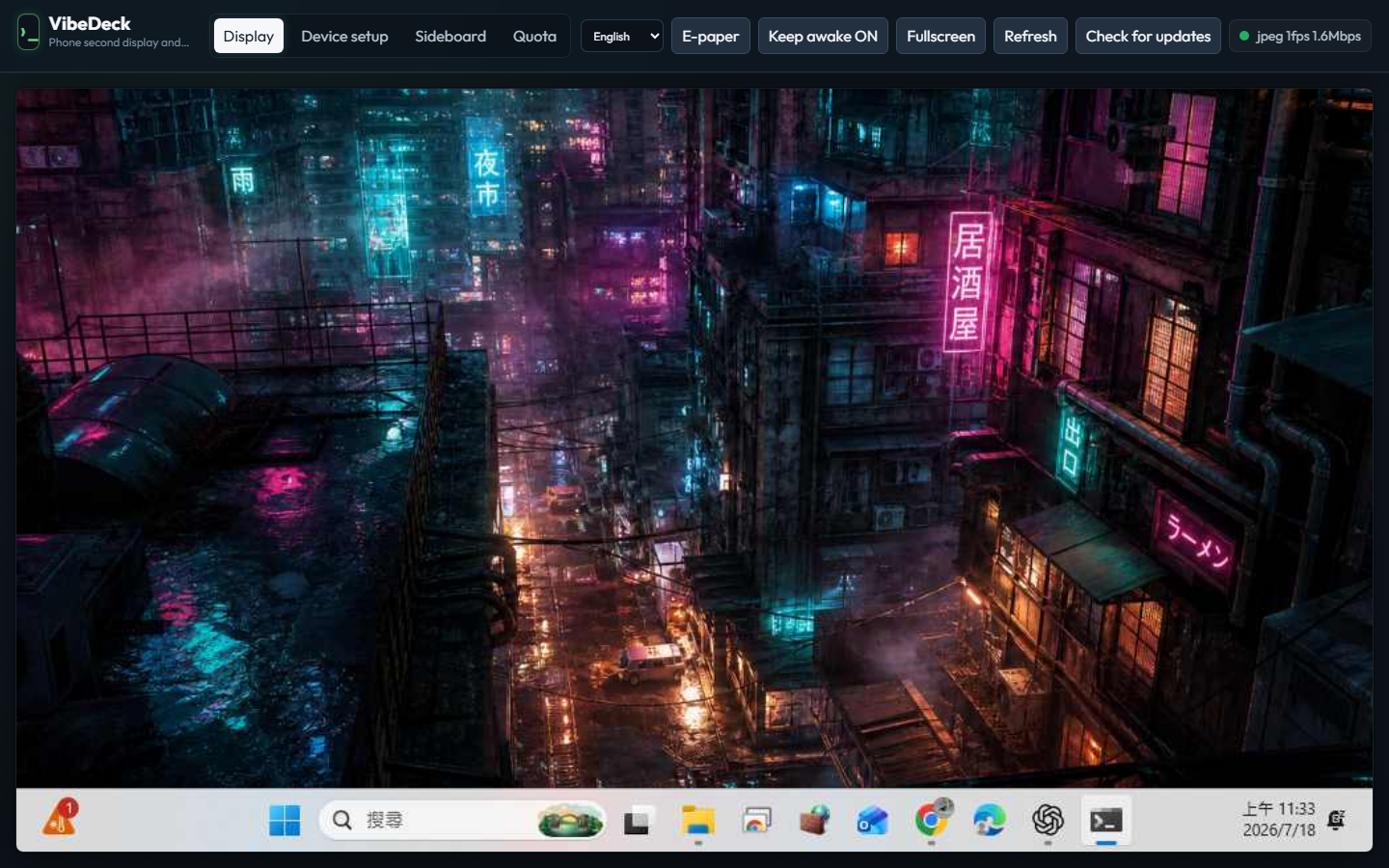
Switch between the virtual display and existing Windows monitors—then control them from the same paired phone, locally or remotely.
-
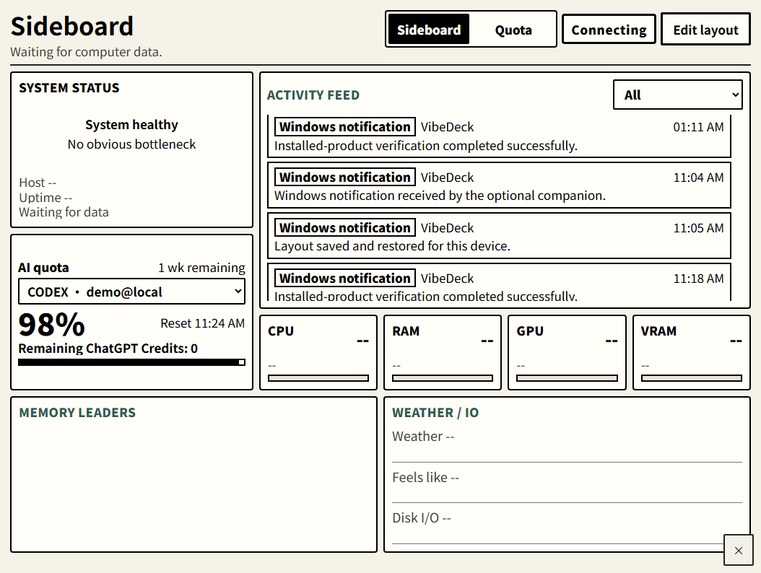
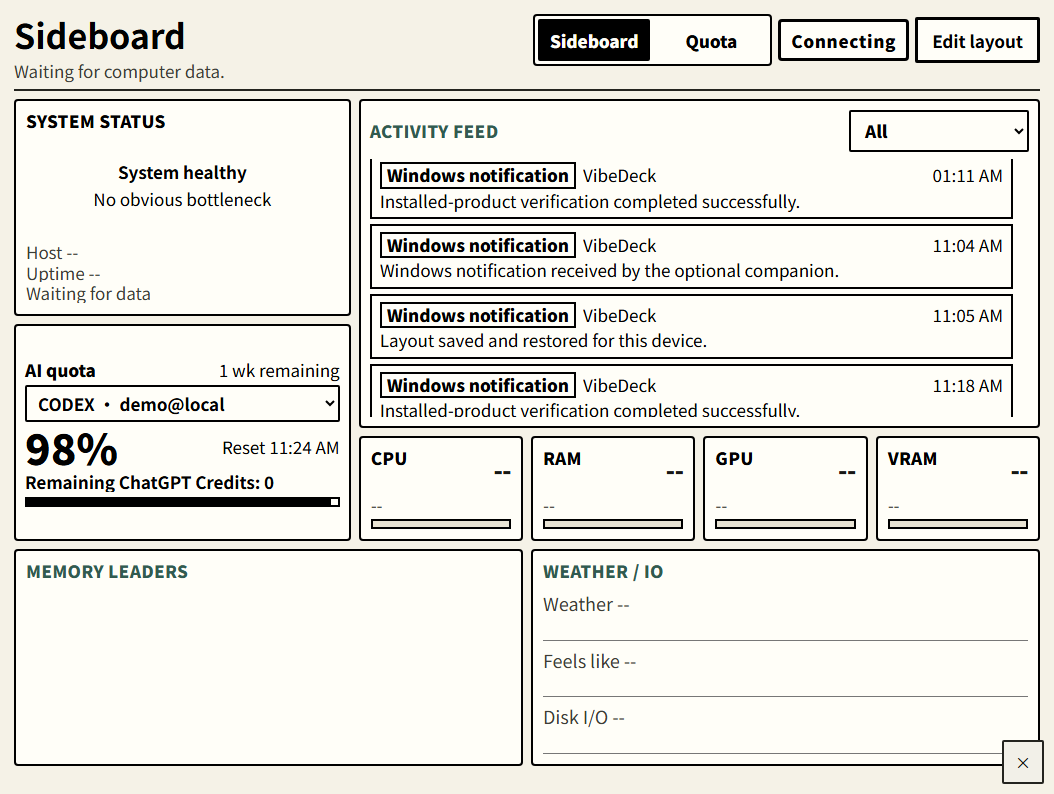
A calm, readable layout designed for e-paper refresh and screen constraints.
-
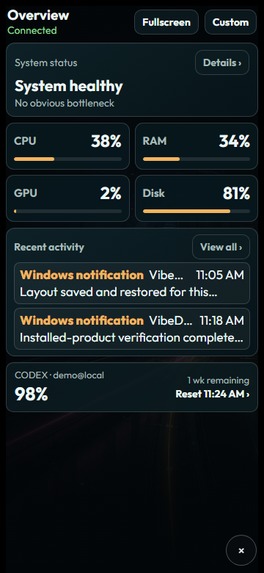
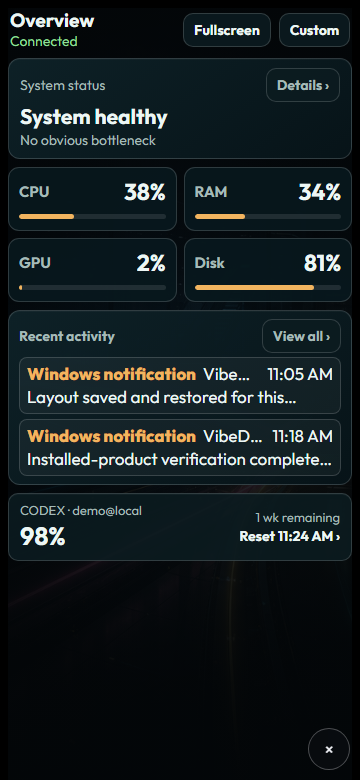
The same browser-first sideboard adapts to compact iPhone layouts.
-
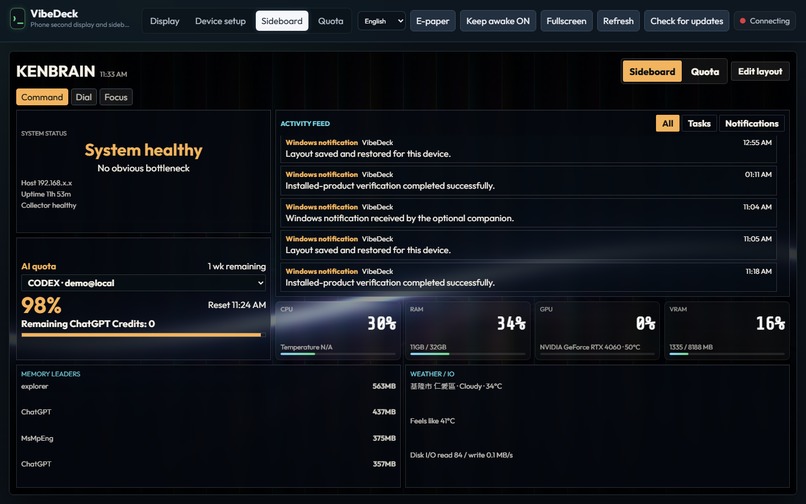
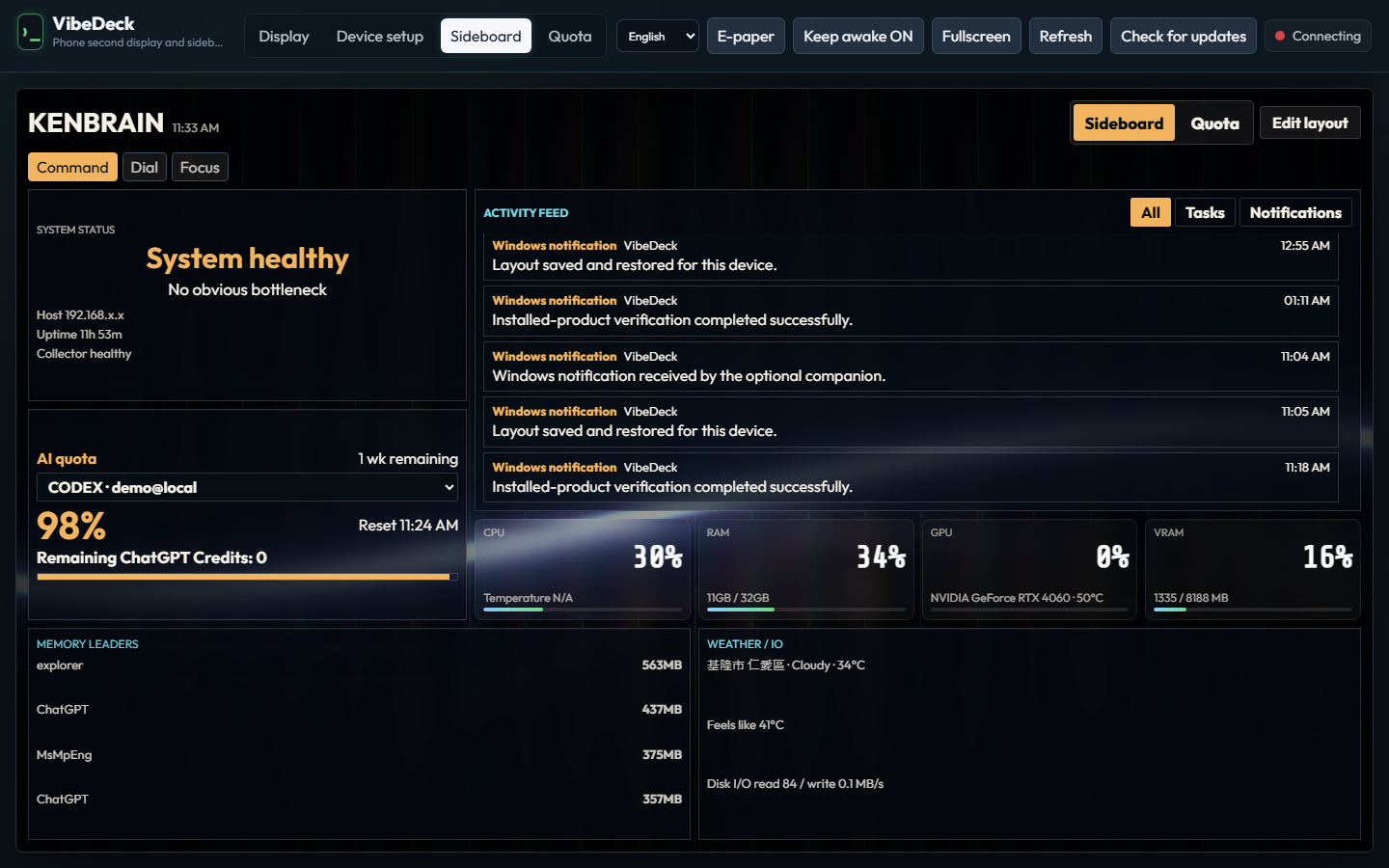
System telemetry, activity, notifications, and AI quota status stay glanceable.
Bring idle screens back to work
Most desks already have a second screen: an older phone, a small tablet, or an e-paper reader that is no longer central to daily work. Existing virtual-monitor tools can mirror a desktop, but a phone-sized screen is often a poor miniature desktop. It is better at a focused role: a glanceable system sideboard, an AI quota view, or a small display surface when one is actually needed.
VibeDeck turns those devices into persistent companions for a Windows workstation. One Windows Host serves iPhone, Android, and BOOX through Safari, Chrome, or an installable PWA. Pair once with explicit approval on the PC, then reconnect from the same Wi-Fi or another network through an automatically assigned, browser-trusted HTTPS address. There is no native mobile app, VibeDeck account, VPN, or router port forwarding to configure.
What VibeDeck does
- Display mode: creates an optional, real Windows virtual monitor or securely switches to an existing physical monitor. The approved browser receives WebRTC H.264 with a JPEG compatibility fallback and can use touch/mouse control plus its mobile keyboard.
- Sideboard mode: shows live system telemetry, activity, and focused work context in a phone-first layout instead of shrinking the whole desktop.
- Quota mode: keeps Codex and AGY limits, reset windows, accounts, and remaining ChatGPT Credits visible without opening another dashboard.
- Trusted pairing: the PC presents a secure URL and QR code; the phone request is matched with a six-digit code and explicitly approved on the PC. Pairings persist with the browser identity.
- Secure access across networks: every installation can receive its own managed HTTPS route. An approved browser can reconnect away from the original LAN, while the PC remains the sole pairing authority.
- Product behavior: Windows Setup supports in-place updates, product data survives replaceable application files, and a diagnostic trail makes the next issue easier to locate.
Why it is different
VibeDeck is not trying to replace a large second monitor or stop at generic screen mirroring. It gives a spare device a durable, role-specific place in a Windows workflow, whether that device is beside the keyboard, elsewhere in the building, or on another network. The same paired browser can become an extended display, a trusted remote-control surface for an existing monitor, a glanceable information board, or an AI usage companion. The product is designed around the awkward realities that prototypes usually skip: browser trust, explicit pairing, secure cross-network routing, signed-in Windows desktop sessions, persistent state, e-paper constraints, multilingual UI, installation, updates, and real-device verification.
Built with Codex + GPT-5.6
Codex was the engineering partner throughout the Build Week: planning, implementation, debugging, review, test design, packaging, and final delivery preparation. GPT-5.6 helped reason about the cross-system decisions that made the prototype a usable product: the Windows interactive-session boundary, display enumeration, browser-media fallbacks, secure pairing and cross-network routing, persistent data ownership, e-paper layout constraints, and installer/update behavior.
The work was intentionally routed by task. Faster model tiers accelerated repetitive layout and workflow loops. Deeper reasoning was used for product planning, larger refactors, and review. Human judgment owned the actual product trade-offs, real-device validation, and the final quality bar. AI amplified a solo builder's throughput; it did not replace responsibility for the finished result.
How to run and verify
VibeDeck runs on Windows 10 or 11 x64. Run the supplied VibeDeck-Setup-<version>.exe for the product path, or install the .NET 8 SDK and run start.bat from this repository for source development. Visit http://127.0.0.1:5000 to open the PC console.
The repository includes scripts\test-product-flow.ps1 -Source and scripts\test-product-flow.ps1 -Installed for product-path checks. The local Device Lab can load the real client at BOOX Go Color 7, Galaxy S23, and iPhone XS viewports, so reviewers can inspect responsive and e-paper behavior without owning all three devices.
Notes for reviewers
The Windows Host must be running in a signed-in desktop session; a Windows Service cannot capture or enumerate that user's display. For cross-network access, the PC must be online with the Host and managed connector running. Existing-monitor remote control does not require the optional virtual display; only the extended second-screen workflow does. Sideboard and Quota also work without it. Phone clients are intentionally browser/PWA-only, so the mobile path remains identical across iPhone, Android, and BOOX. Access is not public: the PC must explicitly approve each browser, and paired devices can be revoked from the PC.


Log in or sign up for Devpost to join the conversation.