-
-

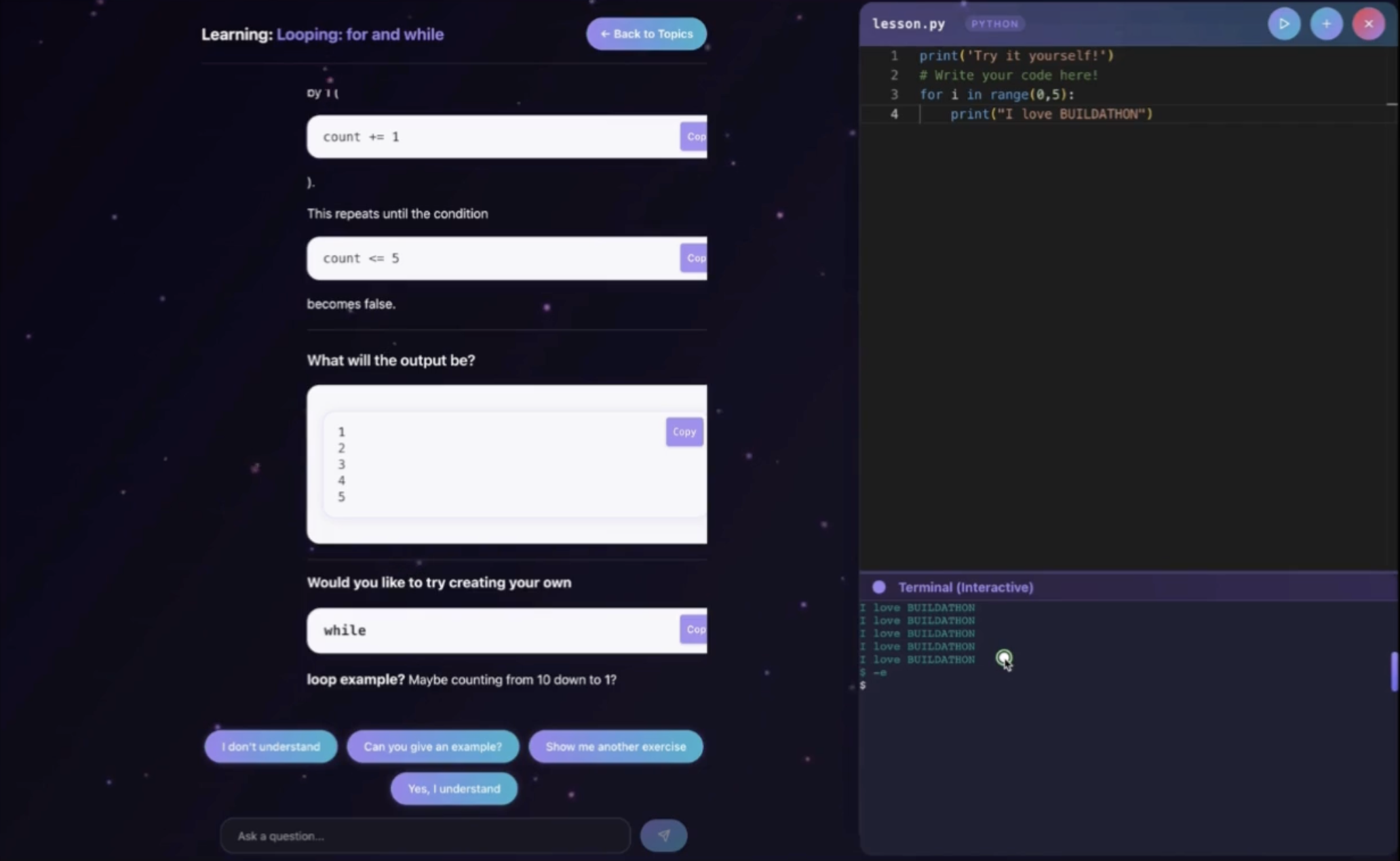
Learning mode
-
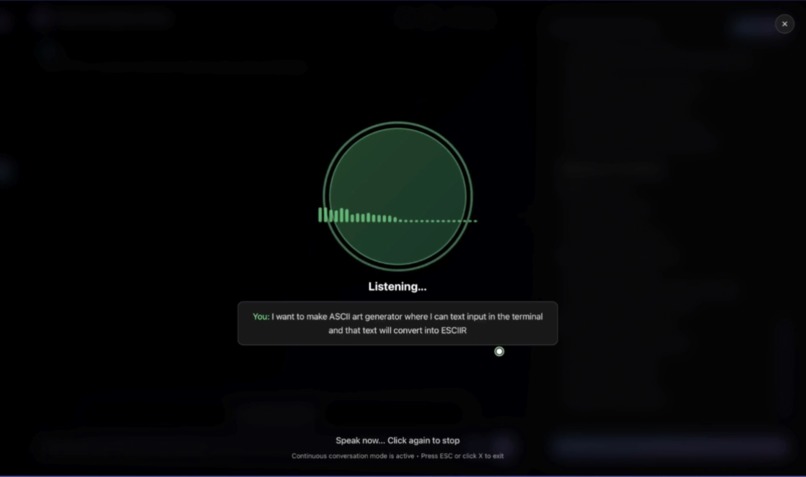
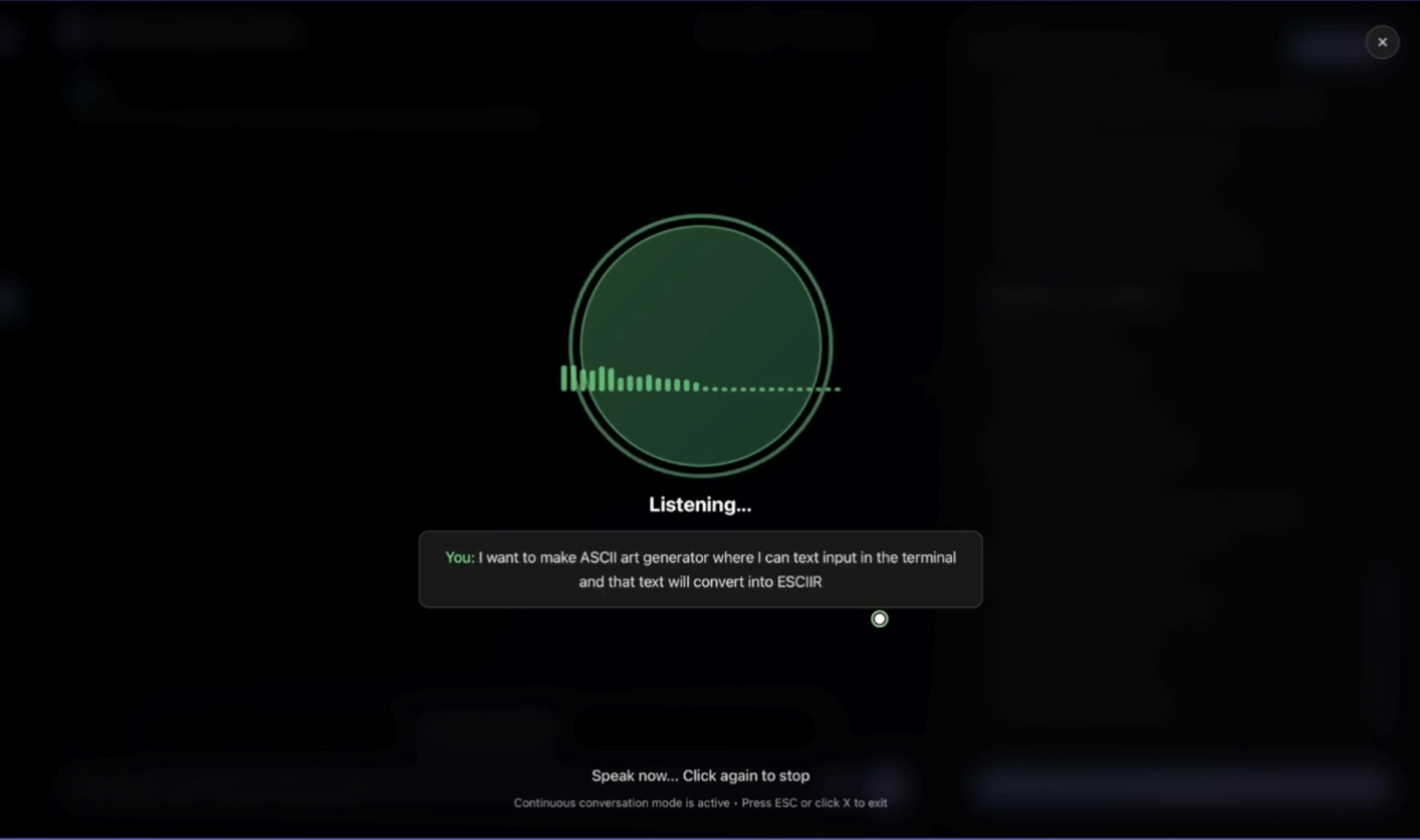
New Voice Mode
-
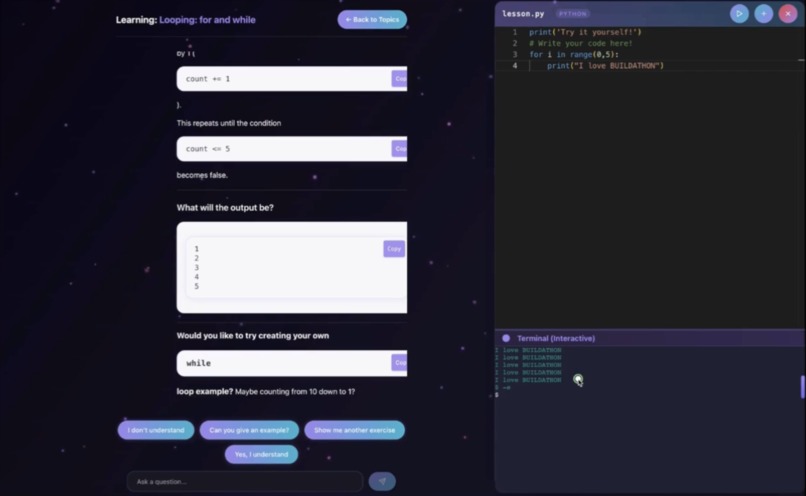
In build IDE to practice your learnings
-
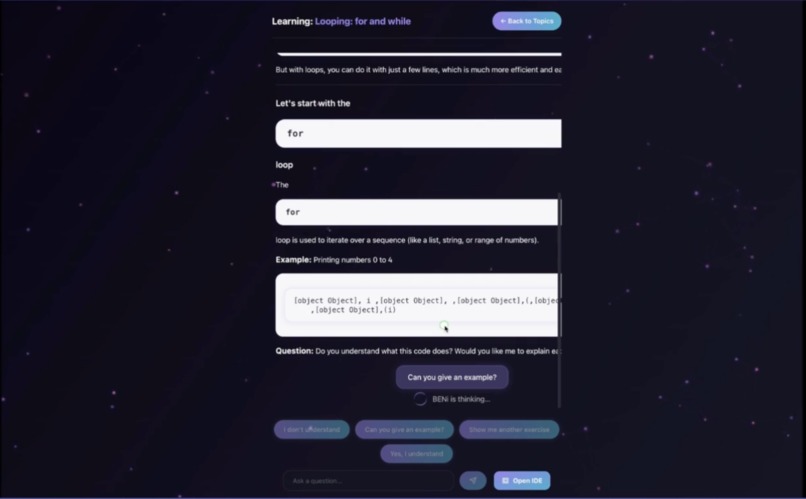
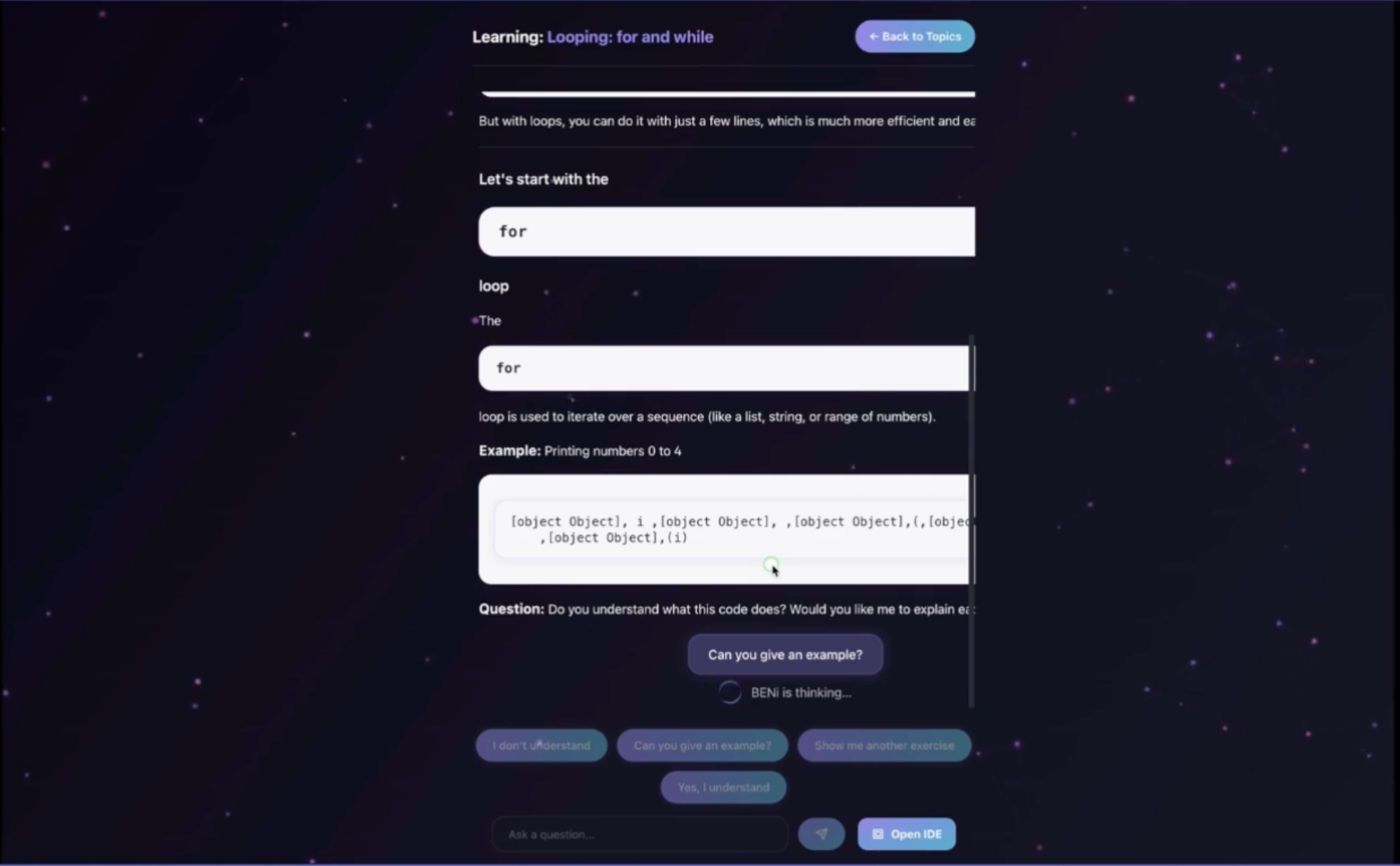
Learning concepts with AI
-
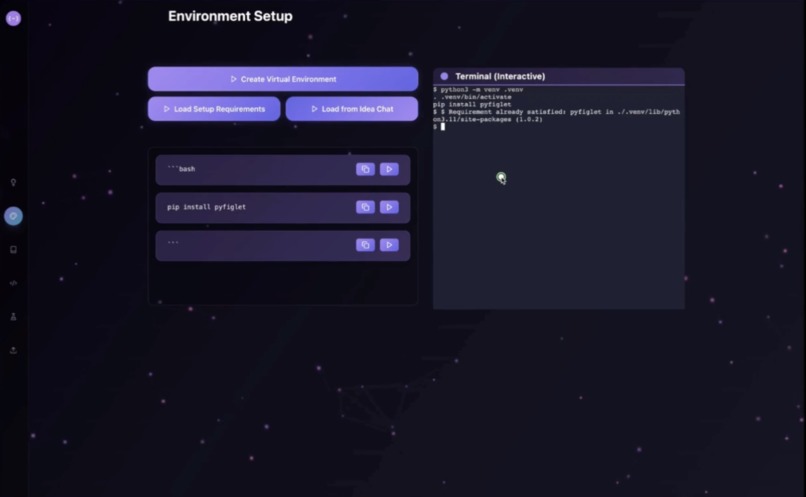
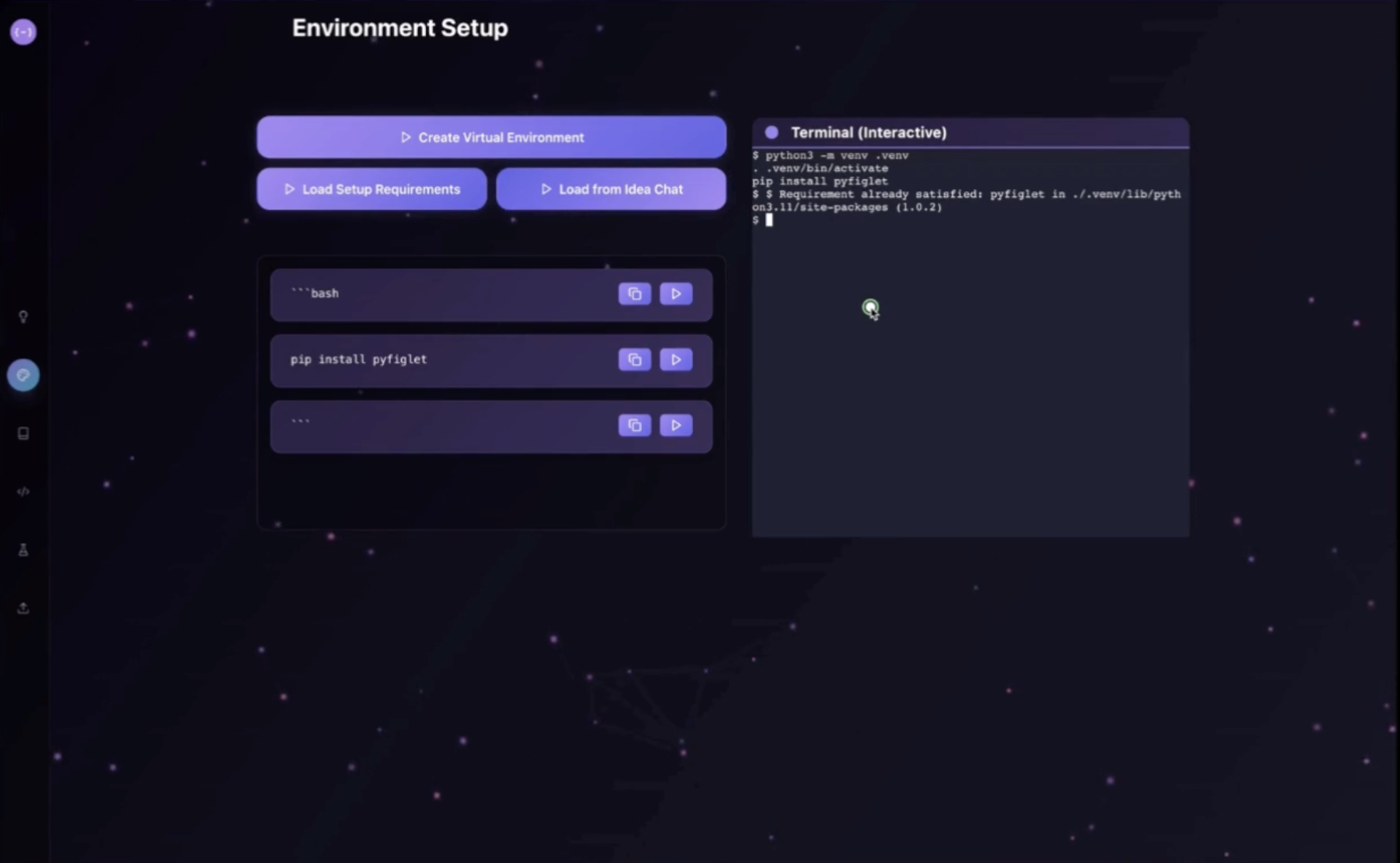
Environment Setup Workspace
-
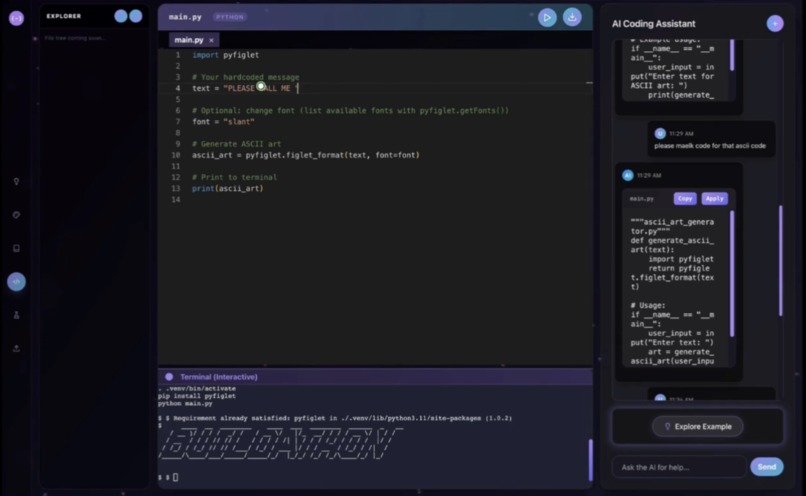
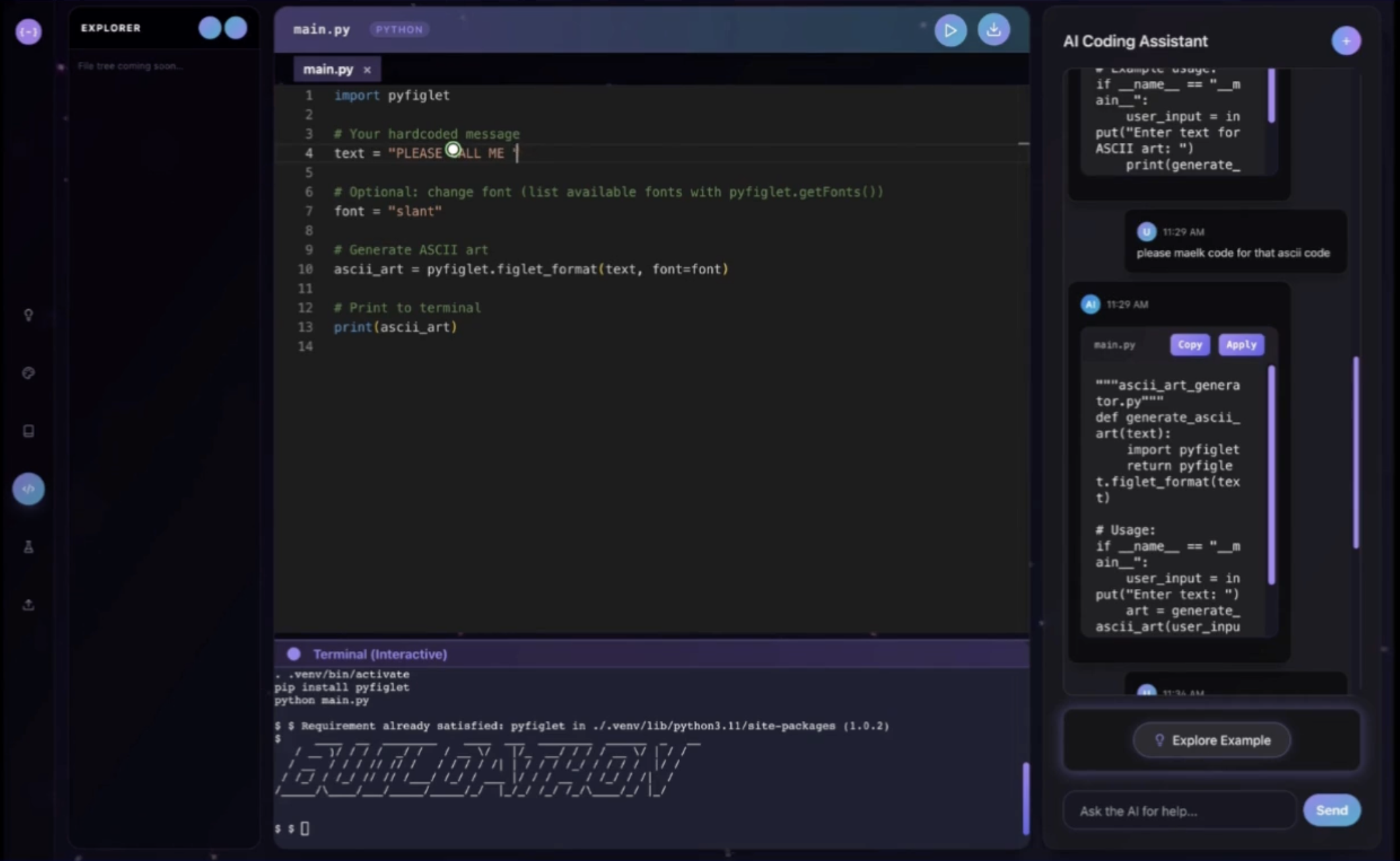
Coding Workspace
-
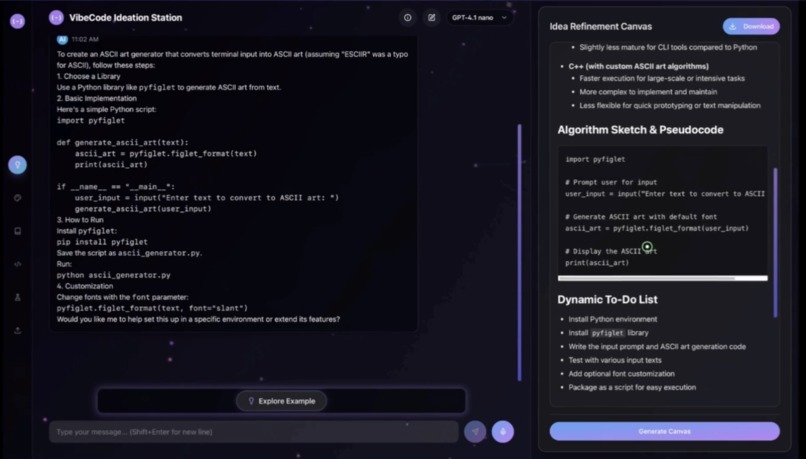
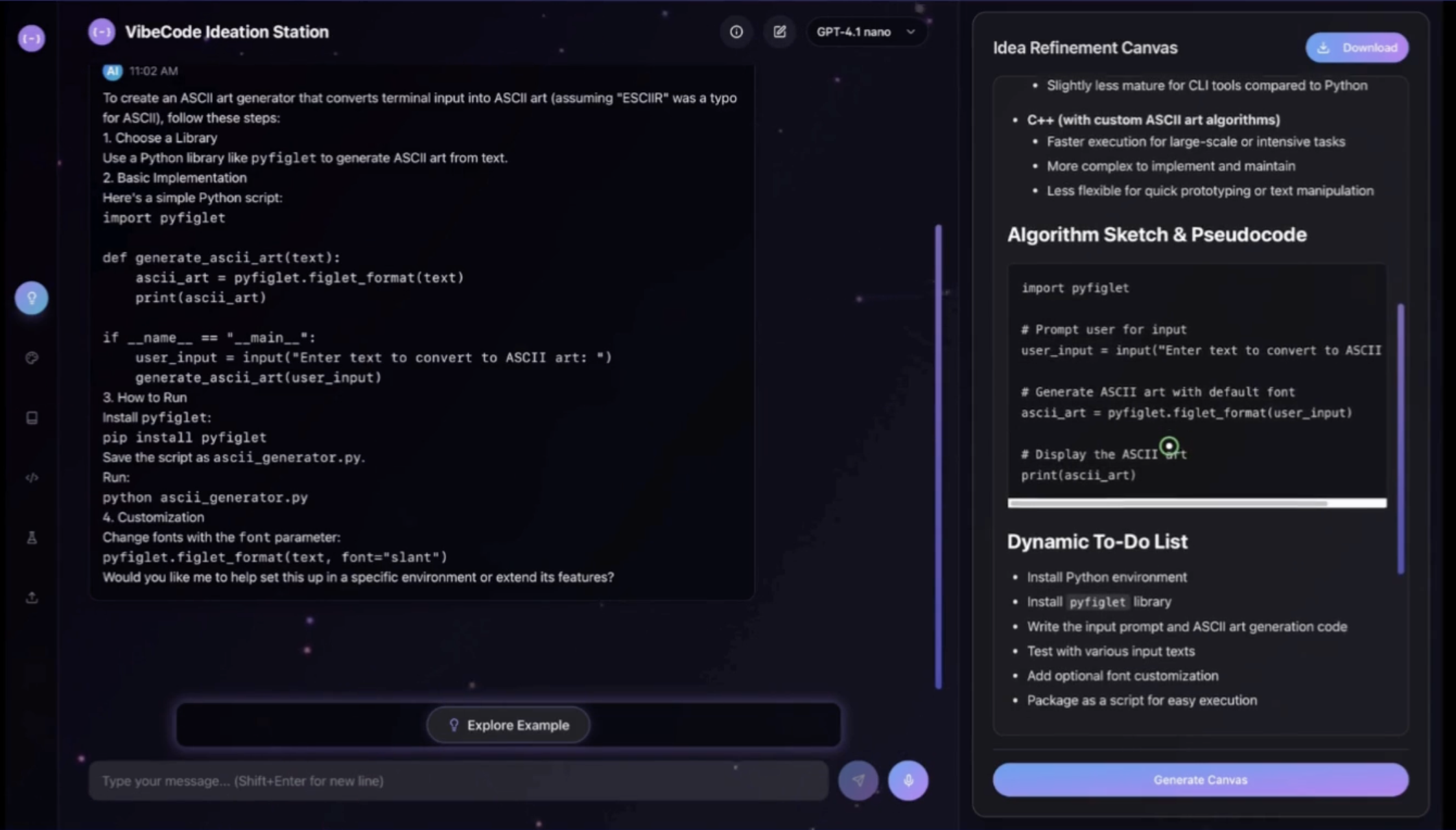
The Ideation Workspace
Inspiration
I’ve been passionate about AI and coding since I was a kid. While exploring various AI-powered code tools, I realized that most platforms focus solely on code generation and lack a cohesive, student-friendly workflow. I wanted to create an environment where beginners and hobbyists could go from a basic idea to a fully working project—without dealing with complex setup or scattered tools. I could see myself and my school friends using this. This spark led to VibeCode, an all-in-one, cloud-native IDE that guides learners through every stage of development.
What it does
VibeCode is a smart cloud IDE with four dedicated workspaces that streamline the entire development lifecycle:
Ideation Workspace
Capture and refine ideas in plain English or voice.
• Ask natural-language questions and receive clarifying feedback.
• Generate a structured “Idea Refinement Canvas” with requirements, tech stack suggestions, algorithm sketches, pseudocode, and a dynamic to-do list.Environment Setup Workspace
Automatically provision a development environment in the cloud.
• One-click virtual environment creation (Python, Node.js, etc.).
• AI-driven “Load & Setup Requirements” button sends a prompt to the AI, which returns dependency commands.
• Dependencies install themselves in a secure sandbox, so students never wrestle with local pip/npm errors.Learning Workspace
Interactive, topic-based tutorials built into the IDE.
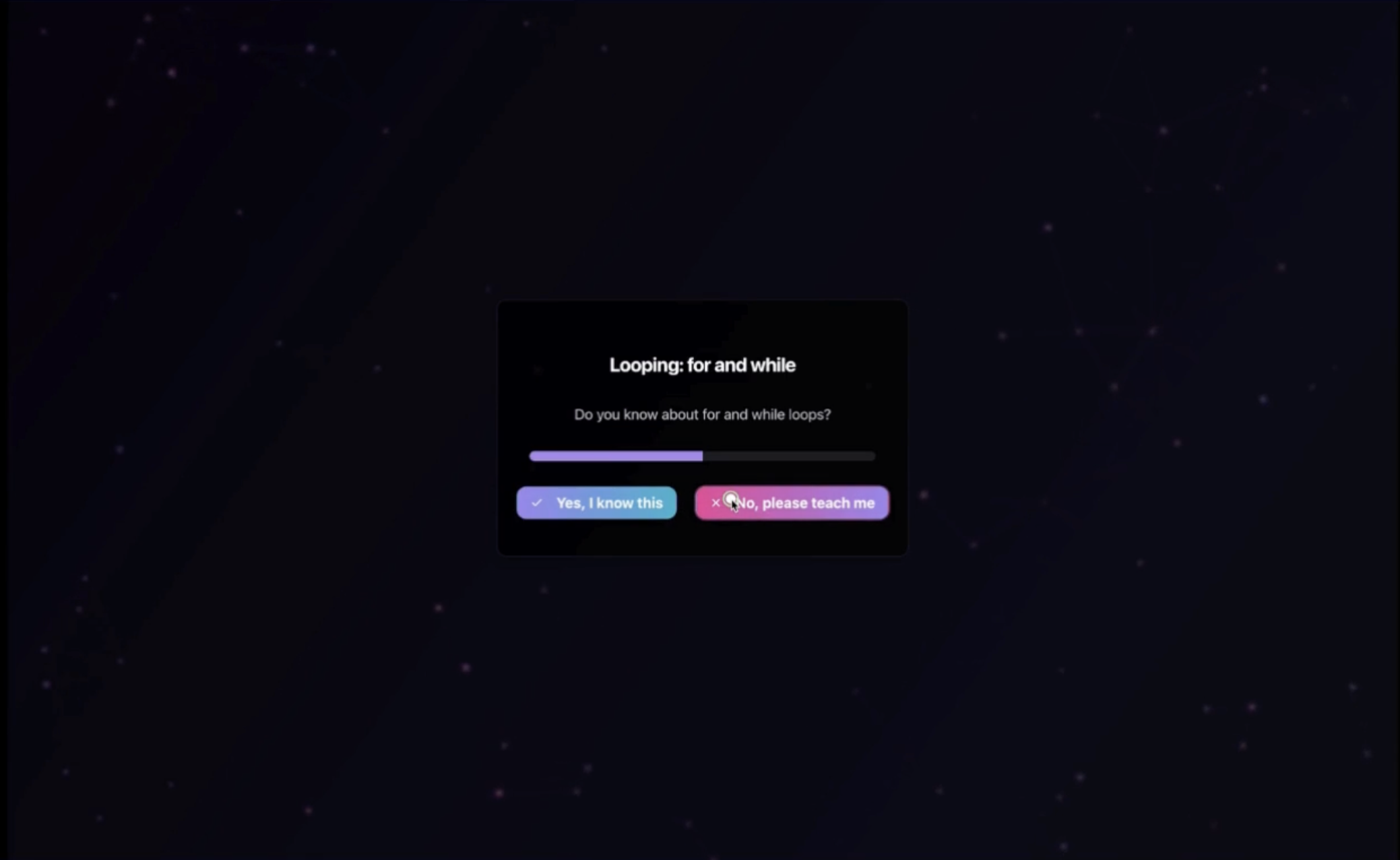
• Users choose their skill level (beginner, intermediate, advanced).
• AI guides them through core concepts (data types, loops, functions) with live code examples.
• Built-in mini-IDE inside the learning panel for hands-on practice, then seamlessly push code into the main IDE.Coding Workspace
A VS Code–style editor plus a real terminal in the browser.
• Monaco Editor with syntax highlighting, auto-completion, and bracket pairing.
• File tree management: create, rename, delete files/folders, open multiple tabs.
• xterm.js + Node-pty backend provides a fully interactive terminal—runpython main.py,pip install, or any shell command.
• AI chat assistant on the side can insert code directly into any file, execute folder/CLI commands, and offer on-demand code snippets.
How we built it
- Frontend:
Built with React, Vite, and Tailwind CSS for a blazing-fast user experience. We used the Monaco Editor for code editing and xterm.js for terminal emulation. Custom components handle file management, chat UI, and dynamic resizable panels. - AI Integration:
Every LLM call includes a “Custom Prompt Manager” that injects detailed instructions (e.g., “You are an environment-setup assistant…”) so the AI always responds with structured, predictable output. We use OpenAI’s GPT-4 endpoints for idea refinement, code suggestions, and learning dialogues. - Backend & Sandboxing:
We spin up Docker containers on demand to run user code securely. The terminal backend (Node.js + node-pty) connects via WebSockets to xterm.js. When you press “Run Code,” your Python script is written to a temp file inside the container, executed, and the output streams back to the browser. - Deployment:
Hosted on a free tier platform (Render), with environment variables to point to the AI and terminal services. We configured CI/CD so every commit automatically rebuilds and deploys both the frontend and the terminal backend.
Challenges we ran into
- Seamless Workspace Handoff:
Ensuring data flows from Ideation ➔ Env Setup ➔ Coding Workspace without manual copying. We solved this by maintaining a shared project state in a lightweight backend store. - Interactive Terminal in Browser:
xterm.js + node-pty required careful tuning to avoid dropped characters and buffering issues. We had to fine-tune WebSocket keep-alive settings to prevent unexpected disconnections. - Consistent AI Output:
Early AI responses were too verbose or inconsistent. We refined our “Custom Prompt Manager” until the AI always returned neatly structured lists, code blocks, or to-do items—never random commentary.
Accomplishments that we’re proud of
- Zero Local Setup:
Students can launch a fully provisioned Python environment in seconds—no installations, no “pip install” errors on their own machine. - End-to-End Flow:
From “I have an idea” to “I have a deployed web app,” every step happens in one unified interface. Beginners can follow a guided path without switching tools. - Interactive Learning Workspace:
Embedding AI tutorials next to a live coding playground creates a feedback loop: learn a concept, experiment instantly, ask follow-up questions in chat, and reinforce understanding. - Production Deployment on Free Tier:
Achieved a working, live web app (https://vibecode.org.in) using only free hosting resources—no paid servers needed.
What we learned
- User-Centered Design Matters:
Early mockups looked slick but confused users. We iterated based on feedback until each workspace felt intuitive and logical for a learner’s journey. - AI Prompt Engineering is Critical:
Small changes in the prompt resulted in drastically different outputs. We spent hours refining prompts until the AI reliably produced code snippets, installation commands, or learning content in the exact format we needed. - Cloud Sandboxing Trade-offs:
Spinning up Docker containers on demand has a small startup latency, but it’s vital for security and isolation. We learned to cache frequently used images to speed up first-run experiences.
What’s next for VibeCode
- Get real users:
I want to actually get this integrated at my school so students can use and learn faster without unnecessary the struggles. - Collaboration Features:
Real-time co-editing so teams can work on the same code base together. Imagine two students coding side by side while the AI offers suggestions. - Multi-Language Support:
Extend beyond Python to JavaScript/Node.js, Java, and other popular learning languages. Provide AI templates for each. - Versioned Project History:
Integrate a simple “commit” system powered by Git, so learners can track changes and roll back mistakes. - Integrated Debugger:
Embed a lightweight debugging view (breakpoints, variable inspectors) into the coding workspace—guided by AI tips when an error occurs.
VibeCode is not just another cloud IDE—it’s a learning-first, AI-driven environment that guides students from idea to deployment with zero friction. We focused on making coding approachable and enjoyable, especially for those just getting started.
Built With
- bolt
- css
- cursor
- docker
- editor
- gpt-4
- lovable
- monaco
- node-pty
- node.js
- openai
- react
- render
- tailwind
- vite
- websockets
- xterm.js


Log in or sign up for Devpost to join the conversation.