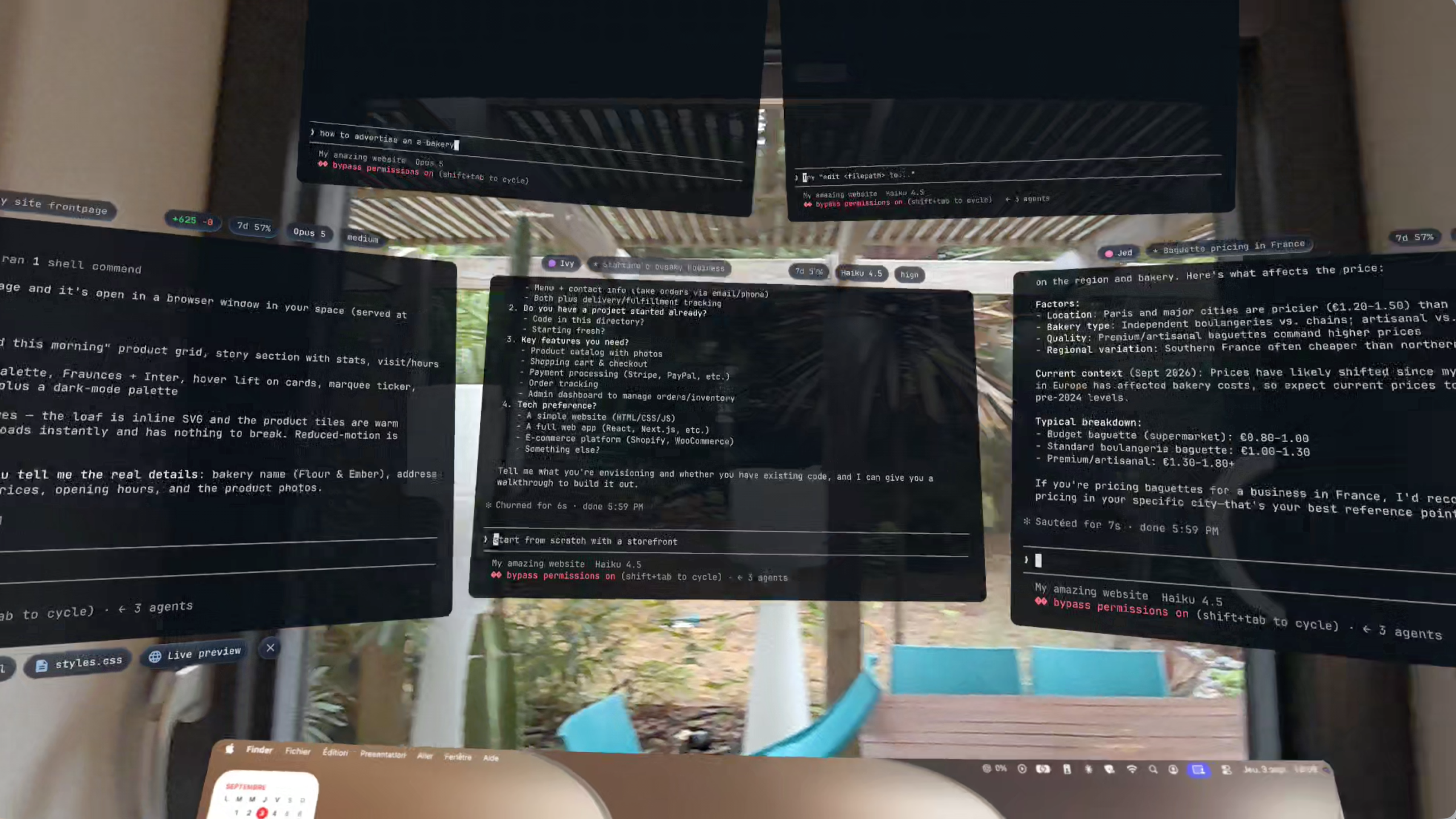
Everyone who watched Iron Man knows who J.A.R.V.I.S. is.
Now imagine an assistant like that, built for developers, in an XR workspace controlled by your hands and voice.
This is VibeAR, the XR coding workspace that lets you do way more than just code:
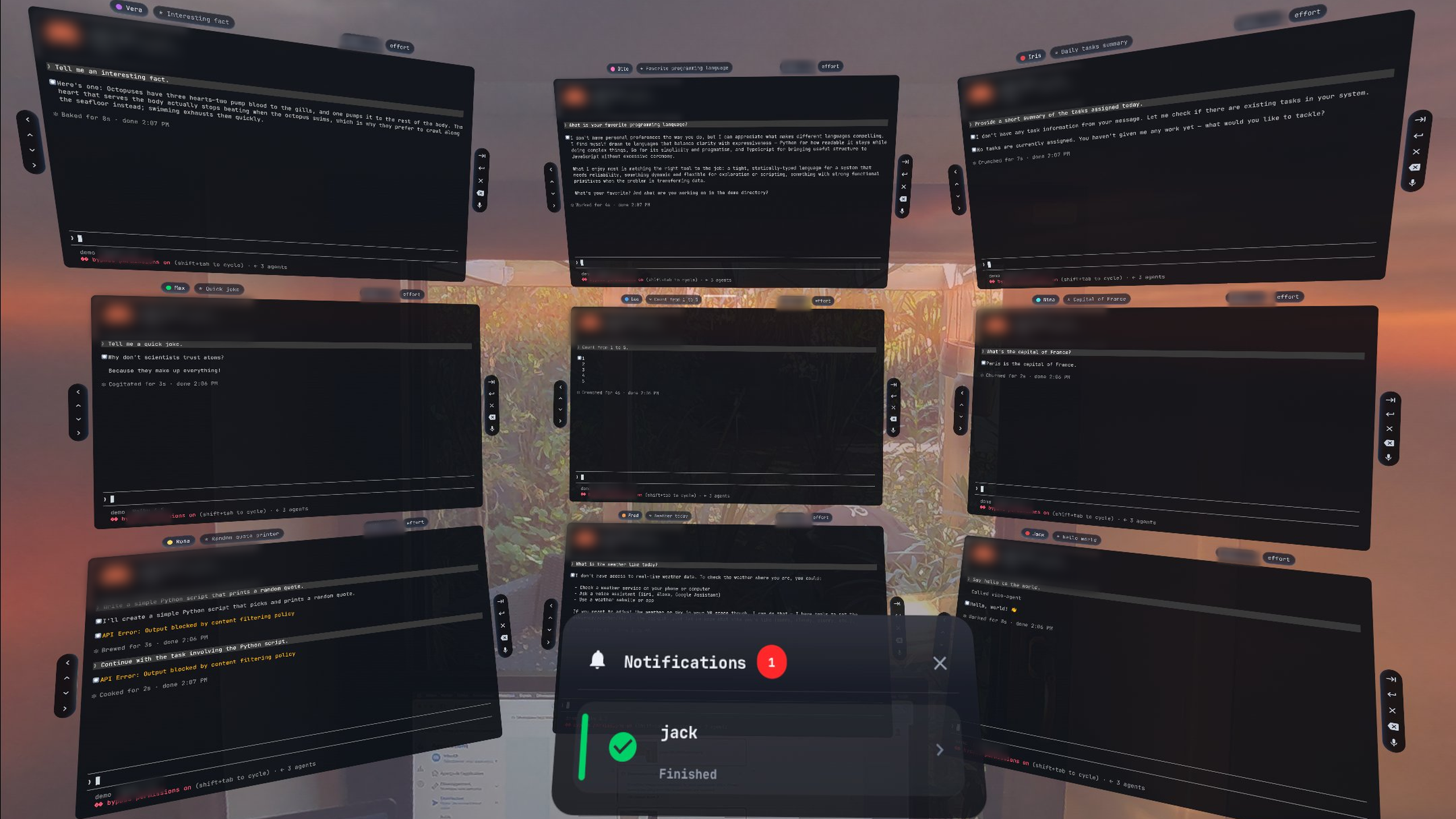
Control as many CLI agents as you want, all at once Pick the input that fits you (hands, voice, or both) Connected to your computer, so your real projects come with you Talk to vibe, an AI that sees your whole workspace and runs it for you
Your desk, your terminals, your agents. Anywhere.
The inspiration
There were multiple inspirations behind VibeAR, but the main one can’t be skipped: Tony Stark in Iron Man. If you haven’t watched it, Tony Stark is a billionaire who is basically the original vibecoder. He had an AI named J.A.R.V.I.S. that he controlled through voice and holograms all around his workspace. It built things for him, controlled robots, and handled everyday tasks.
In our world we don’t have holograms yet, but we have XR.
Another inspiration was the upcoming Meta glasses, which will bring those “holograms” to way more places since they’re lighter and look better. Finally, as a UX hobbyist, I was inspired by Apple’s interactions: small, natural gestures that just feel right.
The problem
Coding is still tied to a desk. Even though we can now chat with our AI agents from our phones, we can barely see the results.
Imagine being on a bus with an idea you want to test right now. Or going for a walk and vibing outside. Or doing chores and multitasking. With a laptop, this is impractical: on a bus you don’t have the space and people around you break your focus, on a walk you can’t carry it, and during chores switching back and forth kills your productivity.
Now imagine you just put your Meta glasses on, and all of these problems go away. Dim out the people on the bus, walk with your eyes on the road, and do your chores without stopping once.
This is VibeAR.
What it does
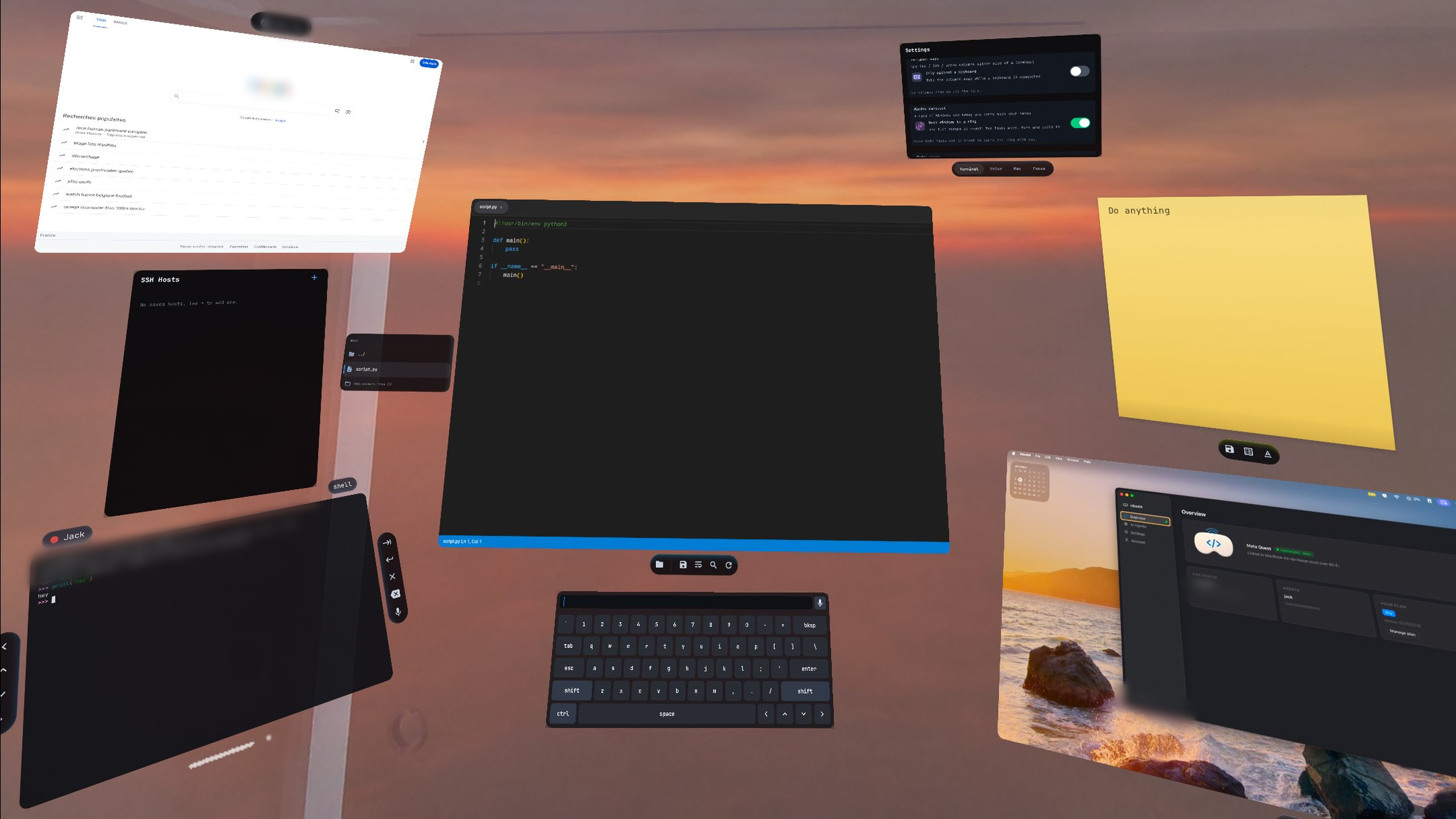
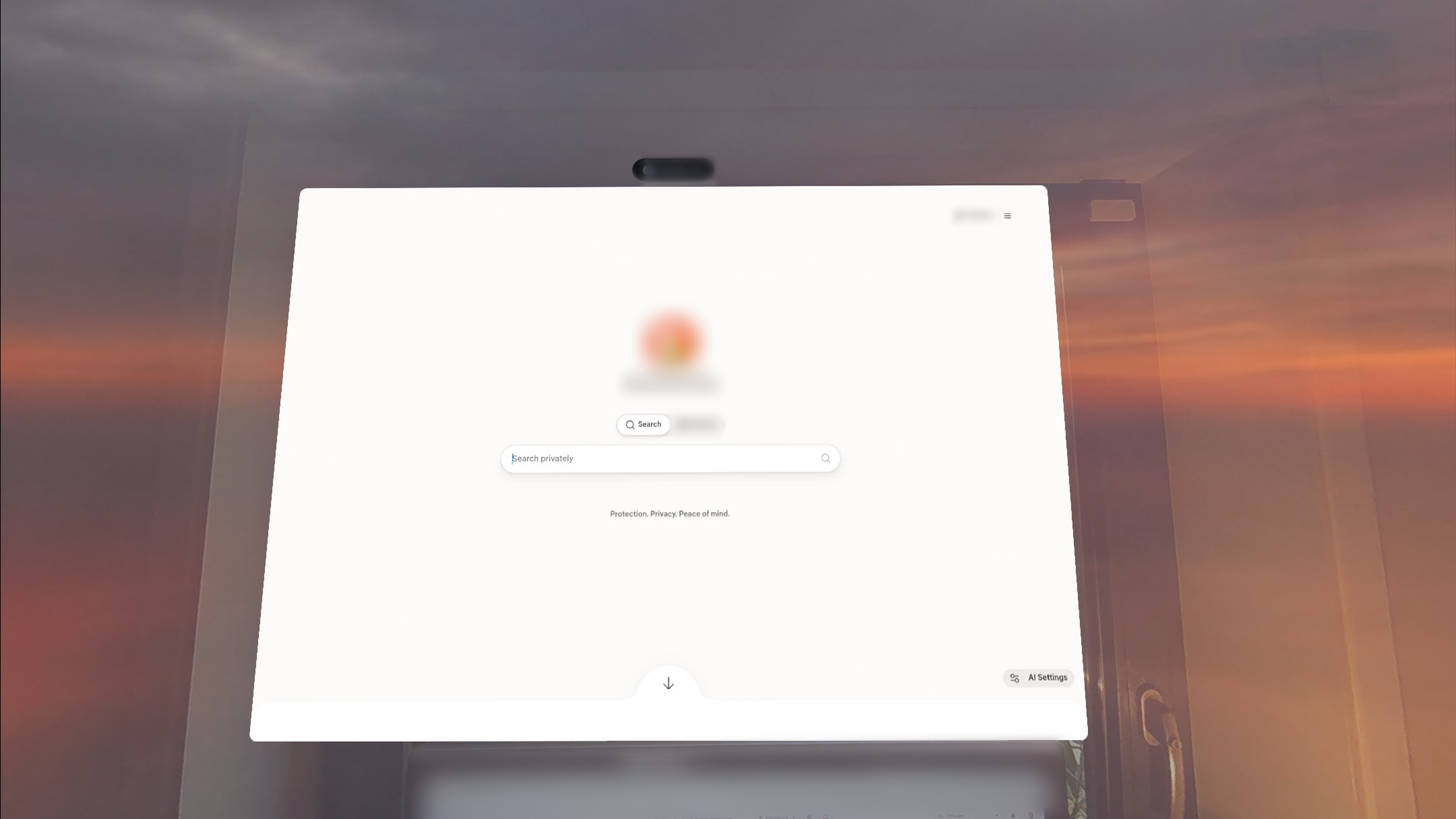
It replaces your flat screens: terminal windows for your agents, browsers, a code editor with diffs, desktop streaming to preview your apps or games, a 3D viewer for game assets, notes, files and SSH.
It’s an orchestrator: a main AI agent named vibe sees and works with every window around you. Ask it to reorganize anything, tell a terminal to do something, or explain what’s happening. Example: “vibe, put the frontend agent on my left, open the diff from the backend one, and tell me when the tests pass.” Done.
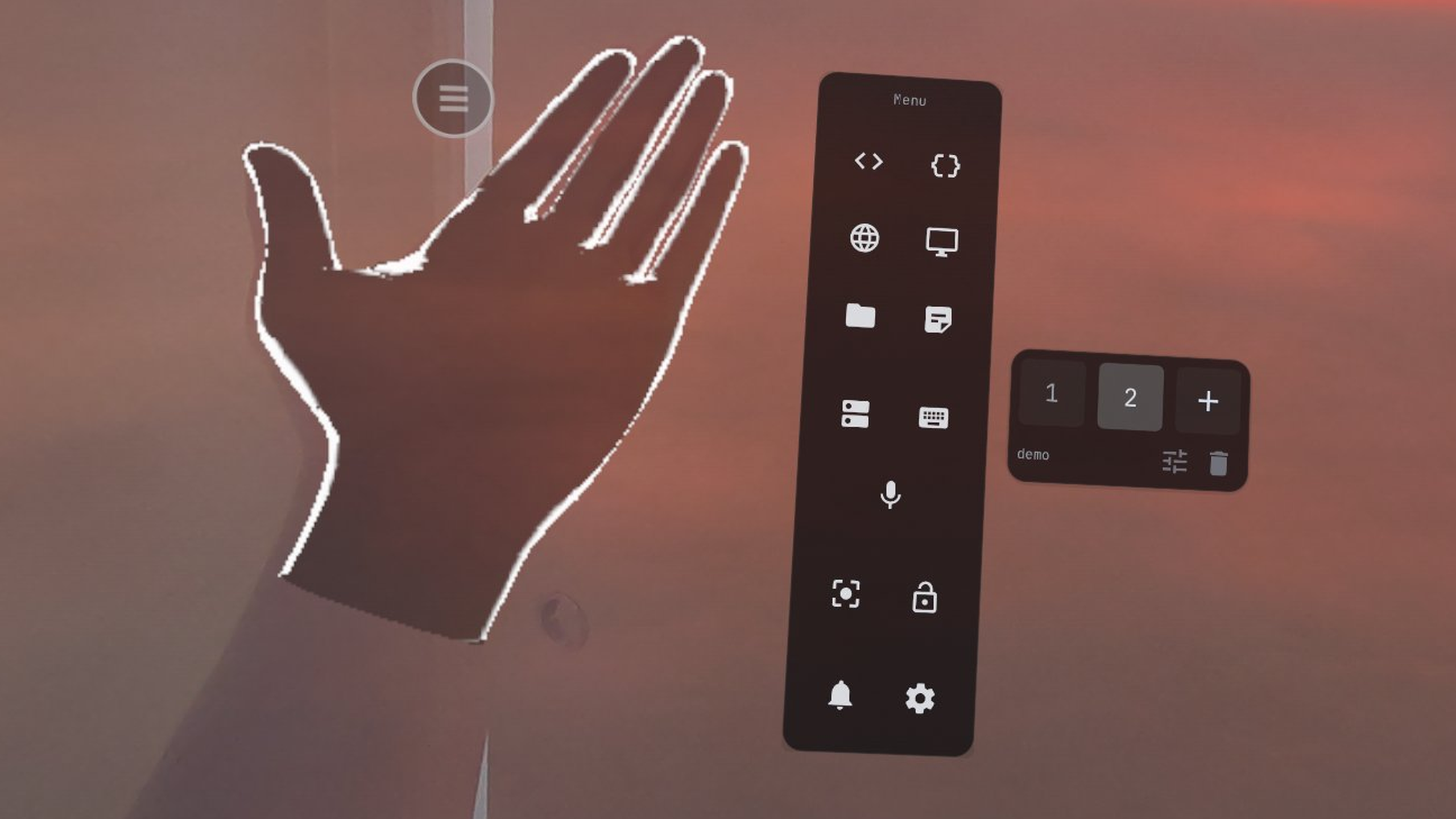
It’s hand and voice controlled, with 20+ gestures:
AirWrite: a homemade AI model that recognizes text you write in the air Finger shortcuts to trigger your own commands Palm up to talk to vibe, or point at a terminal to talk to it directly, and it talks back Thumbs up or down to approve or reject agent actions A wrist smartwatch with timers and a pomodoro And more…
It helps you focus: type a prompt and AI generates a whole skybox around you. A quiet forest, a cabin in the snow, Tony’s lab… The bus disappears, your code stays. When you need a break, Relax mode turns your hand movements into calming sounds.
How we built it XR app: a custom UI toolkit written in native OpenXR, running on Meta Quest 3 with hand tracking, body tracking, passthrough and voice detection Code editor: Monaco, embedded in a window for code and diffs Desktop companion: an Electron app on your Mac that handles pairing and settings, streams the desktop and runs the CLI agents, plus a cloud computer for testers vibe: an LLM with tools to move windows, read terminals and send commands AirWrite: a model trained on my own and synthetic cursive handwriting in 3D space, currently around a 10% error rate Challenges we ran into Making gestures reliable: a gesture that fires by accident is worse than none, so we spent a lot of time tuning them Training AirWrite from scratch with almost no handwriting data Latency: desktop streaming and agent replies have to feel instant, or the magic breaks Giving vibe enough context about the workspace without drowning it Accomplishments we’re proud of A real, working workspace where you can ship code without touching a keyboard 20+ gestures that feel natural, not gimmicky Our own AirWrite model Controlling multiple agents at once, by hand and by voice What we learned XR UX is a whole different world: what works with a mouse doesn’t work in the air Voice and gestures together are far more powerful than either alone What’s next for VibeAR Running on Meta glasses, so VibeAR goes everywhere with you Better AirWrite, more gestures, and custom gestures Collaboration: share your workspace with a friend in the same space Letting vibe work while you’re away and brief you when you come back
Tony had J.A.R.V.I.S. Now you have vibe.
Built With
- brain
- electron
- hand-tracking
- meta-quest-3
- monaco-editor
- mouse
- passthrough
- penxr


