-
-
You can do anything!
-
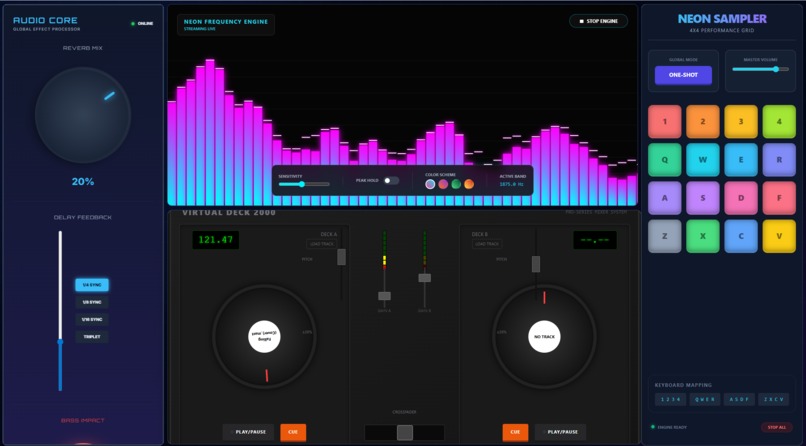
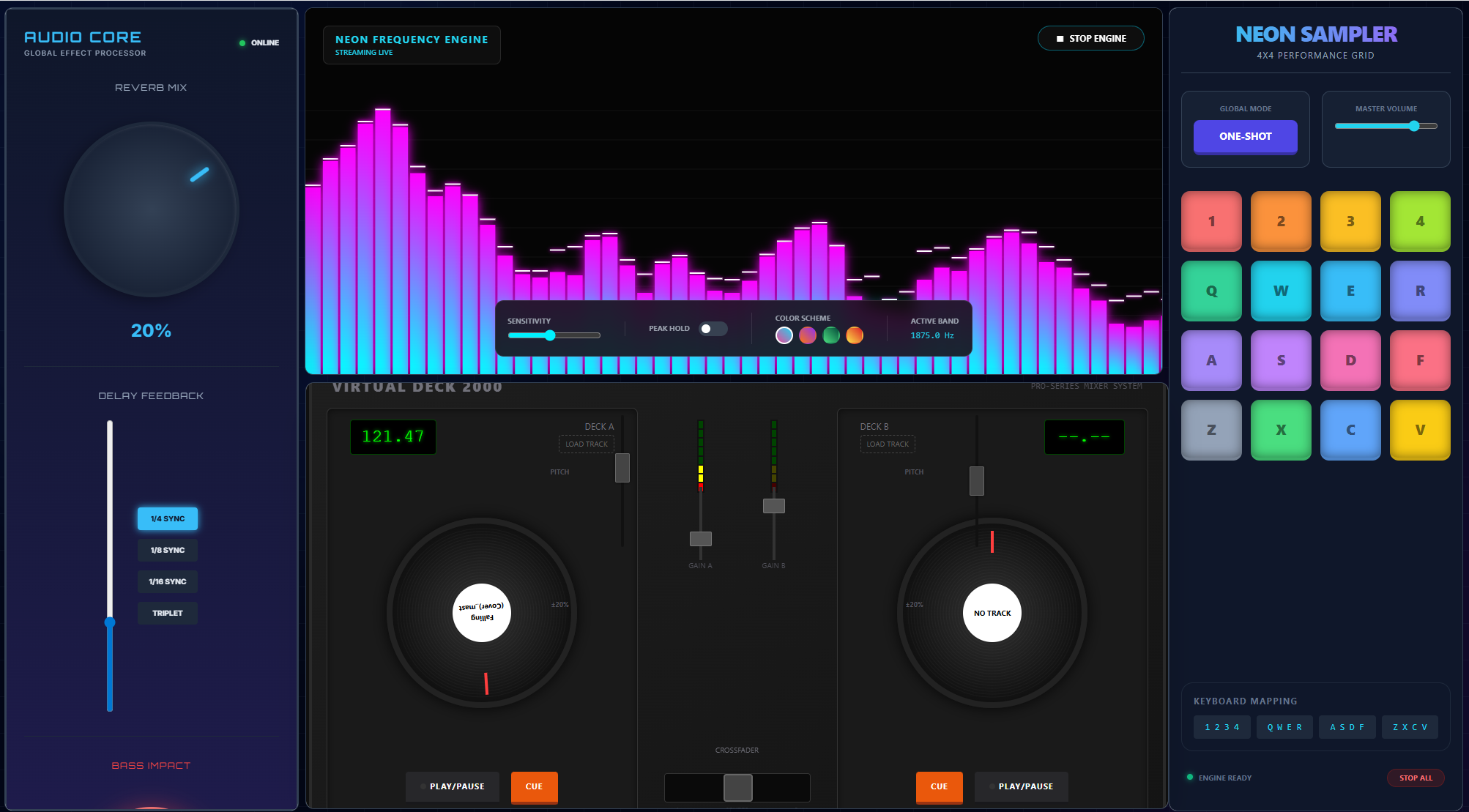
DJing interface.
Inspiration
The frustration of finding, paying for, and learning complex tools just to do one specific thing. I realized it is often more efficient to generate a custom app for the exact problem at hand than to manually stitch together components in an IDE or force-fit a generic tool to your workflow.
What it does
Vibe Studio is an infinite app and workspace generator. Users type natural language prompts (e.g., "lofi music player", "video editor", "audio editor", "crypto tracker") and the system generates fully functional apps on an infinite canvas.
How we built it
React/TypeScript for the infinite canvas interface, TailwindCSS for styling, and Google Gemini (Flash & Pro models) and Cerebras (GLM 4.7) for the intelligence layer. I used sandboxed IFrames for the widgets and a custom postMessage bus to handle the AI-orchestrated inter-app communication.
Challenges we ran into
Ensuring the AI generates consistently valid, self-contained HTML/JS/CSS without external dependencies breaking. The hardest part was the "Wiring" engine and getting the LLM to understand the internal logic of two completely separate, generated apps and injecting the correct event listeners/emitters so they could talk to each other without breaking their core functionality.
Accomplishments that we're proud of
The Auto-Wire feature: It feels magical watching two unrelated apps suddenly start interacting based on a simple sentence. The Workspace Generator: Generating entire dashboards (5+ apps) with layout optimization in a single flow.
What we learned
LLMs can behave like runtime compilers (if you treat them that way). I learned that with a strong system-instruction architecture, Gemini can reliably generate and adapt code on demand. But only if we wrap it in “compiler-like” safety rails. That meant handling rate limits (429s) and malformed output as expected runtime errors, with structured retries and validation instead of hoping for perfect generations.
“Connect these two apps” is too vague, the wiring needs a staged process. I learned that multi-agent orchestration works best when each agent has a single job. my “Wiring” feature only became dependable once I split it into: (1) an analyzer agent that proposes the connection plan, and (2) a specialist agent that edits the exact event-listener code in both files to implement it.
You have to give the Gemini spatial context. I learned that merging UI-based workspaces requires more than dumping source files into context. The “Combine Workspace” feature worked once I also provided the layout meaning—the x/y coordinates and widget relationships so the model could preserve how the user intended things to look and interact.
Built With
- google-gemini-api
- react
- tailwindcss
- typescript

Log in or sign up for Devpost to join the conversation.