-
-
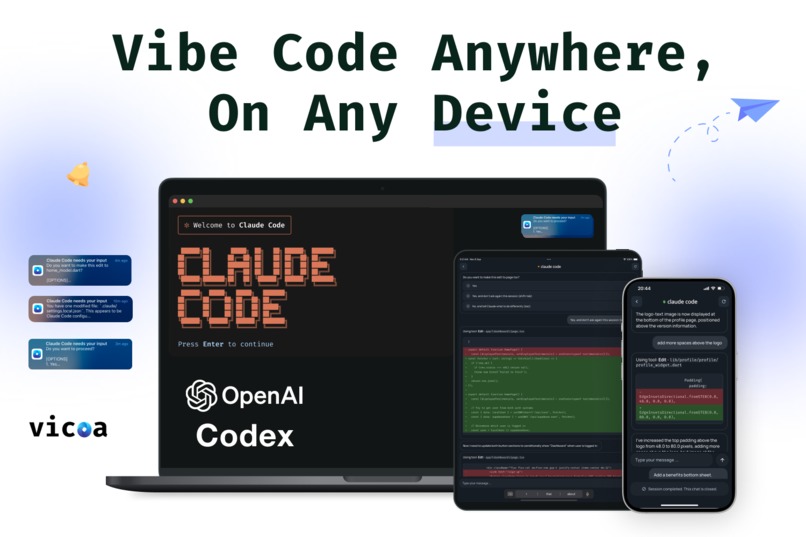
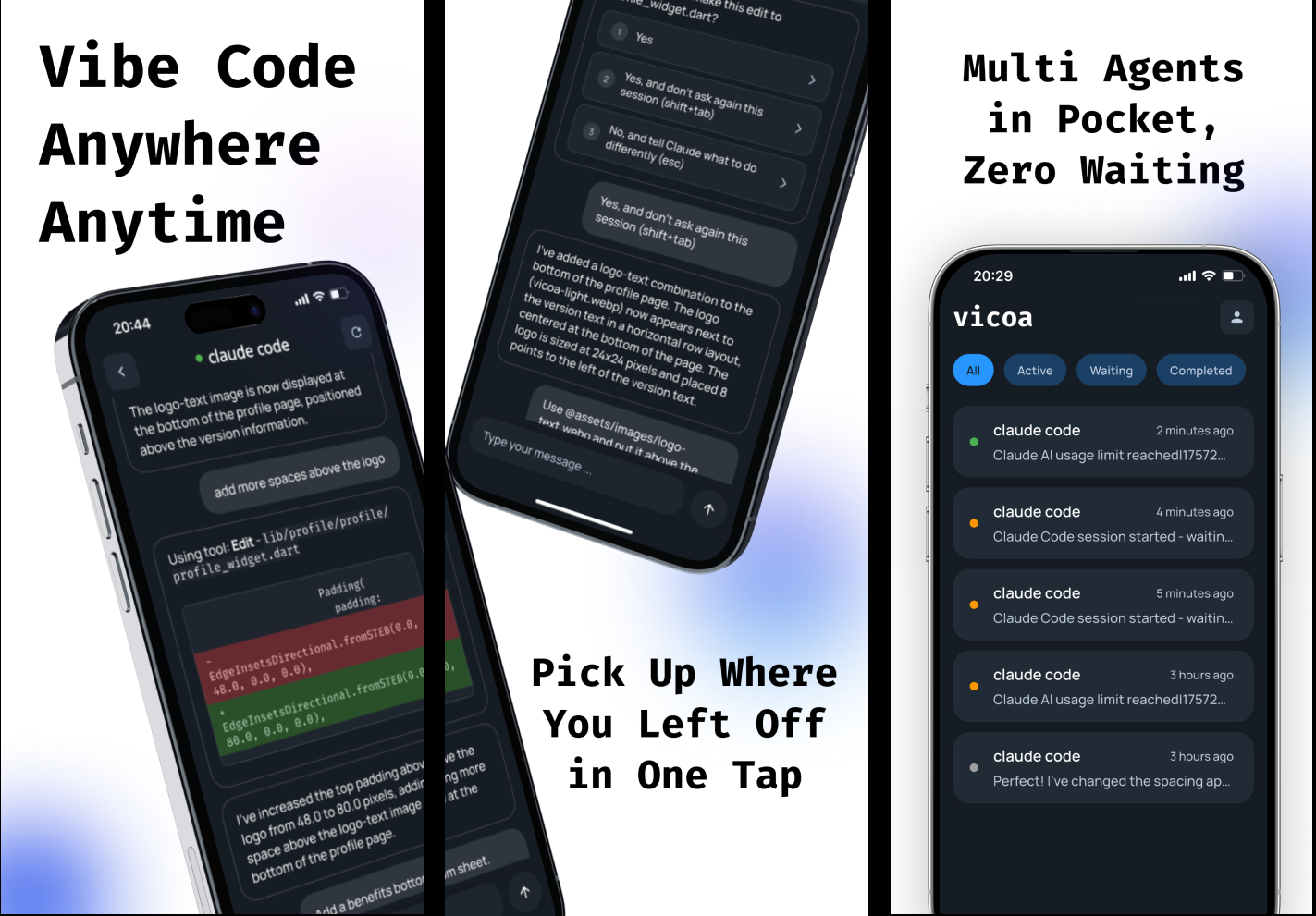
Vibe Code Anywhere (Vicoa) lets you to run Claude Code and Codex anywhere, on any device.
-
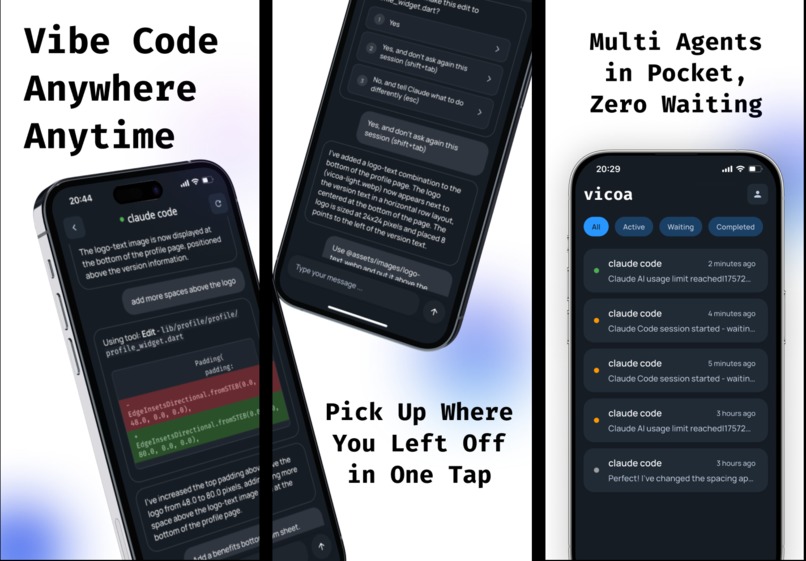
Vibe Code Anywhere (Vicoa) phone screenshots 1
-
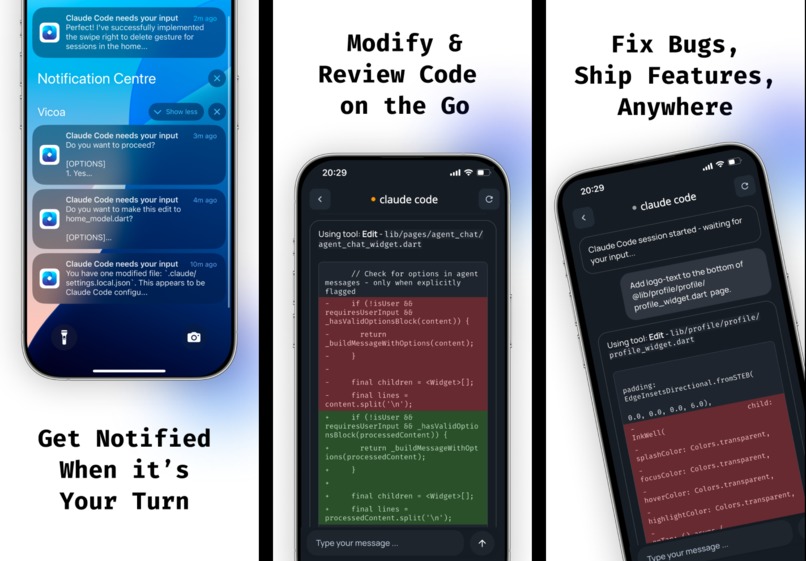
Vibe Code Anywhere (Vicoa) phone screenshots 2
Inspiration
I built Vicoa because I kept running into the same problem — vibe coding with AI is great, but it chained you to your desk. You have to constantly watch, wait, or check back for results.
Sometimes the AI stops mid-progress, waiting for your input. By the time you check back, hours are lost. Momentum gone. Flow broken.
I’d to start coding on my laptop, then want to grab a coffee, go out for a walk, or handle a quick errand… and I couldn’t. The AI kept running, waiting on me. Progress stalled. Frustrating.
That pain inspired Vicoa (Vibe Code Anywhere) — a way to keep vibe coding anytime, on any device, no matter where you are.
The idea was simple:
If AI can code for you, why should you have to sit there waiting for it?
What it does
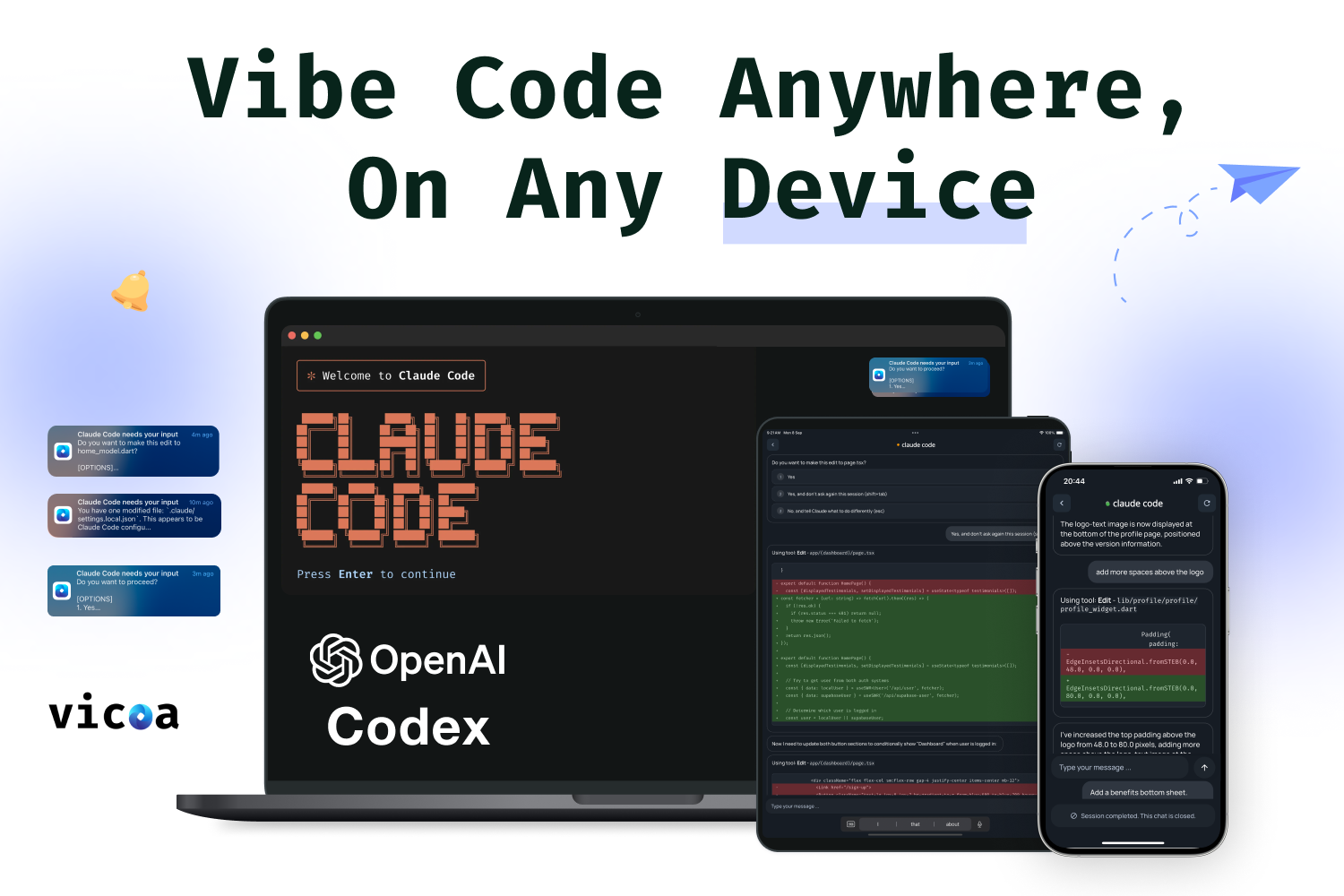
Vicoa lets developers run, monitor, and interact with AI coding agents like Claude Code and Codex across laptop, tablet, and phone — all in sync.
It bridges your local development setup with a lightweight companion app that keeps your AI coding sessions alive everywhere.
Key features
- 💻 Start coding with Claude Code or Codex on your laptop
- 📱 Monitor progress and continue vibe coding from your phone or tablet
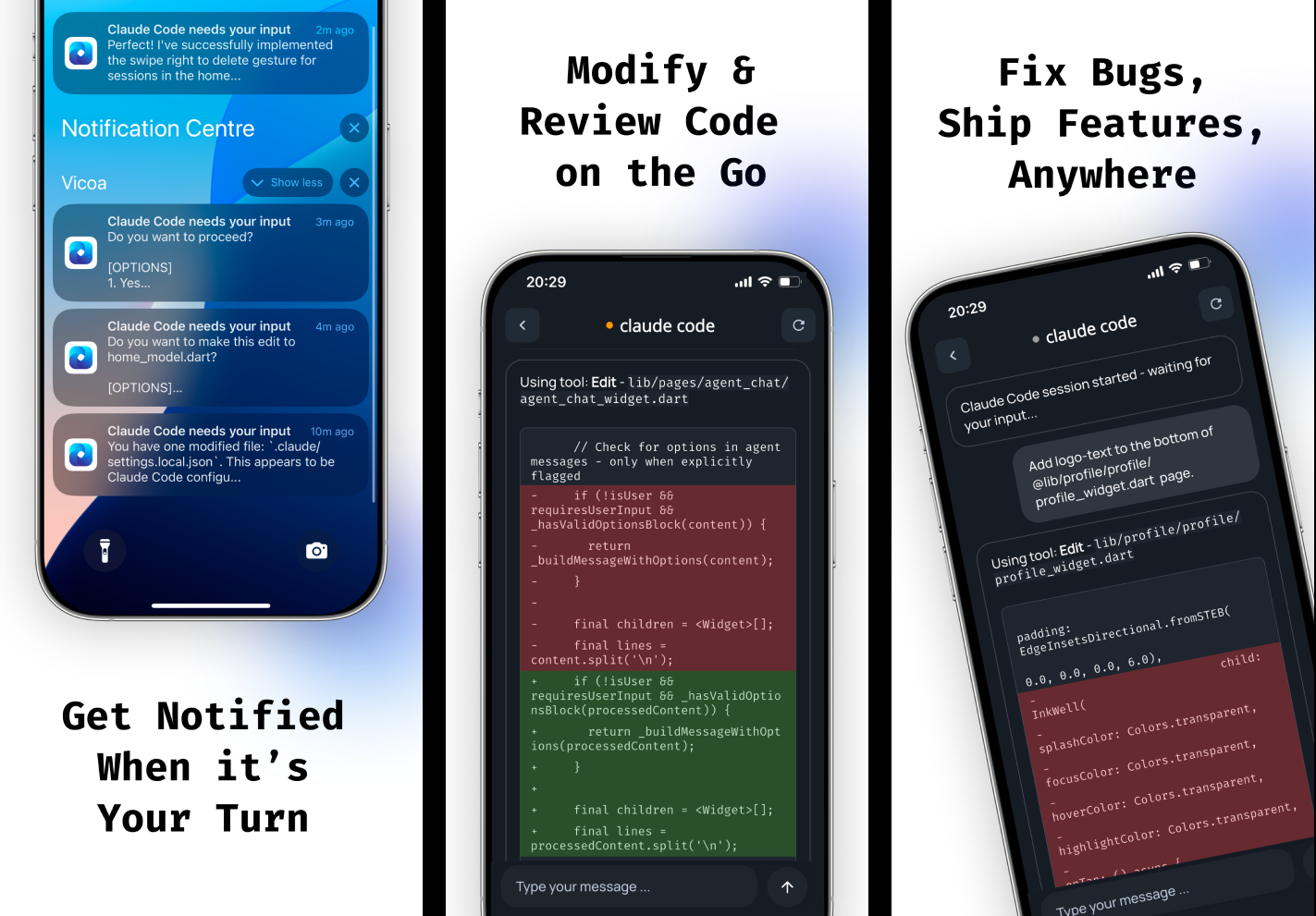
- 🔔 Get alerts when your AI agent needs input
- 🌍 Sync seamlessly across all devices
Instead of keeping waiting and babysitting your agents in front of desk, you can start a task, walk away, and stay updated. Whether you’re approving a change, sending a new prompt, or reviewing logs — everything stays connected.
The goal is simple: let developers vibe code anytime, anywhere.
How I built it
Vicoa is built for real-time sync and mobility, designed to make switching between devices effortless while keeping AI sessions fully live.
Tech stack:
- Mobile: Flutter — built for both iOS and Android
- Paywall and in-app purchase: RevenueCat
- Web: Next.js
- Backend: Python with FastAPI and wrappers on Claude Code and Codex
- Database: Supabase & PostgreSQL
Vicoa’s architecture was designed for real-time sync and mobility — so it feels effortless, even when switching devices mid-session.
Challenges I ran into
Building solo
Managing everything alone — from Flutter mobile dev to backend, auth & database setup, web app, deployment, and marketing — was intense. Every part depended on the other, so I had to constantly switch contexts and decide what to build first to keep progress moving.
Mobile UI for vibe coding
Coding on a small screen is not easy. The challenge was to create an interface that user still feels immersive and productive — not cramped or cluttered. I focused on a minimalist layout and clean design so developers can vibe code with text, even voice, and review code changes comfortably on mobile.
User flow to the “aha moment”
Vicoa connects multiple environments — terminal, web, and mobile — so users must first authenticate and link their local setup before continuing. Finding a simple way to guide users through that multi-step process was a real UX challenge. The goal was to help users reach the “aha moment” (seeing their first synced Claude Code session) as quickly as possible without losing them during setup.
Handling multiple payment systems
Vicoa supports in-app purchases on mobile and Stripe payments on the web (not released yet). Keeping both systems synchronized with the same backend logic required careful planning, especially to ensure subscriptions updated instantly across all platforms.
Enabling full “vibe coding” on mobile alone
A big design goal was to make the mobile experience powerful enough to code and manage agents without needing a laptop. This meant further integrating with Github and allow users to run agents in the cloud.
Accomplishments that I’m proud of
- Built and launched in under two weeks — knew Shipaton and started the project on August 29 and shipped a full cross-platform product in early September, handling design, backend, mobile, web, deployment, and marketing solo.
- Reached Top 30 in the Developer Tools category on the App Store in the U.S. and several other countries.
- Around 1500 downloads in App Store in these 1-2 weeks of launch.
- Generated $130 revenue in the first two days — immediate validation that developers found value in the product.
- Created a real-time sync system and intuitive mobile interface that make AI coding truly portable.
What I learned
- Ship fast, learn faster. It’s better to launch early, collect feedback, and iterate than to wait for a “perfect” version that no one has tried yet.
- Listening to users matters. Real feedback shows what truly helps. I learned to talk to users early, understand what’s missing, and build around their needs.
- Shipping solo means trade-offs. Managing design, backend, mobile, and marketing at once taught me to protect focus and prioritize momentum over perfection.
- Developer UX ≠ desktop UX. Building similar features on both mobile and web taught me how to design the best UI and UX for users on different platforms.
What’s next for Vibe Code Anywhere
Vicoa is just getting started. The next milestones are all about expanding compatibility, performance, and collaboration.
- More agent support: Add Gemini Code, Cursor, and other AI agents
- More integrations: Integrations with Github, Slack, and more
- Cloud execution layer: Run agents in the cloud — even when your laptop is off
- Team collaboration: Allow shared sessions where teammates can view or approve changes together
- IDE integrations: Vicoa extensions for VSCode
- More marketing and growth efforts

Log in or sign up for Devpost to join the conversation.