-
-
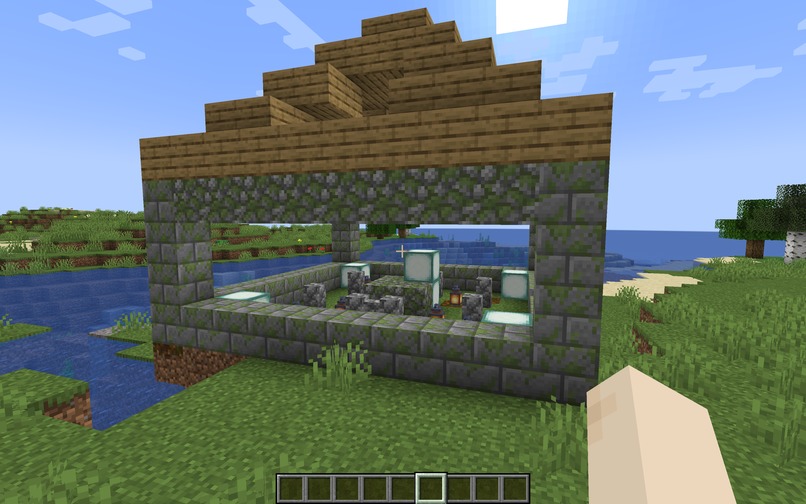
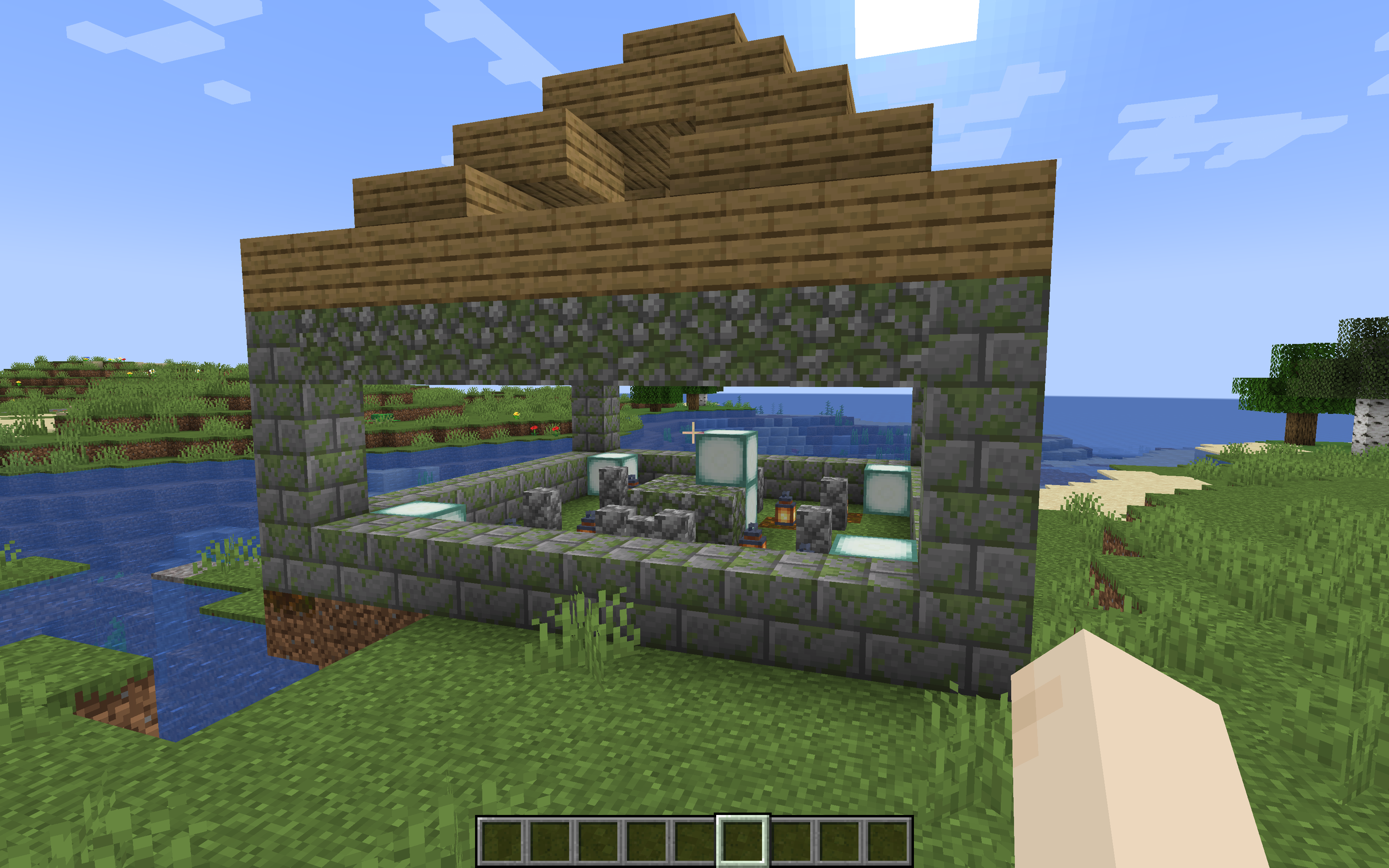
Cozy Garden
-
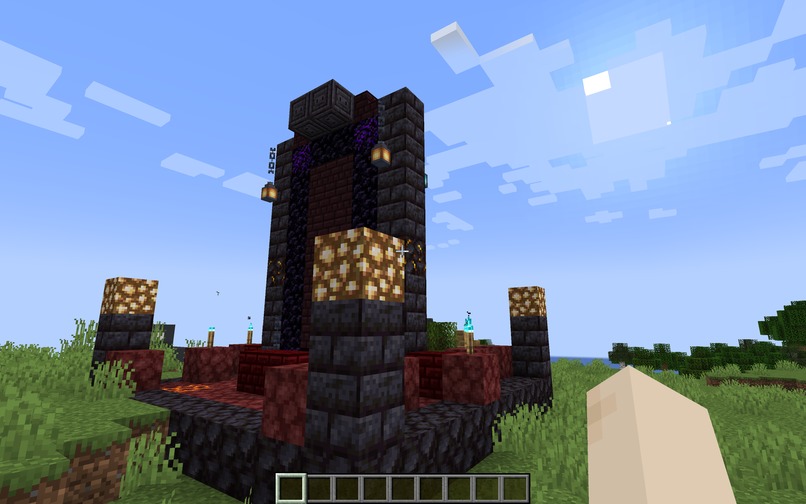
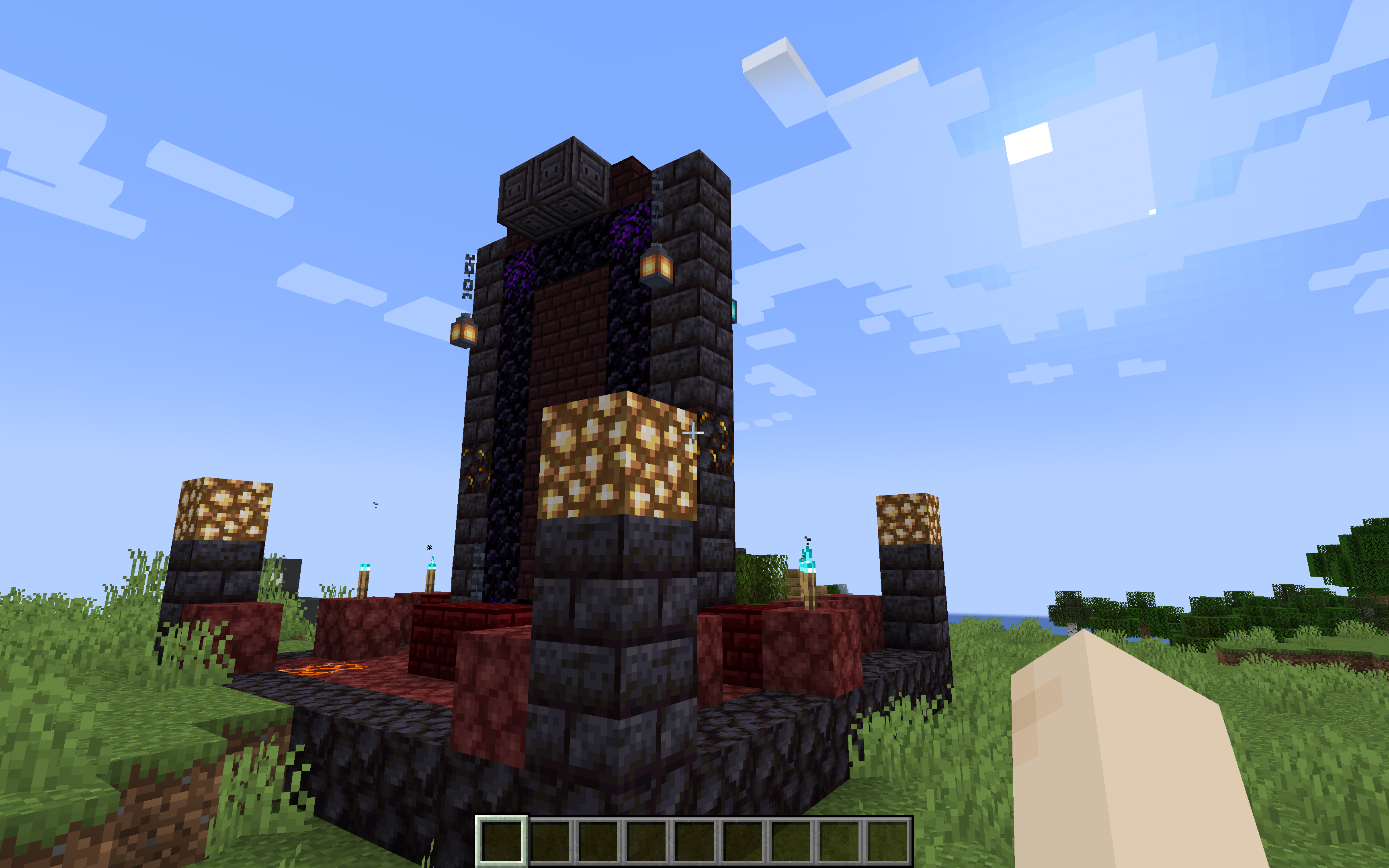
Infernal Portal
-
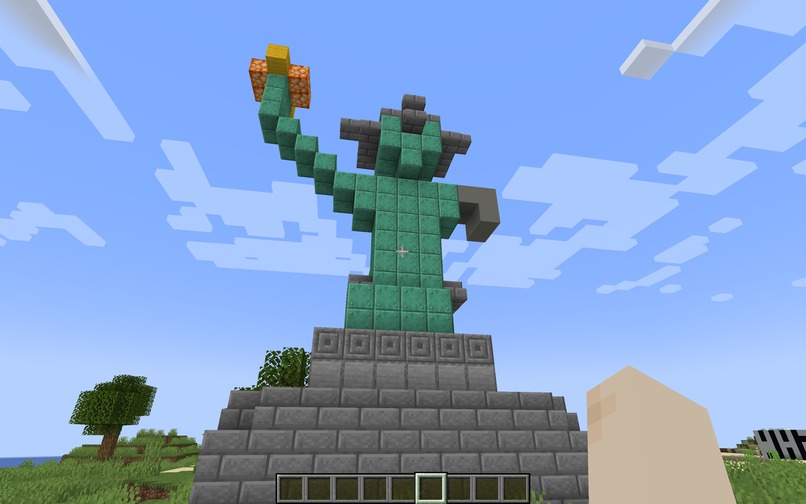
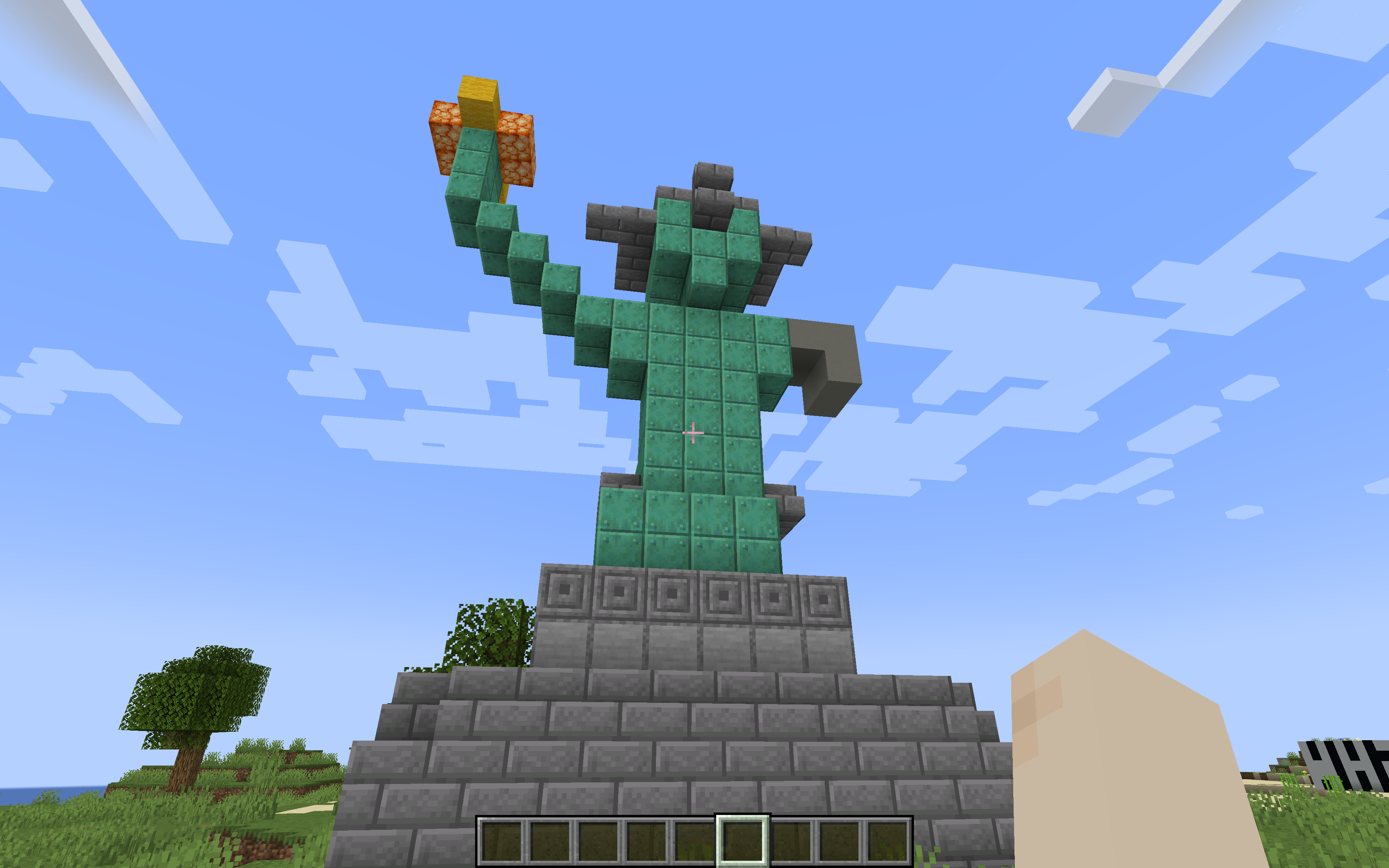
Statue of Liberty
Inspiration
We wanted to build something fun, meaningful, and useful. Having grown up testing the limits of our imagination in Minecraft, we have often found ourselves hindered by the physical scale of the worlds we wished to build. We realized that this problem is ubiquitous within the Minecraft community. Our solution is to bridge the gap between imagination and Minecraft reality by allowing the user to describe what they want — with however much detail they like — and have the build automatically executed, so they can focus on the vision without placing blocks one by one.
What it does
In the native Minecraft command line, the user inputs a command of the form /build [description]. This command sends the description to one instance of the Anthropic API, which we call the "Designer." The Designer refines the description — determining the structure's footprint, wall materials, roof type, entrance position, and weathering strategy — so that a second instance, the "Architect," can process it into a precise block-coordinate JSON file. That file is sent to the Bukkit API, which generates the build in the Minecraft world, animating it either block-by-block from the sky or appearing at final positions all at once.
There is also a choice between two build animations. In spawn mode (the default), each block appears instantly in its final location. In fall mode (triggered by the fall keyword in the command), blocks fall from the sky one at a time, dramatically landing in their desired positions.
For those who take joy in the construction process itself, VibeBuild can also generate detailed blueprints via a /blueprint command. Each blueprint is formatted as a PDF: the cover page lists a full bill of materials, and each subsequent page shows a top-down view of one Y-layer of the build. Every grid cell is rendered with the actual Minecraft block texture, extracted directly from the game's JAR file, so oak planks look like oak planks rather than a plain brown square — making the document genuinely useful as a build reference.
Overall, VibeBuild lets the player delegate any part of the Minecraft building process, from visualization (when the prompt is vague) to construction (when it is detailed) to planning (in blueprint mode). This allows players to focus on the aspects of the game they enjoy most, and to realize ambitious worlds far more efficiently.
How we built it
We designed our plugin on top of Paper, a maintained fork of Bukkit that closely tracks the latest Minecraft releases and provides a stable API surface. The plugin listens for /build commands and dispatches the description to a Python Flask backend over HTTP on an async thread, so the main game tick never blocks during the 10–30 second generation window. Block placement uses the raw Bukkit block API directly — an earlier version relied on WorldEdit, but that introduced an external plugin dependency and broke undo history in unexpected ways, so we removed it to keep the plugin self-contained.
The Flask backend handles all AI interaction. It runs the two-pass Claude pipeline: the first pass produces a written architectural plan, and the second uses that plan as a strict brief to generate a block-coordinate JSON validated against a whitelist of roughly 300 valid 1.20.4 block IDs. The backend also injects style-appropriate material palettes and strips any hallucinated block names before returning the response to the plugin.
Blueprint generation is handled by Reportlab for PDF layout and Pillow for texture extraction. Pillow reads PNG textures directly from the game's JAR archive in memory, crops animated sprite sheets to their first frame, and resizes them to fit each grid cell.
Challenges we ran into
Initially, we tried using Docker to unify our development environment across devices, but ran into integration issues when connecting our Minecraft server — which relies on server logs to capture user input — to the containerized setup. We abandoned that approach and ran the server locally instead.
A deeper challenge was handling vague prompts like /build enchanted garden. Early on, a single API call produced structures that felt generated rather than designed: hollow boxes with no entrances, flat roofs, and walls of a single block type. We tried adding more rules to the prompt, but quality improvements plateaued quickly. The breakthrough was splitting the work into two separate Claude calls — Designer and Architect — so each instance could focus on a single, well-scoped task. That change made the biggest difference in output quality.
Accomplishments that we're proud of
We're proud of getting Minecraft and the Anthropic API talking to each other across two distinct layers — a Java plugin and a Python backend — communicating over HTTP. The two-pass pipeline was the other major accomplishment: the structured separation between planning and building is what gives VibeBuild's output genuine architectural intent, producing things like L-shaped courtyards, tapering towers, market stalls with post-supported roofs, and stone walls weathered with mossy and cracked variants.
What we learned
None of us had much prior experience writing Minecraft server plugins, so learning the Paper/Bukkit ecosystem from scratch was a significant undertaking. Bridging Java and Python over HTTP was also new territory for the team — we were genuinely excited when our first cross-language request came through successfully. Along the way, we also developed a much stronger intuition for prompt engineering: how to structure instructions so that a model focuses on one task at a time, how to make constraints explicit enough that they're honored, and how to get clean, parseable output reliably.
What's next for VibeBuild
One feature we'd like to add is an interactive preview before a build is committed to the world. After entering a description, a translucent "ghost build" would appear and follow the player's gaze as they look around. When the player finds the right location, a single click would place the structure — just like placing any block. From there, the player could accept the result or issue a /refine command with feedback to iterate on the design before it's finalized.


Log in or sign up for Devpost to join the conversation.