
About the Project: VelymAI
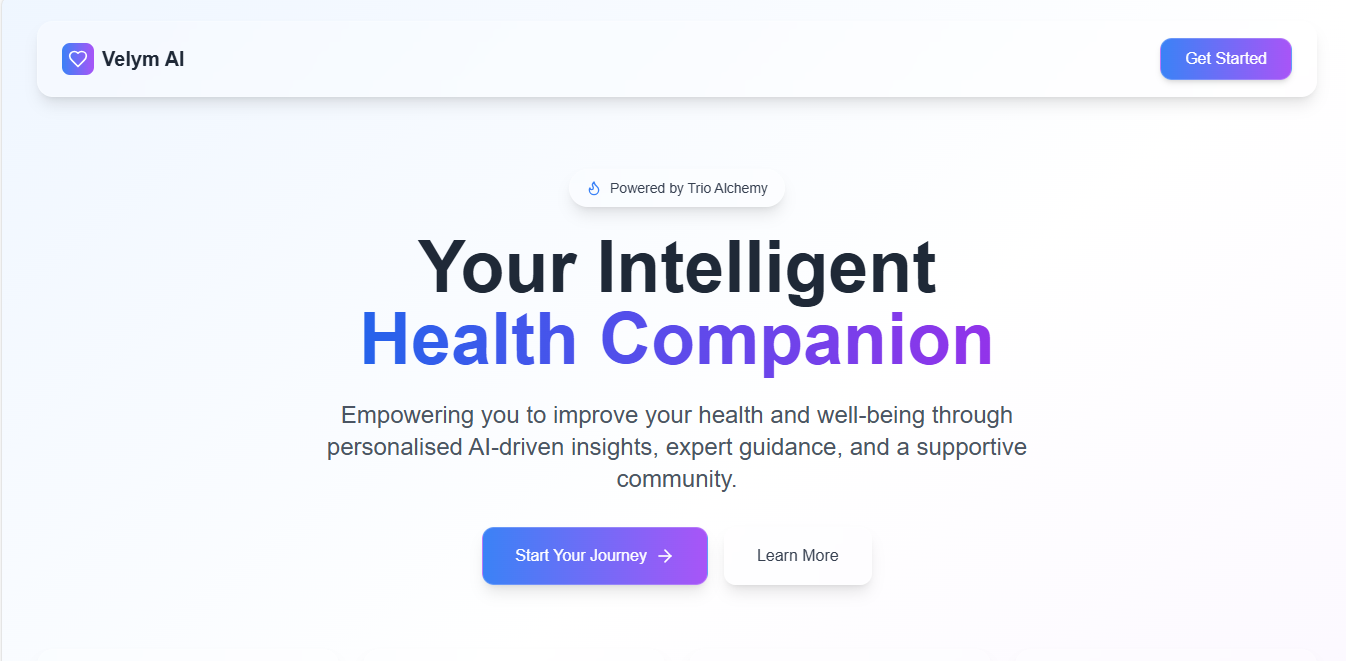
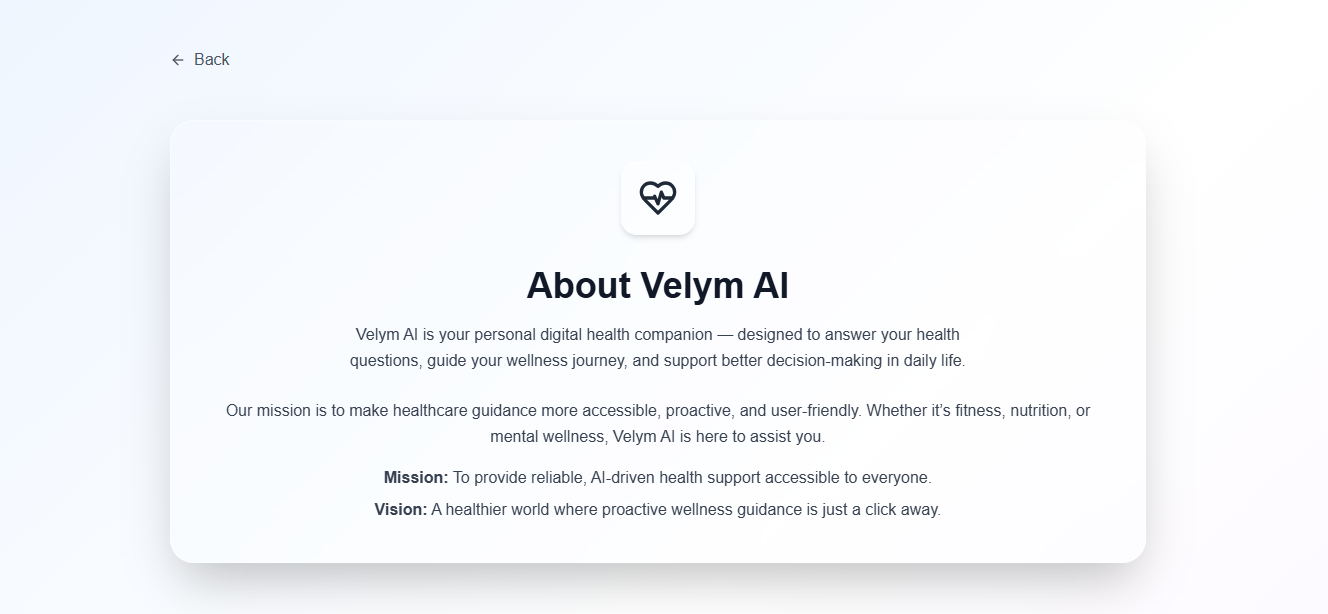
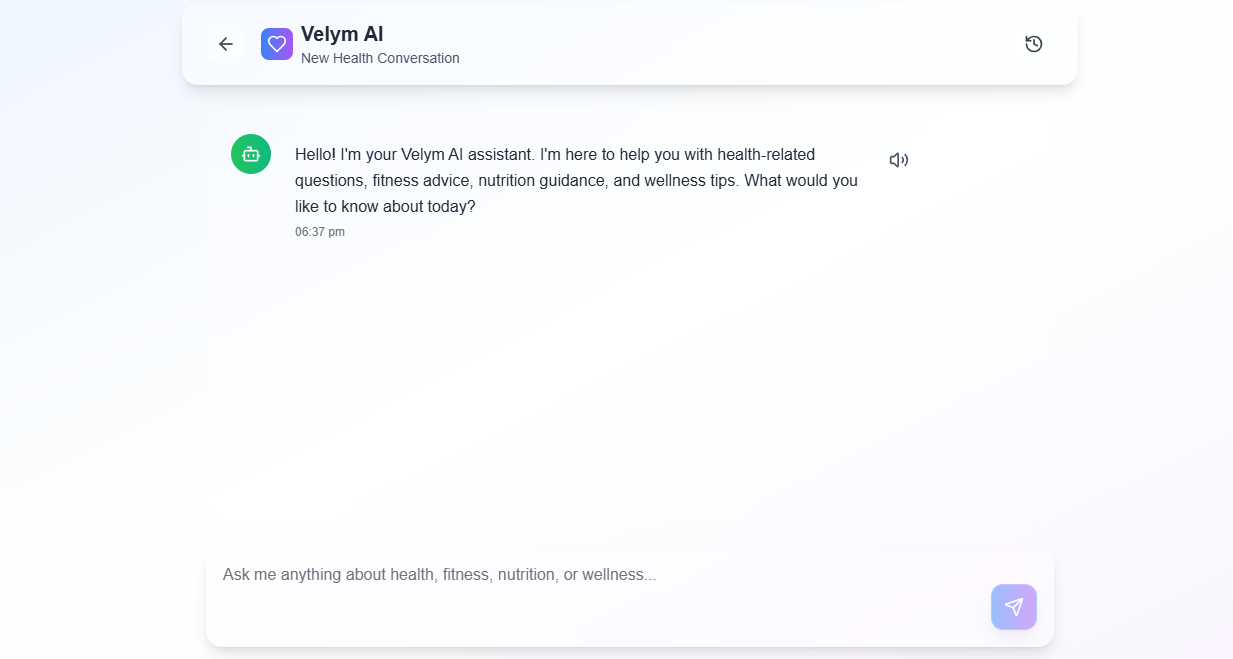
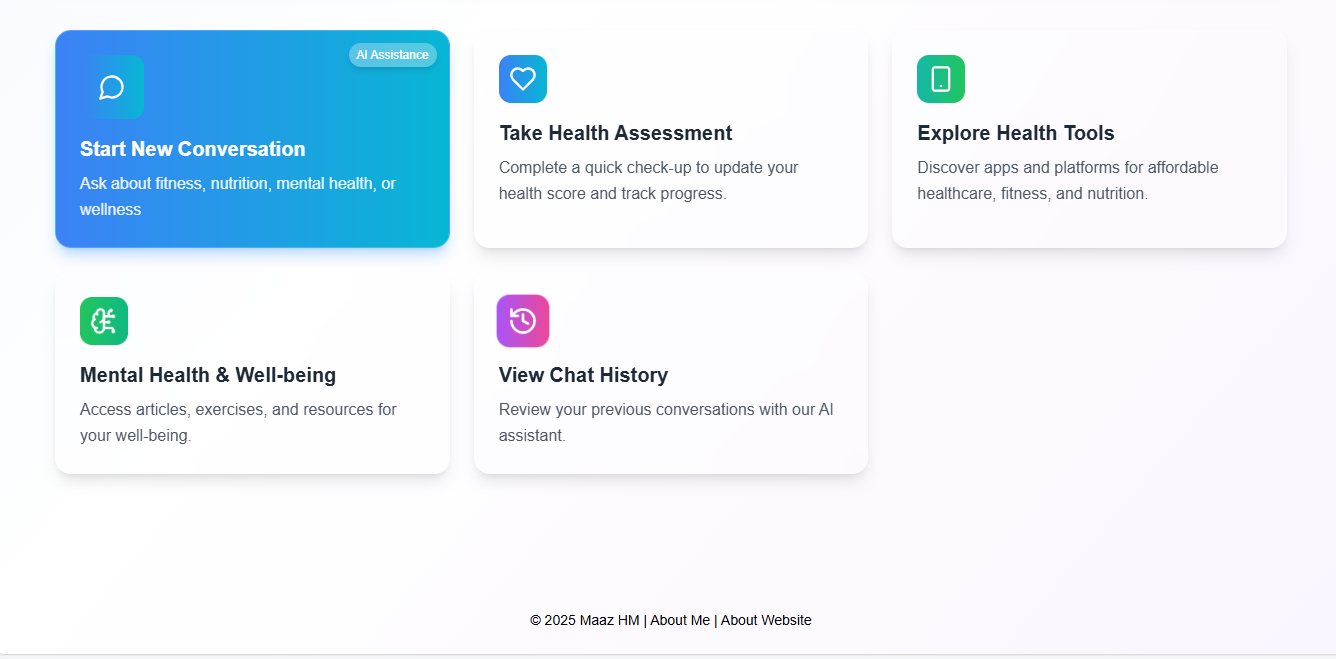
The idea for VelymAI came from my desire to make health insights more accessible through AI. I noticed how many people struggle to understand their symptoms, maintain healthy habits, or quickly find reliable health information. My goal with VelymAI was to create an intelligent platform that helps users make more informed health decisions, while still encouraging them to consult healthcare professionals when necessary.
What I Learned While building VelymAI, I learned how to:
Design a health-focused AI assistant using React.
Use Supabase for authentication, secure storage, and real-time health data updates.
Integrate the Gemini API to process natural language queries and deliver conversational, AI-powered guidance.
Balance usability, security, and responsibility when working with health-related data.
This project also strengthened my skills in state management, API optimization, and building scalable backend systems.
How I Built It
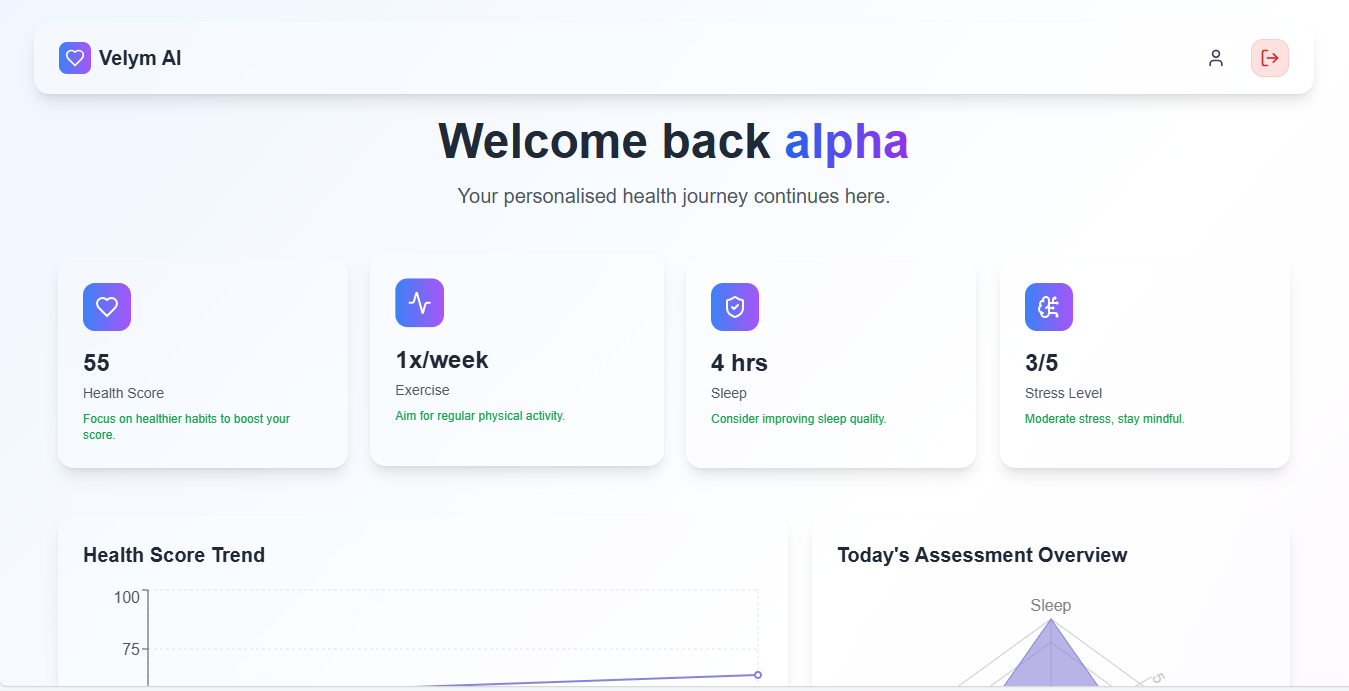
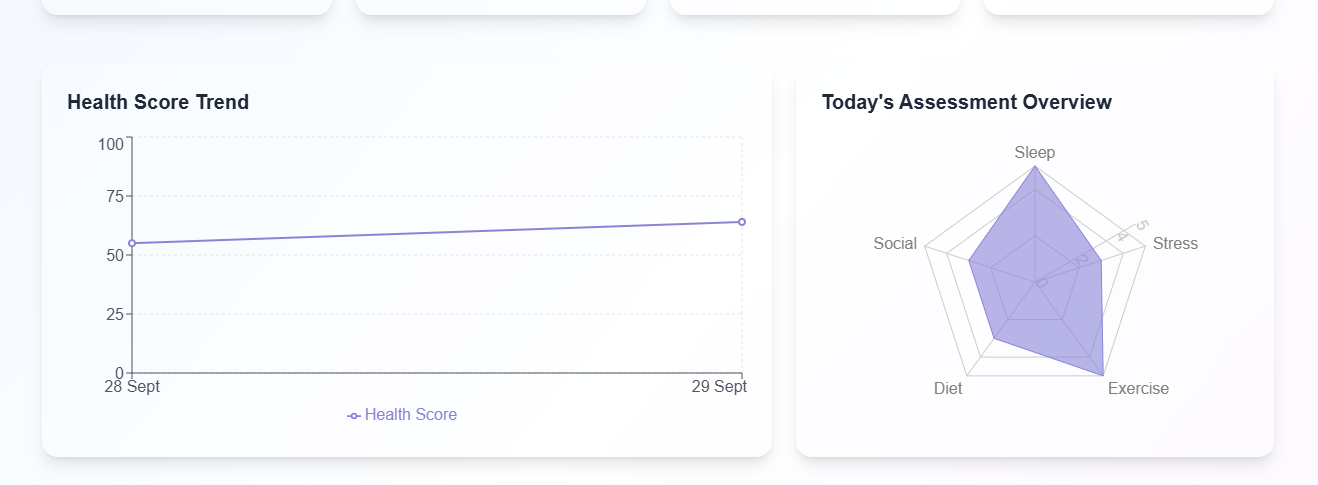
Frontend (React): Developed a responsive and interactive interface for user inputs, AI responses, and health tracking.
Backend (Supabase): Implemented authentication, secure data storage, and real-time updates for user health logs.
AI Integration (Gemini API): Connected Gemini to process health-related queries and generate contextual, meaningful responses.
Deployment: Focused on accessibility, performance, and a clean user experience.
Challenges Faced Some of the biggest challenges I faced included:
Accuracy: Ensuring the AI provides guidance, not medical diagnoses, while emphasizing the importance of professional consultation.
Data Privacy: Designing secure handling of sensitive health information.
API Integration: Managing prompt engineering, rate limits, and error handling with the Gemini API.
User Trust: Building an interface that feels approachable yet maintains the seriousness required for health applications.
Tech Stack React (Frontend) + Supabase (Backend) + Gemini API (AI Engine) ⟹ VelymAI
Built With
- api
- netlify
- react
- supabase
- typescript

Log in or sign up for Devpost to join the conversation.