
Inspiration
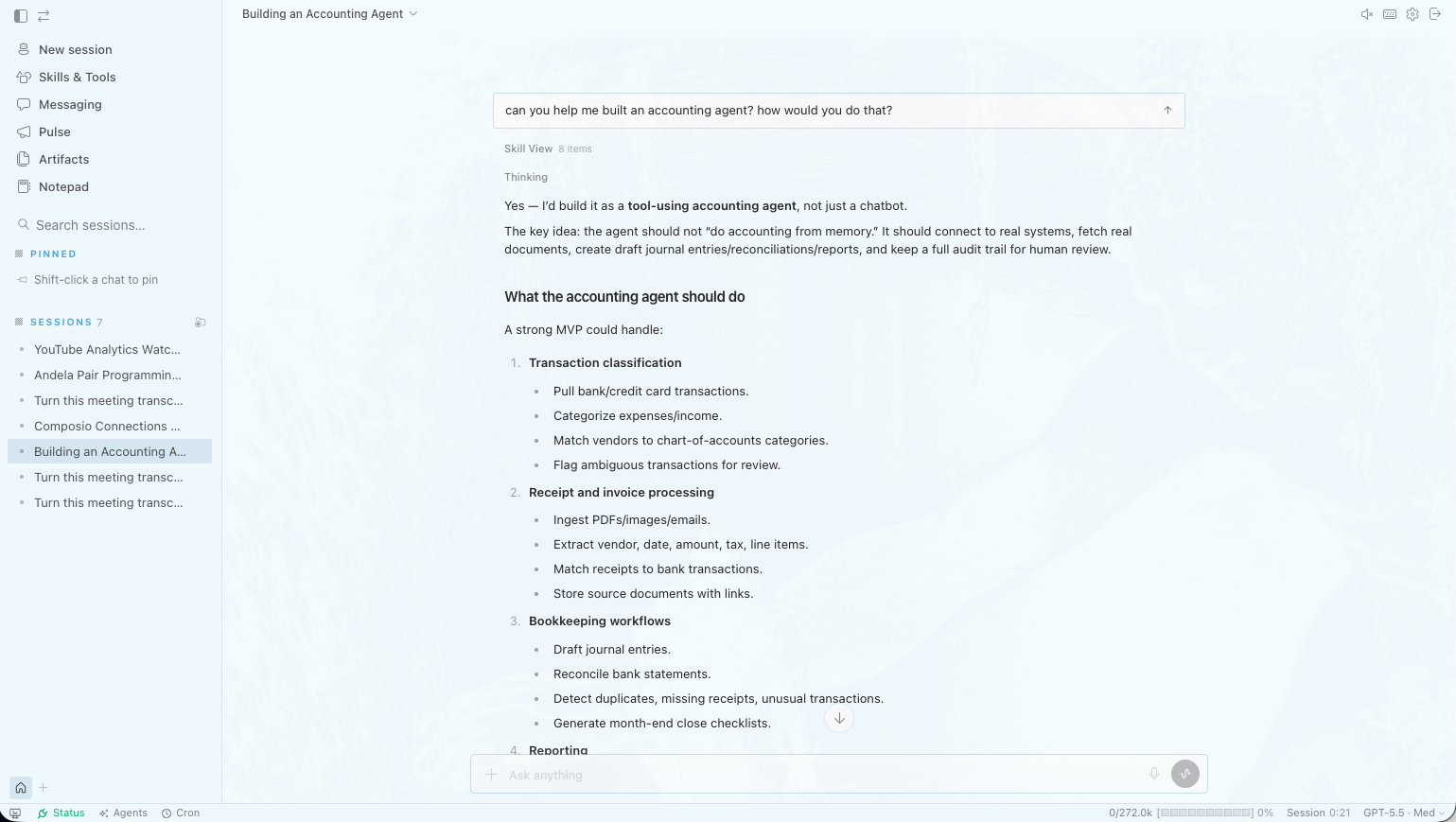
Most AI tools stop at chat. Businesses need outcomes — a CRM view, a report, a dashboard, a slide deck, or an internal tool they can actually use, not another thread of advice.
We built on Hermes Agent because it already had the hard parts: tools, skills, MCP servers, memory, and long-running agent workflows. What was missing was a product layer — accounts, isolation, a polished UI, artifact delivery, and channels where customers already are.
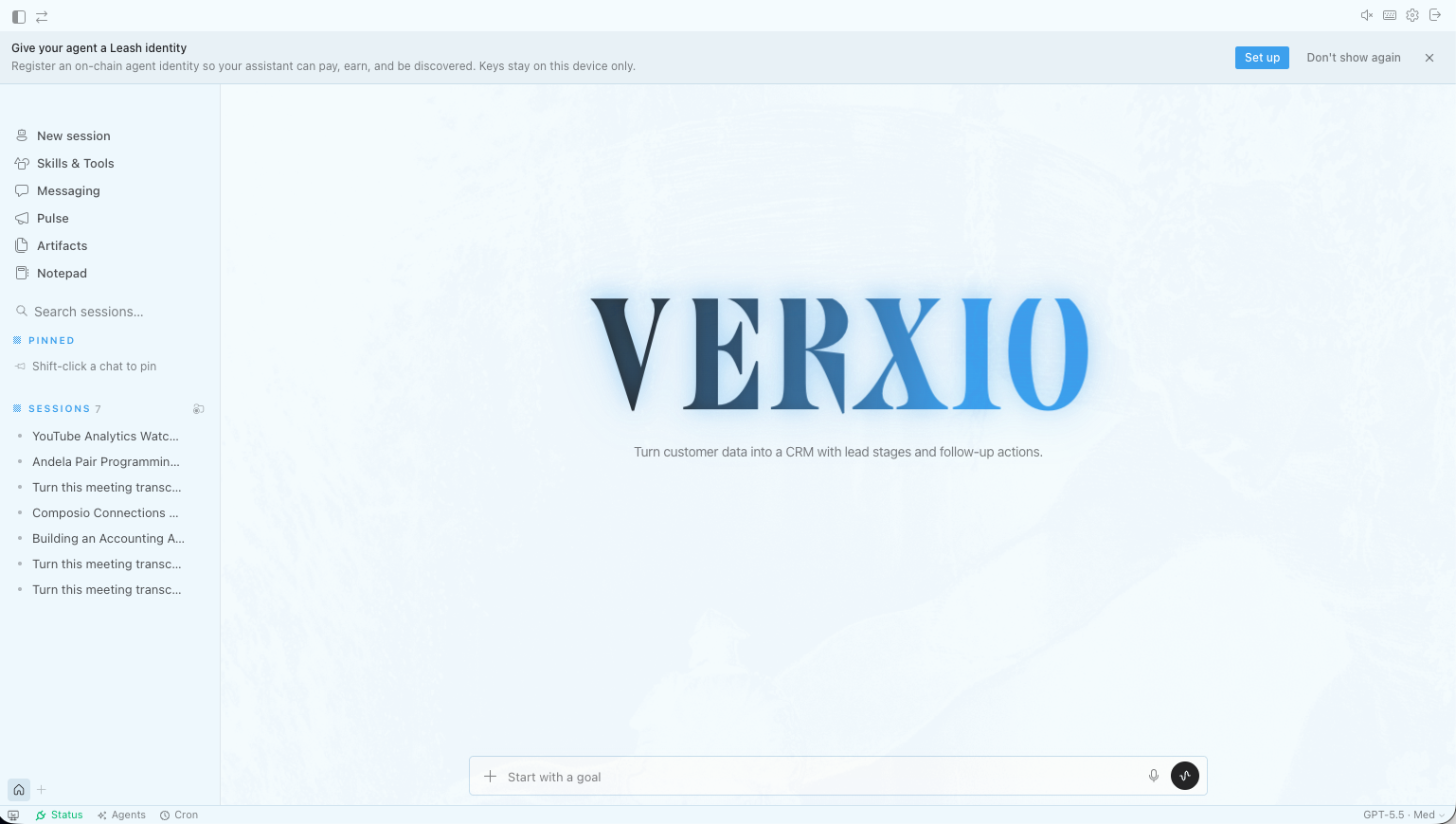
Verxio is that layer: an AI employee for business teams. Give it a workflow or dataset; it builds the artifact and keeps working inside a real runtime, not a one-off prompt.
What it does
Verxio turns business intent into executable systems:
- Chat & agents — Users sign in, get a personal workspace and isolated Hermes runtime, and run multi-step agent work through a modern UI (web or desktop).
- Artifacts — Reports, HTML dashboards, documents, and exports land in
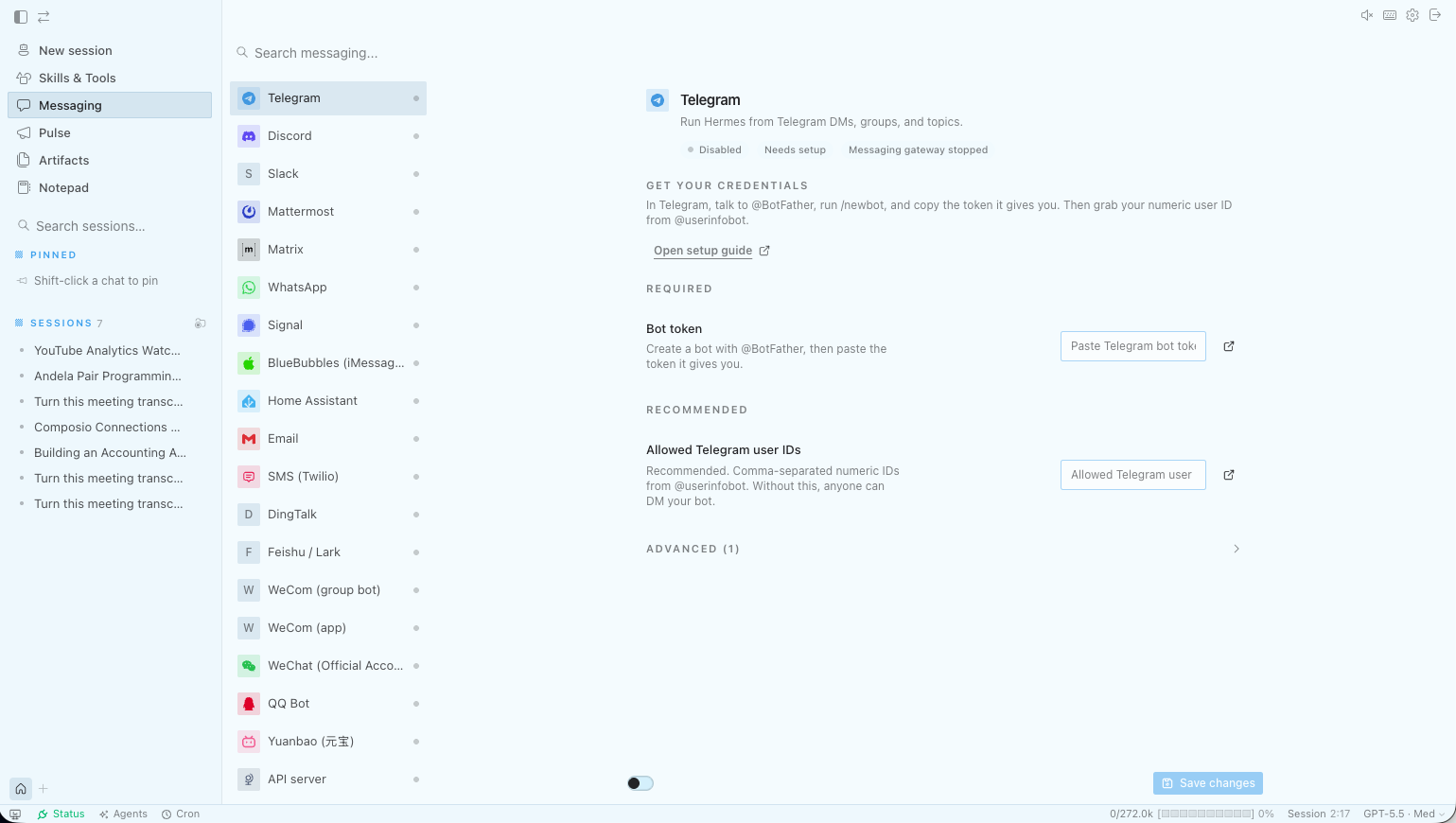
/workspace/artifacts, are indexed, and can be previewed or downloaded. - Verxio Pulse — ManyChat-style DM automation on Instagram, Messenger, and WhatsApp, wired to Hermes nodes and Composio so automations can reason and act, not just send templates.
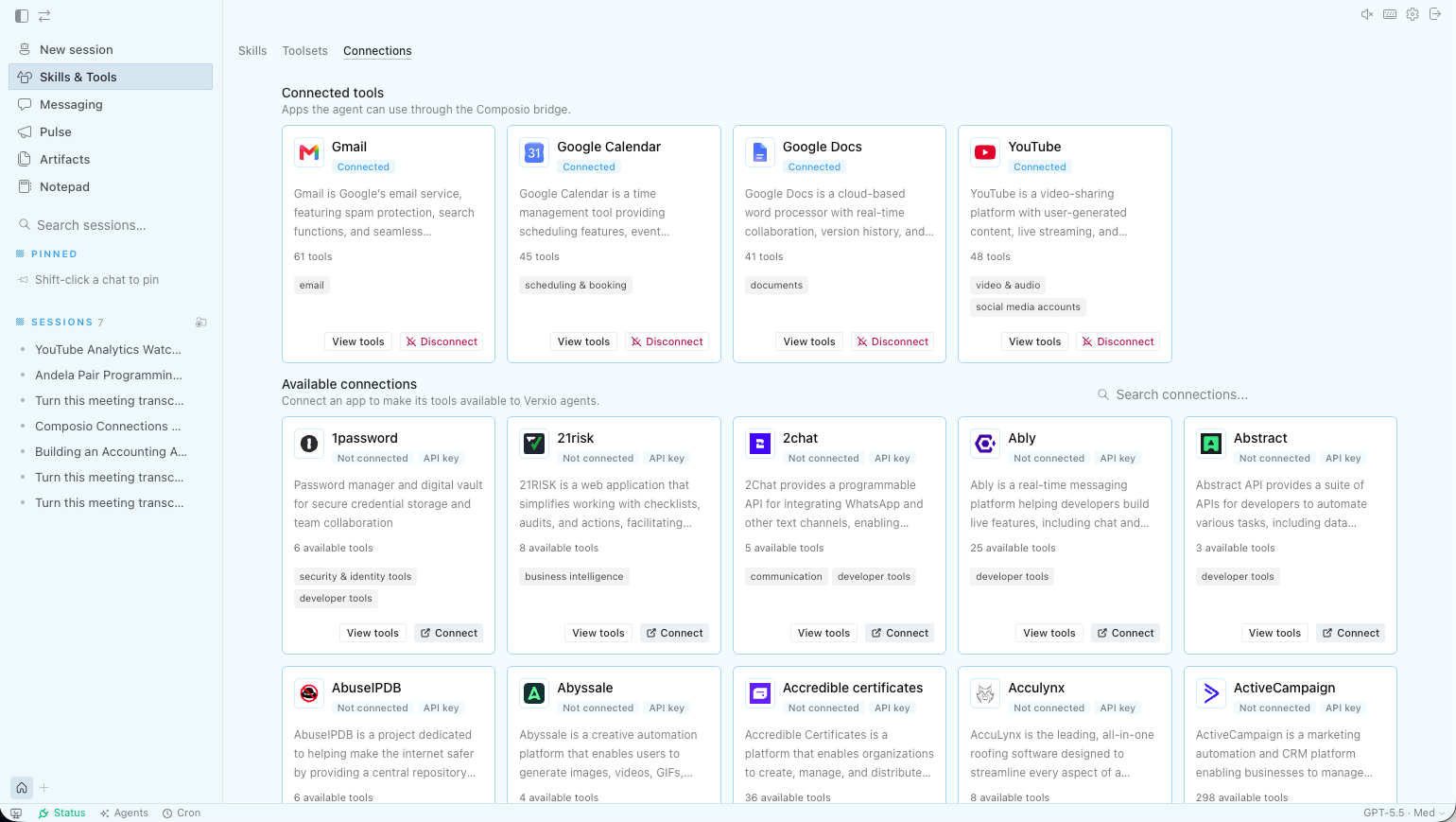
- Composio integrations — Users connect apps (Gmail, Slack, CRMs, etc.) through a catalog surfaced in the product.
- Notepad — Granola-style meeting notes with AI summaries; on desktop, bot-free recording with system/mic audio.
- Verxio Desktop — Same UI as web, plus native file browser, terminal, folder grants, and local workspace at
~/Documents/Verxio. Each user gets an isolated runtime: [ \text{User} \rightarrow \text{Verxio API} \rightarrow \text{Hermes container}_{\text{workspace/agent}} \rightarrow \text{/workspace/artifacts} ] Turso holds control-plane metadata (users, sessions, workspaces, artifacts). Hermes memory, skills, and session state stay inside each agent's own home — not in a shared database blob.
How we built it
We split the stack so Hermes upstream stays clean and Verxio owns the product surface:
| Layer | Role |
|---|---|
| hermes-agent/ | Upstream agent runtime (tools, gateway, dashboard) |
| verxio-api/ | FastAPI control plane — auth, Turso, runtime registry, proxy, Pulse, Composio |
| verxio-web/ | React/Vite browser UI (from the Hermes desktop surface) |
| verxio-desktop/ | Electron shell reusing verxio-web + window.hermesDesktop bridge |
Runtime flow
- User authenticates via Verxio API (email/password + verification codes).
- API provisions workspace, default agent, and runtime registry row.
- On first chat, API spawns a Docker Hermes container per user/agent via
docker.sock. - Web/desktop talk to
/api/runtime/dashboard/*; API proxies REST + WebSocket to the correct runtime. - Artifacts are written in-container, indexed in Turso, and served via preview/download routes.
Deployment — Docker Compose runs
verxio-api,verxio-web(nginx), and a prebuilt Hermes runtime image. Persistent state lives on a host volume (VERXIO_STATE_DIR) so redeploys don't wipe user artifacts. Desktop — One renderer bundle:verxio-webbuilds, syncs intoverxio-desktop/build/renderer, and ships via electron-builder (macOS, Windows, Linux).
Challenges we ran into
- Runtime isolation vs. ops — Per-user Docker containers give real isolation but need Docker socket access, which rules out typical PaaS (Railway, Fly.io). We designed for VPS + Compose instead.
- Web vs. desktop paths — Agents speak
/workspace/...; desktop users expect~/Documents/Verxio/.... We added path rewriting, clickable artifact links, and careful handling when the local workspace root isn't ready yet. - Proxy complexity — Streaming chat, tool calls, and WebSockets all pass through Verxio API to the right runtime dashboard without leaking tokens or breaking CORS/cookies.
- Pulse + Meta — OAuth, encrypted channel credentials, webhooks, and operator vs. user-connected settings required a clear env split and production HTTPS story.
- Scaling honesty — Runtimes currently use
--restart unless-stoppedwith no idle shutdown; fine for 1–50 users, but 500+ needs idle reaping and worker nodes.
Accomplishments that we're proud of
- Full product loop — Signup → isolated runtime → chat → artifact → preview, on web and desktop from one UI codebase.
- Hermes preserved — No fork of core agent logic; Verxio wraps and ships it as a hosted product.
- Verxio Pulse — Social DM automation integrated with the same agent stack businesses use in chat.
- Production-shaped local dev — Same routes, auth, schema, and runtime registry in Docker as in production (Turso in prod, SQLite locally).
- Craft details — Wordmark font preload (no FOUT), branded UI, i18n, and desktop-native file/terminal/notepad experiences.
What we learned
- Separate control plane from runtime — Metadata in Turso, agent state on disk, compute in containers keeps boundaries clear and migrations sane.
- The UI is the product — Reusing the Hermes desktop surface and investing in artifacts, Pulse, and desktop bridge mattered as much as the API.
- Deploy where the architecture fits — Agent platforms that spawn containers need a Docker host, not a generic serverless box.
- Path UX is infrastructure UX — Where files "live" must be consistent across markdown, clicks, web, and desktop, or trust breaks immediately.
What's next for Verxio
- Idle runtime shutdown and memory limits for cost-effective scaling toward 100–500 users.
- Production desktop — Signed installers, auto-update, and CORS/cookie hardening for
file://→ cloud API. - Object storage for large artifacts (S3/R2) with Turso as index only.
- Remote runtime workers — API on one node, Hermes containers on a pool of workers.
- Deeper Pulse — More channels, richer automation analytics, and tighter Composio tool routing in DM flows.
Built With
- javascript
- python
- react
- sql
- typescript
- vite
- vitest

Log in or sign up for Devpost to join the conversation.