-
-
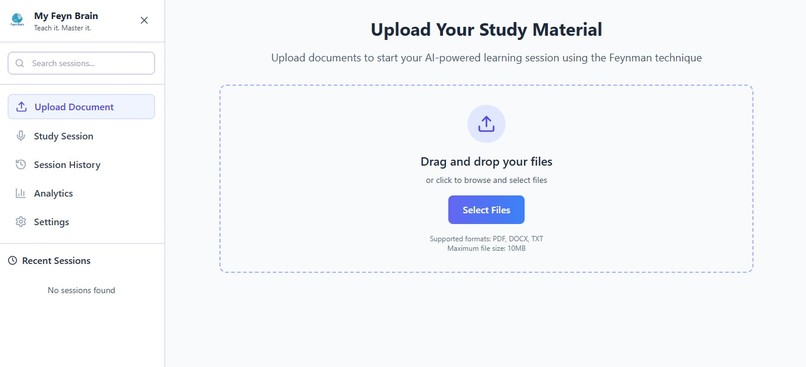
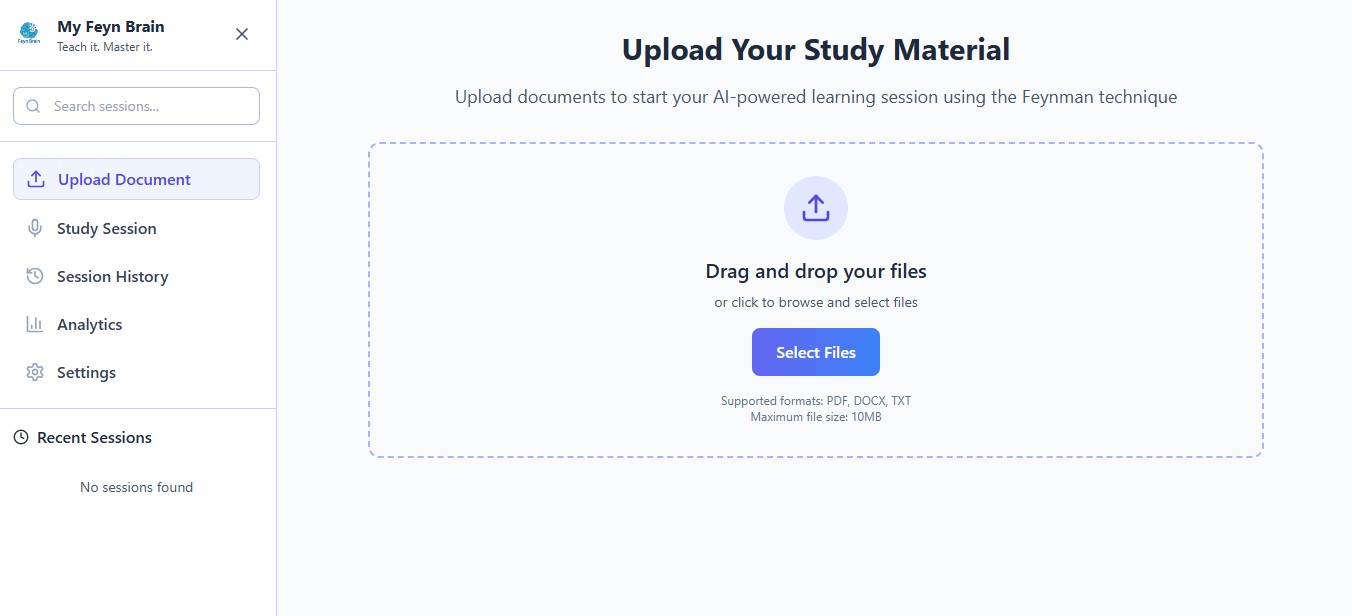
upload page
-
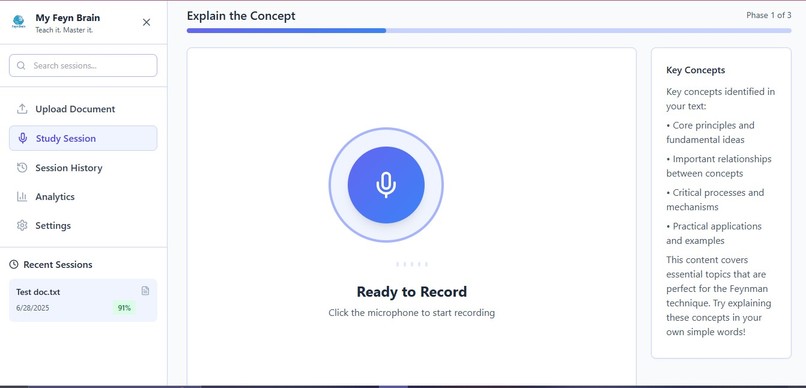
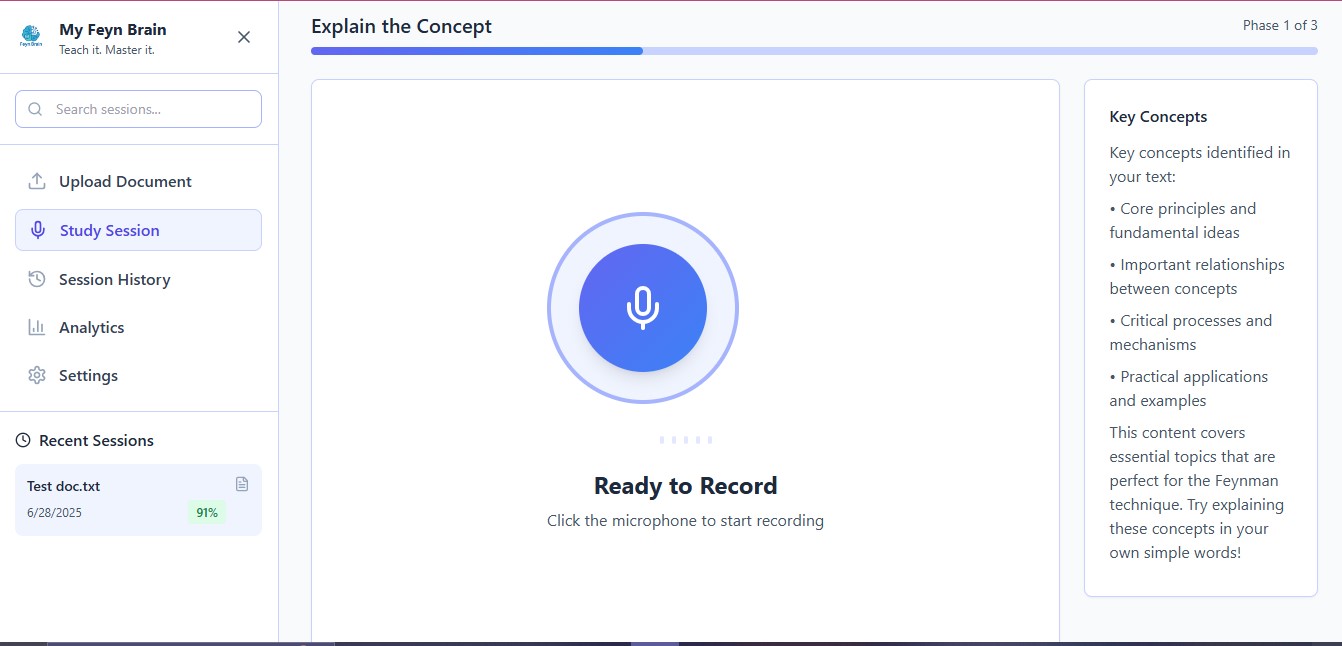
study session
Inspiration
As a student, I’ve often found that simply rereading notes or watching videos wasn't enough for me to feel like I retained information. I wanted to build something that transforms passive studying into active learning. Something that helps students think through concepts, not just memorize them. I love to teach and I find that helping others through tutoring has been my most effective study method.
I then discovered that this is called the Feynman Technique, a method that encourages you to explain complex ideas in simple language, as if teaching someone else then use that to evaluate your understanding. I thought: What if I could combine this technique with AI to create an interactive study companion?
That idea became My Feyn Brain. Get it? I love using word play in my app names.
What it does
My Feyn Brain is an AI-powered study app that helps students learn by teaching. Using the Feynman Technique, it lets users upload notes, explain concepts aloud, and get real-time feedback from an AI voice assistant. The app transcribes, analyzes, and evaluates the explanation then provides a personalized summary showing what the user understands well and what needs more work.
How we built it
Frontend: Built using Bolt.new, with a React + TypeScript stack Voice Recording & Transcription: Mocked AssemblyAI WebSocket transcription for real-time speech capture AI Analysis & Questioning: Used OpenAI (mocked in prototype) to generate concept summaries, evaluate explanations, and ask follow-up questions based on performance Text-to-Speech: Integrated ElevenLabs to convert GPT output into lifelike AI voice prompts UX/UI Design: Focused on simplicity, a central listening circle, clear session states, and a summarized progress tracker The app includes: Uploadable study notes A voice-based Feynman session flow (explain → AI asks questions → feedback) A summary screen showing “Well Understood,” “Almost There,” and “Needs Attention” A progress page for viewing past sessions and analytics
Challenges I ran into
Rate limiting from OpenAI during testing — I had to revert to a mock API to get past the too many requests error because no matter how short my text was, it gave me the error Working around real-time APIs by mocking services like AssemblyAI to simulate live functionality Ensuring audio features (recording, playback, transcription) worked smoothly in the browser Keeping the prototype functional without full backend infrastructure (I used local storage instead of a live database)
Accomplishments that I am proud of
I am most proud that it runs despite the compromises I had to make to make good use of time(using mockAPIs because debugging the real ones was taking forever and time wasnt on my side) I have never integrated AI into anything before, I am so proud of having done that successfully with ElevenLabs voice AI and with the mock APIs.
What I learned
How to implement voice features using AssemblyAI’s real-time transcription How to generate dynamic responses and feedback using OpenAI’s GPT models Both of the above can be combined to say I learnt how to use mock APIs to do those things too(I took a look at doing it with the real things don't worry) How to turn ElevenLabs voice generation into a natural-feeling AI assistant The importance of designing for user clarity, not just functionality
What's next for My Feyn Brain
I plan to scale My Feyn Brain with: Flashcards and quizzes generated from session analytics (premium features) A mobile version for on-the-go learning Improved personalization using more advanced AI agents
Built With
- elevenlabs
- github
- react
- typescript
- vite

Log in or sign up for Devpost to join the conversation.