Inspiration
Close your eyes and try to catch up on your messages. A screen reader gets you there, but it turns a ten-second task into a navigation exercise: find the unread thread, find the right control, react to the right message, figure out what's in the photo everyone is laughing about.
Browser agents were supposed to help, but they still look at the screen and guess where to click — fragile, slow, and easily misled by page content. WebMCP flips that: the page names its own actions. And messaging is the perfect fit, because messaging is made of verbs — send, react, reply, summarize. Name the verbs, and nobody needs sight to use them.
Nouns need eyes. Verbs need a voice.
What it does
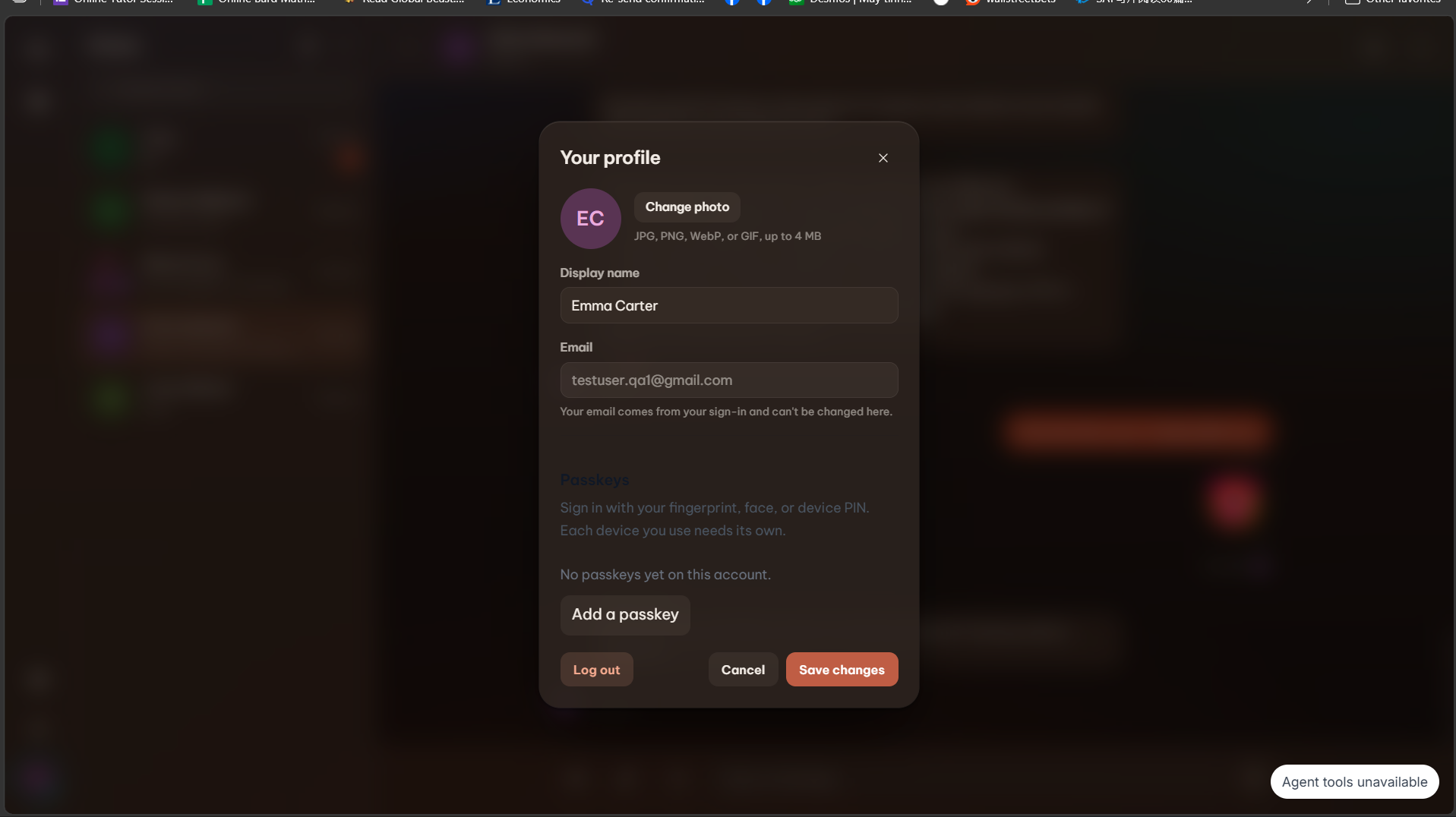
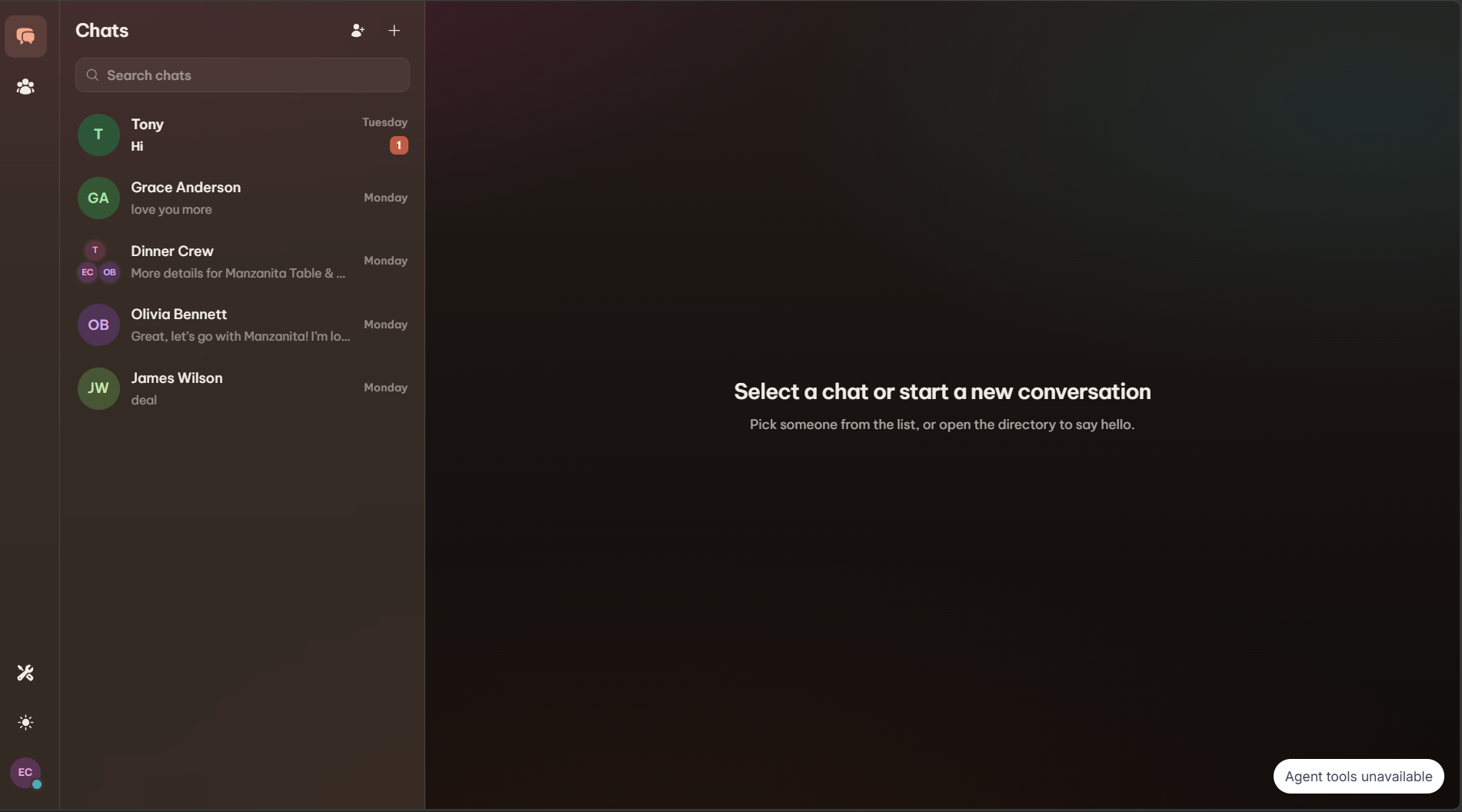
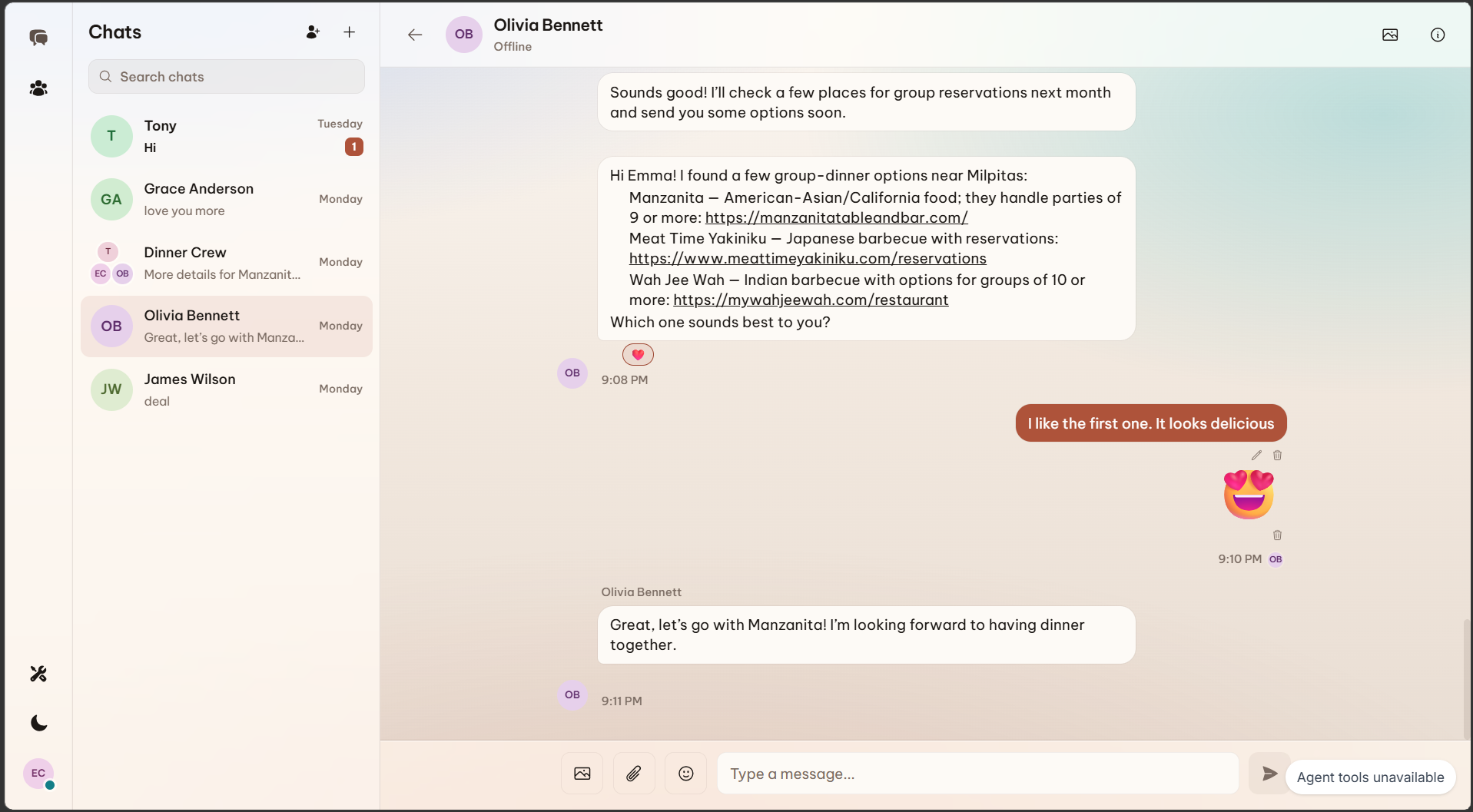
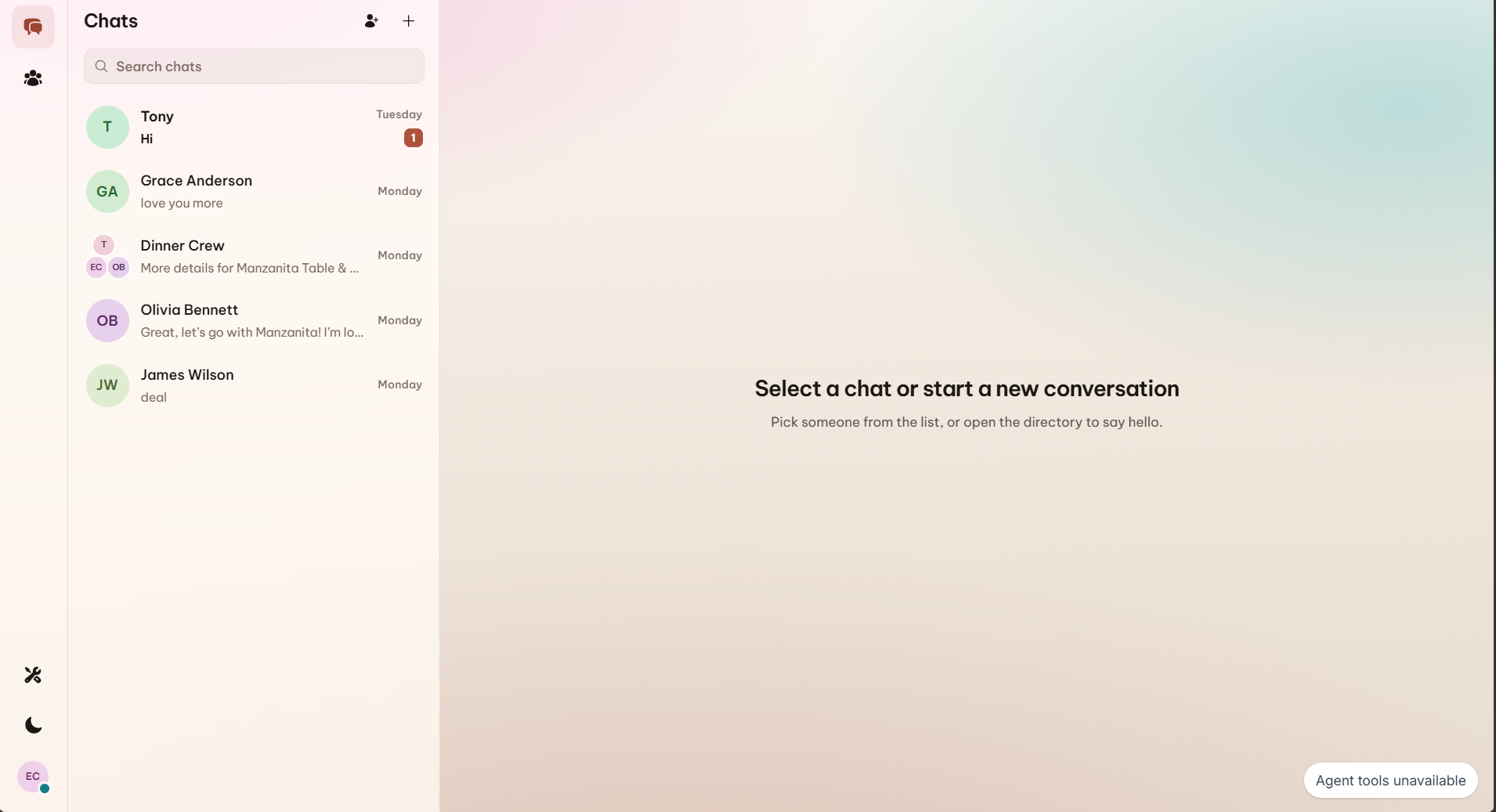
Verb is a complete real-time messenger — 1:1 and group chats, reactions, stickers, image and file attachments, editing, unsend, drafts, search, typing and seen states — where every meaningful action is also a typed WebMCP tool: 22 in a signed-in session.
So a blind or low-vision user can simply say what they want:
- "What did I miss?" → the agent lists, reads, and summarizes the conversation
- "Reply that Friday works." →
draft_messagesaves it, the user reviews,send_messagesends - "What's in the photo?" →
describe_imageruns a vision model on the authorized file - "Start a group with Maya and Tony." → people resolved, group created in one request
The human chooses the goal, the agent composes tools, and the app stays the authority. Destructive actions (unsend, leave a group) require a second call with confirm: true. There's even a public sign_up tool that creates a passkey-only account: the agent collects a name and email, but the human completes the browser's own WebAuthn prompt. No password ever exists.
How we implemented WebMCP
Verb talks to the browser's document.modelContext API directly — no wrapper library.
The lifecycle is session-aware. A connection provider owns registration end to end. Signed out, the page exposes just two public tools: get_connection_status and sign_up. The moment a Supabase session appears, it registers the 21-tool authenticated catalog; the moment the session changes or ends, an AbortController tears everything down — an agent can never call tools that belong to a previous user.
const controller = new AbortController();

await document.modelContext.registerTool(
  {
    name: "get_connection_status",
    description: "Report whether the page is signed in and agent tools are connected.",
    inputSchema: { type: "object", properties: {}, additionalProperties: false },
    annotations: { readOnlyHint: true, untrustedContentHint: false },
    execute: async () => ({
      content: [{ type: "text", text: JSON.stringify(connectionState) }],
    }),
  },
  { signal: controller.signal } // sign-out → abort → tool gone
);
Every call flows through the same pipeline:
Human voice or text
  → agent chooses a registered tool
  → Verb validates the input in the page
  → the signed-in user's Supabase session executes it
  → Postgres row-level security authorizes the operation
  → a small structured result returns to the agent and the activity panel
The catalog: 22 tools in an authenticated session, one file per tool, each with a focused description, a strict JSON schema (additionalProperties: false), and behavioral annotations so agents know what is safe to call:
- Discover —
list_conversations,read_conversation,search_messages,search_people,get_my_profile - Navigate —
open_conversation,start_conversation - Compose —
draft_message,send_message,edit_message,delete_message,react_to_message,send_sticker - Organize —
create_group,delete_conversation - Understand —
summarize_conversation,describe_image,read_file,read_link - Connection & account —
get_connection_status,setup_passkey,sign_out(+ publicsign_up, signed-out only)
Rules enforced across the whole catalog:
- Reads are honest: read-only tools carry
readOnlyHint: true, so agents can explore freely - Writes are deliberate: composing and sending are separate tools; unsend and leave-group require a second call with
confirm: true - Other people's words are untrusted: message bodies are wrapped as labeled untrusted content before they reach the agent, so injected text stays data
- Results are bounded: a shared clamp keeps every tool response within a 1,500-character budget
How we built it
- App: Next.js 15 App Router, React 19, TypeScript, Tailwind CSS
- WebMCP:
document.modelContextdirectly. A connection provider registers two public tools while signed out, swaps in the 21-tool authenticated catalog on sign-in, and tears everything down with anAbortSignalwhen the session changes. One file per tool: focused description, JSON schema, behavioral annotations,execute. - Authority: Supabase Postgres with row-level security. Tools run on the signed-in user's browser session — the database decides what's allowed, never the agent.
- Realtime: database-triggered broadcasts on conversation and per-user topics
- Files: private storage buckets with signed URLs
- AI: configurable Anthropic / Gemini / OpenAI provider for summaries and image descriptions
- Testing: Vitest unit tests and Playwright end-to-end accessibility specs
Challenges we ran into
- Building on a brand-new spec. WebMCP lives behind a Chrome flag with thin documentation, so every design decision was tested against real agents, not just the docs.
- Tool lifecycle. Tools from a signed-out session must not survive. Abort-based cleanup on every session change took real care to get right.
- Prompt injection. Message bodies are written by other people — attacker-controlled by definition. We wrap them as labeled untrusted content and clamp every tool result to a 1,500-character budget so injected text stays data, not instructions.
- Safe without being annoying. Agents that confirm everything are useless; agents that confirm nothing are dangerous. The draft-then-send split and two-call confirmation pattern was our answer: composition is cheap, execution is deliberate.
- Passkeys are picky. Origin and RP ID must agree exactly, so we made the production build verify its own WebAuthn config and refuse to ship a broken one.
Accomplishments that we're proud of
- A real messenger, not a demo — realtime, groups, files, reactions — fully drivable by voice through an agent
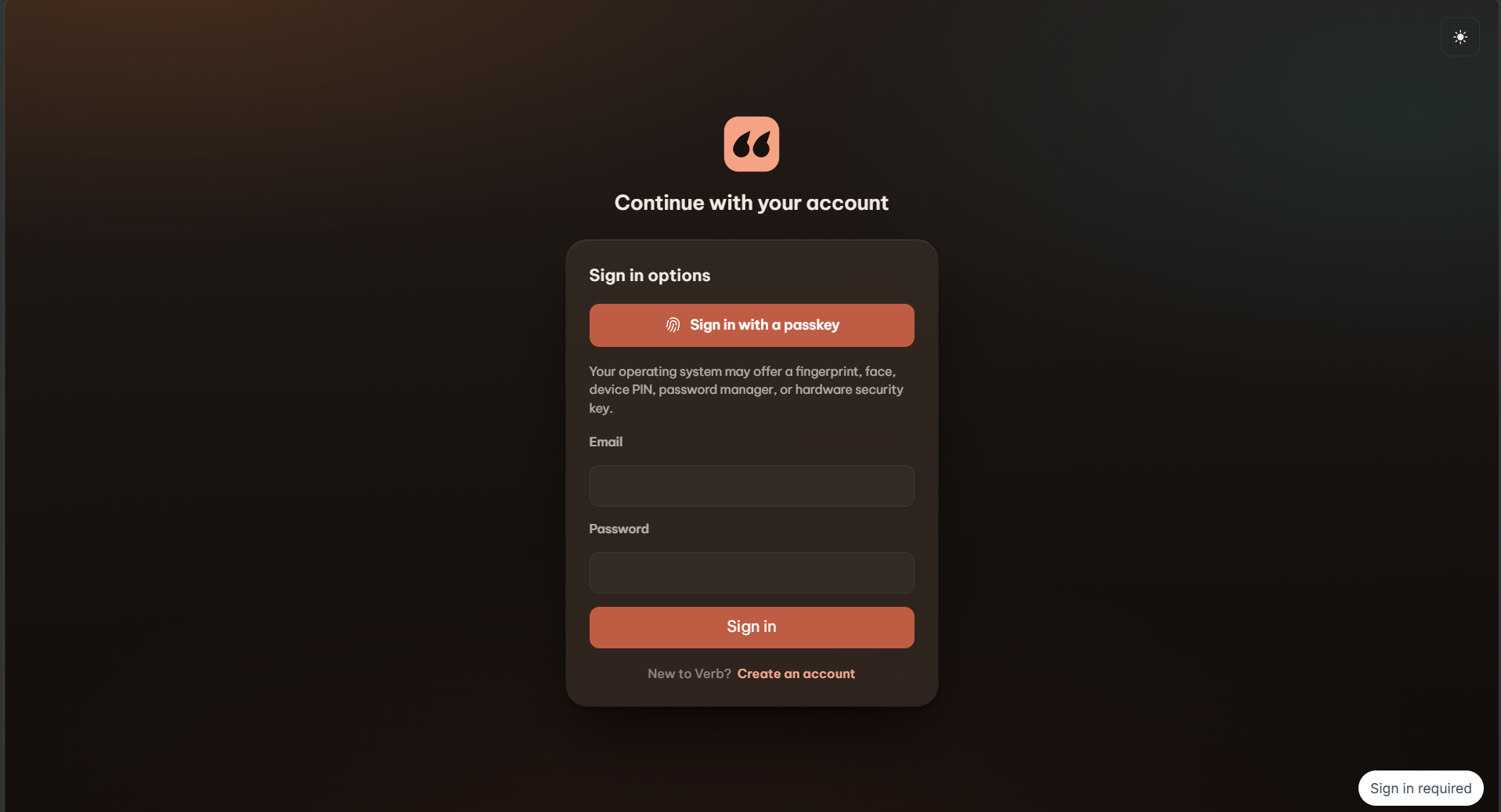
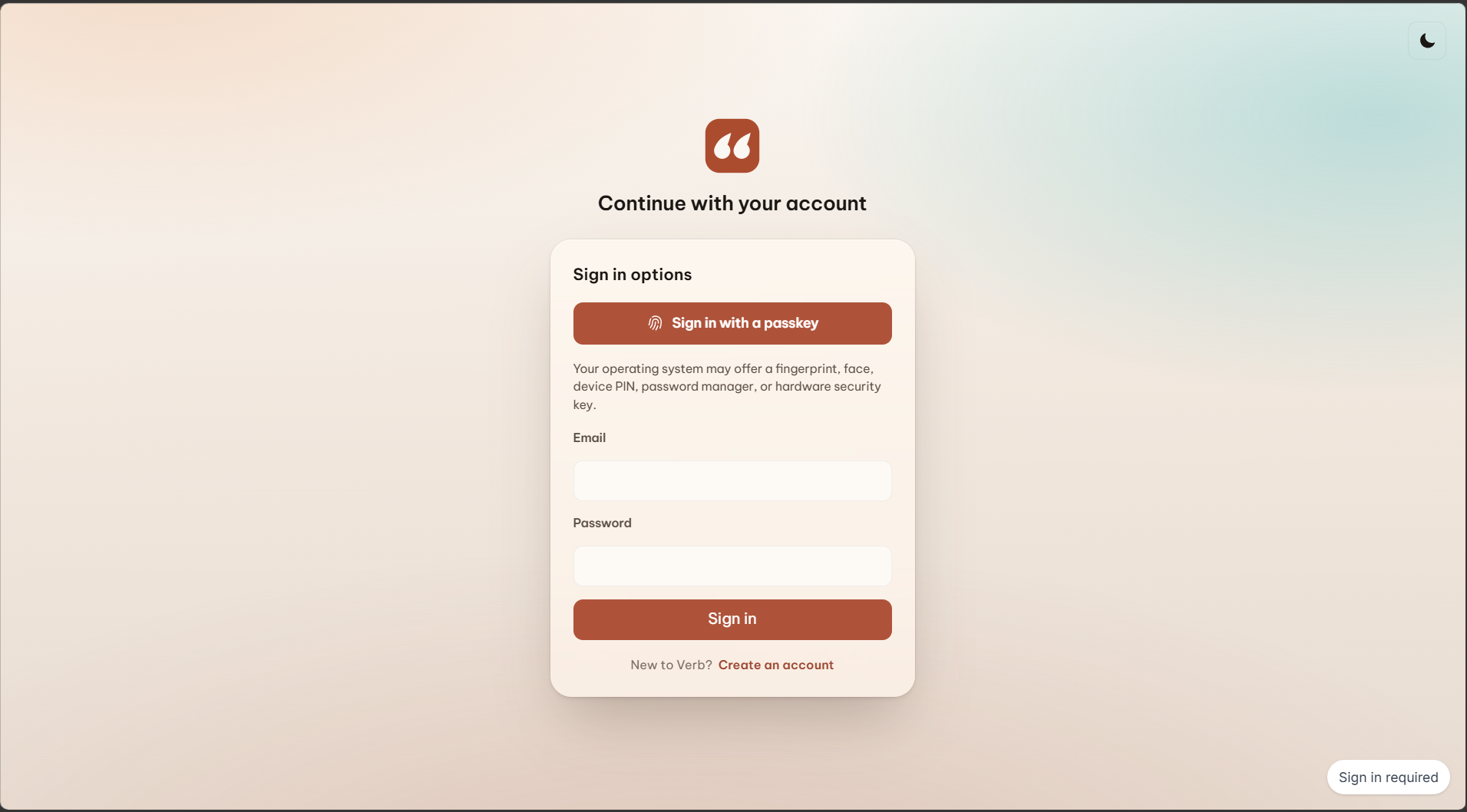
- Account creation where the agent never touches a secret: passkey-only sign-up completed by the human
- A trust model where the agent holds no keys: session-scoped tools, RLS as the enforcement layer, untrusted content labeled at the boundary
- Accessibility on both paths: the visual UI is keyboard- and screen-reader-conscious, and the agent path removes the need for sight entirely
What we learned
- Tool descriptions are UX. Agents read schemas the way users read buttons — a vague description produces a wrong click, just invisibly.
- The page should be the authority. Once the app validates everything and the database enforces access, you can hand an agent real power without handing it trust.
- Separating composition from execution preserves human control — the draft-then-send pattern felt like a workaround and turned out to be the design.
- Accessibility and agent-readiness are the same work. Semantic actions help a screen-reader user and an AI agent for the same reason: both need meaning, not pixels.
What's next for Verb - Sight off. Voice on
- More verbs: scheduled send, pinning, cross-conversation search, a "morning digest" tool that recaps every unread thread at once
- Voice-first onboarding so the very first session never needs a screen
- Adopting elicitation and richer annotations as the WebMCP spec evolves
- Extracting our lifecycle + safety patterns (abort-scoped registration, untrusted-content wrapping, confirm-twice writes) into a small open-source library, so any web app can add its verbs
Built With
- chatgpt
- css
- liveperson-agent
- typescript
- webmcp


Log in or sign up for Devpost to join the conversation.