Inspiration
My mom loves technology but when it comes to using it, she's unsure which button to press, and scam or malicious emails scare her. Vera was
built to remove the button barrier and put her mind at ease when a scary email comes in.
What it does
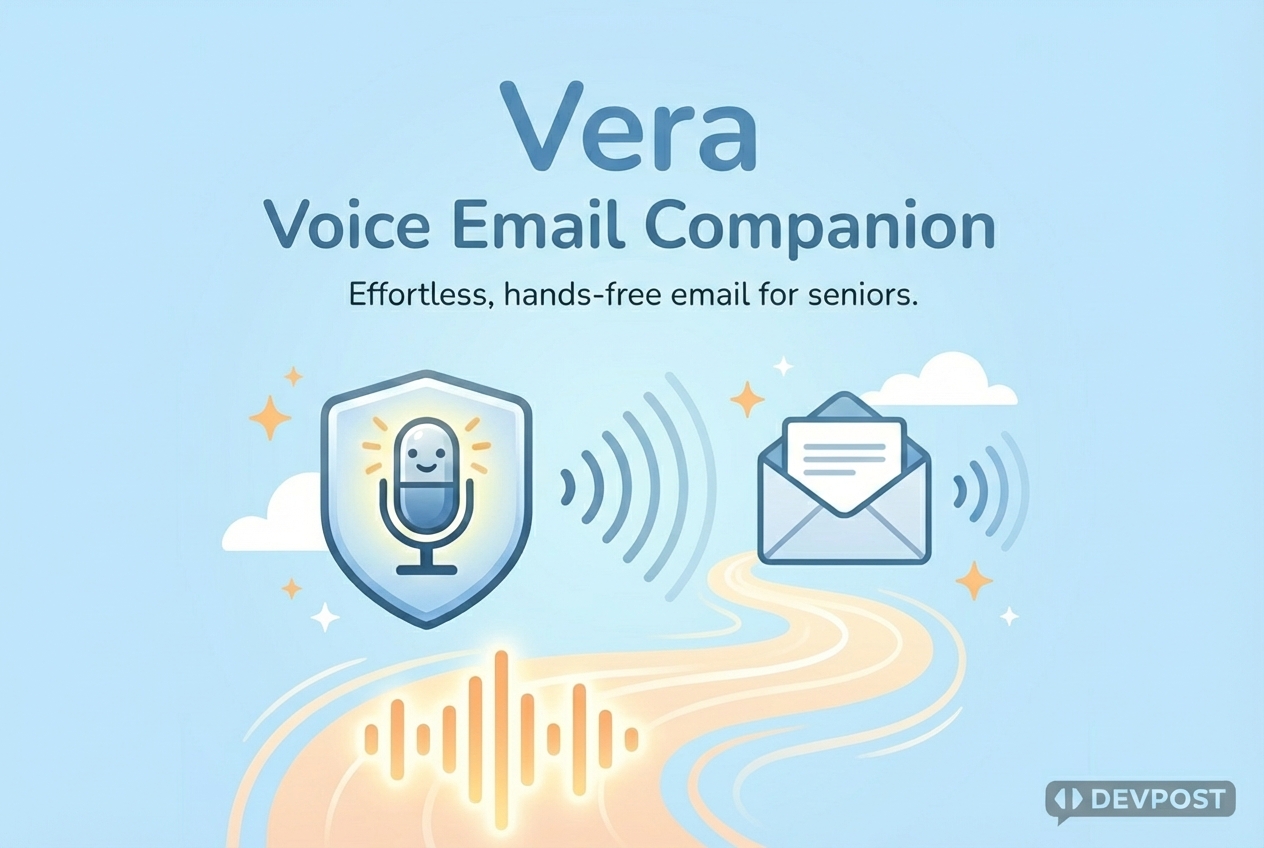
Vera is a voice-first email assistant. Users speak naturally—"Do I have any important emails?"—and Vera reads, summarizes, and replies on their behalf. No buttons, no menus, just conversation.
Key features:
- Email management: Search, read, compose, reply, and forward emails (Gmail & Outlook)
- Scam protection: Flags phishing attempts and suspicious senders before reading
- Smart prioritization: Family messages, medical appointments, and bills surface first
- Web search: Weather, news, and quick lookups via Google Search
- Reconnection memory: Picks up where you left off if the call drops
Gemini 3 Integration
Vera is powered by Gemini 3 Flash using three core capabilities:
Native Function Calling — Gemini 3 autonomously orchestrates 8 custom email tools (search, read, compose, reply, forward, mark spam, get
attachments, remember contacts). When a user asks "do I have any important emails?", Gemini decides which tools to call, processes the results, and responds conversationally—all in a single turn.Google Search Provider Tool — Using google.tools.GoogleSearch(), Vera answers real-world questions ("what's the weather?", "when is the
Super Bowl?") without external API plumbing. Gemini handles the web lookup natively.Code Execution Tool — Using google.tools.ToolCodeExecution(), Vera performs calculations ("what's 18% tip on $85?") by executing Python code server-side, ensuring accurate math.
These three capabilities—tool orchestration, native search, and code execution—make Gemini 3 uniquely suited for a real-time voice assistant.
Combined with low temperature (0.5) for consistent responses and streaming output for reduced latency, Vera couldn't exist without Gemini 3 at
its core.
How we built it
- Voice pipeline: LiveKit Agents SDK handles real-time audio over WebRTC with echo cancellation
- LLM: Gemini 3 Flash with native function calling for email tools and Google Search
- Speech: Deepgram Nova 3 (STT) and Aura 2 (TTS) for low-latency transcription and natural voice
- Mobile: React Native (Expo) with a single-button interface
- Backend: Docker Compose running LiveKit server, Python agent, and Redis for session persistence
Challenges we ran into
- Killing "silent voids" during connect—fixed with a looping chime and deterministic state transitions.
- LiveKit only fires certain hooks once; we added a participant reconnect handler to re-greet users.
- Making feedback obvious without more buttons: balanced audio cues, a single status dot, and minimal text.
- Securely persisting user IDs and tokens on mobile without slowing startup.
Accomplishments that we're proud of
- A voice-first flow my mom can use without asking "which button do I tap?"
- Per-user isolated rooms that prevent crosstalk and scale beyond a shared demo room.
- Smooth reconnection experience that welcomes users back instead of leaving them in silence.
What we learned
- A tiny sound and clear voice prompt can erase most perceived latency.
- Isolation (unique rooms, strict participant caps) is essential for both privacy and reliability.
- Senior accessibility rewards ruthless simplicity: fewer choices, clearer states, more audible confirmation.
What's next for Vera
Technical improvements:
- Local voice activity detection and interrupt handling to reduce latency and server dependency
- Offline "triage later" mode with on-device summaries for spotty connections
Senior-focused features:
- Medication reminders — "Time to take your afternoon pills"
- Daily briefings — "Good morning, you have a doctor's appointment at 2pm and one email from Sarah"
- Emergency shortcut — "Vera, call my daughter" or "Vera, I need help" for quick access to family or 911
- Bill due alerts — proactive warnings about upcoming payments found in emails
- Scam call screening — extend phishing protection beyond email to incoming calls
- Family check-in — optional ping to family members so they know mom is okay
- Calendar integration — "Add this appointment to my calendar" / "What do I have tomorrow?"
Why these matter for seniors:
- Medication adherence is a major issue
- Isolation is common — check-ins provide peace of mind for family
- Scams target elderly via phone, not just email
- Proactive reminders reduce cognitive load ("did I pay that bill?")
Built With
- audiosession-management
- caddy-on-ovh-vps-for-https.-tooling/infra:-yarn/metro
- deepgram
- expo-av
- expo-crypto
- expo-router
- google-gemini-llm.-email-integrations:-gmail-api
- mobile:-expo-+-react-native-(typescript)
- ota-via-expo
- outlook-(microsoft-graph)-api.-backend:-python-async-agent-on-livekit-agent-framework
- securestore
- silero-vad.-speech-&-ai:-deepgram-stt/vad/tts
- zustand.-realtime-voice:-livekit-(client-sdk-+-livekit-server)

Log in or sign up for Devpost to join the conversation.