-
-
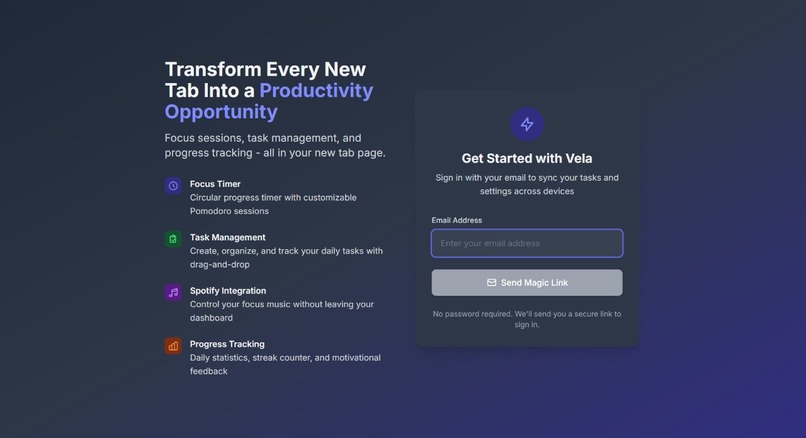
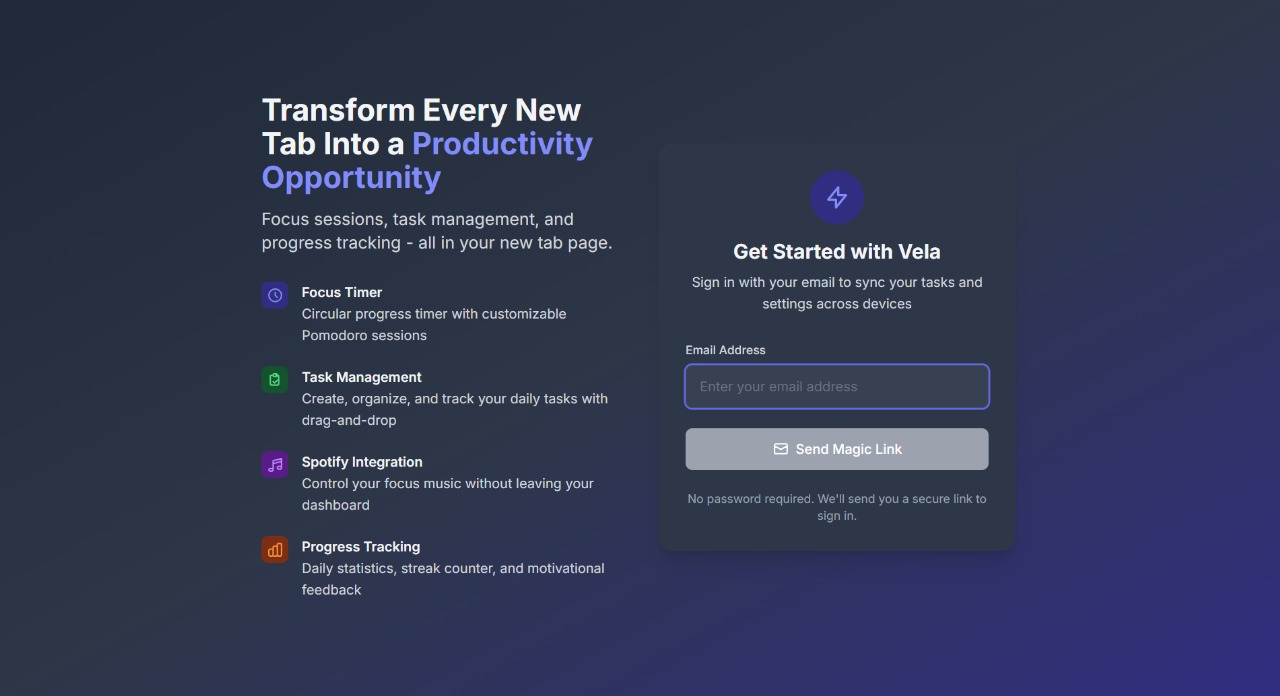
WELCOME PAGE
-
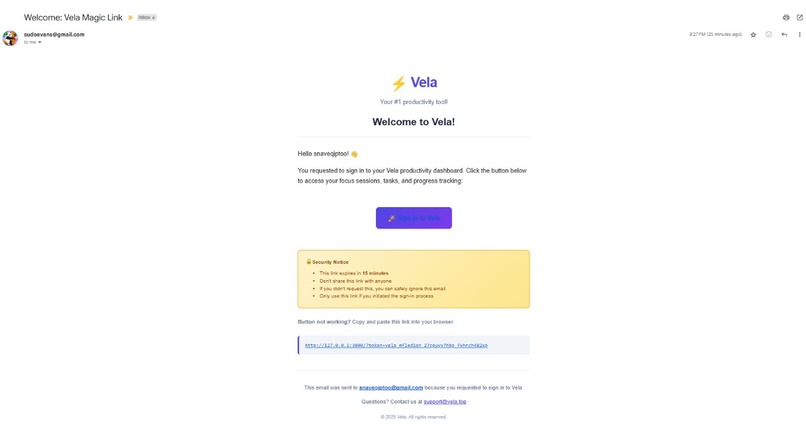
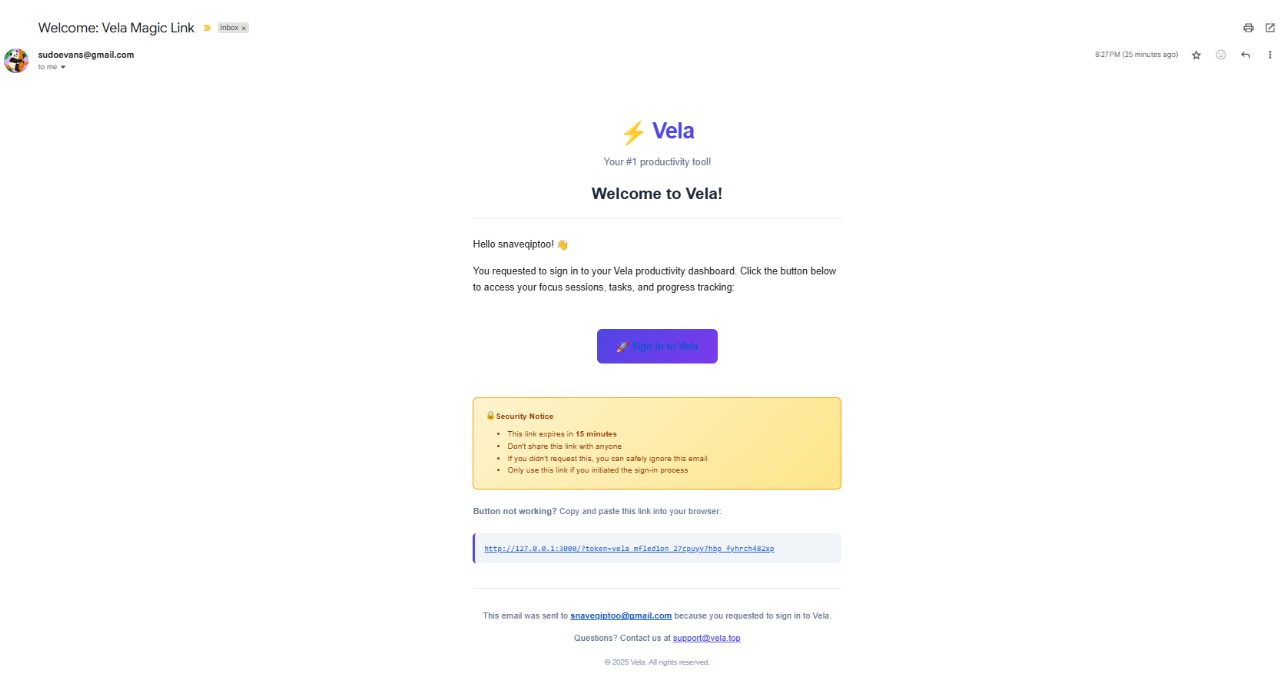
EMAIL LINK(MAGIC LINK)
-
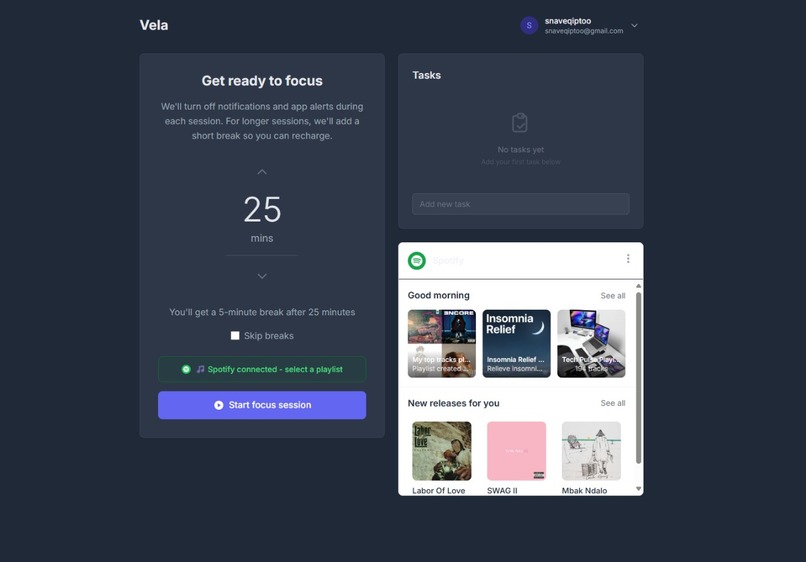
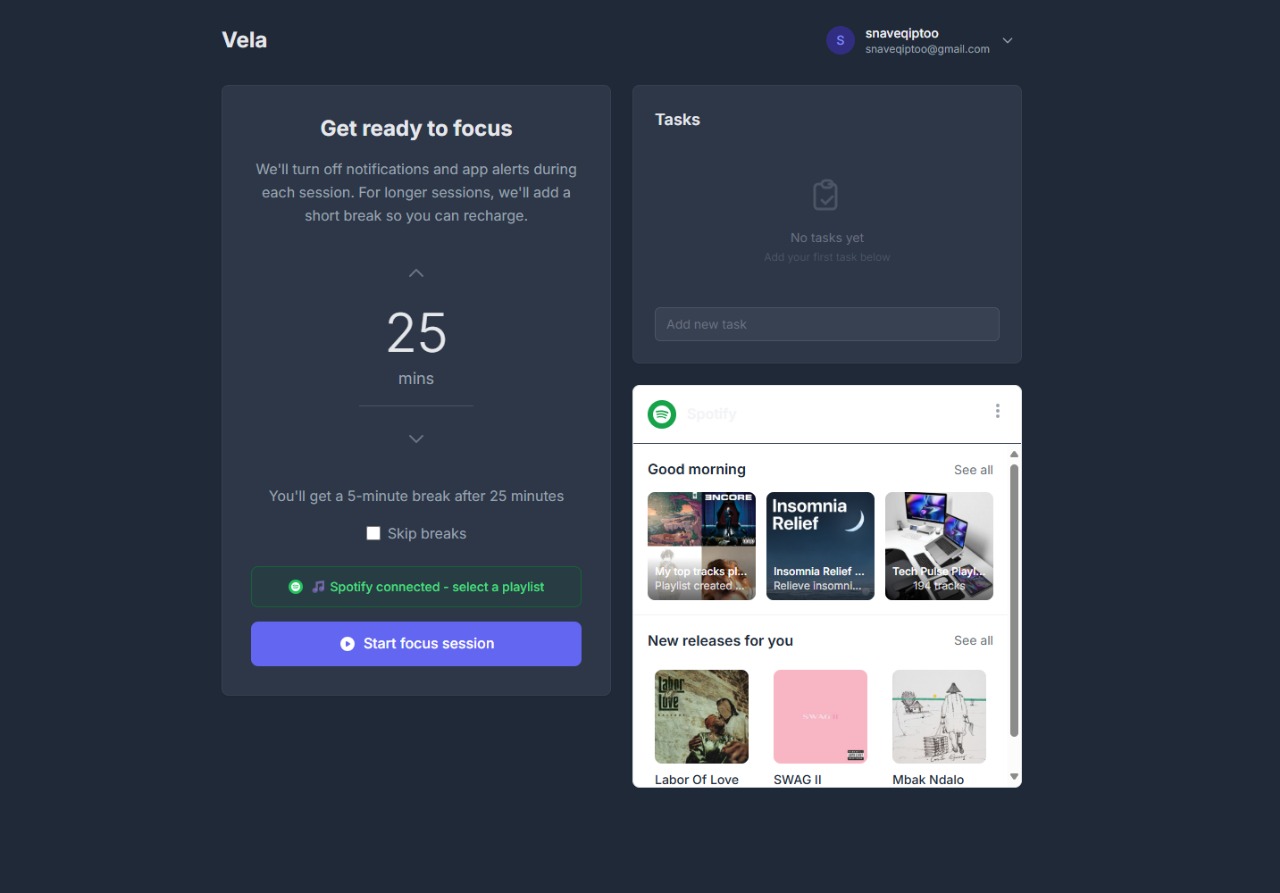
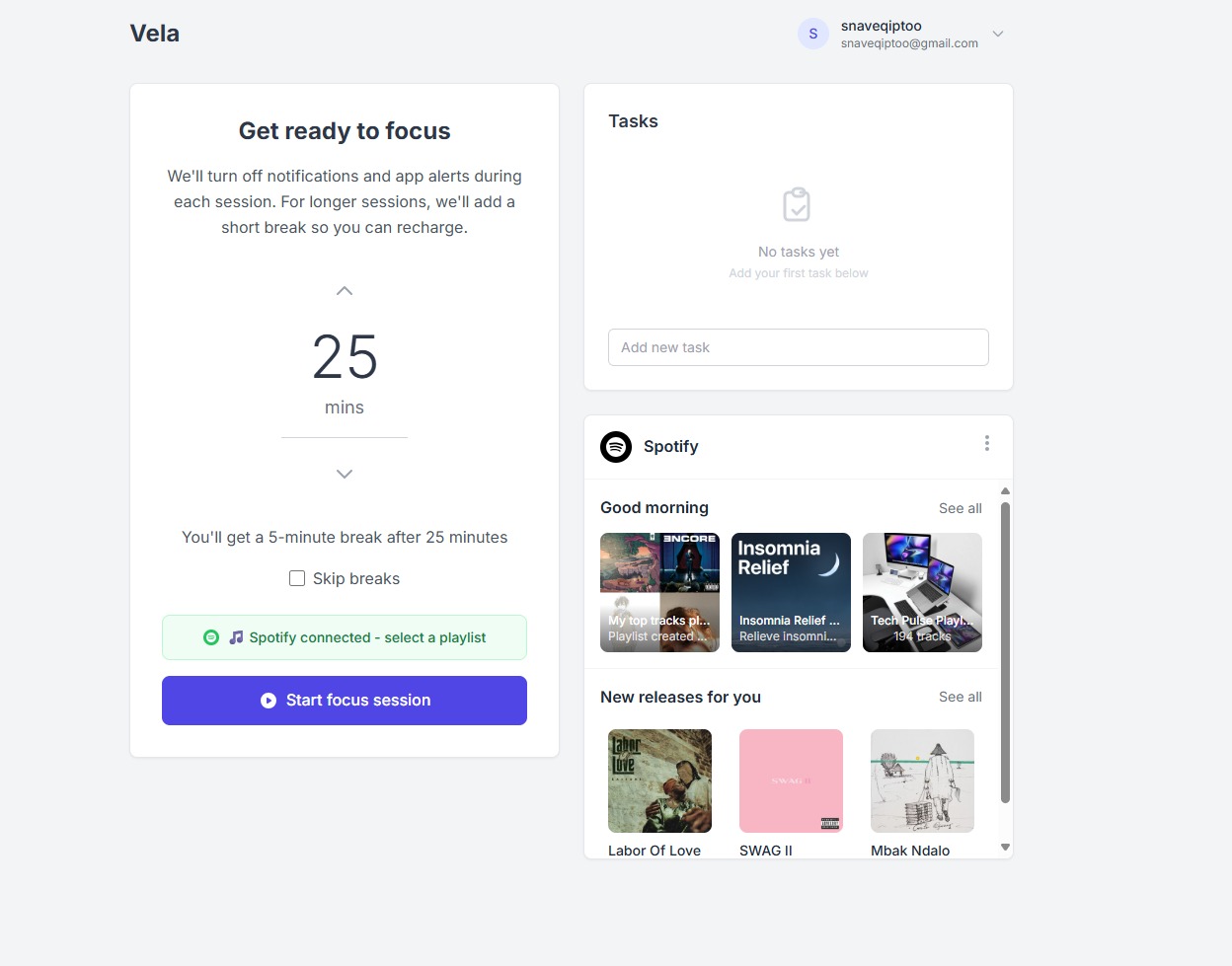
MAIN DASHBOARD
-
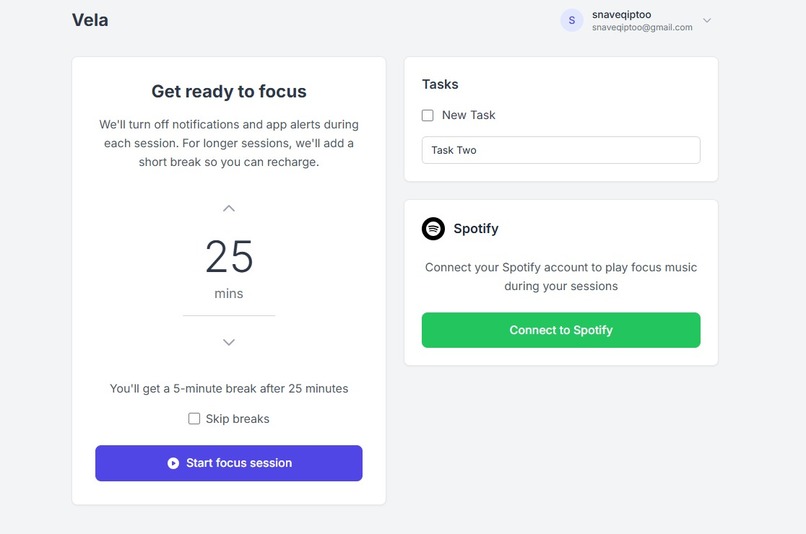
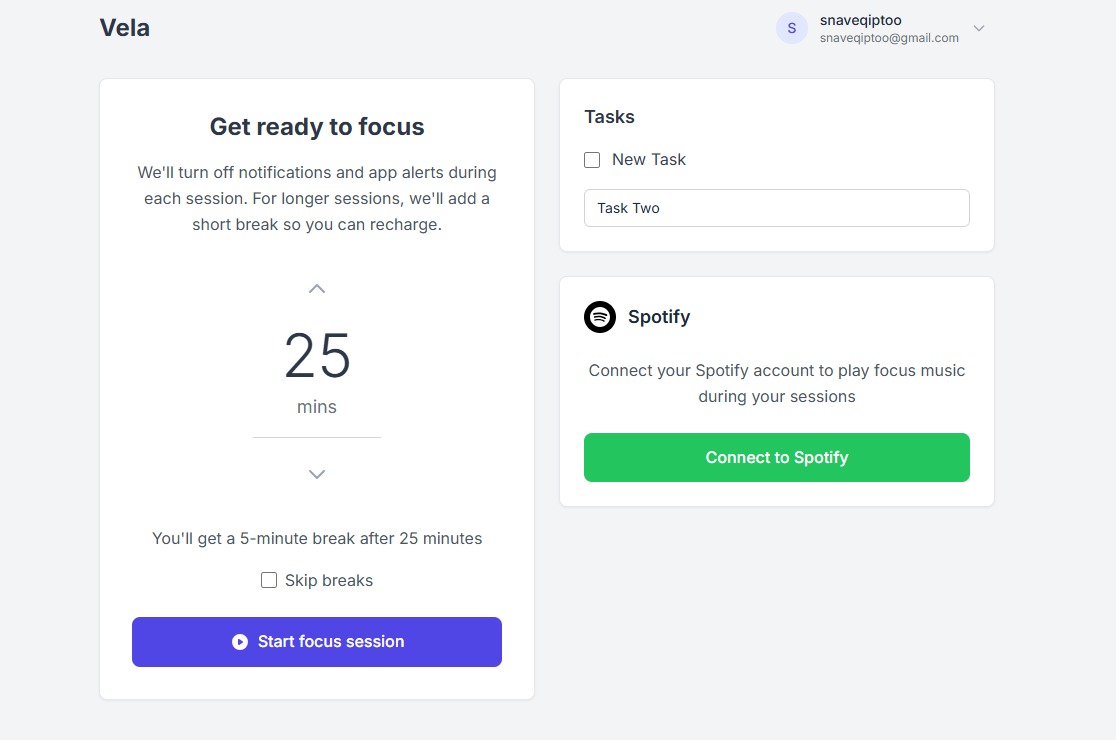
LIGHT THEME(CONNECT TO SPOTIFY)
-
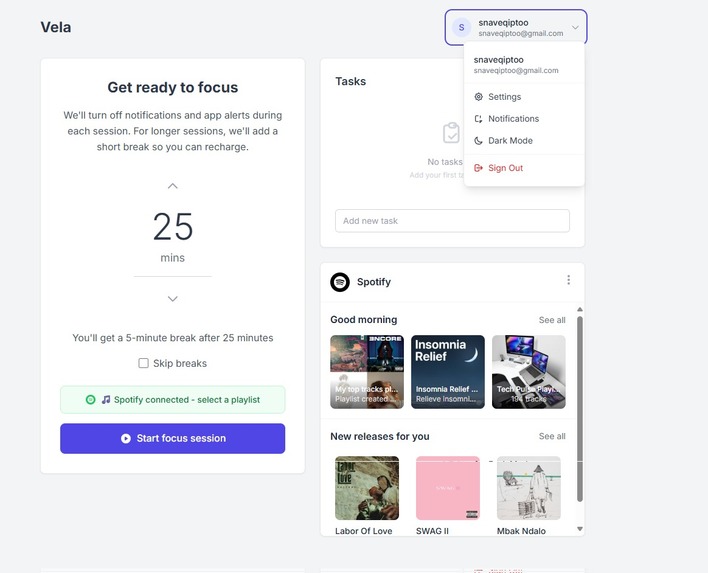
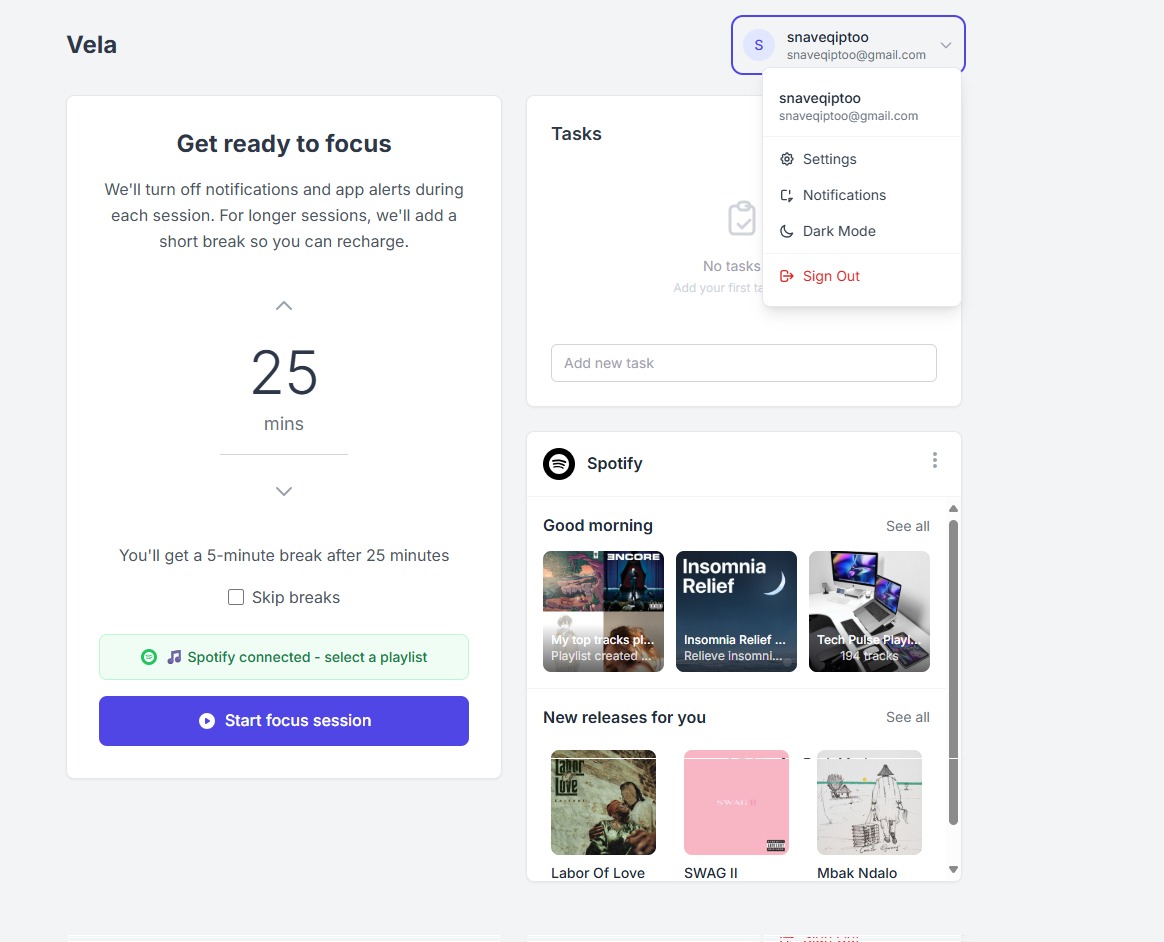
PROFILE (SETTINGS)
-
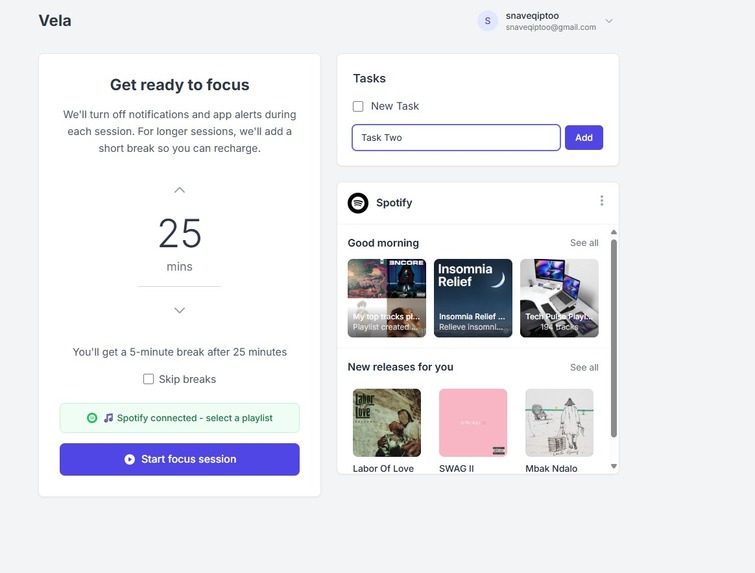
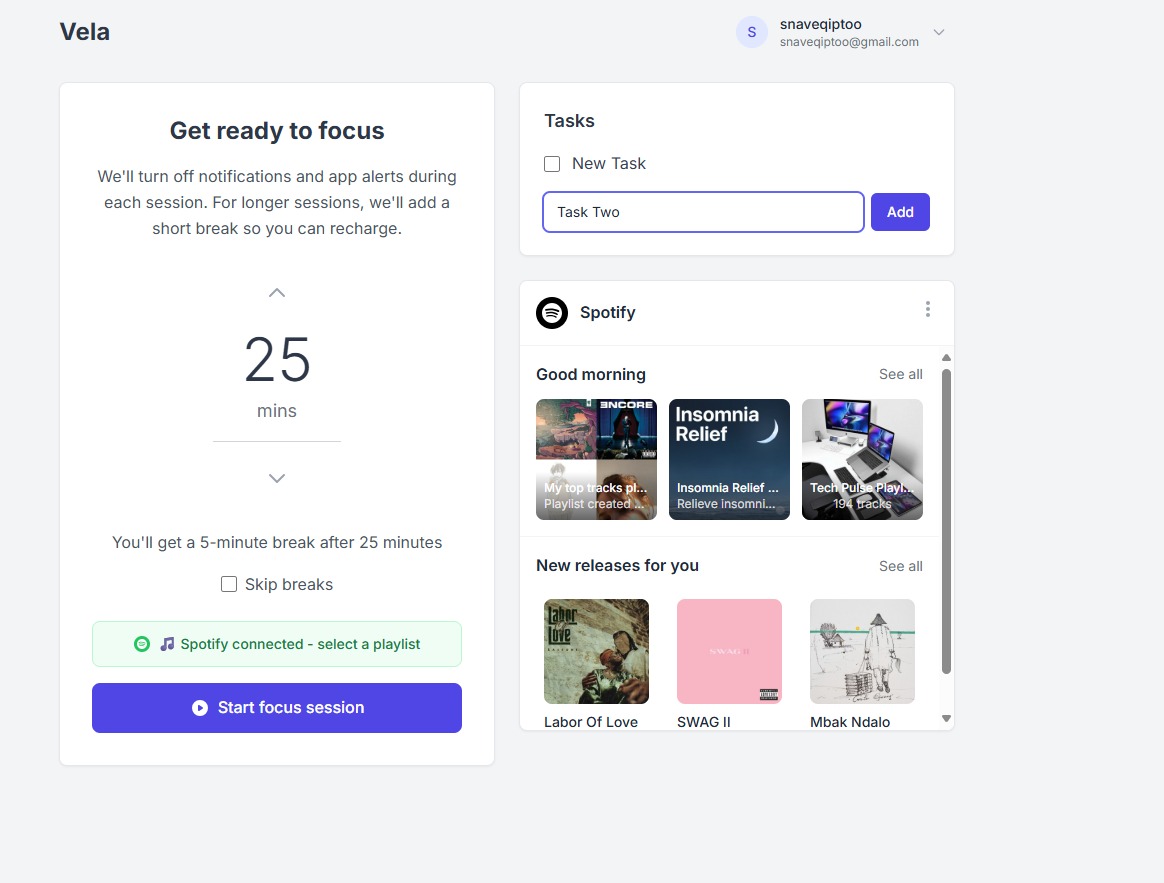
ADD TASK
-
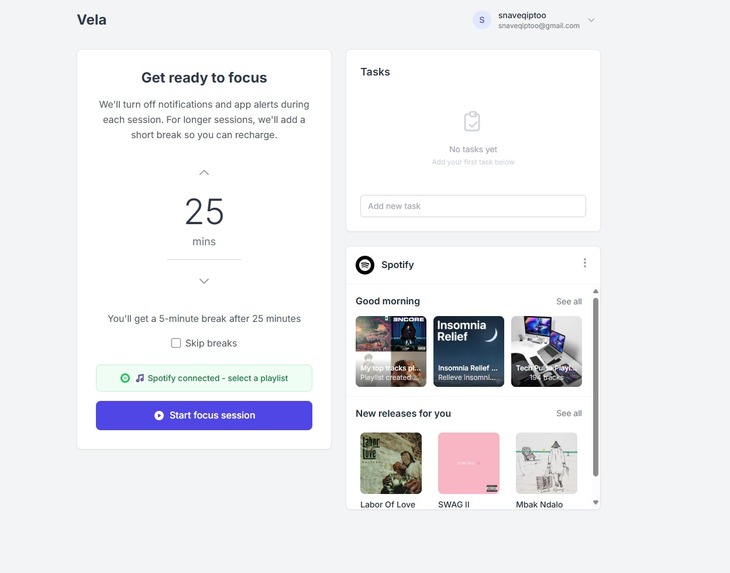
POMADORO TIMER
Inspiration
we built Vela out of frustration with how quickly a new browser tab becomes a distraction. we wanted to turn that tiny, repeatable moment into a productive ritual — a calm, minimalist place that nudges you to start work, not procrastinate. The goal was simple: make the most-opened page on your browser actually help you get things done.
What it does
Vela replaces your new-tab with a clean productivity hub that combines a visual focus timer, an inline task list (add/edit/reorder/complete), quick time-based reminders, motivational feedback (quotes, congratulations), streak tracking, basic stats, and browser notifications for session start/end. Core features work offline and keep the interface intentionally minimal so users aren’t overwhelmed.
How we built it
Platform Requirements
- Chrome Extension Manifest V3
- New Tab Override (chrome_url_overrides)
- React + TypeScript + Vite
- Tailwind CSS for styling
- Chrome Storage API for persistence
- Service Worker for background operations
Challenges we ran into
Balancing feature richness with minimalism was the hardest UX challenge. Technical hurdles included working within Manifest v3 service-worker constraints for background timing, handling OAuth and cross-origin flows for integrations, and designing reliable offline-first storage and notifications. Integrations (Spotify, calendar, third-party import) required careful handling of auth and rate limits.
Accomplishments that we're proud of
We shipped a polished MVP: a smooth Pomodoro-style circular timer, inline task management on the new-tab, reliable notifications, streak tracking, and a minimal UI that users find calming. The extension works offline, preserves state, and demonstrates a clear workflow from opening a tab to starting focused work.
What we learned
We deepened our understanding of Chrome extension architecture (including MV3 tradeoffs), offline storage patterns, and building unobtrusive UX that still motivates. We learned practical approaches to integrating third-party APIs, and the importance of iterating with small user-tests to maintain simplicity while adding value.
What's next for Vela
Next steps: implement secure sync/accounts, add Spotify playback and calendar/Todoist/Notion integrations, build richer analytics and recurring reminders, introduce site-blocking during focus sessions, add custom themes and ambient sounds, and launch on the Chrome Web Store with a user-feedback loop to prioritize features.


Log in or sign up for Devpost to join the conversation.