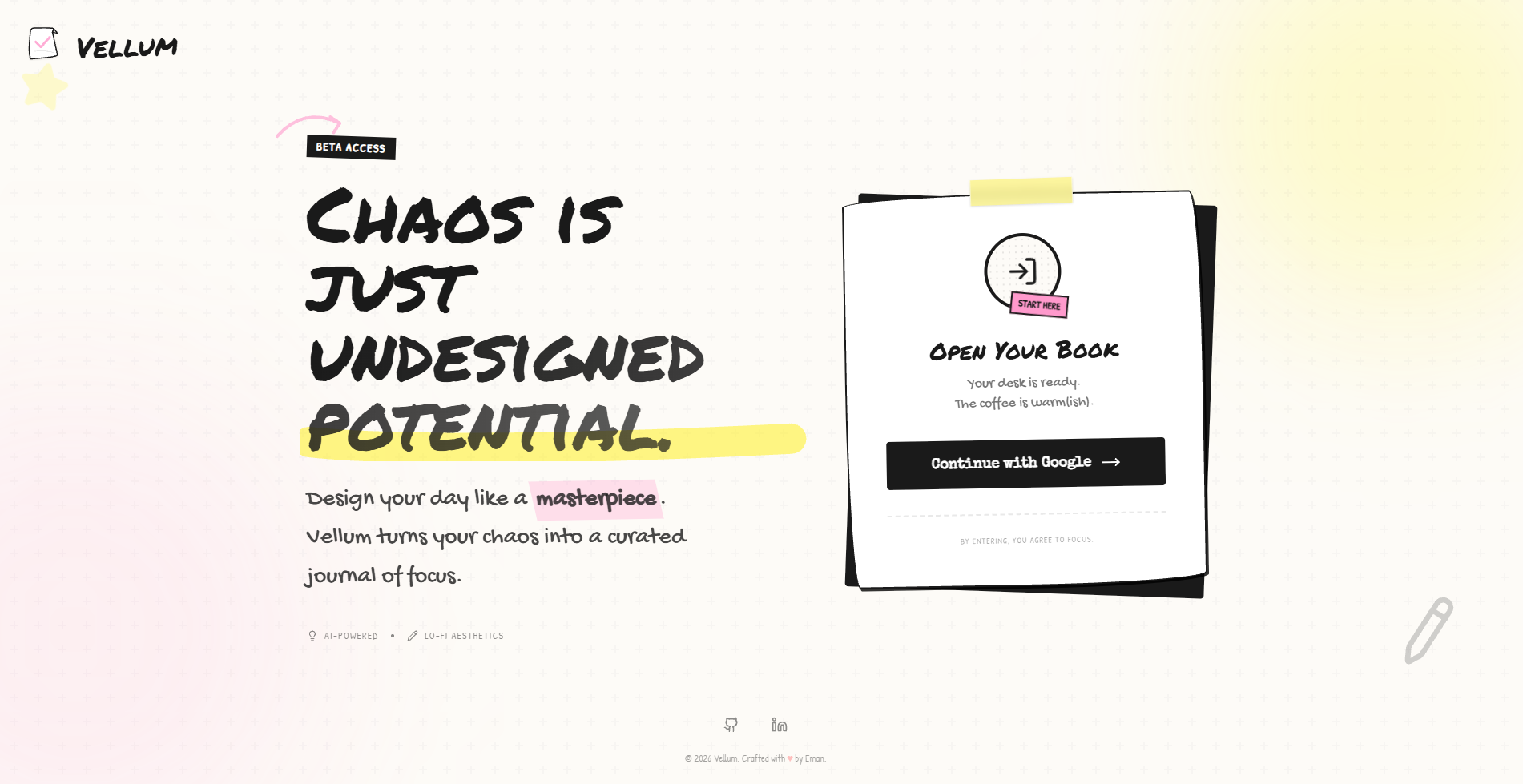
Vellum
The name “Vellum” refers to a smooth writing surface historically used for important manuscripts symbolizing clarity, intention, and the idea of giving your thoughts a clean, structured space to take shape.
Inspiration
I built Vellum to solve the friction I kept running into with traditional task managers. I tried everything including Notion templates but none of them matched how I actually think and work. One recurring problem was starting vague tasks: I often knew what I wanted to do, but not how to break it down or where to begin. Another gap was visibility I couldn’t meaningfully track my progress or understand when I was most productive, so scheduling high-effort work felt like guesswork. I also found myself spending more time planning than executing.
Vellum is designed to close those gaps. It helps turn unclear intentions into actionable steps, gives insight into real working patterns, and reduces planning overhead so momentum stays focused on doing the work. I genuinely believe that anyone who uses it will gain clearer structure, better timing awareness, and a smoother path from intention to execution.
What it does
It's divided into four parts
1- Canvas 2- Timelin 3- Insights 4- Vault
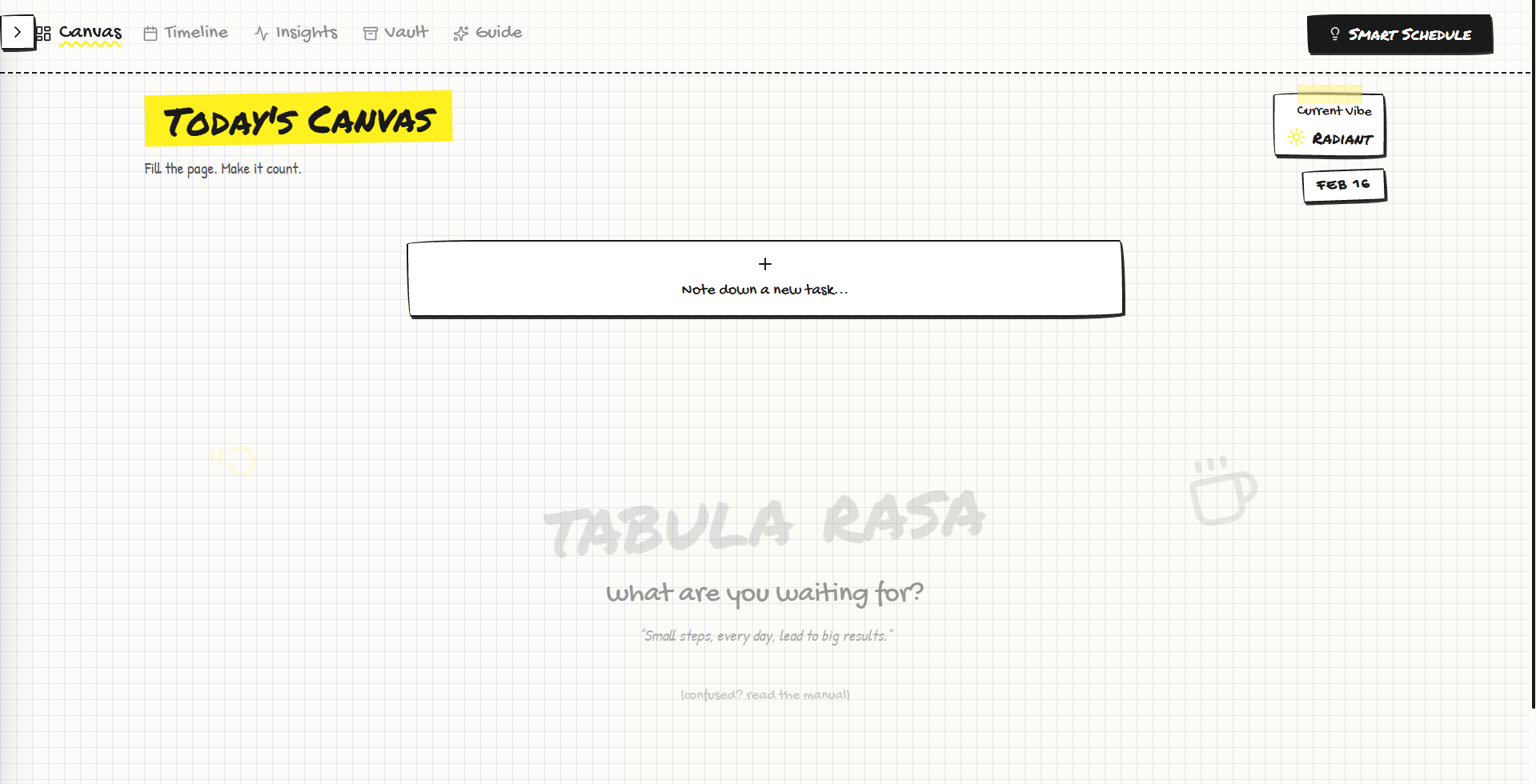
The Canvas
You begin by typing something broad, like:
"Work on a research paper or learn nestjs”
Instead of storing that as a single vague task, it uses AI on the backend to break it into concrete, actionable chunks tailored to the skill level you provide. Each task is distilled into a small set of focused steps never more than five so you immediately know where to begin and what comes next. This matters because ambiguity is one of the biggest blockers to starting work. When a goal stays abstract, friction builds and momentum stalls. By translating intent into clear, manageable actions, you’re no longer staring at an undefined objective you’re engaging with work that feels structured, finite, and ready to execute.
Timeline (Smart scheduling)
After adding your tasks, the Scheduler tab lets you define the time slots you actually have available during the day. From there, you can manually place tasks onto your calendar to keep full control over how your time is structured. If you prefer automation, the scheduler button at the top can intelligently fill open calendar space for you. When doing this, it evaluates your available time, task deadlines, and your past work patterns to place work where it is most realistic and sustainable helping your plan reflect how you actually operate, not just how you hope to.
When you run Smart Schedule:
- Chunks get placed where they make sense
- Work is spread realistically
- Heavy tasks don’t stack back-to-back
You can also update the calendar based on if you're a night owl or early bird
Insights
Peak Hour detection
It logs when you work and how efficiently sessions go. From that history, it can spot trends:
- When you tend to focus best
- When work slows down
- Which times produce strong sessions
Future schedules can lean toward your natural rhythm instead of fighting it.
Vault
Finished work doesn’t disappear. Every completed chunk becomes part of a permanent archive:
- You can see what you’ve accomplished
- Analytics improve over time
- Progress stays visible
It turns productivity into something you can actually reflect on.
Schedular Algorithm
Most scheduling apps use a simple "First-In, First-Out" or "Earliest Deadline First" approach. Vellum is different. So i built this, a specialized constraint solver that treats your time like a canvas, not a list. When placing work, the system considers:
- Chunk size and complexity
- Historical performance patterns
- Cognitive load distribution
- Time-of-day efficiency
Instead of cramming tasks wherever space exists, the algorithm favors placements that are more likely to succeed in practice. Another important piece is time stability.
All scheduling is stored in a timezone-safe way, so:
- Your schedule doesn’t drift
- Travel or device changes don’t break timing
- “9 AM” always means your 9 AM
How I built it
It is built as a modern web system where interaction speed and heavy logic are separated.
Frontend
- React + Vite
- Tailwind styling
- Smooth motion-driven UI
The interface focuses on fast updates, especially timers and task transitions.
Backend
- NestJS REST API
Handles: - Scheduling logic
- Persistence
- AI communication
AI integration
Task decomposition runs through the OpenAI API with rate limits. The prompts are tuned so output chunks:
- Match the task scope
- Reflect realistic effort
- Stay usable for scheduling
Data + authentication
Supabase provides:
- PostgreSQL storage
- User authentication
- Session persistence
All historical logs and chunk data live here.
Deployment
- Frontend distributed globally (on Vercel)
- Backend containerized (on Azure) This keeps response times stable and infrastructure predictable.
Challenges I ran into
Scheduling Algorithm Design and Multi-Slot Task Assignment
The scheduling system is built to treat your calendar as a structured set of available time windows rather than a simple list of events. Each task is evaluated against strict constraints it must fit within free time, respect deadlines and priorities, and never overlap with existing entries. When a task is meant to occur multiple times in a day, the system expands it into separate scheduled instances linked to the same parent task. Each instance is placed independently while honoring shared rules like spacing and daily limits. This allows the scheduler to distribute repetitions logically instead of clustering them. Before any task instance is committed, a collision check ensures its time range is fully clear. If a conflict is detected, the scheduler searches for the next suitable window based on availability and priority. The result is a constraint-driven placement process that supports scheduling the same task multiple times per day without overlaps, keeping the calendar consistent and realistic.
Timer synchronization
Real-time session tracking needed to survive navigation and reconnects. This required:
- Optimistic updates
- Timestamp reconciliation
So data never drifts.
Timezone handling
Scheduling across regions introduced edge cases. A normalization layer ensures:
- Stable time semantics
- No silent schedule shifts
AI output consistency & Rate limits handling
Chunk generation needed to scale with task complexity and user expectations. And set the rate limit per user so the rate limits don't bleed.
Accomplishments I’m proud of
I was able to make a full-stack application. I learned several security practices. I made the scheduling algorithm.
What I learned
- How to handle api rate limits
- How to add sound effects
- How to protect and use RLS policies in supabase and security issues
- How to deploy on azure (azure web app services using docker containerization)
- Handling cross-origin CORS
What’s next for Vellum
- Mobile companion for quick capture
- AI coaching based on work patterns
- Shared canvases for collaboration
- Optional wearable integration for energy tracking


Log in or sign up for Devpost to join the conversation.