Inspiration
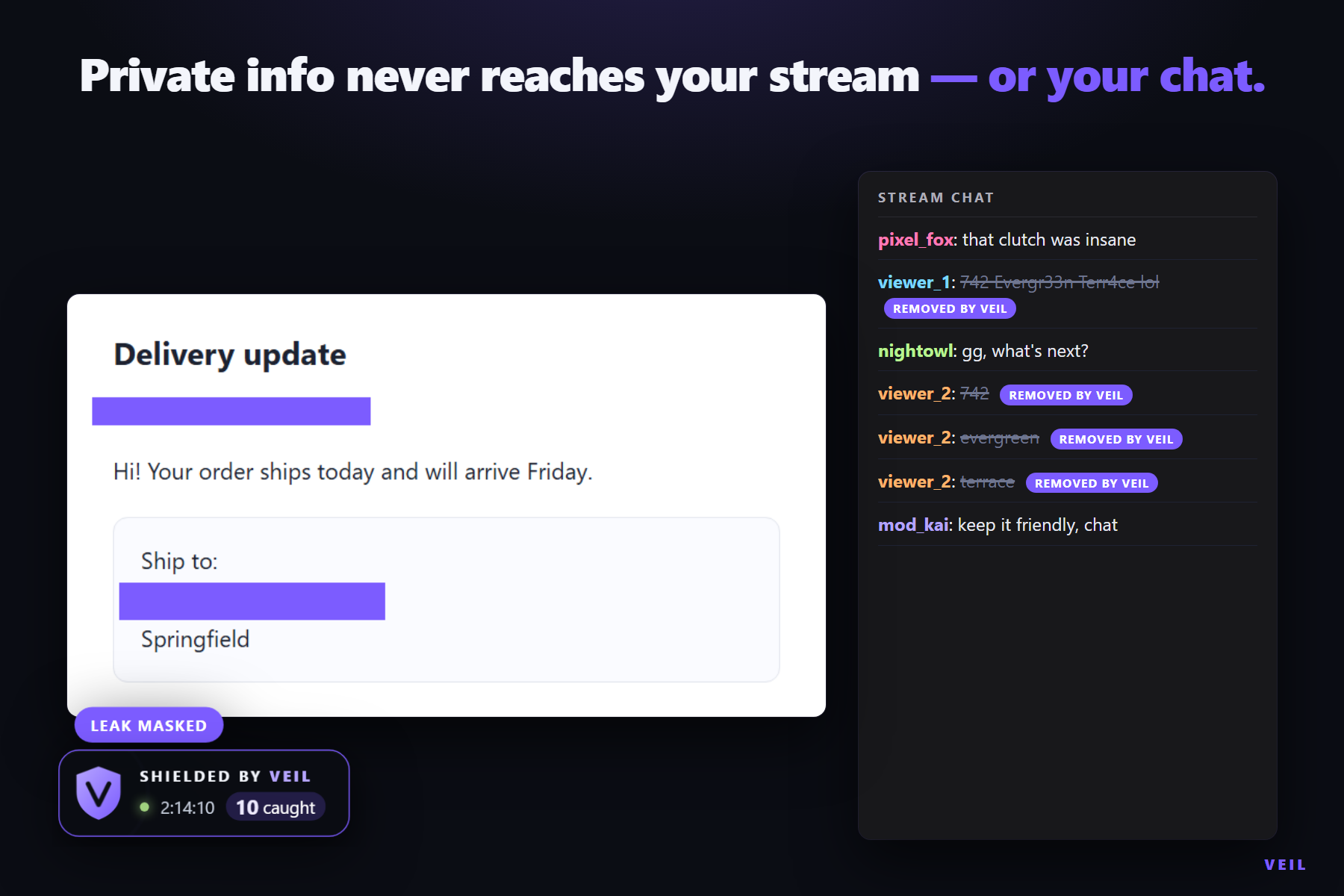
One wrong window turns a private moment into a public one. A streamer alt-tabs to an inbox, a DM or a terminal, and an address or an API key is on screen for a second. Chat repeats it, clips spread it.
We wanted protection at all three points — the screen, the chat and the moment — without sending a streamer's screen or private terms to a cloud service. We also wanted mods to run it and viewers to see it working.
What it does
VEIL is a local privacy control room for OBS and Twitch.
VEIL blocks private info in all three places a stream leaks: your screen share, your camera, and your chat.
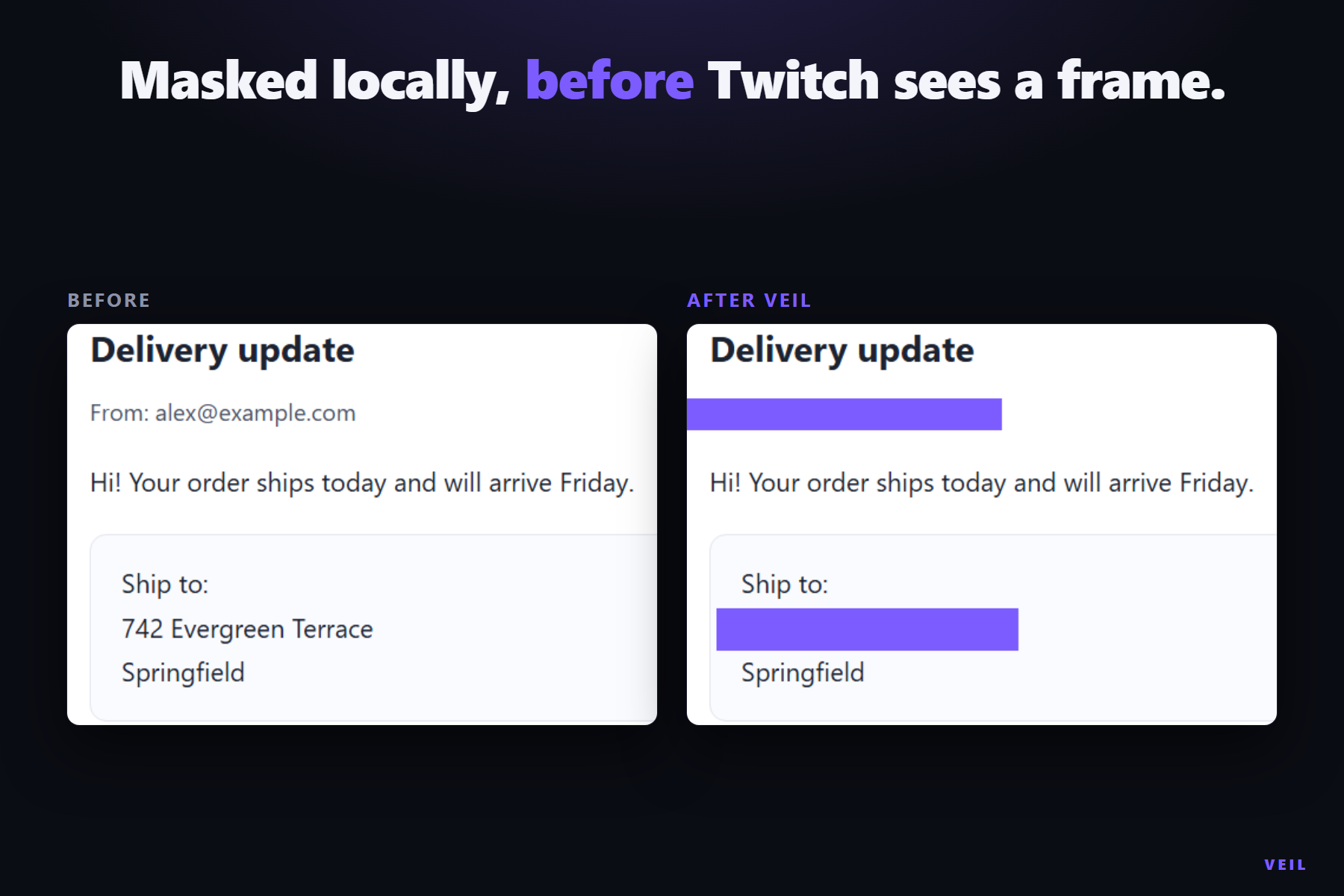
- Screen: a native OBS filter holds a short delay, runs local OCR and paints solid masks over cards, emails, phones, addresses, IPs, IBANs, national IDs, secrets and anything in the encrypted Never Show vault before frames leave the PC. In Paranoid mode, the default, a frame that has not been checked stays covered.
- On camera too: VEIL's filter works on any OBS source, including your webcam. Hold up a phone with your address on it and viewers only ever see a solid mask.
- Chat: the chat guard listens through Twitch EventSub and deletes repeats through Helix. It sees through lookalike letters, leetspeak and messages split across lines, and matches short terms as whole words. Vault terms stay local unless the streamer chooses to share one.
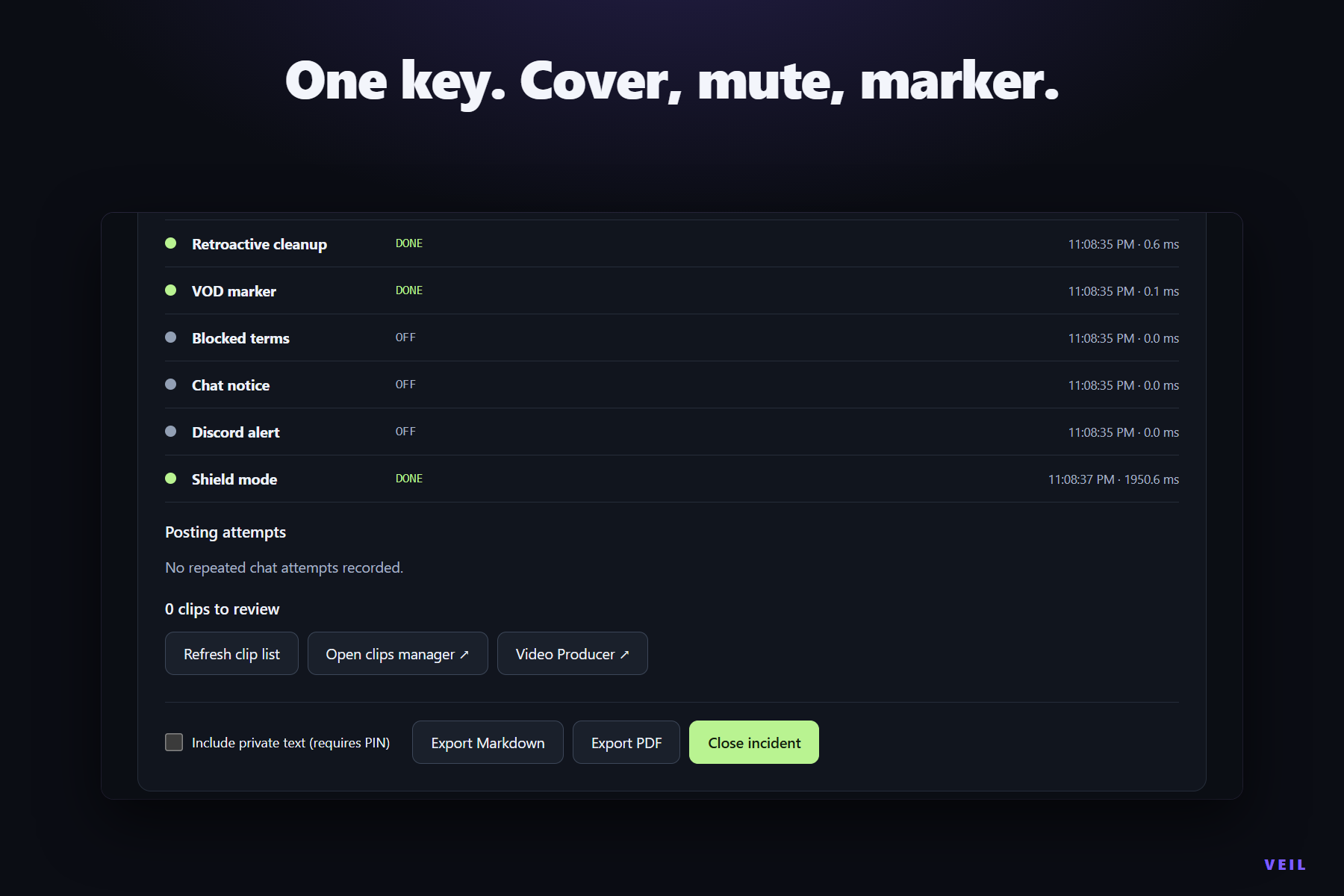
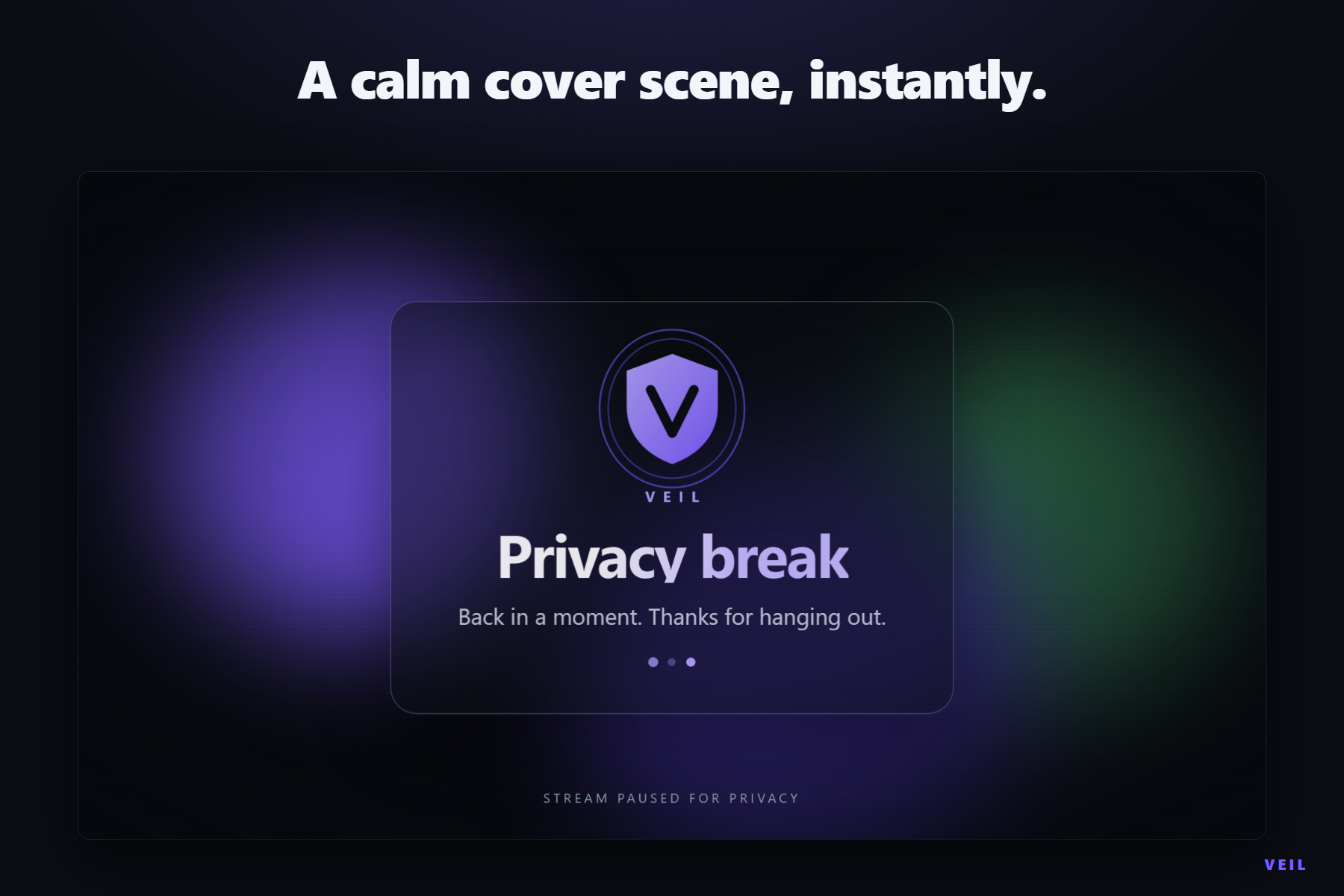
- Panic: one key covers OBS with a cover scene, drops a VOD marker, sweeps recent chat and opens an incident. Mic mute is one setting away, and Shield Mode turns on with a single approval.
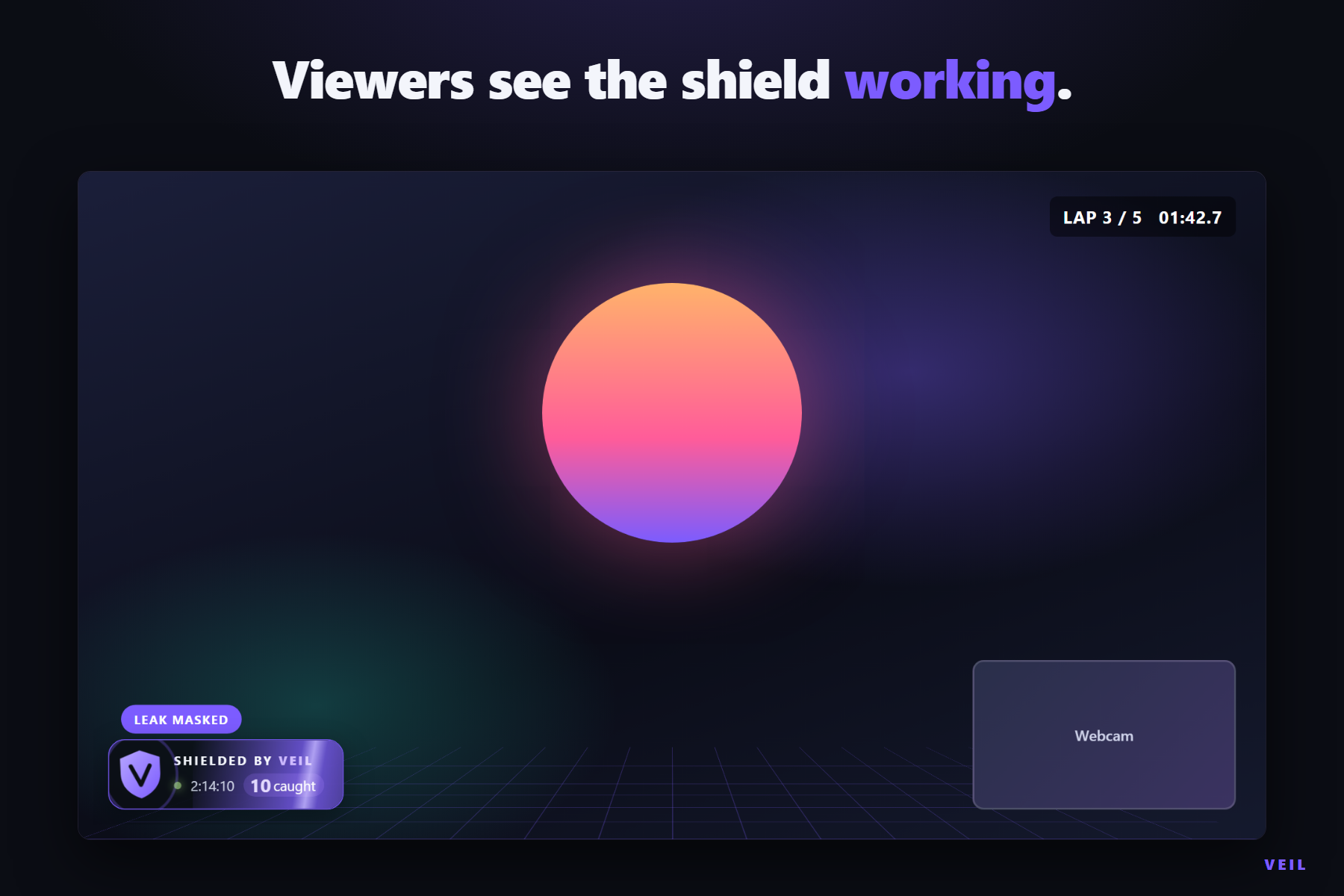
- Community: moderator mode lets a trusted mod run VEIL for the streamer, and an on-stream overlay badge counts catches without ever showing what it caught.
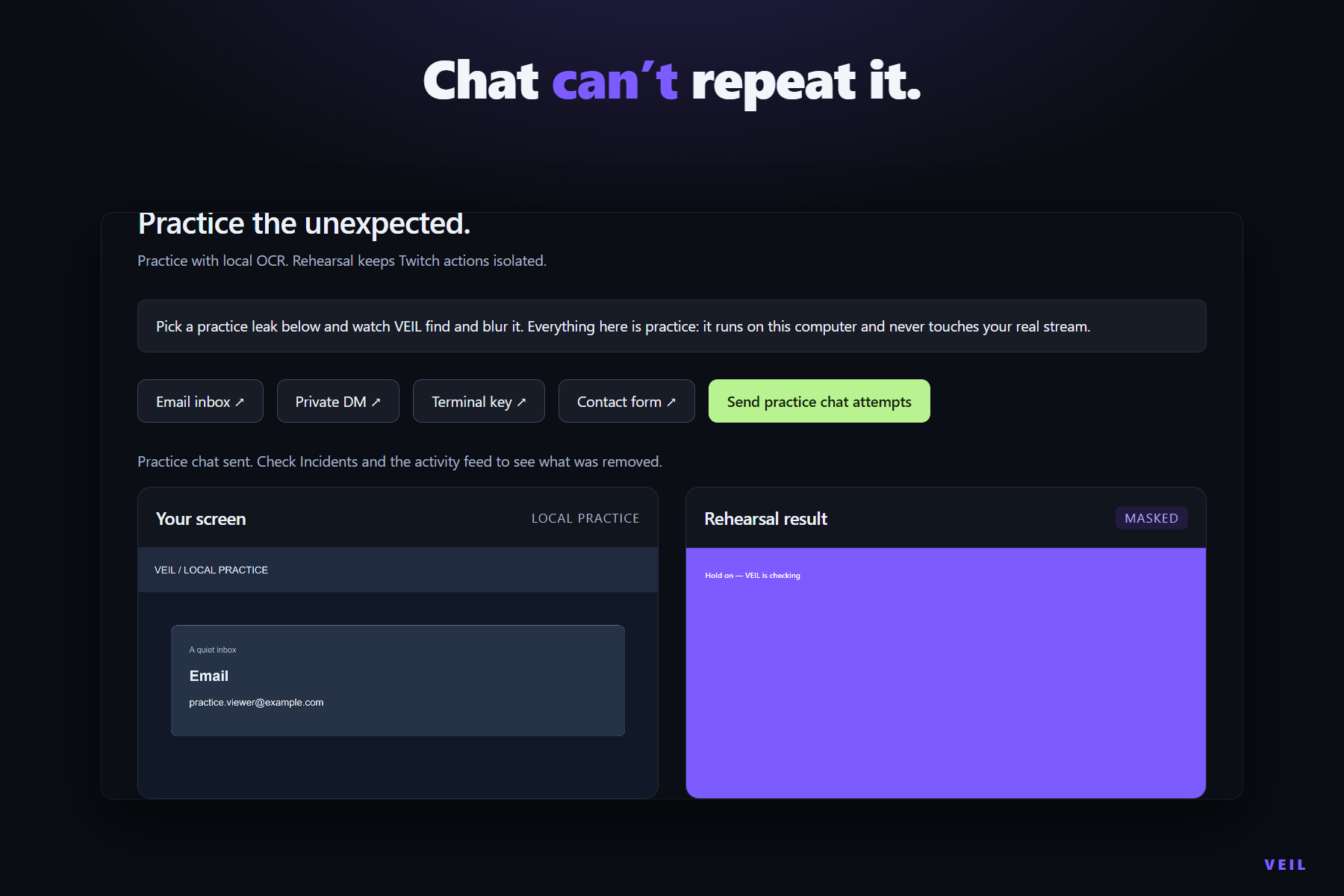
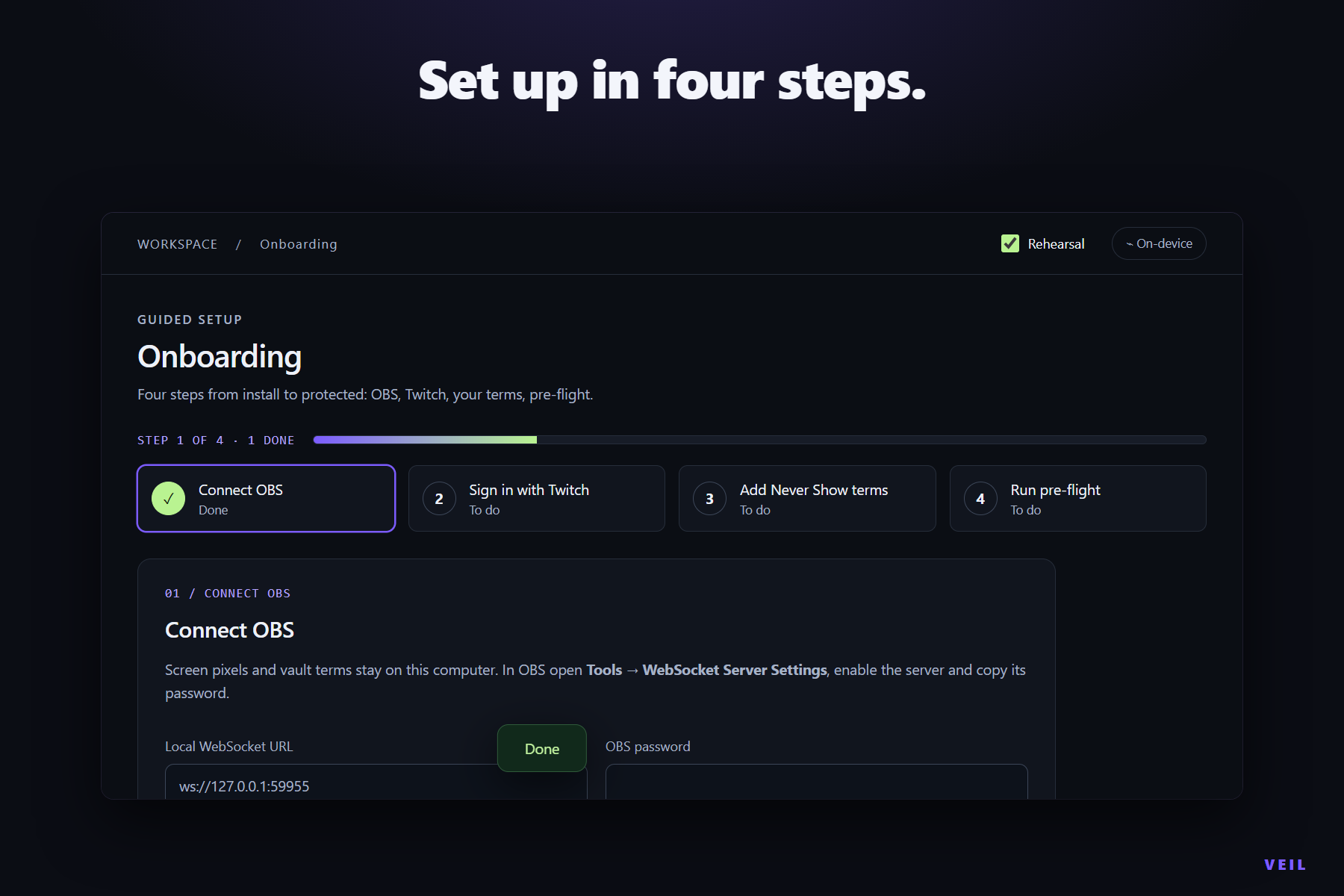
Onboarding starts in Rehearsal, where practice leaks and chat attempts run with account actions isolated.
How we built it
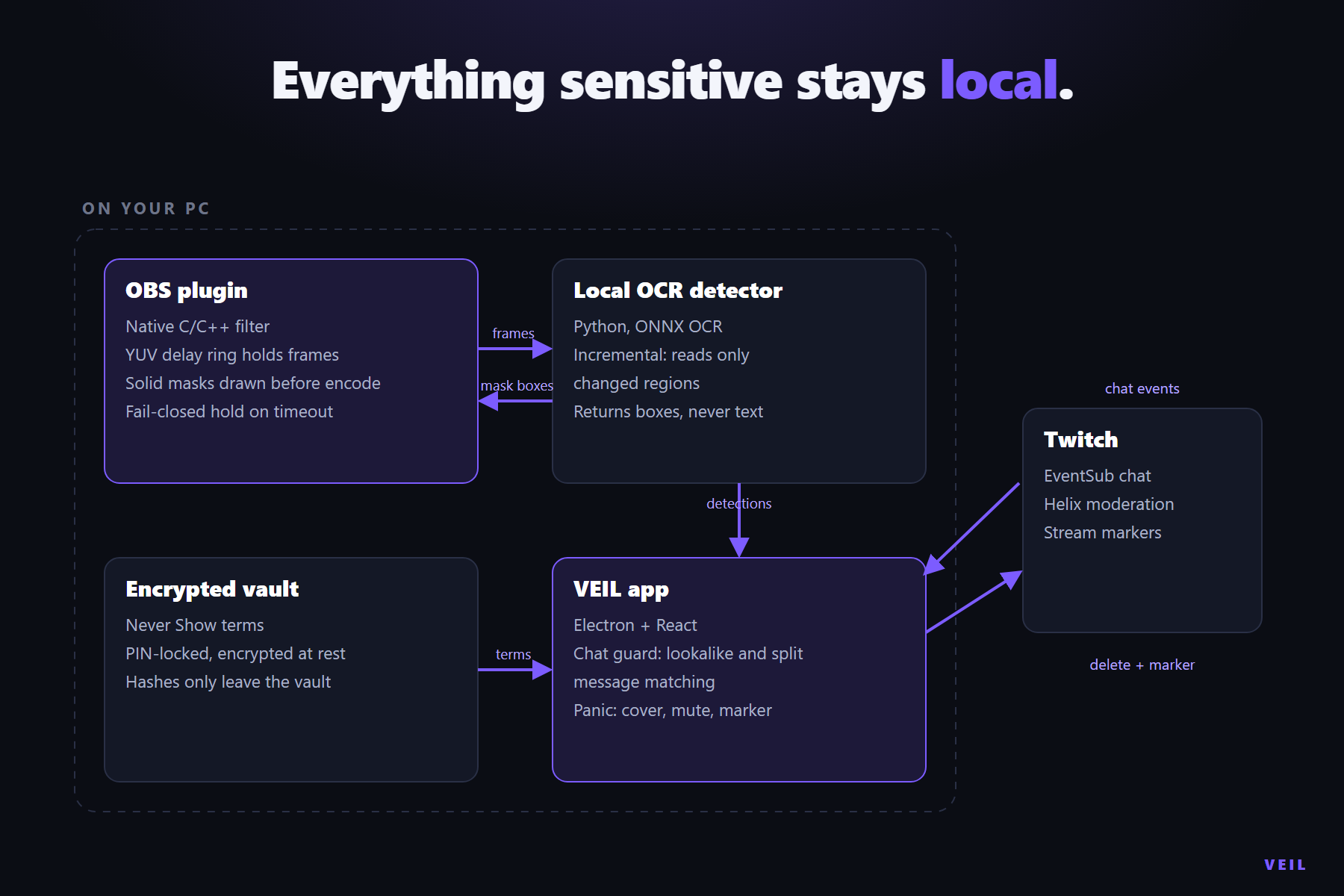
An Electron and React control room coordinates three local parts:
- A native C/C++ OBS filter that stores delayed frames in a 4:2:0 YUV ring buffer with a conversion shader, keeping 1080p60 at full resolution with a 2.5 s delay in about 451 MiB of GPU memory. It unions masks between samples and enforces fail-closed holds.
- A Python detector: an engine pool of RapidOCR workers on ONNX Runtime, a dirty-region grid for incremental OCR, and recognizers with checksum validation (Luhn, IBAN) for numeric kinds.
- A Twitch connection using device sign-in, EventSub with subscription acknowledgement, and Helix with separate rate-limit lanes so message deletes are never starved by other calls.
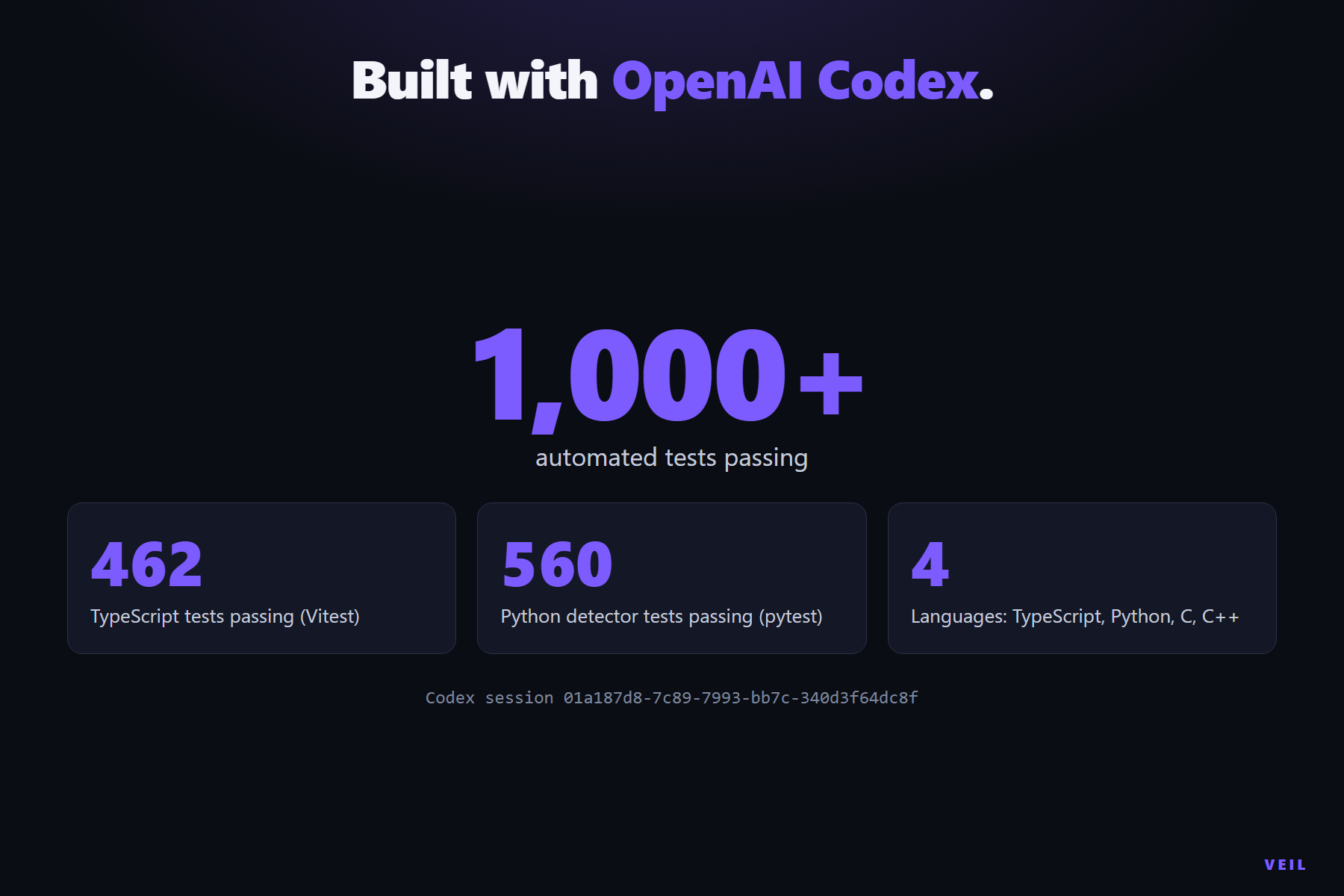
We built VEIL with OpenAI Codex; the main build session is 01a187d8-7c89-7993-bb7c-340d3f64dc8f. In that session Codex built the system end to end: the native OBS filter with frame deadlines and Paranoid holds, the local OCR detector with numeric card recovery, the Unicode chat matcher shared across TypeScript and Python, Twitch device sign-in, EventSub and Helix moderation, audio rollback, and the packaged-app tests. The project now runs over 1,000 automated tests in CI.
Challenges we ran into
- Latency. Full-screen OCR on a laptop CPU takes seconds, and a delay buffer of raw RGBA frames at 1080p60 did not fit in GPU memory. We built incremental OCR, which re-reads only the regions that changed since the last read with a periodic full refresh, and a YUV ring buffer that cuts delay memory to about 451 MiB at full resolution.
- False positives. Our first benchmark was circular: one card and one phone number, so near-perfect scores meant nothing. We rebuilt the benchmark as a generated test corpus with known ground truth: varied values, hard negatives (dates, version strings, non-Luhn 16-digit numbers, scoreboards) and multi-element screens, scored on ≥ 90% ink-box coverage. We then made the numeric rescue stricter: a re-read may correct a couple of misread digits on a line that already looks like a card, but it can never turn an arbitrary number into one.
- Chat evasion. Viewers dodge filters with
0foro, Cyrillic lookalikes, zero-width characters and messages split across lines. We wrote a shared Unicode normalizer in TypeScript and Python that runs against one shared case file, so the screen and the chat agree on what a match is.
Accomplishments that we're proud of
- On a 3,000-screen generated test corpus with known ground truth, VEIL reaches 99.7% recall on cards and Never Show terms, 98.8% on emails and 96.7% on IBANs, while flagging only 2.5% of screens that contain nothing private, with per-kind precision and hard-negative rates published in docs/benchmark.md with the predictions so anyone can re-score them.
- The native Windows filter passed 38/38 pixel checks in OBS 31.1.1: masks, surrounding pixels, transparent sources and fail-closed holds.
- An authorized Twitch broadcast confirmed sign-in, EventSub, a Panic cover switch and a VOD marker.
- Windows and macOS packages run packaged-app checks and accessibility checks in both themes in CI.
What we learned
The full loop matters more than any single score: detect, protect, respond, recover. And measuring with hard negatives changed what we built: the honest benchmark pointed straight at the rescue path that needed to be stricter.
What's next for VEIL
- GPU OCR to shorten the delay on busy scenes.
- Audio awareness, so a secret read aloud can be bleeped.
- Signed installers and a one-click OBS plugin install.
- Pilots with streamers and moderation teams to tune defaults on real setups.
Try it
No OBS or Twitch account needed:
- Download the Windows x64 or macOS installer from GitHub Releases and open VEIL. Onboarding starts in Rehearsal, with a banner showing that you are practicing.
- Open Rehearsal → Email inbox and watch local OCR find the private text and mask it.
- Add a term to Never Show, then press Send practice chat attempts. Practice viewers try to repeat it with leetspeak, lookalike letters and split messages, and the chat guard catches them.
- Press Panic (or
Ctrl+Shift+F12;Cmd+Shift+F12on macOS). The stream is covered and an incident opens. - Open Incidents to review what happened and the approval controls. Practice actions never touch your Twitch account.
To go live: install the OBS plugin, connect OBS in onboarding, sign in with Twitch and run Pre-flight. Then hold a phone showing a Never Show term up to your webcam (with the VEIL filter on the webcam source) and watch it get masked.

