-
Design
-
Design
-
Design
-
Design
VedAssist 2.0
by Vijay Varadarajan, from VIT University, Vellore, India.
Github Repo link: VedAssist-Source
About this project
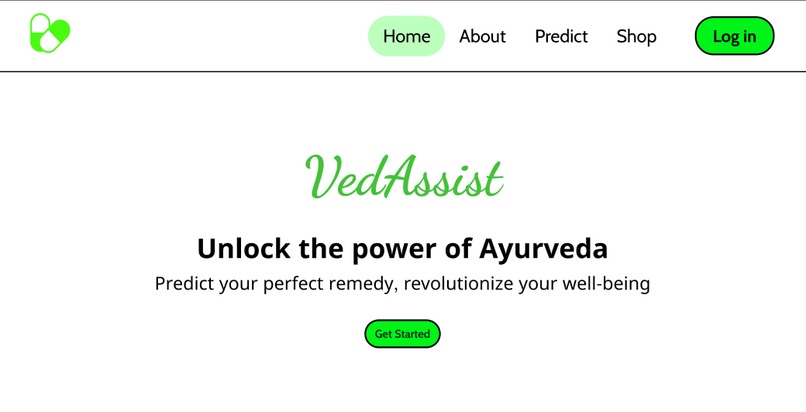
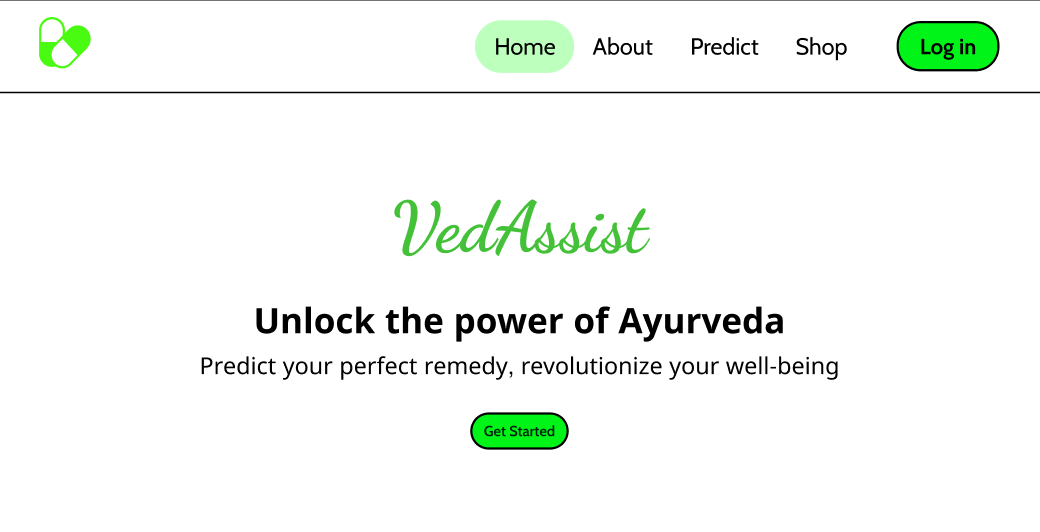
VedAssist 2.0 is a Django web application designed to provide assistance for users seeking quick information on Ayurvedic medicines.
This consists of a user-friendly web application that offers features such as a symptom-based medicine recommendation system and a virtual Ayurvedic medicine store.
Inspiration
The inspiration behind "VedAssist 2.0" is to make Ayurvedic medicine information accessible to users who wish to explore and purchase these traditional remedies.
The project aims to bridge the gap between Ayurveda and modern technology by providing a user-friendly interface for medicine recommendations and purchases.
Features
Predict Portal
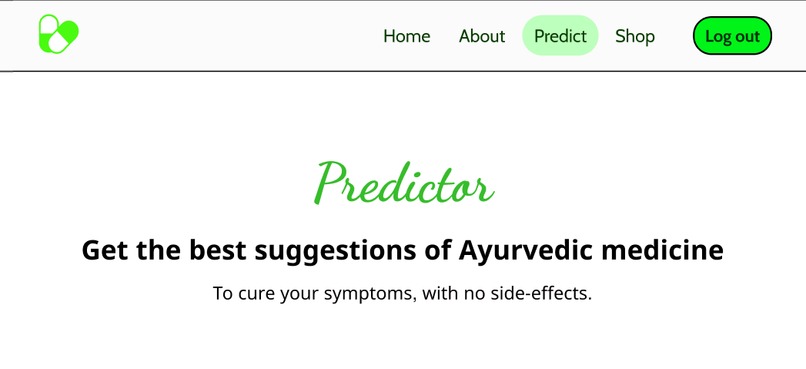
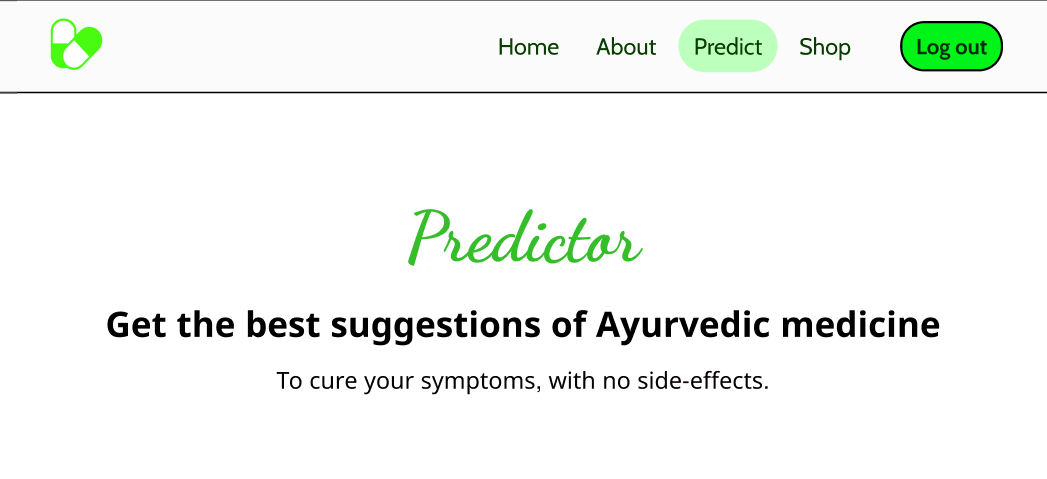
The "Predict" portal in "VedAssist 2.0" is designed to assist users in identifying Ayurvedic medicines based on the symptoms they are experiencing. It utilizes a symptom-based recommendation system to provide personalized suggestions for users.
Each recommended medicine is accompanied by a detailed description, including its composition, recommended dosage, and potential side effects.
Users can make an informed decision about which medicine is right for them based on this information.
Shop Portal
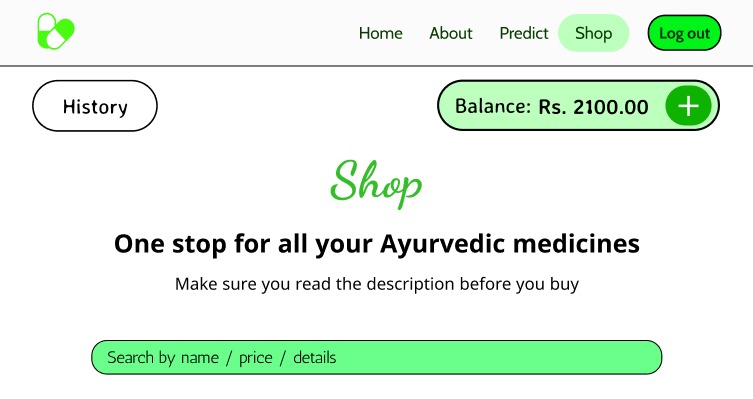
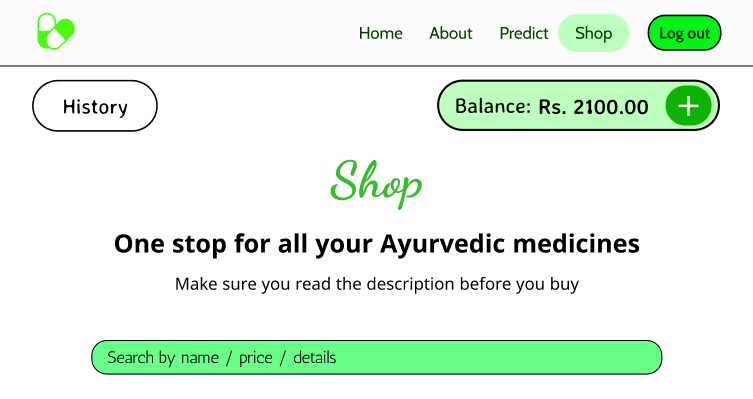
The "Shop" portal in "VedAssist 2.0" is designed to assist users in purchasing Ayurvedic medicines. This portal provides a virtual store where users can browse and purchase Ayurvedic medicines.
The portal displays a comprehensive list of available Ayurvedic medicines in a tabular format.
Each medicine entry includes essential details such as the name, price, description, and an option to purchase.
History page
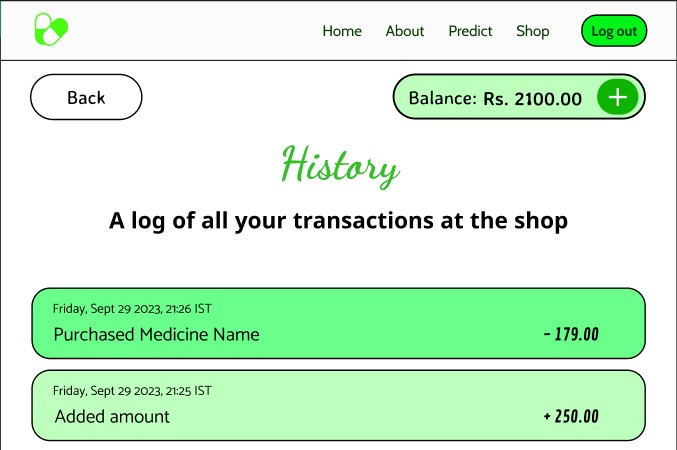
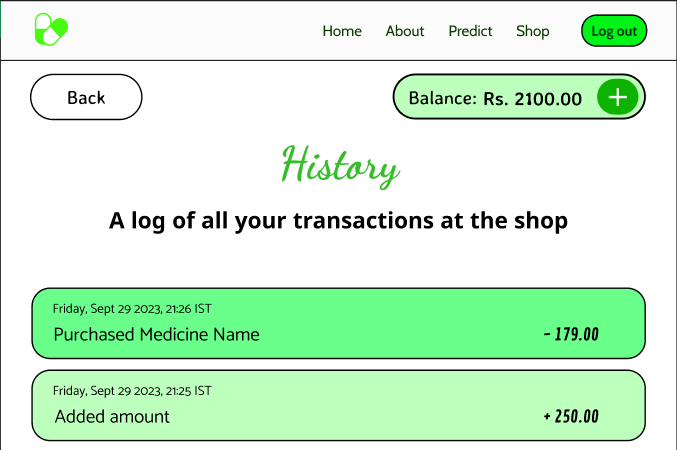
- The "History" page in "VedAssist 2.0" displays a comprehensive list of all the transactions made by the user.
Installation requirements
To run this project yourself, you need to have Python 3.6+ installed on your system.
Clone this repository onto your github either by using the GUI or the following command:
git clone https://github.com/vijay-varadarajan/VedAssist2.git
- Install the required packages using the following command:
pip install -r requirements.txt
- Run the following command to start the server:
python manage.py runserver
- Open the following link in your browser to view the web application:
http://127.0.0.1:8000/
