-
-
drishti software
Inspiration
What it does
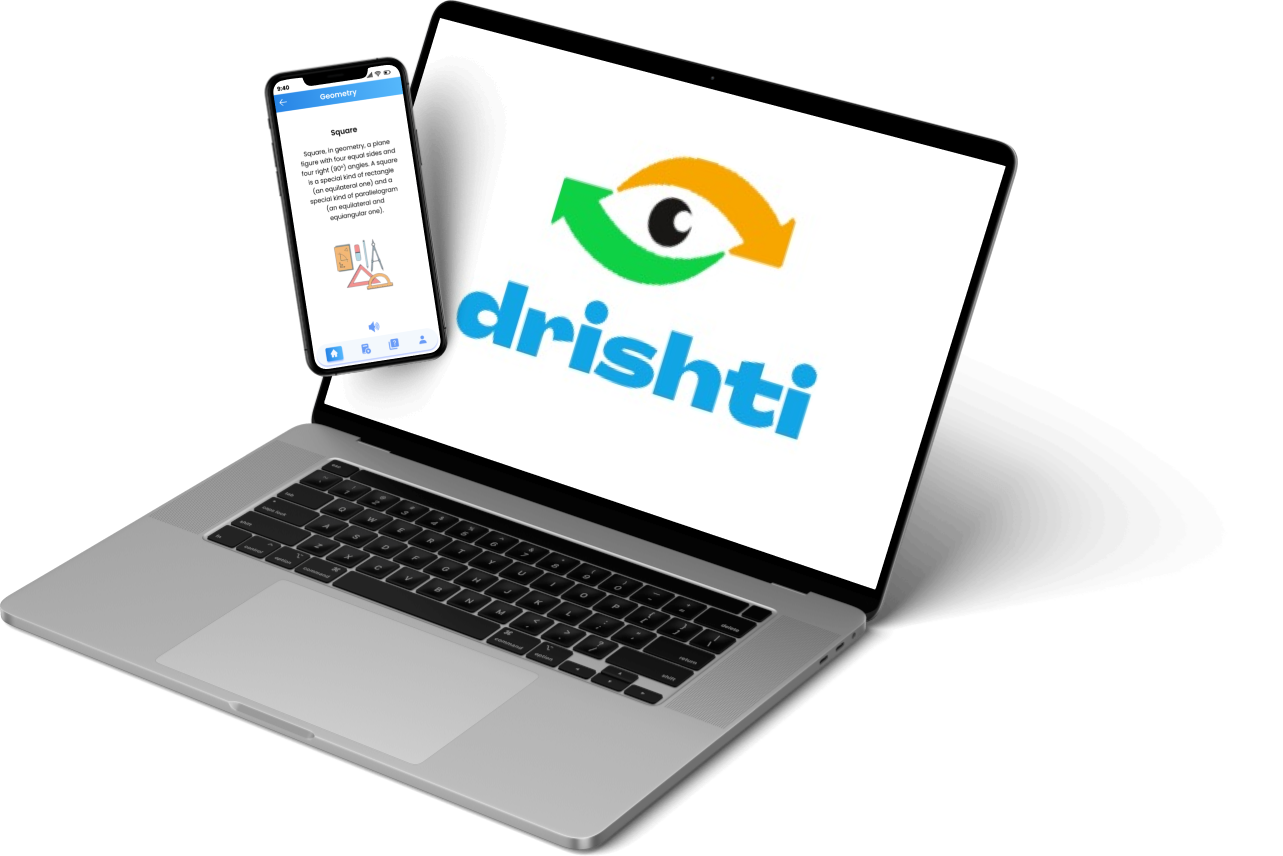
We present a solution to assist individuals with visual impairments in comprehending STEM concepts through a software-embedded system. The system is comprised of a mobile application and a hardware device that is connected to the mobile device. The application utilizes advanced voice explanation and visualization techniques to teach STEM concepts, which will be developed under the supervision of a tutor who specializes in teaching blind individuals. The TalkBack feature in the accessibility settings and voice control feature is supported by the application to navigate through it. The hardware device functions by following voice instructions to trace shapes on the software application screen. The pins on the hardware device rise and fall to create a raised figure that can be touched by a visually impaired individual to understand the traced geometry. Our proposed system eliminates the requirement for physical assistance or a tutor, expensive braille books, or payment of high teaching fees. This solution will improve the employability and literacy rates of individuals with visual impairments in the target country.
How I built it
We opted to utilize Flutter and Firebase services, such as authentication, hosting, security, and database, for our software development. Our hardware consists of an Arduino UNO, Solenoid Actuators, and an HC-05 Bluetooth Module. The HC-05 Bluetooth Module uses the Bluetooth_serial_package to establish a Bluetooth connection between the hardware and software for the up and down motion of the actuators. We used Google Cloud services, including the Google Vision API, TalkBack 12.1, Quiz Management using Google form API only, and a Flutter backend hosted on Google Cloud-App Engine. The Google Vision API provides high reliability and efficiency in handling image analysis requests. To aid visually impaired individuals, we integrated a screen reader feature using TalkBack 12.1. Furthermore, we incorporated a "Test Yourself" feature in the application that includes live speech answering the quiz, and to enhance this feature's user experience, we utilized the Google form API.
Challenges I ran into
Initially, our development team encountered a challenge with the connection code that linked the hardware with software using Flutter. The connection screen took a long time to load, and many devices were not listed. However, thanks to the documentation, we were able to overcome the connection establishment issue, and the project worked as intended.
Accomplishments that I'm proud of
We successfully made the working prototype of the project.
What I learned
How to work with various packages and establish a connection between software and hardware.
What's next for VED
Our project's next step involves developing the final product and expanding our outreach through social media, NGOs, and blind schools. We plan to provide sample pieces for practice, which will gradually increase our audience. Once we have a substantial following, we will launch our product in the market, where visually impaired individuals can purchase and learn STEM education. The hardware will be a one-time payment with low-cost maintenance, and the software can be downloaded for free or at a minimal cost from the Playstore or Appstore.

Log in or sign up for Devpost to join the conversation.