-
-

VecSynIQ Logo
-
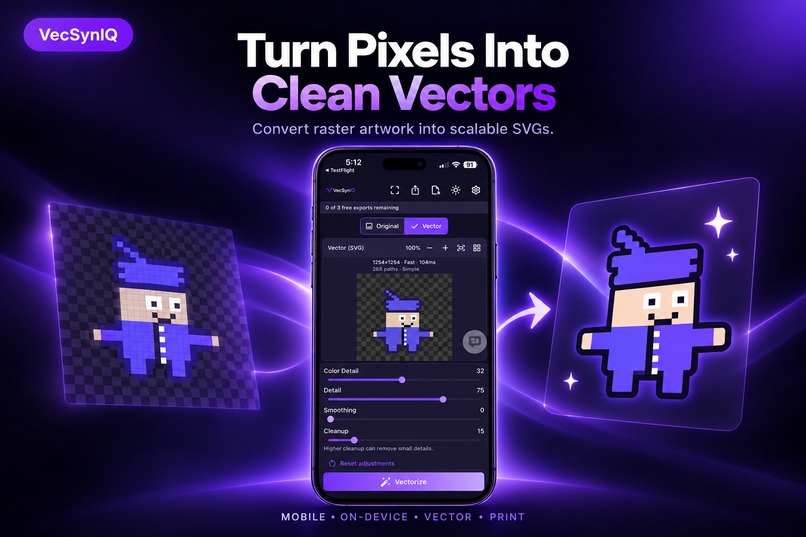
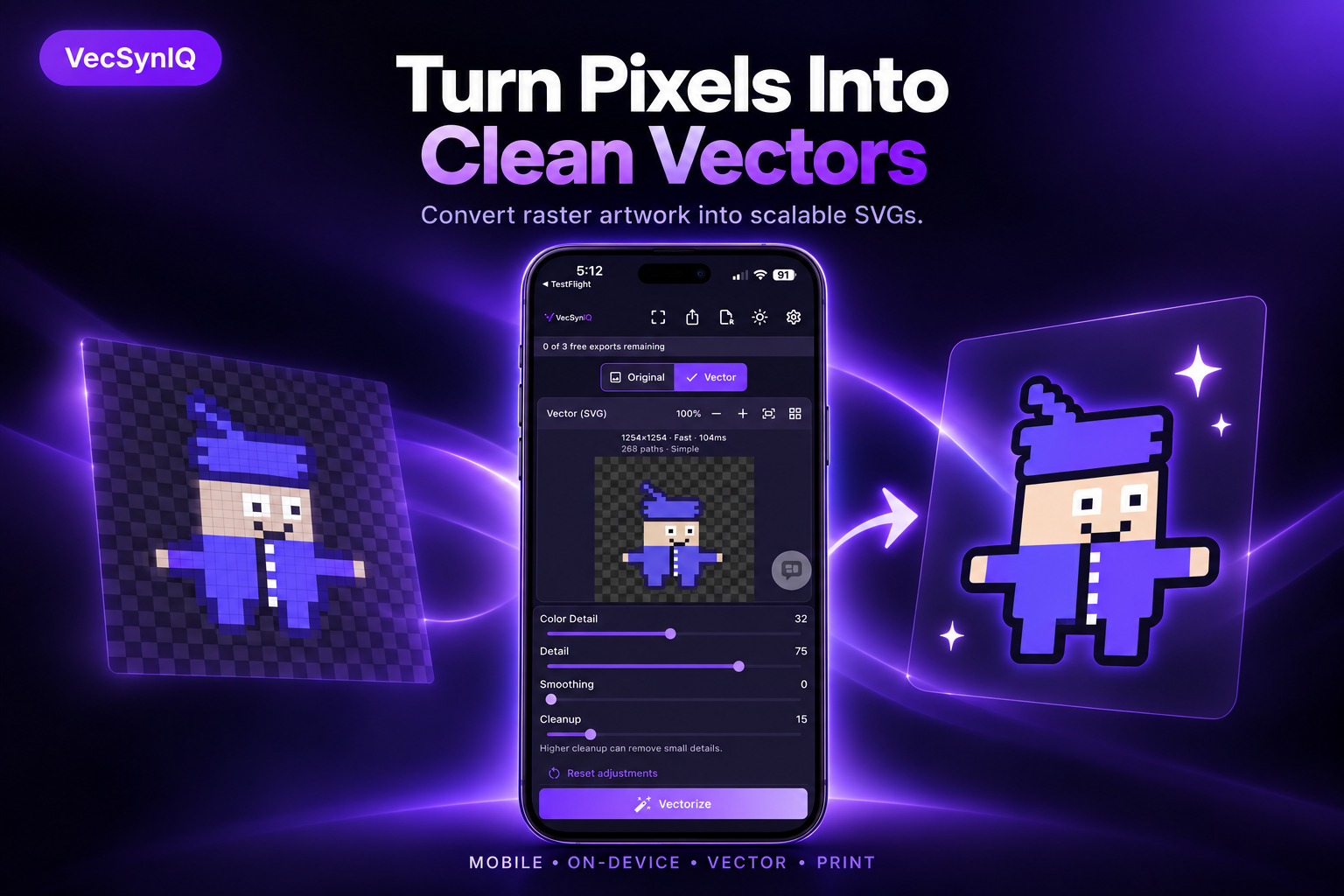
Turn Pixels into Clean Vectors
-
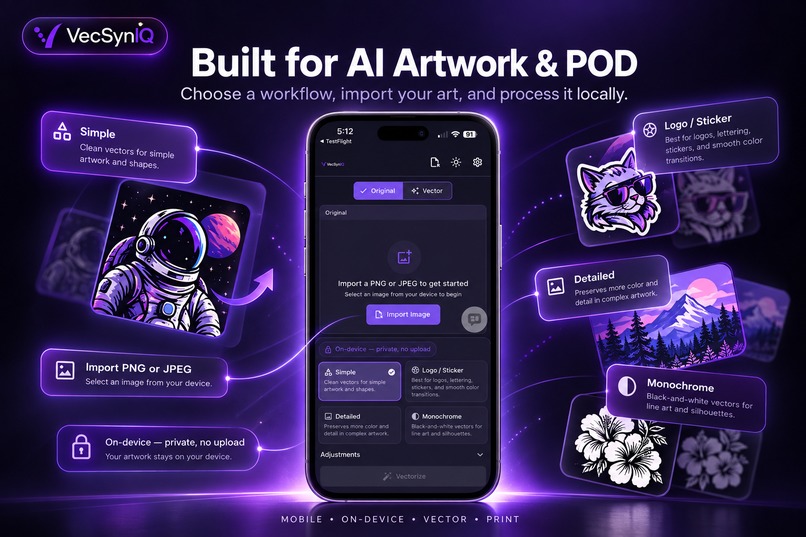
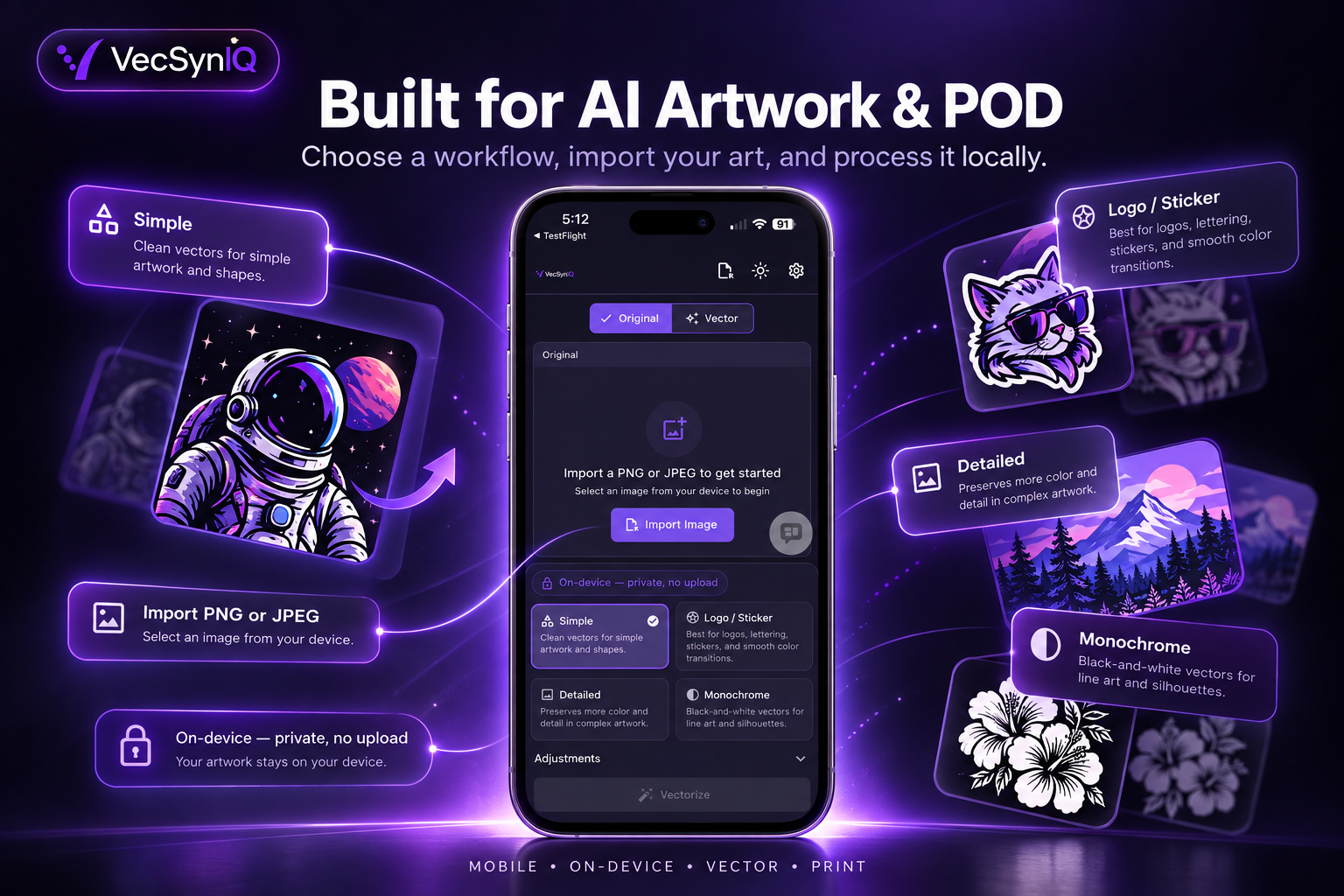
Built for AI Artwork and POD
-
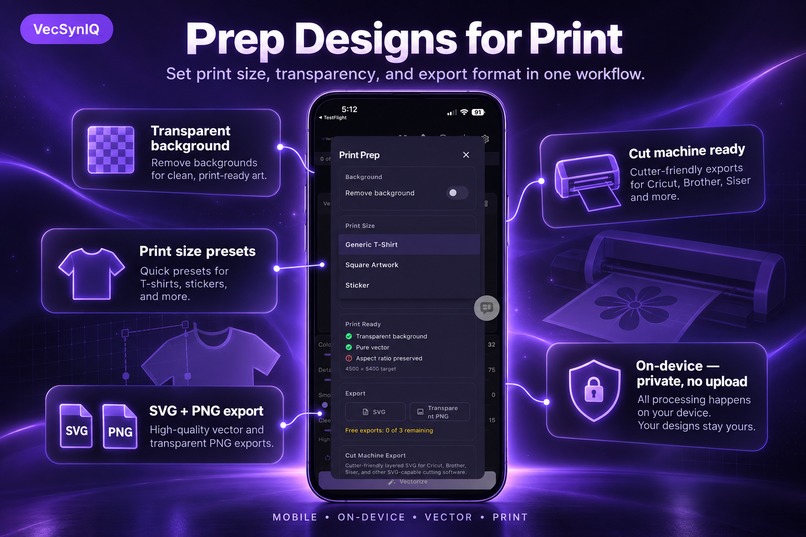
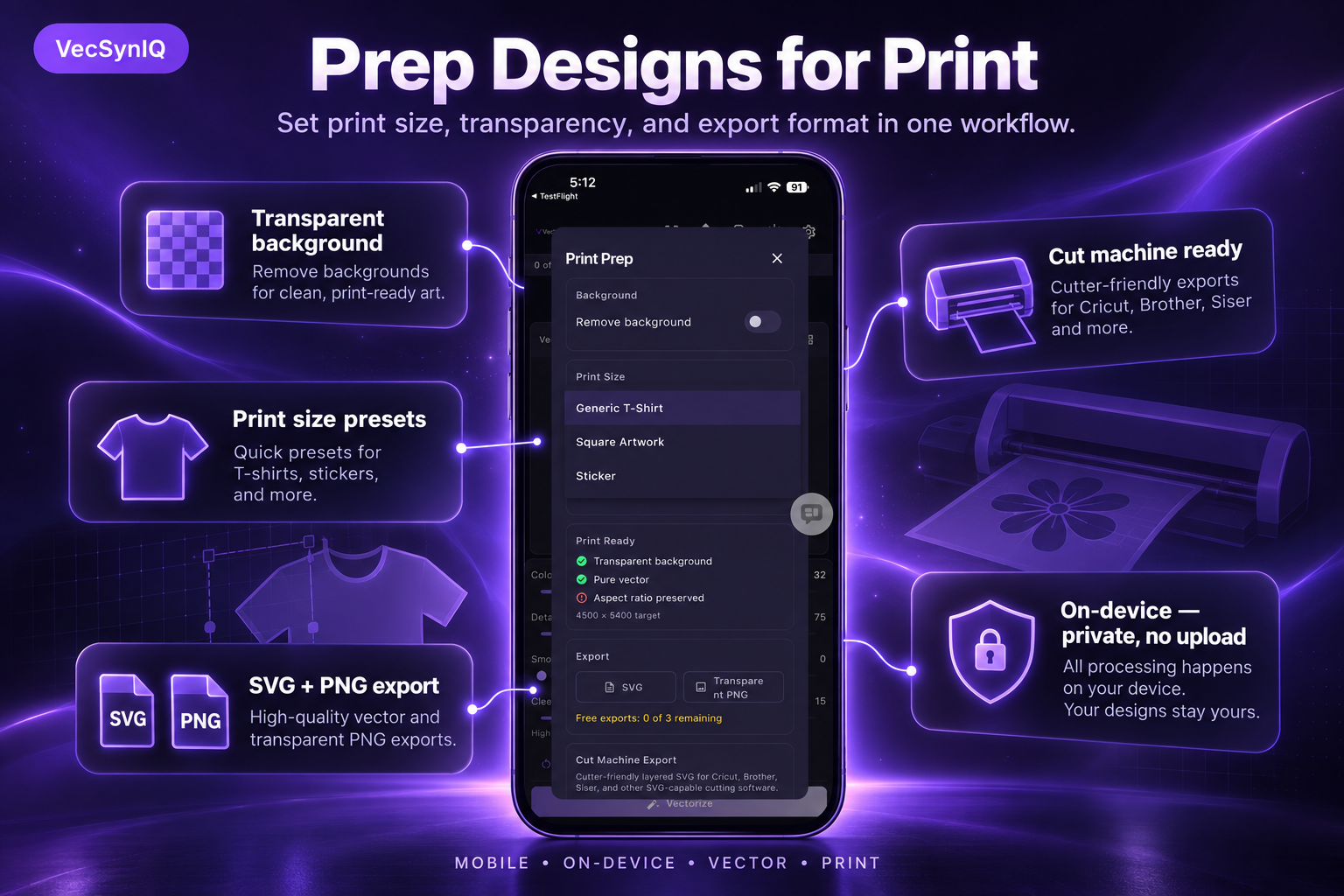
Prep Designs for Print
-
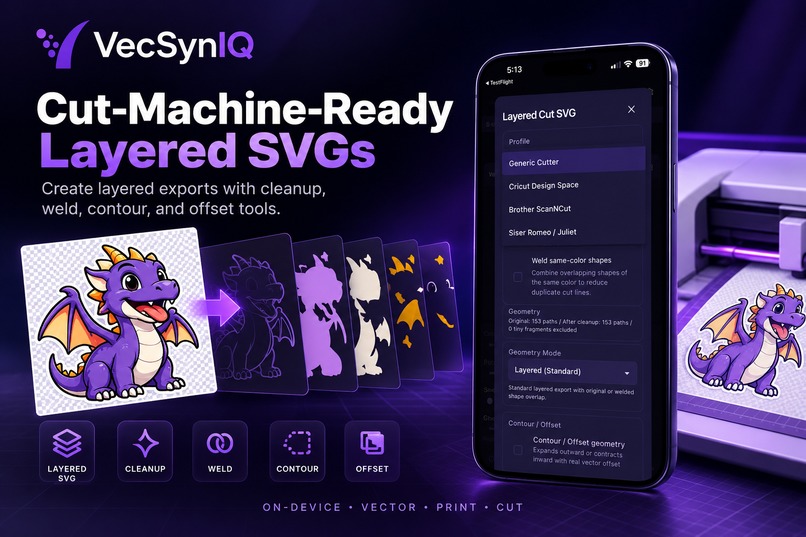
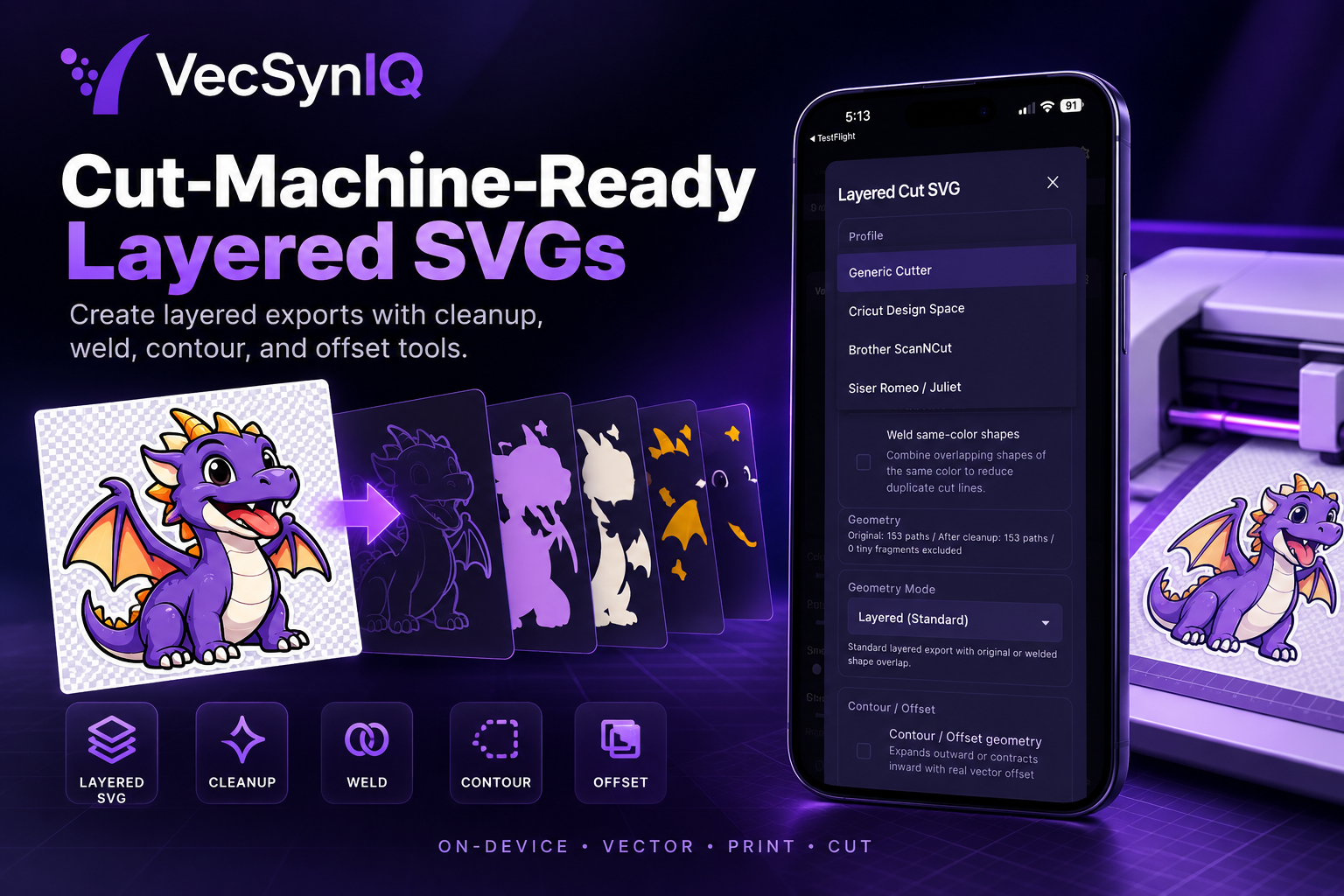
Cut Machine Ready Layererd SVGs
-
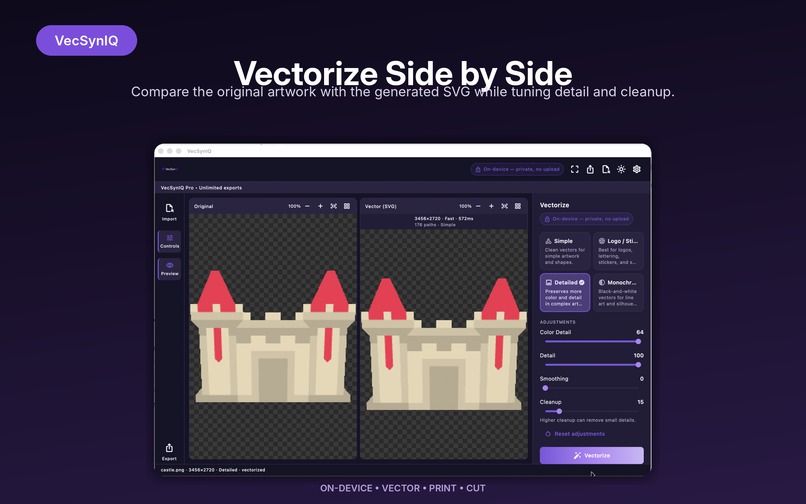
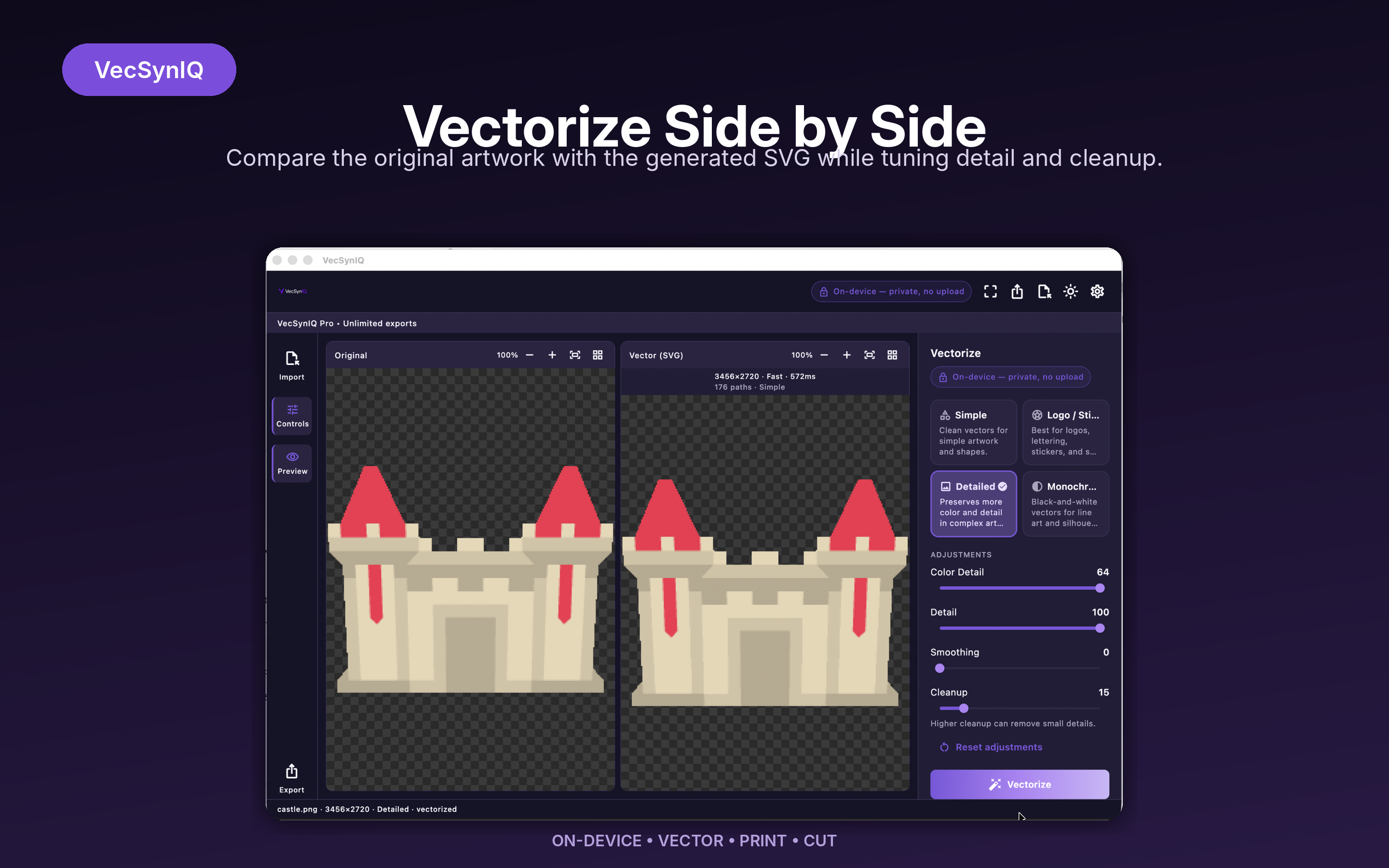
Vectorize Side by Side

Inspiration
Raster-to-vector tools are easy to find, but getting an SVG is often only the beginning. Creators working with AI-generated artwork, stickers, print-on-demand products, shirts, signs, and cutting machines still spend time cleaning vectors, removing backgrounds, separating colors, preparing layers, resizing artwork, and moving between multiple tools before a design is actually production-ready.
VecSynIQ started from a simple idea: make that whole workflow easier.
The goal is to help creators go from raster artwork to something they can actually print, cut, or manufacture, while keeping the core processing local and private.
What it does
VecSynIQ converts PNG and JPEG artwork into scalable SVG vectors and then helps prepare those vectors for real production workflows.
Users can choose vectorization modes for simple artwork, logos and stickers, detailed images, or monochrome designs, then refine the output with controls for color detail, smoothing, cleanup, and other vectorization settings.
From there, VecSynIQ goes beyond basic conversion. It includes tools for transparent output, physical print sizing, layered SVG generation, color separation, stacked and sliced geometry, contour and offset workflows, registration marks, weed boxes, cutter-oriented export bundles, and machine profiles for cutter workflows.
VecSynIQ also extends the same vector geometry pipeline into 3D. Artwork can be converted into a validated, watertight extruded mesh, previewed in 3D, and exported as STL in real millimeter coordinates for use in popular slicers.
The core artwork processing happens locally on the device, so users do not need to upload their designs to a cloud vectorization service.
VecSynIQ is already available on both major mobile app stores:
- Google Play: https://play.google.com/store/apps/details?id=com.mrdzyn.vecsyniq
- Apple App Store: https://apps.apple.com/app/vecsyniq/id6806553064
How we built it
VecSynIQ uses Flutter and Dart for the cross-platform application and interface, with a native Rust core for vectorization and geometry processing.
Raster-to-vector conversion is powered by VTracer/VisionCortex inside the Rust vector_core library, with Dart communicating with the native engine through FFI.
The architecture was built around a reusable deterministic geometry pipeline:
Raster artwork
→ local preprocessing
→ VTracer vectorization
→ canonical SVG
→ planar geometry
→ Boolean geometry operations
→ production workflow
That same foundation feeds several outputs:
SVG
├── print-ready SVG/PNG
├── layered cutter files
├── cutter project bundles
└── validated 3D mesh → STL
For 3D output, VecSynIQ does not simply extrude arbitrary SVG strings. The artwork is normalized into planar regions, transformed into physical millimeter coordinates, triangulated, extruded, validated for watertightness, and only then serialized to STL.
Expensive vector and mesh work is also moved off the main Flutter UI isolate so the interface remains responsive during heavier geometry processing.
The project was developed in phases, with architecture documents, acceptance criteria, automated tests, pull requests, independent AI audits, remediation passes, and manual validation in real downstream tools before advancing.
Challenges we ran into
One of the biggest challenges was learning that visual correctness and manufacturing correctness are very different things.
An SVG can look perfect on screen while still containing overlapping shapes, hidden geometry, holes, tiny fragments, or stacked layers that become problematic once the design reaches a cutter or 3D slicer.
Color separation was a good example. Simply grouping shapes by color is not enough because SVG paint order matters. A lower red shape might be covered by blue artwork and then partially covered again by another red shape. To preserve what is actually visible, VecSynIQ needed deterministic Boolean geometry rather than visual grouping alone.
Background handling created another edge case. A white full-canvas background and a legitimate white foreground detail cannot simply be treated as one white layer. The background has to be identified at the source-geometry level before same-color regions are grouped.
3D added another layer of complexity: triangulation, preserving holes, disconnected islands, mesh orientation, millimeter scaling, floating-point behavior, watertight validation, thin features, native-memory ownership, and making sure the interactive preview represents the exact geometry that gets exported.
We also learned that mathematically valid output is not enough. Canonical STL fixtures had to be imported and sliced in real slicers to confirm dimensions, holes, manifold status, and repair behavior.
Accomplishments that we're proud of
We are proud that VecSynIQ grew from a raster-to-SVG utility into a much broader local production pipeline without abandoning its privacy-first architecture.
Some highlights include:
- local raster-to-vector conversion using Rust and VTracer instead of relying on a cloud conversion API;
- one deterministic planar geometry foundation reused across print, cutting, and 3D workflows;
- real Boolean geometry for sliced and stacked cutter output;
- layered and cutter-oriented SVG export;
- print-preparation workflows for transparent artwork and production sizing;
- validated watertight STL generation rather than unchecked extrusion;
- interactive 3D preview driven from the same validated export geometry;
- canonical STL fixtures successfully imported and sliced in Bambu Studio, PrusaSlicer, and UltiMaker Cura without repair warnings;
- a cross-platform architecture designed for macOS, iOS/iPadOS, Android, and Windows;
- an actual shipping product available on Google Play and the Apple App Store rather than just a prototype.
Most importantly, VecSynIQ now provides a path from pixels to something a creator can actually make.
What we learned
One of the biggest lessons from building VecSynIQ was that AI-assisted development works best when the process around it is disciplined.
We used AI coding agents throughout the project, but not as a one-shot "build the whole app" workflow.
Instead, the process looked more like this:
Idea
→ architecture
→ written phase specification
→ implementation
→ focused automated tests
→ pull request
→ independent AI audit
→ remediation
→ human approval
→ merge
→ real-device / real-tool validation
→ release
That approach made it possible to move quickly while still treating generated code as something that must be reviewed, tested, and challenged.
We also learned the value of writing constraints before implementation. Privacy requirements, deterministic output, phase boundaries, regression protection, Store rules, native-memory ownership, and acceptance criteria all became part of the development contract.
Another lesson was to design reusable technical foundations instead of building one-off features. The same planar geometry system that solved cutter workflows later became the basis for 3D mesh generation and now provides the foundation for multicolor 3D.
What's next for VecSynIQ — Turn Pixels Into Print-Ready Vectors
The next major step is multicolor 3D.
Instead of converting artwork into a single monochrome STL, VecSynIQ will preserve the visible color regions from the original artwork as separately aligned printable parts.
The planned pipeline is:
Artwork
→ source-aware color separation
→ visible color partition
→ aligned per-color geometry
→ validated per-color meshes
→ multicolor manufacturing output
That opens the door to aligned color-separated STL bundles and standards-based multicolor 3MF export while keeping VecSynIQ upstream of the slicer and avoiding dependence on proprietary printer ecosystems.
We also plan to continue expanding platform availability and refining the production workflow based on real creator use cases.
The long-term direction stays focused:
Vectorize. Prepare. Cut. Create.
One local workflow from pixels to production.


Log in or sign up for Devpost to join the conversation.