-
-
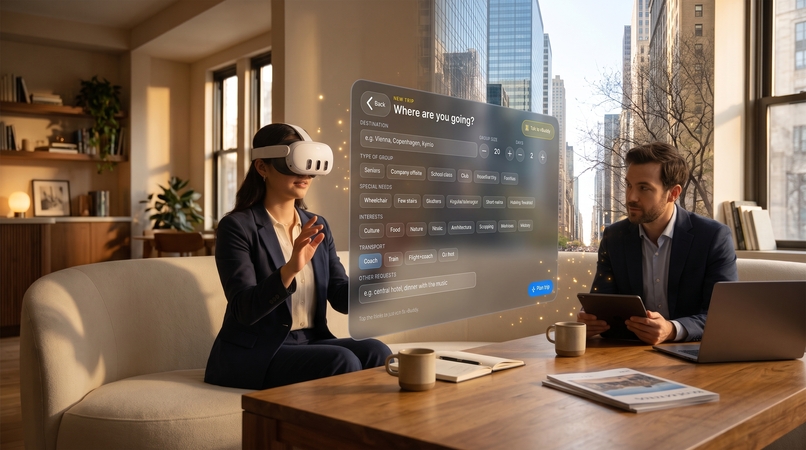
Tour operators plan group trips live in VR: needs, interests and logistics captured on the spot, itinerary in minutes.
-
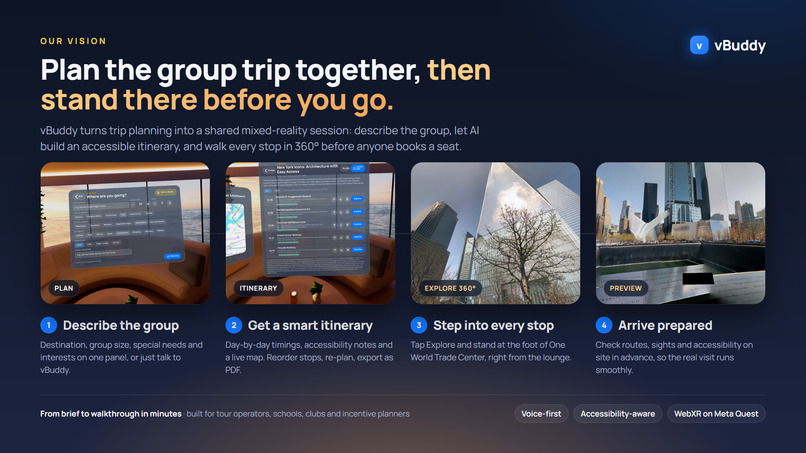
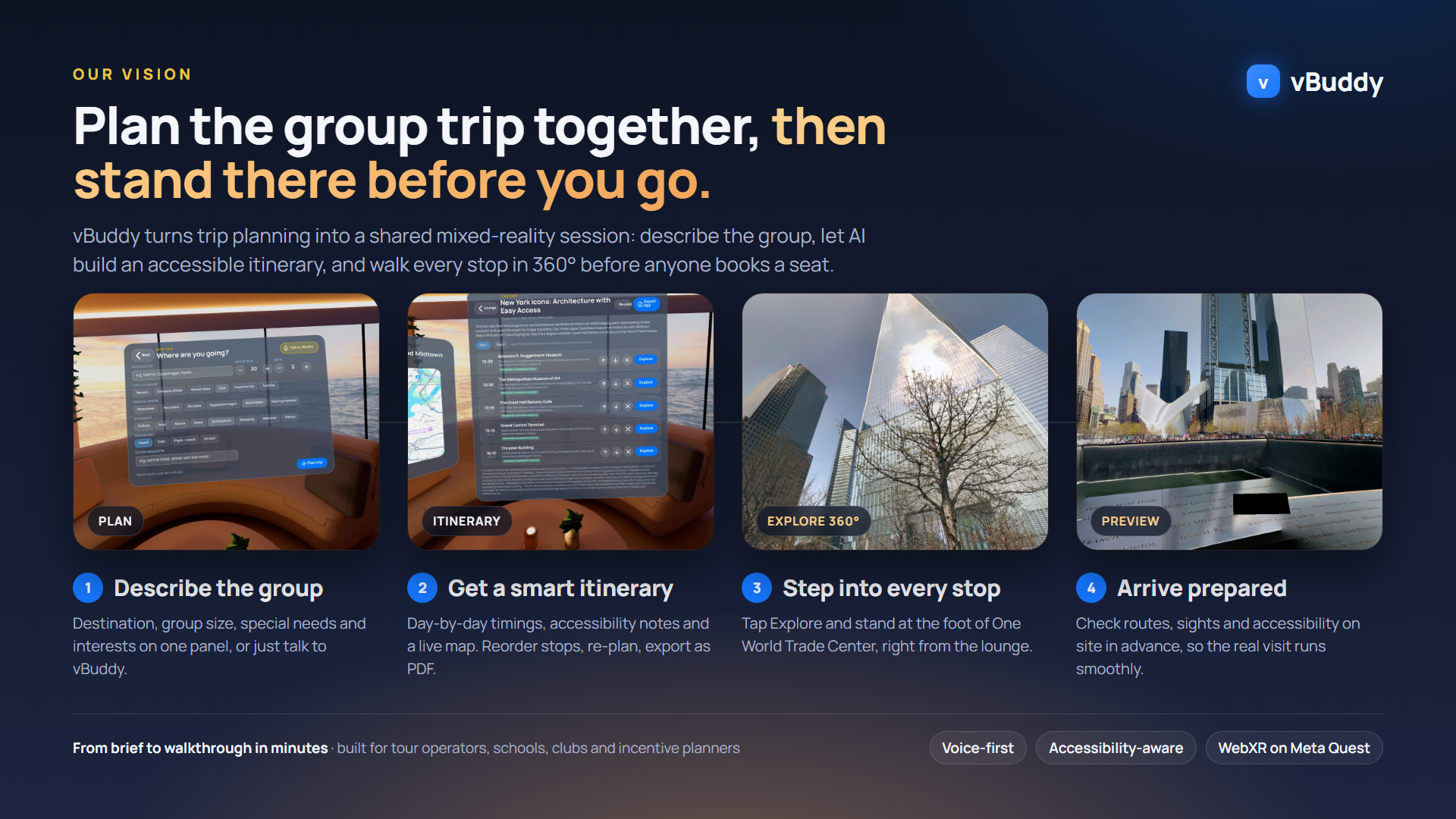
Plan the group trip together, then stand there before you go.
-
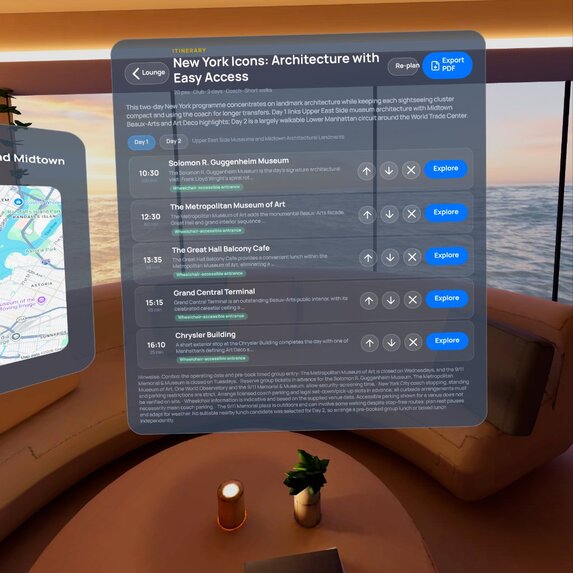
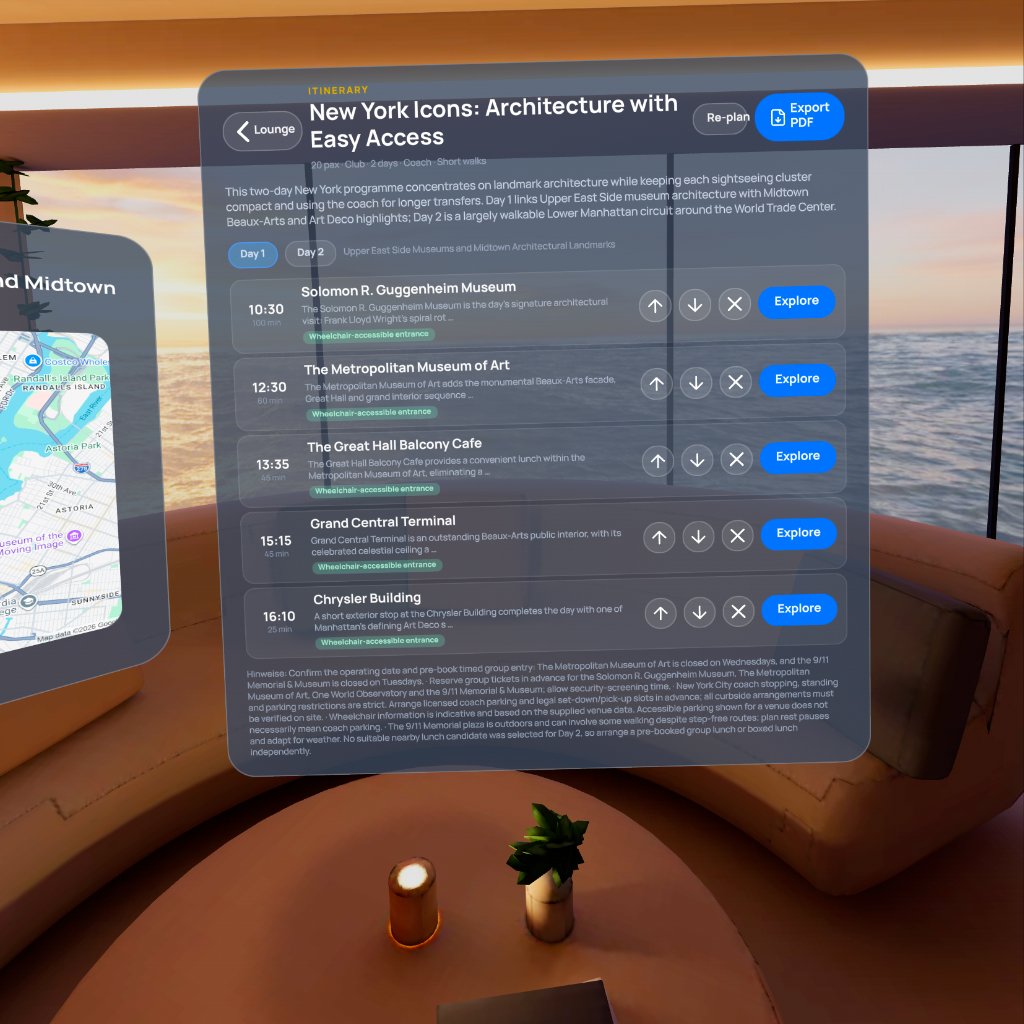
AI itinerary: vBuddy builds a day-by-day plan with timings, accessibility notes and a live map. Reorder stops or export as PDF.
-
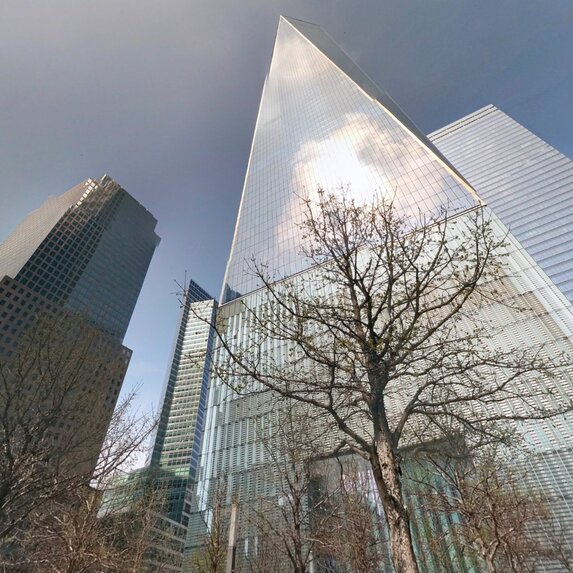
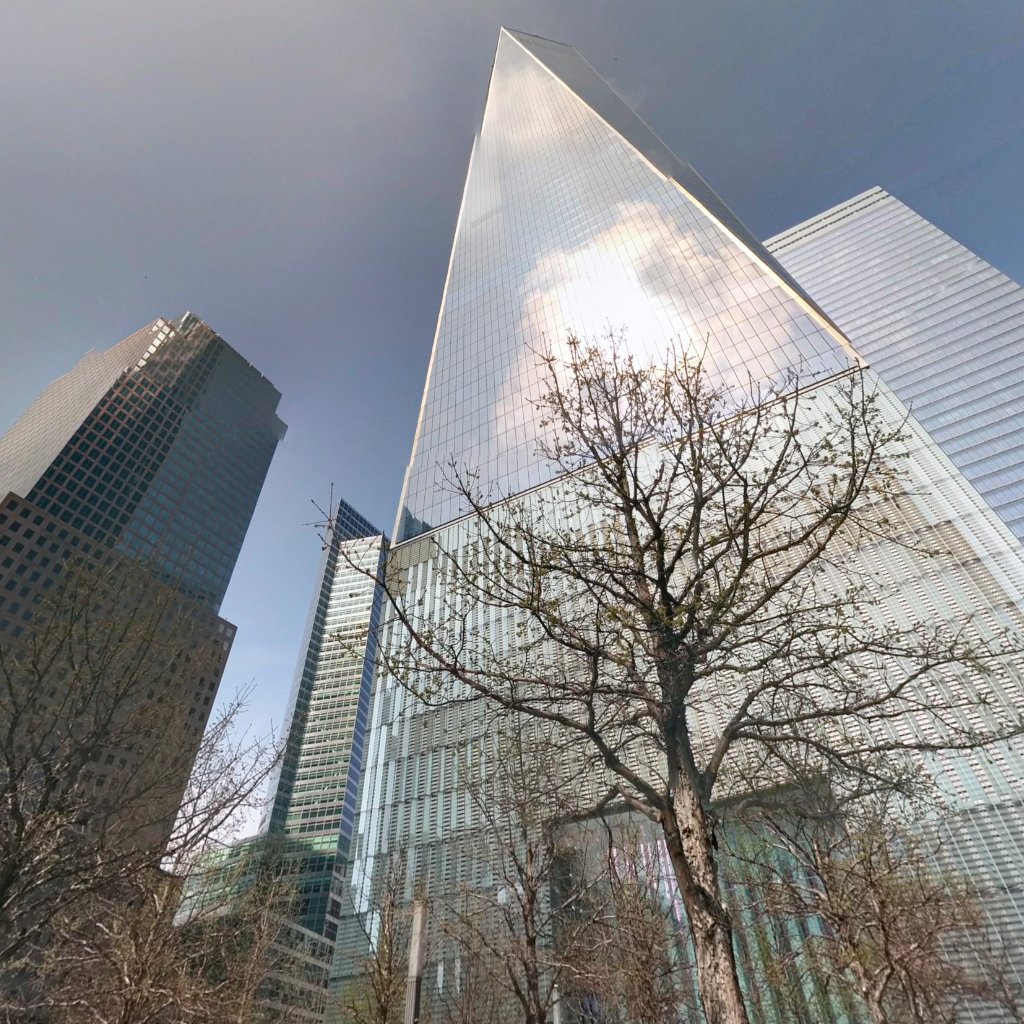
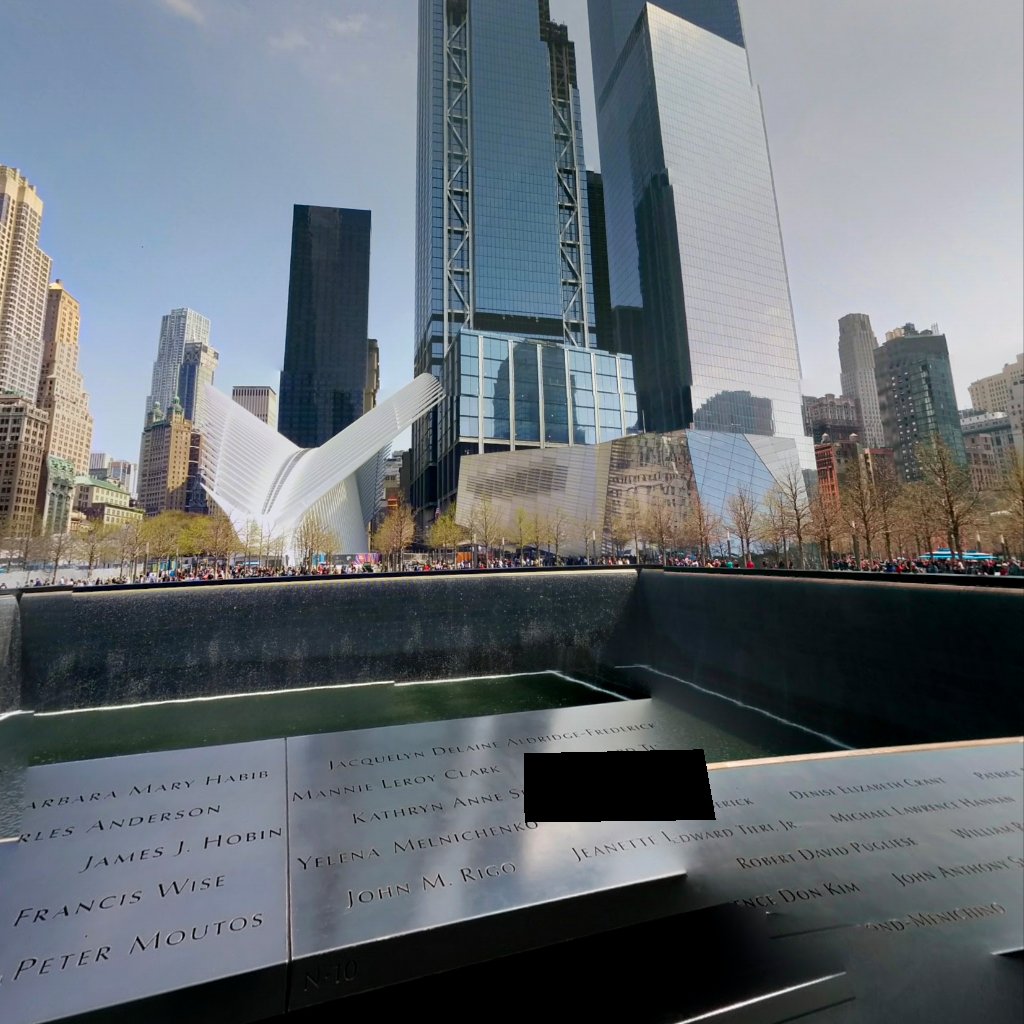
Explore in 360°: Tap “Explore” to stand at the foot of One World Trade Center before the group arrives.
-
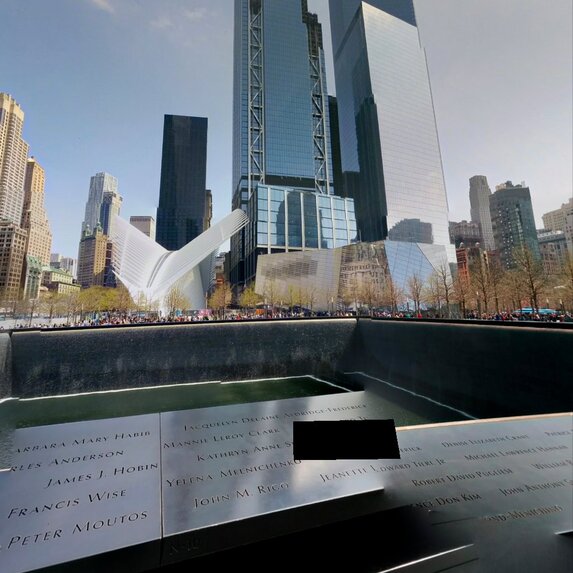
Preview the visit so the group knows what to expect on site.
-
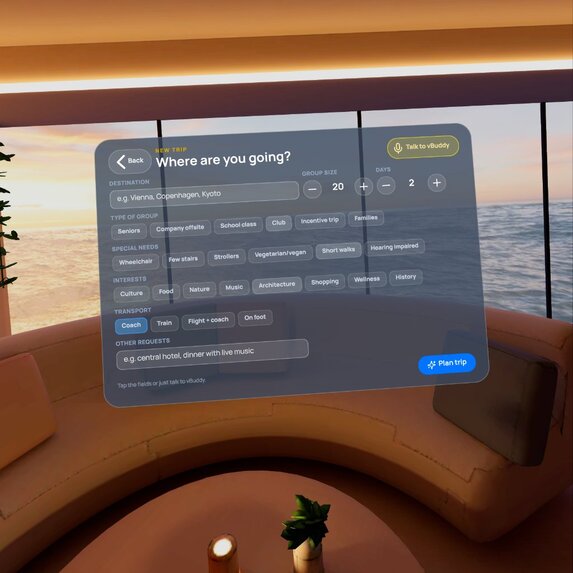
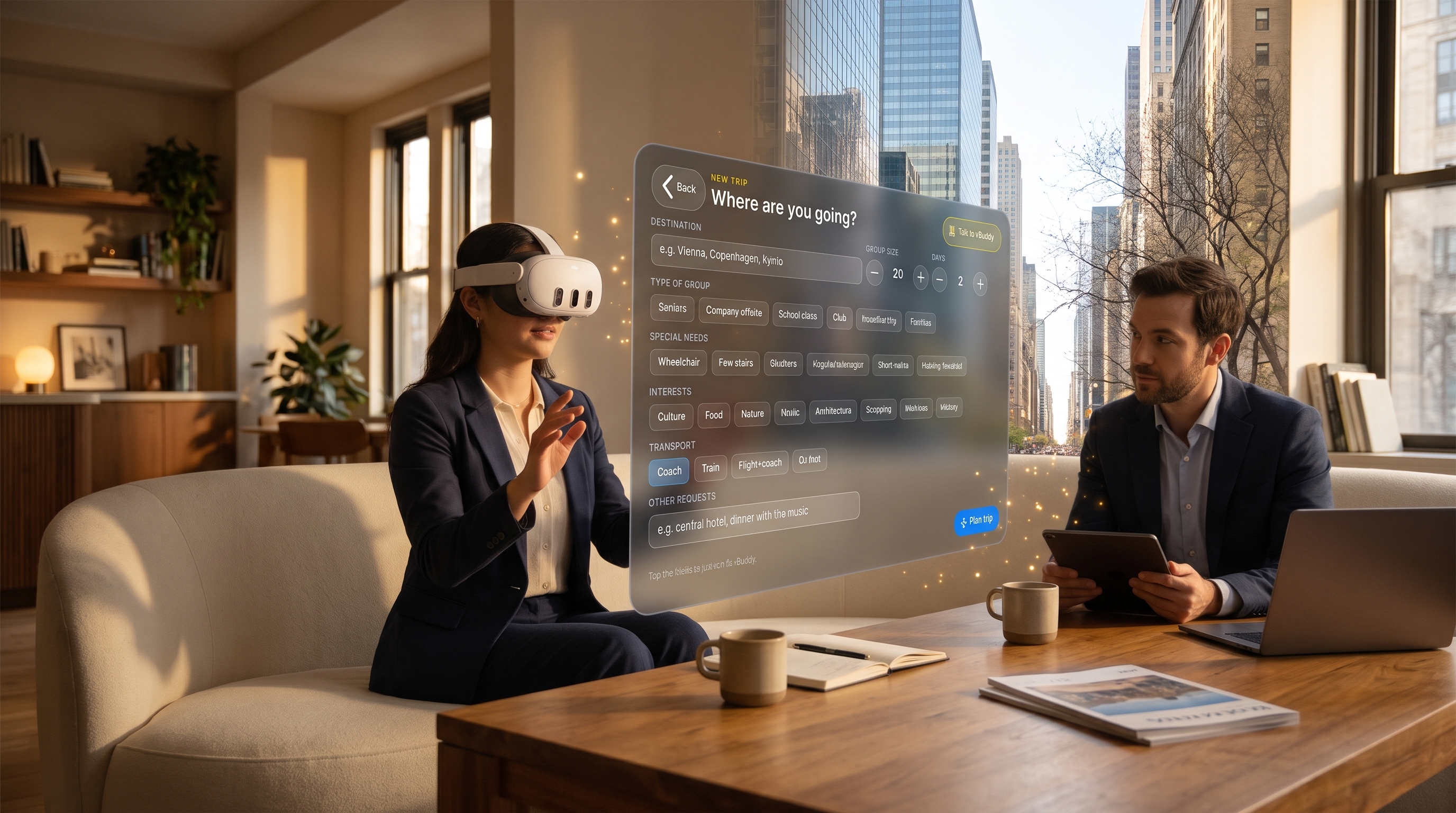
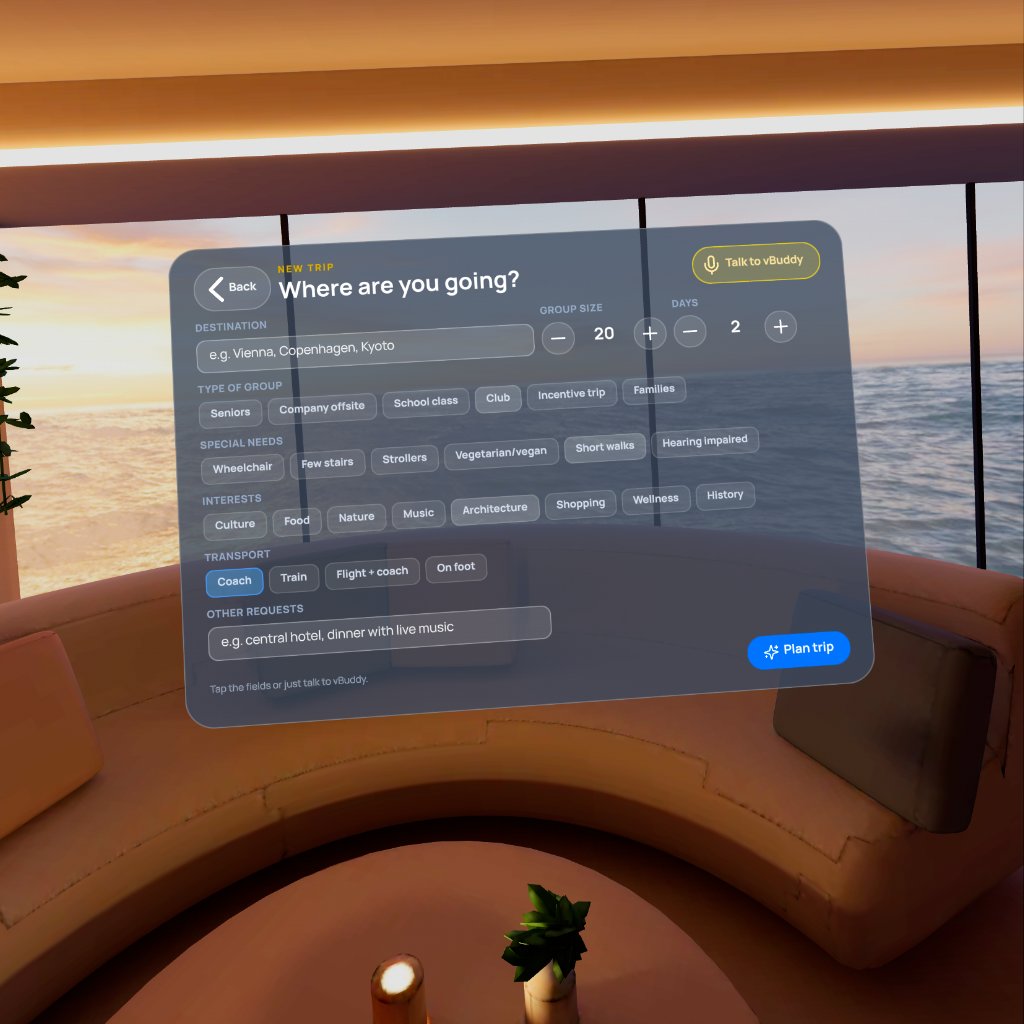
Trip planner: Pick destination, group size, needs and interests on a floating panel, or just talk to vBuddy to plan your trip.
Inspiration
We run a family-owned coach tour company in northern Germany, so we know the problem first-hand: planning a group trip means dozens of browser tabs, scattered notes and hotel photos that look better than reality. The only way to be sure a place works for your guests, especially guests with limited mobility, is to fly there and walk it yourself. That is expensive, slow and hard to justify environmentally.
We asked a simple question: what if a travel planner could just say a place and be there?
What it does
vBuddy is an AI workspace for travel professionals on Meta Quest.
- Explore: Say a destination and stand in it seconds later, in real 360° street-level imagery instead of polished marketing photos.
- Inspect: Check what your guests will actually face: steps, slopes and entrances. Every stop carries accessibility information, such as wheelchair-accessible entrances, as part of the itinerary.
- Create: Describe your group by voice or on a floating panel: group type, size, special needs, interests and transport. The AI assistant turns this into a structured day-by-day itinerary with timings, opening hours, ratings and practical notes. You can reorder or remove stops, re-plan, and export the result as a PDF.
The whole flow works hands-first, from the first voice prompt to the finished itinerary. No controller is needed.
How we built it
- Engine and SDKs: Built with Meta's Immersive Web SDK (IWSDK) on WebXR, Three.js and TypeScript. It runs in the Quest browser with no install, and spatial panels use the Horizon UI kit.
- Immersive view: 360° street-level imagery and place data via Google Maps Platform, covering 110+ countries. We fetch Street View tiles ourselves and stitch them into panoramas up to 8K wide, which look sharp on Quest 3.
- AI layer: A real-time voice assistant (speech-to-speech over WebRTC) collects the group brief in a natural conversation. A separate planning model then builds the itinerary from verified Google Places data in a background job, so no stop is invented.
- Hand interaction: Hand tracking with direct touch and pinch on all panels, a custom in-VR keyboard, and seated eye-height calibration, so panels sit at a comfortable height on a sofa or at a desk.
- Backend: Serverless functions proxy all API keys, store trips, and render the PDF export.
Challenges we ran into
- Panorama quality versus loading speed: Street View tiles come in different grid sizes per panorama. We had to work out the correct zoom levels and stitch dozens of tiles in parallel, so the 360° view is sharp but still loads within seconds.
- Staying in VR: The Quest system keyboard and the microphone permission prompt can both end an immersive session. We built our own in-VR keyboard and moved the microphone request to before entering VR.
- Long AI planning times: Generating a researched multi-day itinerary takes longer than a normal web request allows. We moved planning into a background job, and the headset shows progress until the plan is ready.
What we learned
- Hands-first design forced us to cut the UI down to what planners actually need: big touch targets, chips instead of forms, and voice for everything else.
- Planners trust what they can see. Grounding every stop in real place data and real street-level imagery mattered more than clever AI text.
- Seated comfort is underrated: correct eye height and panel distance made a bigger difference than any visual polish.
What's next for vBuddy
- Pilot with design partners from the tour operator and destination marketing sector to validate time savings in real planning workflows
- Team workspaces, so planners can inspect a destination together
- Support for Meta VR Glasses at launch
- Target launch on the Meta VR Store:
Built With
- b2b
- immersive
- travel-booking-engine
- vr
- websdk
