-
-
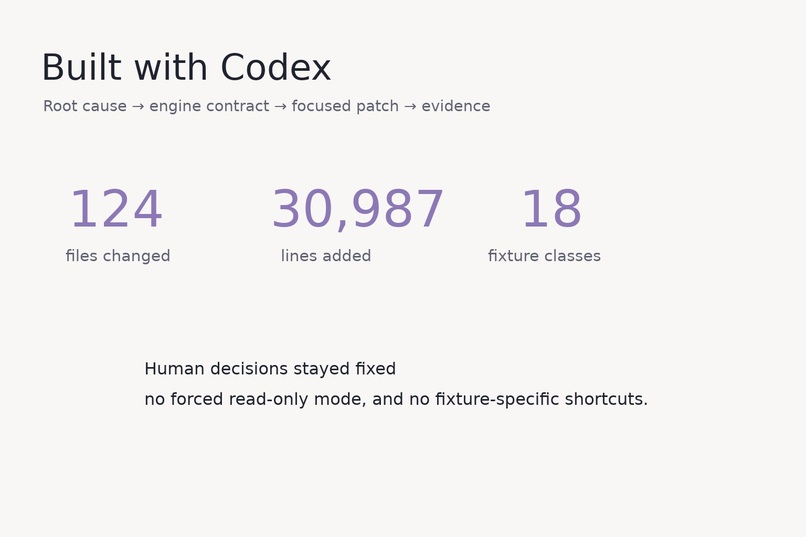
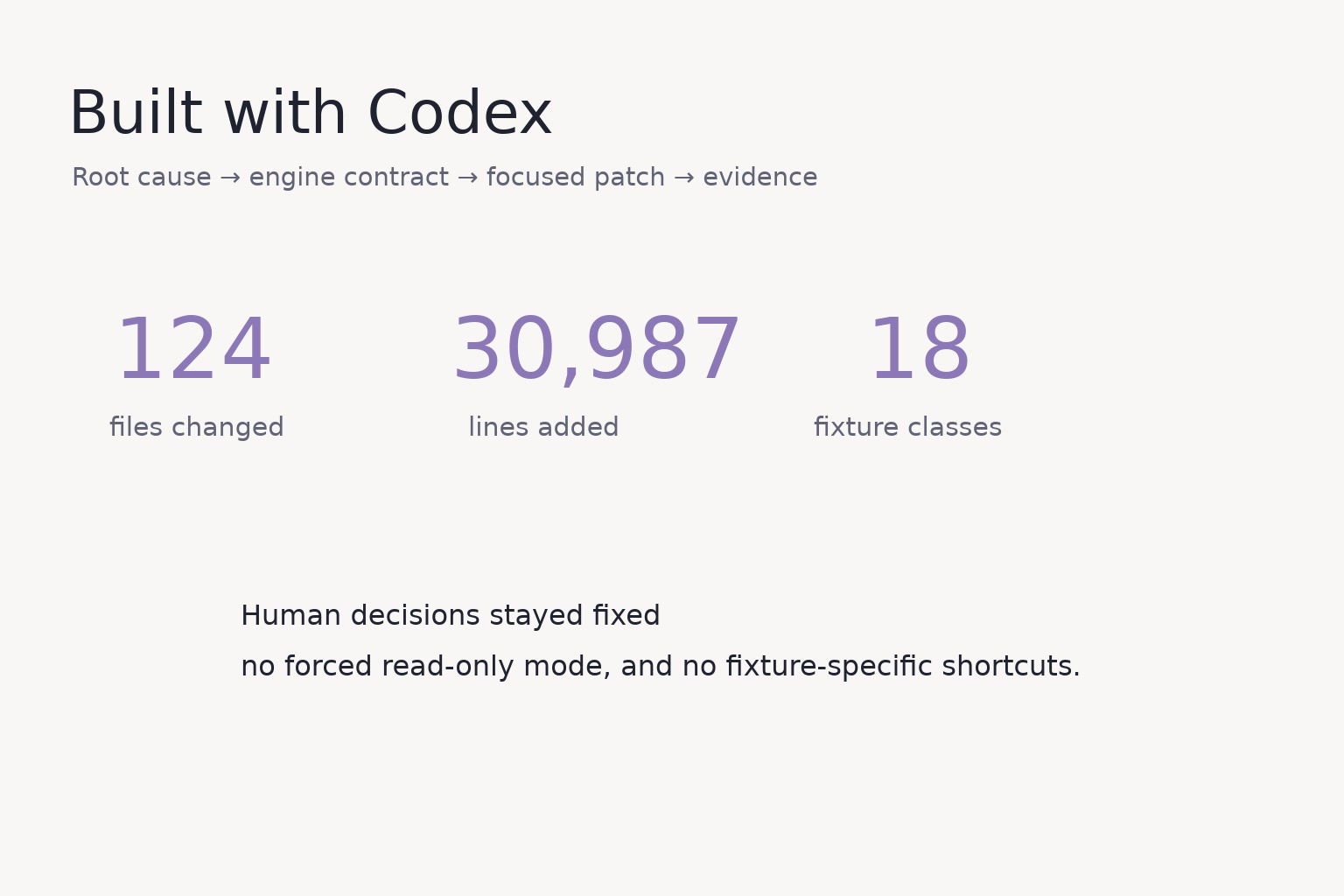
Built with Codex. Root-cause isolation, engine ownership, regression tests, and device evidence replaced fixture-specific patching.
-
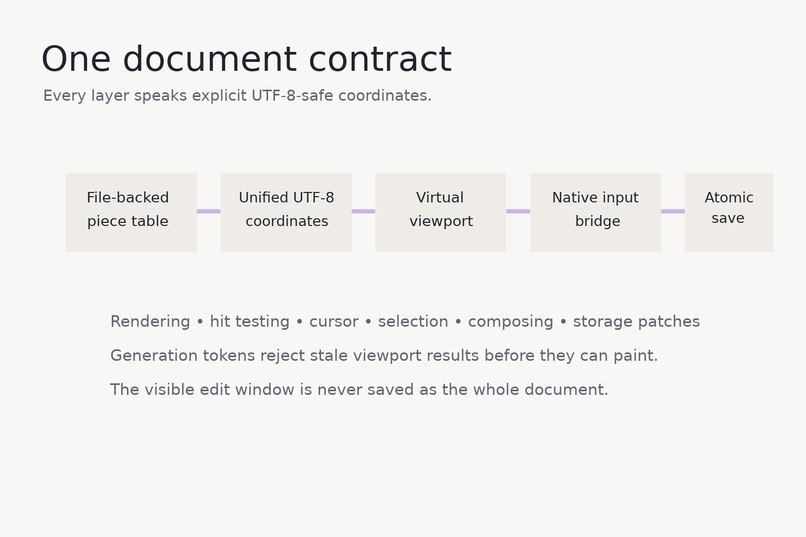
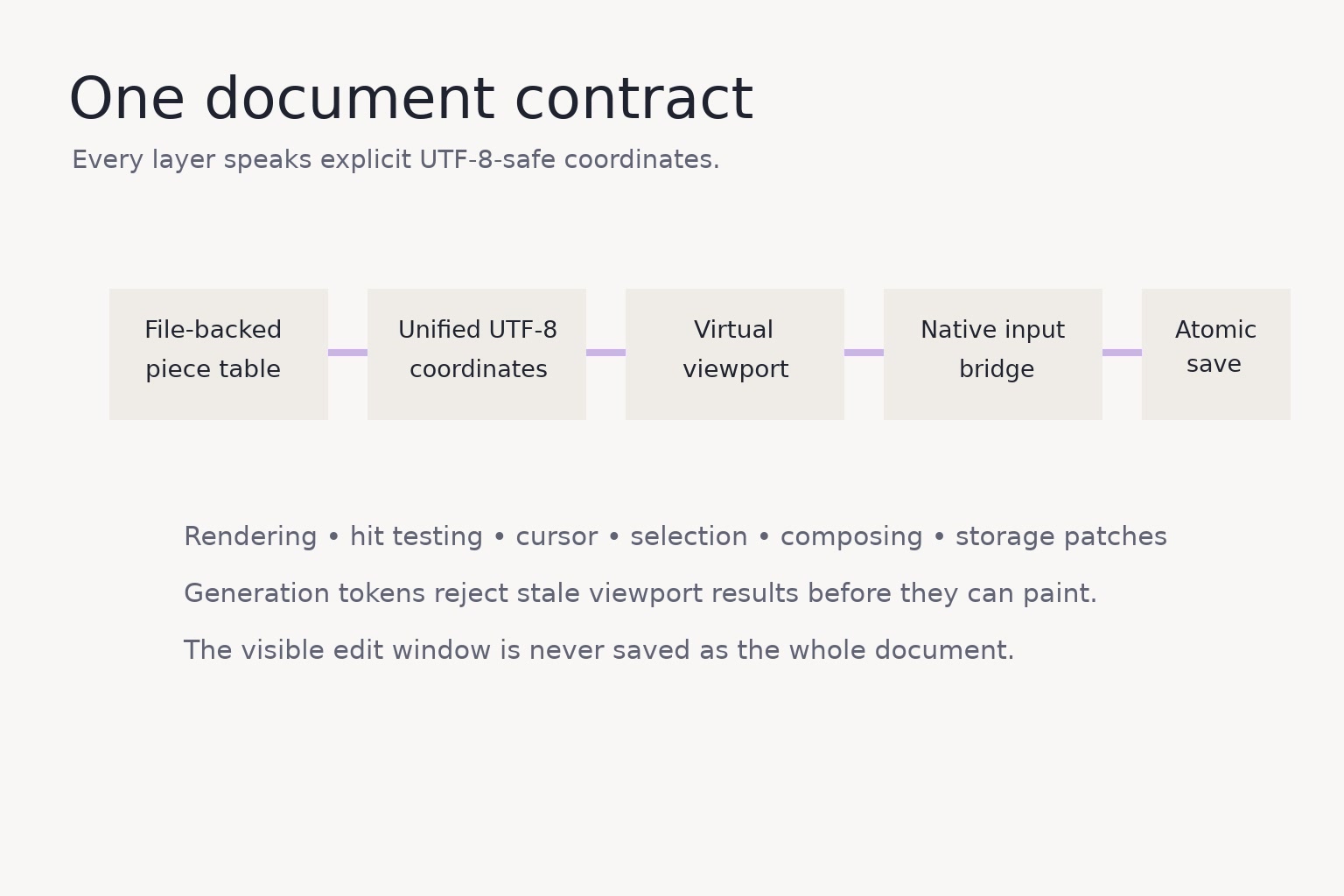
One coordinate contract. Storage, viewport, layout, cursor, native input, and atomic saving share explicit UTF-8-safe boundaries.
-
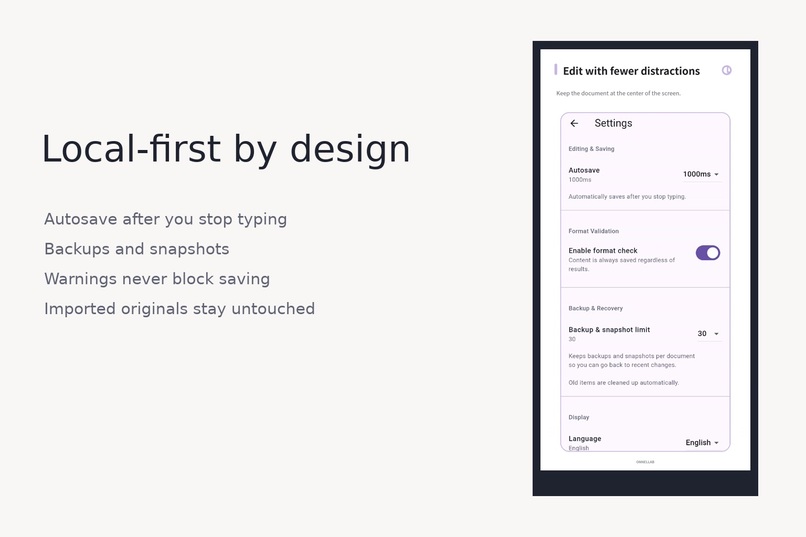
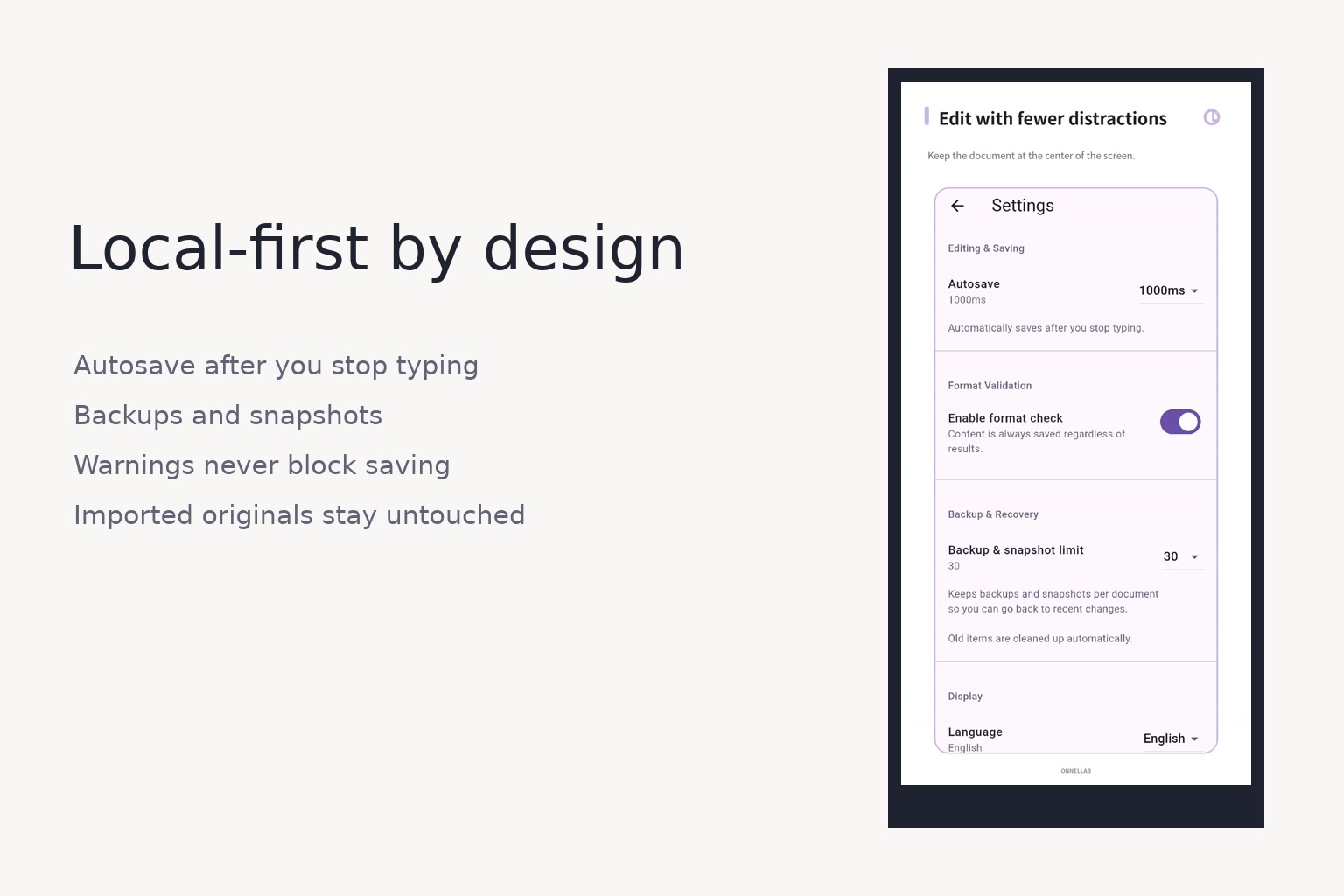
Local-first safety. Autosave, backup, recovery, and format checks are designed so warnings never block recording the user's work.
-
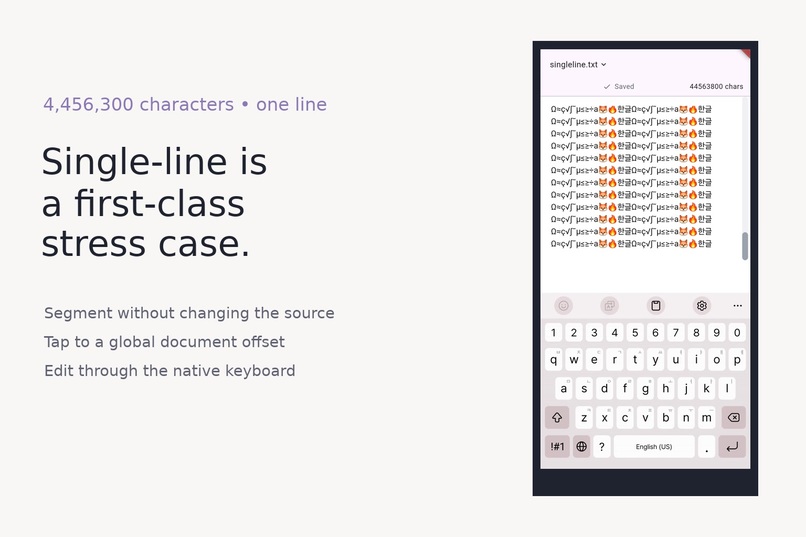
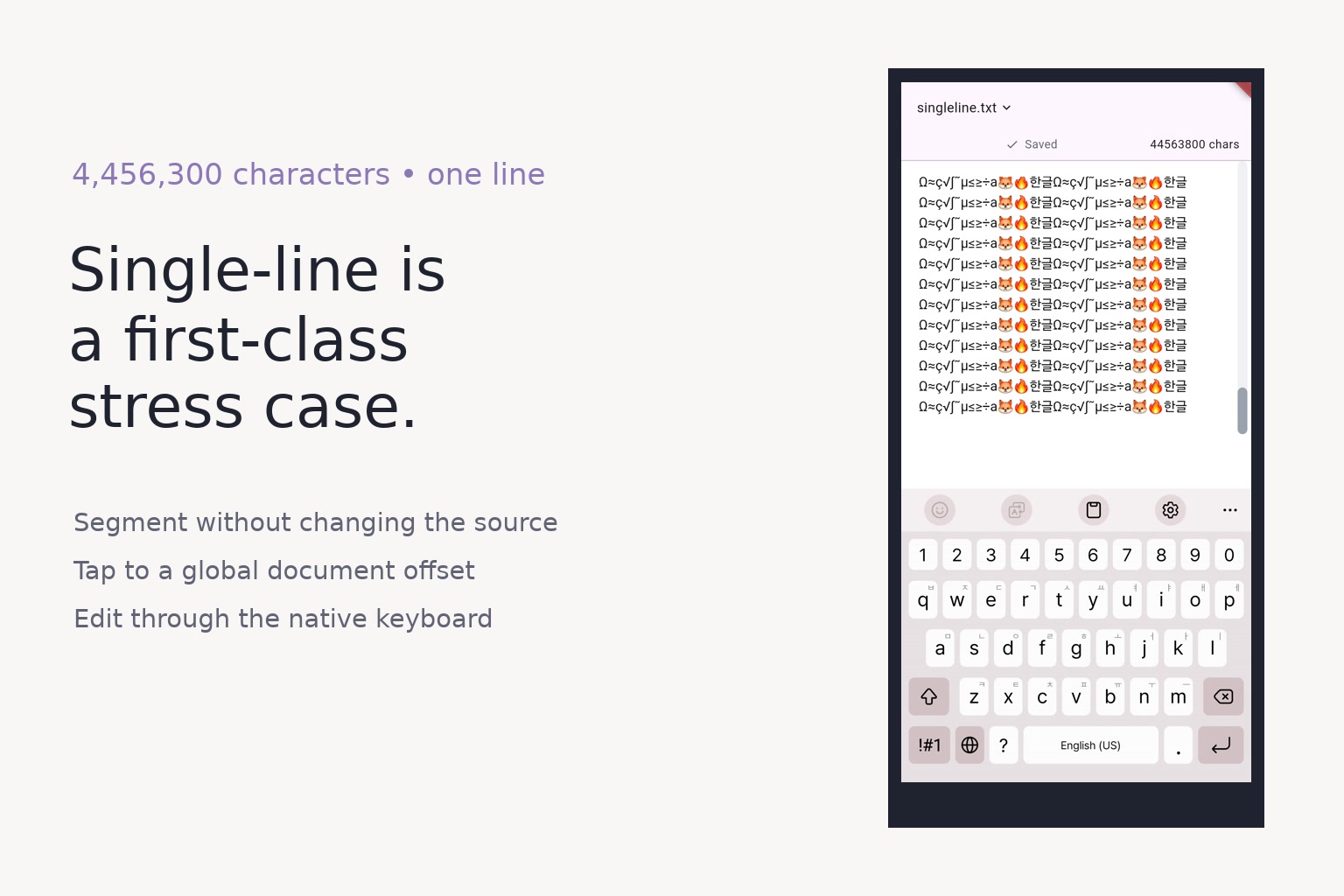
Single-line files are a first-class stress case. A 4,456,300-character file stays segmented for viewport rendering without changing source.
-
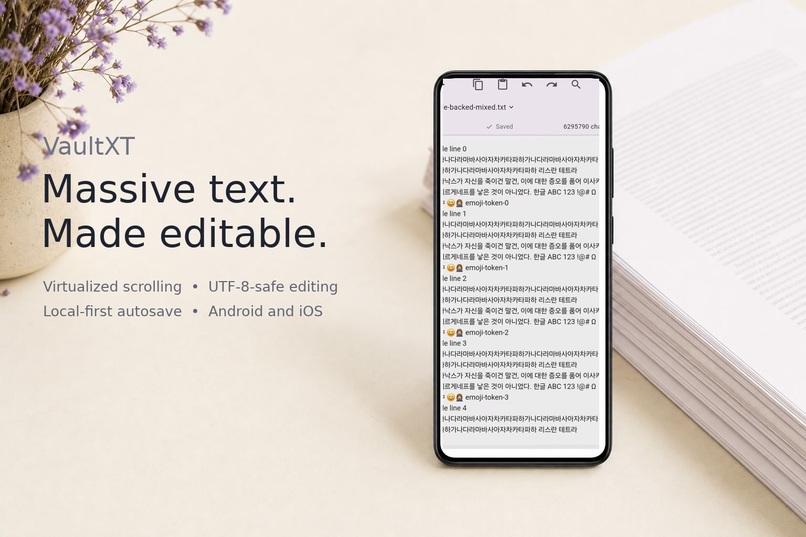
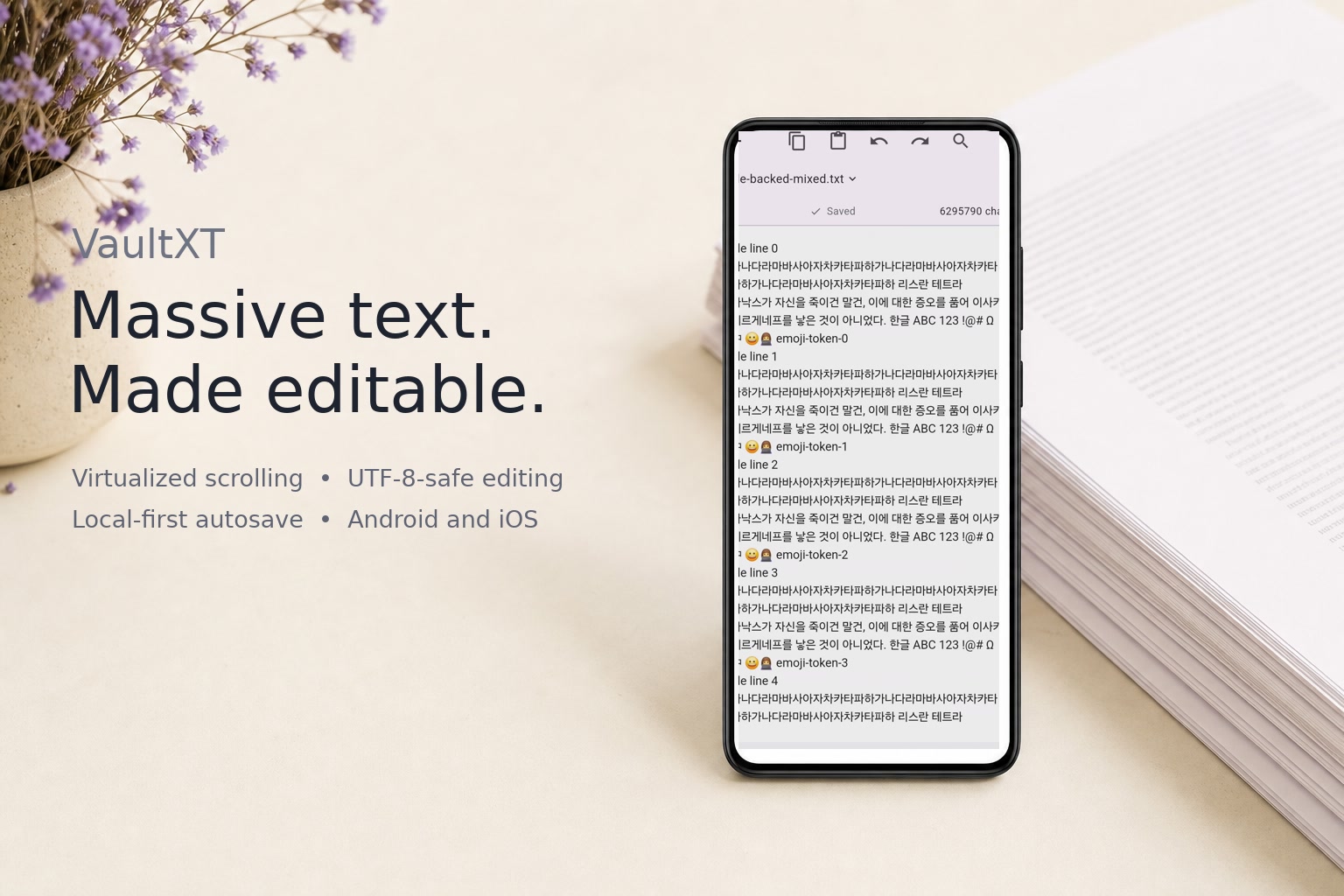
Massive text. Made editable. VaultXT keeps the document—not the editor chrome—at the center of the experience.
-
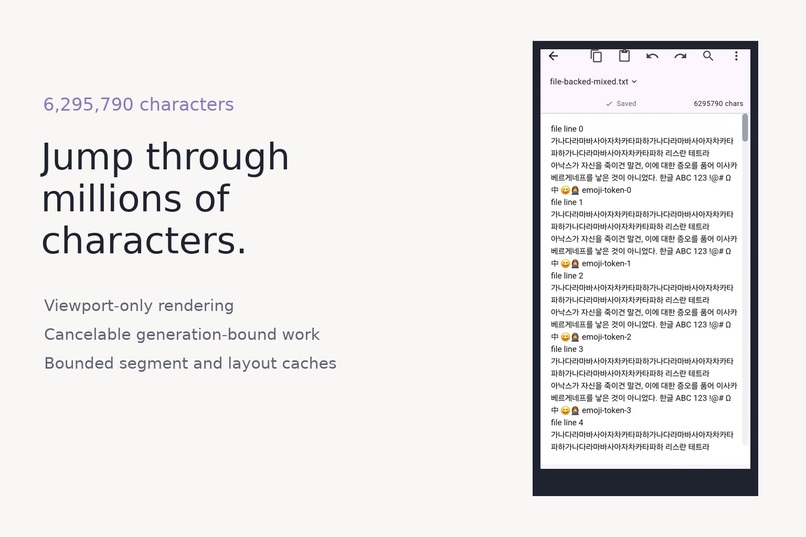
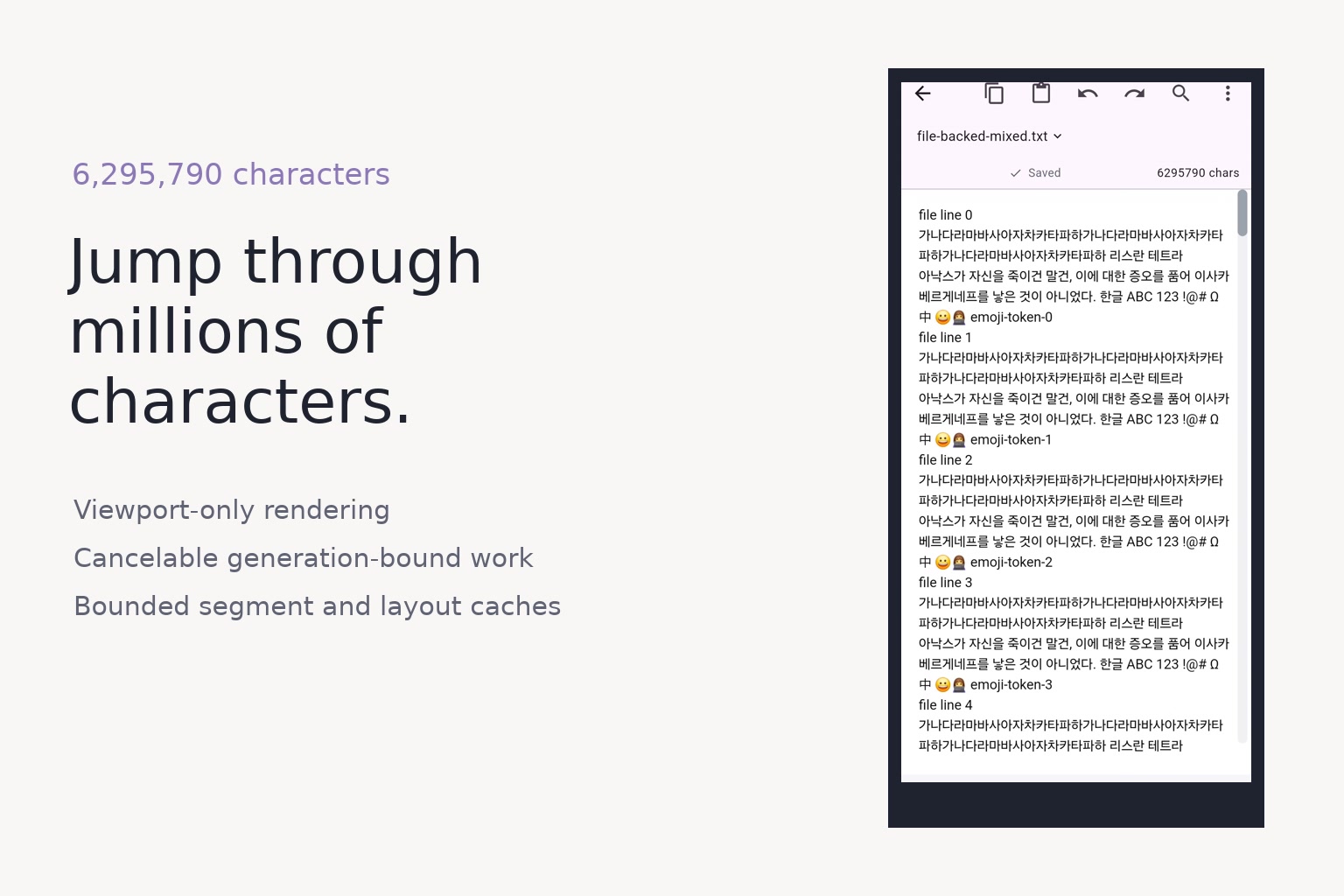
Jump through millions of characters. The current Android build virtualizes a 6,295,790-character mixed multi-line document.
VaultXT
Inspiration
I started VaultXT because opening long plain-text files on a phone is still harder than it should be. Small notes work in most editors, but novels, exported logs, and files with no line breaks can become slow or stop being editable.
VaultXT existed before Build Week. During the submission period, I used Codex to work on the part that kept failing: editing large documents. I wanted the normal editor to keep working as files grew, instead of switching users to a separate read-only screen.
What it does
VaultXT is a Flutter text editor for Android and iOS. It imports text files into a private folder on the device and saves changes automatically. Small documents and file-backed large documents use the same basic editing flow.
The Build Week work focuses on:
- rendering only the text near the current screen;
- cancelling old loading work when the scrollbar moves somewhere else;
- storing large-file edits in a piece table instead of rebuilding one large string;
- converting consistently between viewport rows, cursor positions, selections, and UTF-8 byte ranges;
- handling native keyboard composition and deletion without splitting Korean text or emoji;
- autosaving locally and replacing files atomically;
- repeatable test files, regression tests, performance checks, and Android device recordings.
The current demo shows a 6,295,790-character mixed multi-line document and a 4,456,300-character single-line document running on a Samsung A52S.
How we built it
The product is a Flutter application backed by the shared onnel_text_engine Dart package. Large documents stay file-backed. A piece table combines immutable source ranges with an append-only edit buffer, while the viewport asks only for the text needed near the current screen.
Every replaceable viewport request receives a generation token. Results from old scrollbar targets can be cached, but they cannot repaint a newer target. Rendering, hit testing, cursor projection, input mutations, and persistence share UTF-8- and grapheme-aware coordinate contracts.
Saving follows the same boundary: the engine produces a document-global byte-range patch, and the repository writes it through an atomic local replacement path. The visible edit window is never treated as the whole document.
Codex was used as an engineering collaborator throughout the submission period. It helped trace failures from device frames back to code ownership, implement focused engine contracts, generate regression tests, run narrow verification gates, and document what remained unresolved. I retained the product decisions: local-only storage, automatic saving, no forced large-file read-only mode, and no fixture-specific shortcuts.
Challenges we faced
One document, several coordinate systems
The screen uses pixels and virtual rows. Flutter selections use string offsets. Storage uses UTF-8 bytes. A correct editor must convert among all of them without splitting Korean text, emoji, combining marks, or CRLF boundaries.
Fast scrollbar travel
A scrollbar can jump from the beginning to the end before older reads and layouts finish. The difficult part was not only loading the target quickly, but also proving that stale work could never overwrite it.
Input without rebuilding the document
Native input systems expect selection context and composing text. Large files cannot be copied into one controller after every keystroke. The input bridge therefore operates on a bounded window while preserving document-global selection and byte origins.
Measuring the truth
Several bugs looked fixed in logs while remaining visible in recorded frames. We added device-video inspection, frame timing, source-offset coverage, blank-viewport detection, and focused performance counters so a passing assertion could not conceal a broken screen.
What we learned
- Large-text editing is a storage and scheduling problem before it is a widget problem.
- Unicode correctness must be part of the coordinate model, not a cleanup step.
- Cancellation is incomplete unless stale results are also forbidden from painting.
- The same measured layout should serve wrapping, painting, hit testing, and caret placement.
- Codex was most useful when I could give it a reproduced bug and a focused test to run after each change.
Accomplishments that we're proud of
- During Build Week I changed 124 files and added more than 30,000 lines across the implementation, tests, device tools, and documentation.
- The repository contains generators for 18 real-size fixture classes, including 100 MB novels, 100 MB single-line ASCII, Korean, emoji, CRLF, and no-final-newline cases.
- The shared engine now owns generation tracking, viewport progress, input snapshots, global selection projection, UTF-8 patch planning, retained layout snapshots, and directional segment prefetch.
- Device recordings demonstrate rapid travel through multi-million-character multi-line and single-line documents, followed by tap-to-edit keyboard entry.
What's next
The next milestone is to finish the remaining file-backed frame-budget work, rerun the complete 18-fixture device matrix, and publish the final save/reopen integrity table. After that, the same engine contract can support other OnnelLab apps that need reliable long-text reading and editing.
I want opening a large text file in VaultXT to feel like opening any other text file.

Log in or sign up for Devpost to join the conversation.