-
-
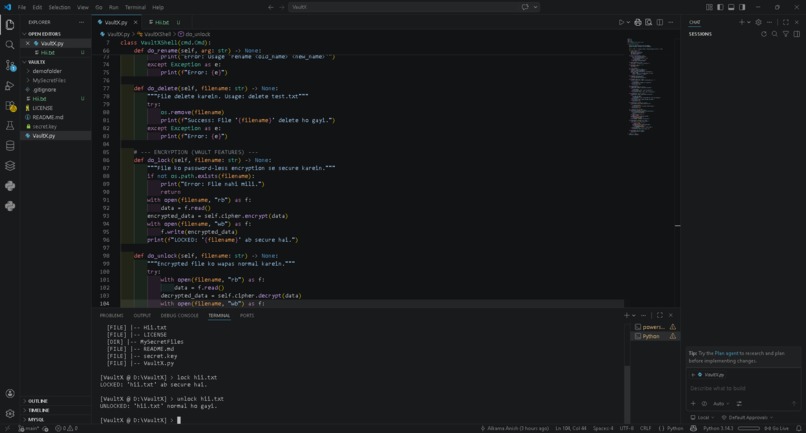
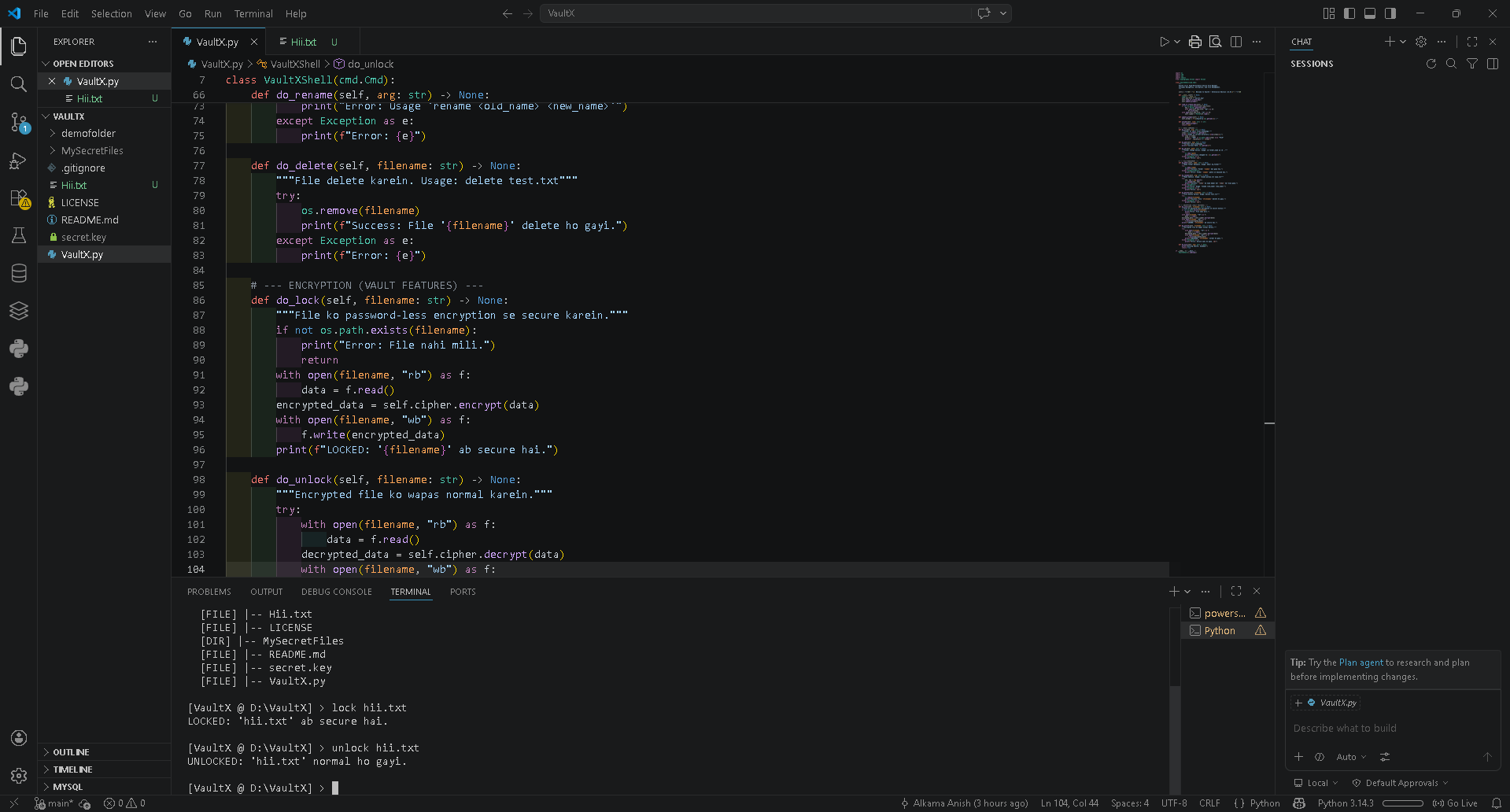
Demonstrating the lock and unlock commands in the VaultX secure terminal.
💡 Inspiration
In today's digital age, data privacy is paramount. While there are many heavy, GUI-based encryption tools, I wanted to build something fast, lightweight, and native to the terminal. My focus on cybersecurity and software development drove me to create a tool that gives developers complete control over their sensitive files without relying on third-party cloud services or complex password management.
⚙️ What it does
VaultX v3.0 is a Command Line Interface (CLI) secure file manager. It allows users to perform standard OS operations like navigating directories, creating folders (mkdir), and deleting files. Its core feature is password-less AES-256 encryption. With a simple lock <filename> command, any file is instantly encrypted and secured, and it can only be restored using the corresponding unlock command and the locally stored master key.
🛠️ How I built it
I built VaultX entirely using Python 3.
- Interface: I utilized the built-in
cmdmodule to create a persistent, interactive custom shell that feels like a native OS environment. - Security: I integrated the
cryptographylibrary (specifically Fernet) to handle the heavy lifting of symmetric encryption. - Version Control: Managed via Git and GitHub, ensuring clean commits and secure repository practices.
🚧 Challenges I ran into
One of the main challenges was ensuring that the encryption process didn't corrupt the target files, which required strict handling of file streams in binary mode (rb and wb). Another significant challenge was securing the GitHub repository itself—making sure the secret.key (the master key) was strictly ignored via .gitignore and removed from the Git cache so it wouldn't be exposed to the public.
🏆 Accomplishments that I'm proud of
I am incredibly proud of seamlessly integrating normal file management with high-grade cryptography. The CLI prompt is smooth, handles errors gracefully without crashing the shell, and successfully hides the complex logic of AES encryption behind simple, user-friendly commands.
📚 What I learned
Through this project, I deepened my understanding of symmetric encryption, secure file handling, and professional version control practices (especially handling and hiding sensitive private keys in Git).
🚀 What's next for VaultX
In the future, I plan to add directory-level encryption (locking entire folders at once) and a secure logging system to track when files were accessed or modified.

Log in or sign up for Devpost to join the conversation.