Inspiration
Backups are easy to create and surprisingly hard to trust.
A successful backup job does not necessarily mean that the files you care about can actually be recovered when something goes wrong. Many backup tools either hide too much behind automation or expose so much complexity that verifying what happened becomes difficult.
I started VaultSync to build the kind of backup application I wanted for my own machines: desktop-first, local-first, understandable, and focused just as much on recovery as on copying files.
The goal is simple:
You should know what was backed up, where it is, whether it is healthy, and how you would get it back.
What it does
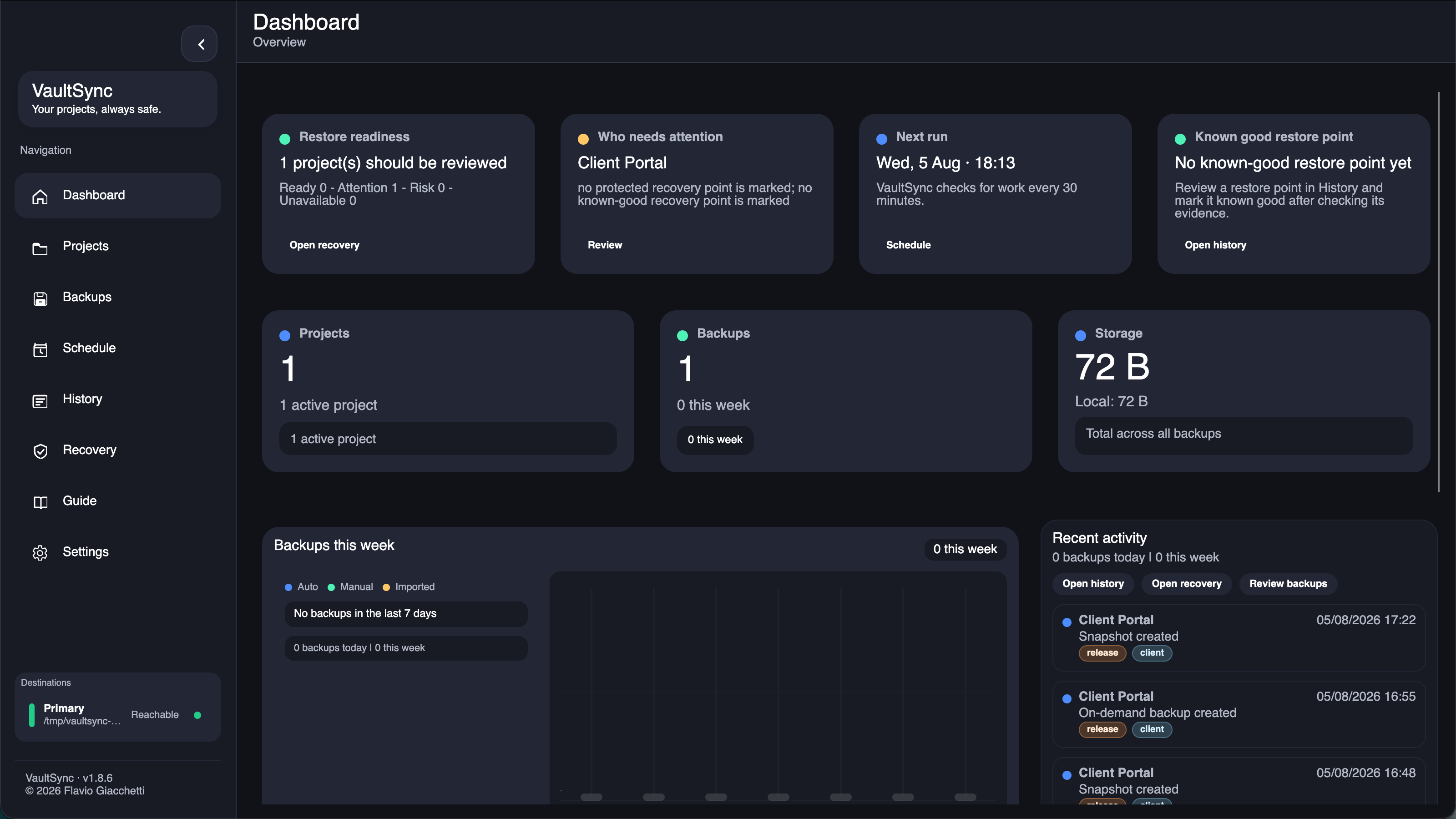
VaultSync is a cross-platform backup and recovery application for Windows, macOS, and Linux.
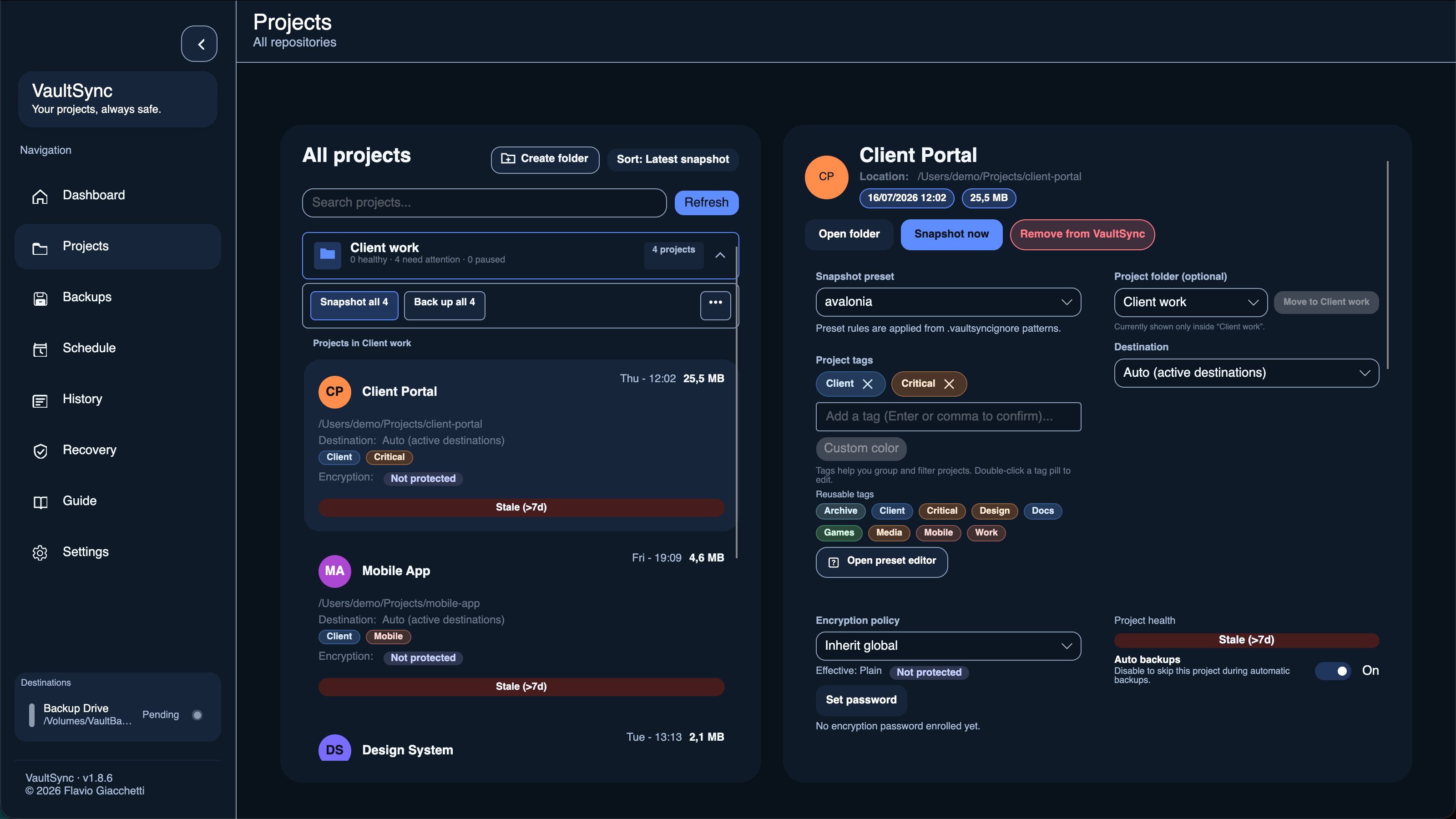
It lets users create backup projects that can target local disks, external drives, and network storage while keeping a history of recovery points.
Some of the core functionality includes:
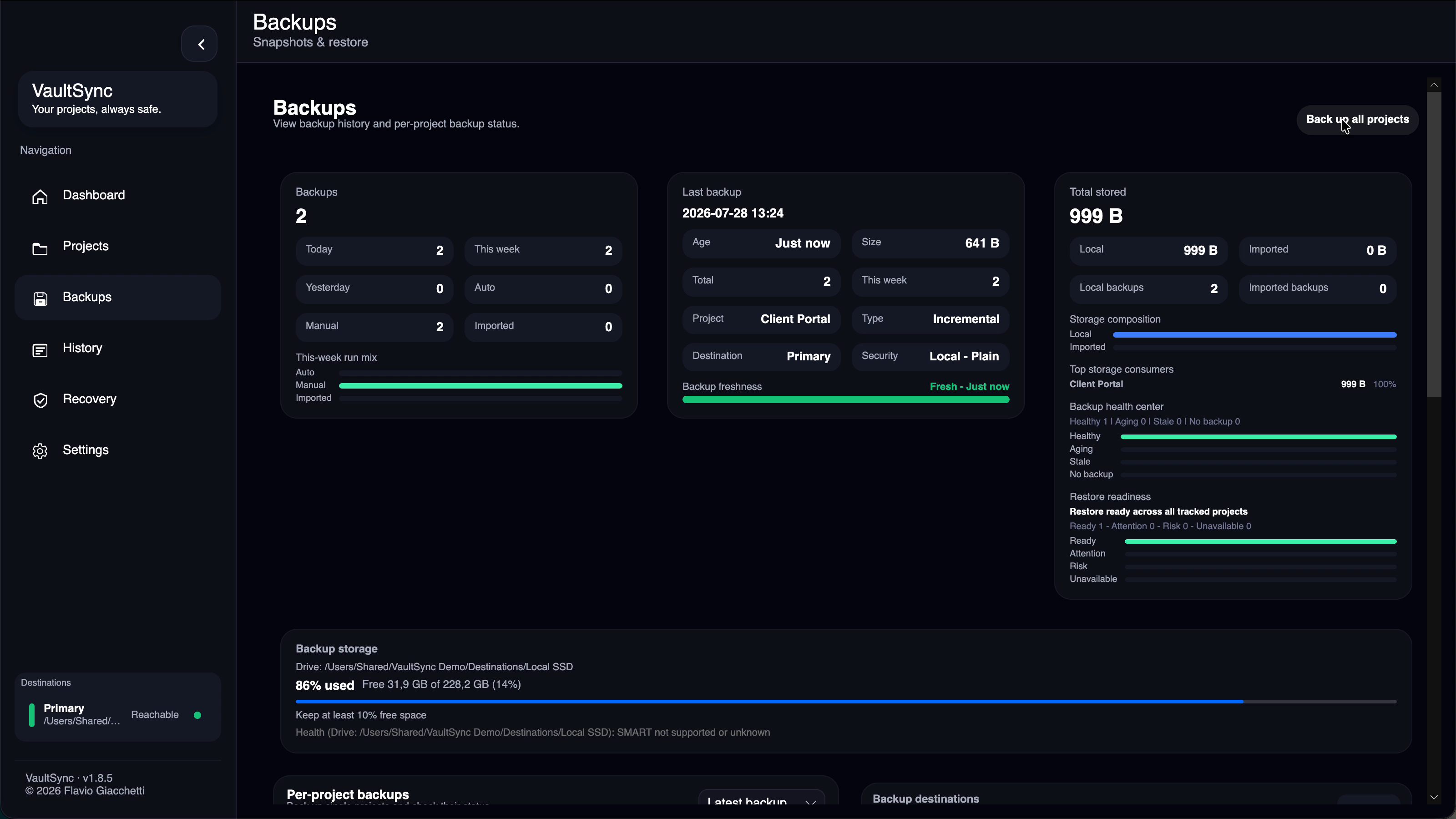
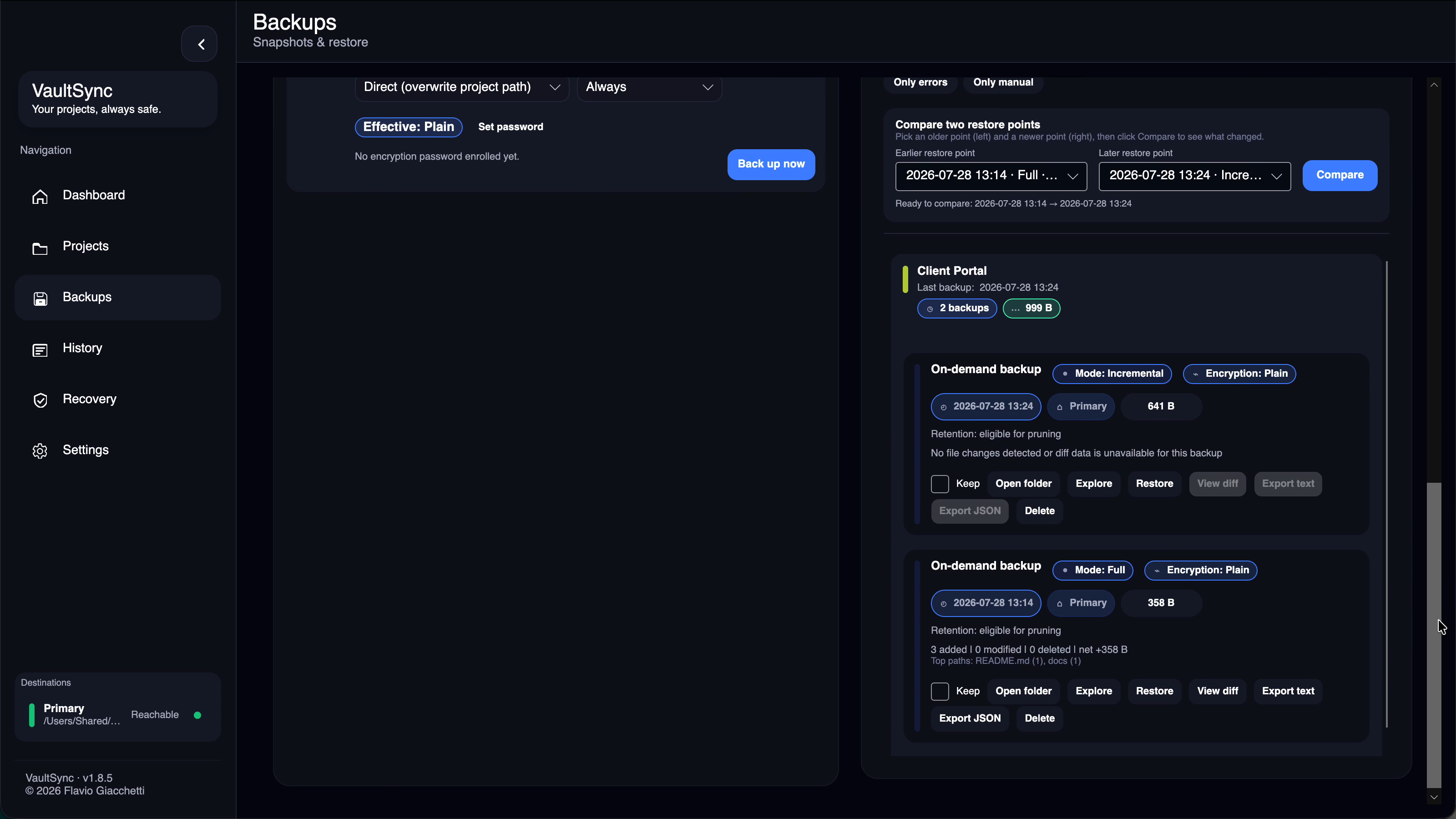
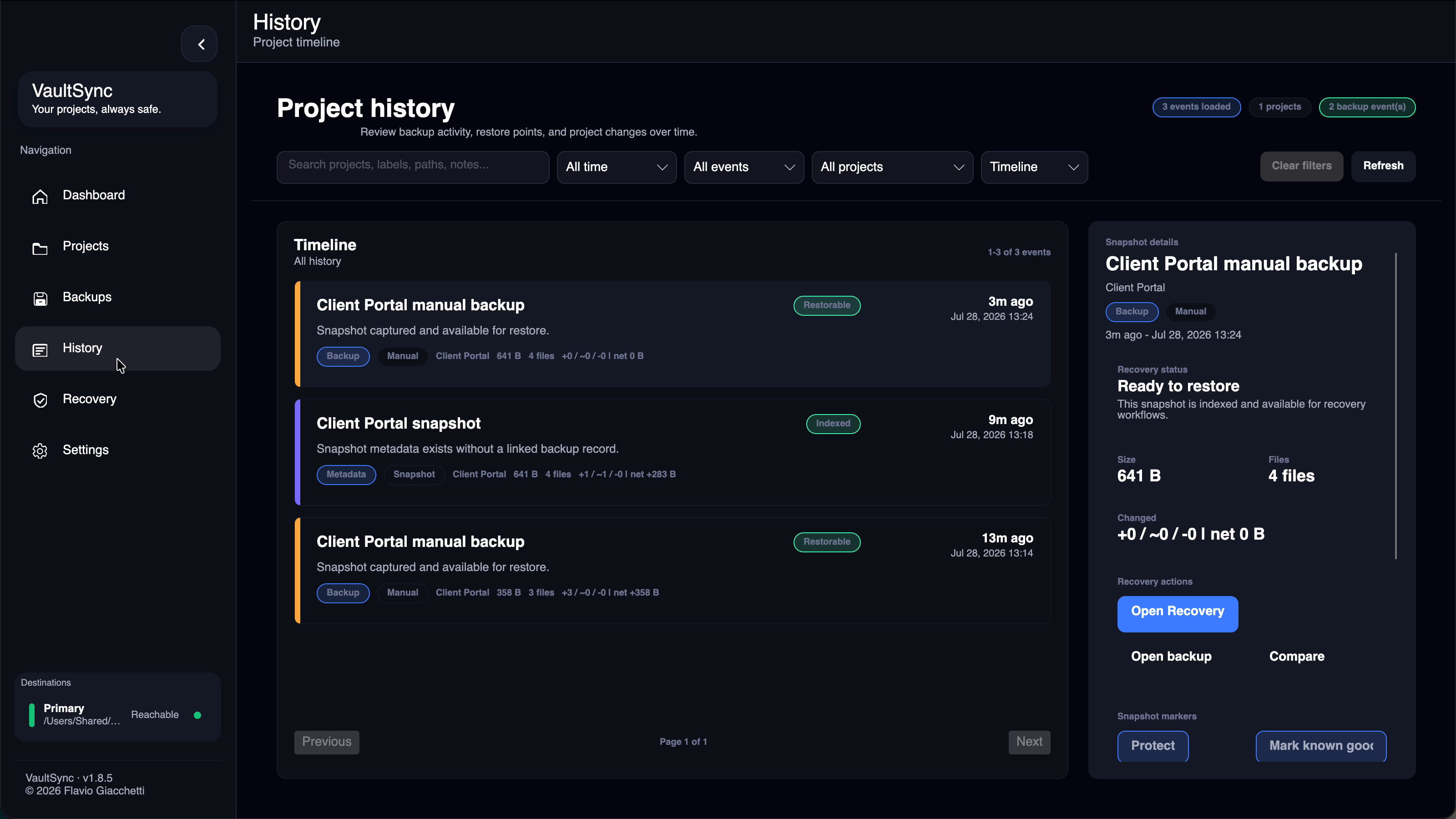
- Snapshot and backup history
- File and folder recovery
- Restore previews before files are written
- Backup verification and integrity checks
- Retention policies
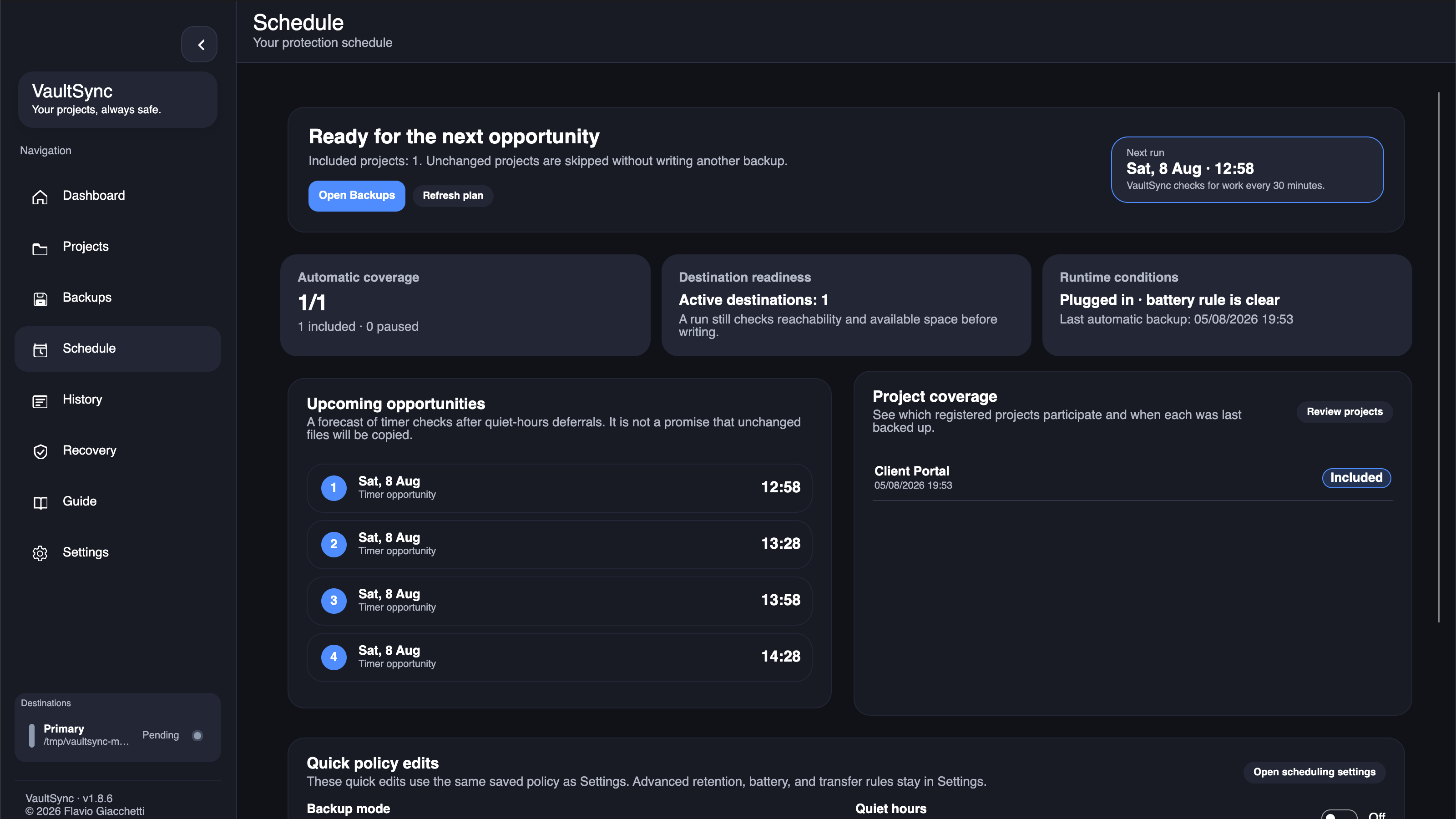
- Scheduled backups
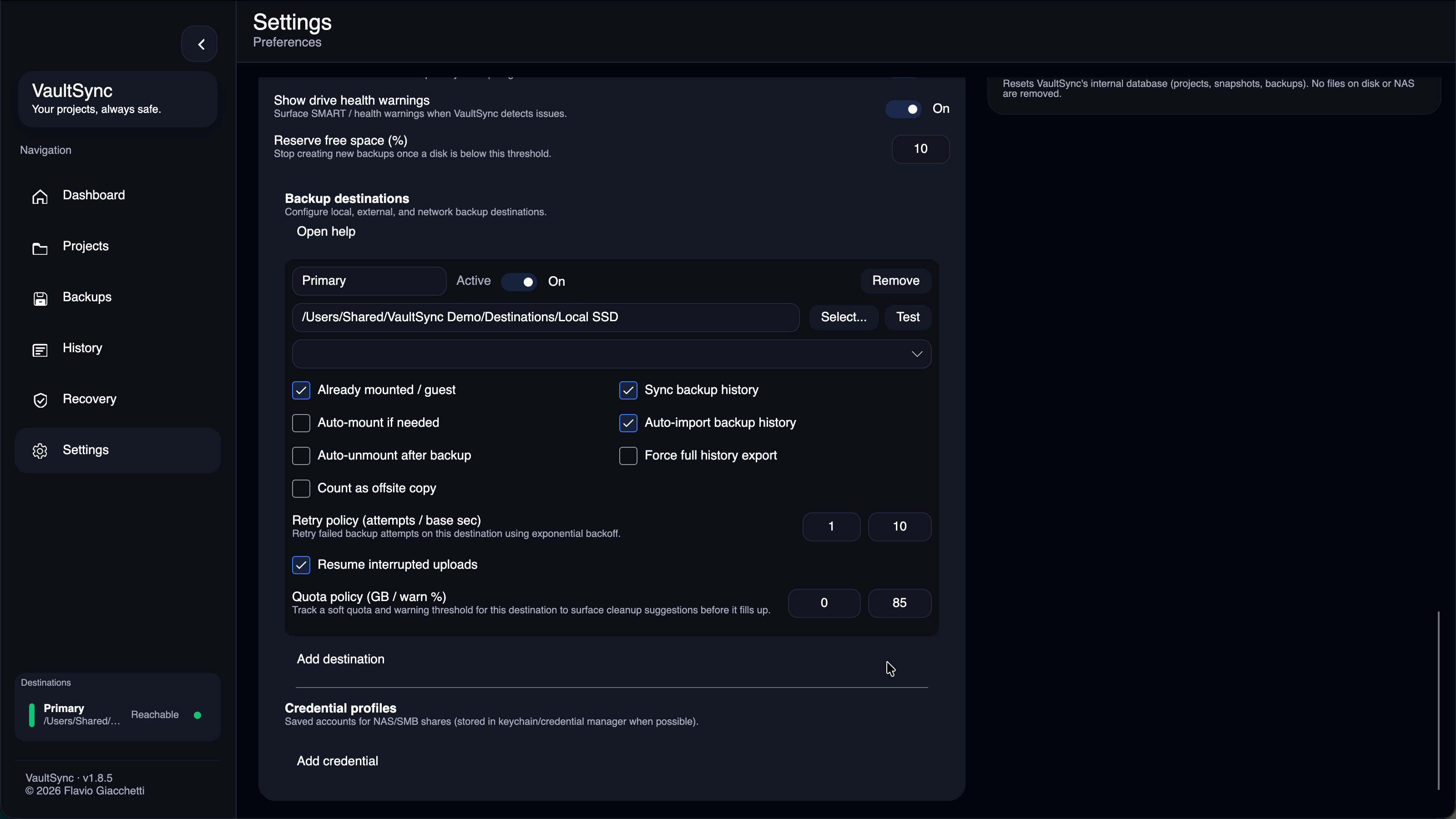
- Multiple backup destinations
- Destination aliases and automatic mount/unmount workflows
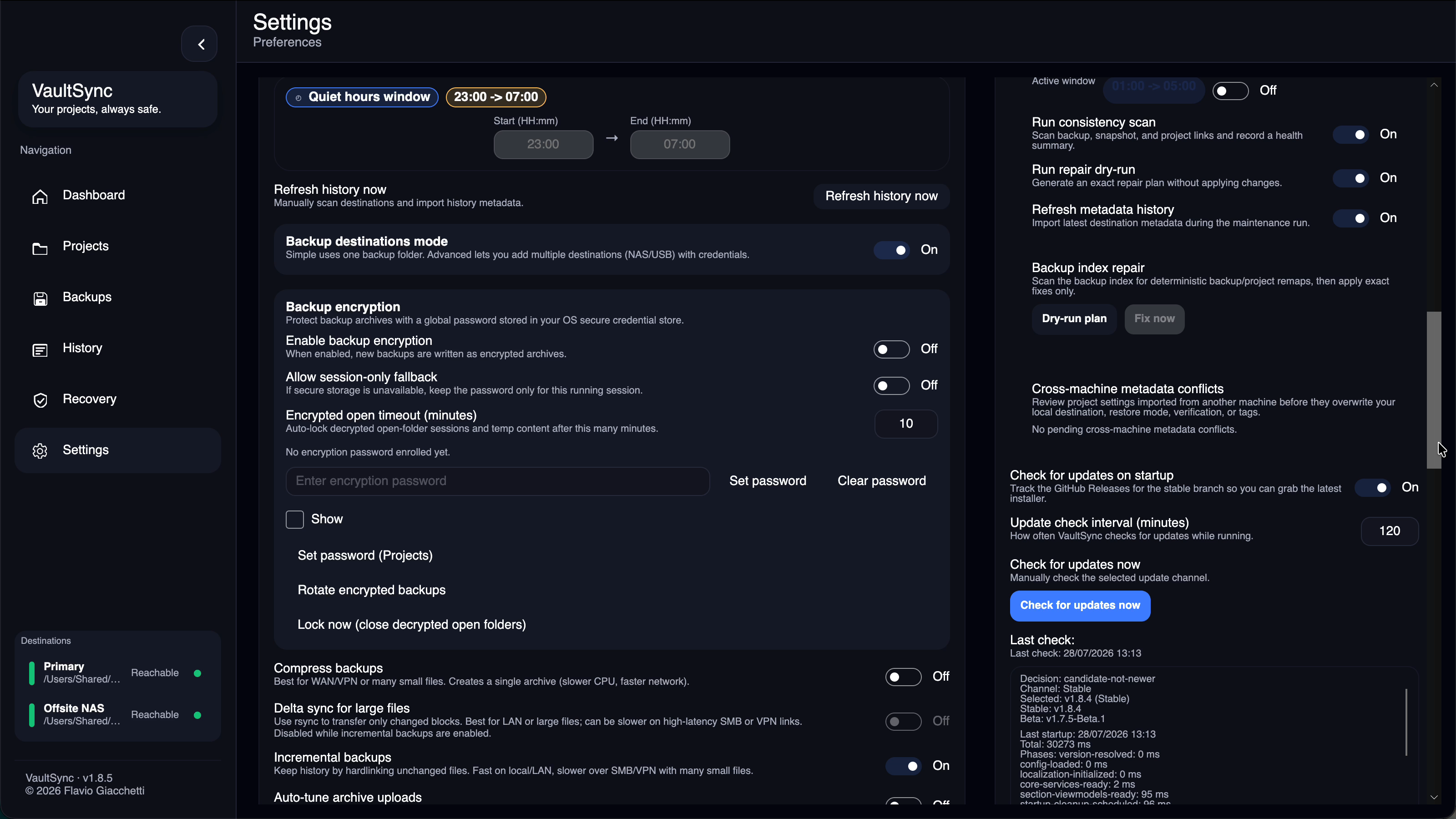
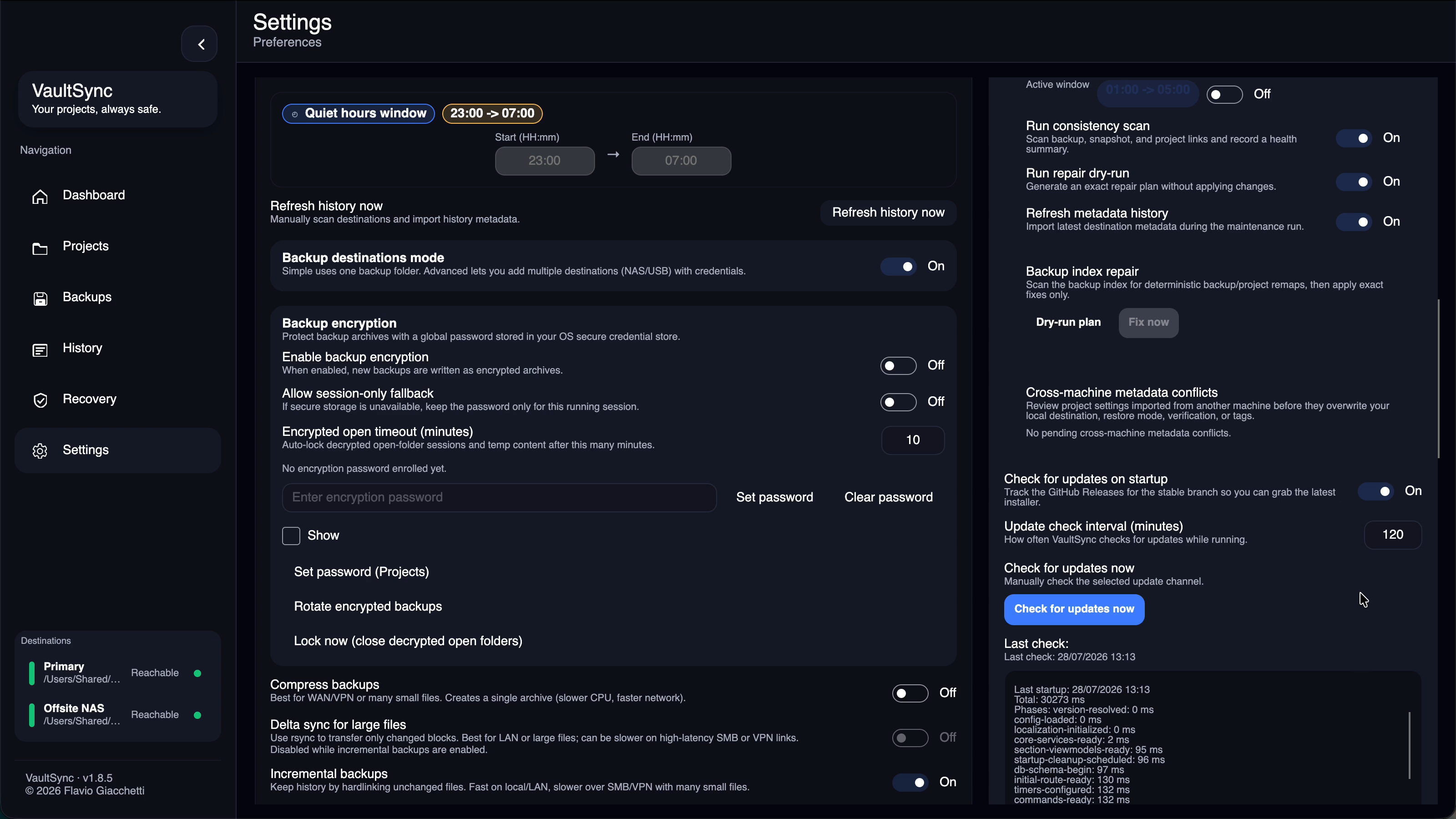
- Encrypted backups with per-project or global encryption
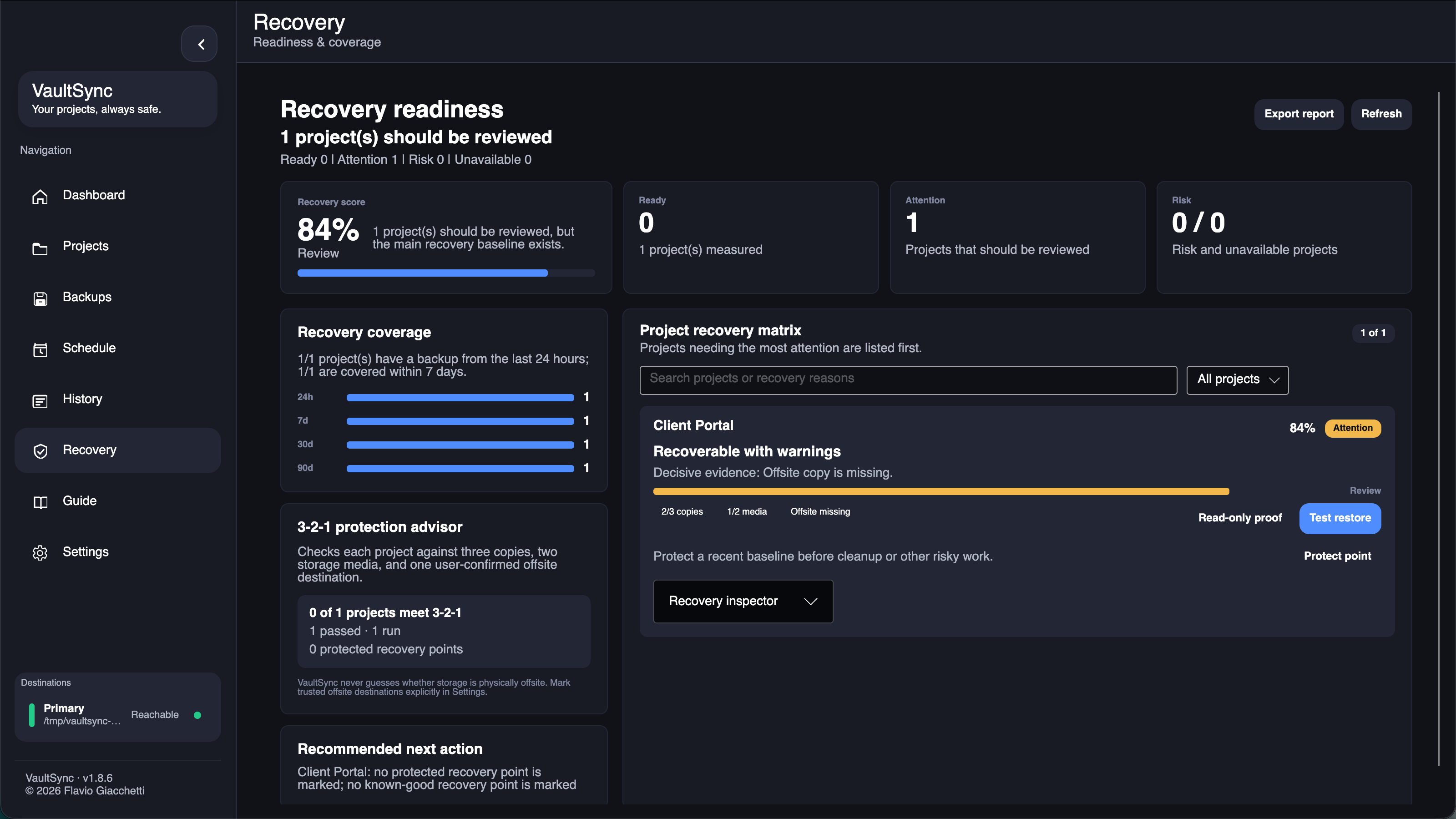
- Recovery tests and recovery evidence
- Drive health information
- Notifications and system tray integration
- Cross-platform command-line tooling
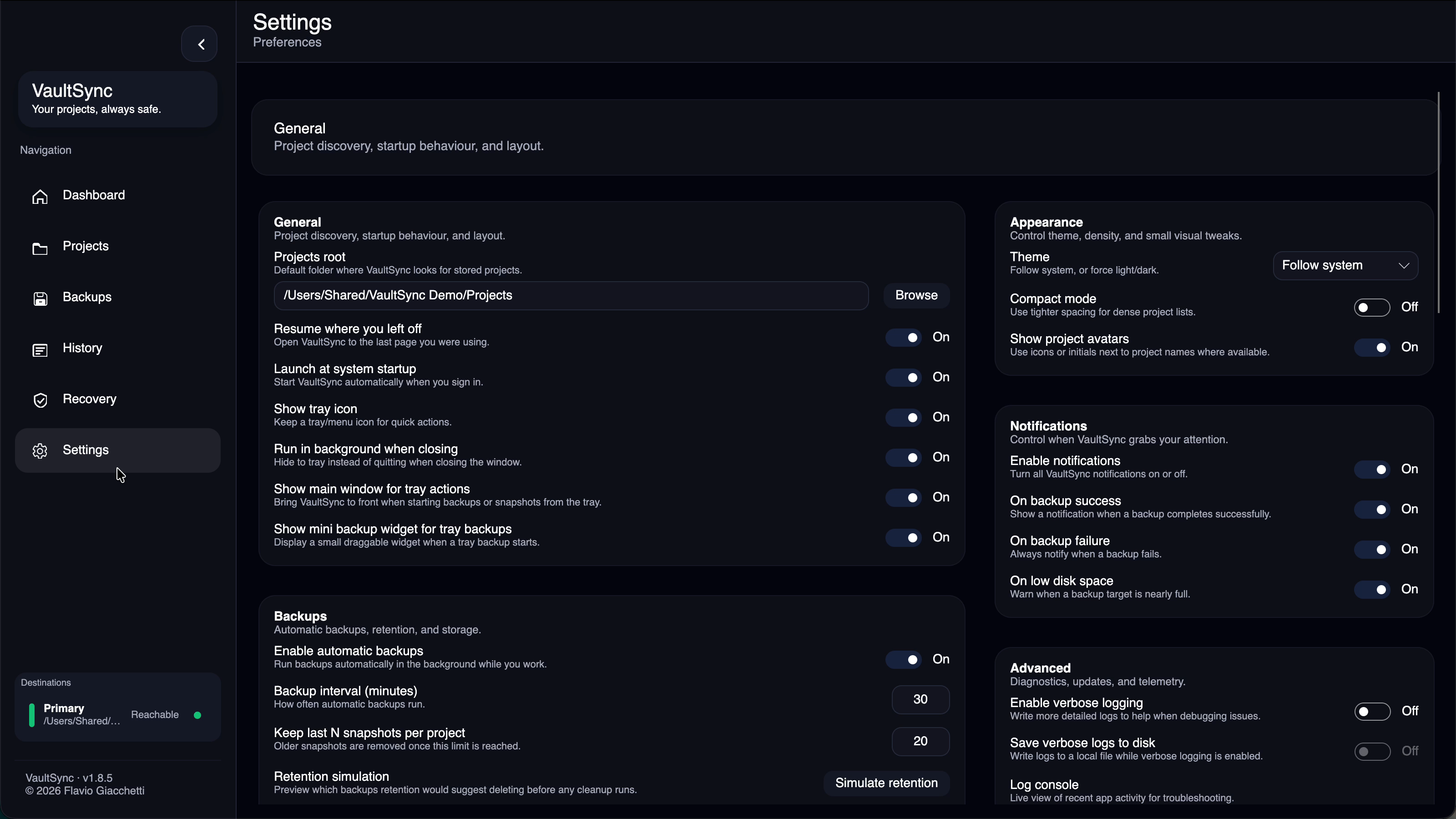
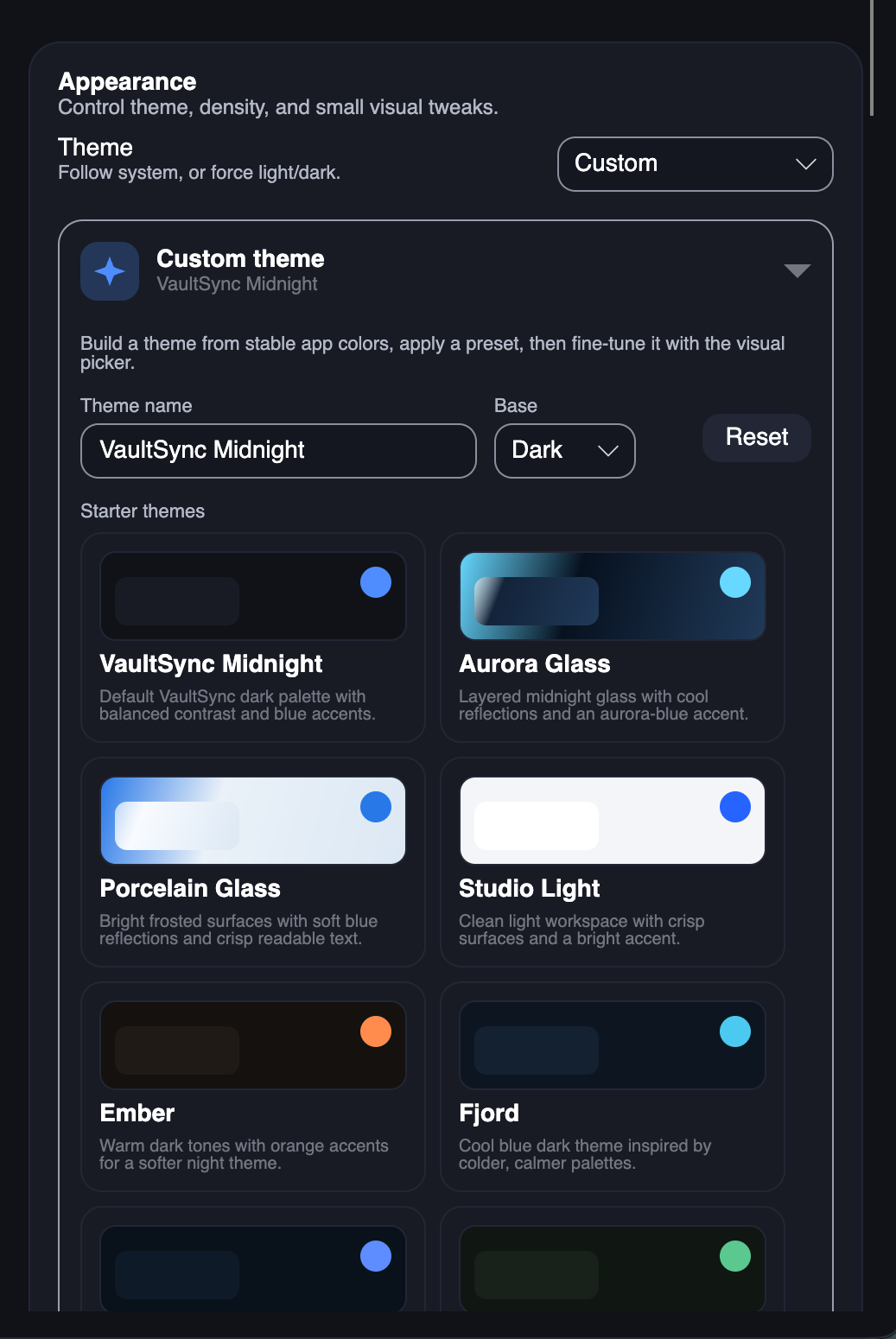
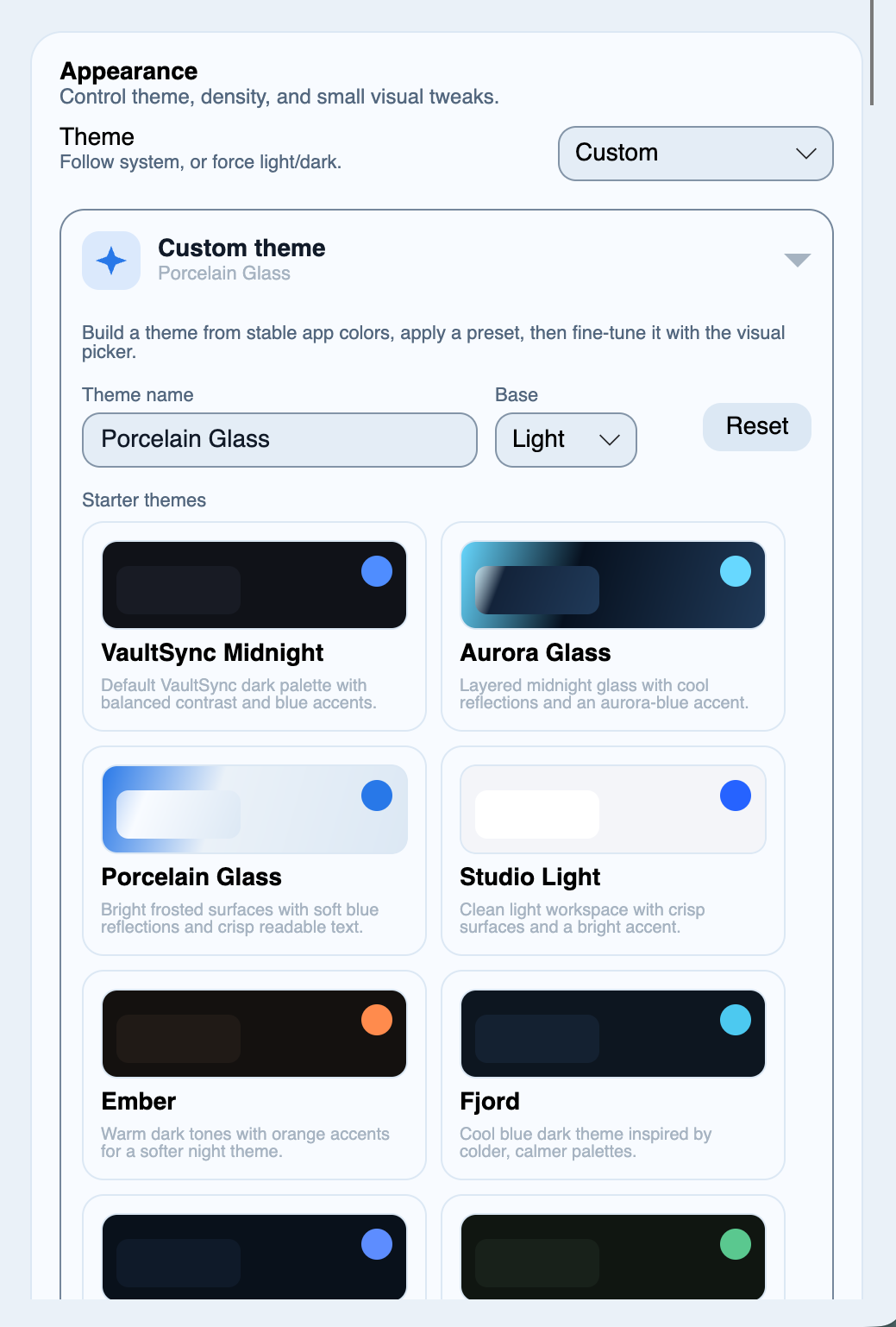
- Light, dark, and additional application themes
- Localization across multiple languages
VaultSync supports different underlying copy strategies depending on the platform and backup type, including native filesystem operations, rsync, robocopy, and archive-based workflows.
Recovery confidence
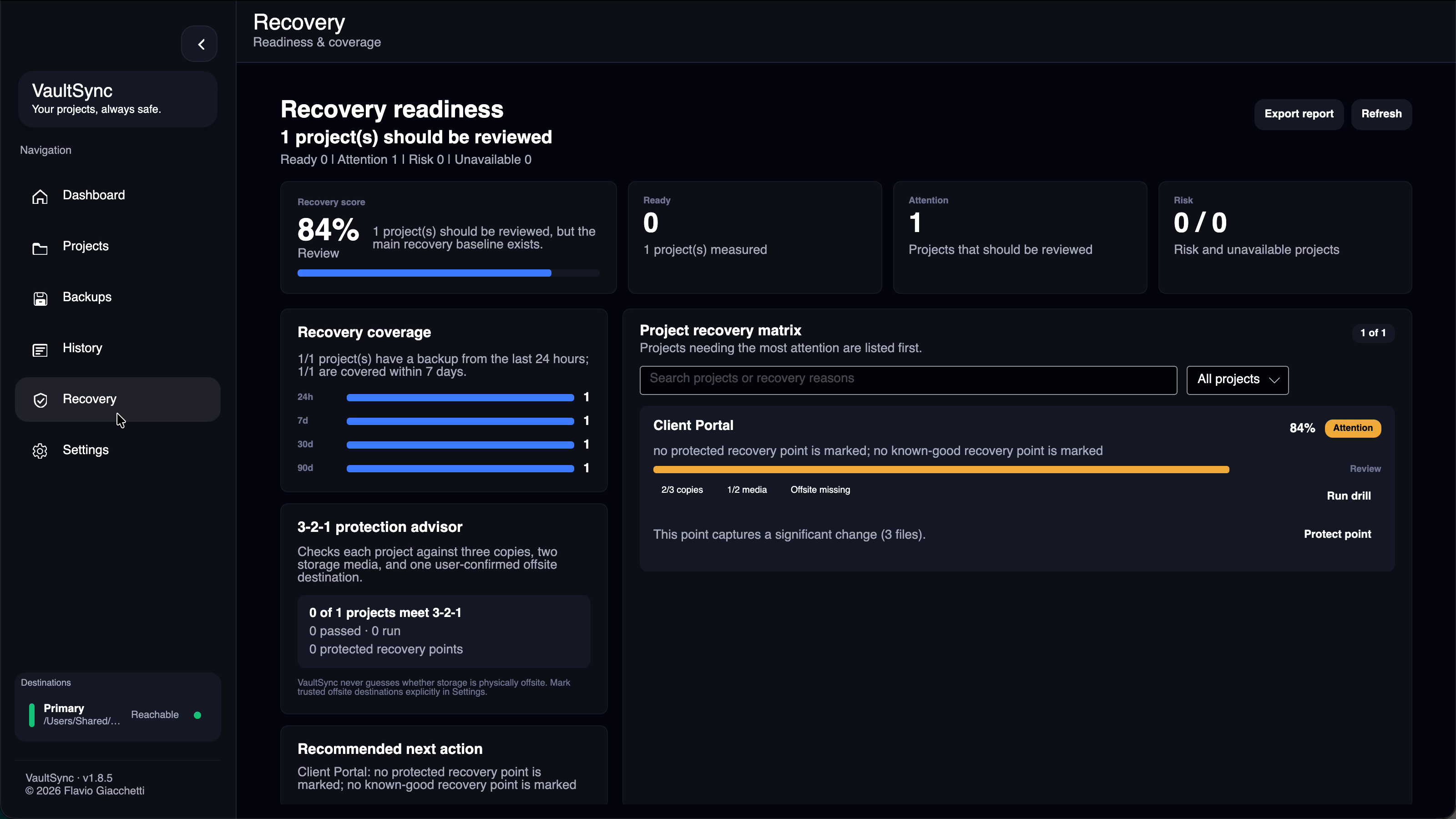
One of the biggest areas of focus has become proving that a backup is actually useful.
VaultSync tracks evidence about backup and recovery operations rather than treating a completed copy as the end of the process.
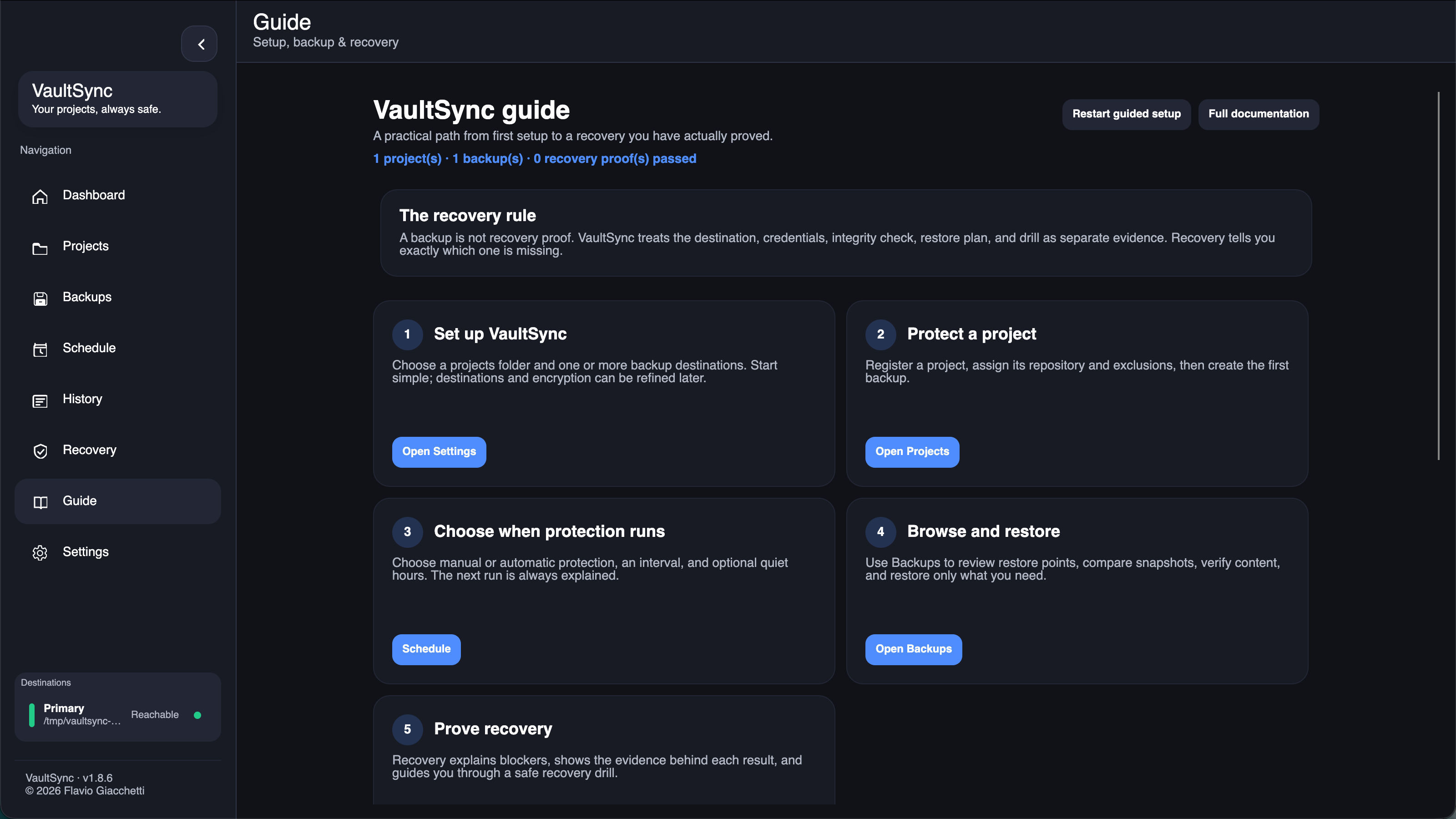
The application includes recovery inspection, guided isolated restore tests, recovery checklists, integrity verification, and evidence that can be reviewed later.
The idea is to move from:
"The backup completed."
to:
"The backup exists, has been checked, and I have evidence that I can recover from it."
How I built it
VaultSync is primarily written in C# using .NET and Avalonia UI, allowing the same desktop application to run across Windows, macOS, and Linux.
SQLite is used for local application data and backup metadata.
The application is structured around individual backup projects, with separate systems responsible for areas such as:
- Backup execution
- Snapshot and history management
- Restore planning
- Verification
- Scheduling
- Encryption
- Retention
- Destination management
- Recovery evidence
- Platform-specific integration
Encryption uses AES-256, with password-based key derivation and secure handling of encryption material.
The project is developed openly on GitHub and uses automated build and release workflows for its supported platforms.
Challenges
The difficult part of building VaultSync has not been copying files.
The difficult part has been making backup operations predictable across three operating systems while handling real-world situations such as interrupted jobs, unavailable destinations, large file sets, removable storage, network shares, encryption, application restarts, and partial failures.
Recovery also introduces a different set of problems. A restore operation must be deliberately safer than a normal file copy because overwriting the wrong data during recovery can make an already bad situation worse.
A large amount of development has therefore gone into previews, validation, evidence, interruption handling, and making potentially destructive operations explicit.
Cross-platform desktop development has been another major challenge. Windows, macOS, X11, and Wayland all behave differently in areas such as storage discovery, notifications, system trays, file handling, and application packaging.
What I'm proud of
VaultSync started as a relatively simple backup utility and has gradually grown into a much broader recovery-focused application.
Some of the parts I am most proud of are:
- Keeping the project genuinely cross-platform
- Building recovery verification instead of assuming a successful backup is enough
- Adding encrypted backup workflows without hiding recovery-critical information from the user
- Creating guided recovery tests that can be performed without touching the original files
- Making backup history and restore consequences visible before an operation runs
- Continuing to keep the project open source
It has also been valuable to receive feedback and contributions from people actually running VaultSync on different systems and distributions.
What I learned
VaultSync has taught me a lot about designing software where reliability matters more than simply completing the happy path.
I have worked extensively with:
- Cross-platform .NET desktop development
- Filesystem behavior
- Concurrency and interruption recovery
- SQLite
- Cryptography and key handling
- Native operating-system integration
- Linux desktop environments and Wayland/X11
- Automated builds and releases
- Application update systems
- Localization
- Accessible desktop UI design
- Designing safer destructive operations
- Testing recovery rather than only testing backup creation
It has also changed how I think about backup software itself: a backup is only valuable if recovery is understood and tested.
What's next
Development is currently moving toward VaultSync 1.9, with a larger focus on recovery workflows and the command-line experience.
The CLI is being expanded so that backup creation, inspection, verification, and restore planning can be performed clearly without opening the graphical application.
Longer-term work is also exploring deeper recovery capabilities, including disk-level recovery and a more complete path from everyday backups to system recovery.
VaultSync continues to be developed openly, with releases, source code, documentation, and development updates available through the project website and GitHub.

Log in or sign up for Devpost to join the conversation.