-
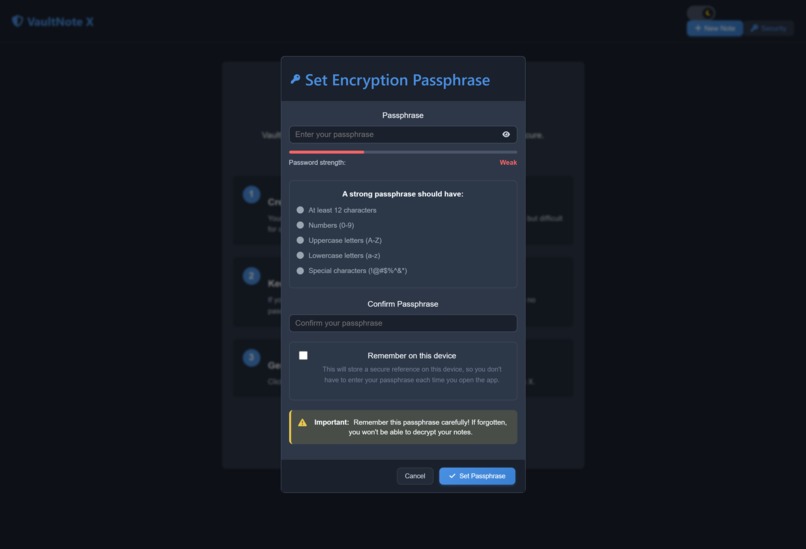
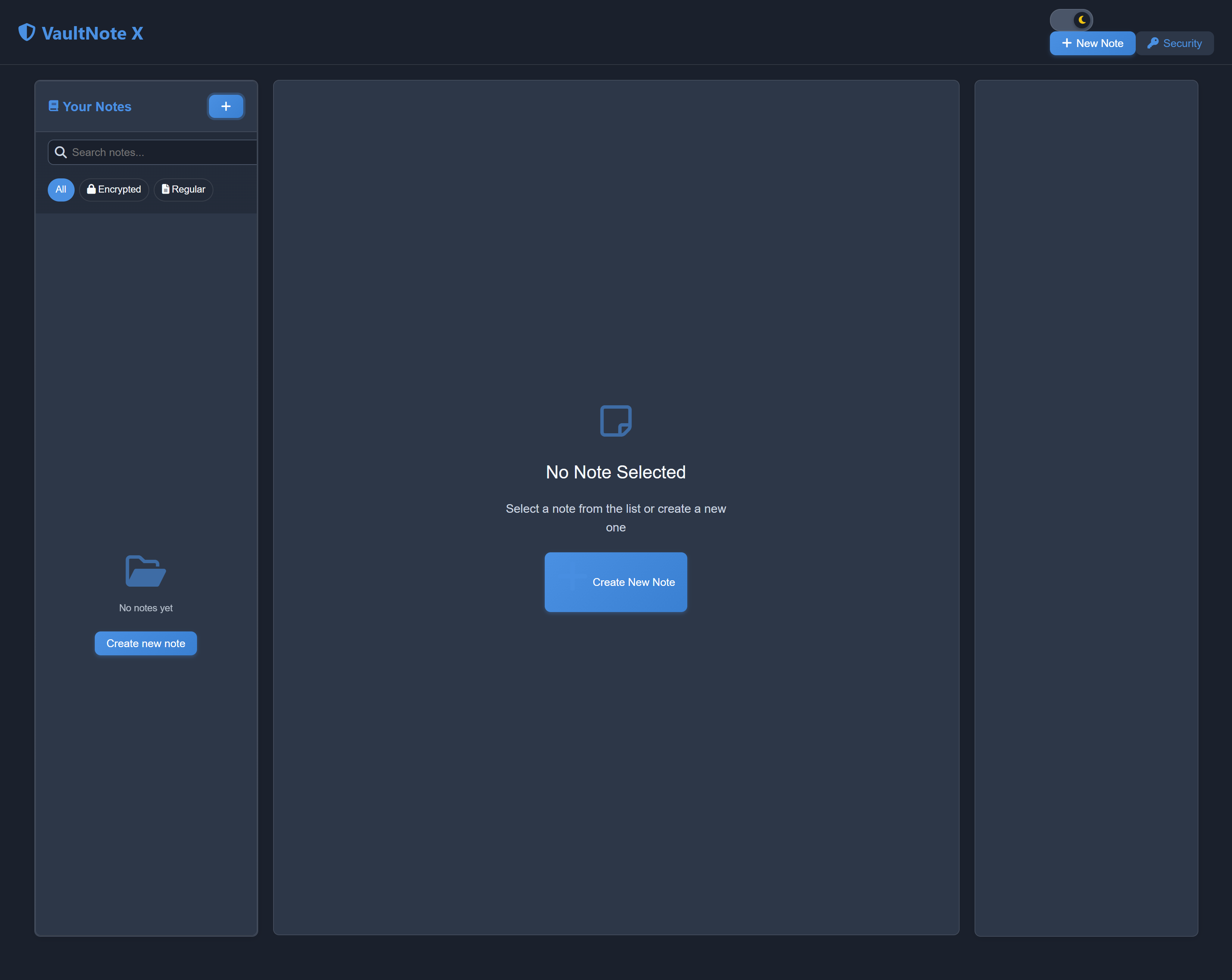
Welcome Screen
-
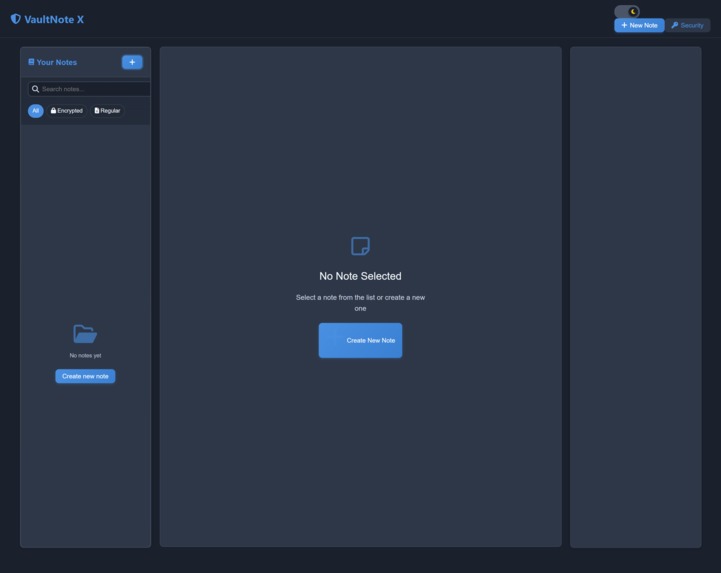
Dashboard
-
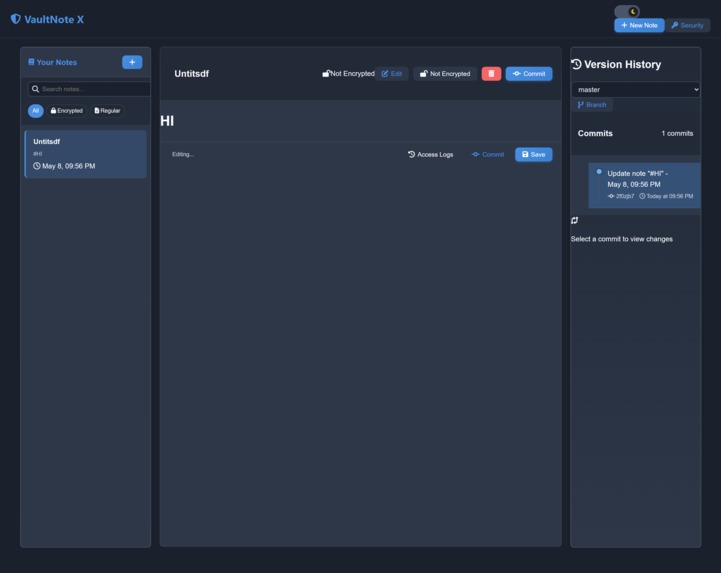
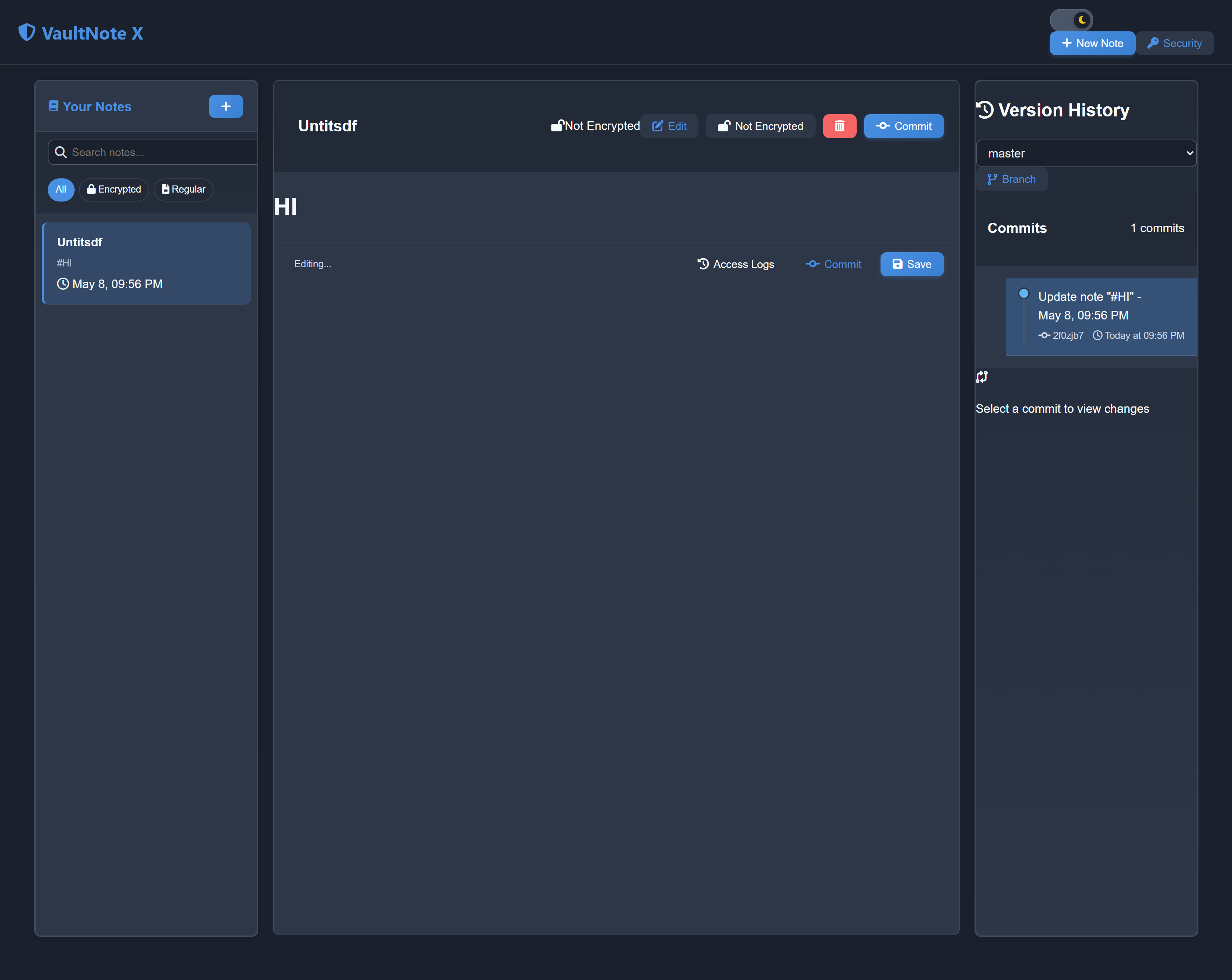
Markdown Preview with version history
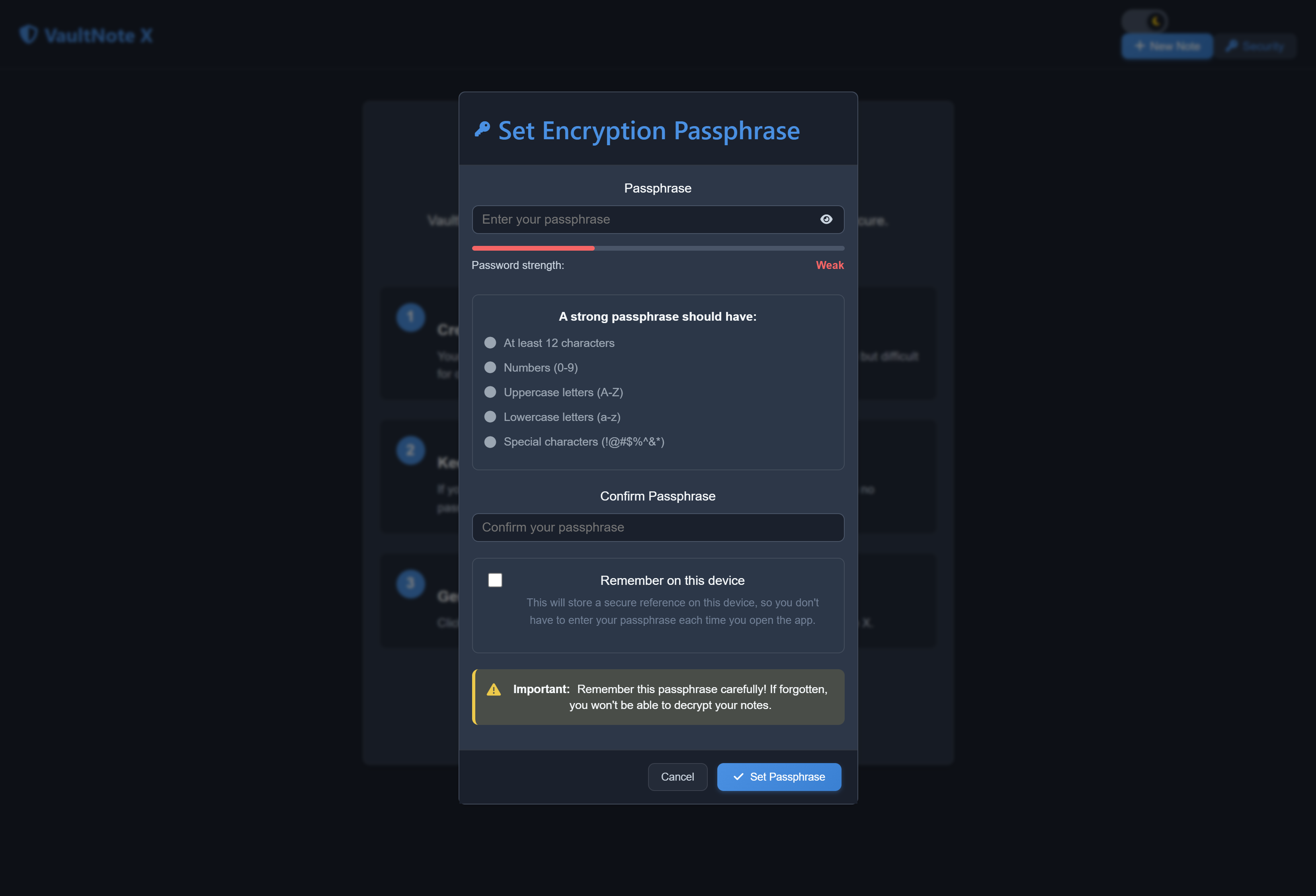
VaultNote X
Inspiration
In a world increasingly dependent on cloud storage, privacy is often sacrificed for convenience. We wanted to create a note-taking app that works entirely offline, stores your data securely, and offers features like version history and encryption — without ever sending your information to the cloud. VaultNote X is built for activists, journalists, researchers, and anyone who values true data ownership.
The Problem We're Solving
In an era of data breaches, surveillance, and cloud dependency, users lack true control over their private data. Activists, journalists, and security-conscious individuals need tools that don't rely on the cloud or internet. VaultNote X guarantees data sovereignty and privacy — with zero internet dependency.
What It Does
VaultNote X is an offline-first, encrypted note system that:
- Lets you create, edit, and organize notes
- Encrypts all notes locally using AES-256 encryption
- Maintains a version history of each note so you can view and restore past edits
- Allows password protection with a secure key derivation method
- Tracks note access with detailed access logs for security monitoring
- Supports light and dark modes for comfortable use in any environment
- Stores everything locally — no internet, no cloud, no tracking
Optional features:
- Markdown formatting
- Git-like version control system
- Secure, device-specific passphrase remembering
How We Built It
- Frontend: React.js with custom CSS for a responsive, accessible UI
- Encryption: CryptoJS for AES-256 encryption with fallback compatibility
- Versioning: Custom Git-style branching history and snapshot storage
- Storage: Encrypted notes stored in browser LocalStorage
- Theming: Dynamic theme switching (light/dark)
- Security: Password strength validation and multi-method decryption
- Offline: Progressive Web App with service workers for complete offline use
Challenges We Ran Into
- Designing robust client-side encryption workflows
- Securing key derivation without any server-side validation
- Creating a version history that balances performance and usability
- Maintaining encryption compatibility across updates
- Building a clean, theme-aware UI that works offline
Accomplishments We're Proud Of
- Built a fully offline, privacy-first app with military-grade encryption
- Designed a custom version control system with branching support
- Developed a smooth, adaptive interface with dark/light theming
- Implemented an access logging system to track usage
- Maintained compatibility across multiple encryption methods
What We Learned
- Advanced client-side encryption and its real-world challenges
- Designing for security without compromising usability
- Building responsive, theme-adaptive interfaces with React
- Securely using browser storage for sensitive data
- Importance of human-centered design in privacy-first tools
Use Case Example
Sarah, a journalist traveling through regions with limited connectivity and high surveillance, uses VaultNote X to write and encrypt confidential notes. She reviews past versions and stays productive — all without an internet connection or fear of her data being exposed.
What's Next for VaultNote X
- ✅ Biometric authentication for secure, fast login
- ✅ Secure note sharing via encrypted QR codes
- 🌐 Peer-to-peer sync for multi-device support without a central server
- 🖋️ Rich text editing with encryption
- 🛡️ Integrated password manager
- 📁 Encrypted file attachments
- 🔍 Full-text encrypted search
- 📱 Native mobile apps with offline-first architecture
Getting Started
- Clone the repository:
git clone https://github.com/Phantasm0009/vaultnote-x.git - Navigate to the project directory:
cd vaultnote-x - Install dependencies:
npm install - Start the application:
npm start
Contributing
Contributions are welcome! Please feel free to submit a pull request or open an issue for any suggestions or improvements.
License
This project is licensed under the MIT License. See the LICENSE file for more details.
Built With
- api
- crypto
- css
- html
- javascript
- react

Log in or sign up for Devpost to join the conversation.