Inspiration
In an age of data breaches and privacy concerns, we wanted to create a personal vault that puts users in complete control of their sensitive information. Traditional password managers and note apps store data on remote servers, creating single points of failure. We envisioned a solution that combines military-grade encryption with the convenience of modern apps, plus an AI assistant that works entirely on-device.
What it does
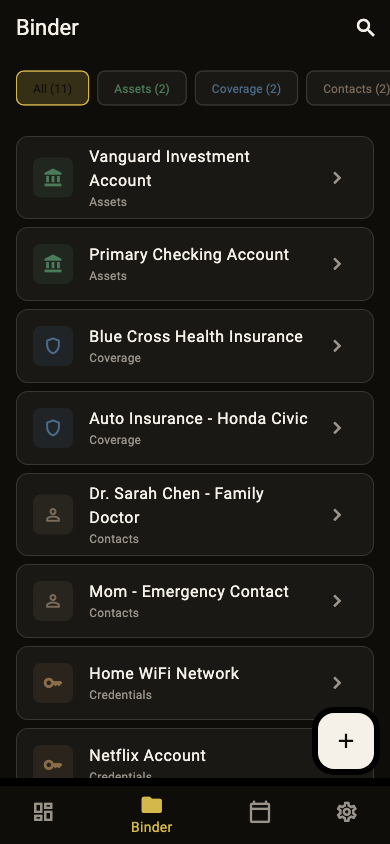
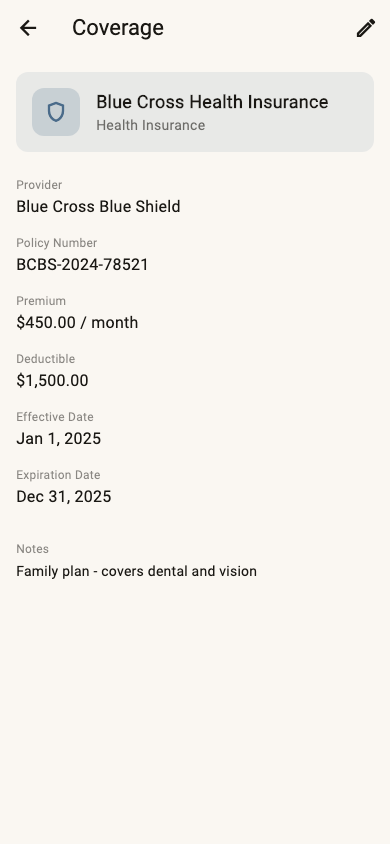
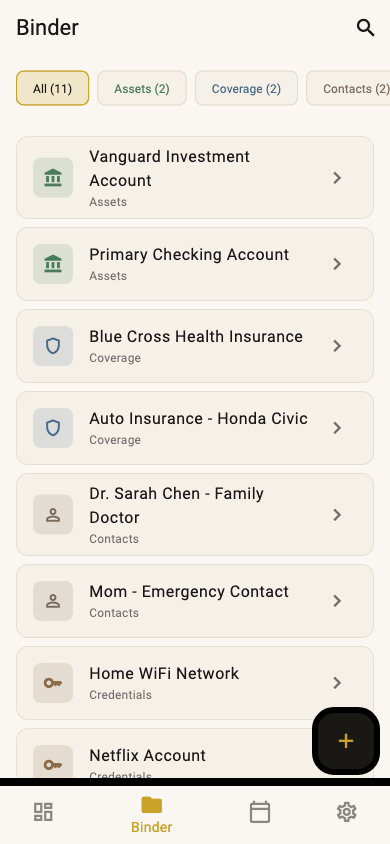
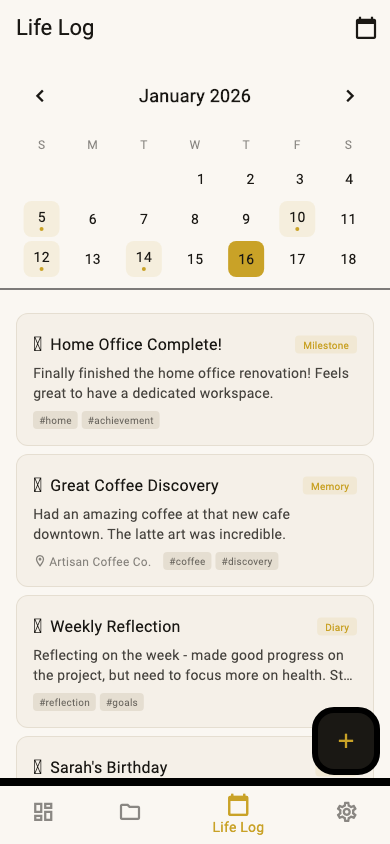
VaultNBinder is an encrypted personal vault app that lets users securely store:
- Contacts - Important people with their details
- Documents - Sensitive files and notes
- Assets - Financial records, crypto wallets, property info
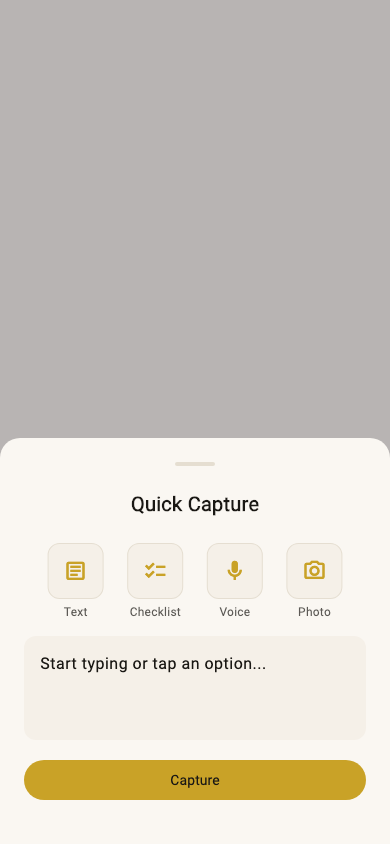
- Life Logs - Personal journal entries with photos
Key features:
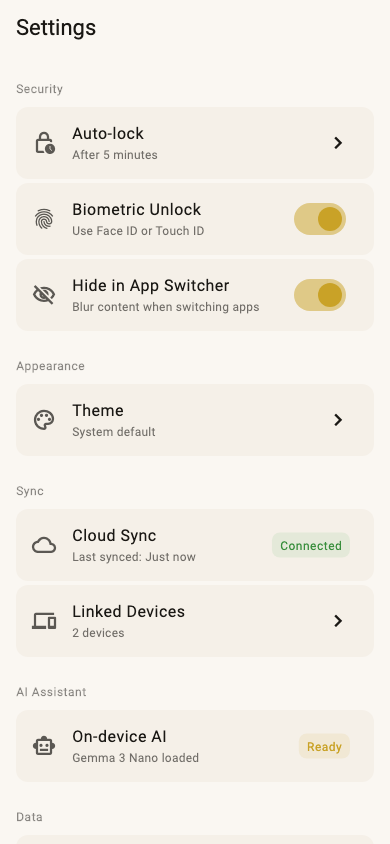
- End-to-end encryption using XChaCha20-Poly1305
- Seed phrase recovery - 12-word BIP39 mnemonic for account recovery
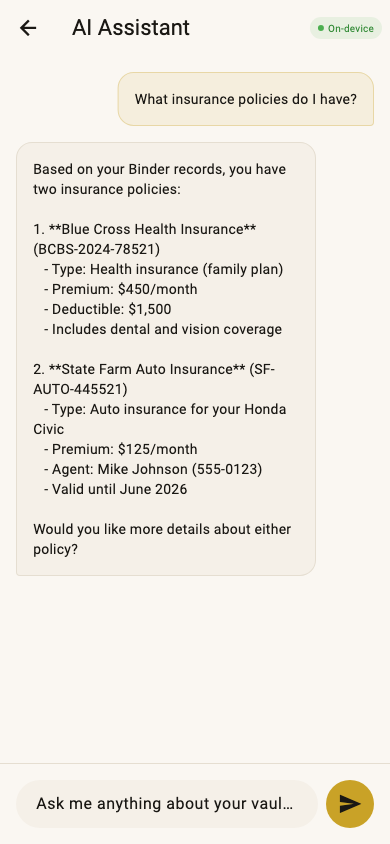
- On-device AI assistant powered by LFM2 models for searching and organizing data
- Cross-device sync with Serverpod backend (encrypted, zero-knowledge)
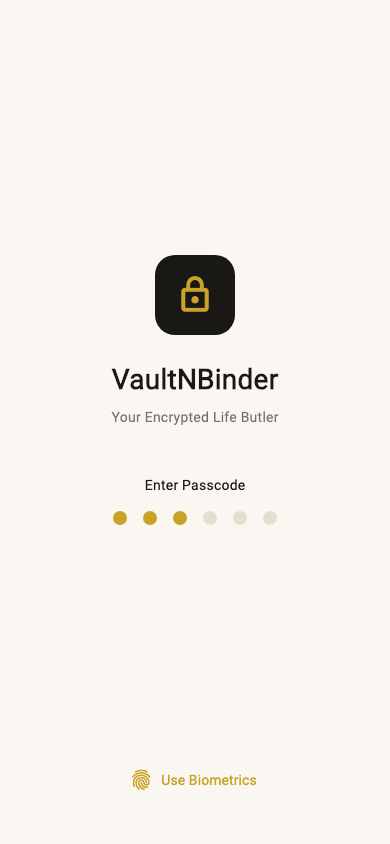
- Biometric unlock with Face ID/Touch ID support
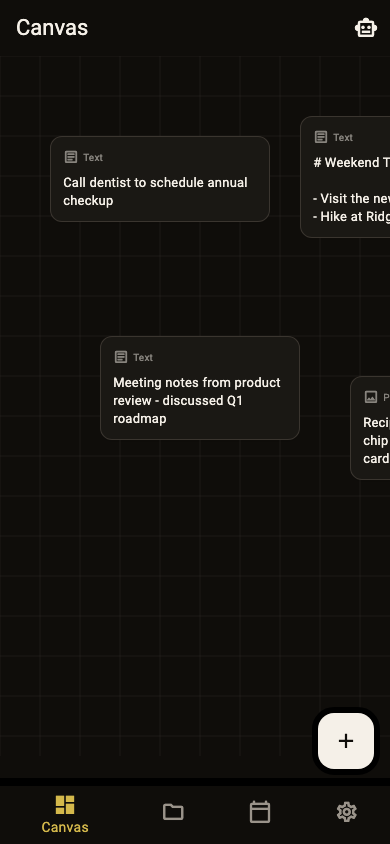
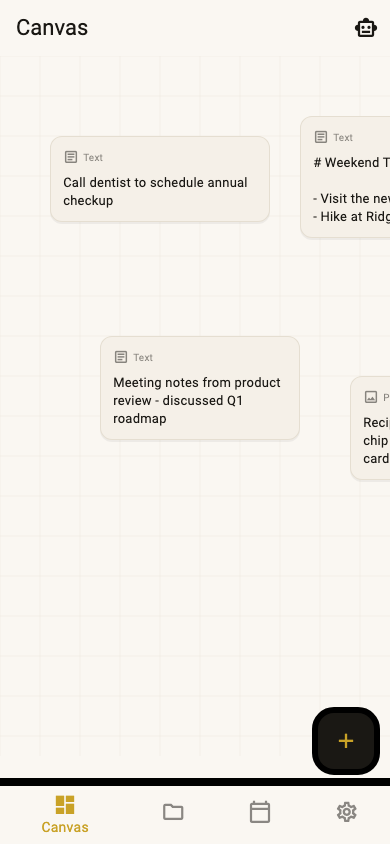
- Canvas view for visual organization of records
How we built it
Frontend: Flutter for cross-platform support (iOS, macOS, Android, Windows, Linux)
Backend: Serverpod for real-time sync, user authentication, and encrypted data storage
AI: LFM2 (Liquid Foundation Models) running on-device via llama.cpp/fllama for privacy-preserving AI assistance
Encryption:
- XChaCha20-Poly1305 for data encryption
- Argon2id for key derivation
- Ed25519 for authentication signatures
- BIP39 seed phrases for deterministic key generation
Architecture: Clean architecture with Riverpod for state management, Drift for local SQLite database
Challenges we ran into
iOS LLM crashes - Dart's garbage collector was deleting FFI callbacks before native code finished. Solved by keeping references to callbacks.
Seed phrase vault recovery - The unlock flow was overwriting seed-derived keys with passcode-derived keys. Fixed by tracking vault type and storing encrypted VRK separately.
LFM2 tool calling - The model requires specific special tokens that fllama's OpenAI API doesn't directly support. Implemented custom Jinja templates and keyword-based fallback detection.
Accomplishments that we're proud of
- True zero-knowledge encryption - Even with Serverpod sync, the server never sees unencrypted data
- On-device AI - No data leaves the device for AI features
- Seed phrase recovery - Users can recover their vault on any device with just 12 words
- Cross-platform - Single codebase runs on 5 platforms
What we learned
- Deep dive into cryptographic primitives and secure key management
- LLM integration in mobile apps with limited resources
- Serverpod's real-time capabilities and authentication system
- Balancing security with usability
What's next for VaultNBinder
- Shared vaults - Securely share records with family/team members
- Hardware key support - YubiKey and other FIDO2 devices
- Offline-first sync - Better conflict resolution for offline changes
- More AI features - Smart categorization, duplicate detection, reminders


Log in or sign up for Devpost to join the conversation.