-
-
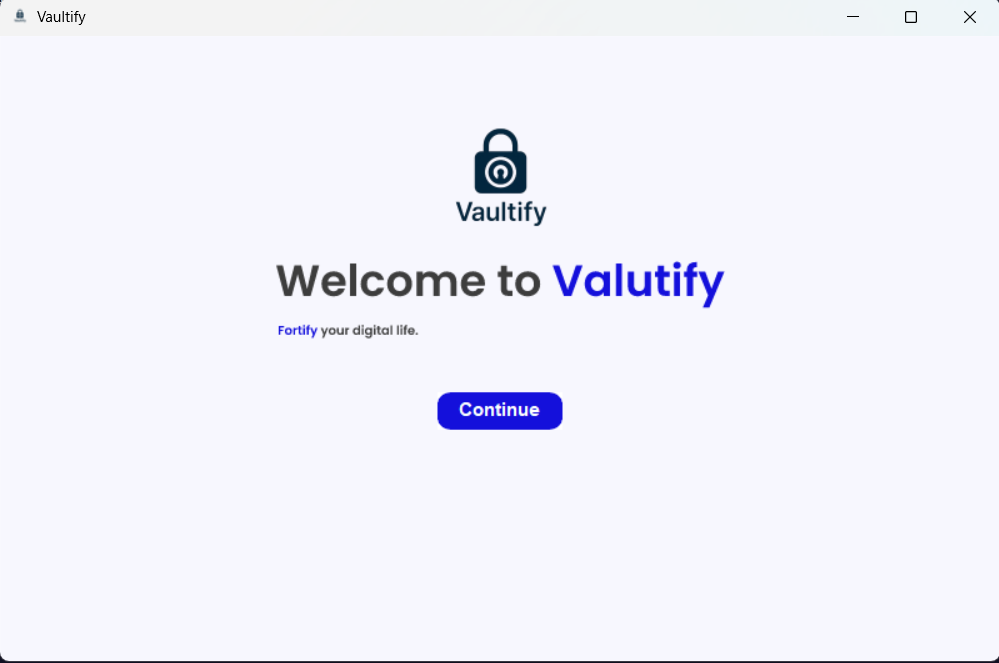
Begening
-
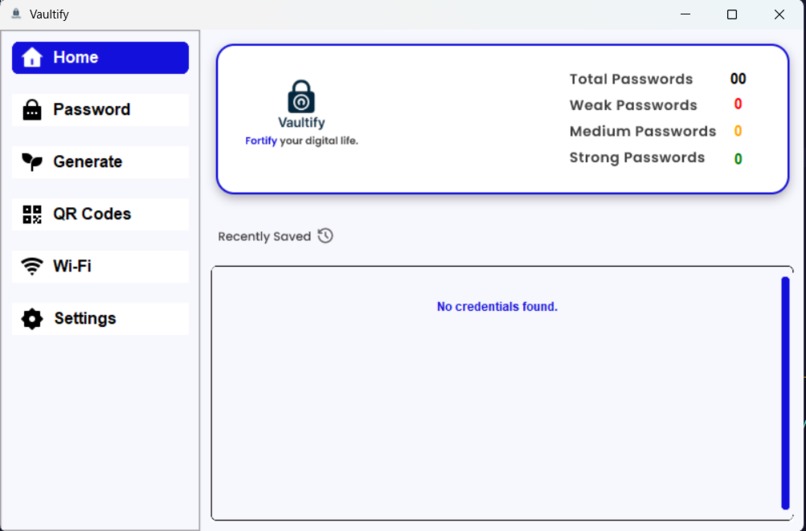
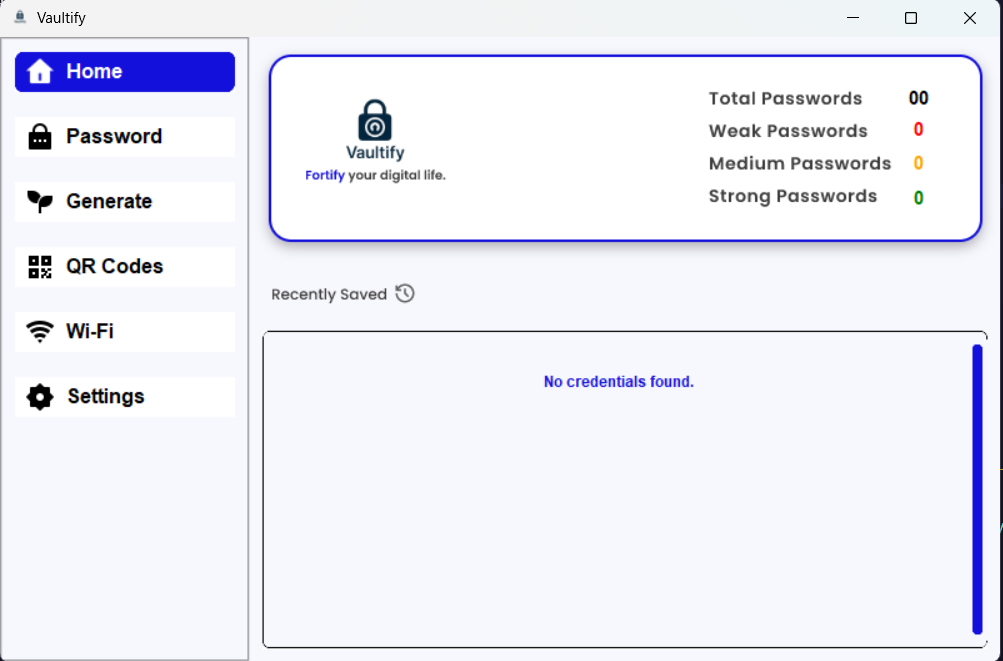
Dashboard
-
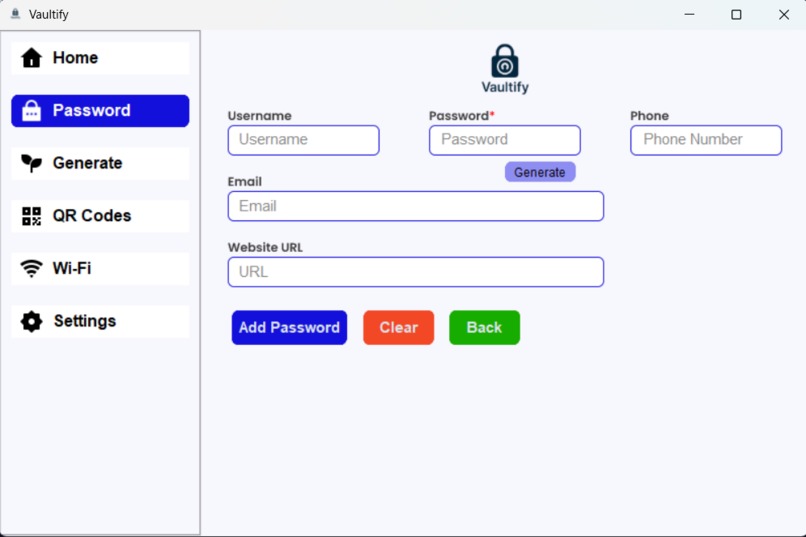
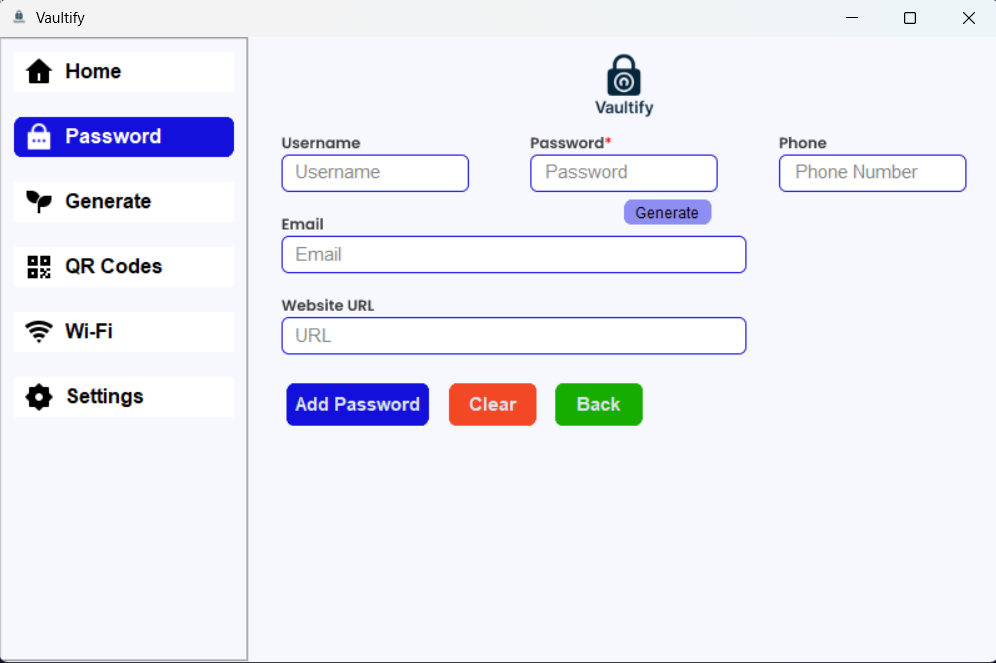
Password
-
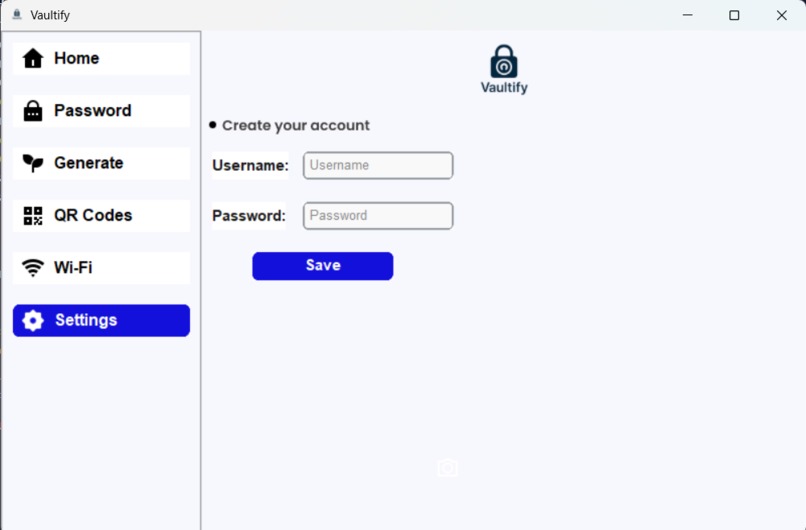
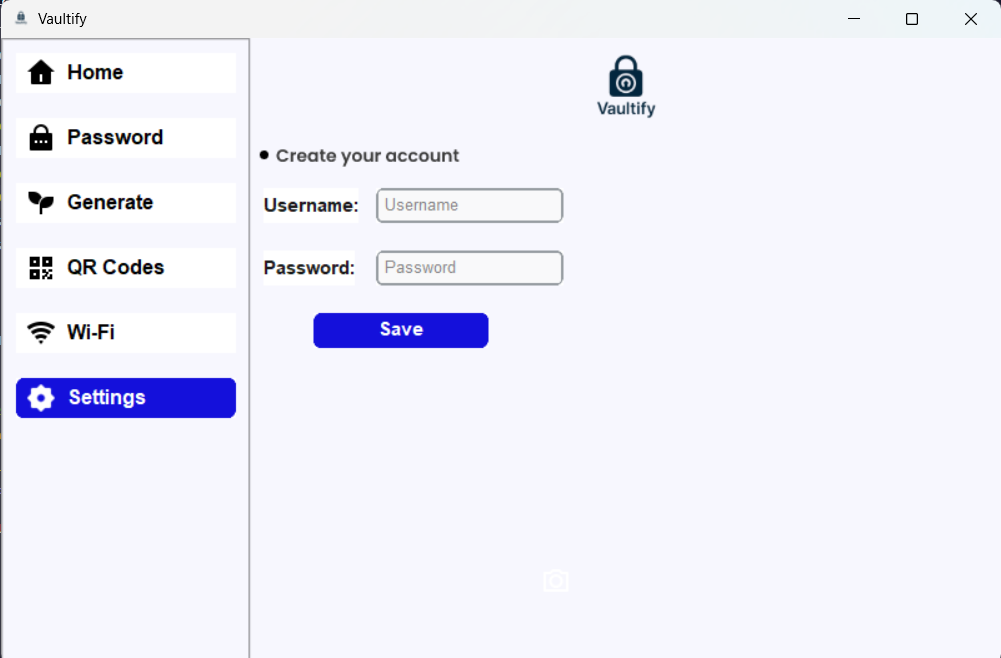
Setting to Create account.
-
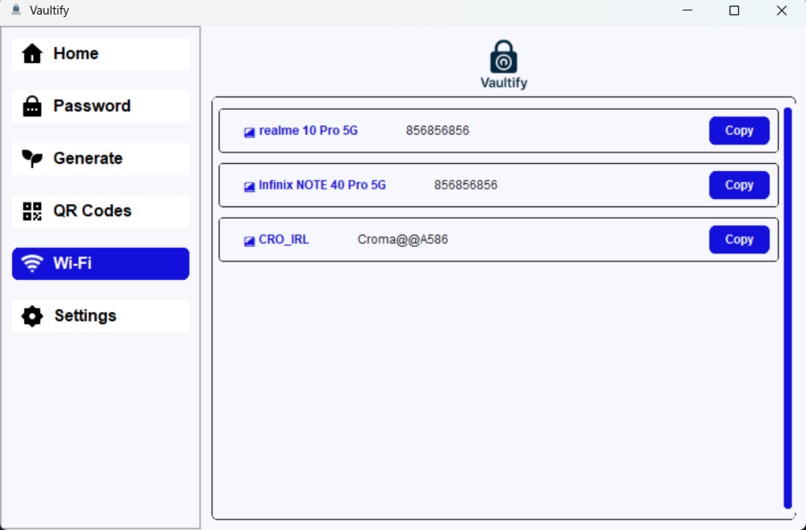
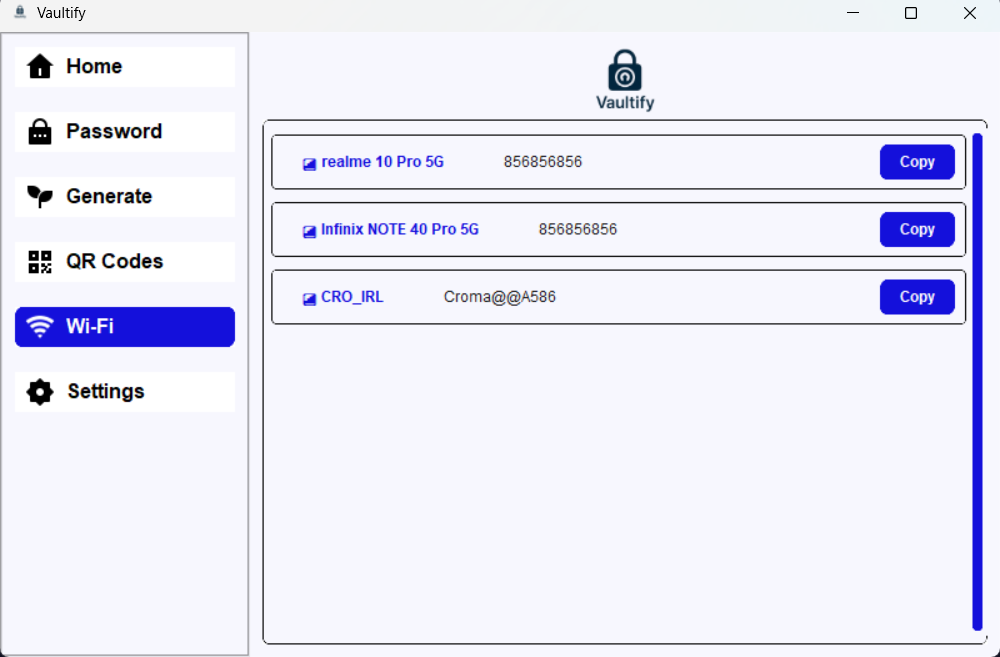
WiFi Vault
-
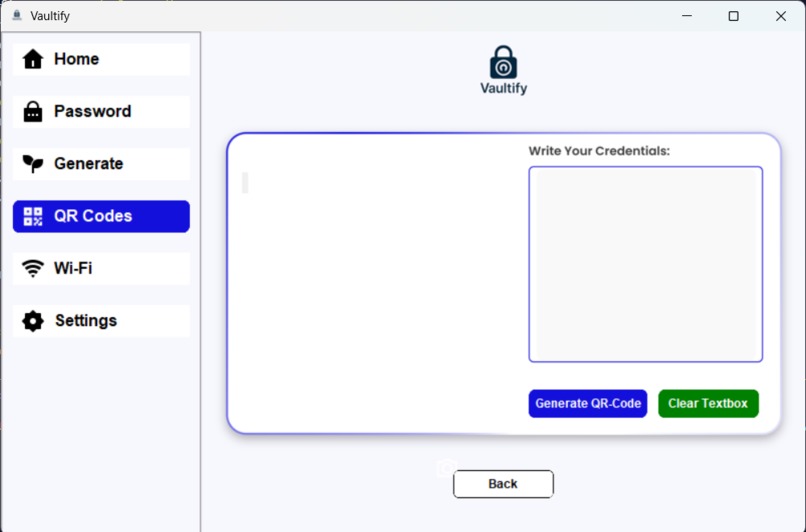
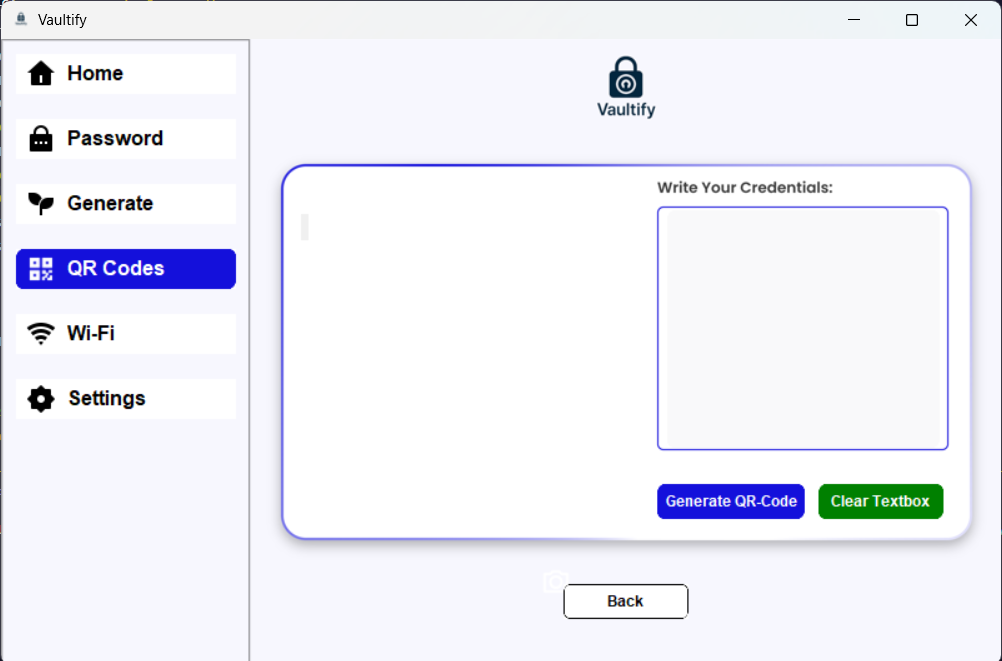
Generate QR-Code
-
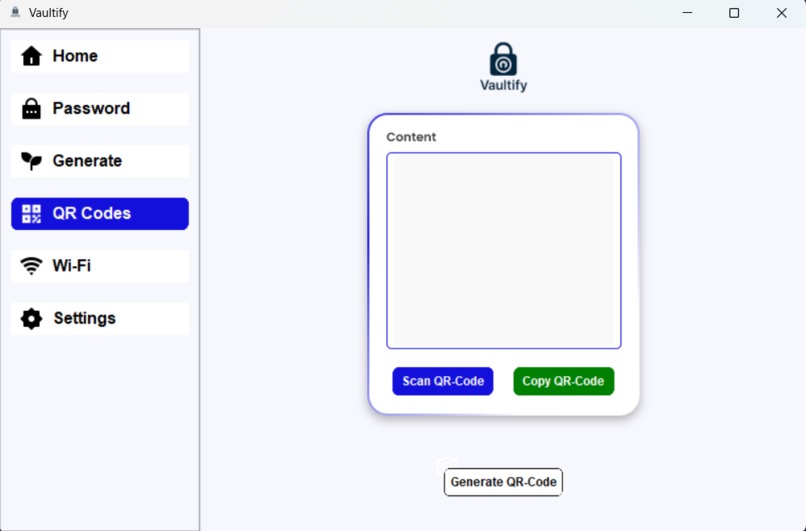
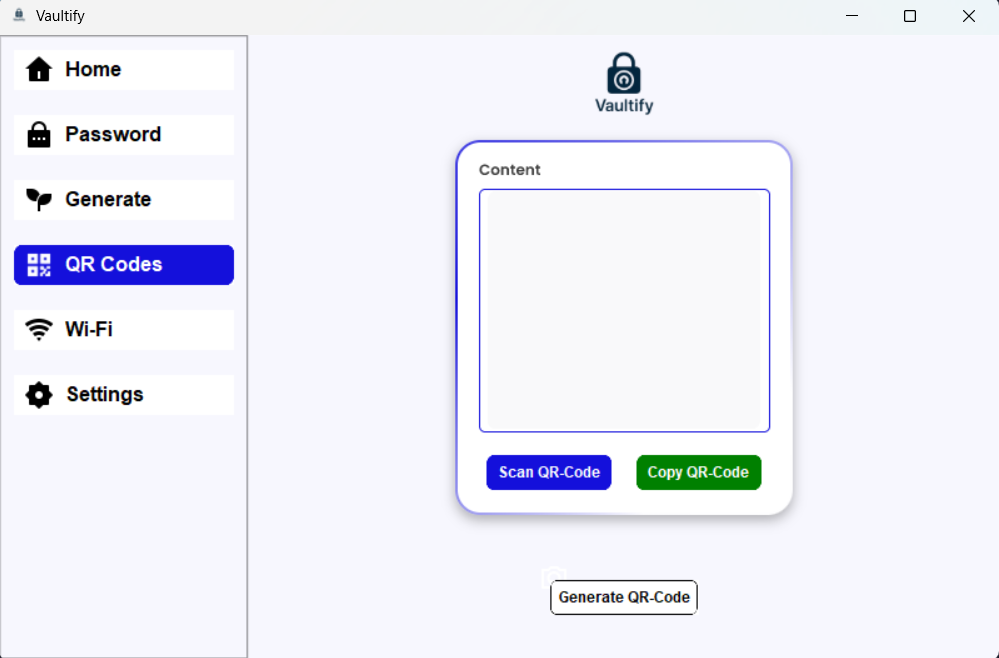
scan QR-CODE
-
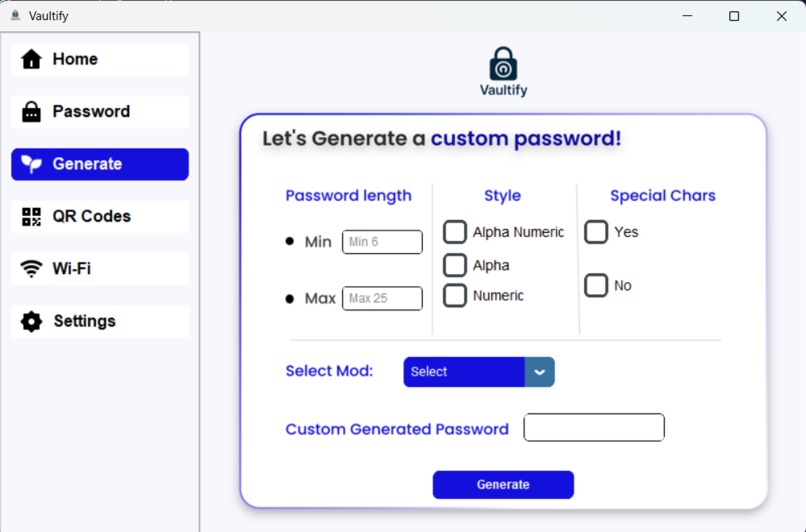
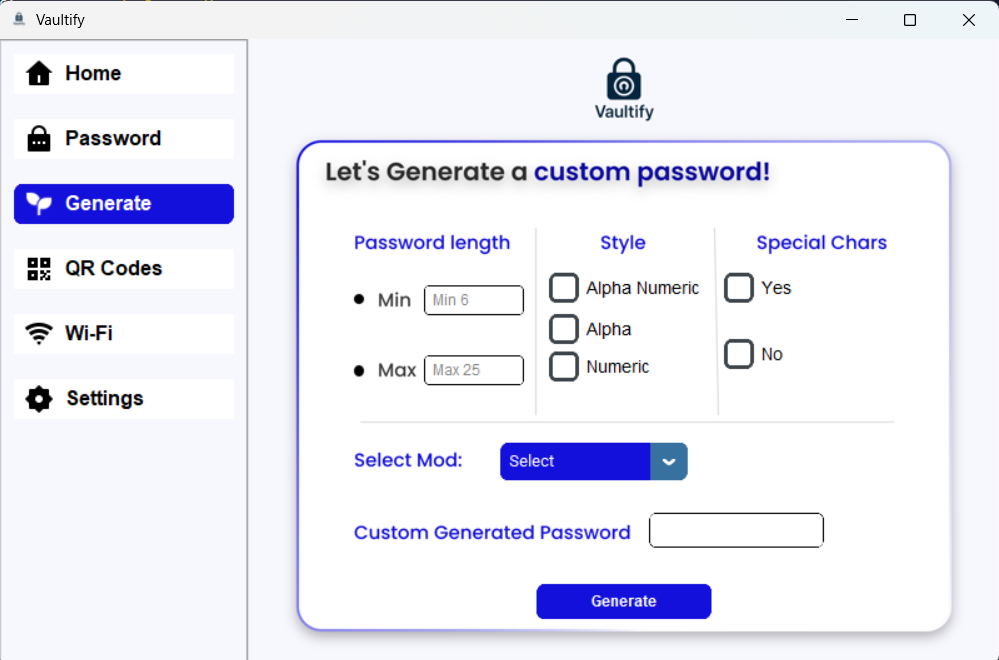
Custom Password generate
🚀 Inspiration
We wanted a secure, offline password manager that puts privacy first — without relying on cloud sync or subscriptions. Vaultify was born to simplify digital security for everyday users tackle the issue of forgetting password.
💡 What it does
Vaultify stores, encrypts, and organizes passwords locally. It classifies password strength, detects platform names from URLs, generates & scans QR codes, and even shows saved Wi-Fi credentials — all offline.
🛠 How we built it
We used Python with CustomTkinter and Tkinter for a clean GUI, SQLite for local storage, and the cryptography library (Fernet) for AES encryption. QR code scanning was built using OpenCV, and QR generation via the qrcode module.
🧱 Challenges we ran into
- Building a dynamic yet responsive UI with CustomTkinter, mainly scrollable frames.
- Getting accurate platform names from URLs
- Managing QR code scanning in real-time using OpenCV.
- Managing secrets between storage and display.
🏆 Accomplishments that we're proud of
- Fully encrypted password vault with zero external dependencies
- QR-based secure sharing between devices
- Smart, automatic password strength classification
- Offline-first approach with no data leaks
- User friendly interface
📚 What we learned
We learned how to build a secure encryption flow, structure a user-friendly desktop app, and handle real-time QR scanning and decoding in a performant way using Python.
🔮 What's next for Vaultify
Add a mobile app (Flutter) with file import
- Browser autofill extension
- Breach monitoring integration
- Panic mode with decoy PIN
- Optional encrypted cloud sync for advanced users


Log in or sign up for Devpost to join the conversation.