Inspiration
Every AI tool talks to every user the same way. Bullet points. Headers. Walls of structured text. But not everyone processes information that way. Some people think in pictures. Some people need to hear it talked through. Some need to read it, and some need to do something with it before it clicks.
We asked a simple question: what if your AI already knew that about you?
The VARK framework (Visual, Auditory, Read/Write, Kinesthetic) has been used for decades to identify how people prefer to take in information. We realized that the output of a VARK assessment maps almost perfectly onto the kind of instructions you'd give an AI in a system prompt. So we built the bridge.
What it does
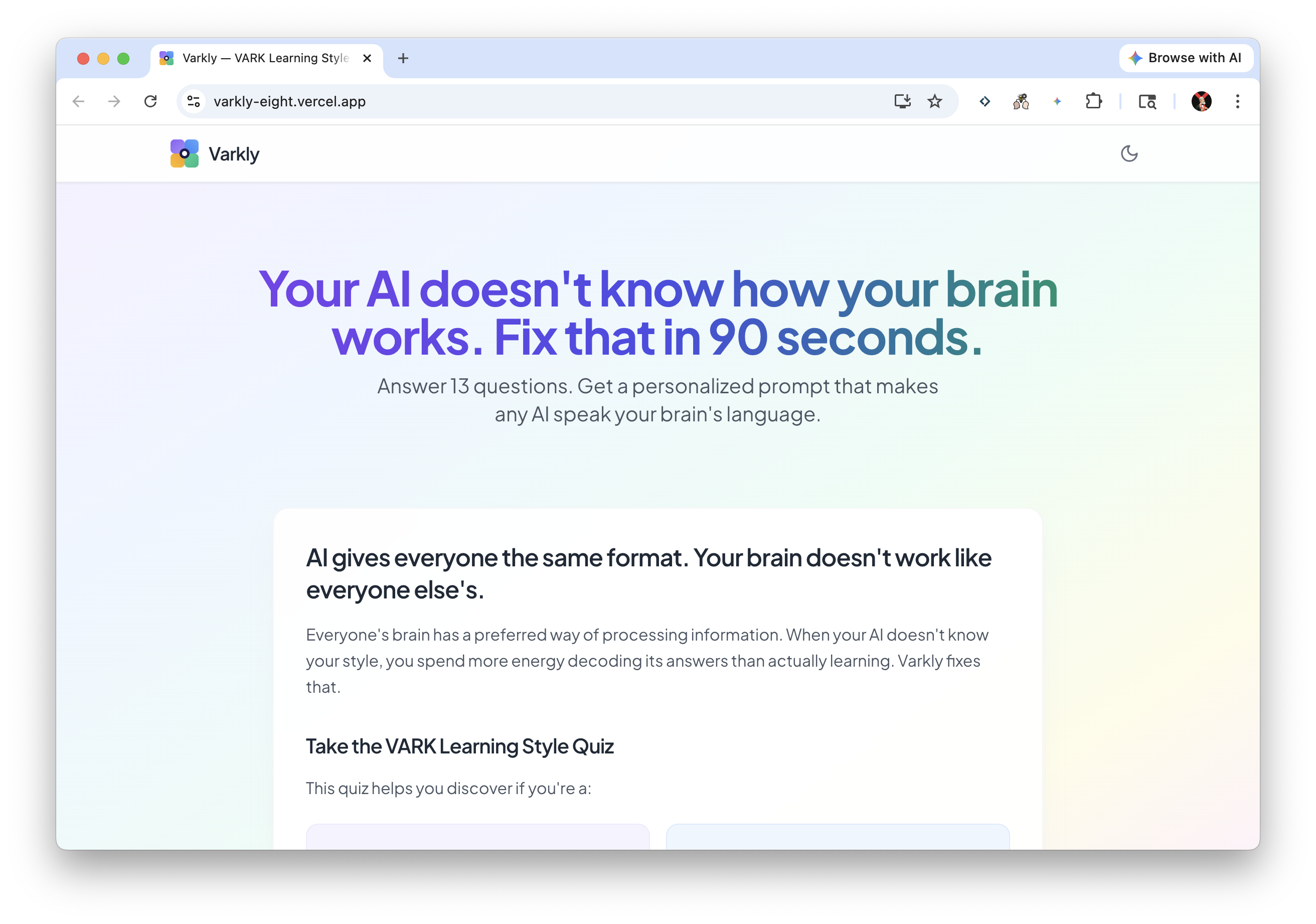
Varkly is a 13-question assessment that profiles how your brain prefers to process information, then generates two ready-to-use prompts:
System Prompt — Paste this into the custom instructions or system prompt field of any AI tool (ChatGPT, Claude, Gemini, or anything else). It permanently configures that AI to communicate in your style. An auditory learner gets conversational, spoken-style explanations with analogies and storytelling. A visual learner gets diagrams, spatial layouts, and structured visuals. A read/write learner gets organized text with clear lists and references. A kinesthetic learner gets action-first instructions and hands-on next steps.
Conversation Prompt — Drop this into any live AI chat to immediately reorient the conversation to your style. No setup required. One paste and the AI adapts.
You can take the assessment as a traditional text quiz or through our voice interface, which lets you speak your answers directly in the browser.
How we built it
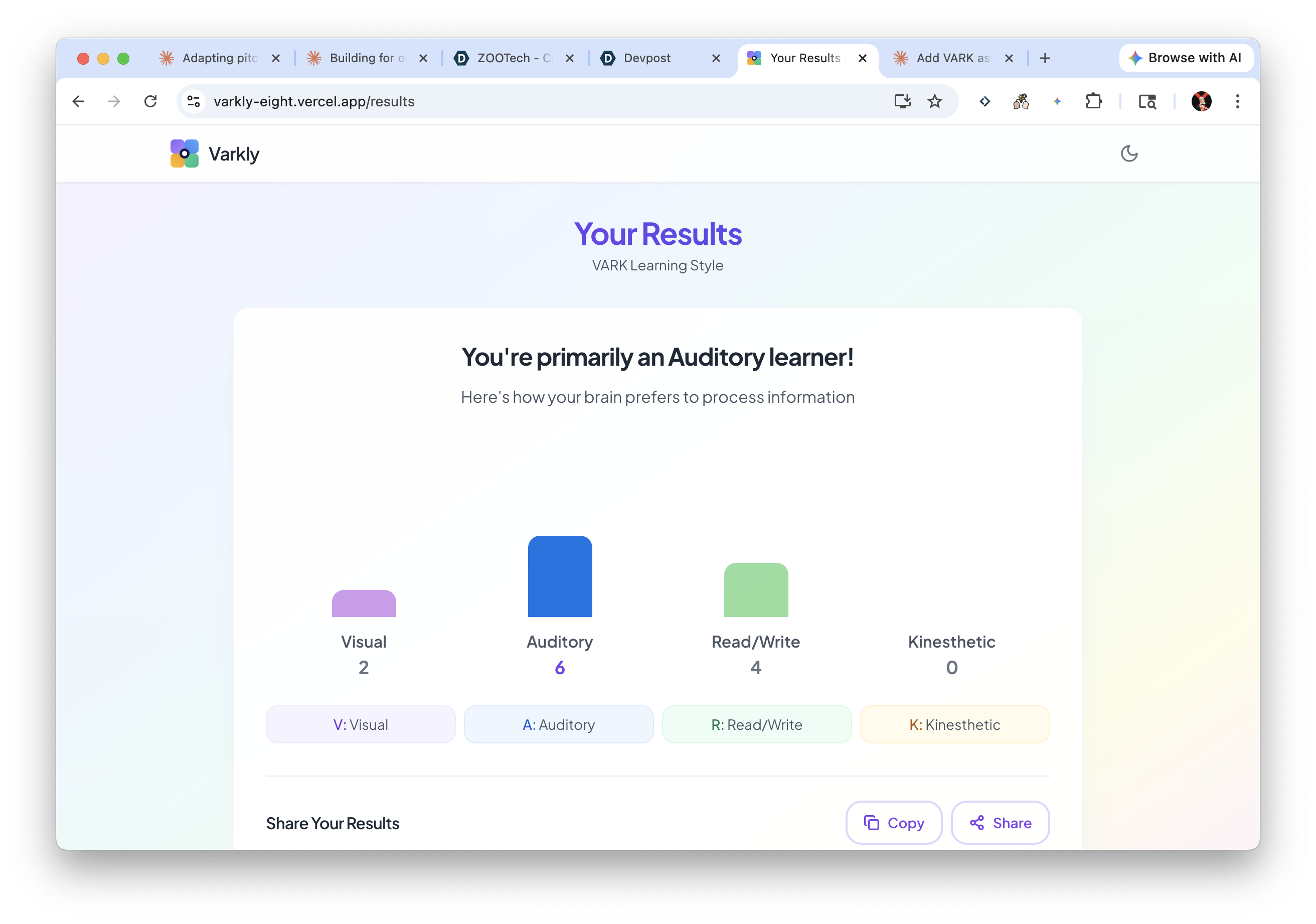
We built Varkly as a Next.js application deployed on Vercel, developed entirely using Cursor. The quiz engine administers 13 scenario-based questions where each answer maps to one of the four VARK dimensions. Users can select multiple answers per question, and their final profile is calculated from raw counts across all four dimensions.
The prompt generation layer takes the VARK score breakdown (e.g., V=2, A=6, R=4, K=0) and constructs tailored system and conversation prompts that translate the assessment results into concrete AI communication instructions. Each prompt is designed to be AI-agnostic, working across any major language model.
The voice feature uses browser-based speech recognition to administer the same 13 questions conversationally, because we realized our own tool had an ironic bias: forcing everyone through a text-based quiz to discover they might not be text-based learners.
Results are shareable via unique URLs, so users can bookmark or share their profile without retaking the assessment.
Challenges we faced
Midway through the hackathon, a team member's computer died. We had to transfer repo ownership under time pressure while figuring out a Cursor web limitation that prevents collaborators from accessing repos they don't own through the web agents interface. That cost us real time.
Designing the prompt output was harder than expected. Early versions were too generic to produce meaningfully different AI behavior across the four styles. We iterated on the prompt language until the difference between, say, an auditory prompt and a visual prompt was immediately obvious in how the AI responded.
Getting the voice interface reliable across different browsers and devices was also a challenge. Browser speech recognition APIs behave inconsistently, and we had to handle edge cases around microphone permissions, silence detection, and transcript accuracy within the hackathon timeframe.
What we learned
The biggest insight was that personalization of AI doesn't require fine-tuning, RAG pipelines, or custom models. A well-crafted prompt, informed by a real assessment framework, can meaningfully change how an AI communicates. That's powerful because it's portable: it works with any AI tool, today, with zero integration.
We also learned that the assessment itself needs to match its own philosophy. Building the voice mode wasn't just a feature addition; it was us realizing that our product's core claim (your brain has a preferred input mode) applied to our own onboarding flow.
Built With
- eslint
- framer-motion
- lucide-react
- react
- react-router
- recharts
- tailwind-css
- typescript
- vercel
- vite
- vitest

Log in or sign up for Devpost to join the conversation.